Viewing Site User Data
Viewing Site User Data
1. Click "Admin"

2. Click "Web Applications"

3. Click "Site Users"
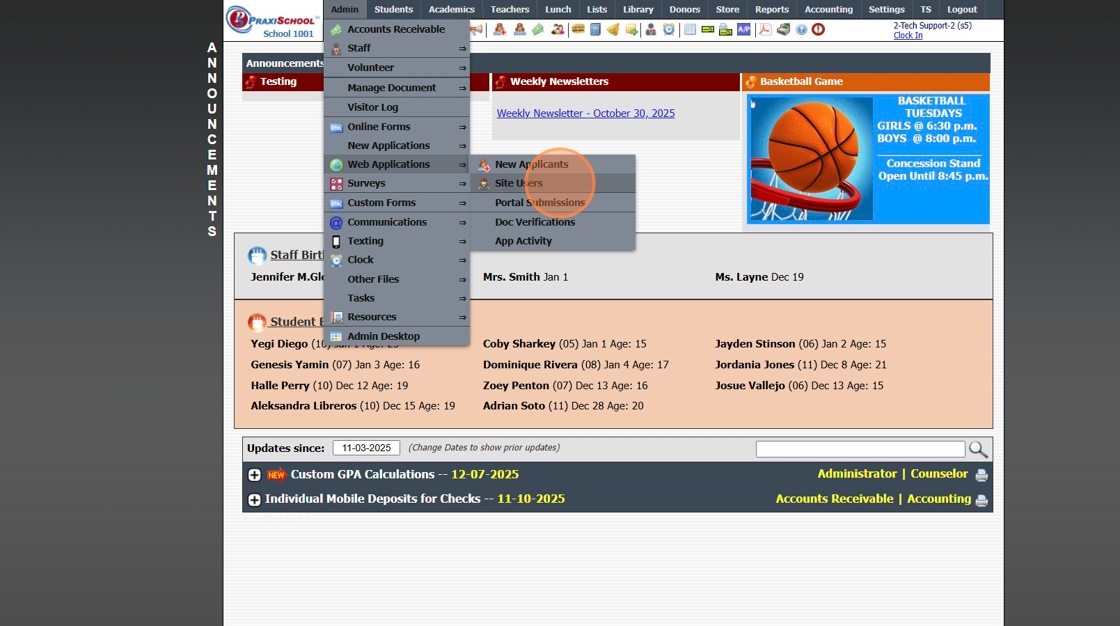
4. Select Site User
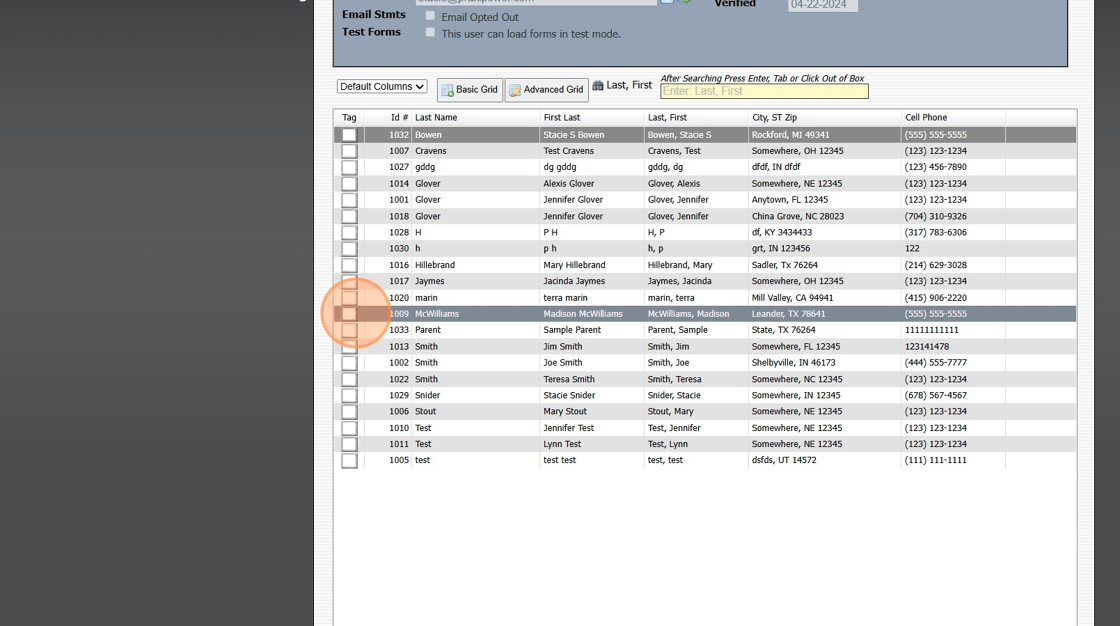
5. Site User Name, Email, Relationship to Student and Phone Numbers are visible under the Name tab
If the check box for Test Forms is selected, the Site User will have access to forms marked in Test Mode

6. If there is no date in the Verified field, the Site User has not entered the verification code that was emailed when Site User was created
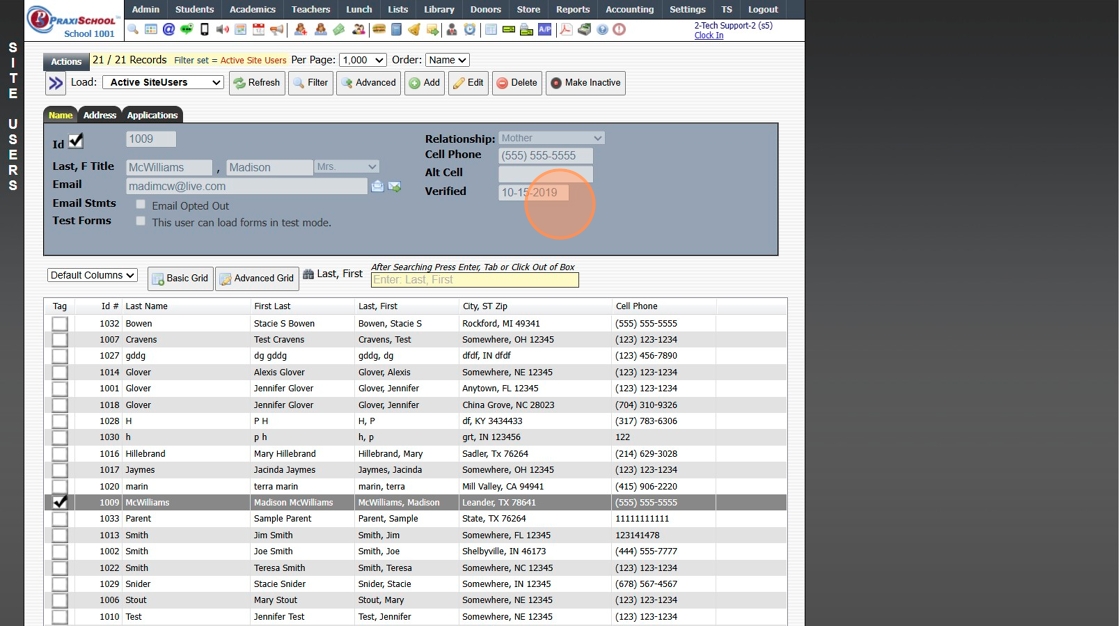
7. Address & Home Phone are visible under the Address tab

8. All forms created by Site User are visible under the Applicants tab, along with the form status

1000.7.3
Related Articles
Approving Portal Submissions - Viewing Data
1. Click "Admin" 2. Click "Web Applications" 3. Click "Portal Submissions" 4. Select SUBMITTED Form (Forms Marked In Process have not been submitted and should NOT be approved" 5. Click the "Data" tab to View Submitted Form Data 6. Highlighted Fields ...AR & Site Applicant Form Live URL
1. When using AR & Site Applicant Forms, the Live URL cannot be used. AR & Site Applicant Form require the User to be Logged In to the AR Portal or the Site Portal to access these Forms. 8000.24Sending Site Users a Password Reset Link
Sending Site Users a Password Reset Link 1. Click "Admin" 2. Click "Web Applications" 3. Click "Site Users" 4. Select Site User 5. Click "Actions" 6. Click "Reset Password" 7. Click Send Reset Link to send a Password Reset Link to Site Users Email 8. ...Addresses (Viewing, Editing, Adding)
Addresses (Viewing, Editing, Adding) 1. Click "Students" 2. Click "Addresses" Tip: The Addresses database is not typically where an Address would be Added or Edited. The Addresses database is a Data File of the Address data collected when adding a ...Viewing Issued ID Cards
Viewing/Editing Issued ID Cards 1. Log into PraxiSchool 2. Click "Admin" 3. Click "Other Files" 4. Click "Issued ID Cards" 5. Card Data shows if the ID Card was Issued to a Student, Staff or Family 6. If Expiration Dates are Assigned, the Expiration ...