AR & Site Applicant Form Live URL
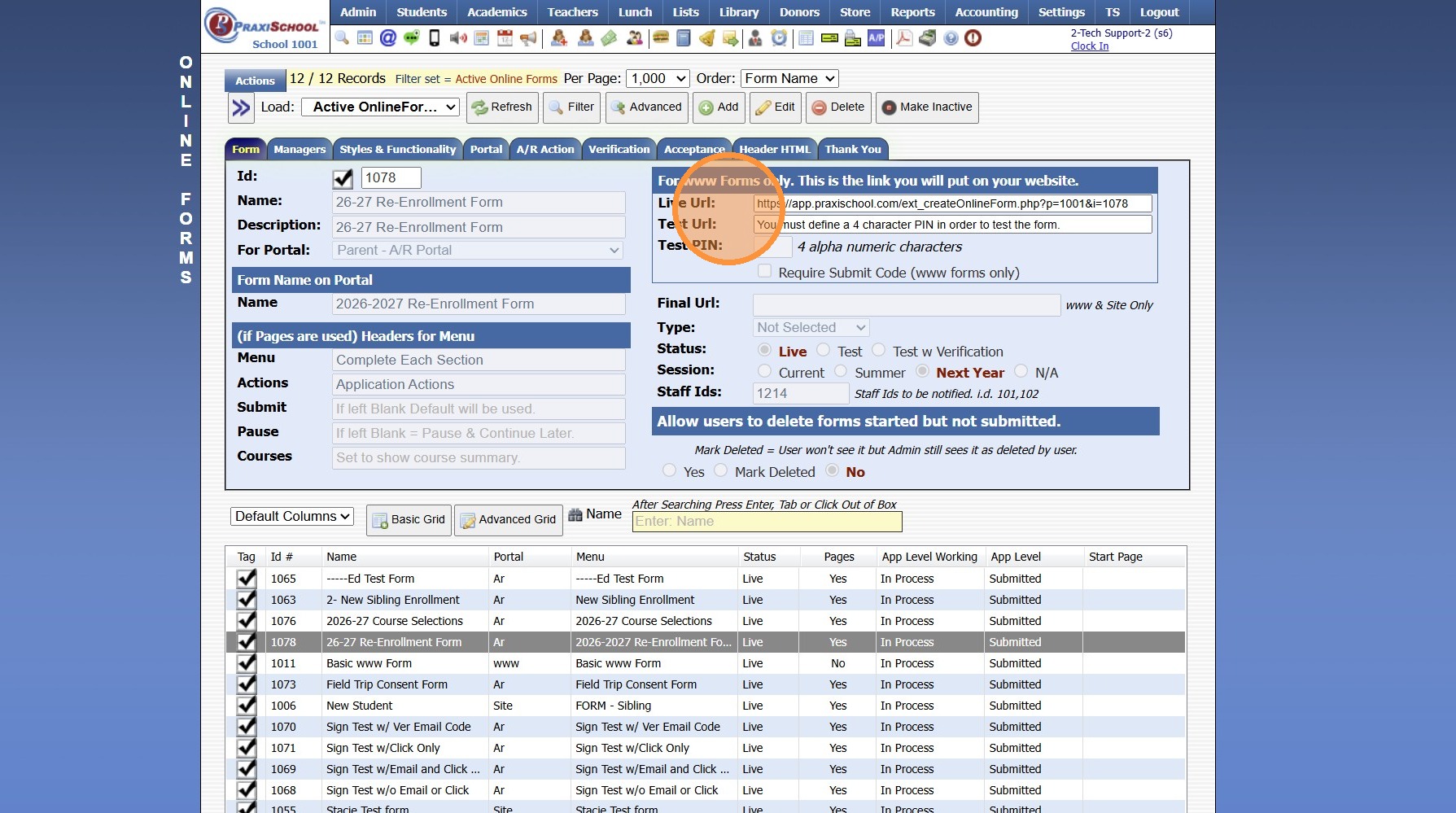
1. When using AR & Site Applicant Forms, the Live URL cannot be used. AR & Site Applicant Form require the User to be Logged In to the AR Portal or the Site Portal to access these Forms.
8000.24
Related Articles
Viewing Site User Data
Viewing Site User Data 1. Click "Admin" 2. Click "Web Applications" 3. Click "Site Users" 4. Select Site User 5. Site User Name, Email, Relationship to Student and Phone Numbers are visible under the Name tab If the check box for Test Forms is ...Marking a Test Form to Live
Example Re-Enrollment Form 1. Click "Admin" 2. Click "Online Forms" 3. Click "Forms" 4. Select Form & Click "Edit" 5. Click "Live" 6. Click "Save" 1000.6.10Creating a Site Portal Form
1. Click "Admin" 2. Click "Online Forms" 3. Click "Forms" 4. Click "Add" 5. Add Form Name, Description and Portal Form Name 6. Select the For Portal Option: "Application Site (Only new registration)" 7. Click "Test" to put in Test Mode until Form is ...Online Form Types and Portal Options
Online Form Types and Portal Options Online Form Types 1. Parent - A/R Portal (Forms for Existing Families, available on Parent Portal) 2. Student Portal (Forms for Existing Students, available on Student Portal) 3. From Your Website (Only new ...Building a Standard AR Portal Form
Example Re-Enrollment Form 1. Click "Admin" 2. Click "Online Forms" 3. Click "Build Forms" 4. Select Form 5. Click the "+" Icon to Add a Page 6. Enter the Order Number (Recommendation: Set Order Numbers in Increments of 5 or 10 to Allow Additional ...