Sending Emails for Current Enrolled Students Only
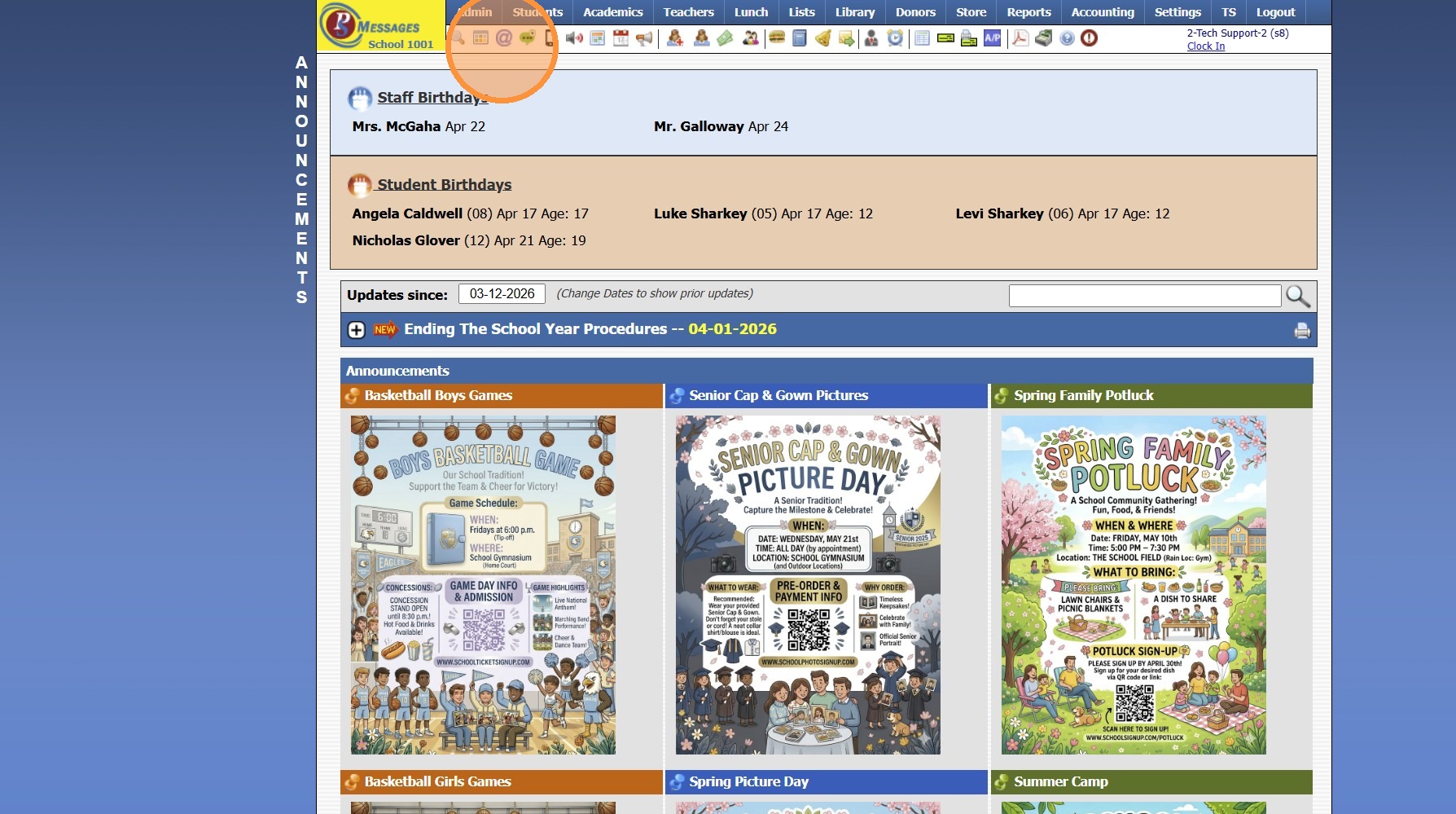
1. Click the Schoolwide Email Icon
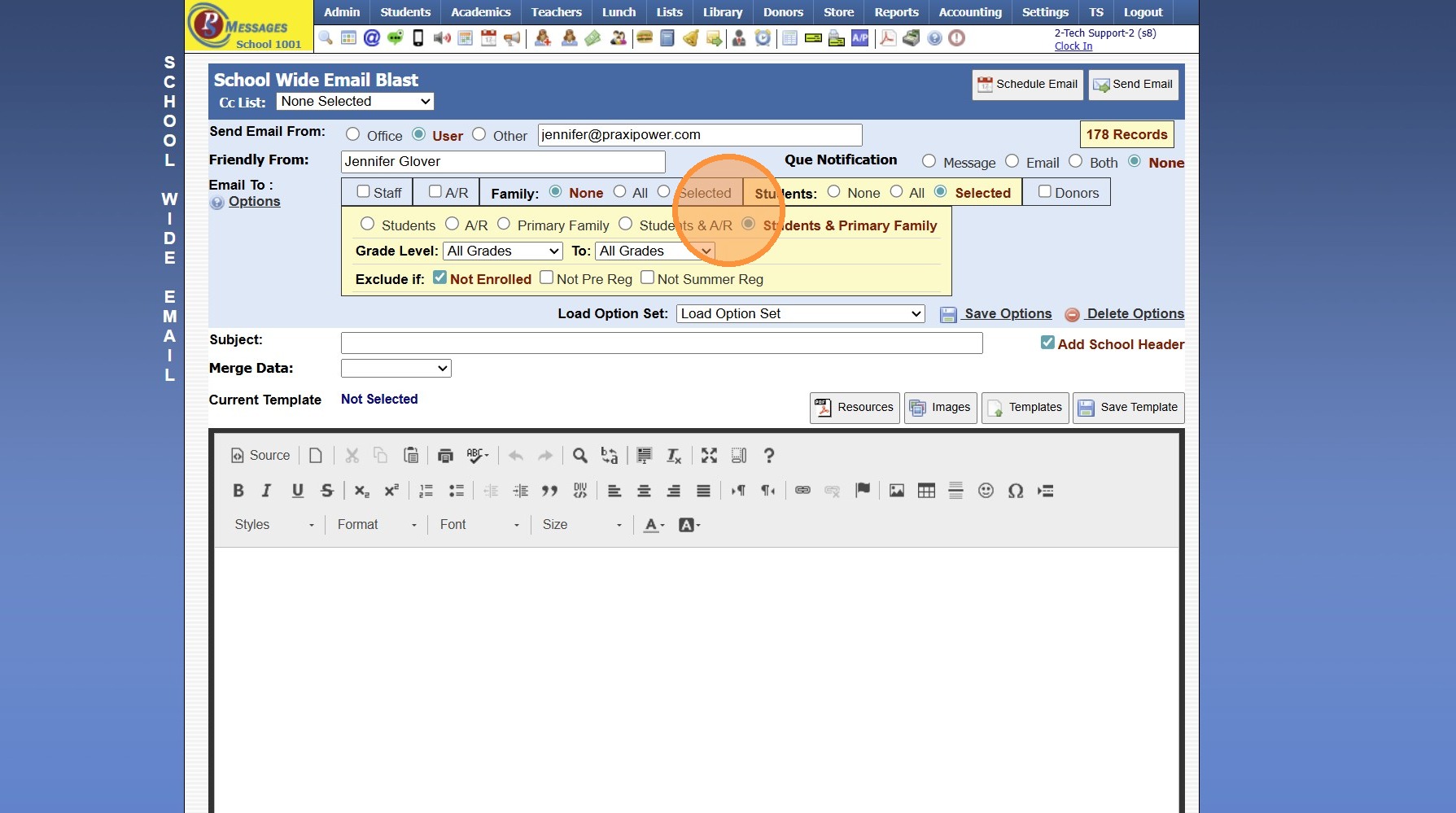
2. Select the Email To Option(s)
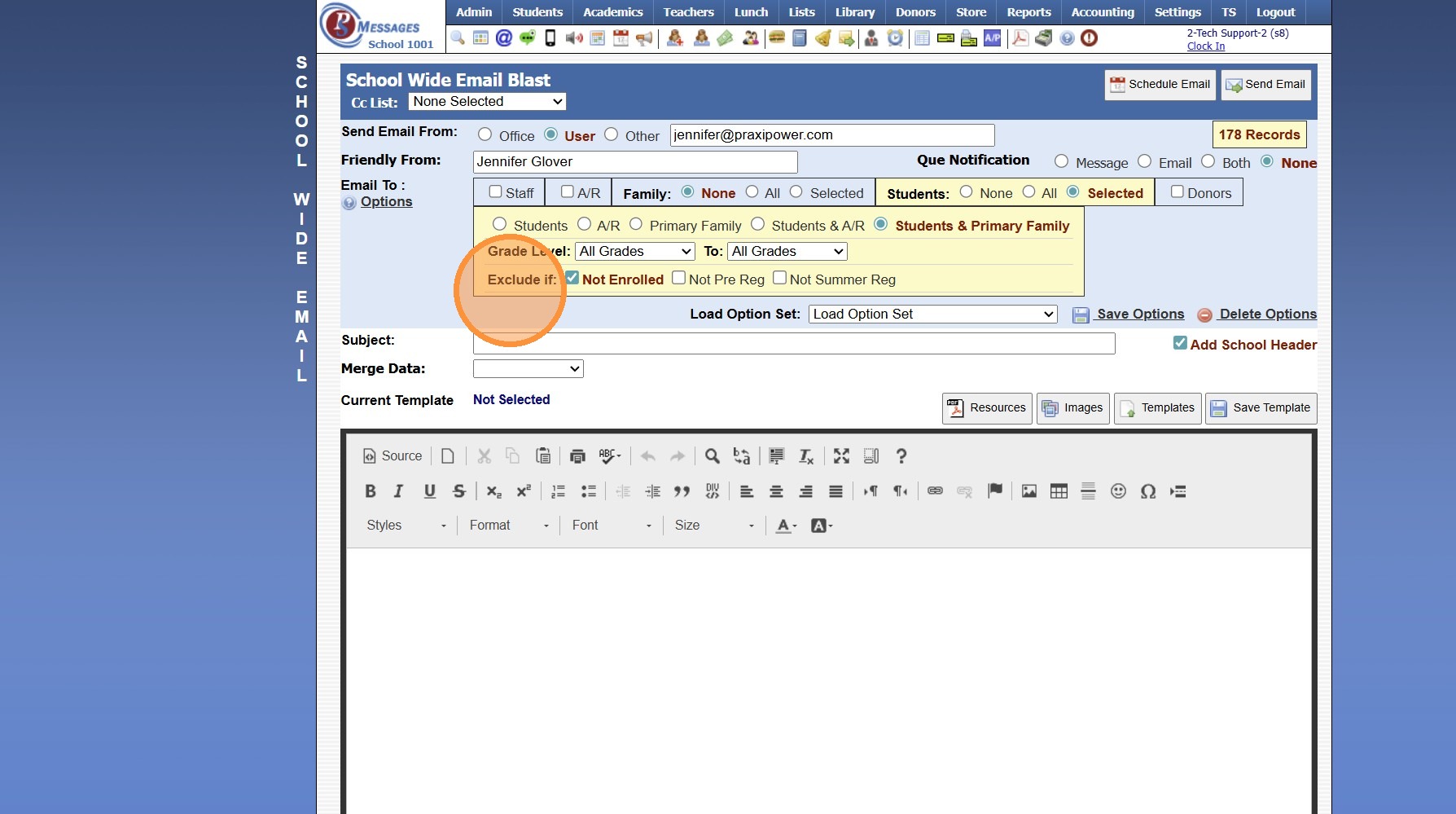
3. Verify the "Exclude if: Not Enrolled" Option is Selected
4. Create & Send the Email
7500.1.3.1
Related Articles
Sending Welcome Emails to Staff, AR (Parents) and Students
1. Log into PraxiSchool and Select the Database To Send the Welcome Email From (i.e. Staff, AR or Students) 2. Click "Actions" 3. Click "Send Email" 4. Click "Templates" 5. Click to Open Folder and click on the "Welcome" Email Template 6. Click ...Sending a Schoolwide Email
Sending a Schoolwide Email 1. Log into PraxiSchool 2. Click the "@" Icon (@ is the Schoolwide Email icon) 3. Click Staff to Send to All Staff 4. Click A/R to Send to All AR 5. Click All to Send to All Family Files 6. Click Selected to Selected and ...Withdrawing Summer Enrolled Students in Batch
1. Click "Students" 2. Click "Students" 3. Click "Actions" 4. Click "Clear All Tags" 5. Tag Students to Withdraw 6. Click "Actions" 7. Click "Batch Edit Tags" 8. Select the "Summer Reg(Y/N)" Data Field 9. Click "Submit" (Do NOT Check the Box) 10. ...Scheduling Students into Classes by Grade Level
Scheduling Students into Classes by Grade Level 1. Log into PraxiSchool 2. Click "Academics" 3. Click "Grades Tasks" 4. Click "Schedule Students" 5. Current Year is the Default Option for Students Enrolled In (Select Summer or Next Year if scheduling ...Email Options - Using Friendly Name, Que Processing Notification Options & Suppressing Duplicate Emails
Sending School Wide Email Blasts Tip: School Wide Email Blasts can now be Accessed from the Icon Toolbar OR from the Admin Tab! Icon Toolbar Option 1. Click the "@" Icon Admin Tab Option 2. Click "Admin" 3. Click "Tasks" 4. Click "Send School Wide ...