Withdrawing Summer Enrolled Students in Batch
1. Click "Students"
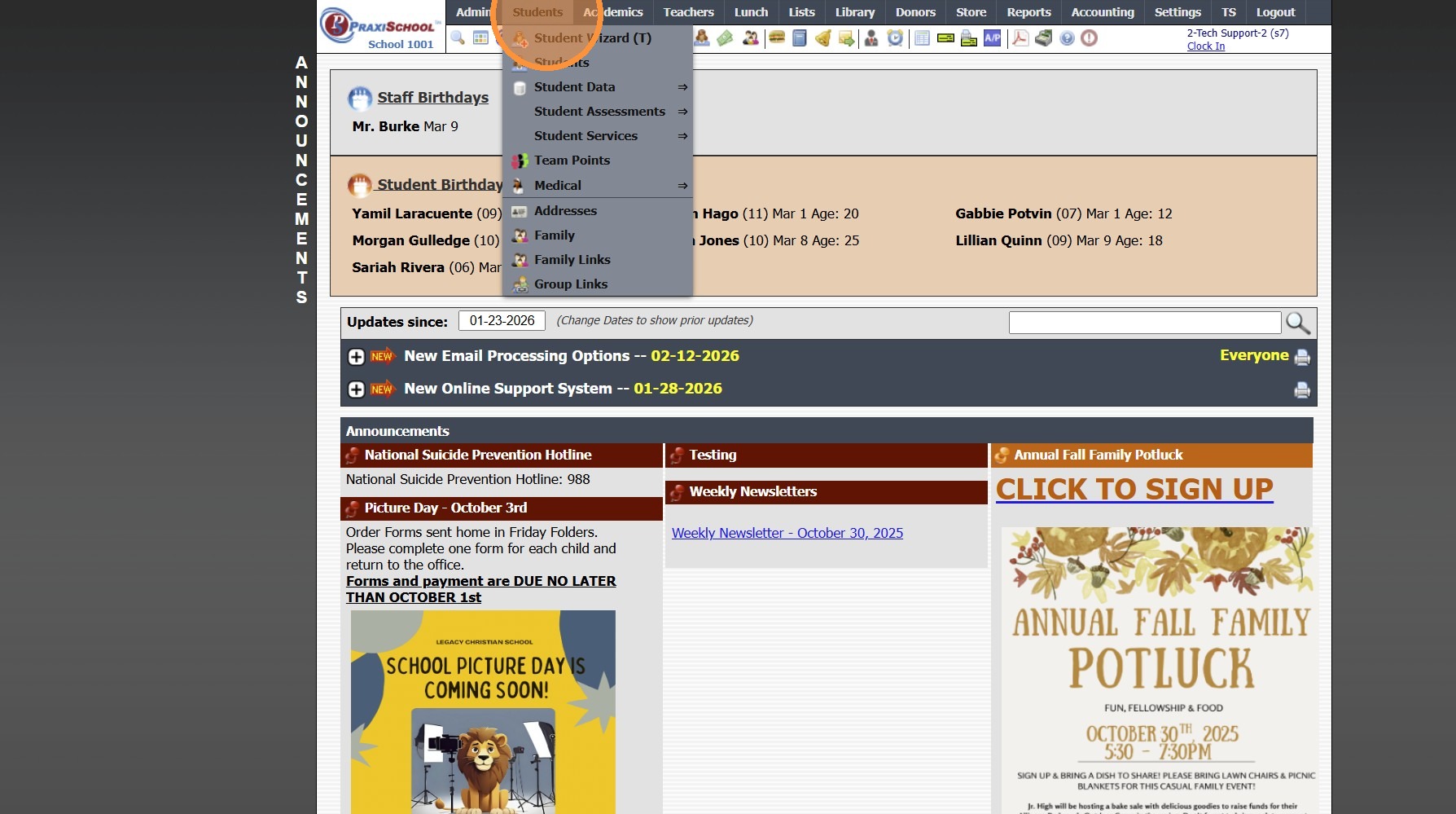
2. Click "Students"

3. Click "Actions"

4. Click "Clear All Tags"

5. Tag Students to Withdraw

6. Click "Actions"
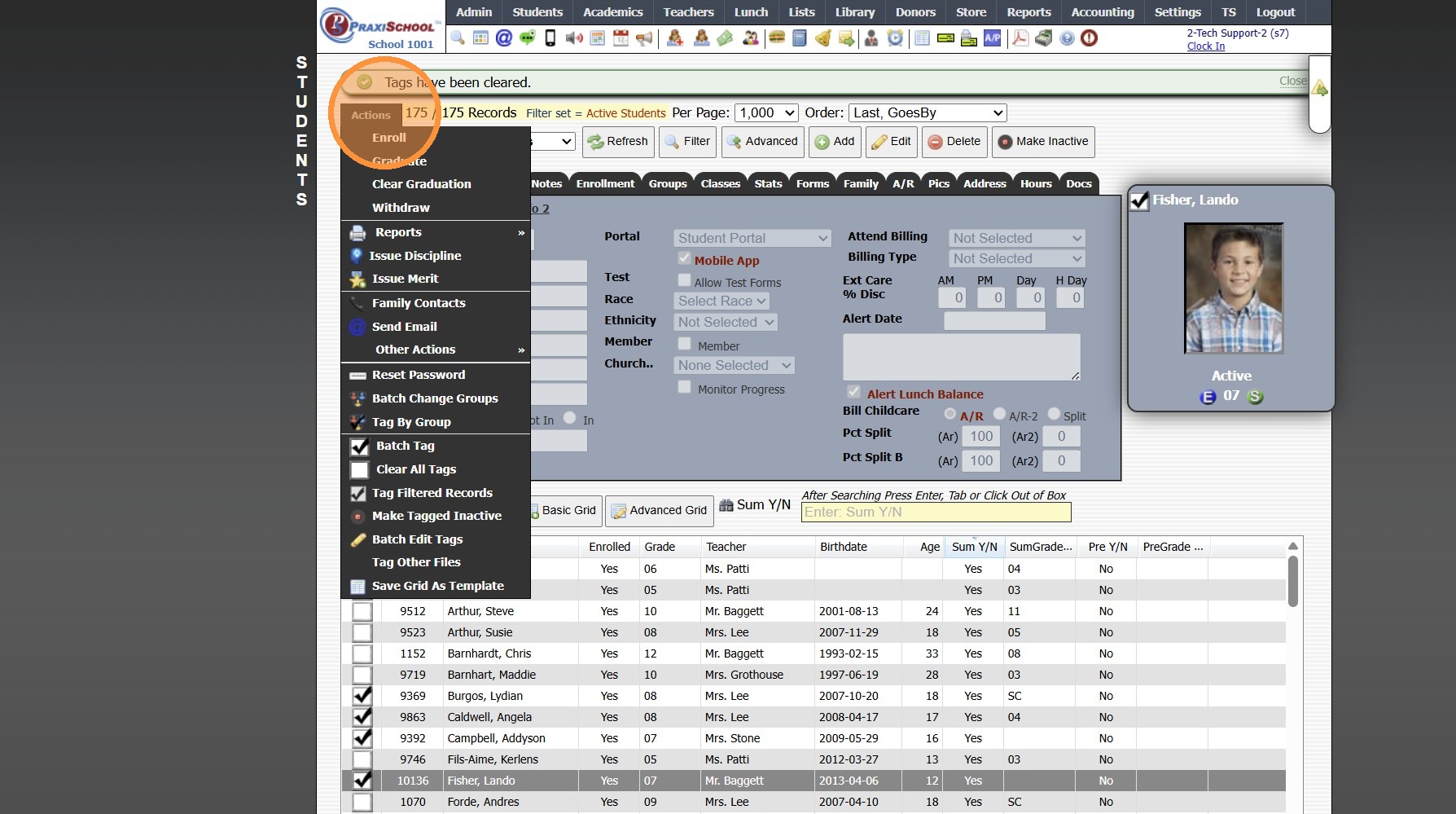
7. Click "Batch Edit Tags"
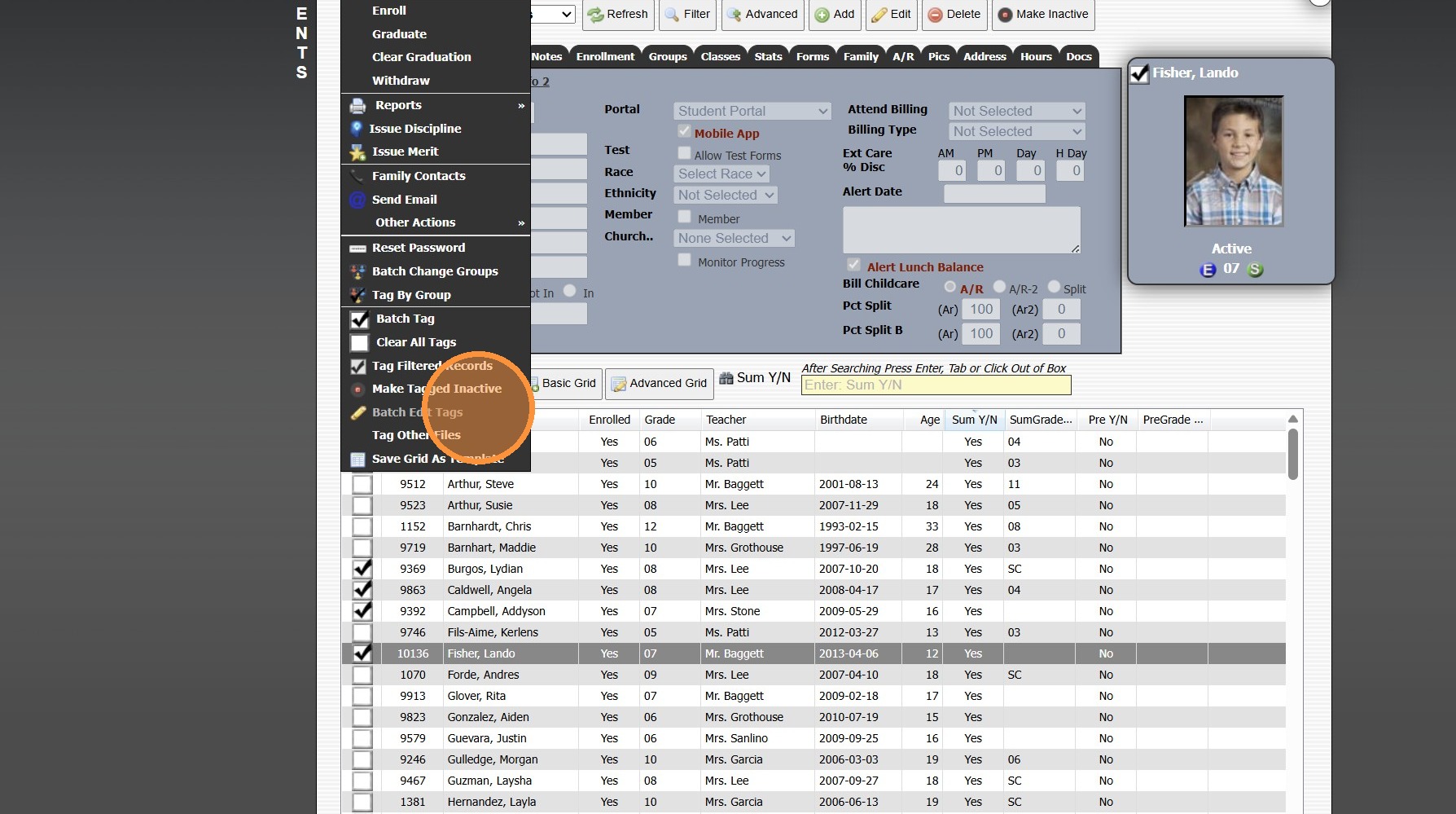
8. Select the "Summer Reg(Y/N)" Data Field
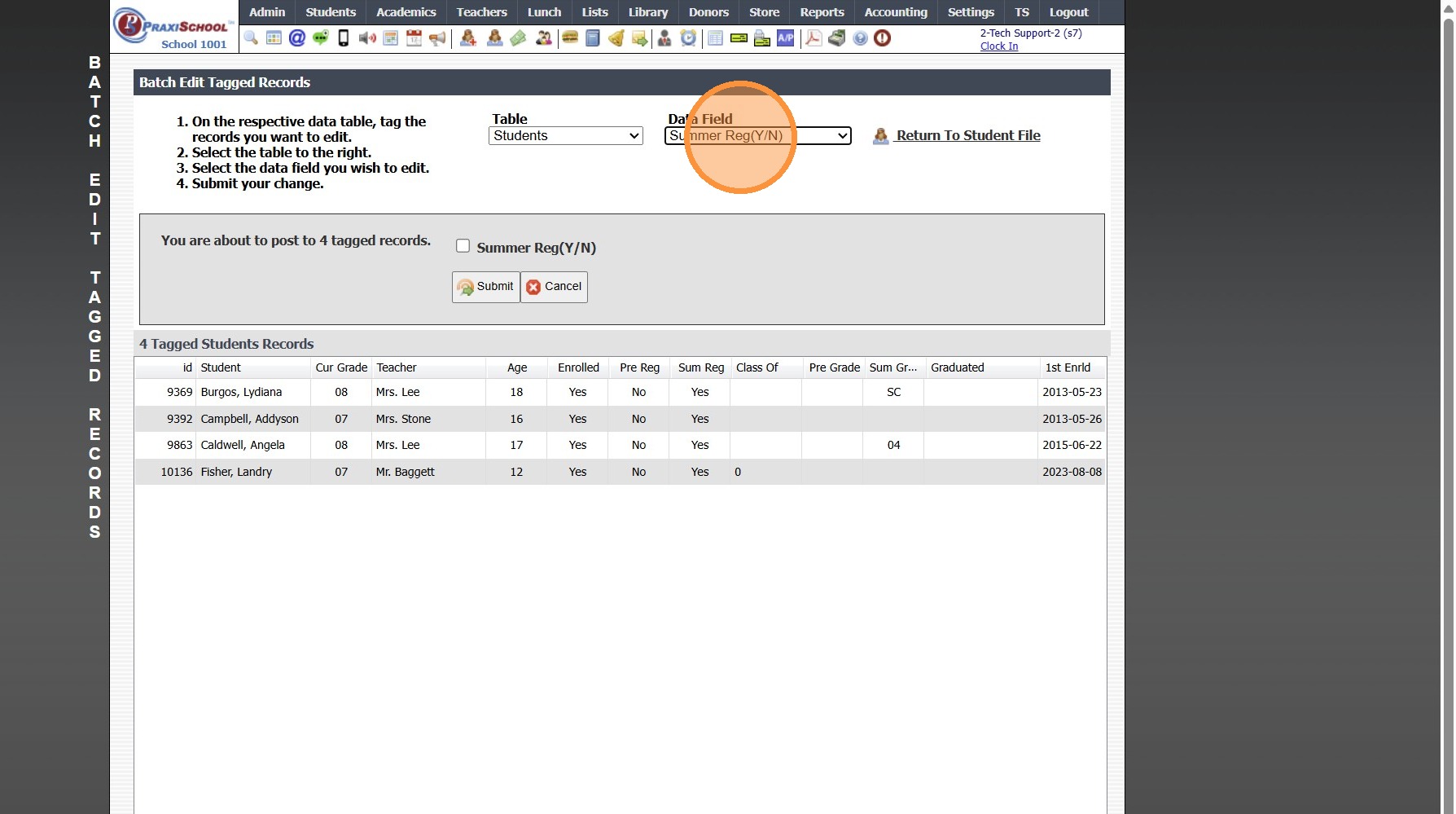
9. Click "Submit" (Do NOT Check the Box)

10. Type "yes" & Click Ok
11. Click "Return To Student File"

12. Click "Actions"

13. Click "Clear All Tags"

8000.15
Related Articles
Withdrawing a Student
Withdrawing a Student 1. Log into PraxiSchool 2. Click "Students" 3. Click "Students" 4. Select Student to Withdraw 5. Click "Actions" 6. Click "Withdraw" 7. Select the Correct Session "Current, Summer or Next" 8. Click the "Clear" Box to Clear the ...Archiving Students in Batch
Archiving Students in Batch 1. Click "Students" 2. Click "Students" 3. Tag Student Records to Archive 4. Click "Actions" 5. Click "Other Actions" 6. Click "Archive Students" 7. Click "Select All" 8. Click "Archive Checked Students", Click "Ok" & ...Sending Emails for Current Enrolled Students Only
1. Click the Schoolwide Email Icon 2. Select the Email To Option(s) 3. Verify the "Exclude if: Not Enrolled" Option is Selected 4. Create & Send the Email 7500.1.3.1Making Non-Returning Student Inactive in Batch
1. Click "Students" 2. Click "Students" 3. Click "Actions" 4. Click "Batch Tag" 5. Select "Not Enrolled" under Enrollment Status 6. Select "Not Pre-Registered" under Next Year Status 7. Click "Tag Students" 8. Click "Close & Set Filter" 9. Click ...Scheduling Students into Classes by Grade Level
Scheduling Students into Classes by Grade Level 1. Log into PraxiSchool 2. Click "Academics" 3. Click "Grades Tasks" 4. Click "Schedule Students" 5. Current Year is the Default Option for Students Enrolled In (Select Summer or Next Year if scheduling ...