Rolling Classes Into the New School Year
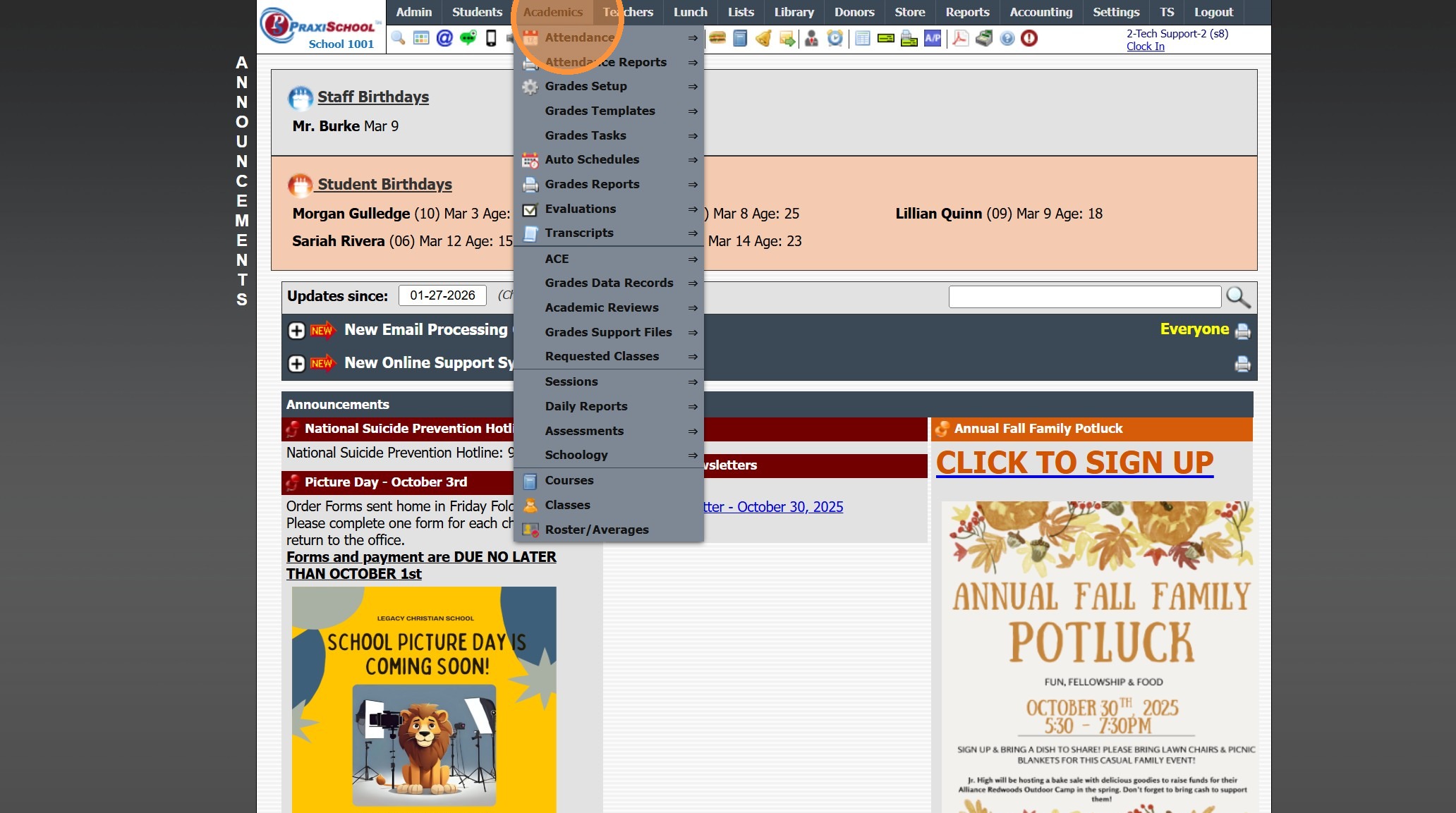
1. Click "Academics"
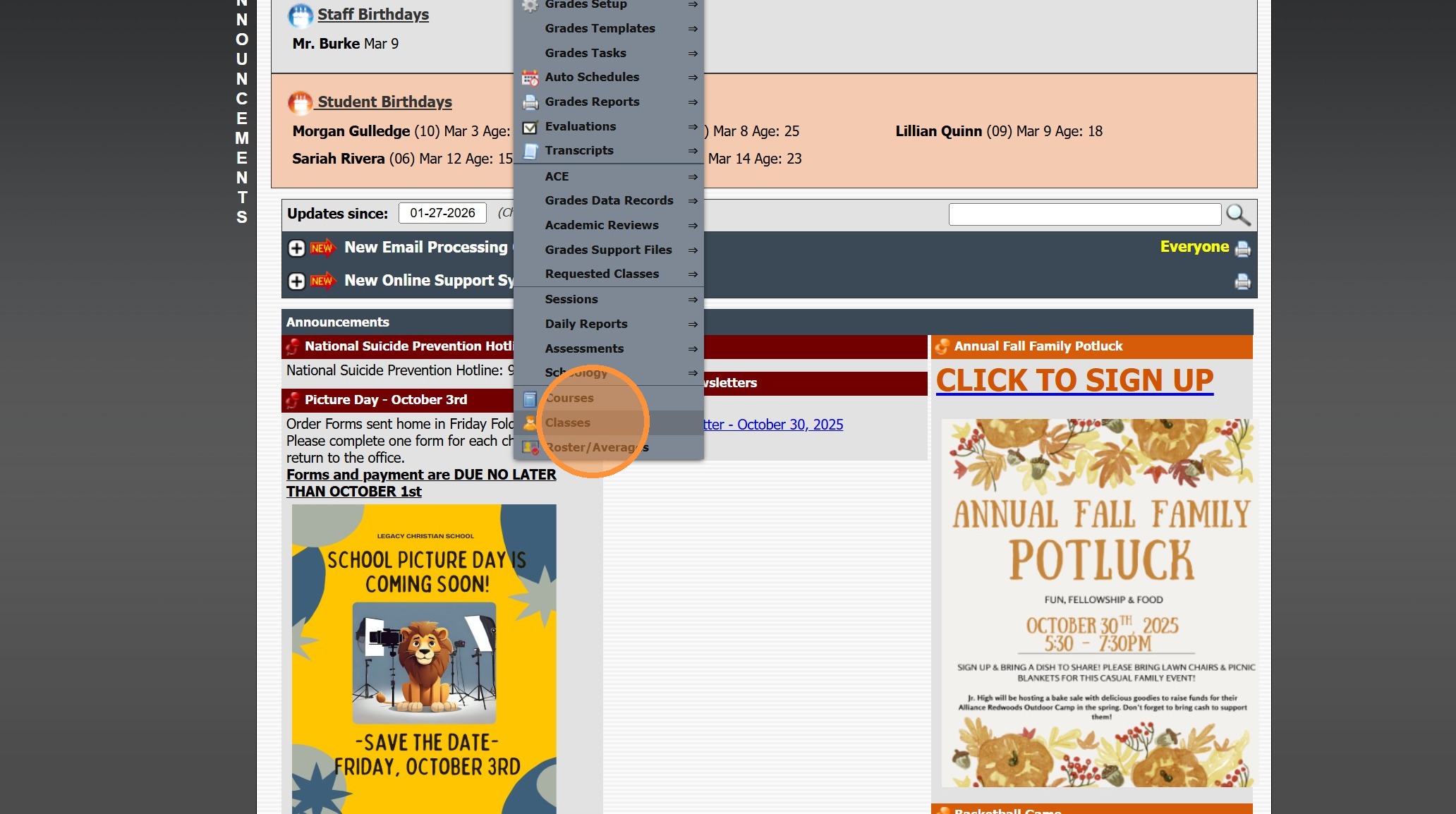
2. Click "Classes"
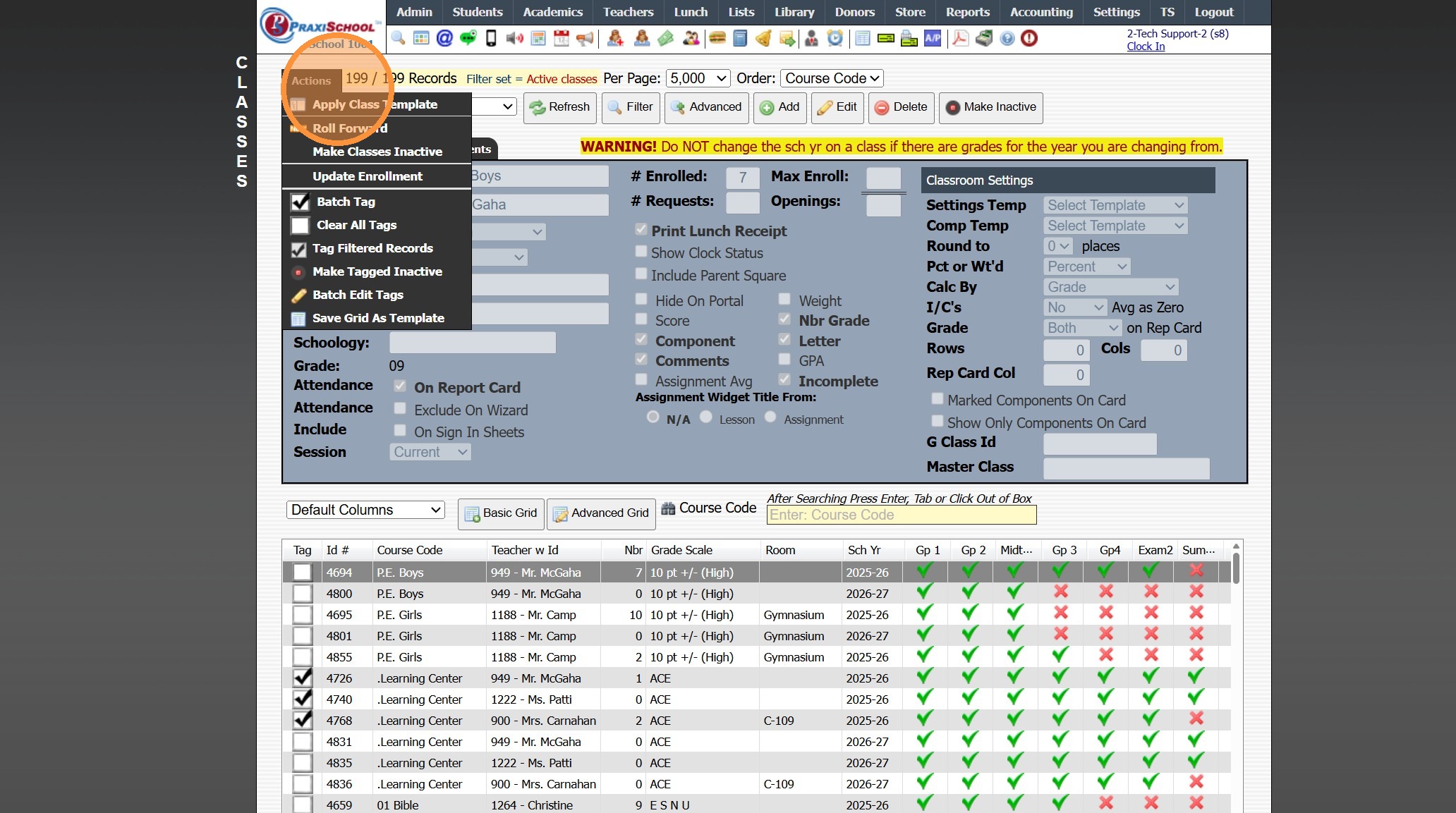
3. Click "Actions"
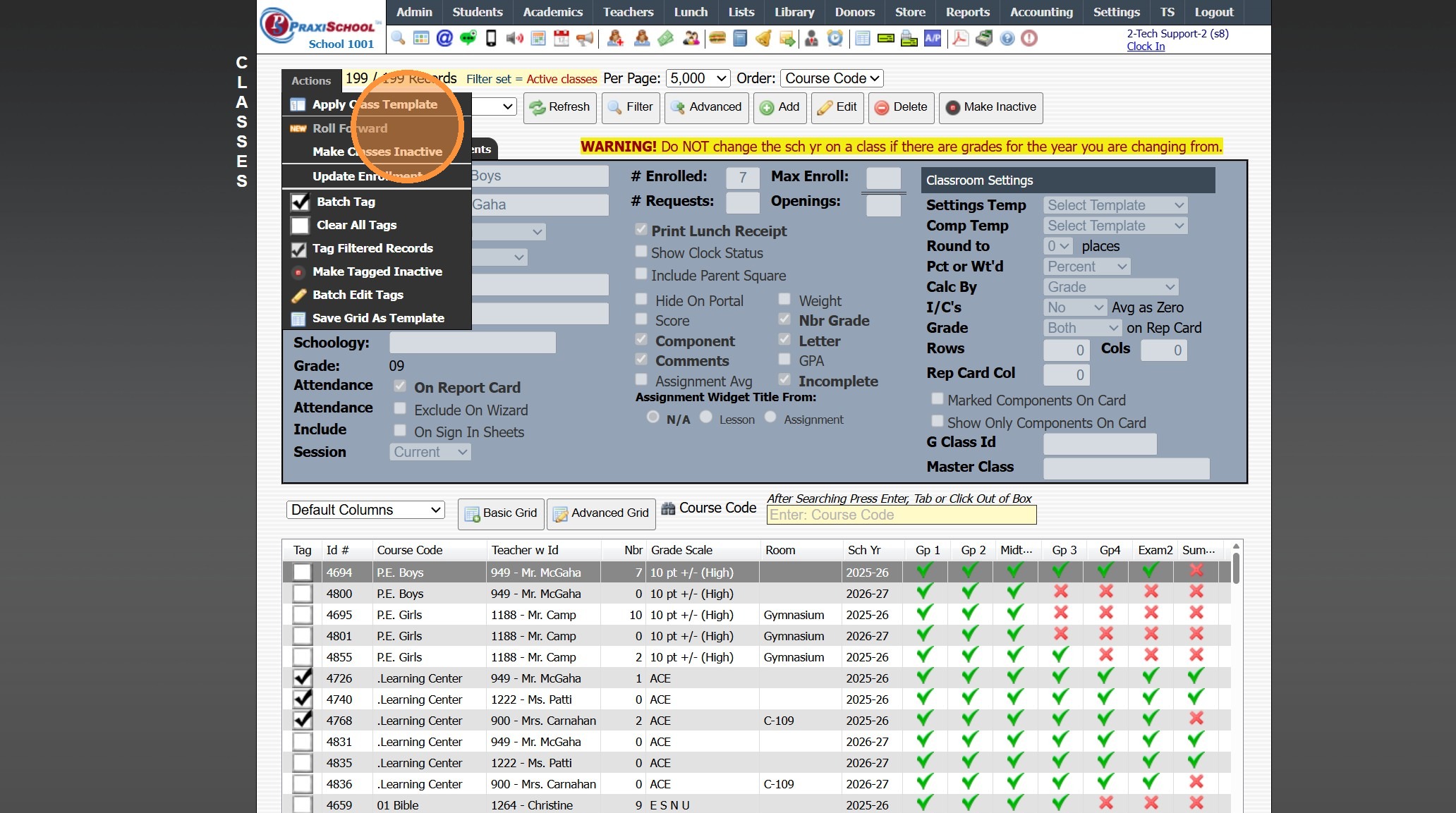
4. Click "Roll Forward"
5. Click "Select All" to Roll all Classes into the New Year
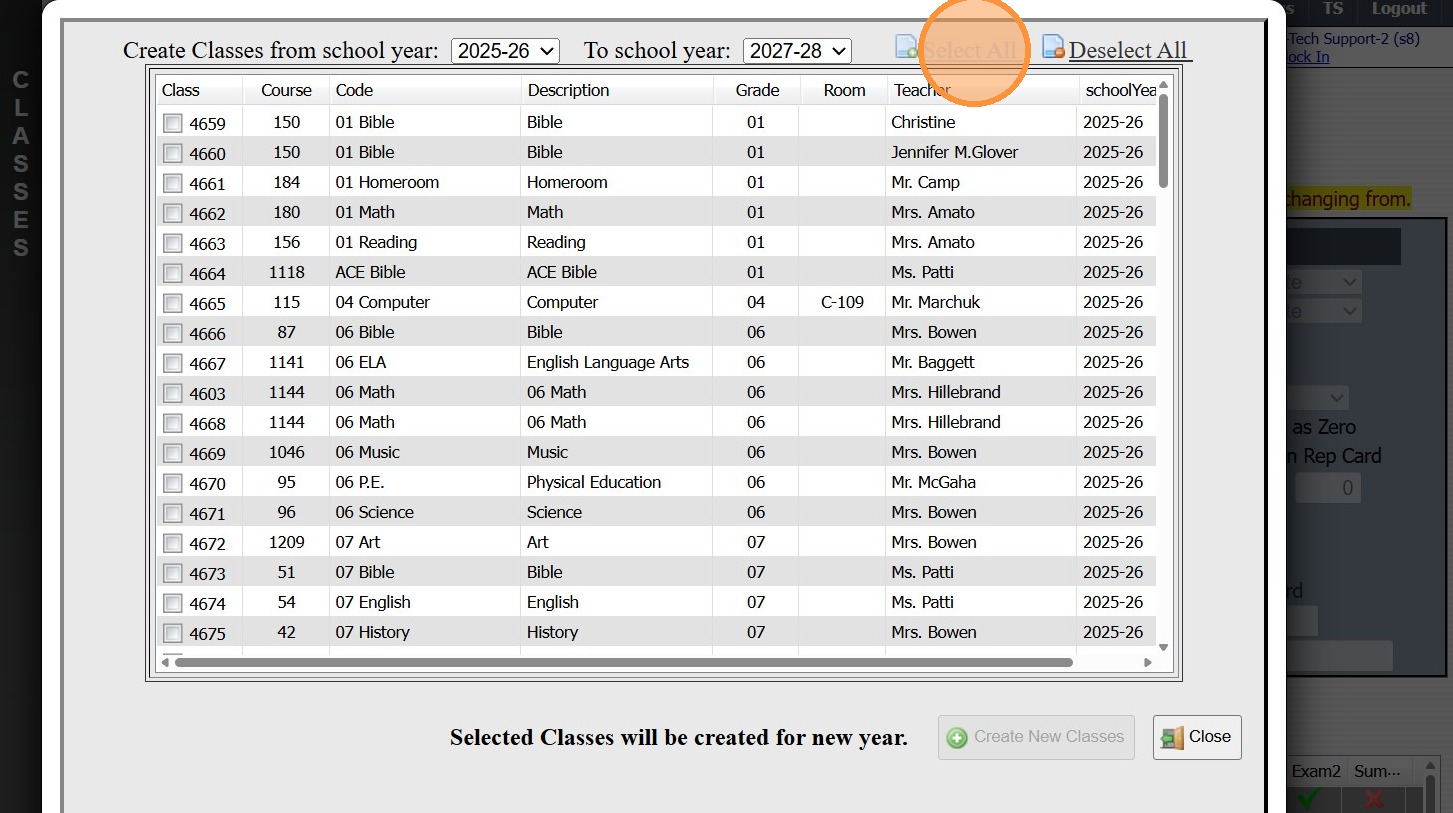
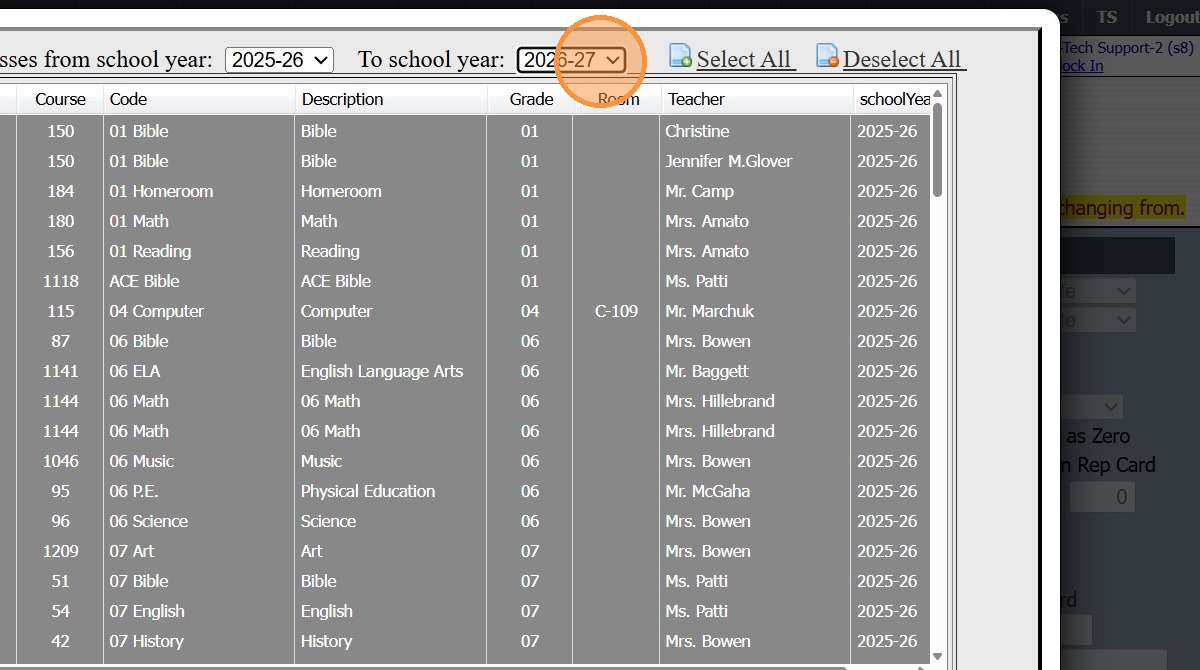
6. Select the New School Year
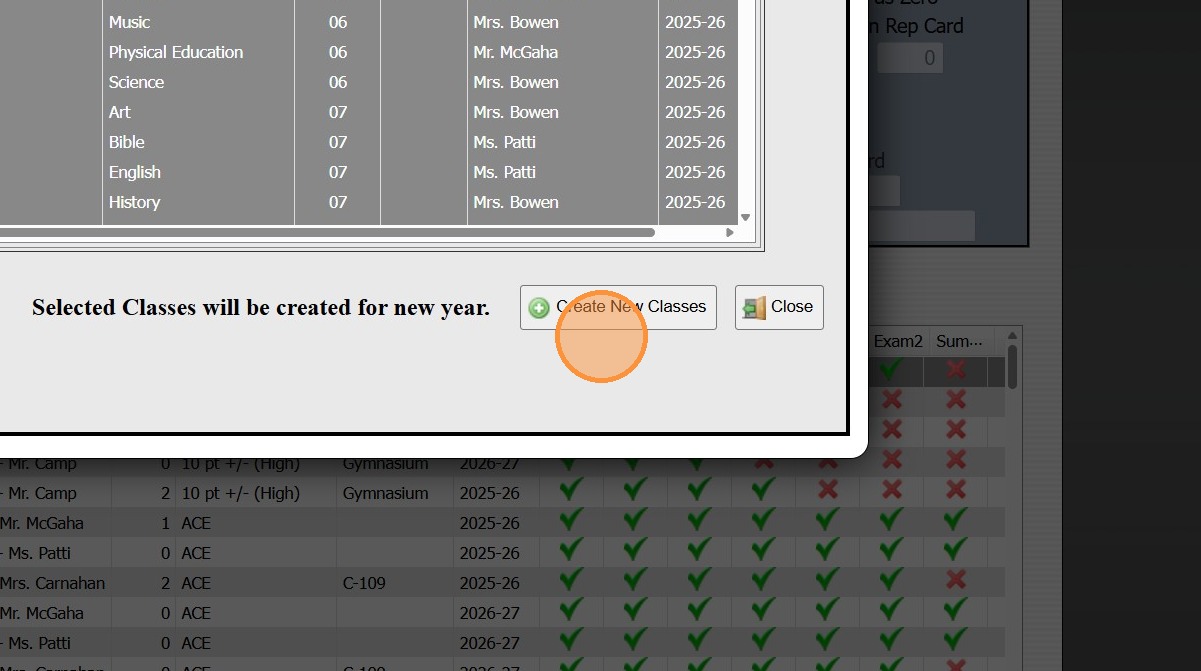
7. Click "Create New Classes"
2000.13.3
Related Articles
Updating the School Year in Classes
1. Click "Academics" 2. Click "Classes" 3. Tag Class(es) 4. Click "Actions" 5. Click "Batch Edit Tags" 6. Select the "School Year" Data Field 7. Select the Correct School Year 8. Click "Submit", Click Ok & Type "yes" 2000.13.8Replicating AR Contracts into the New School Year
1. Click "Lists" 2. Click "A/R Accounting" 3. Click "Contract Templates" 4. Click "Actions" 5. Click "Replicate Templates" 6. Select the School Year to Replicate the Contract Template Into 7. Set the Next Date for the Contracts to Start Billing (If a ...Replicating Report Card Templates for a New School Year
Replicating Report Card Templates for a New School Year 1. Click "Academics" 2. Click "Grades Setup" 3. Click "Report Card" 4. Select Report Card Template to Replicate 5. Click "Actions" 6. Click "Replicate Setup" 7. Select New School Year 8. Enter ...Session Close Tasks - Enrollment: New School Year Dates
1. Click "Lists" 2. Click "Enrollment" 3. Click "School Years" Add the School Year 4. Click "Add" 5. Enter New School Year (Enter in YYYY-YY Format) (Ex. 2027-28) 6. Enter the Administrator's Name 7. Enter the Date From & the Date To (NOTE: The Date ...Ending the School Year Procedures
Greetings from PraxiPower, Click to Watch Short Instructional Video As always, Ending your current school year is a key process youMUST do before moving to the next year. It is VERY IMPORTANT to close your current school year in Praxi and to “roll ...