Updating the School Year in Classes
1. Click "Academics"
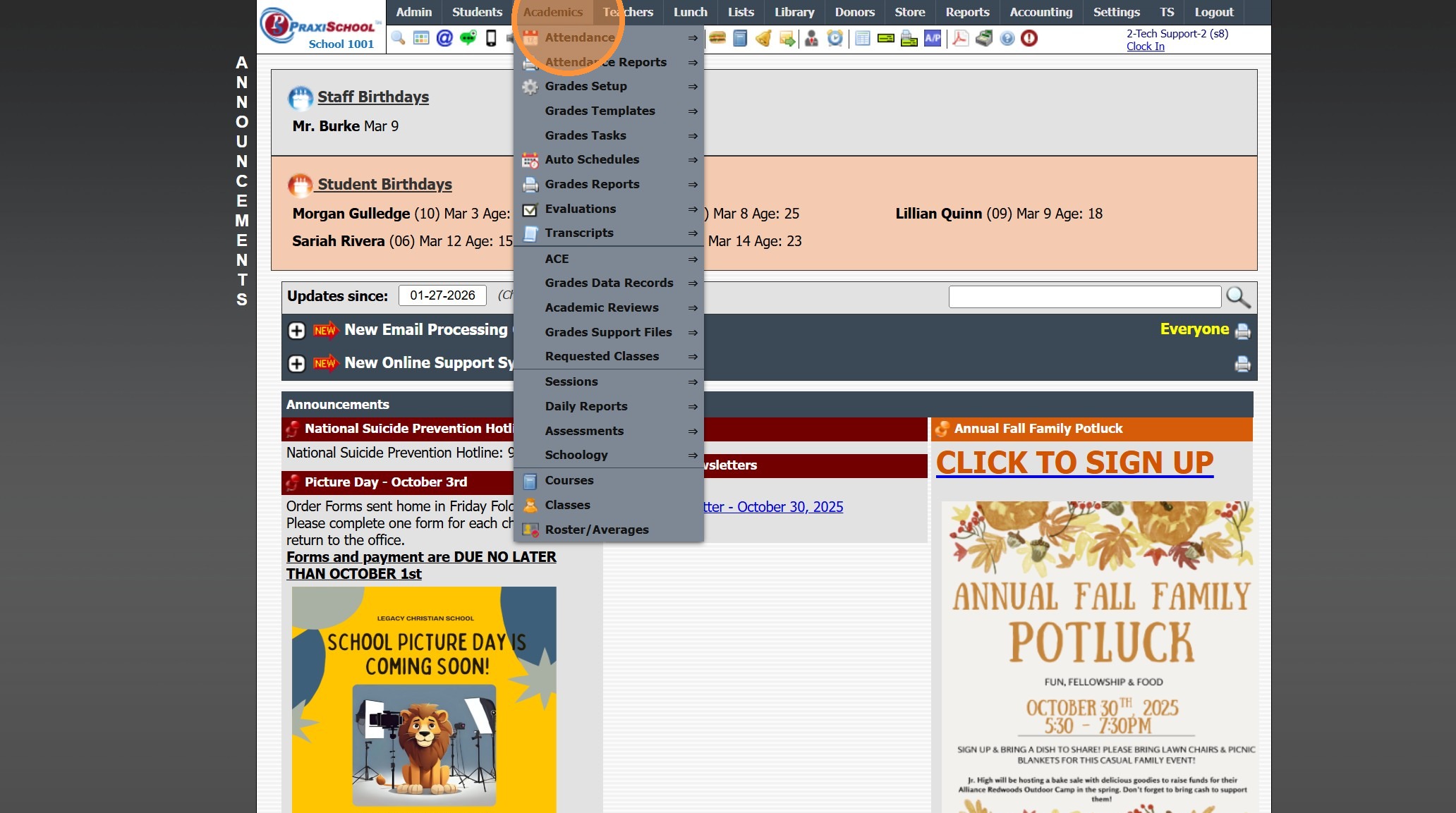
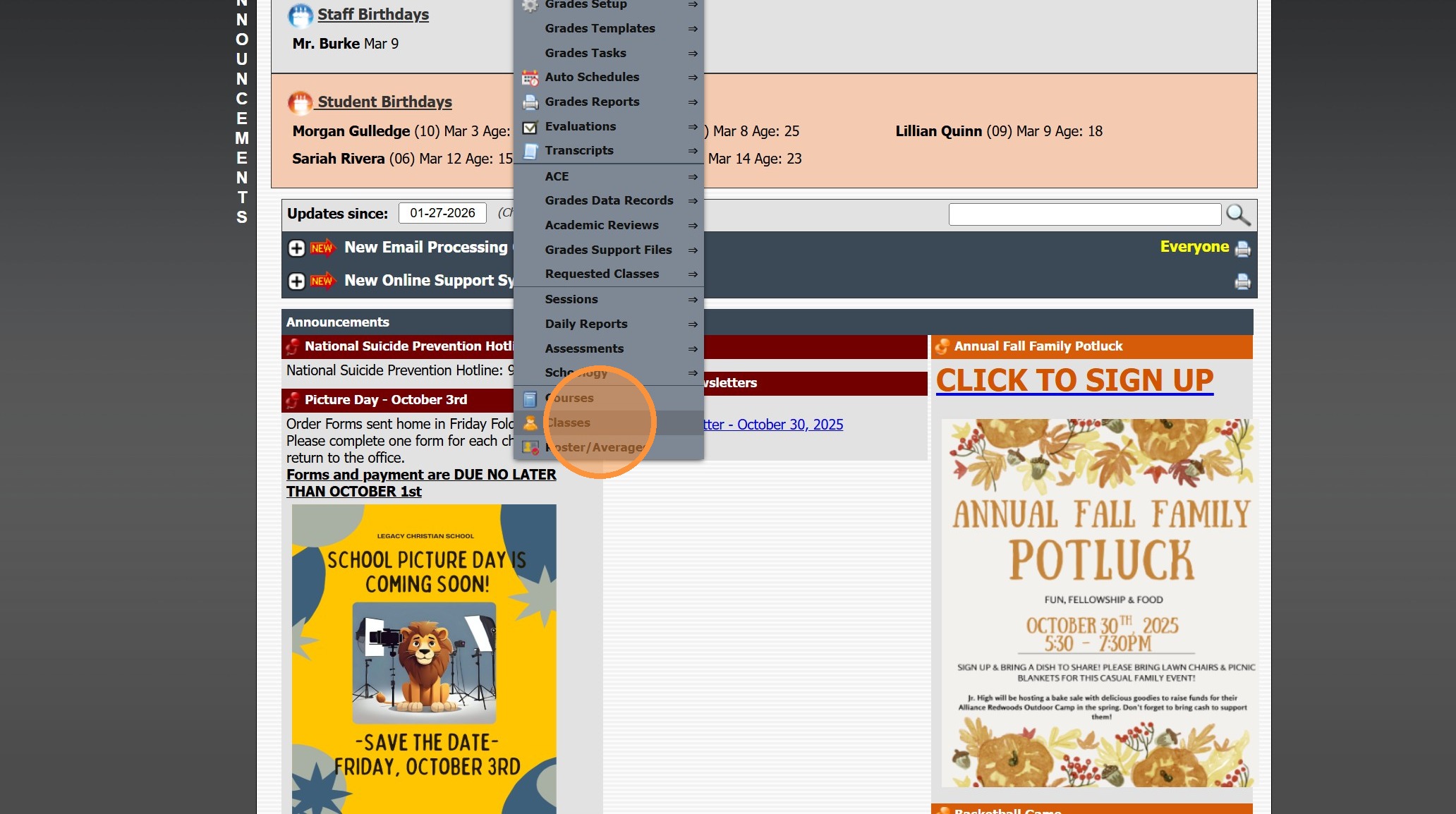
2. Click "Classes"
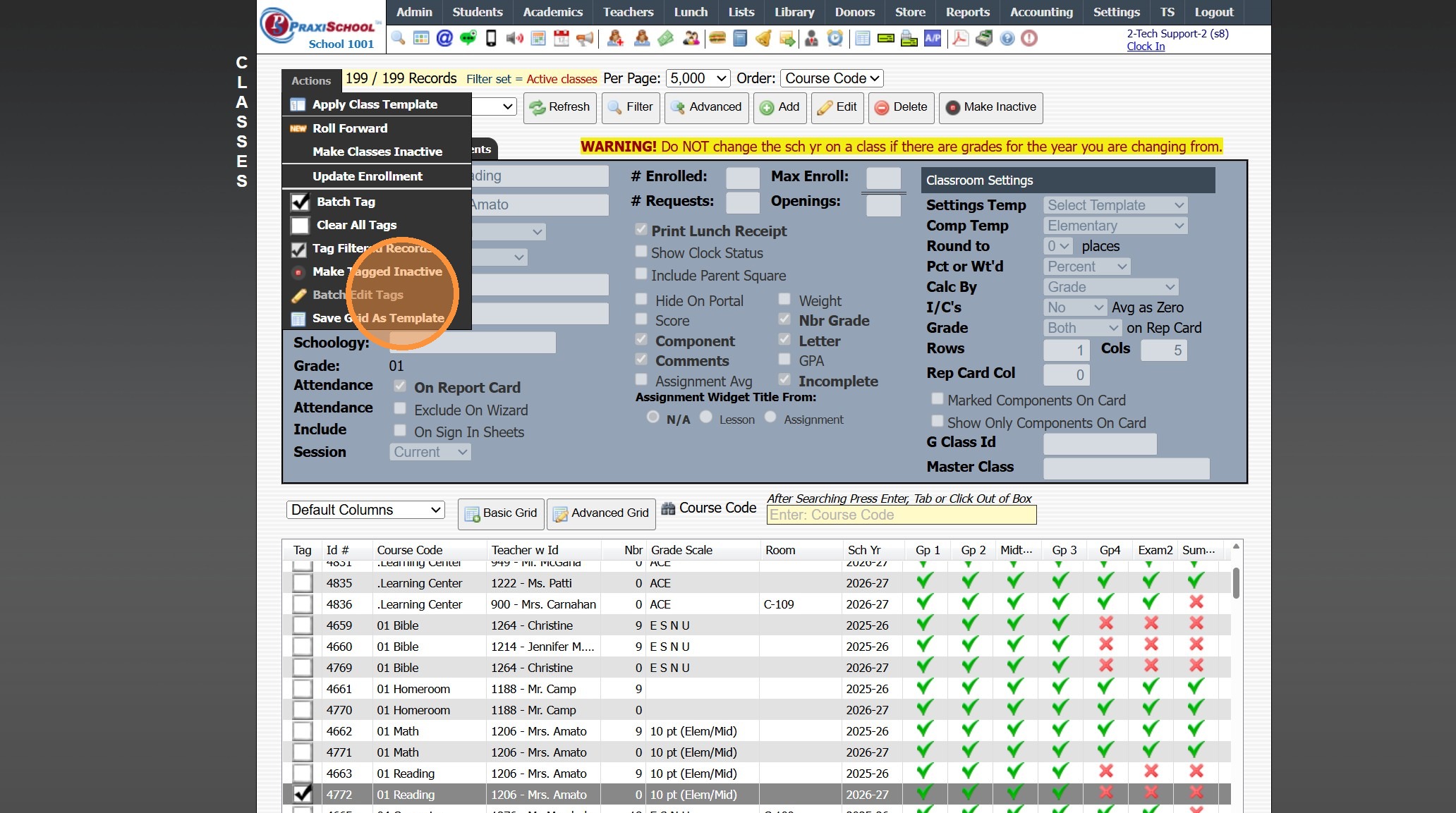
3. Tag Class(es)
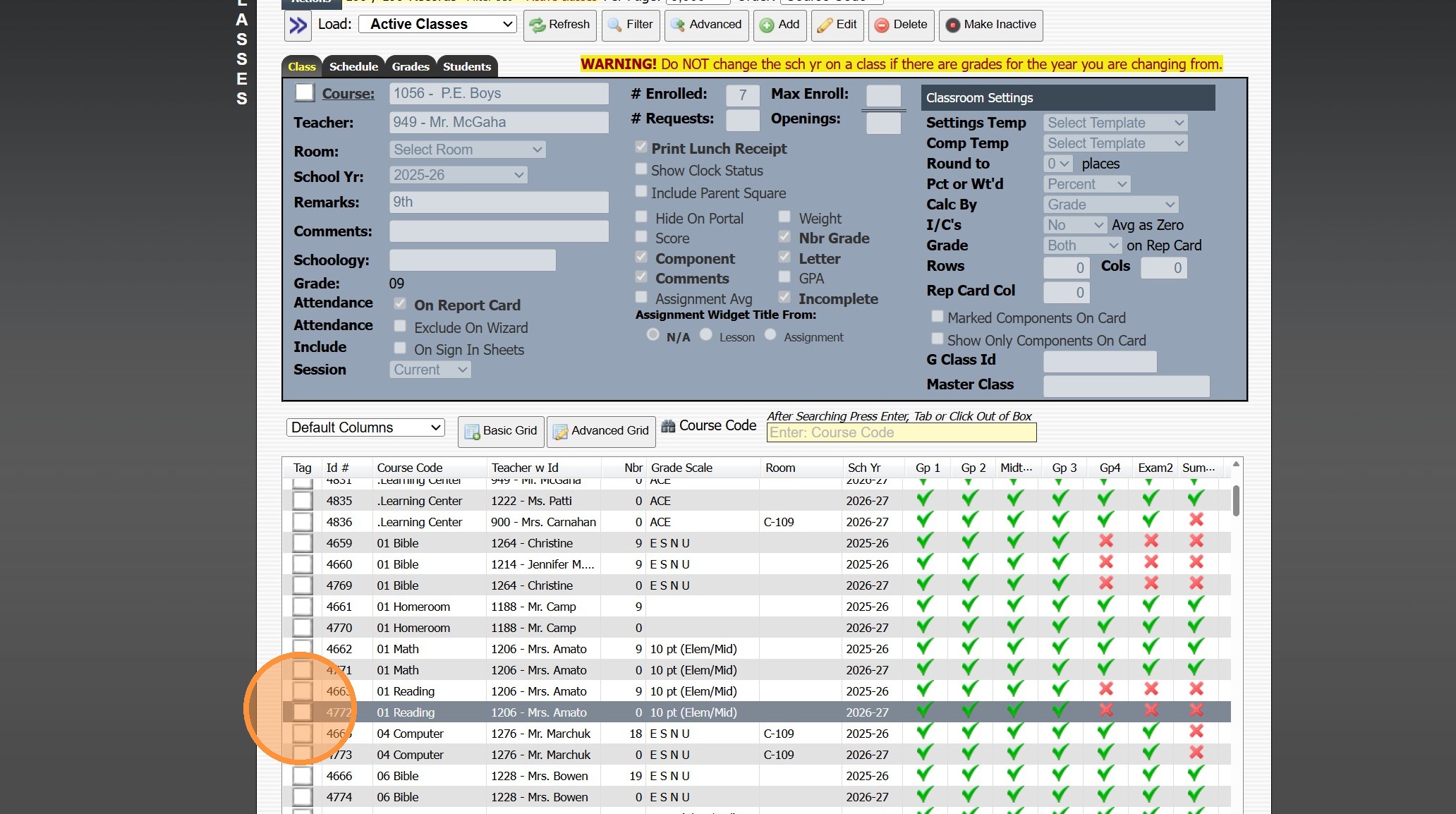
4. Click "Actions"
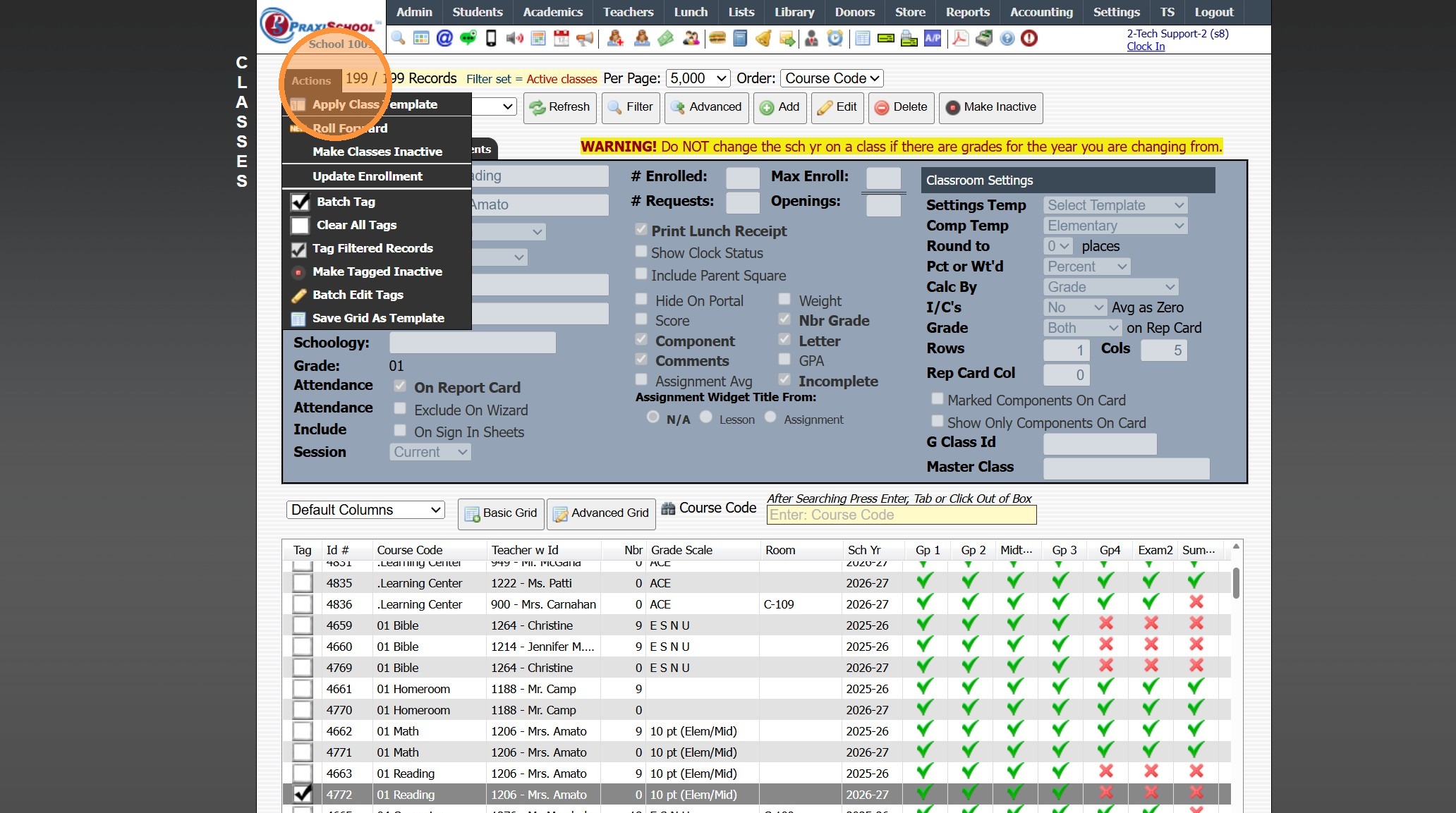
5. Click "Batch Edit Tags"
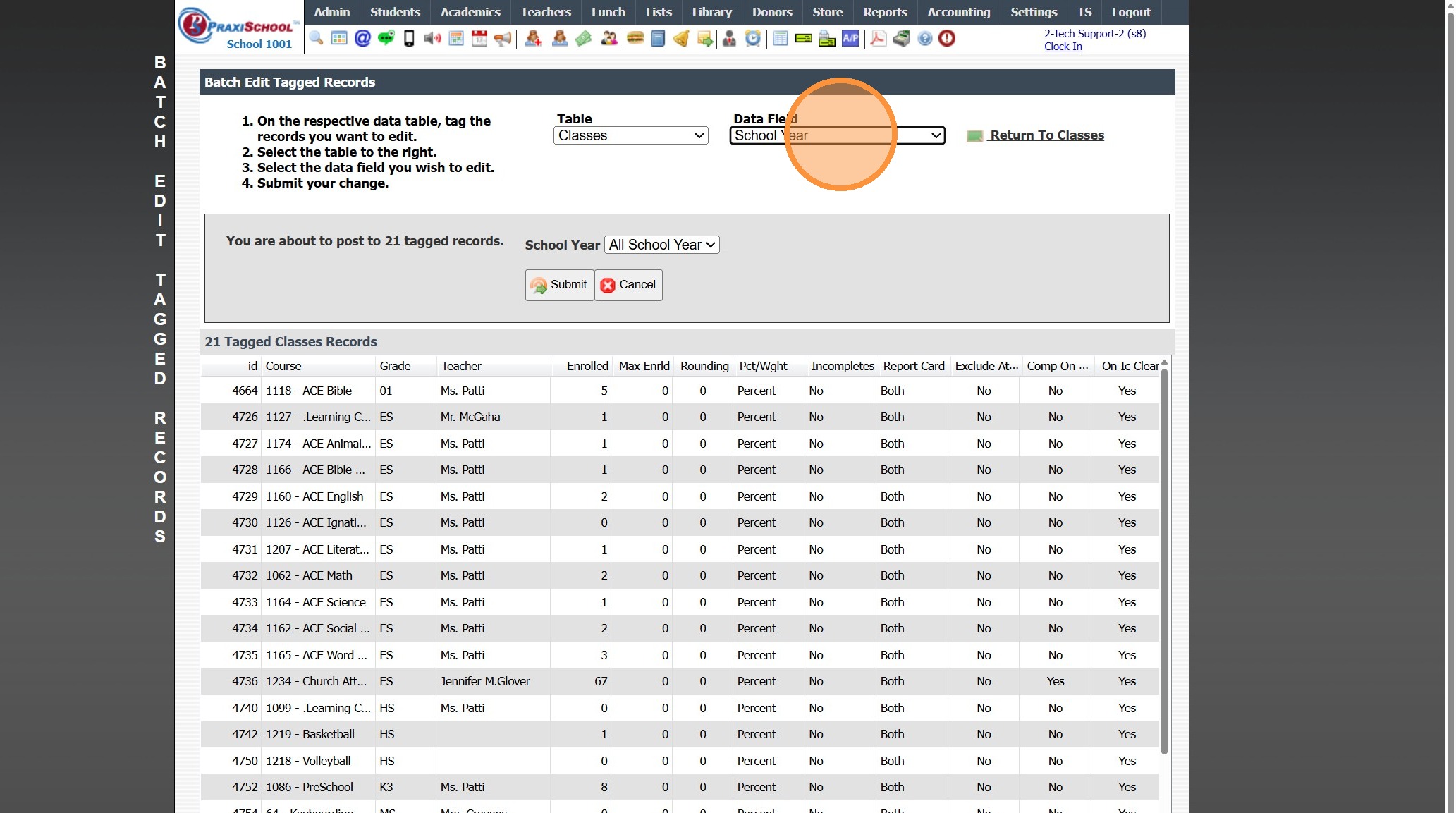
6. Select the "School Year" Data Field
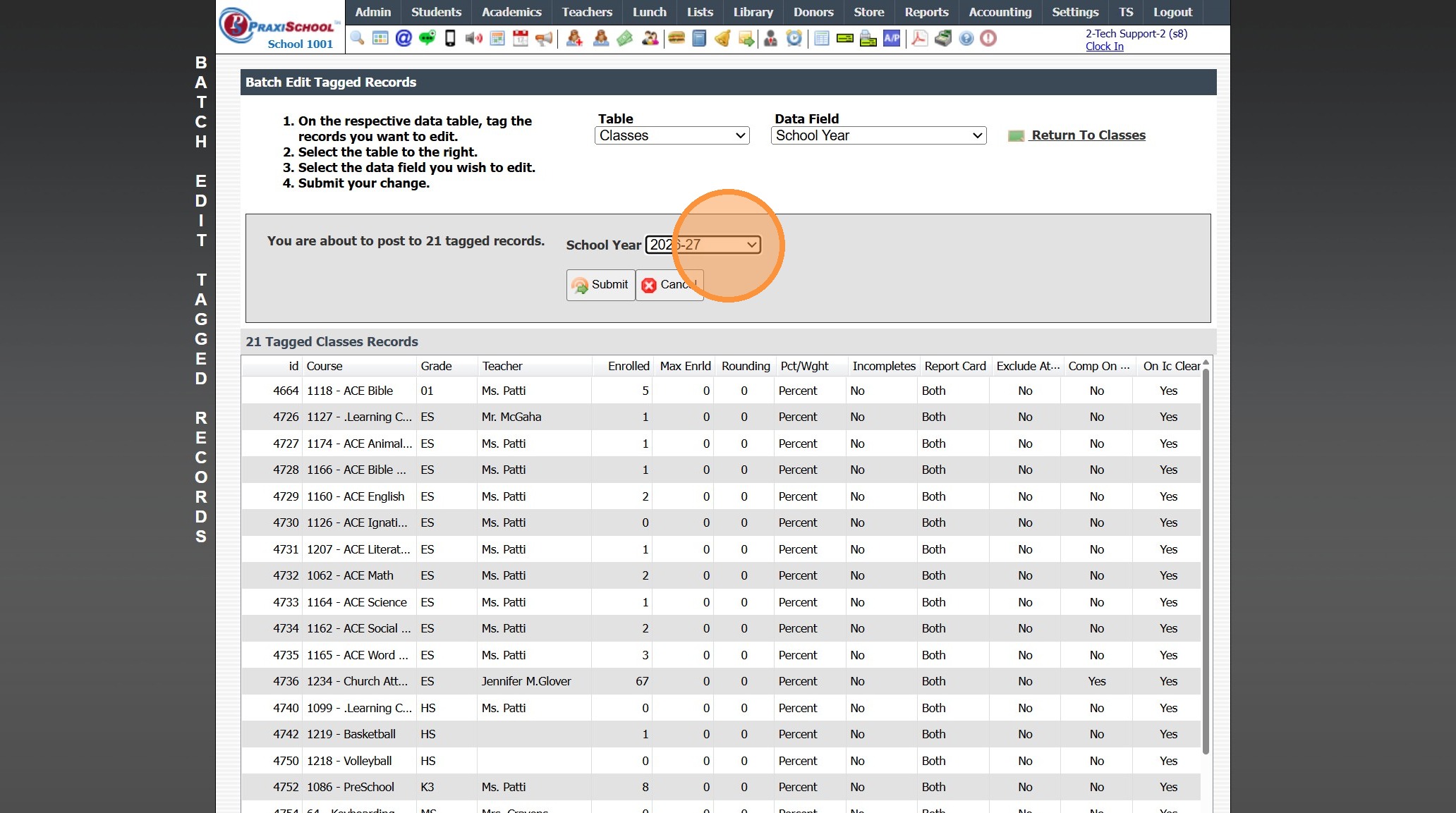
7. Select the Correct School Year
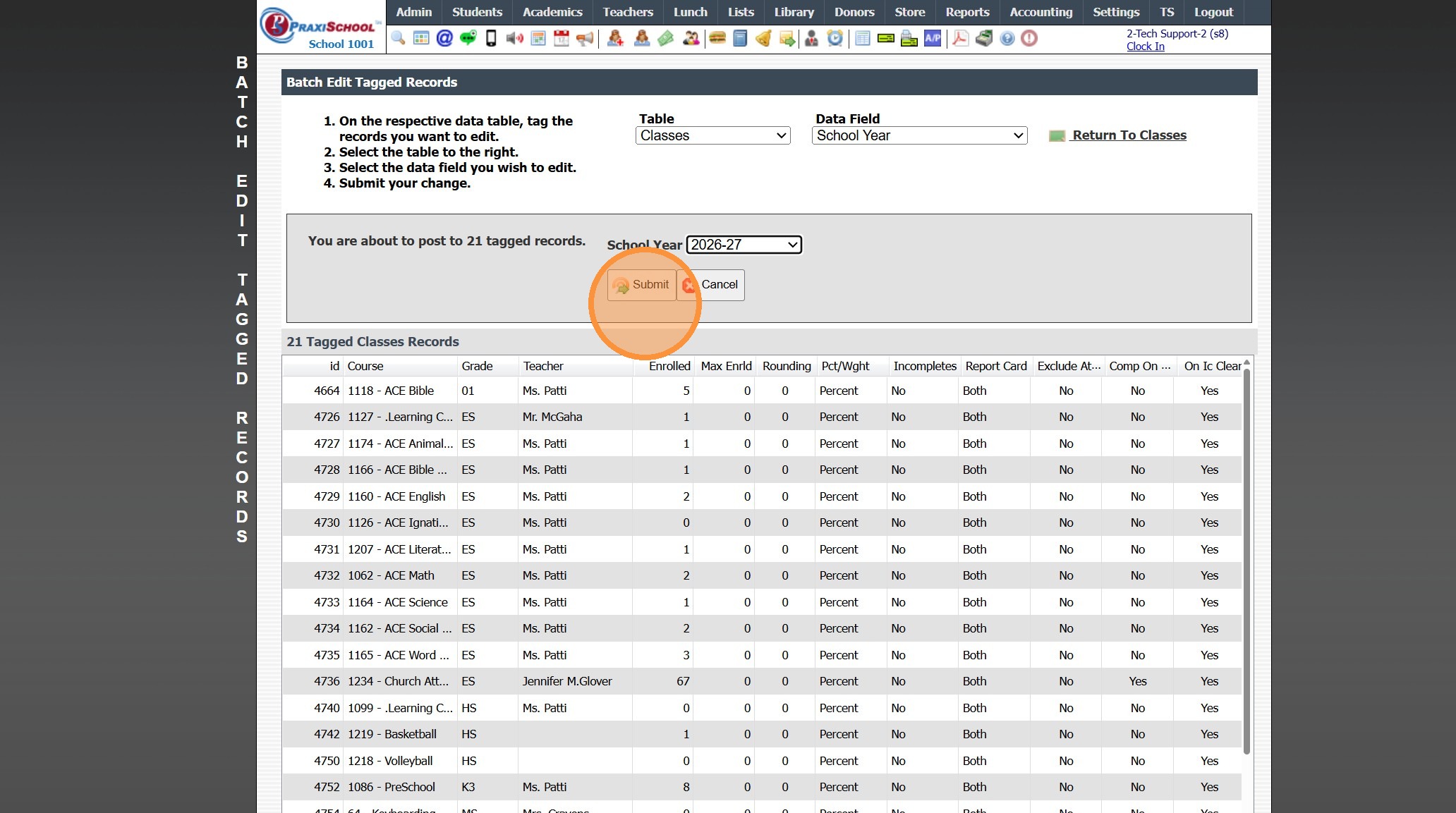
8. Click "Submit", Click Ok & Type "yes"
2000.13.8
Related Articles
Rolling Classes Into the New School Year
1. Click "Academics" 2. Click "Classes" 3. Click "Actions" 4. Click "Roll Forward" 5. Click "Select All" to Roll all Classes into the New Year 6. Select the New School Year 7. Click "Create New Classes" 2000.13.3Editing School Year Dates
1. Click "Lists" 2. Click "Enrollment" 3. Click "School Years" 4. Select School Year 5. Select Grade Period 6. Click "Edit" 7. Set Start & End Dates 8. Click "Post Grade Period" 3500.1.1.1Ending the School Year Procedures
Greetings from PraxiPower, Click to Watch Short Instructional Video As always, Ending your current school year is a key process youMUST do before moving to the next year. It is VERY IMPORTANT to close your current school year in Praxi and to “roll ...Updating the Assigned Teacher on Classes
Updating the Assigned Teacher on Classes 1. Click "Academics" 2. Click "Classes" 3. Tag Classes to Update 4. Click "Actions" 5. Click "Batch Edit Tags" 6. Select the "Teacher" under Data Field dropdown menu 7. Select the New Teacher 8. Click "Submit" ...Generating Prior School Year Enrollment Reports
Generating Prior School Year Enrollment Reports 1. Click "Academics" 2. Click "Grades Data Records" 3. Click "Report Cards" 4. Select School Year 5. Click "Refresh" Grid Report Option 6. Select Existing Grid Report or Create New 7. Click "Print" & ...