Replicating Report Card Templates for a New School Year
Replicating Report Card Templates for a New School Year
1. Click "Academics"
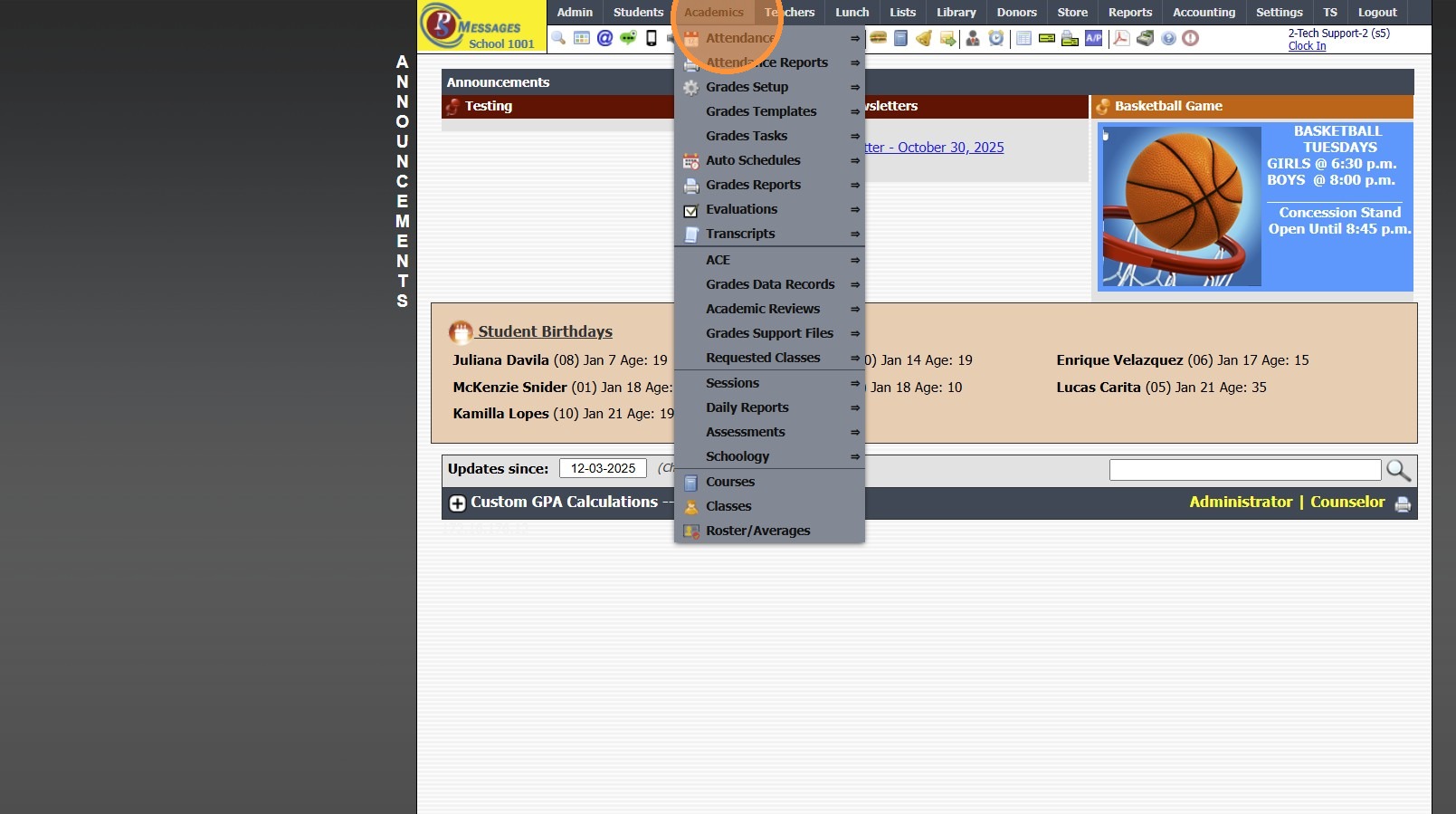
2. Click "Grades Setup"
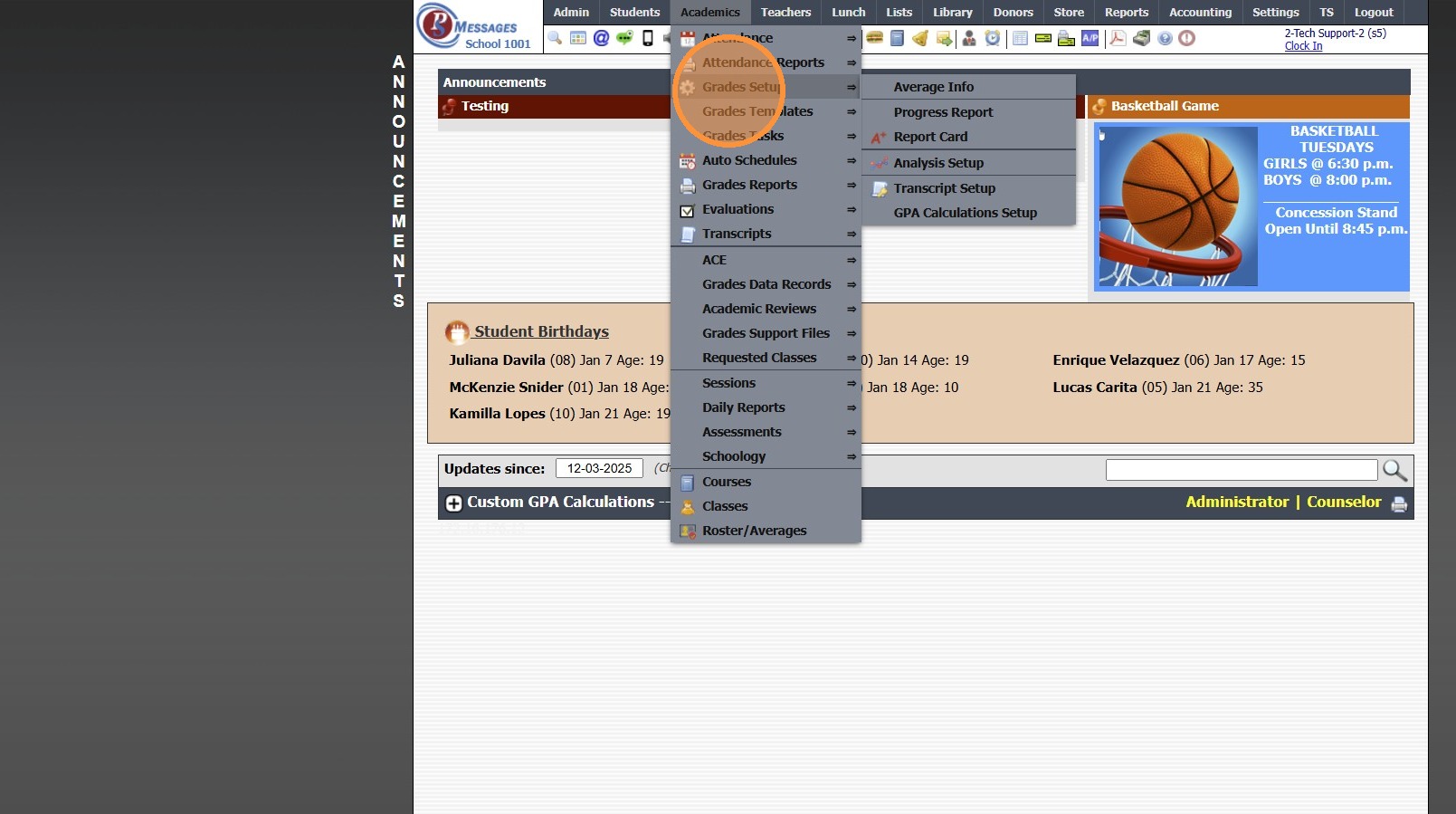
3. Click "Report Card"
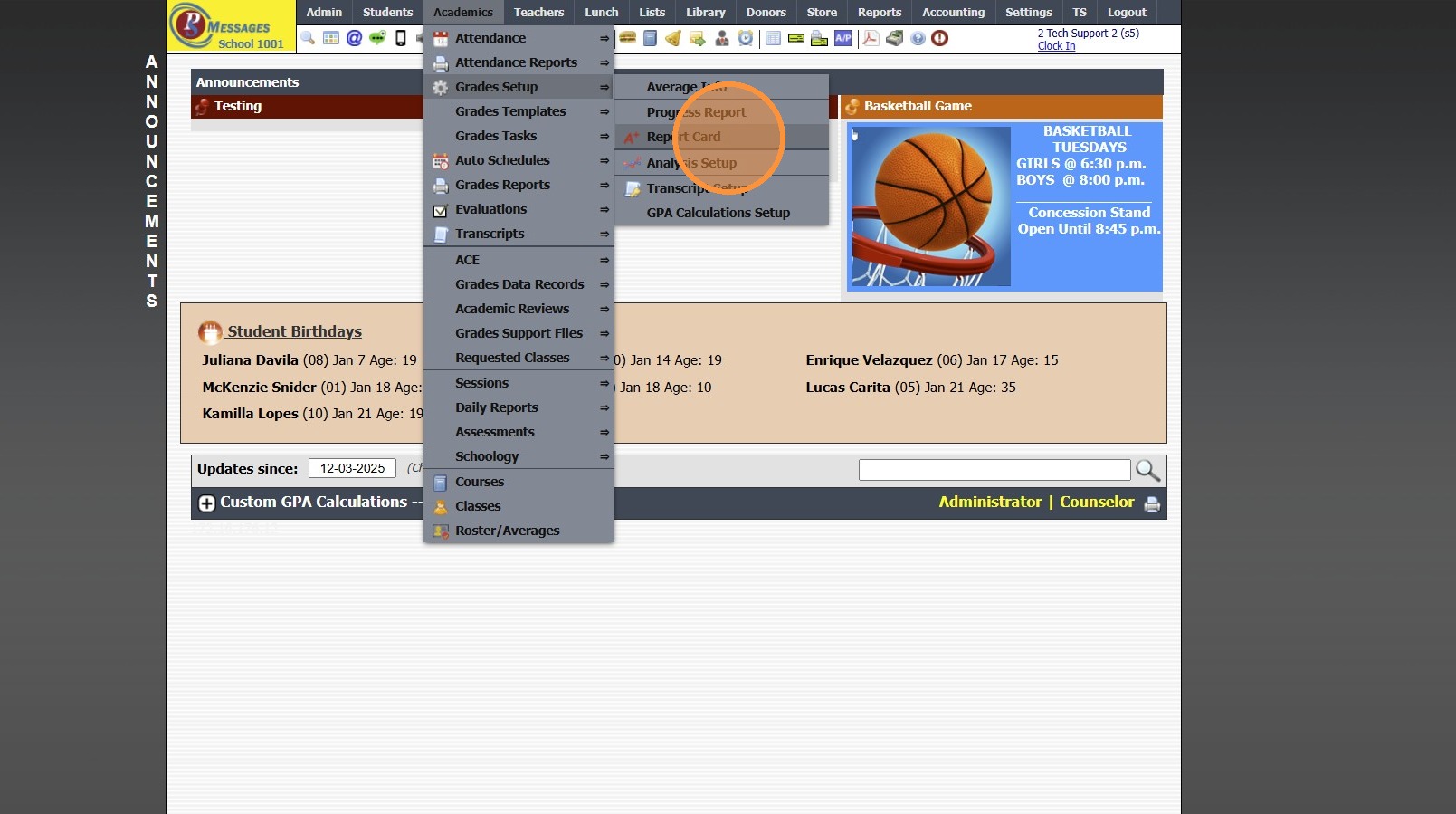
4. Select Report Card Template to Replicate

5. Click "Actions"
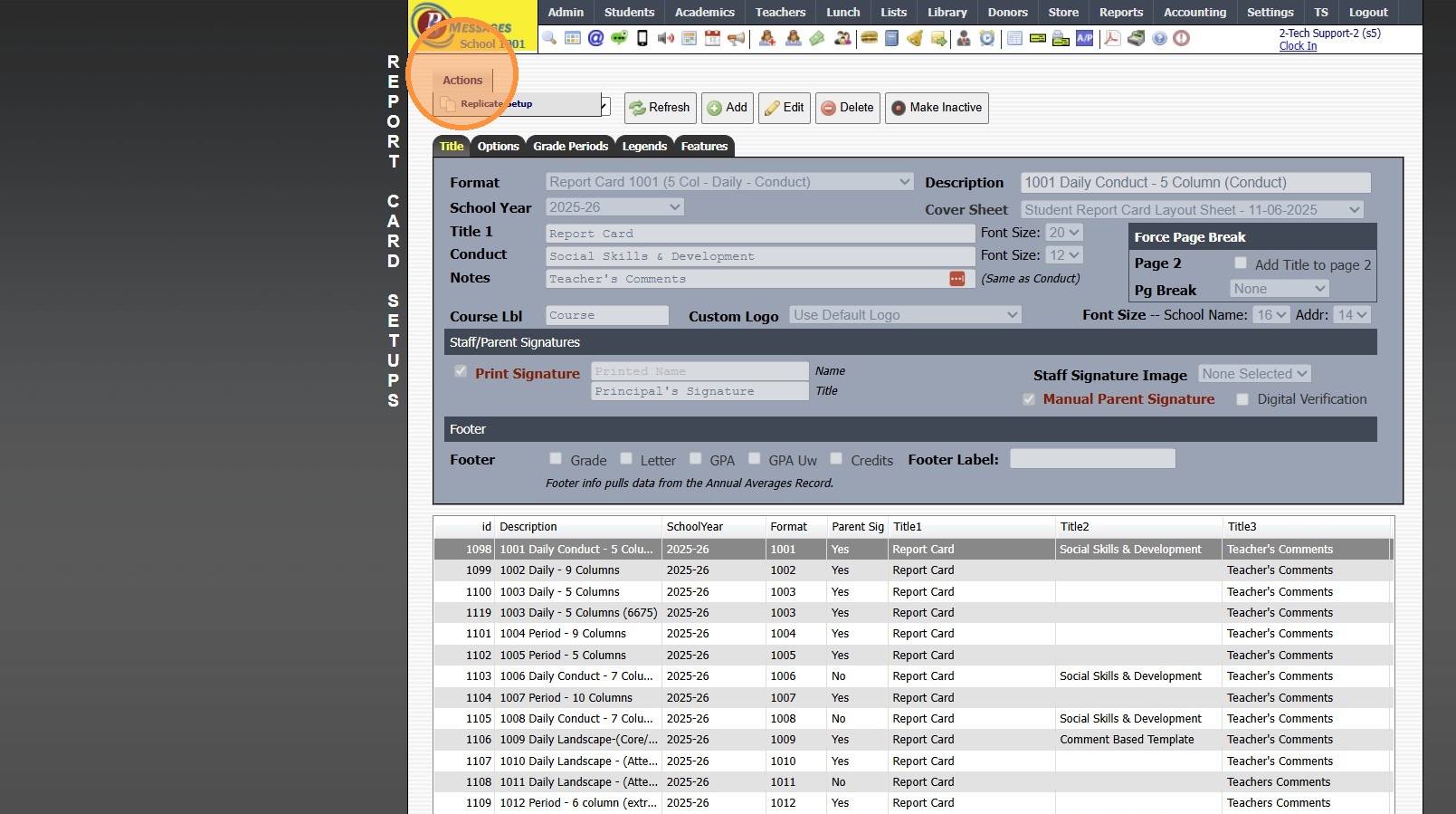
6. Click "Replicate Setup"
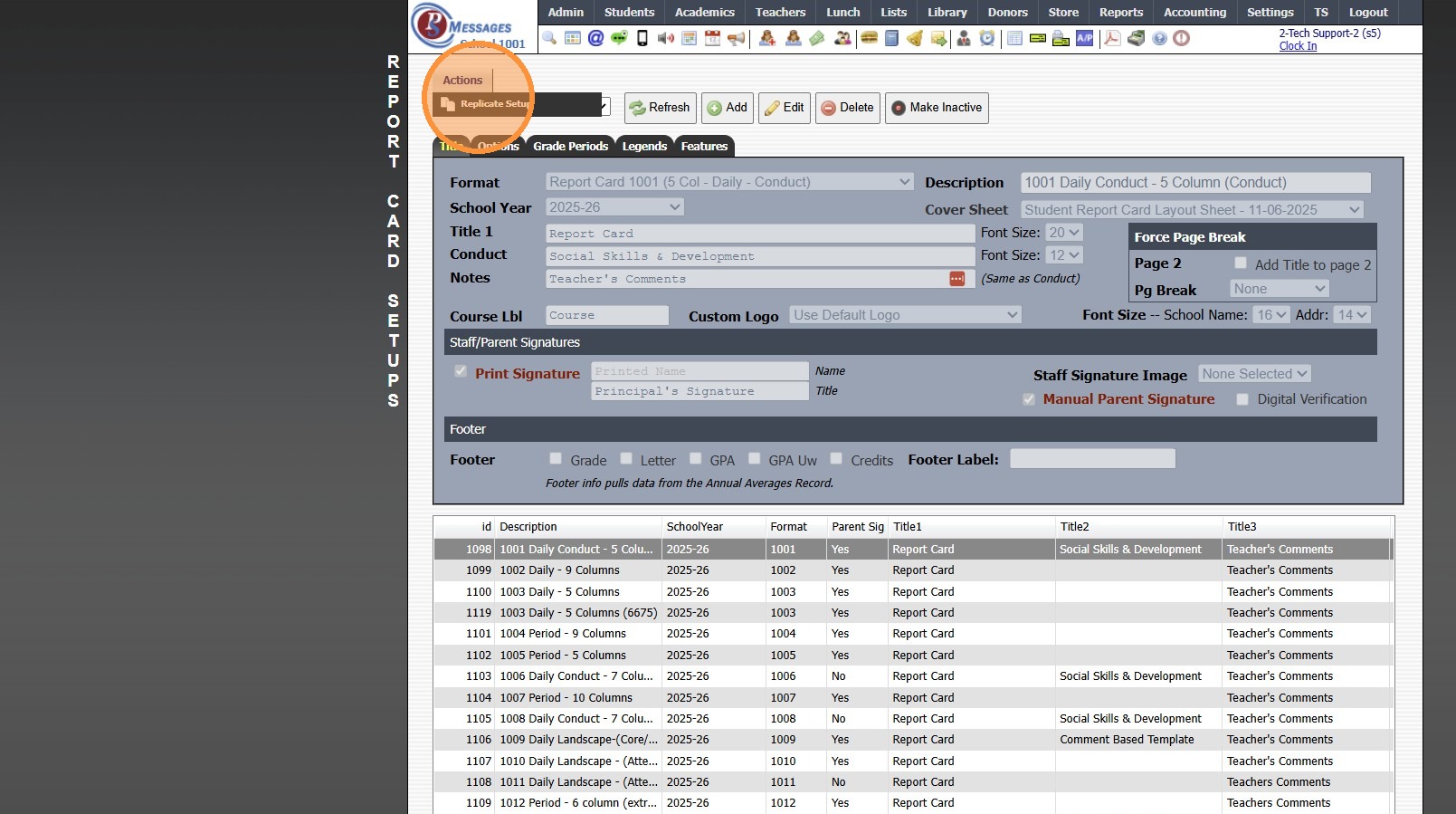
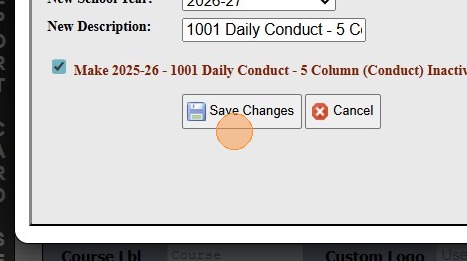
7. Select New School Year
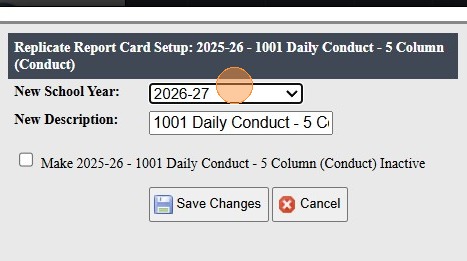
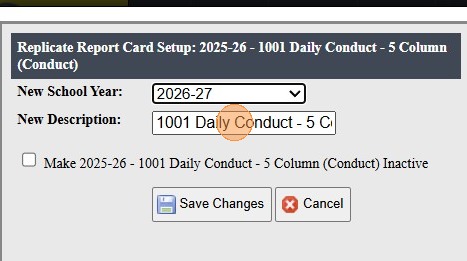
8. Enter Report Card Template Description
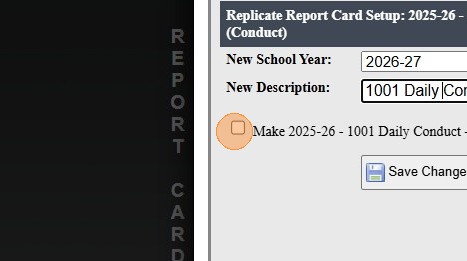
9. Click to Make Previous Template Inactive
(ONLY if the current school year has ended)
10. Click "Save Changes"
Update Replicated Template for New Year
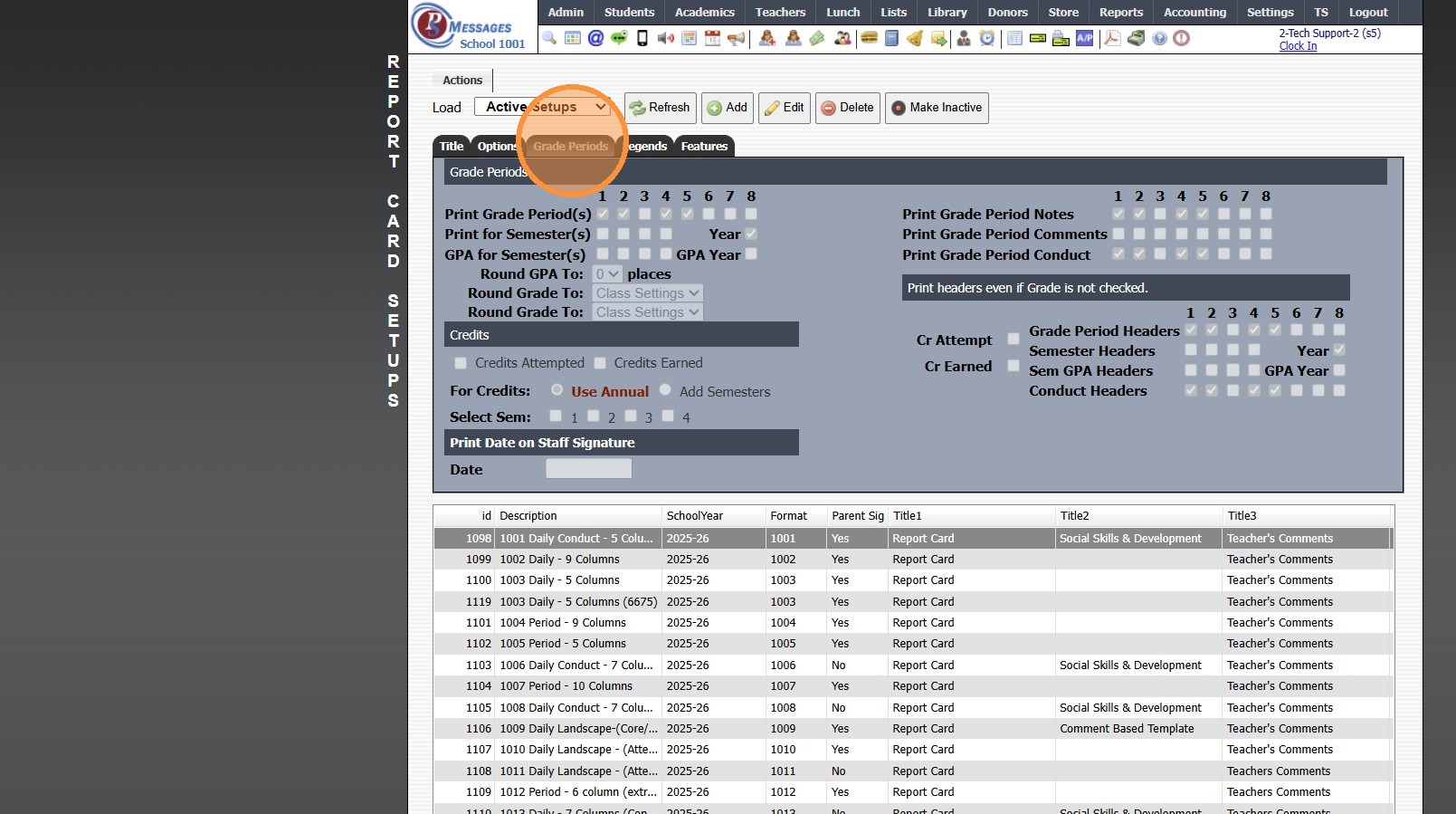
11. Click "Grade Periods" Tab
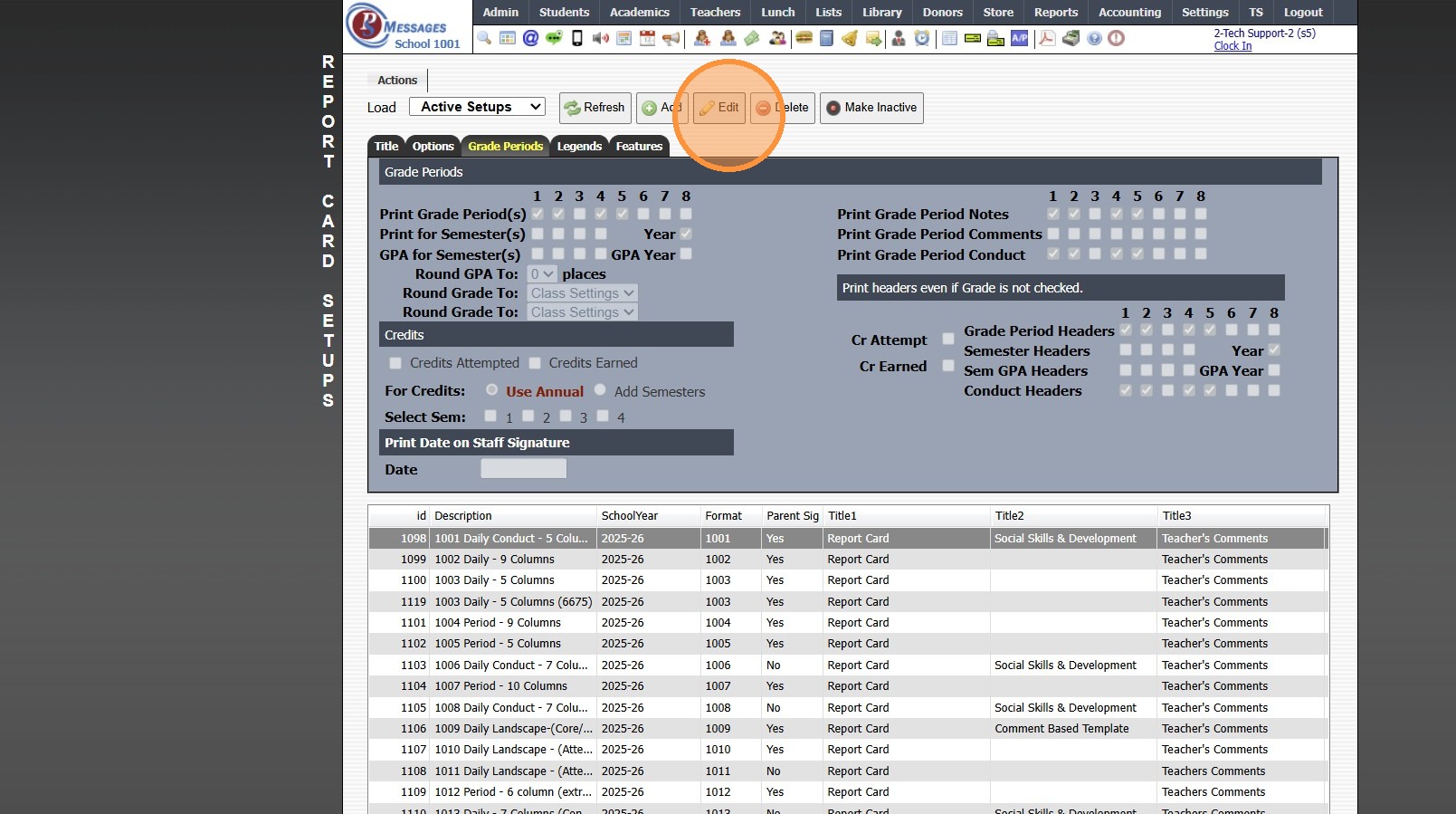
12. Click "Edit"
13. Uncheck all Grade Periods except Grade Period 1
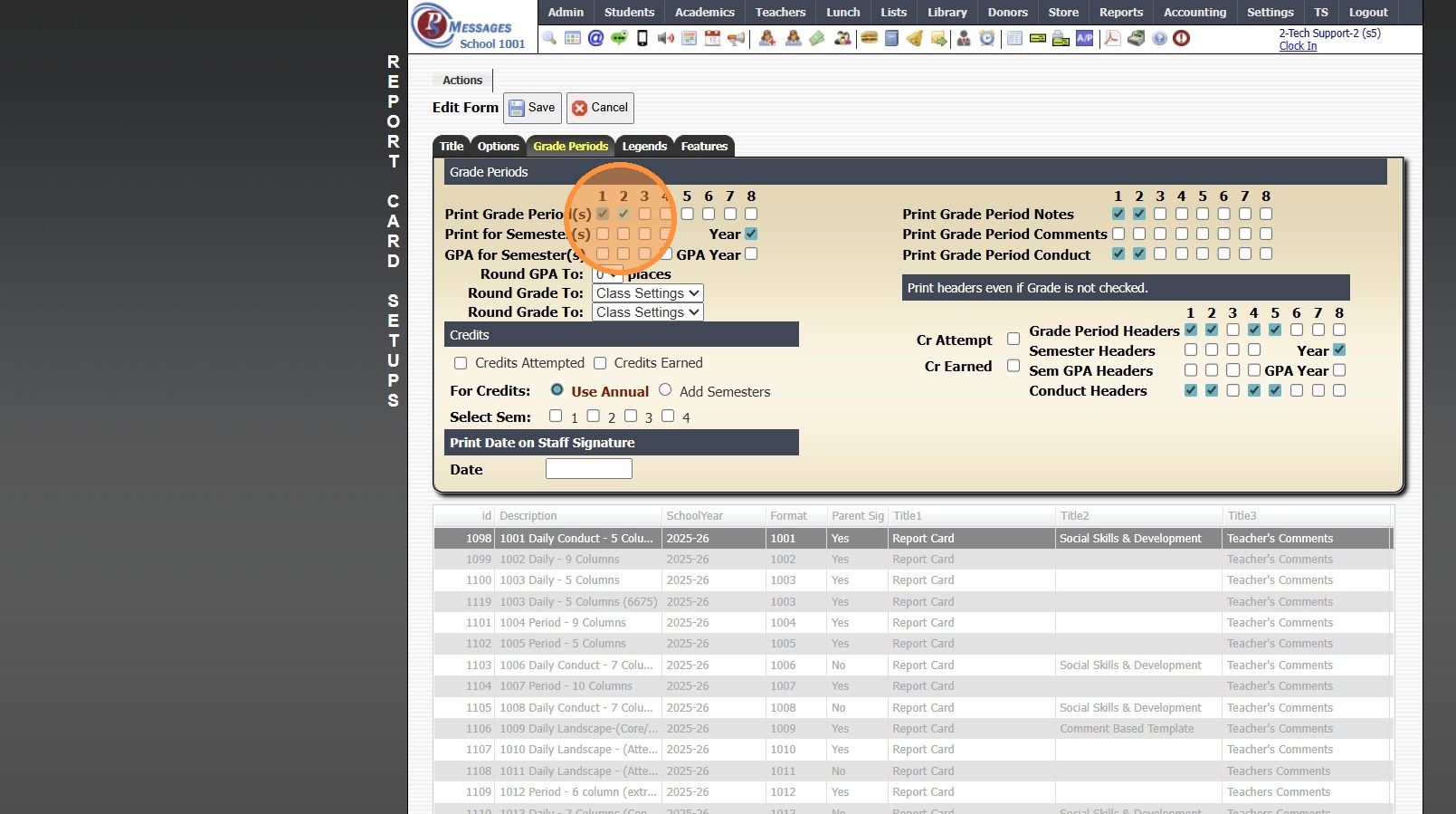
14. Uncheck all Grade Notes/Comments except Grade Period 1
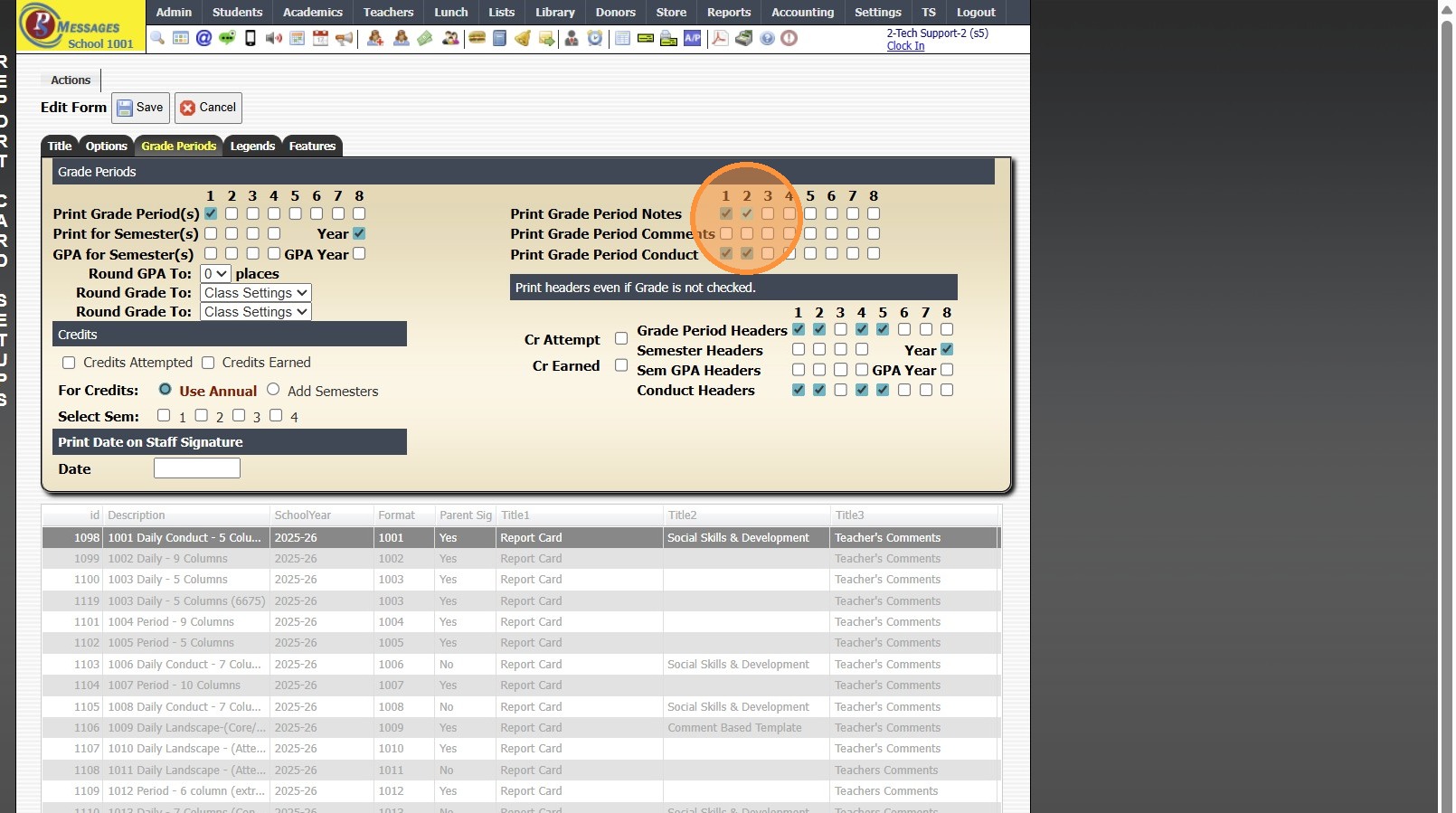
15. Uncheck all Grade Conducts except Grade Period 1
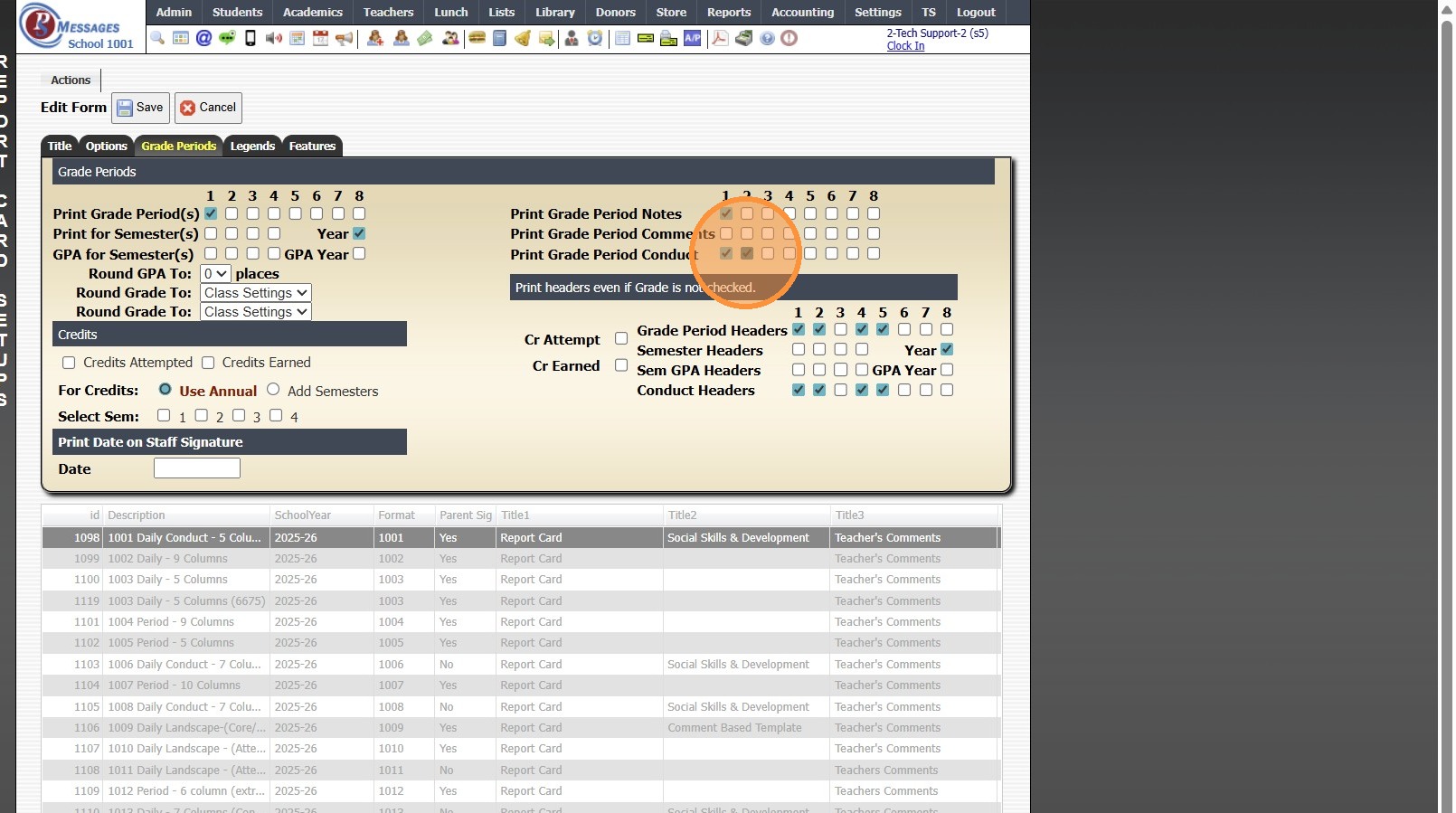
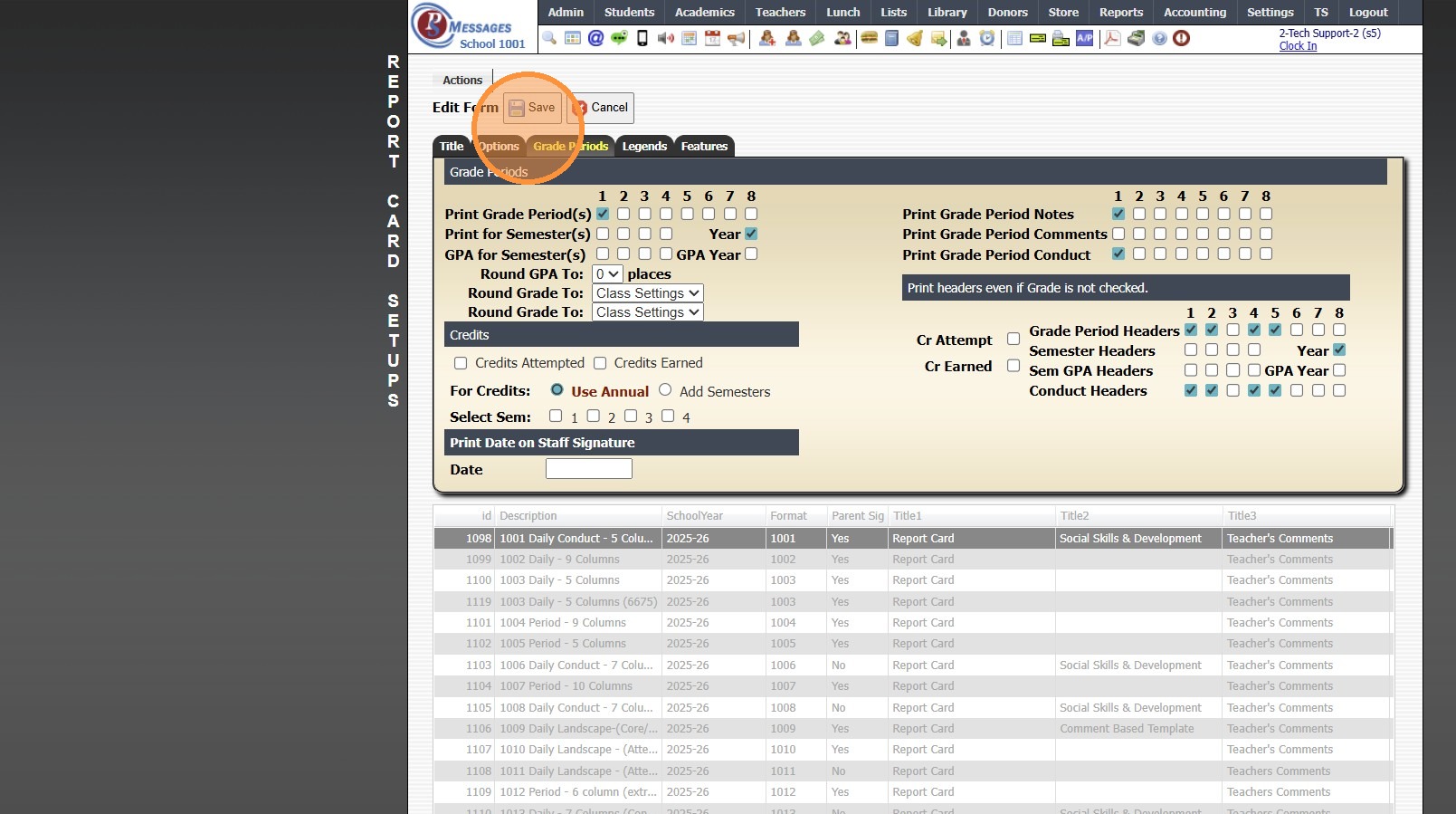
16. Click "Save"
17. 2000.2.6
Related Articles
Replicating AR Contracts into the New School Year
1. Click "Lists" 2. Click "A/R Accounting" 3. Click "Contract Templates" 4. Click "Actions" 5. Click "Replicate Templates" 6. Select the School Year to Replicate the Contract Template Into 7. Set the Next Date for the Contracts to Start Billing (If a ...Session Close Tasks - Accounting: Replicating AR Contracts into the New School Year
1. Click "Lists" 2. Click "A/R Accounting" 3. Click "Contract Templates" 4. Click "Actions" 5. Click "Replicate Templates" 6. Select the School Year to Replicate the Contract Template Into 7. Set the Next Date for the Contracts to Start Billing (If a ...Ending the School Year Procedures
Greetings from PraxiPower, Click to Watch Short Instructional Video As always, Ending your current school year is a key process youMUST do before moving to the next year. It is VERY IMPORTANT to close your current school year in Praxi and to “roll ...Generating Prior School Year Enrollment Reports
Generating Prior School Year Enrollment Reports 1. Click "Academics" 2. Click "Grades Data Records" 3. Click "Report Cards" 4. Select School Year 5. Click "Refresh" Grid Report Option 6. Select Existing Grid Report or Create New 7. Click "Print" & ...Rolling Classes Into the New School Year
1. Click "Academics" 2. Click "Classes" 3. Click "Actions" 4. Click "Roll Forward" 5. Click "Select All" to Roll all Classes into the New Year 6. Select the New School Year 7. Click "Create New Classes" 2000.13.3