Removing Duplicate Password Setup on the Welcome Email
1. Click "Admin"
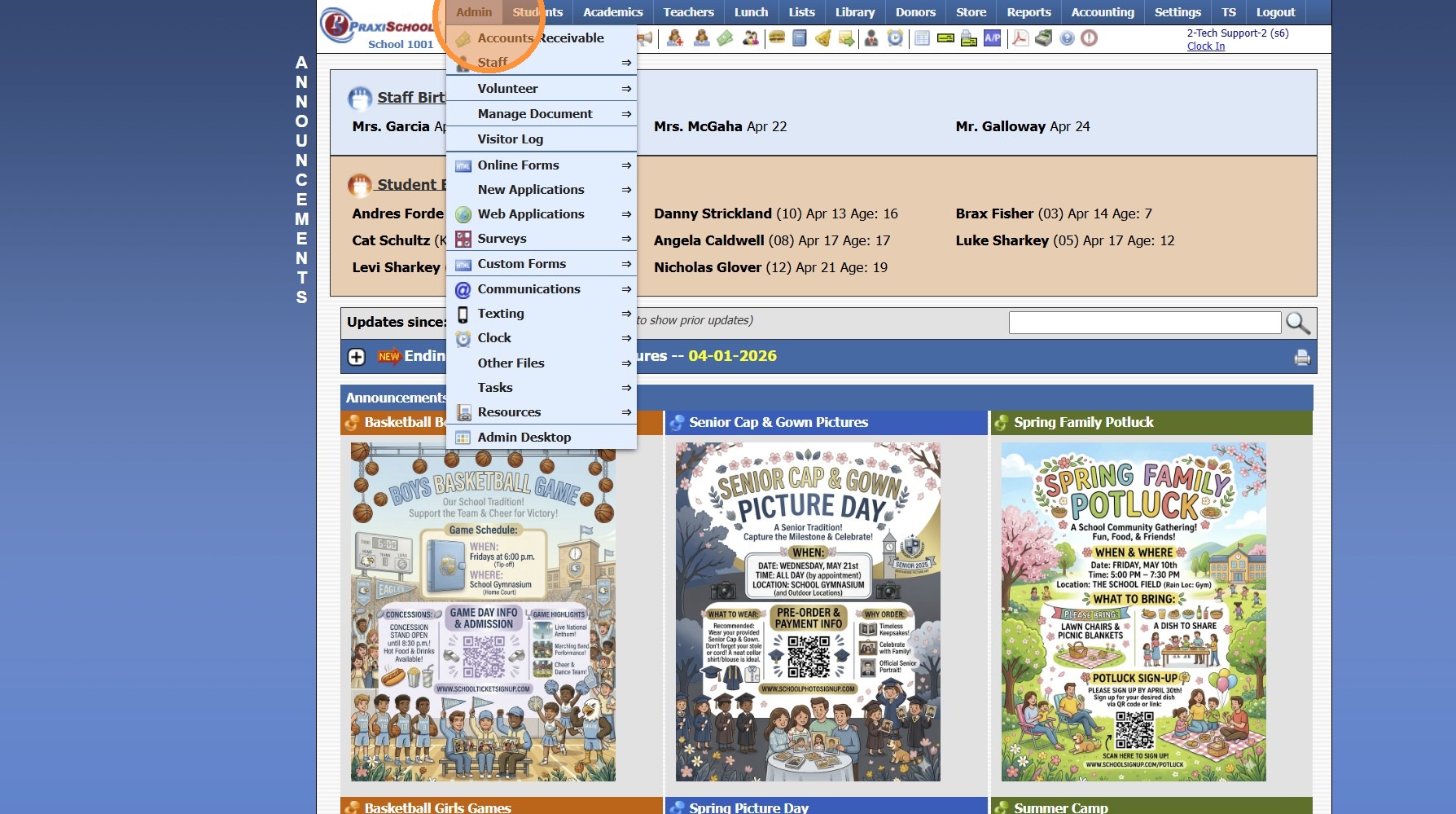
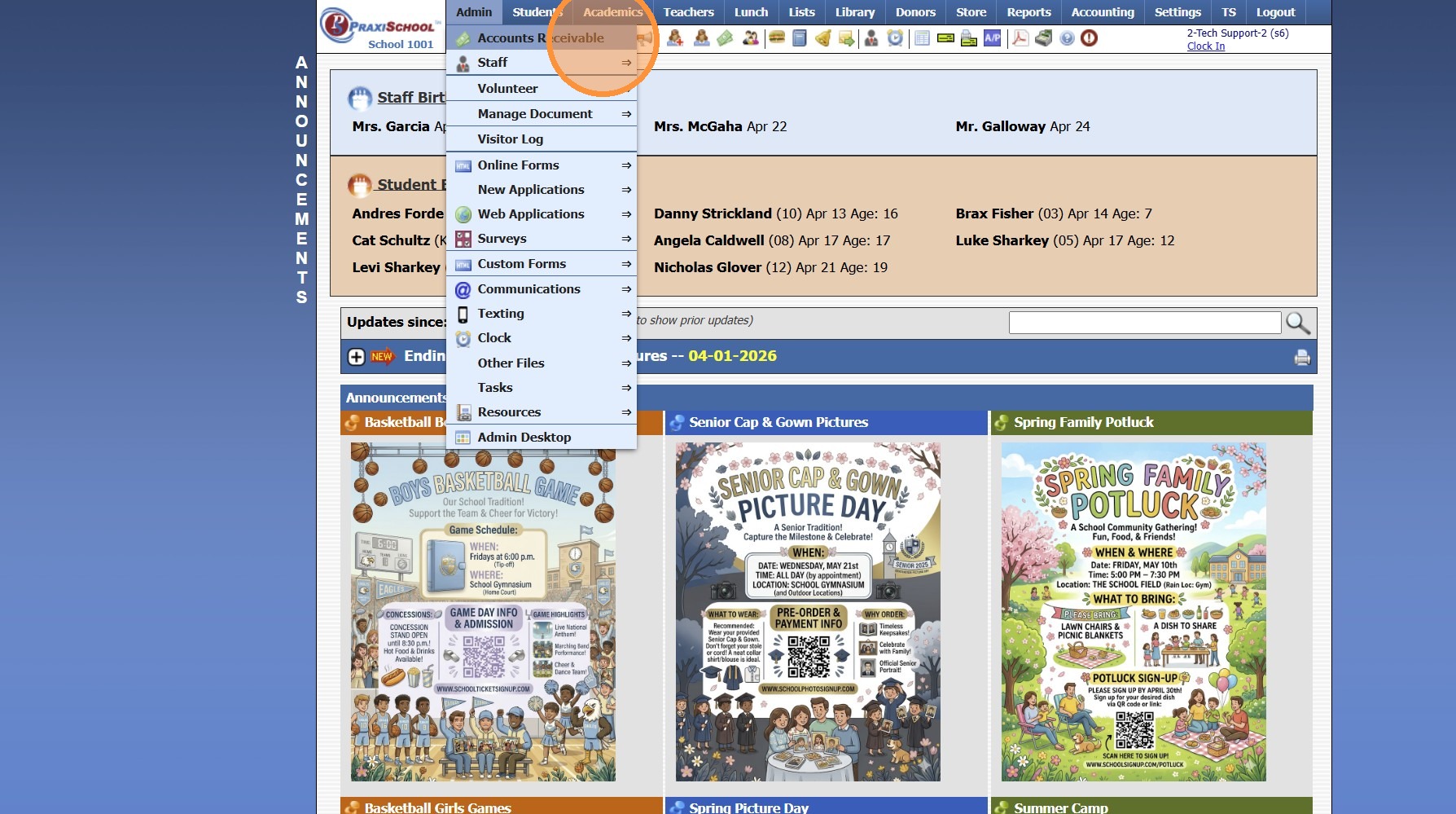
2. Click "Accounts Receivable"

3. Click "Actions" & select "Send Email"
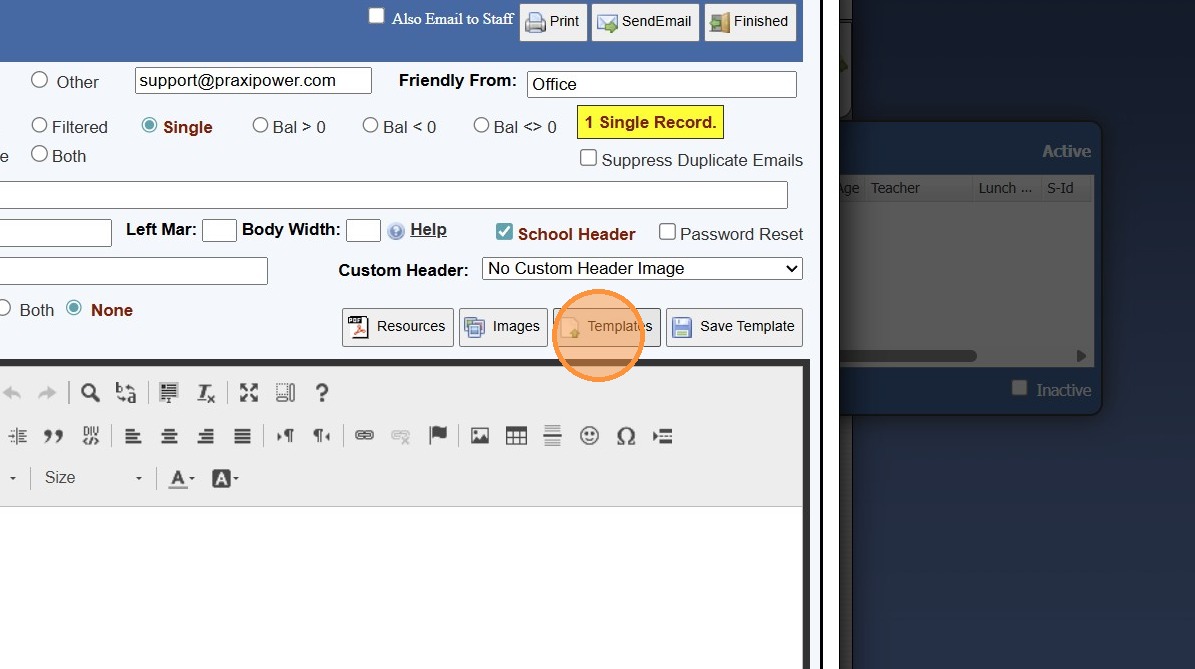
4. Click "Templates"
5. Select the Welcome Email Template & Click "Select"
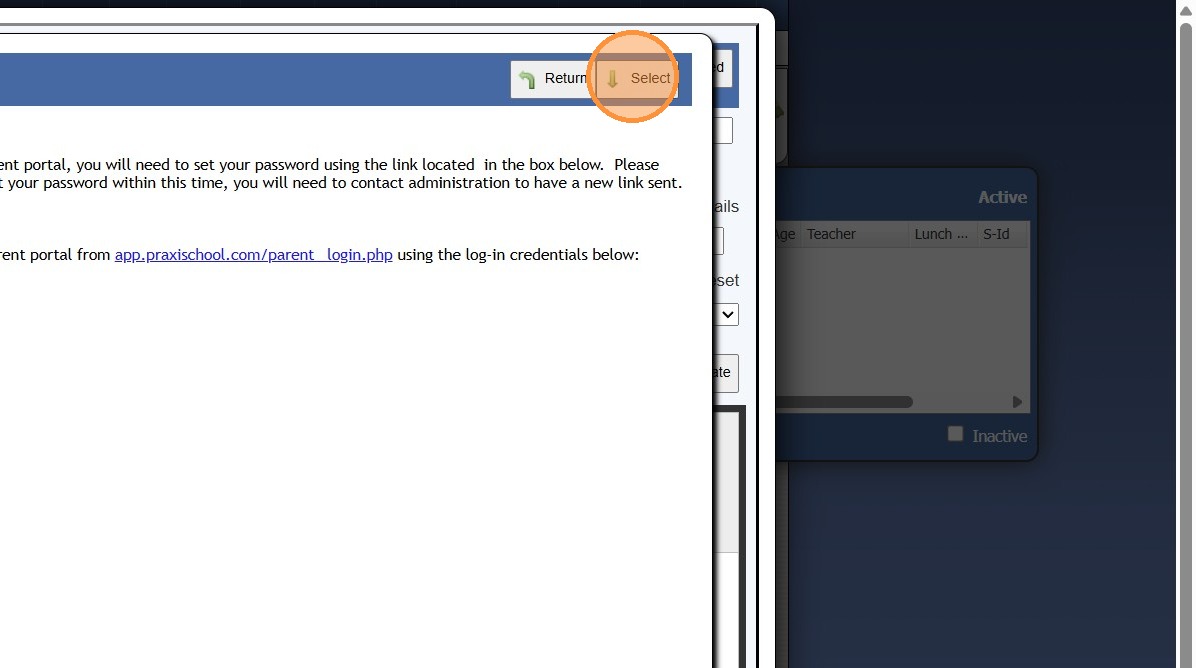
6. Uncheck the "Password Reset" checkbox
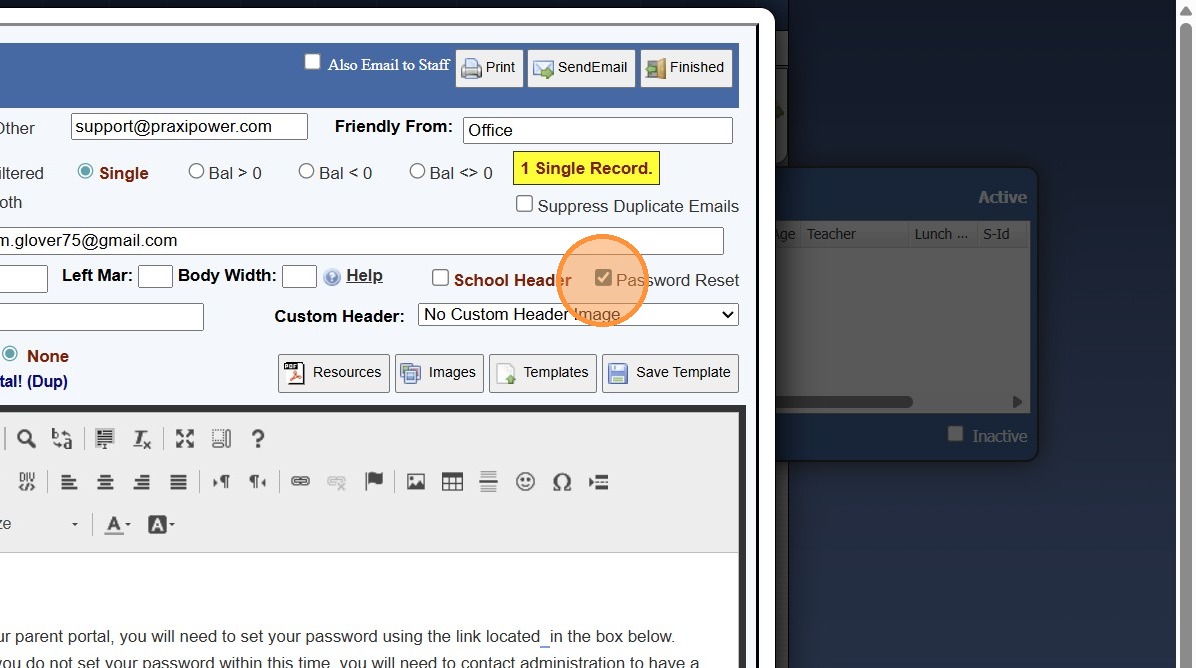
7. Click "Save Template" & click "Save"

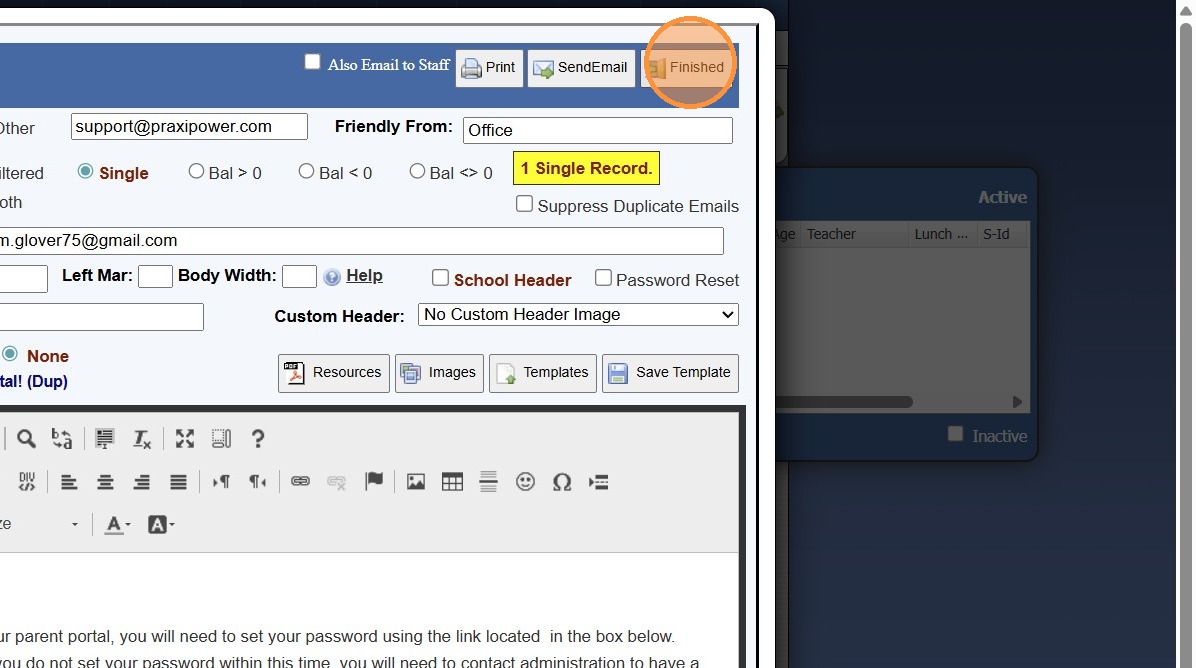
8. Click "Finished" to Exit
8000.34
Related Articles
Sending Welcome Emails to Staff, AR (Parents) and Students
Sending Welcome Emails to Staff, AR (Parents) and Students 1. Log into PraxiSchool and Select the Database To Send the Welcome Email From (i.e. Staff, AR or Students) 2. Click "Actions" 3. Click "Send Email" 4. Click "Templates" 5. Click to Open ...Forgot Your Password - Staff
1. Go to Admin Login Screen 2. Click "Forgot your password?" 3. Enter School ID & Staff ID 4. Enter Staff Email Address 5. Click "Submit" 6. A Password Reset Email will be Emailed to Staff Email Address 7. Select "Password Reset Email" 8. Copy ...Email Options - Using Friendly Name, Que Processing Notification Options & Suppressing Duplicate Emails
Sending School Wide Email Blasts Tip: School Wide Email Blasts can now be Accessed from the Icon Toolbar OR from the Admin Tab! Icon Toolbar Option 1. Click the "@" Icon Admin Tab Option 2. Click "Admin" 3. Click "Tasks" 4. Click "Send School Wide ...Sending Site Users a Password Reset Link
Sending Site Users a Password Reset Link 1. Click "Admin" 2. Click "Web Applications" 3. Click "Site Users" 4. Select Site User 5. Click "Actions" 6. Click "Reset Password" 7. Click Send Reset Link to send a Password Reset Link to Site Users Email 8. ...FTP to your SFTP Server / Auto Report Setup
FTP to your SFTP Server / Auto Report Setup 1. Log into PraxiSchool Setting up FTP to your SFTP Server 2. Click "Settings" 3. Click "School Settings" 4. Click "Documents" 5. Scroll to SFTP Grid Reports 6. Will need the follow information: FTP Server ...