How to SetUp Recurring Payments in your Parent Portal
1. Enter School ID, Parent ID & Enter Password
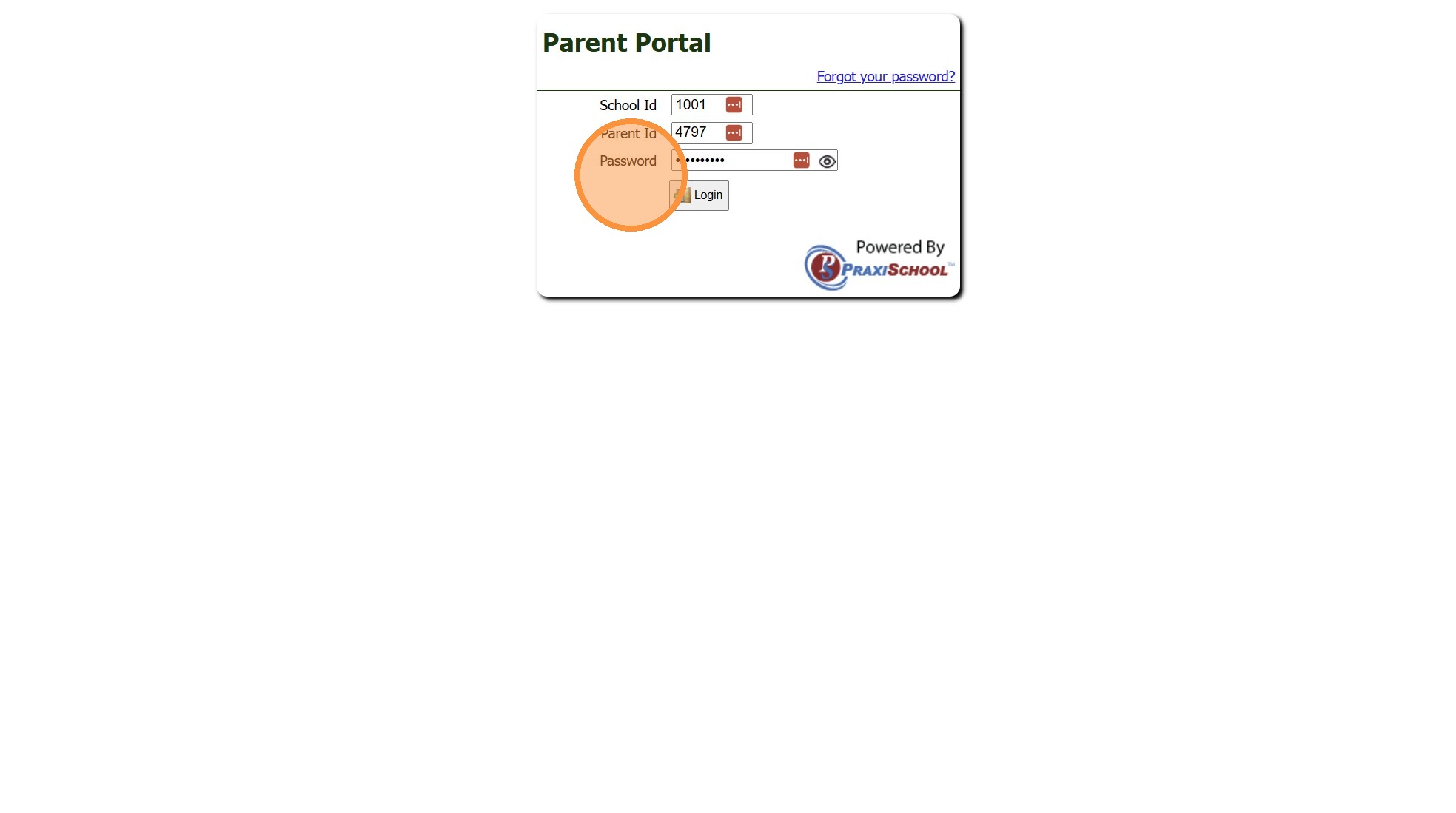
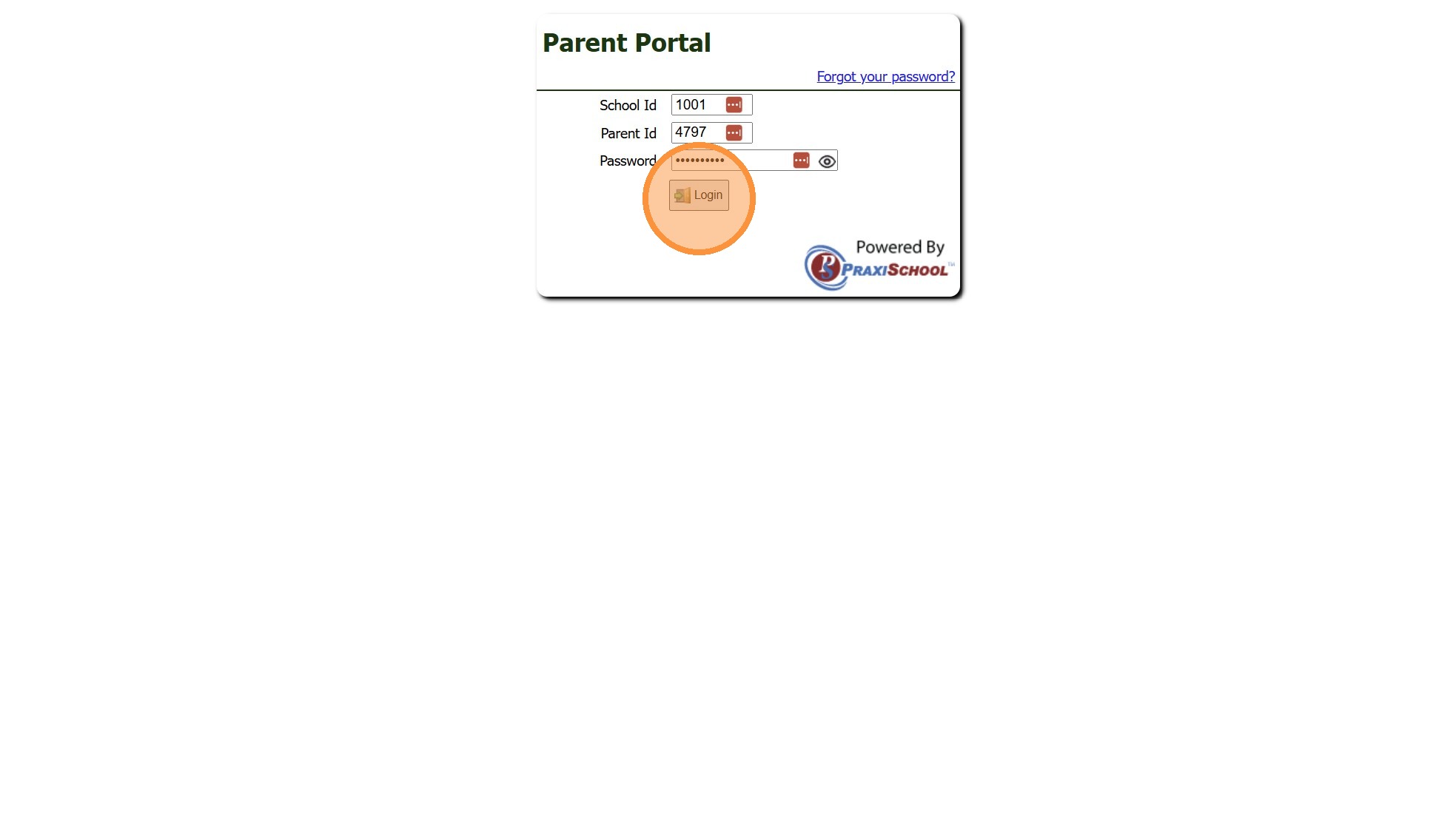
2. Click "Login"
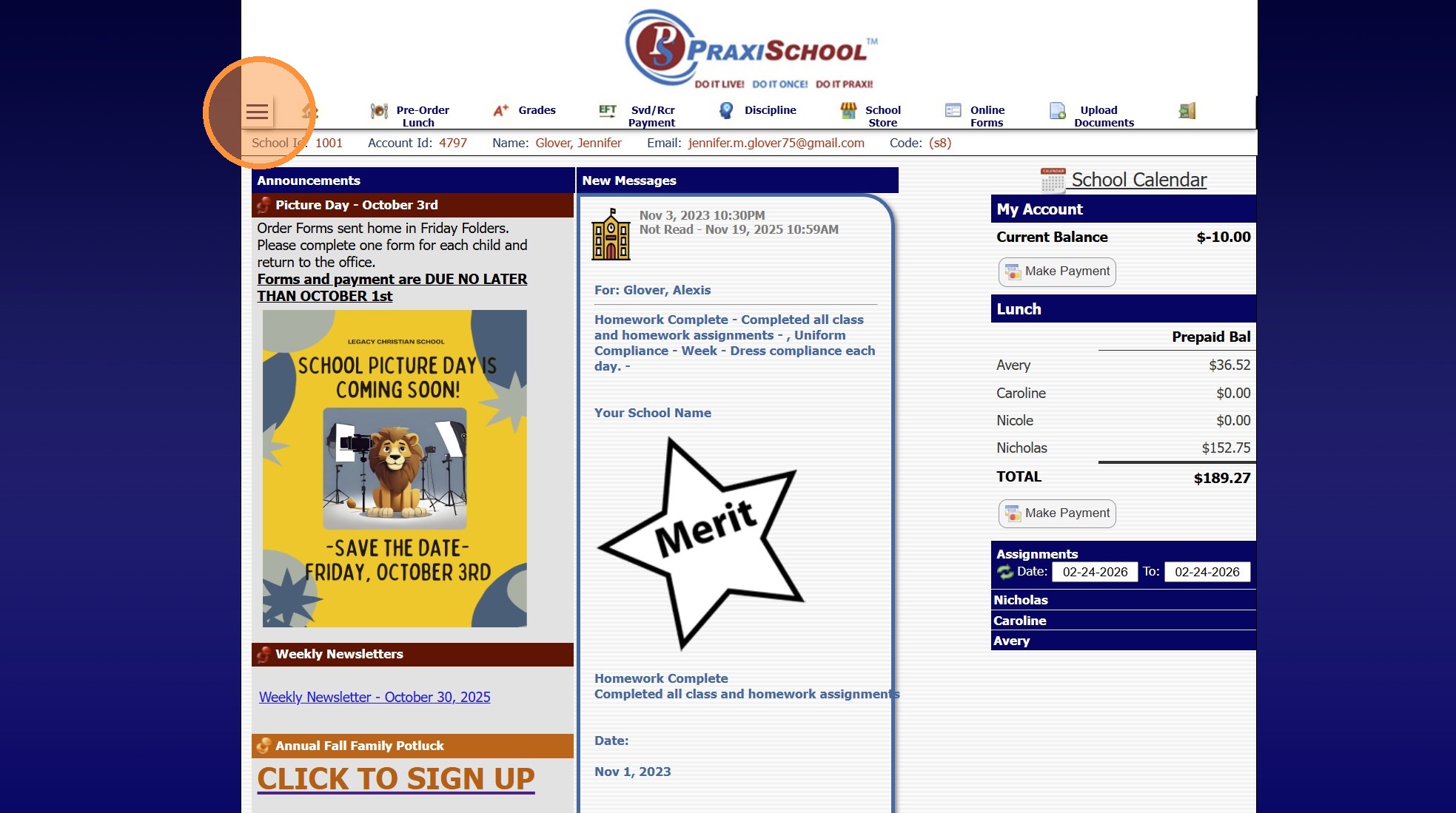
3. Click Menu Expand Option
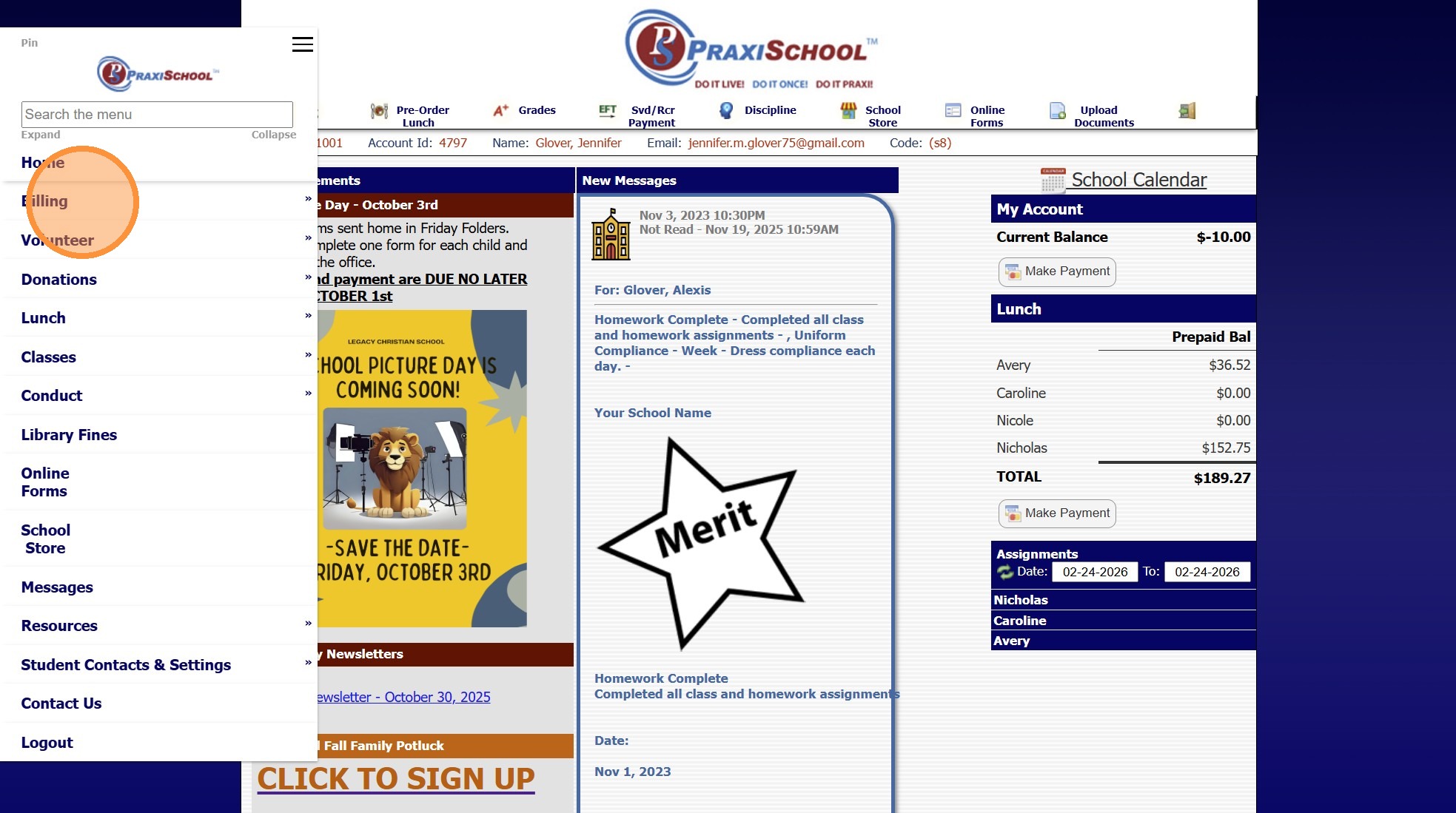
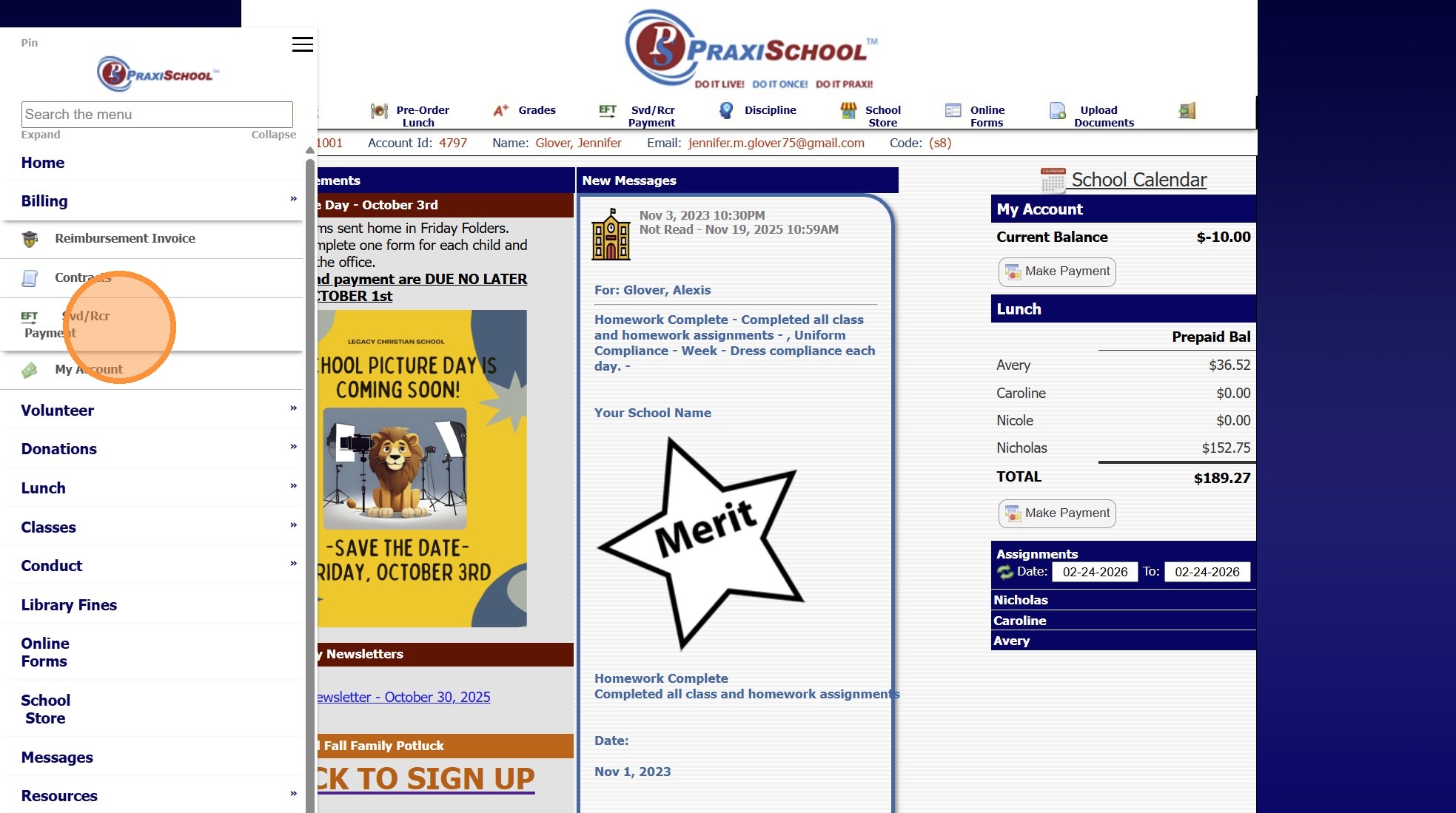
4. Click "Billing"
5. Click "Svd/Rcr Payment/Recurring Payment"
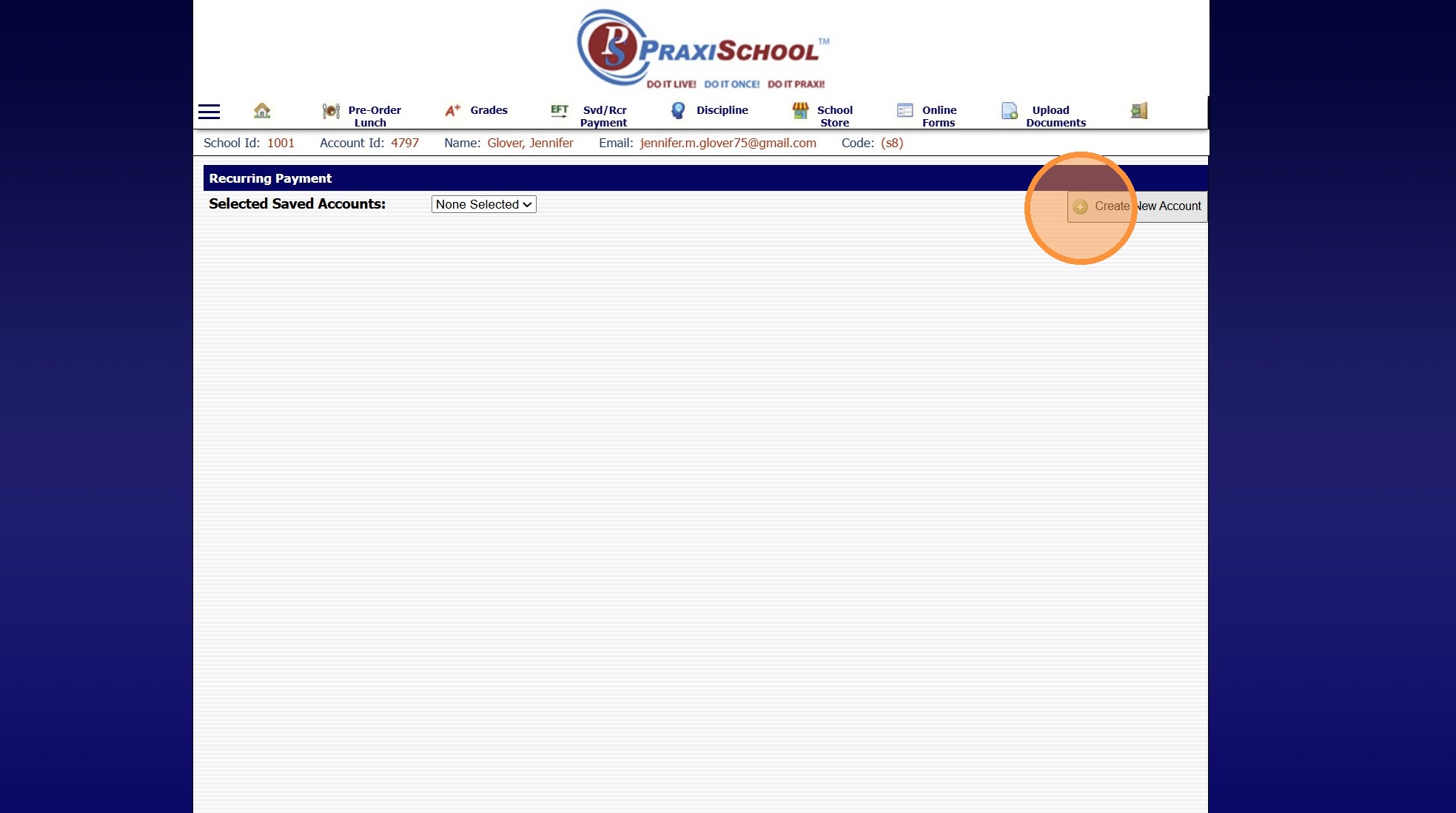
6. Click "Create New Account"
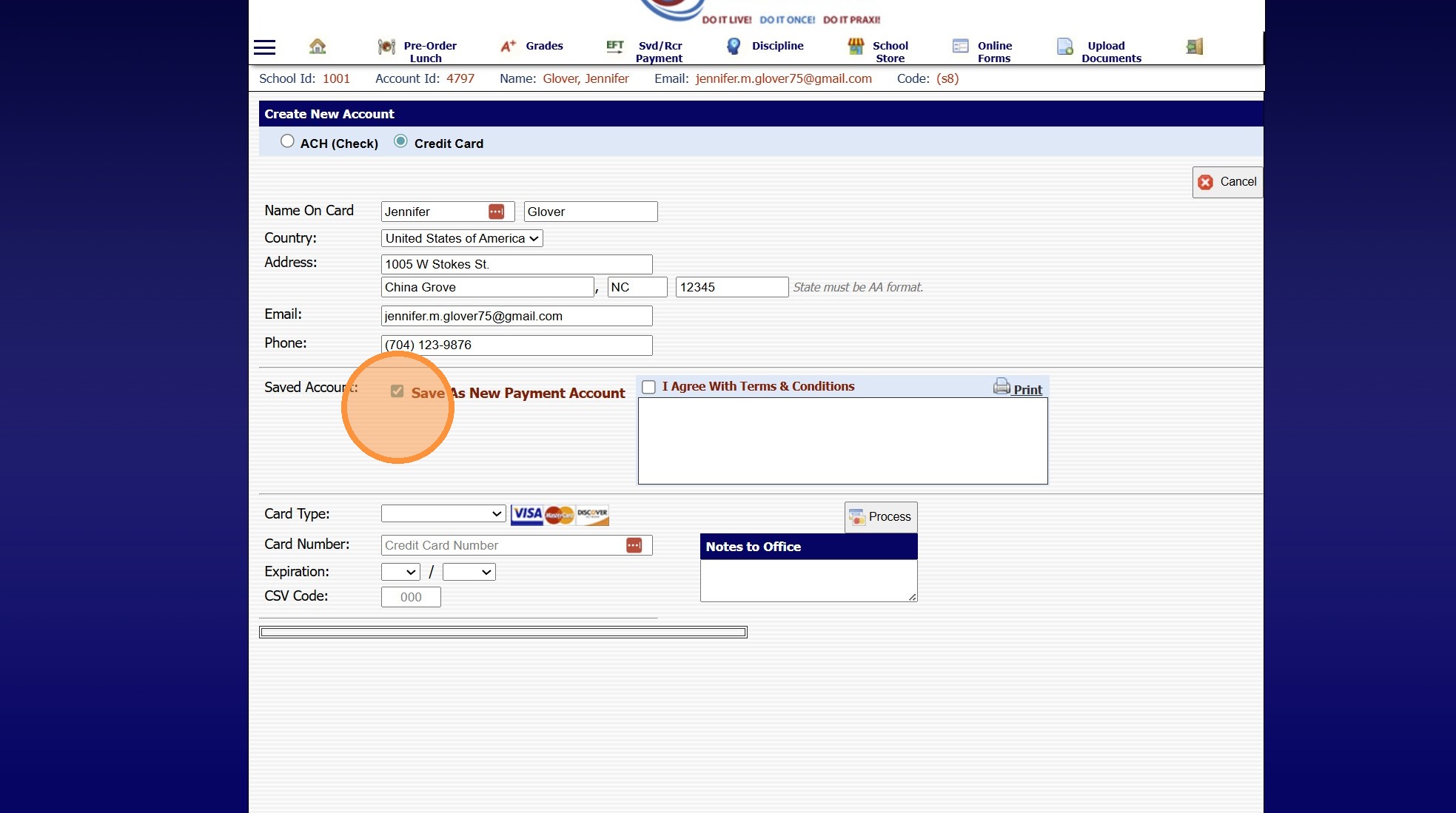
7. Check the "Save As New Payment Account" Box
8. Enter Credit Card or ACH Information
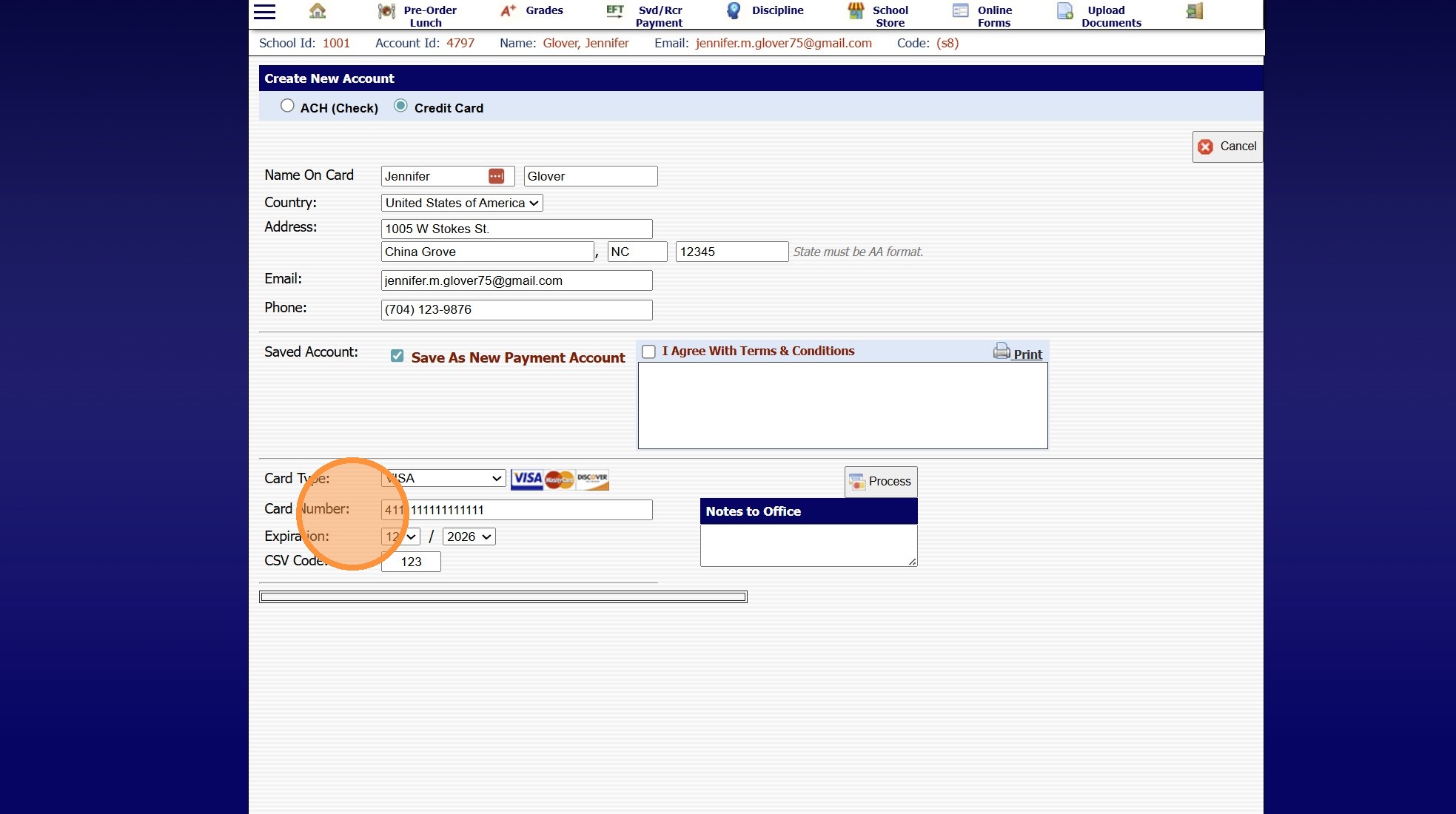
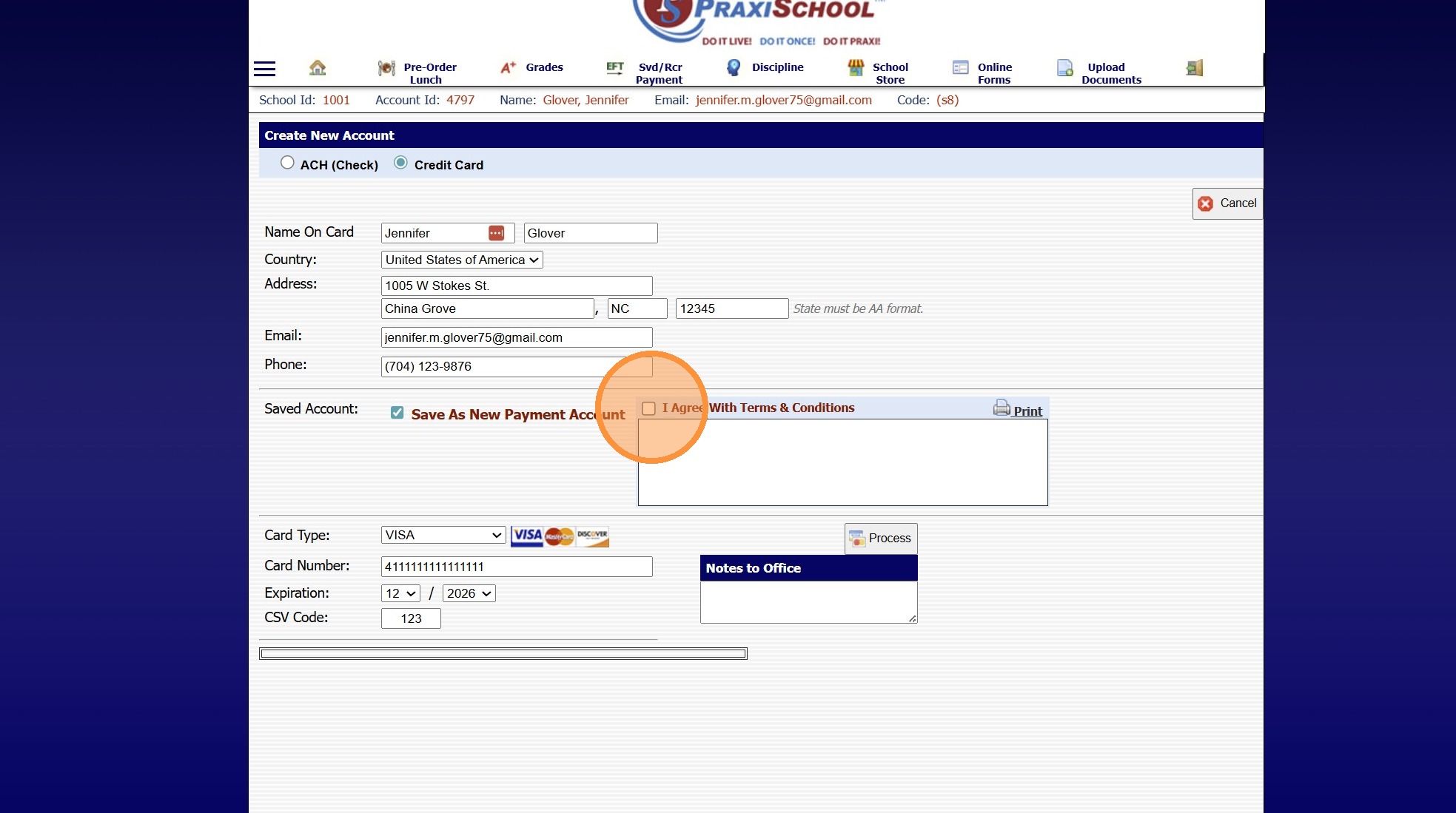
9. Click the "I Agree With Terms & Conditions" Box
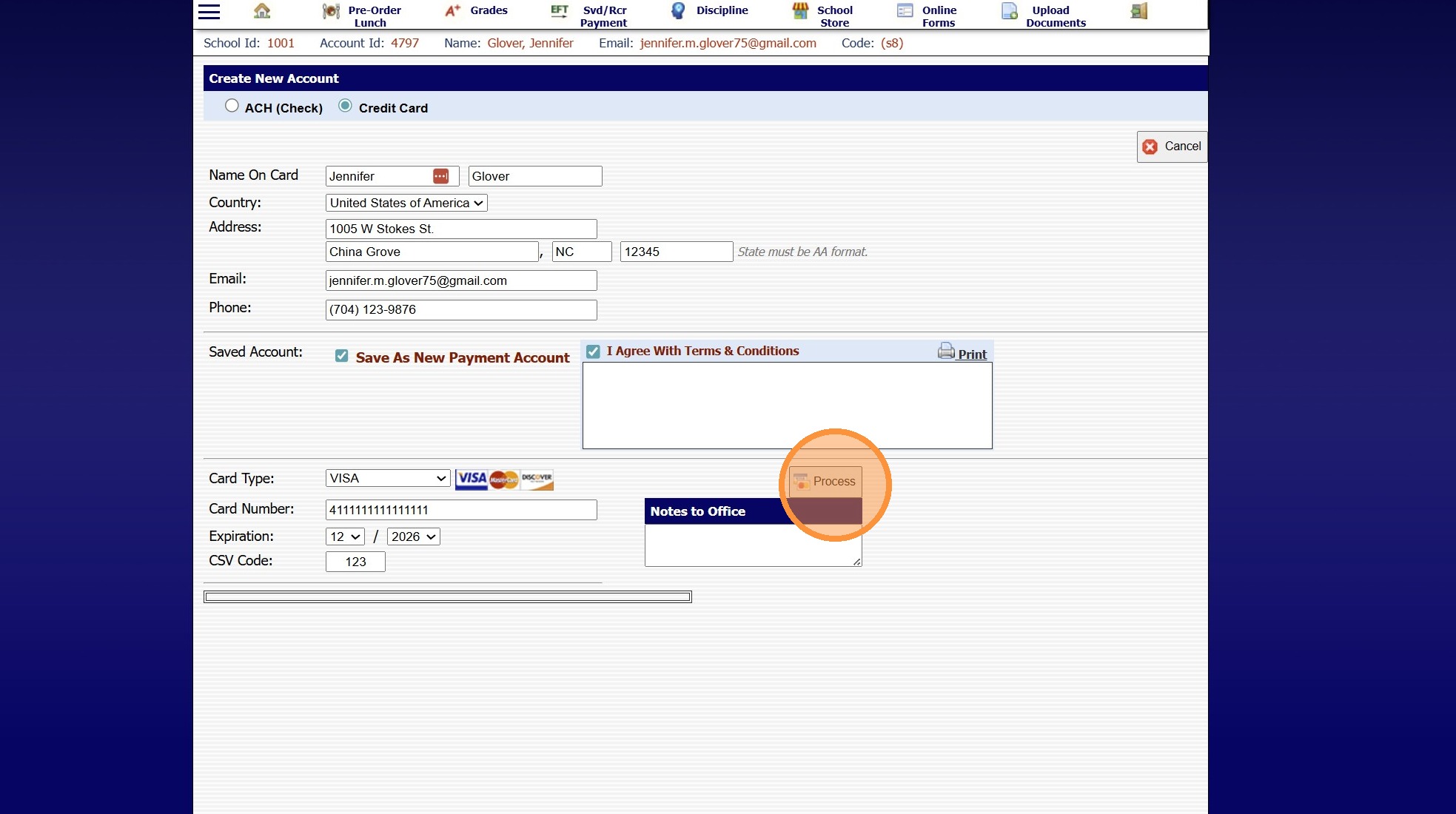
10. Click "Process"
8500.1.5
Related Articles
Setting up Recurring Payments from the Student Portal
1. Navigate to the Student Portal & Log In 2. Click on the Menu Bars 3. Click "Billing" 4. Select Recurring Payments 5. Click "Create New Account" 6. Enter Billing Address, Email & Phone for the Payment Type 7. Check the "Save As New Payment Account" ...Accessing the Parent Portal
1. Open Email & Click on Link to Set Password 2. Enter Parent ID (located in email) 3. Enter Email Address that Welcome Email was Sent To 4. Enter Temporary Password (located in email) 5. Enter Desired Password & Confirm Password 6. Click "Submit" to ...Accessing Enrollment Forms from the Parent Portal
1. Log into the Parent Portal (Enter School ID, Parent ID & Password) 2. Select "Online Forms" from the Toolbar 3. If Online Forms is not on the Toolbar, Click to Expand the Menu 4. Select "Online Forms" 5. Select the Student 6. Select the Form 7. ...Online Form Types and Portal Options
Online Form Types and Portal Options Online Form Types 1. Parent - A/R Portal (Forms for Existing Families, available on Parent Portal) 2. Student Portal (Forms for Existing Students, available on Student Portal) 3. From Your Website (Only new ...Update Parent Portal and Mobile App Access in Batch
Update Parent Portal and Mobile App Access in Batch 1. Log into PraxiSchool 2. Click "Accounts Receivable" 3. Click "Actions" Assigning Parent Portal Access in Batch 4. Click "Update Portal Access" 5. Click the "Active" field. 6. Click the "Portal ...