Accessing Enrollment Forms from the Parent Portal
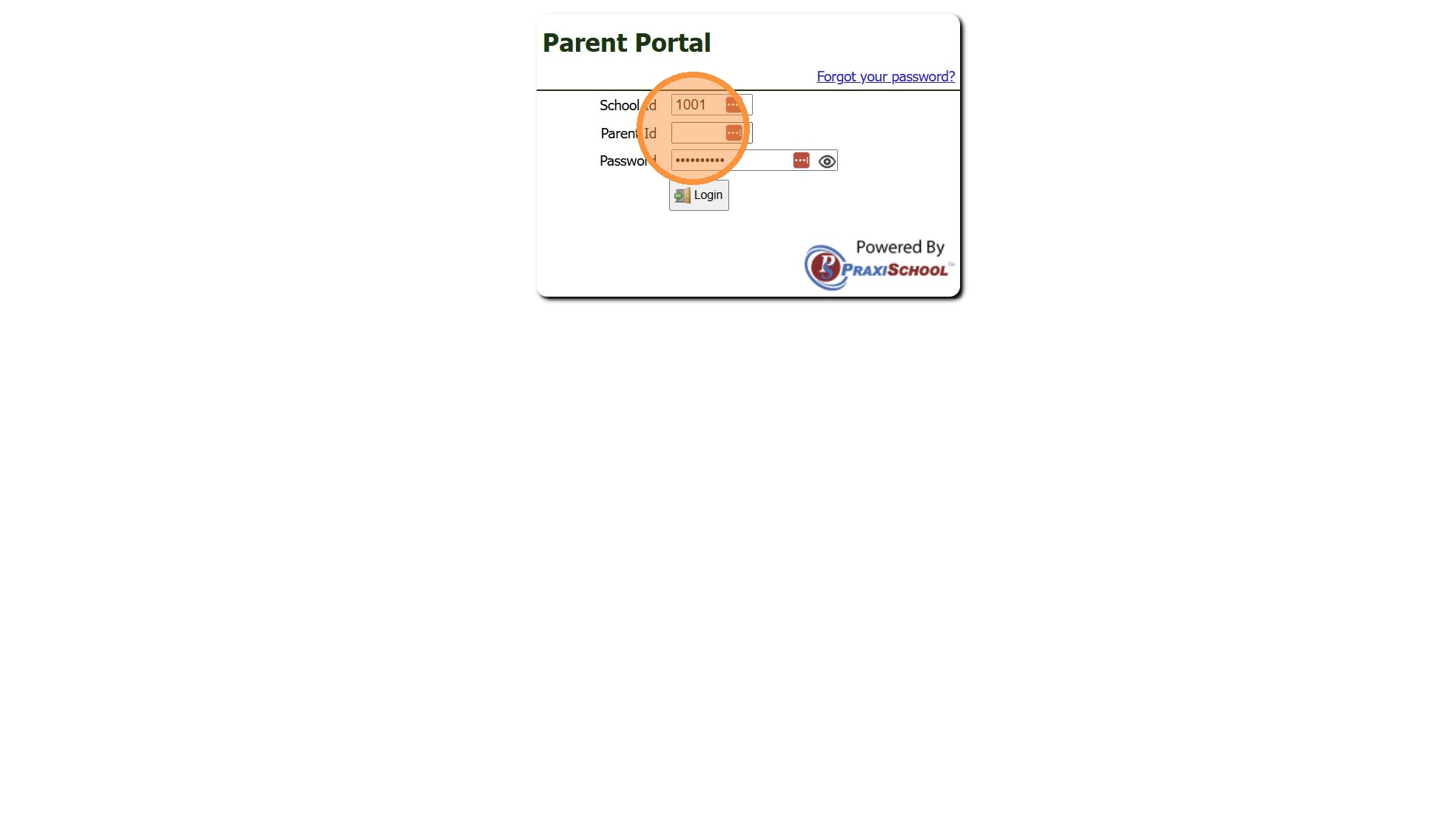
1. Log into the Parent Portal
(Enter School ID, Parent ID & Password)
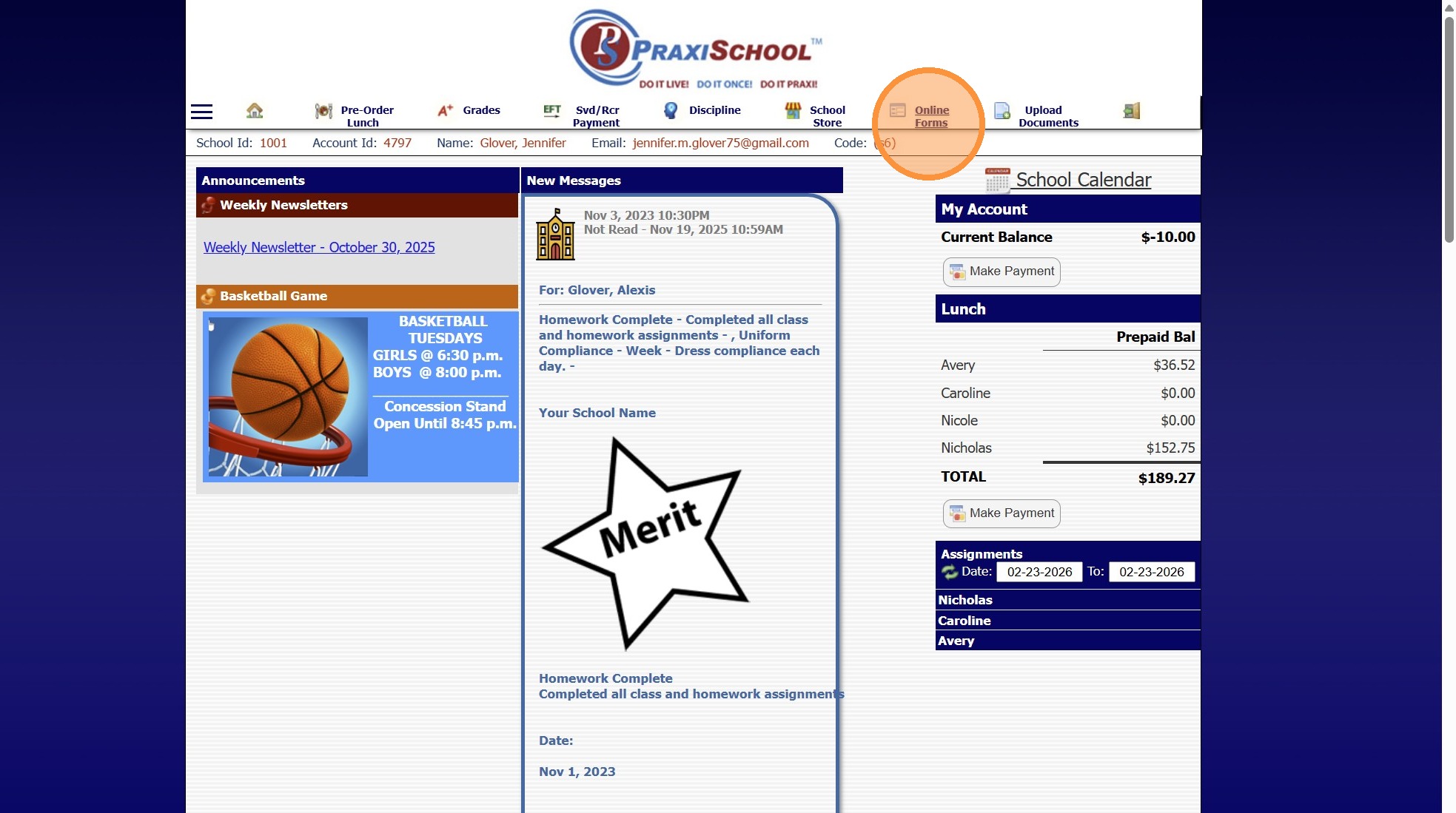
2. Select "Online Forms" from the Toolbar
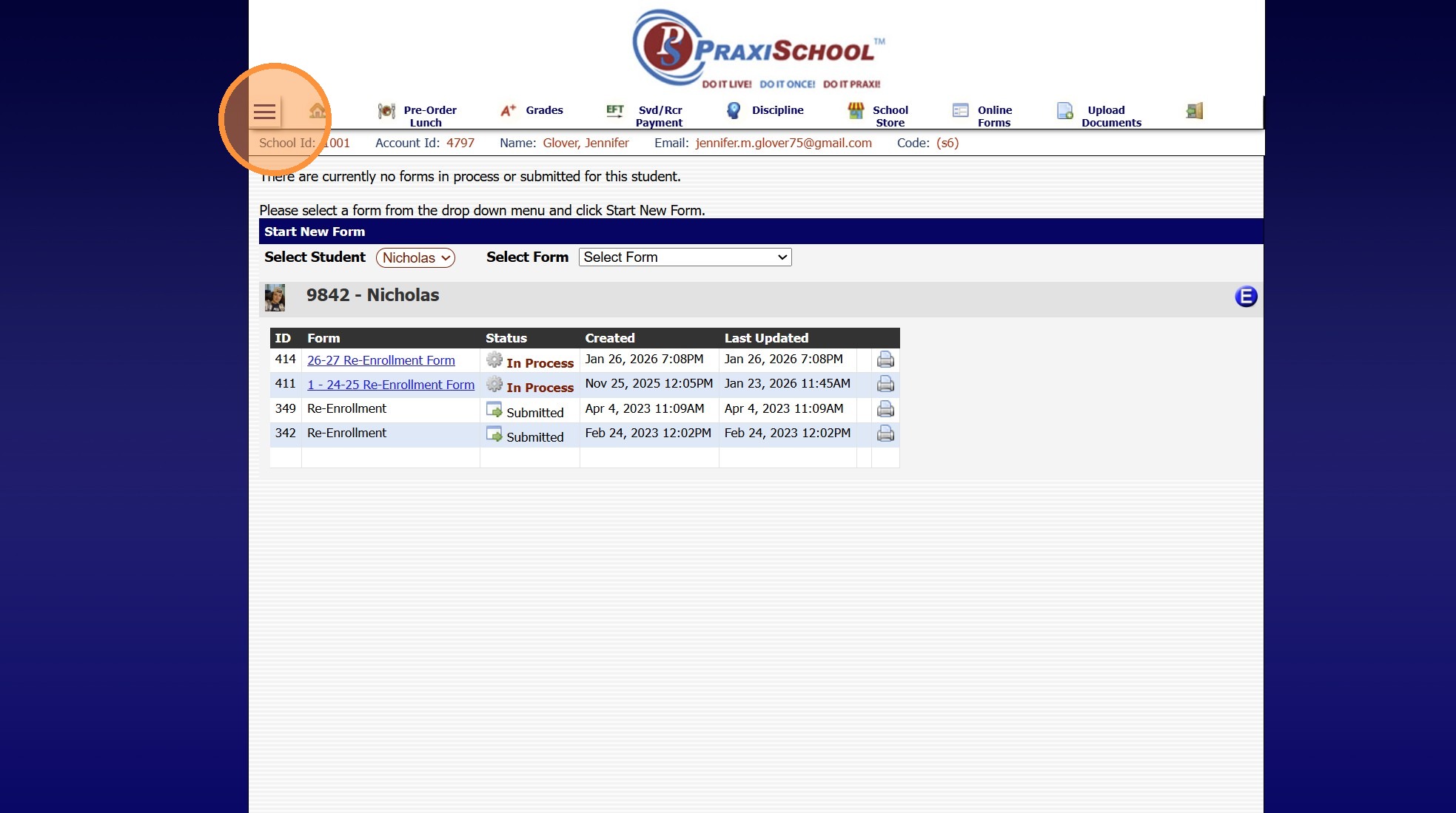
3. If Online Forms is not on the Toolbar, Click to Expand the Menu
4. Select "Online Forms"
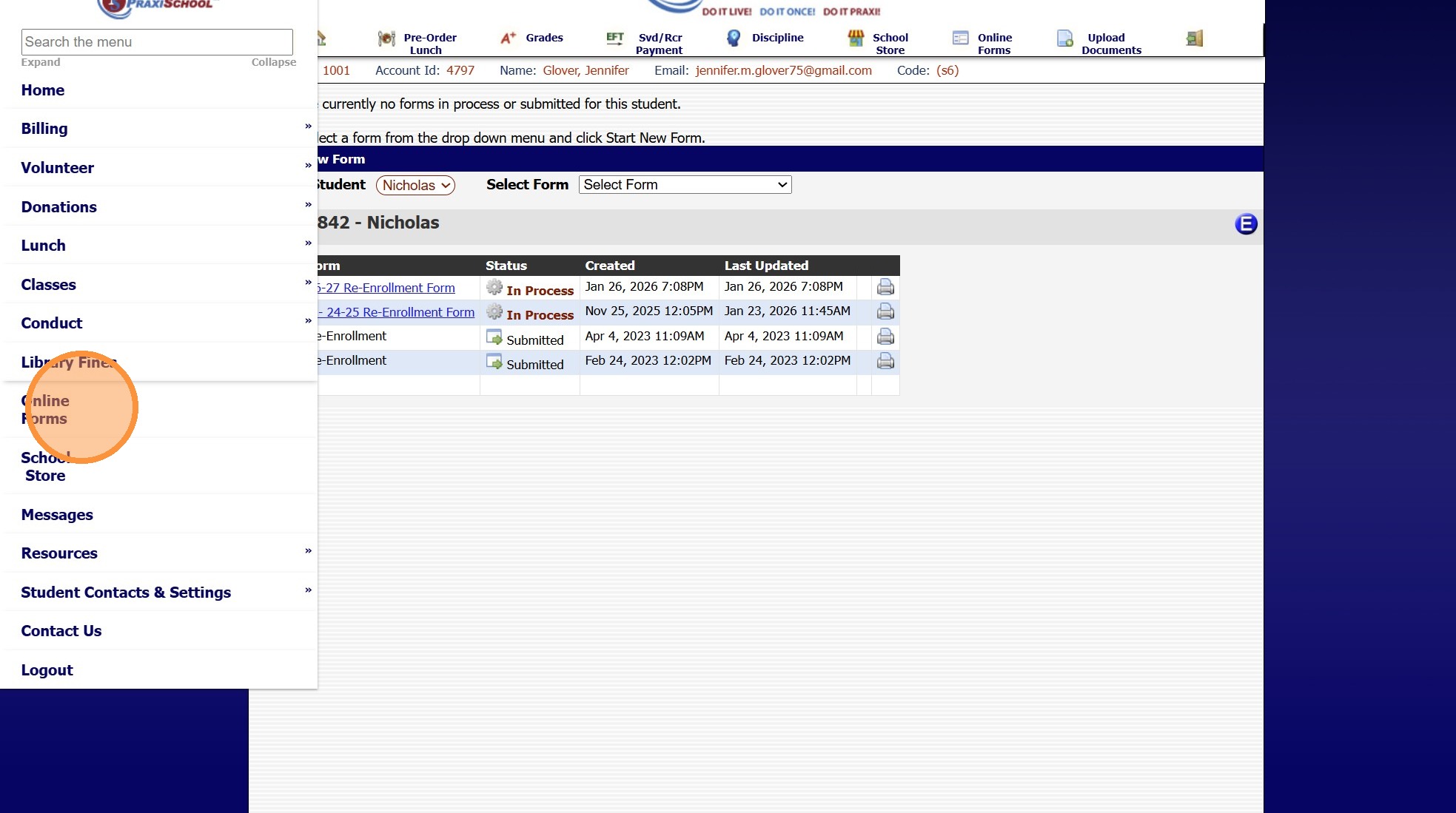
5. Select the Student
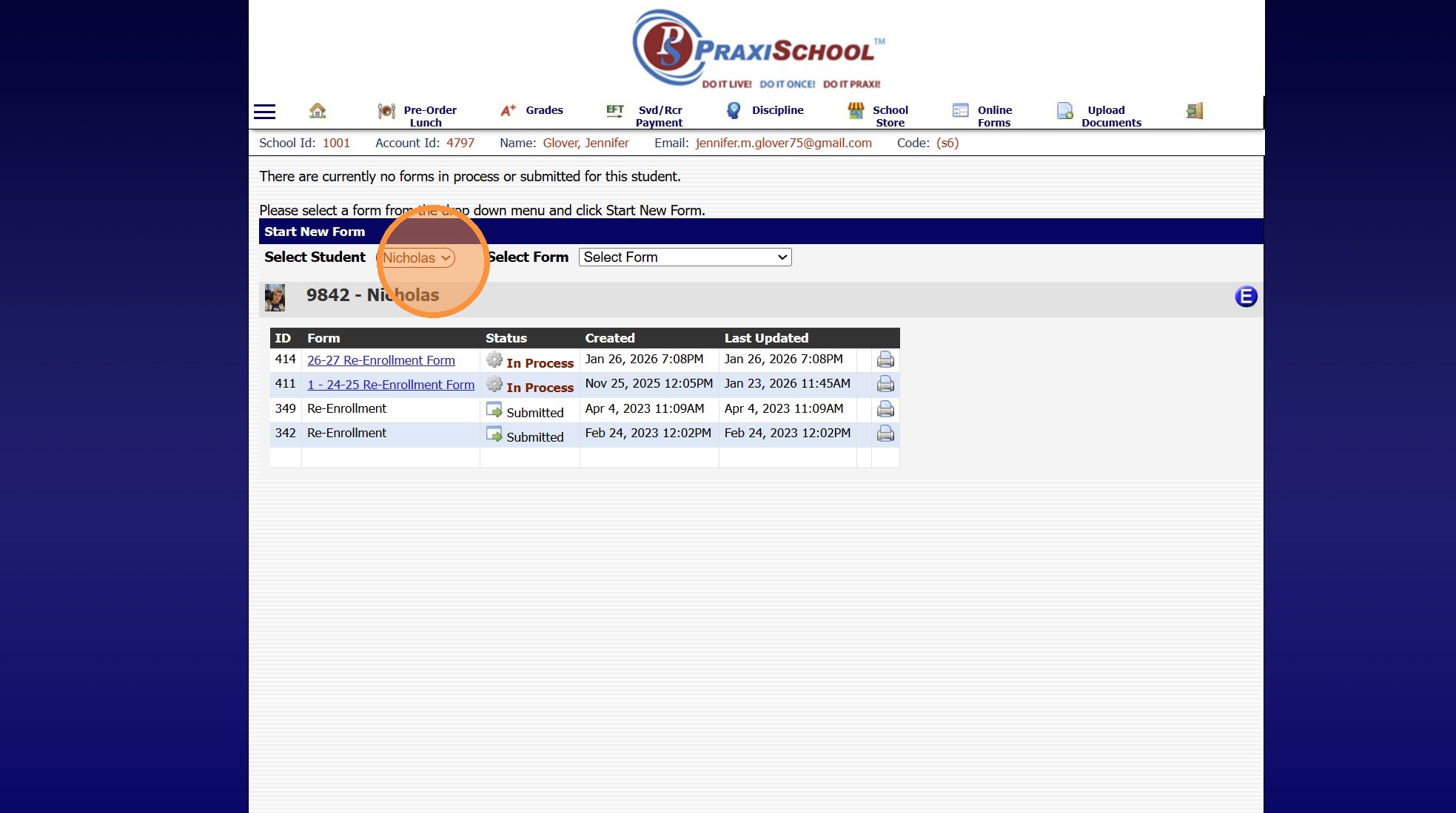
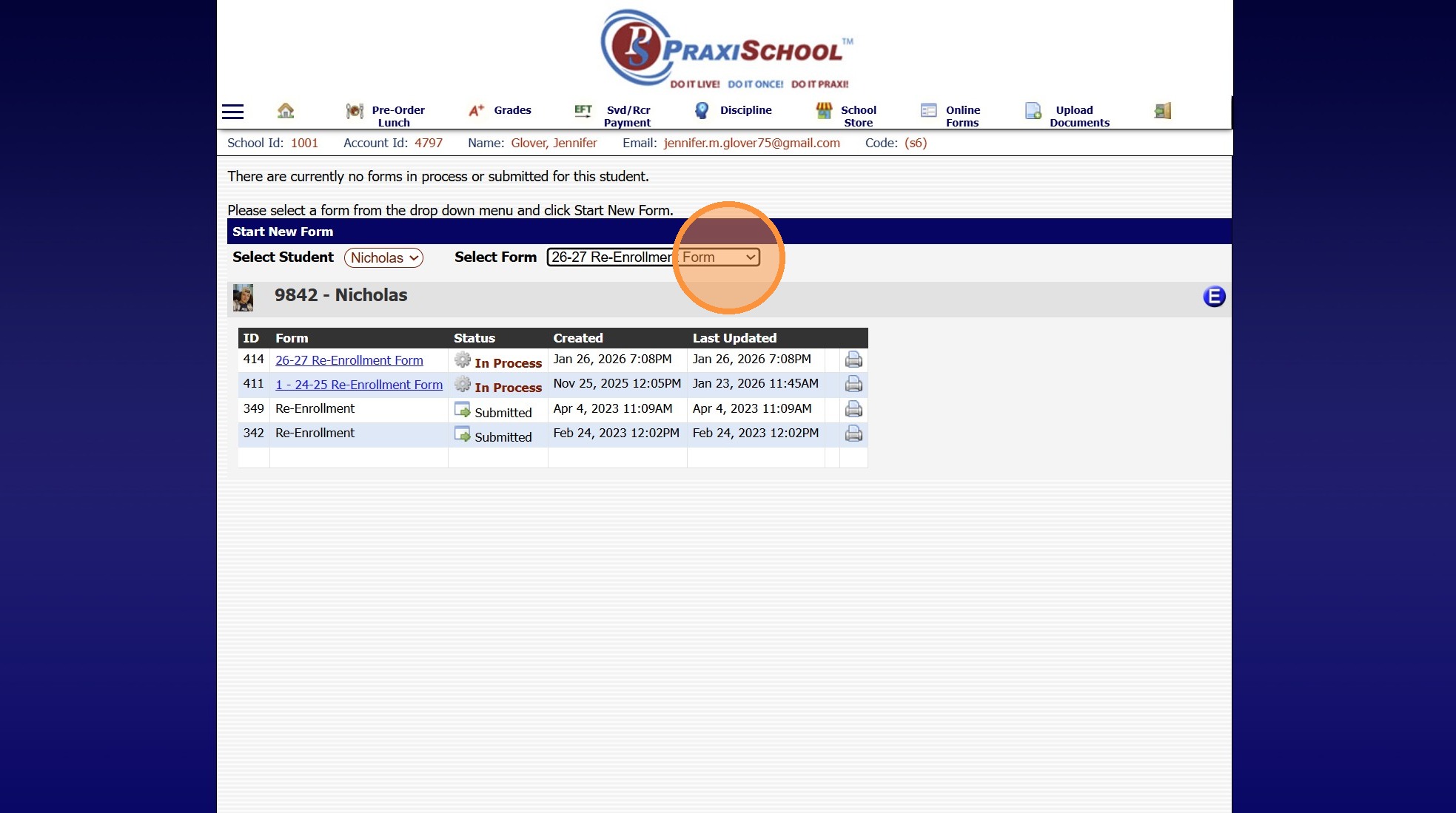
6. Select the Form
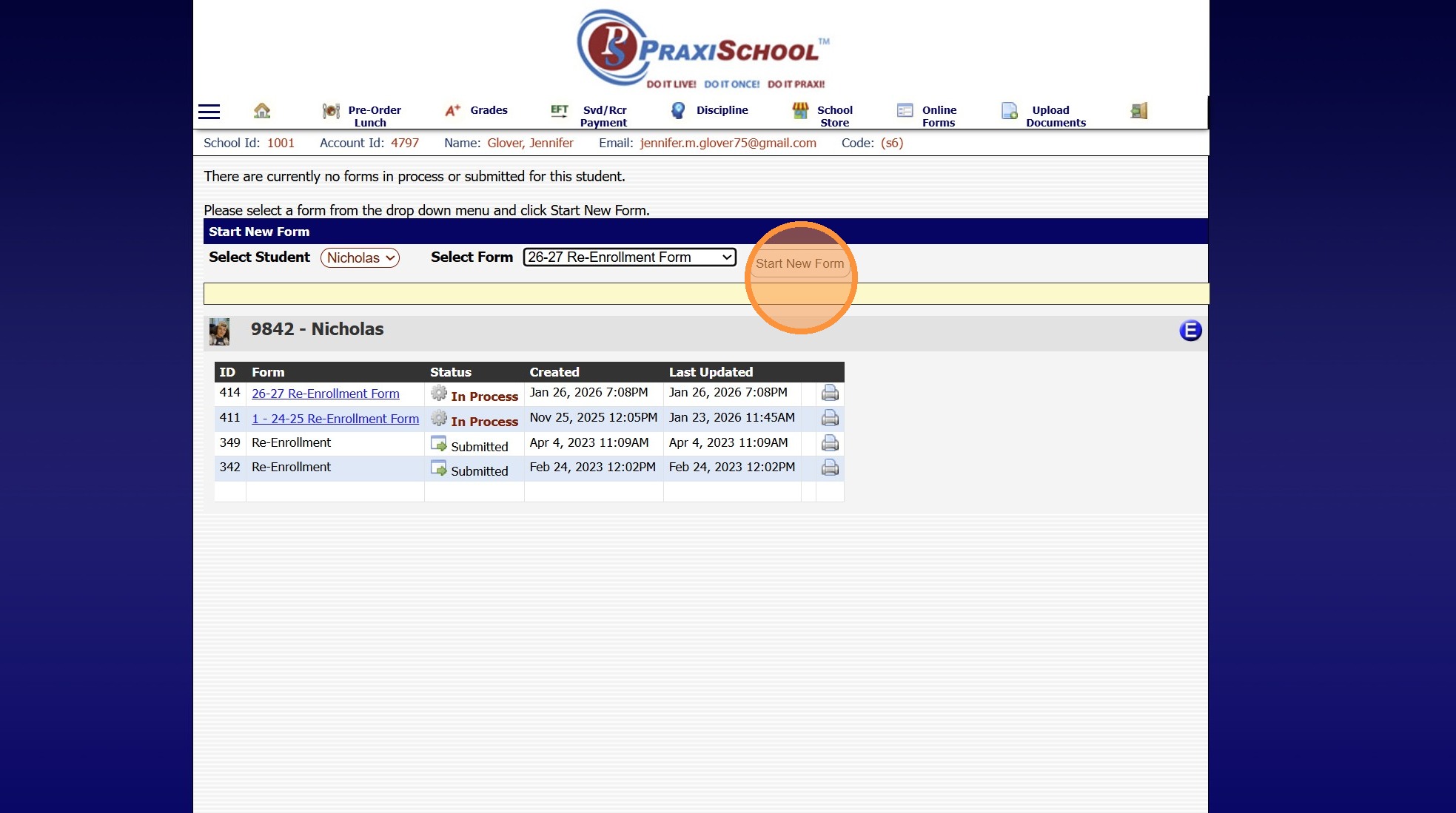
7. Click "Start New Form"
1000.6.21.3
Related Articles
Accessing the Parent Portal
1. Open Email & Click on Link to Set Password 2. Enter Parent ID (located in email) 3. Enter Email Address that Welcome Email was Sent To 4. Enter Temporary Password (located in email) 5. Enter Desired Password & Confirm Password 6. Click "Submit" to ...Accessing School Specific Portal Pages
Accessing School Specific Portal Pages 1. Click "Settings" 2. Click "School Settings" 3. Click "Portal" 4. School Specific Student Portal Link 5. School Specific Parent Portal Link 6. School Specific Applicant Portal Link 6500.2.88Approving Portal Submissions - Viewing Data
1. Click "Admin" 2. Click "Web Applications" 3. Click "Portal Submissions" 4. Select SUBMITTED Form (Forms Marked In Process have not been submitted and should NOT be approved" 5. Click the "Data" tab to View Submitted Form Data 6. Highlighted Fields ...Viewing Active & Inactive Online Forms
Viewing New Applicant Forms 1. Navigate to Admin > Web Applications > New Applicants 2. Select "All Applicants" from the Dropdown Menu (This will Display All New Applications) Viewing AR Portal Online Forms 3. Navigate to Admin > Web Applications > ...Creating an AR Portal Form
1. Click "Admin" 2. Click "Online Forms" 3. Click "Forms" 4. Click "Add" 5. Add Form Name, Description and Portal Form Name 6. Select the For Portal Option: "Parent - A/R Portal" 7. Click "Test" to put in Test Mode until Form is Built 8. Select ...