Creating an AR Portal Form
1. Click "Admin"
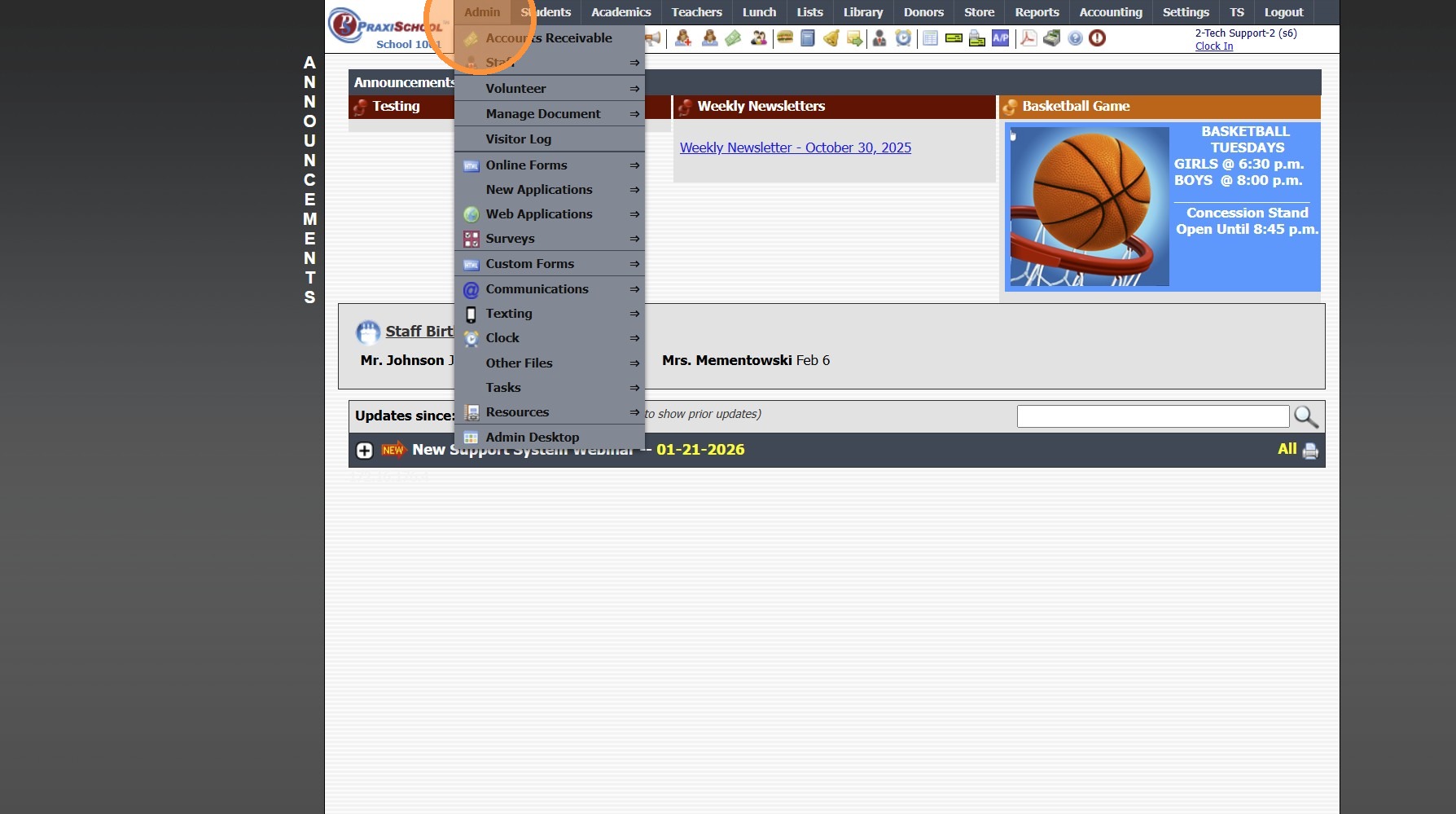
2. Click "Online Forms"
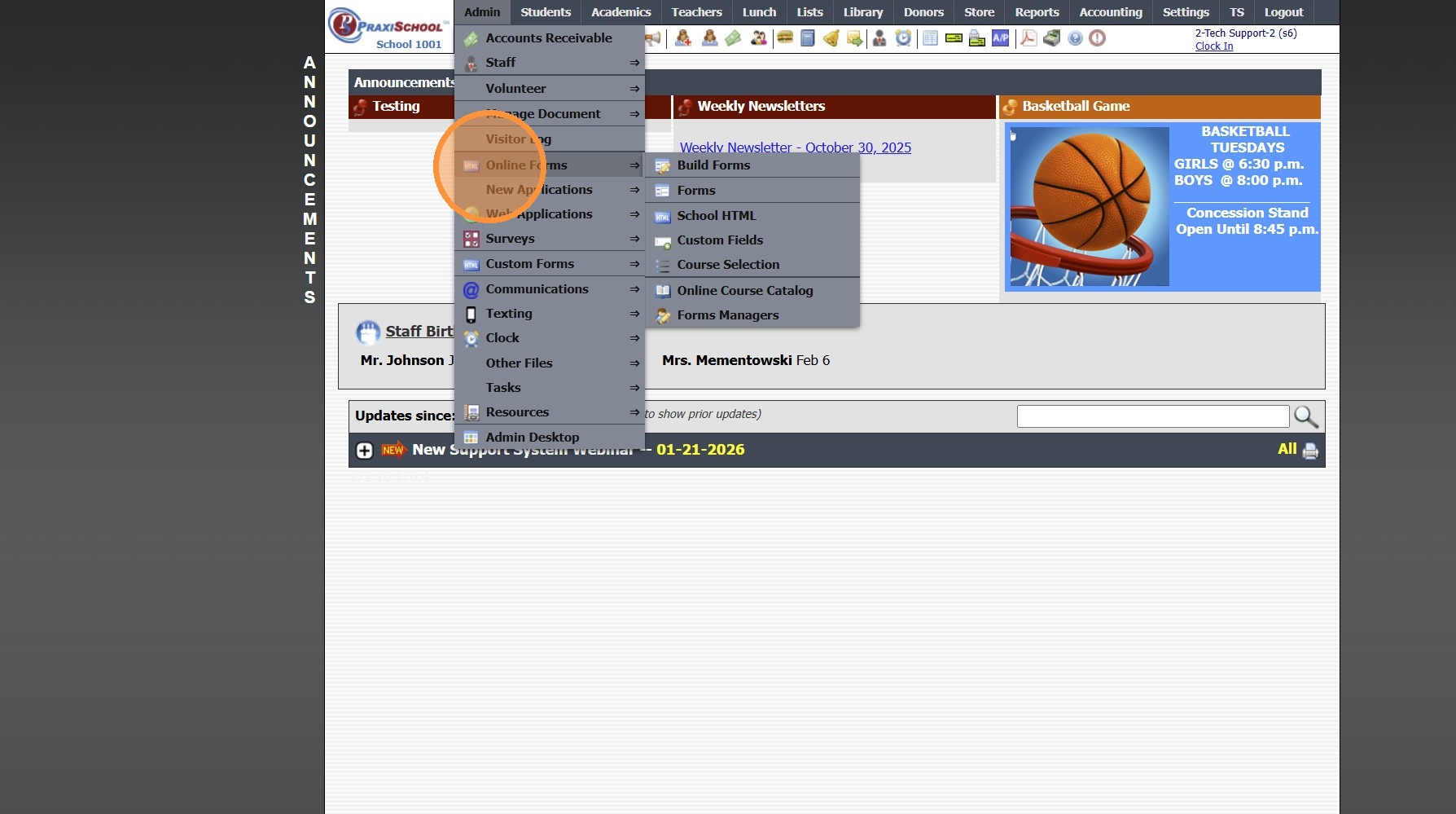
3. Click "Forms"
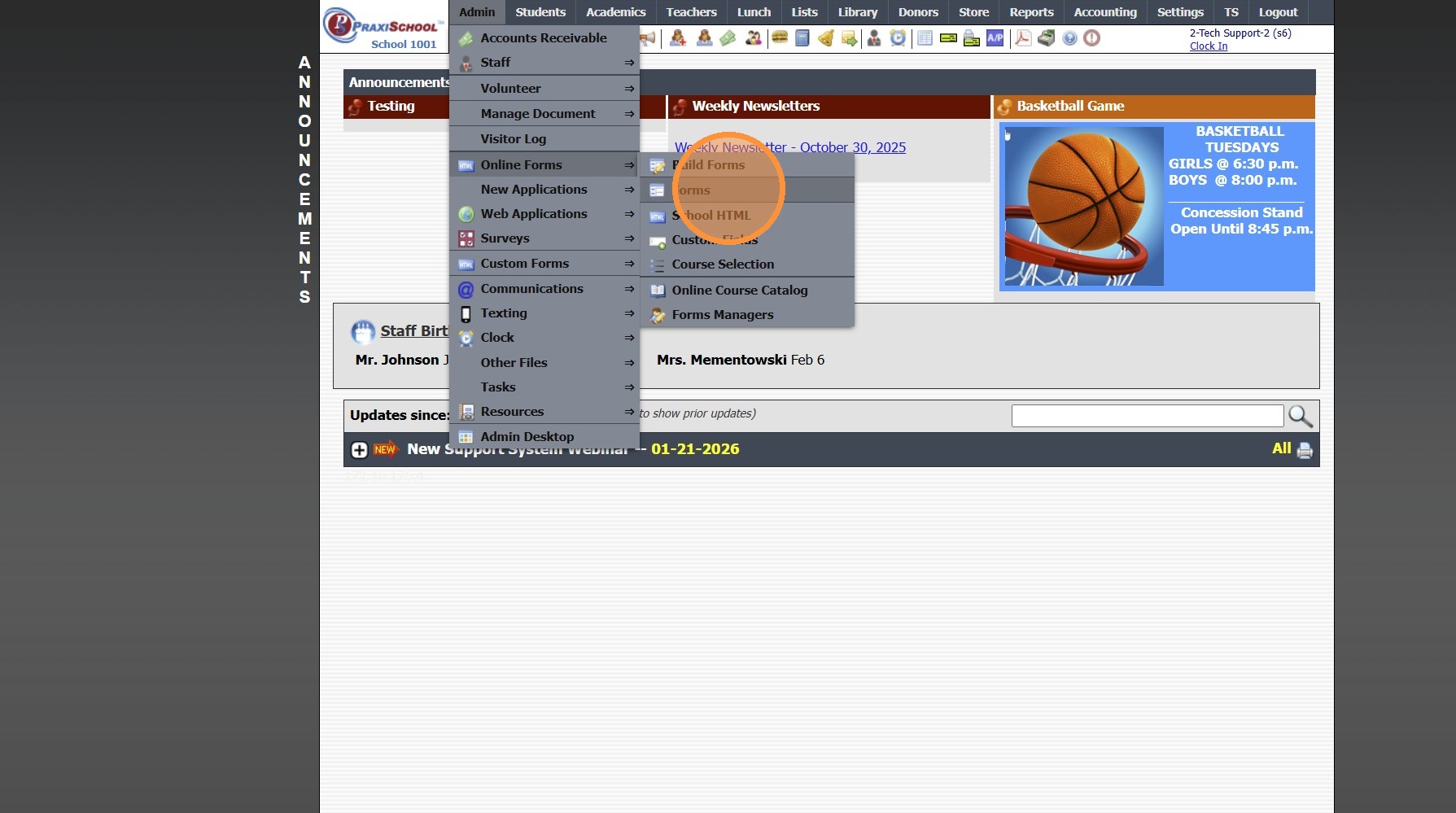
4. Click "Add"
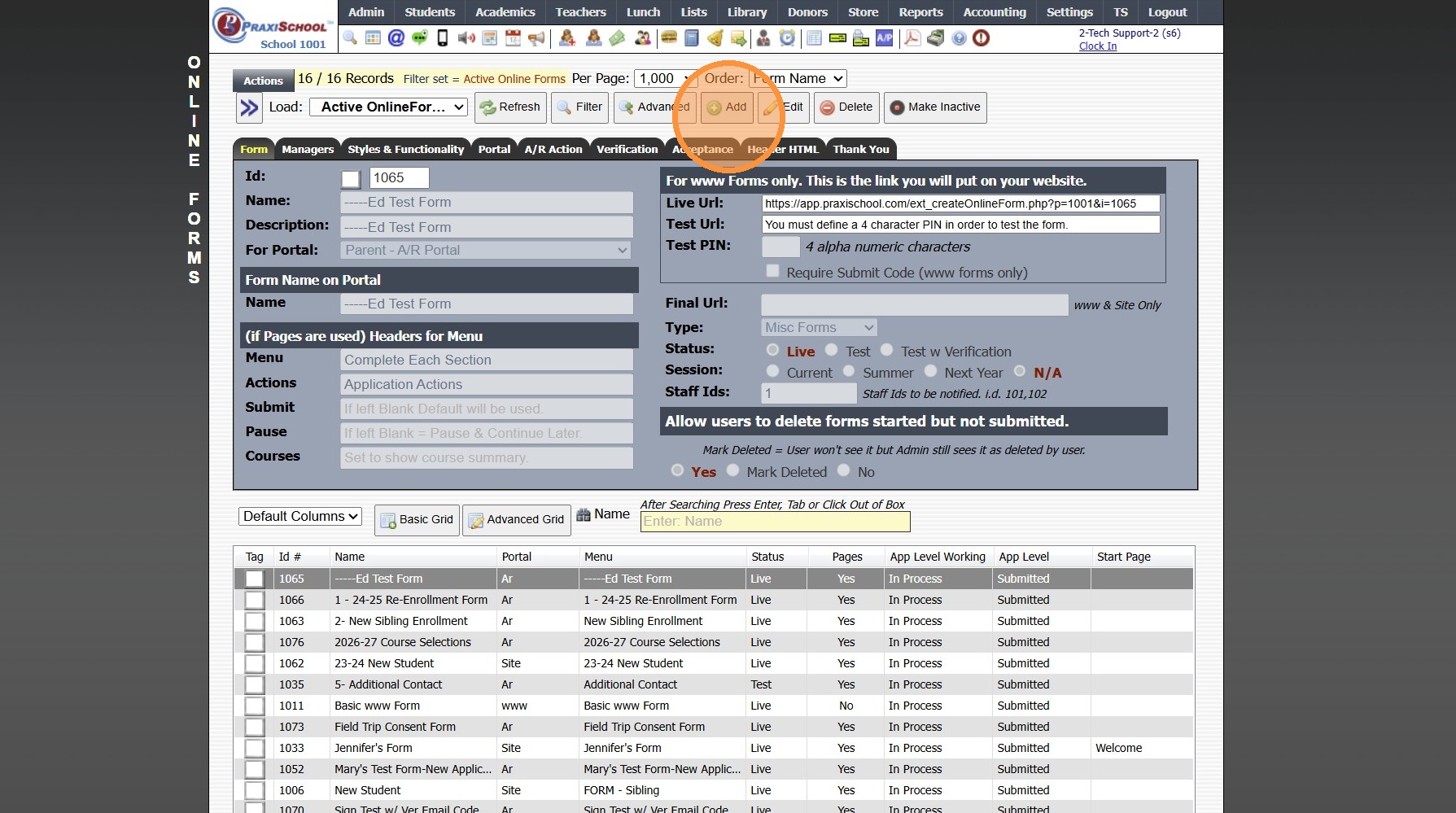
5. Add Form Name, Description and Portal Form Name
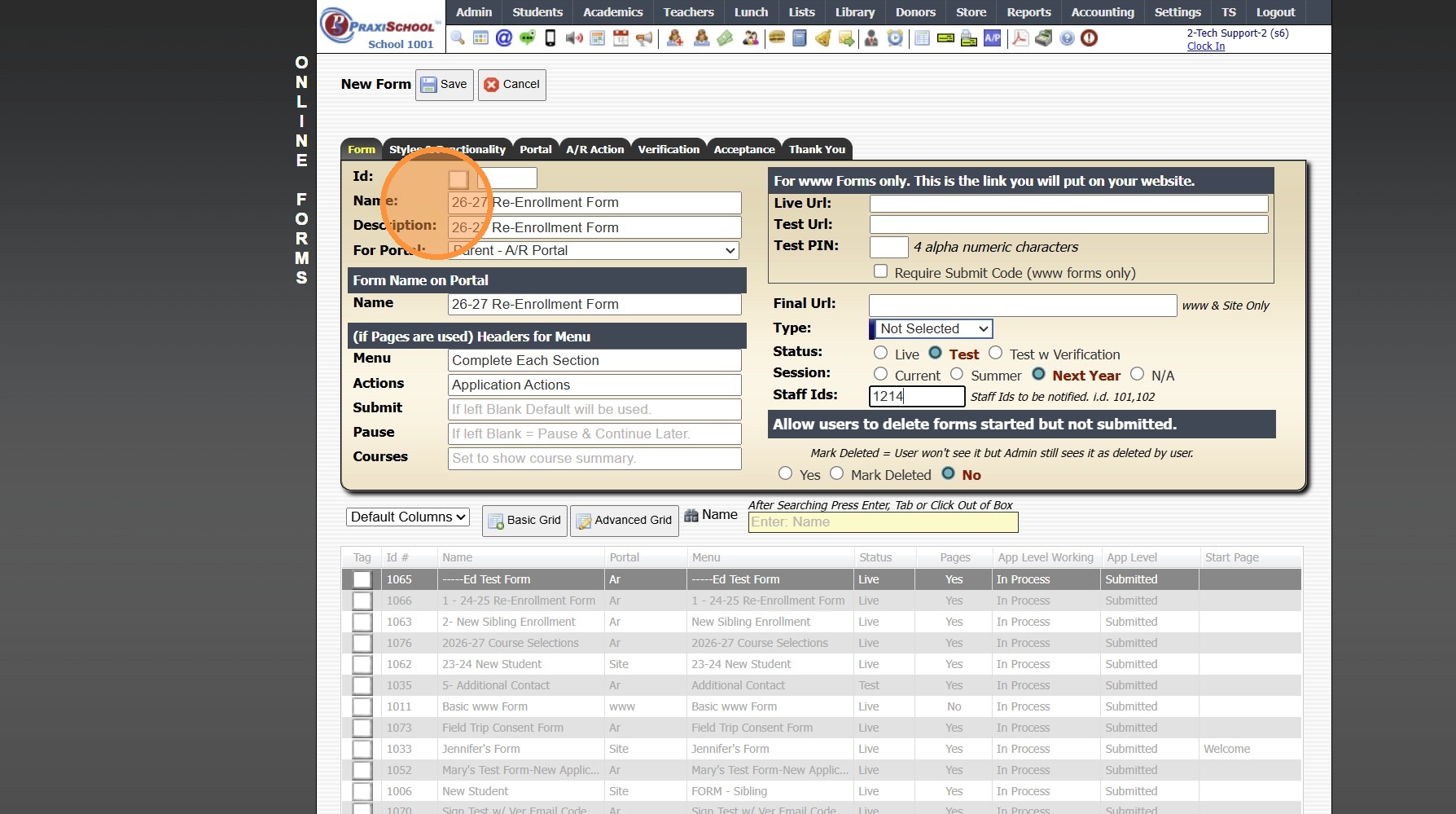
6. Select the For Portal Option: "Parent - A/R Portal"
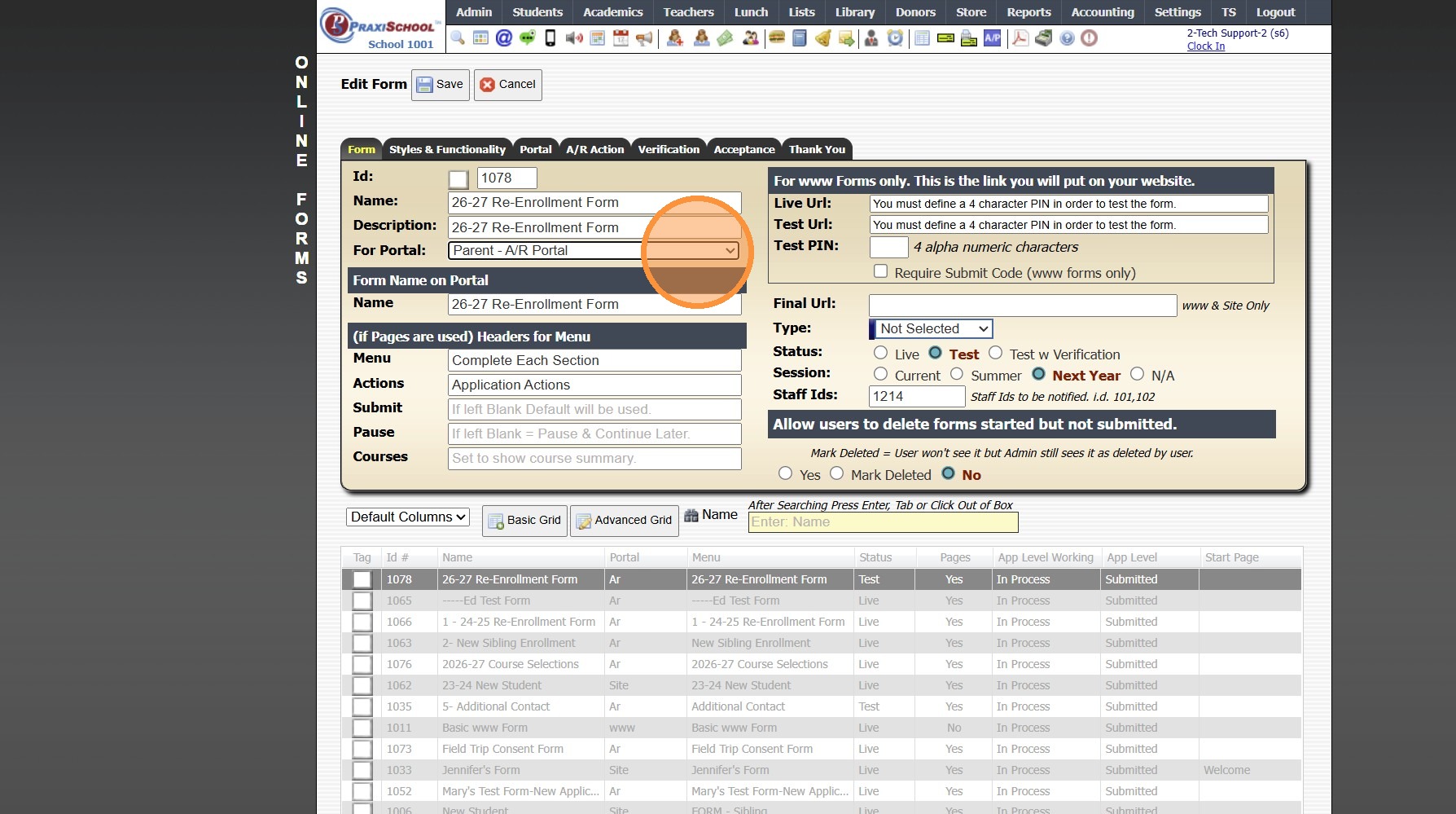
7. Click "Test" to put in Test Mode until Form is Built
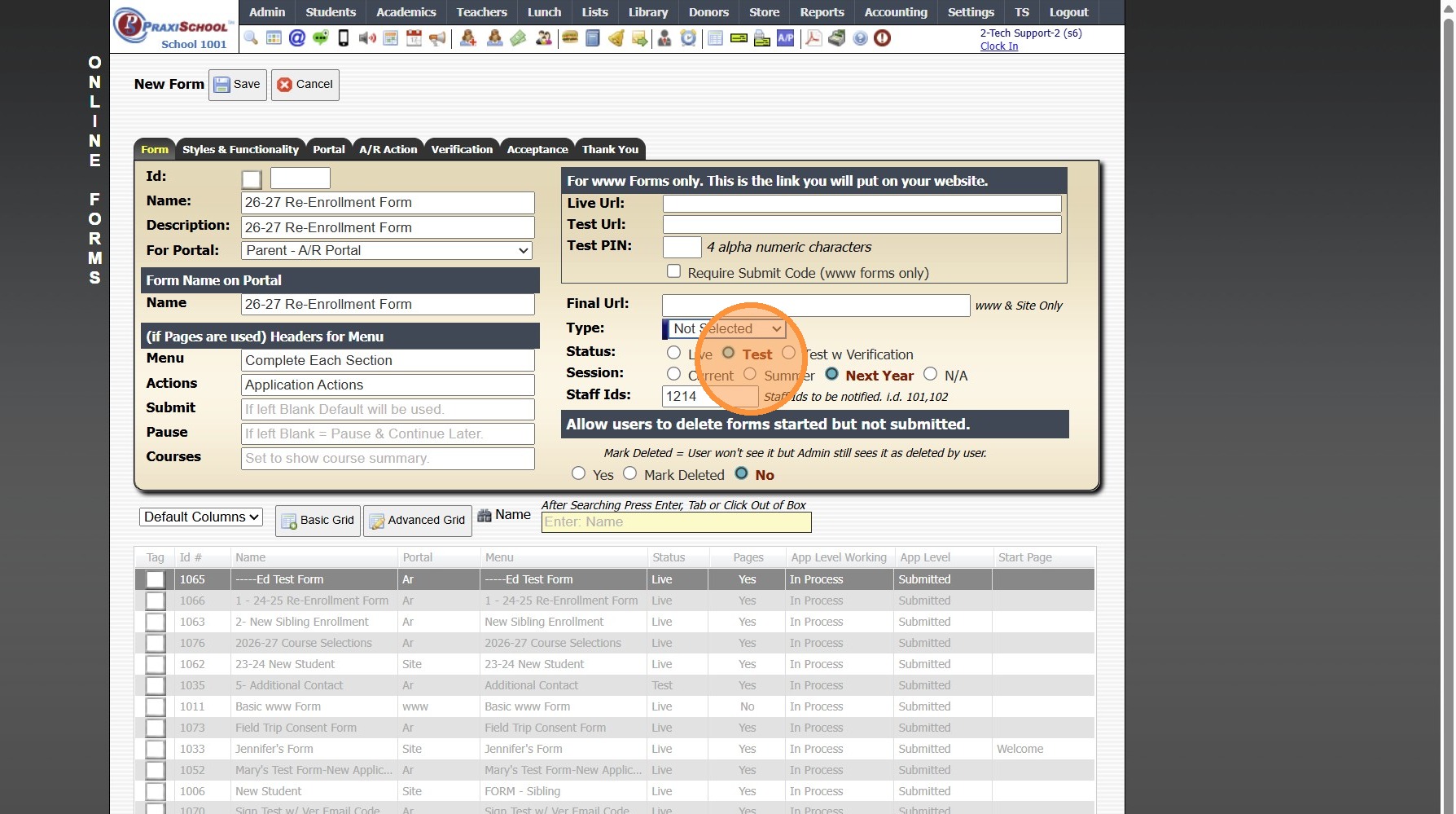
8. Select Session:
Current for Current School Year Forms
Summer for Summer Program Forms
Next Year for Next School Year Forms
N/A for Forms that are not Connected to a School Year
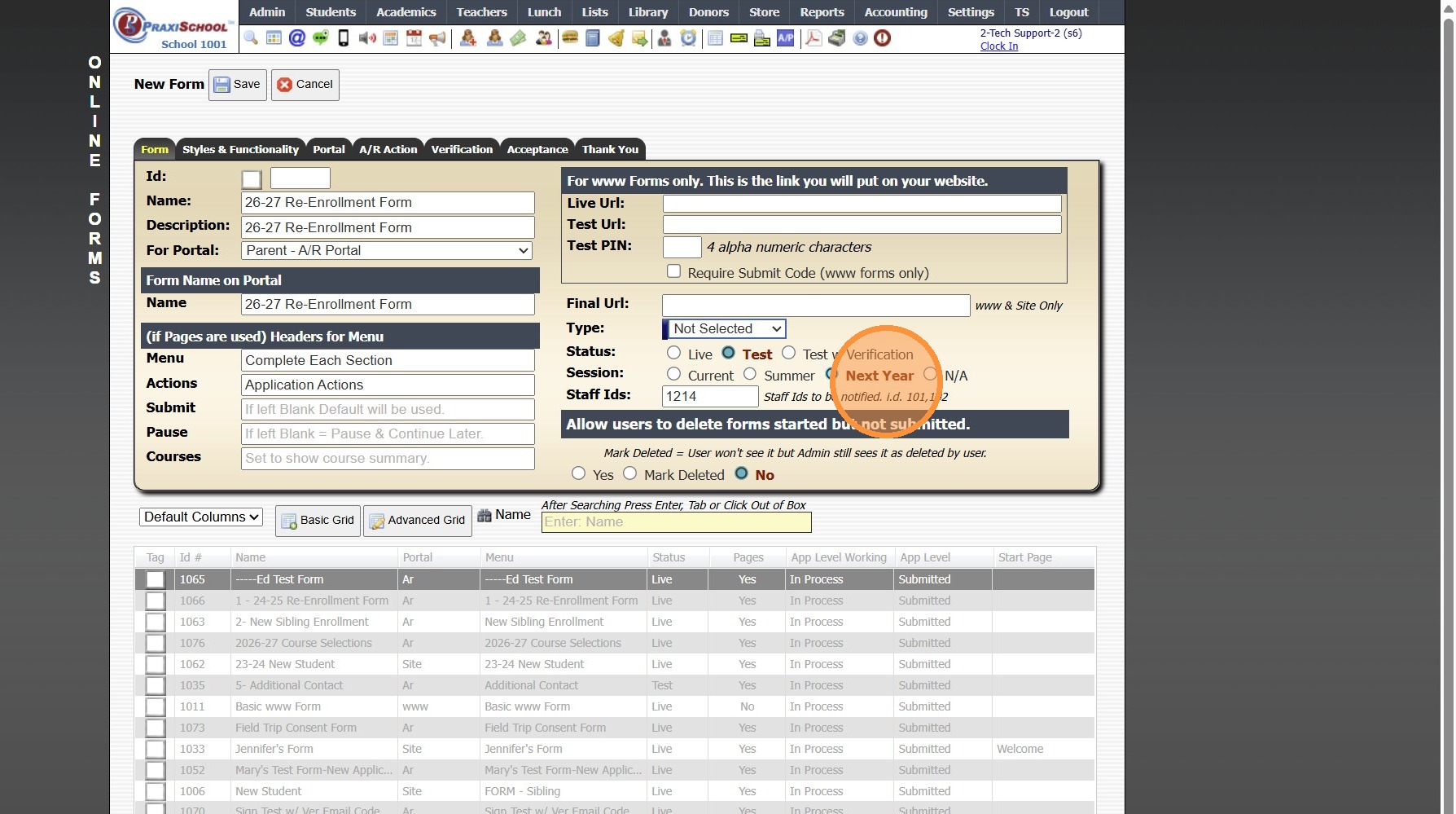
9. Enter Staff ID Number(s) that should Receive Notification of Submitted Forms
(If more than 1 Staff ID, separate by a coma with NO spaces)
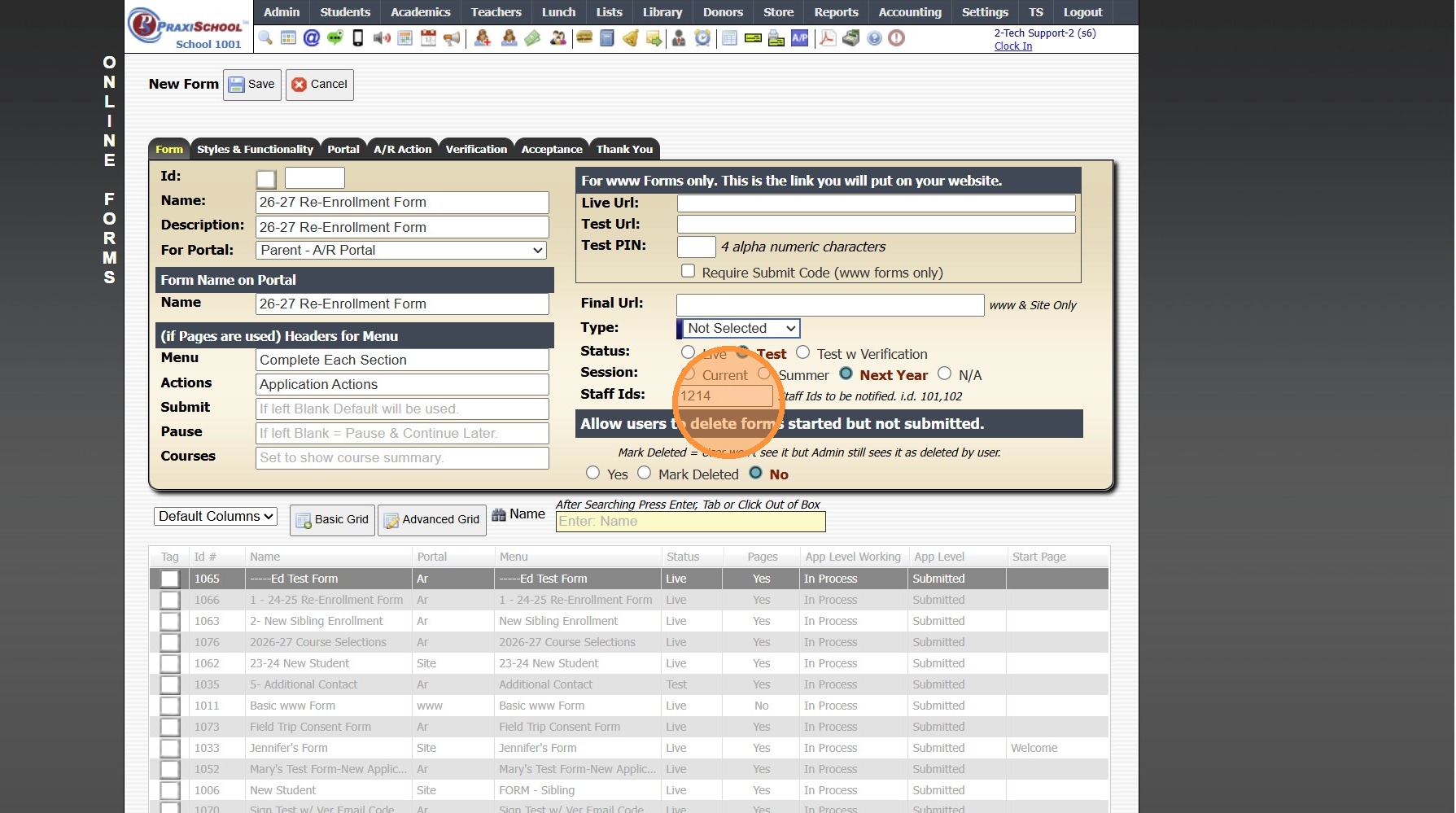
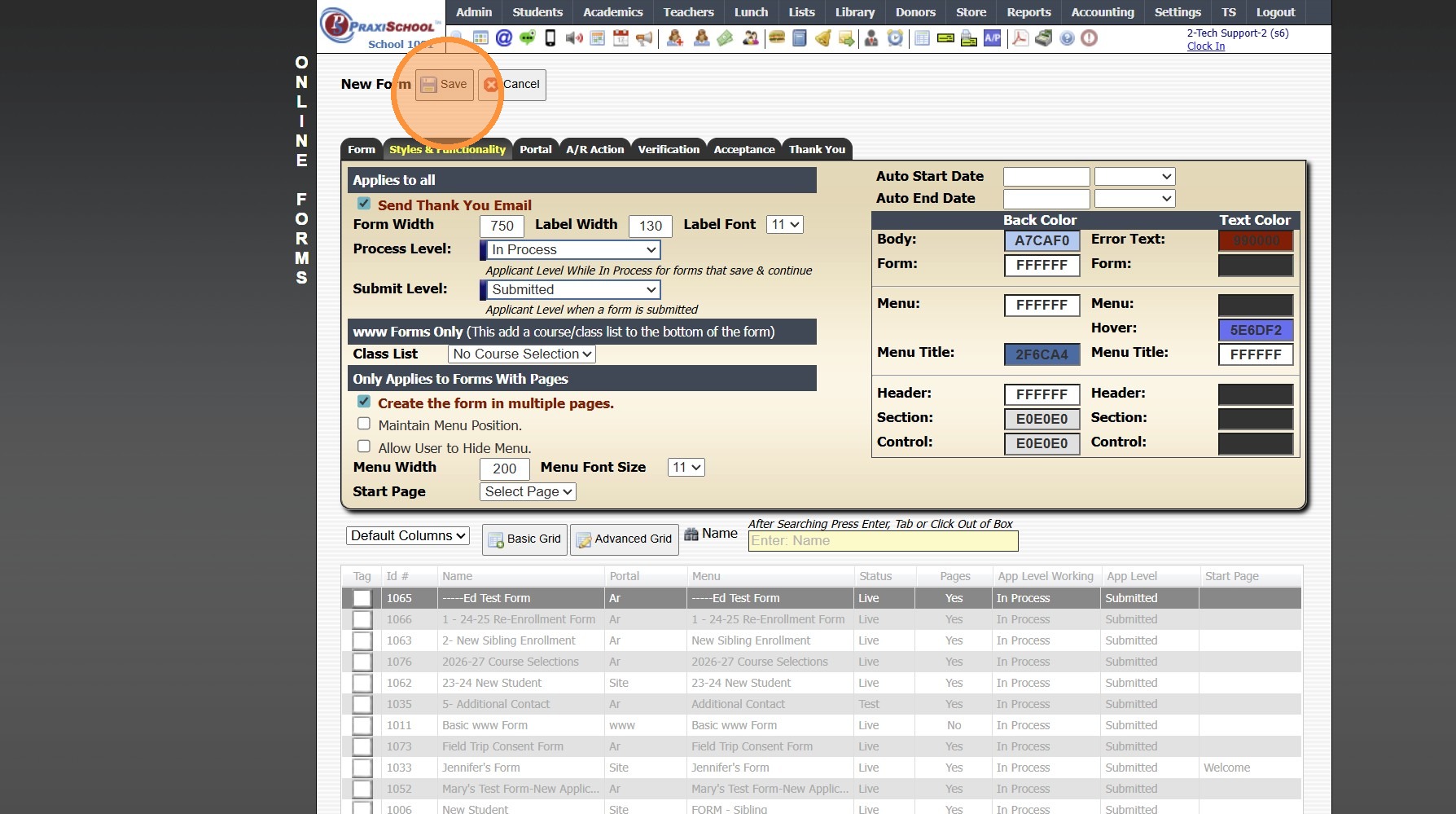
10. Click "Styles & Functionality"
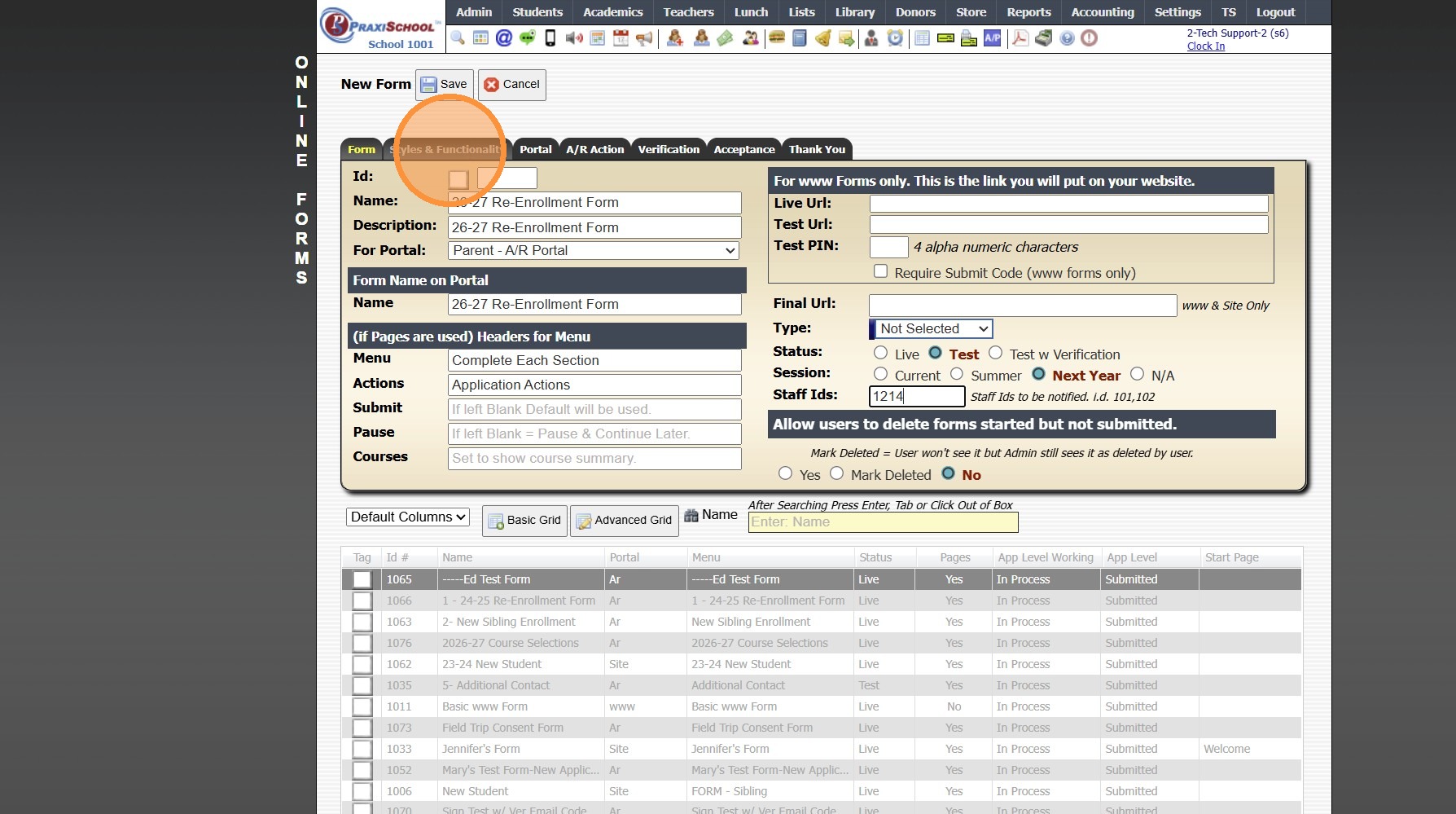
11. Select the Process Level "In Process"
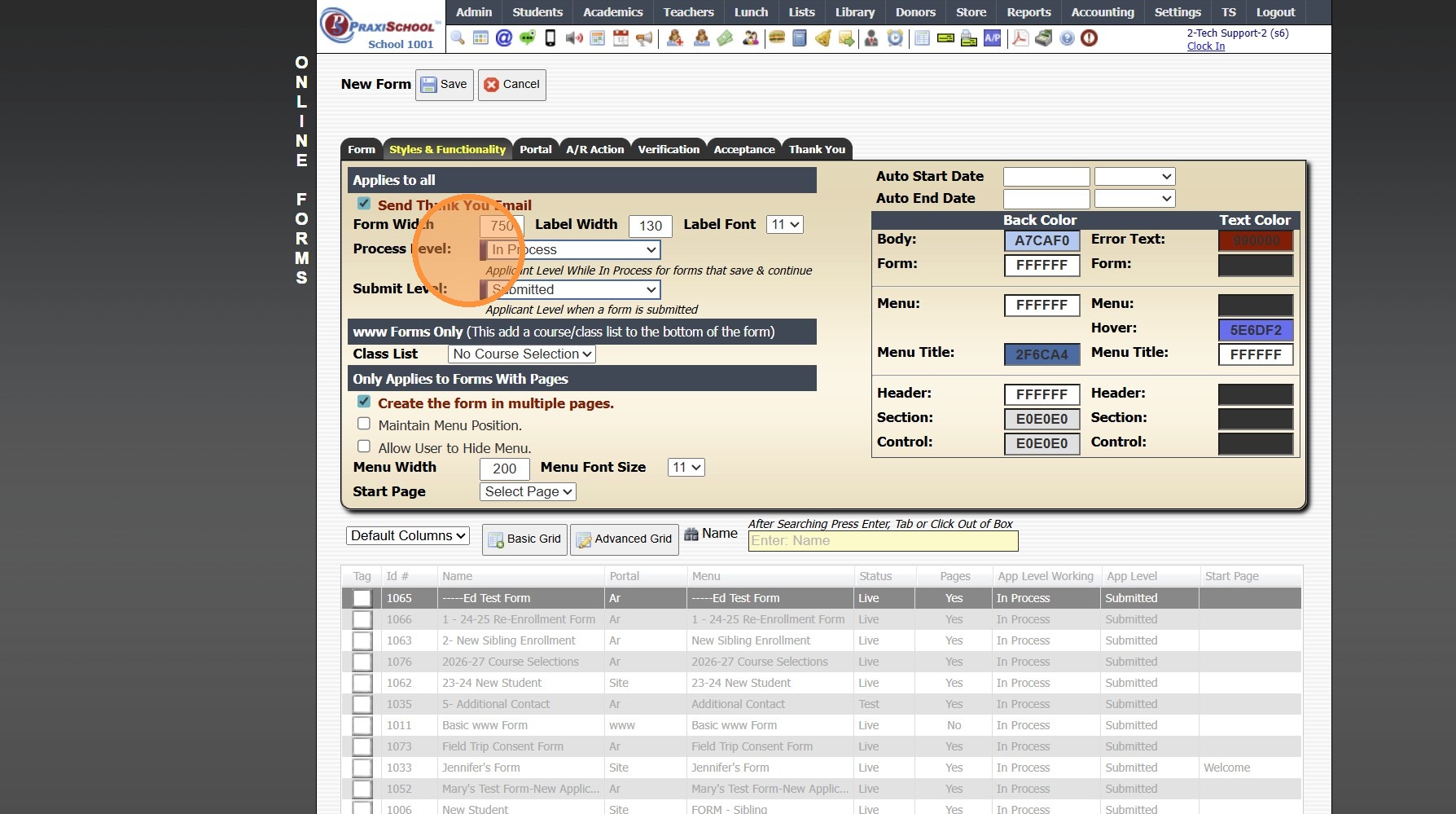
12. Select the Submit Level "Submitted"
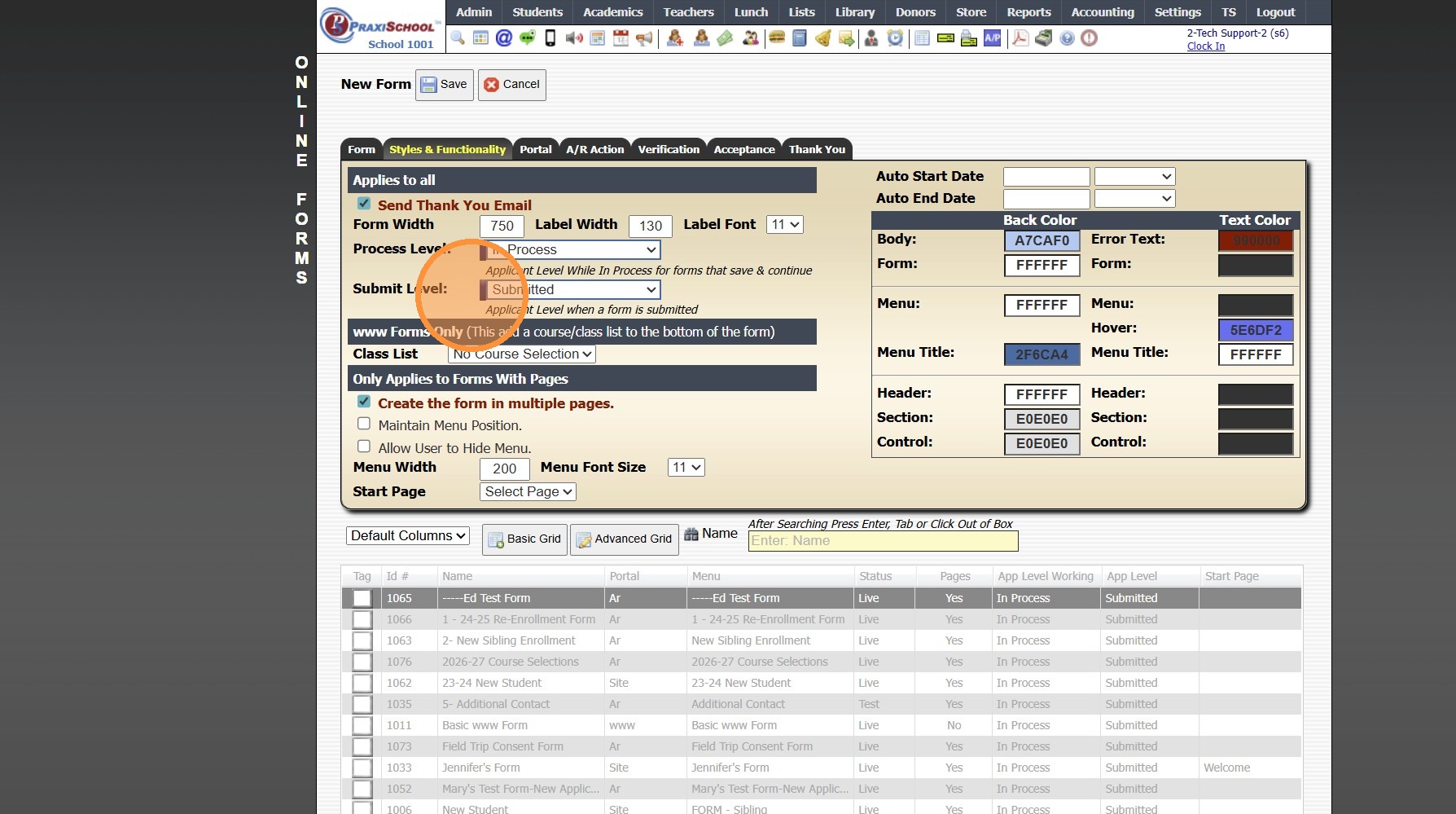
13. Click "Save"
1000.6.1.1
Related Articles
Building a Standard AR Portal Form
Example Re-Enrollment Form 1. Click "Admin" 2. Click "Online Forms" 3. Click "Build Forms" 4. Select Form 5. Click the "+" Icon to Add a Page 6. Enter the Order Number (Recommendation: Set Order Numbers in Increments of 5 or 10 to Allow Additional ...Creating a Site Portal Form
1. Click "Admin" 2. Click "Online Forms" 3. Click "Forms" 4. Click "Add" 5. Add Form Name, Description and Portal Form Name 6. Select the For Portal Option: "Application Site (Only new registration)" 7. Click "Test" to put in Test Mode until Form is ...AR & Site Applicant Form Live URL
1. When using AR & Site Applicant Forms, the Live URL cannot be used. AR & Site Applicant Form require the User to be Logged In to the AR Portal or the Site Portal to access these Forms. 8000.24Creating a www Form
1. Click "Admin" 2. Click "Online Forms" 3. Click "Forms" 4. Click "Add" 5. Add Form Name, Description and Portal Form Name 6. Select the For Portal Option: "From Your Website (Only new registration)" 7. Click "Test" to put in Test Mode until Form is ...Creating Custom Fields for Online Form/Surveys
Custom Fields create for Online Forms are for the purpose of Printing the Form Only, Custom Fields do NOT Save to the Student, AR nor Family Files. 1. Click "Admin" 2. Click "Online Forms" 3. Click "Custom Fields" 4. Click "Add" 5. Select or Add a ...