Accessing the Parent Portal

Accessing the Parent Portal


1. Open Email & Click on Link to Set Password
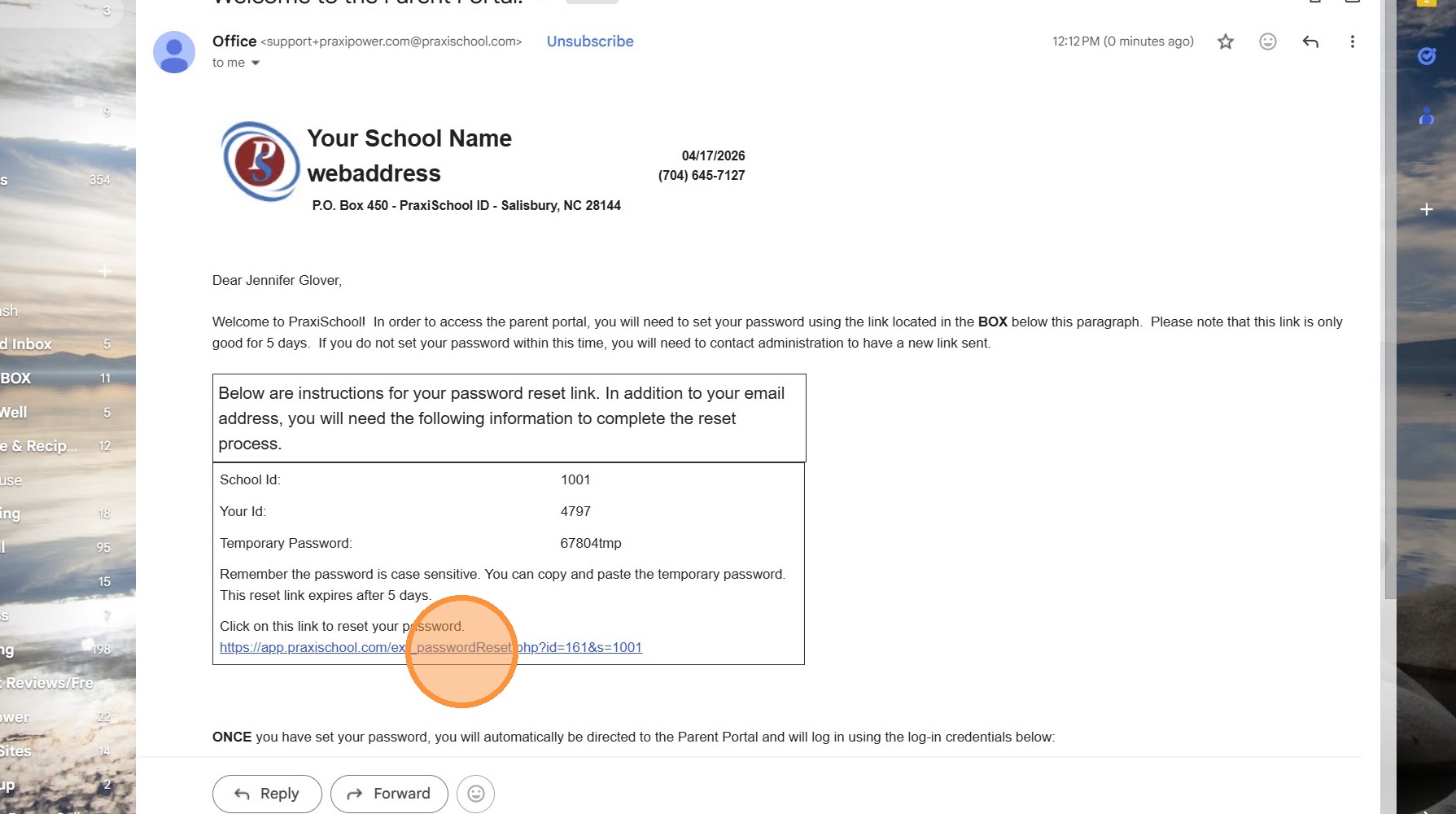
2. Enter Parent ID (located in email)
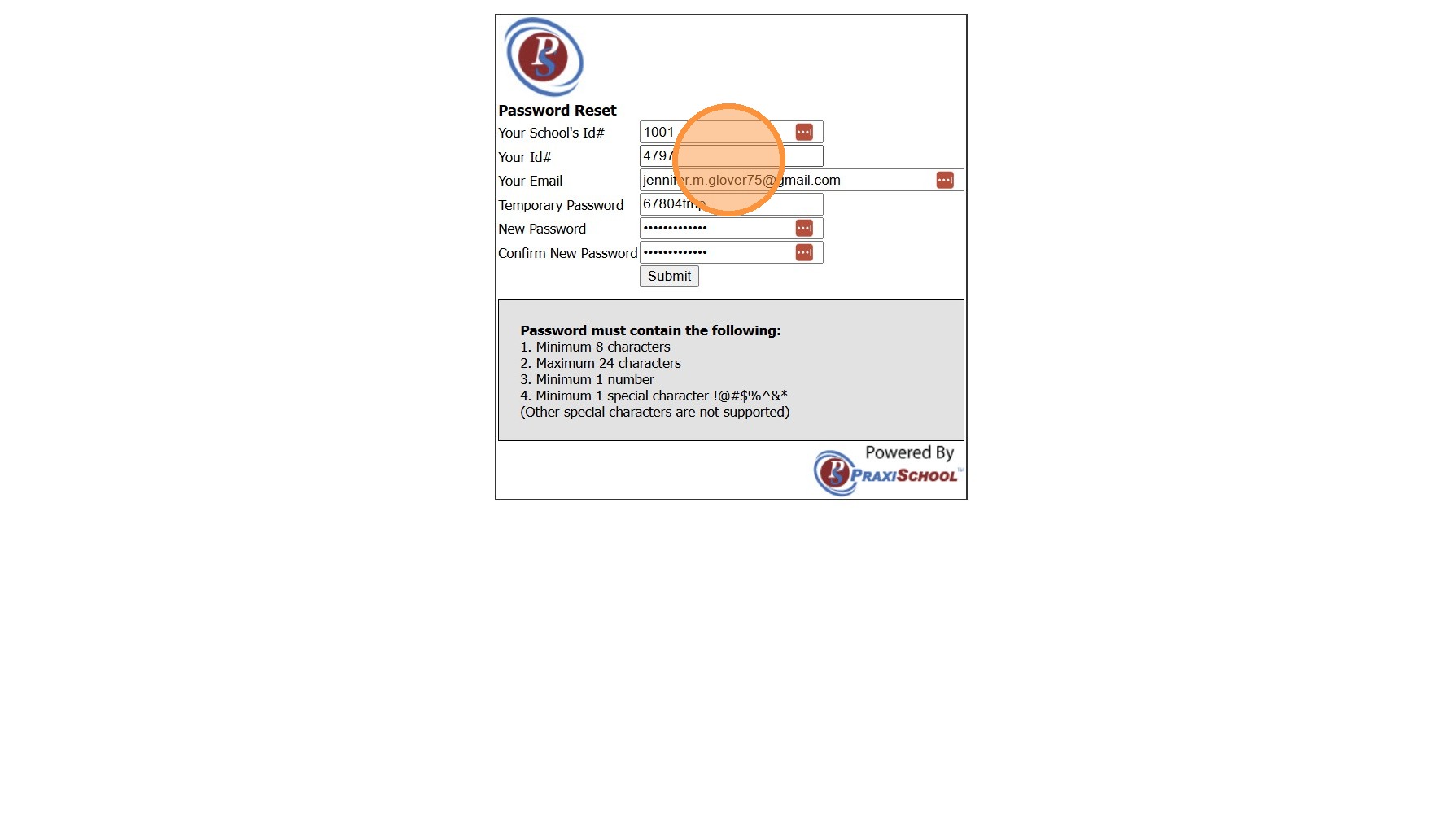
3. Enter Email Address that Welcome Email was Sent To
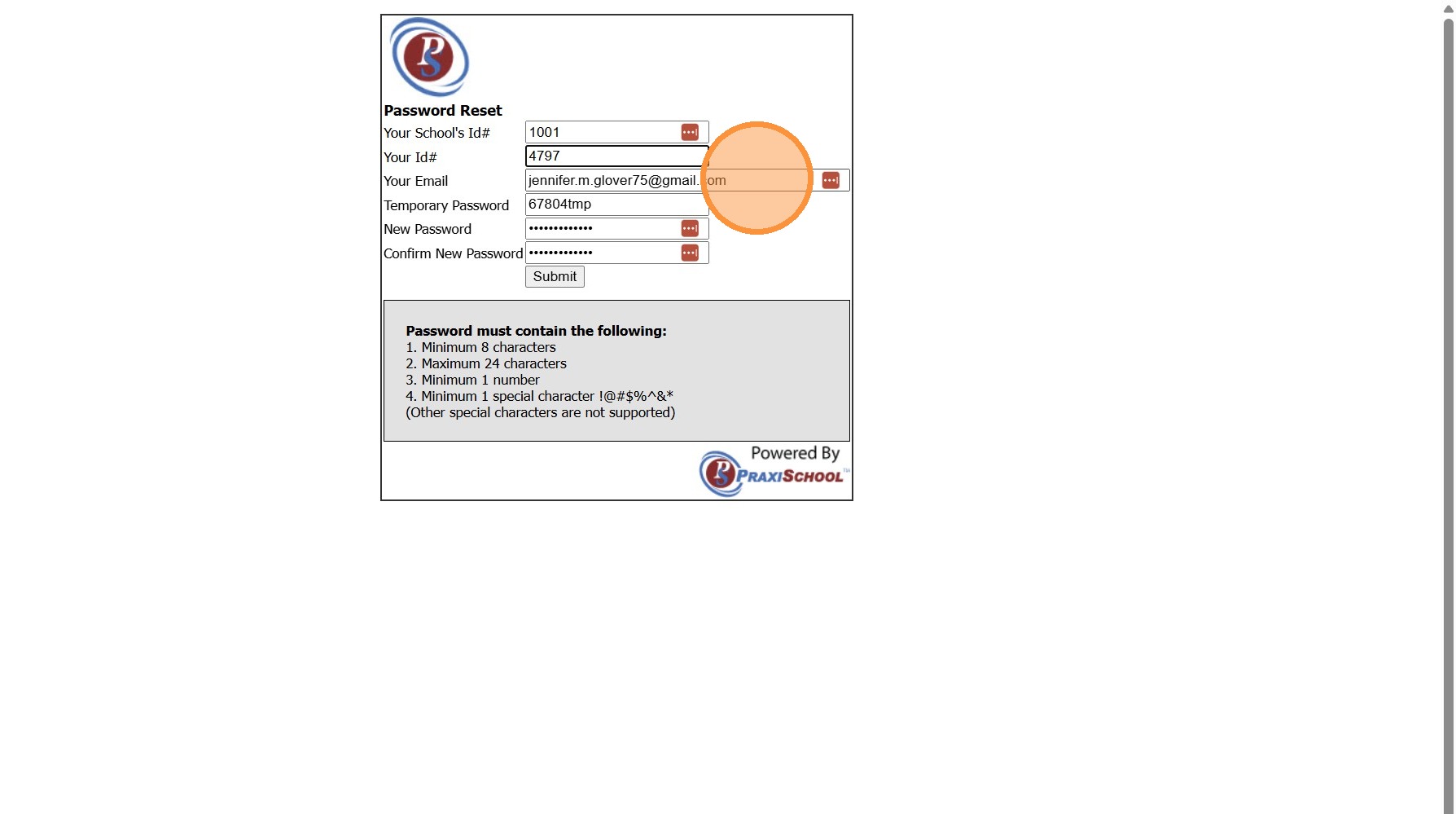
4. Enter Temporary Password (located in email)
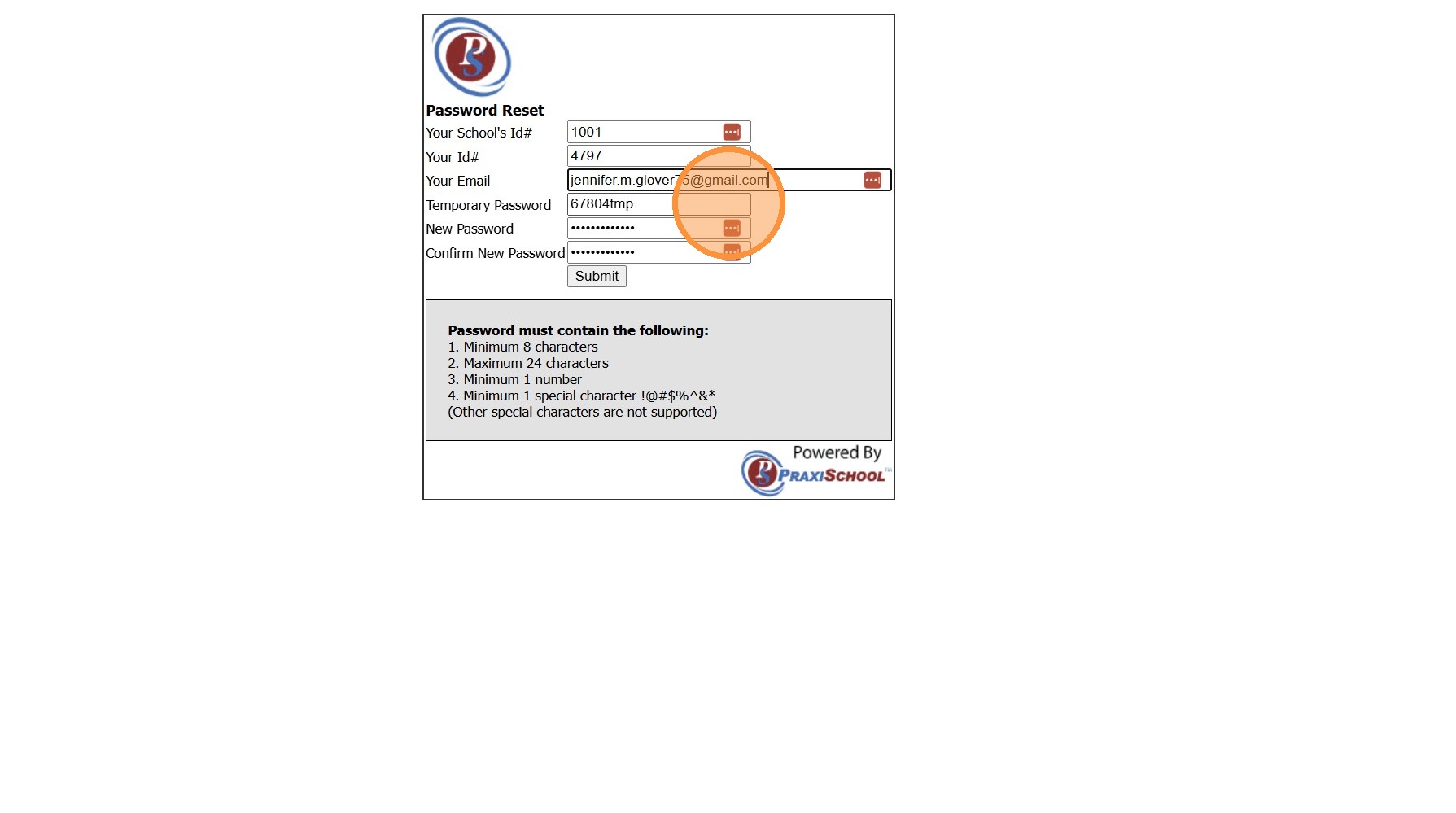
5. Enter Desired Password & Confirm Password
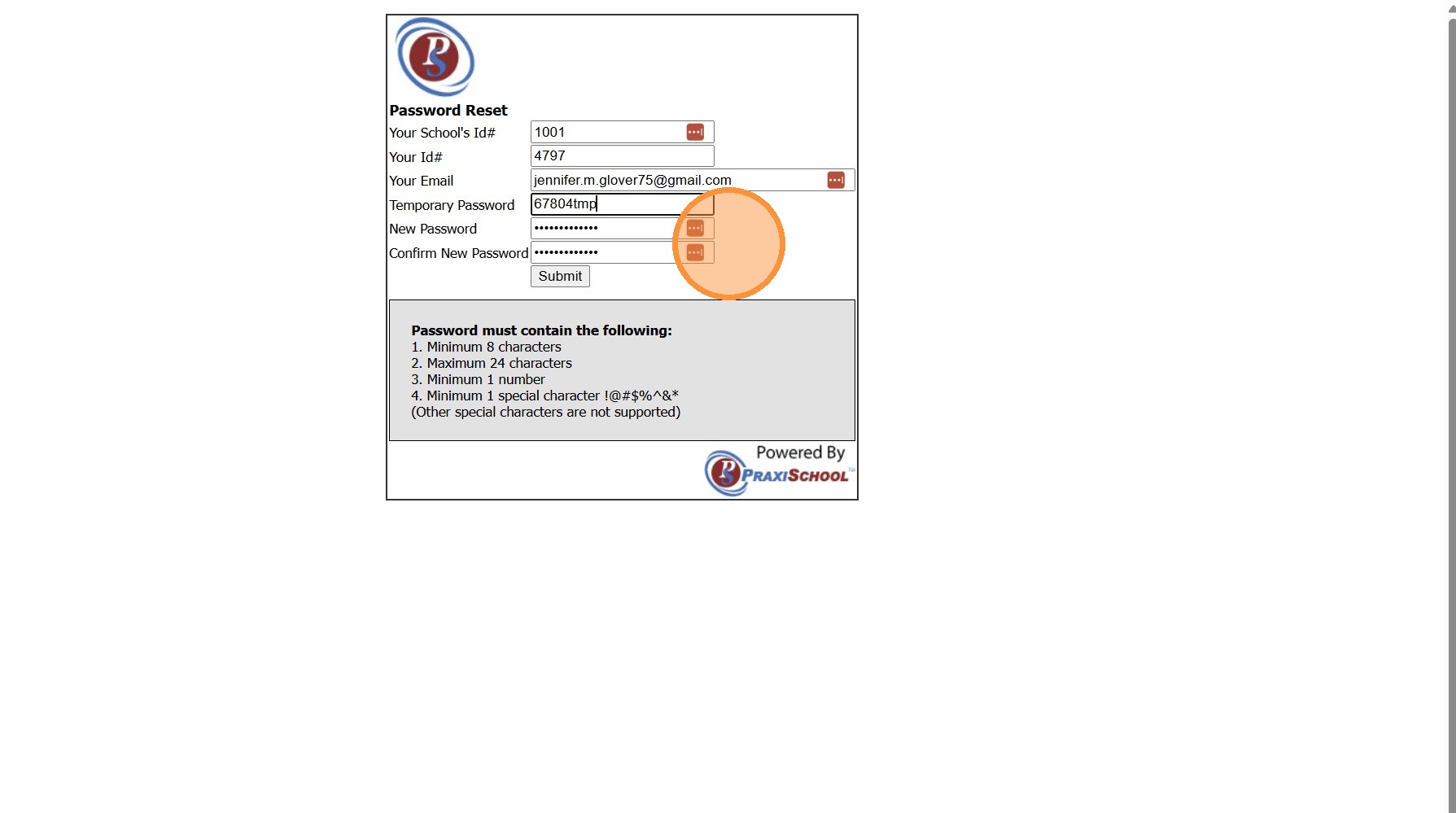
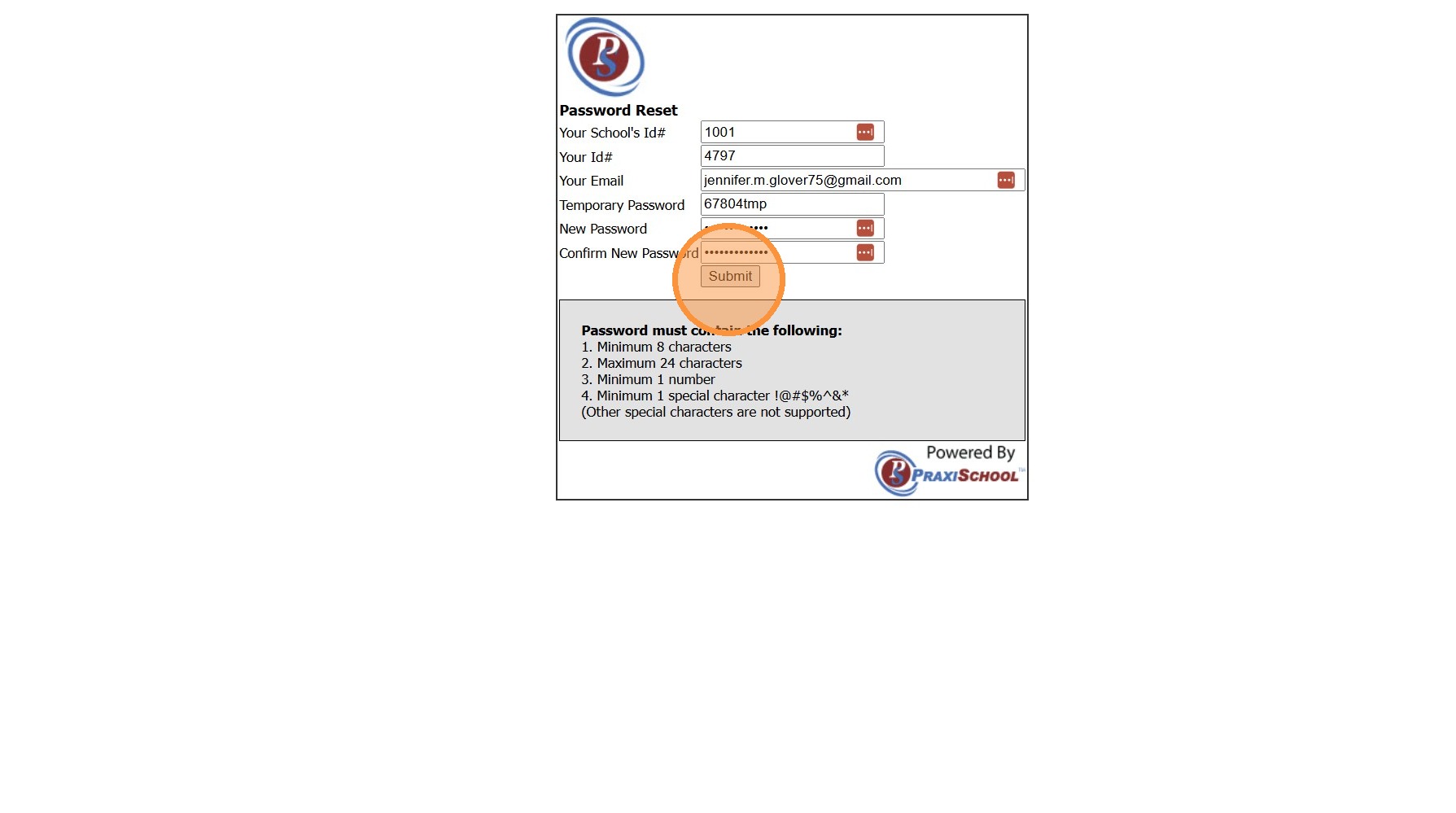
6. Click "Submit" to be Directed to the Parent Portal Login Page
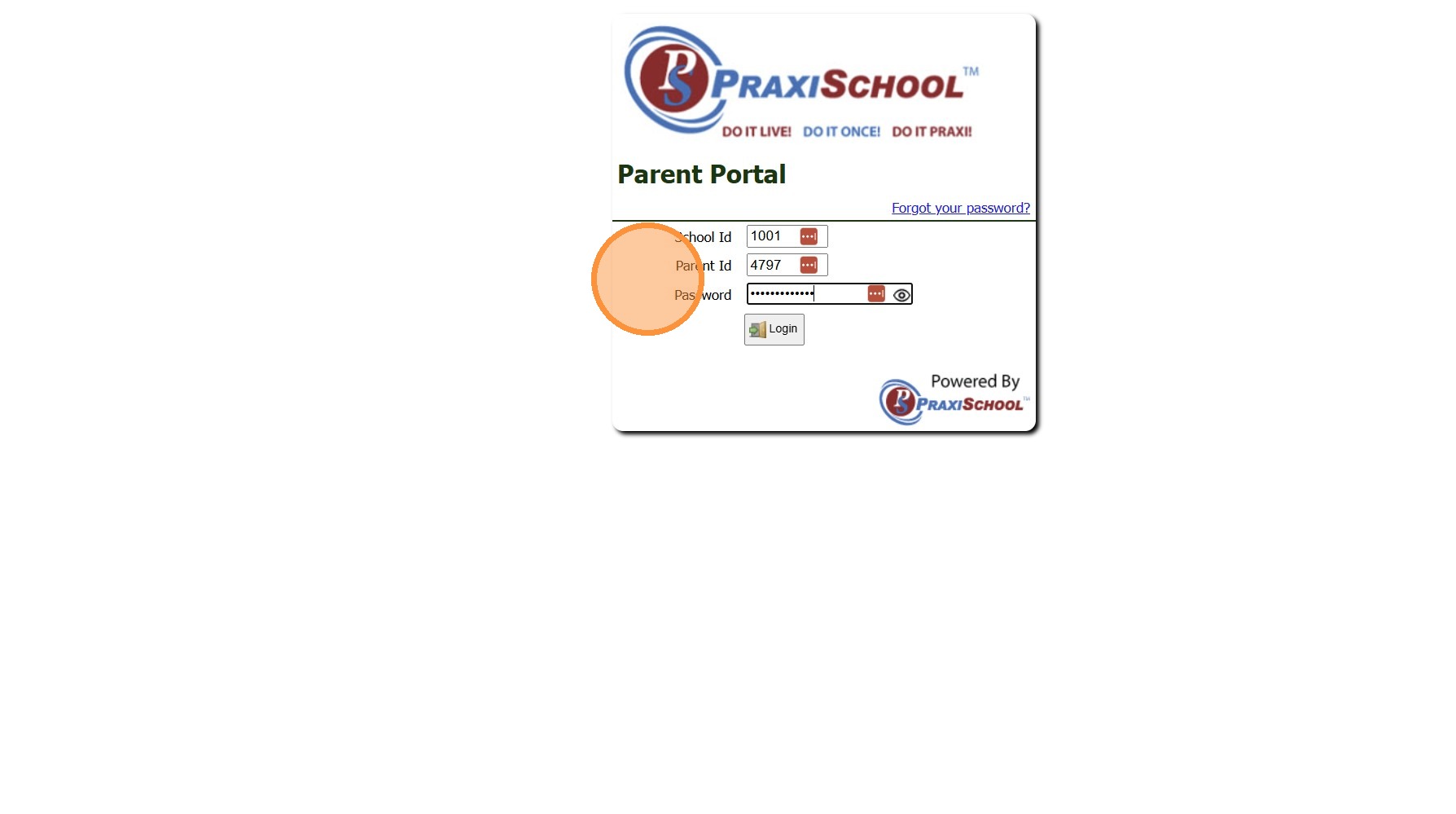
7. Enter School ID, Parent ID & Password
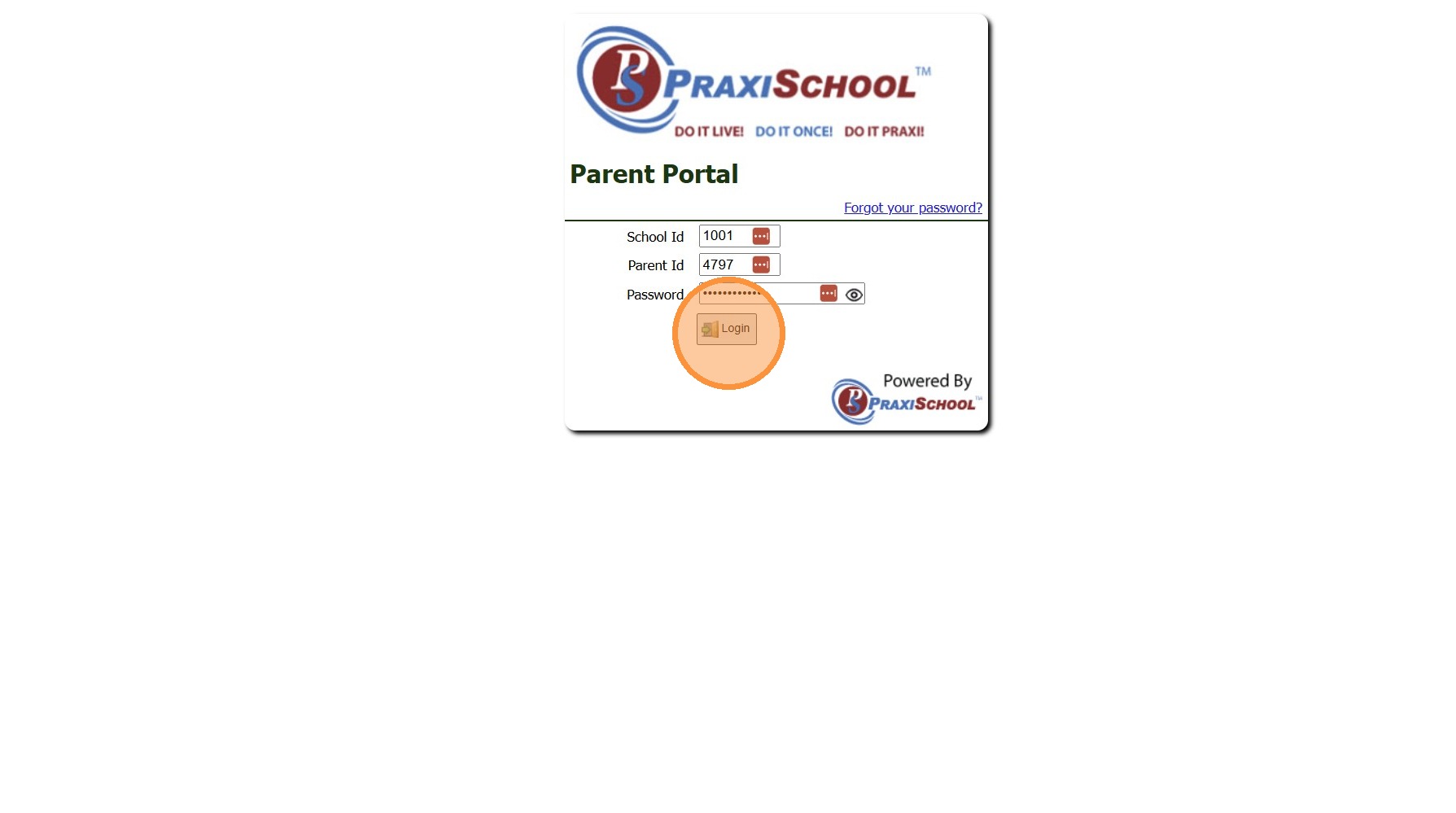
8. Click "Login"
9. Click the Menu bars on the left side to access the Parent Portal Menu
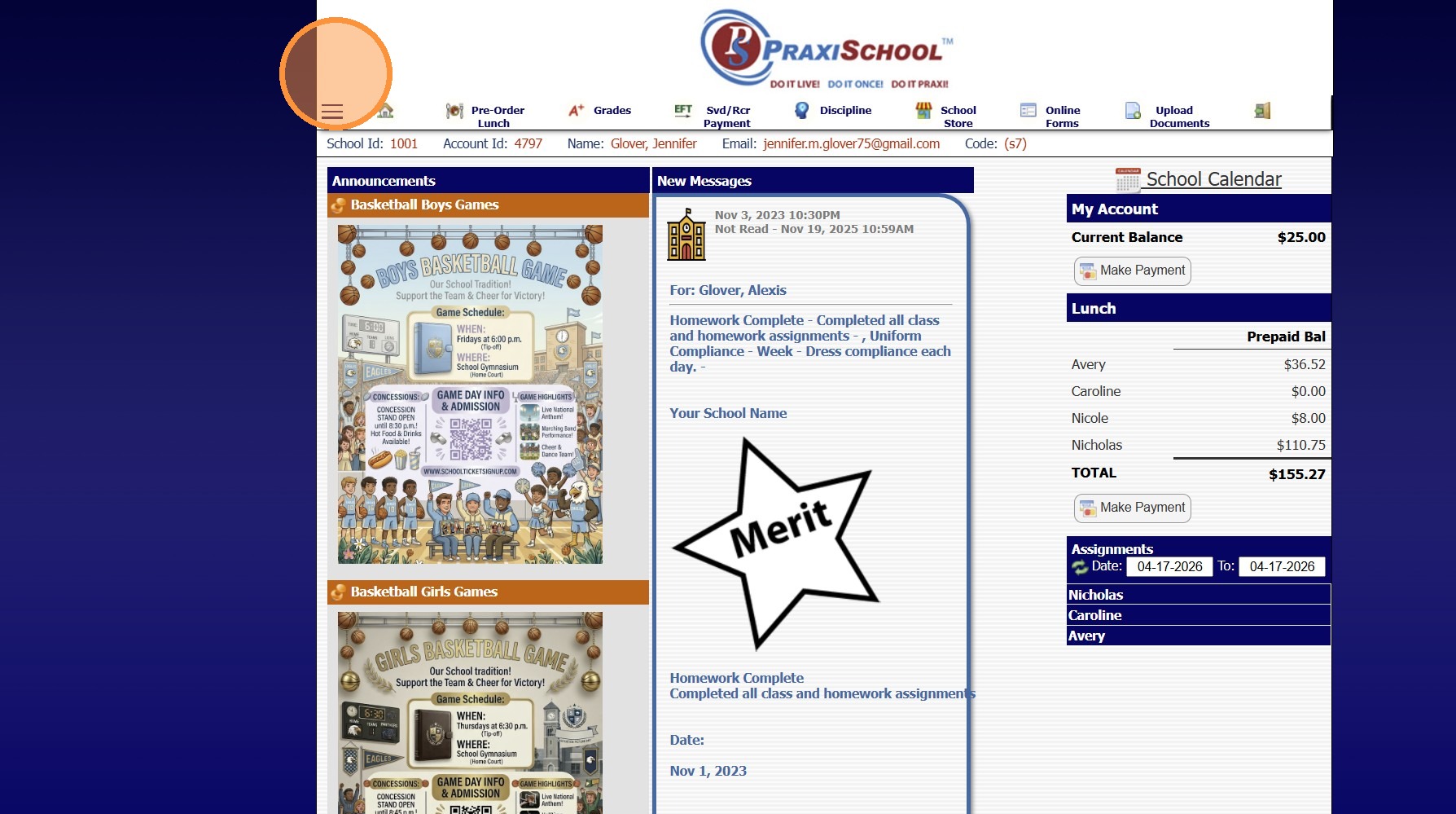


8500.1.1

    • Related Articles

    • Accessing School Specific Portal Pages

      Accessing School Specific Portal Pages 1. Click "Settings" 2. Click "School Settings" 3. Click "Portal" 4. School Specific Student Portal Link 5. School Specific Parent Portal Link 6. School Specific Applicant Portal Link 6500.2.88
    • Accessing Enrollment Forms from the Parent Portal

      1. Log into the Parent Portal (Enter School ID, Parent ID & Password) 2. Select "Online Forms" from the Toolbar 3. If Online Forms is not on the Toolbar, Click to Expand the Menu 4. Select "Online Forms" 5. Select the Student 6. Select the Form 7. ...
    • Update Parent Portal and Mobile App Access in Batch

      Update Parent Portal and Mobile App Access in Batch 1. Log into PraxiSchool 2. Click "Accounts Receivable" 3. Click "Actions" Assigning Parent Portal Access in Batch 4. Click "Update Portal Access" 5. Click the "Active" field. 6. Click the "Portal ...
    • Making an AR/Lunch Payment on the Parent Portal

      1. Log into the Parent Portal 2. Click "Make Payment" 3. Select ACH or Credit Card 4. AR Amount Due will Auto Populate (Click in the Amount Field to Edit Amount to Pay) 5. Lunch Amount Due will Auto Populate (Click in the Amount Field to Edit Amount ...
    • Viewing Parent, Student & Applicant Portal Activity

      1. Click "Admin" 2. Click "Other Files" 3. Click "Portal Activity" 4. Activity from Portal is Visible 1000.13.7