Graduating Seniors Individually
1. Click "Students"
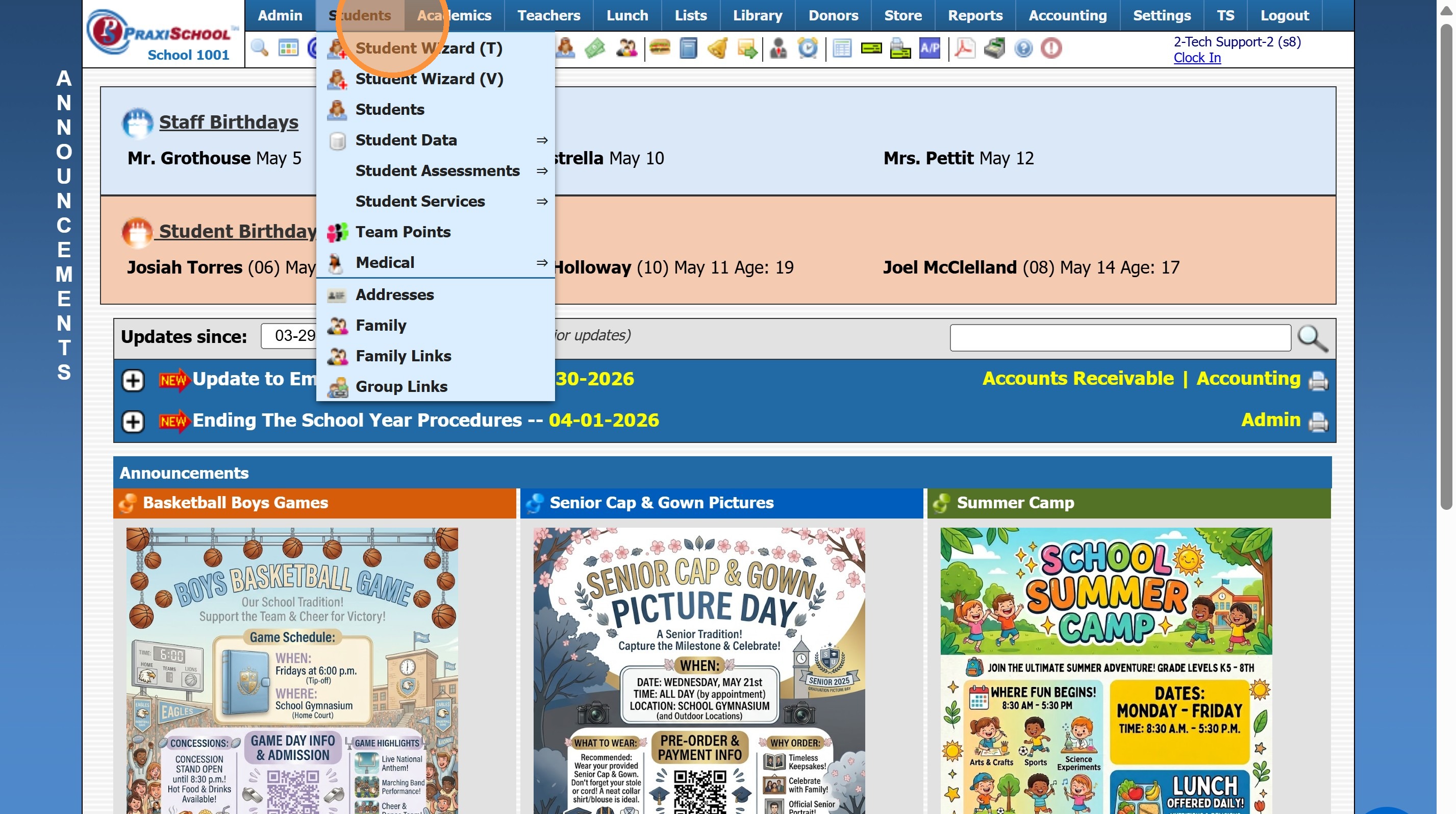
2. Click "Students"
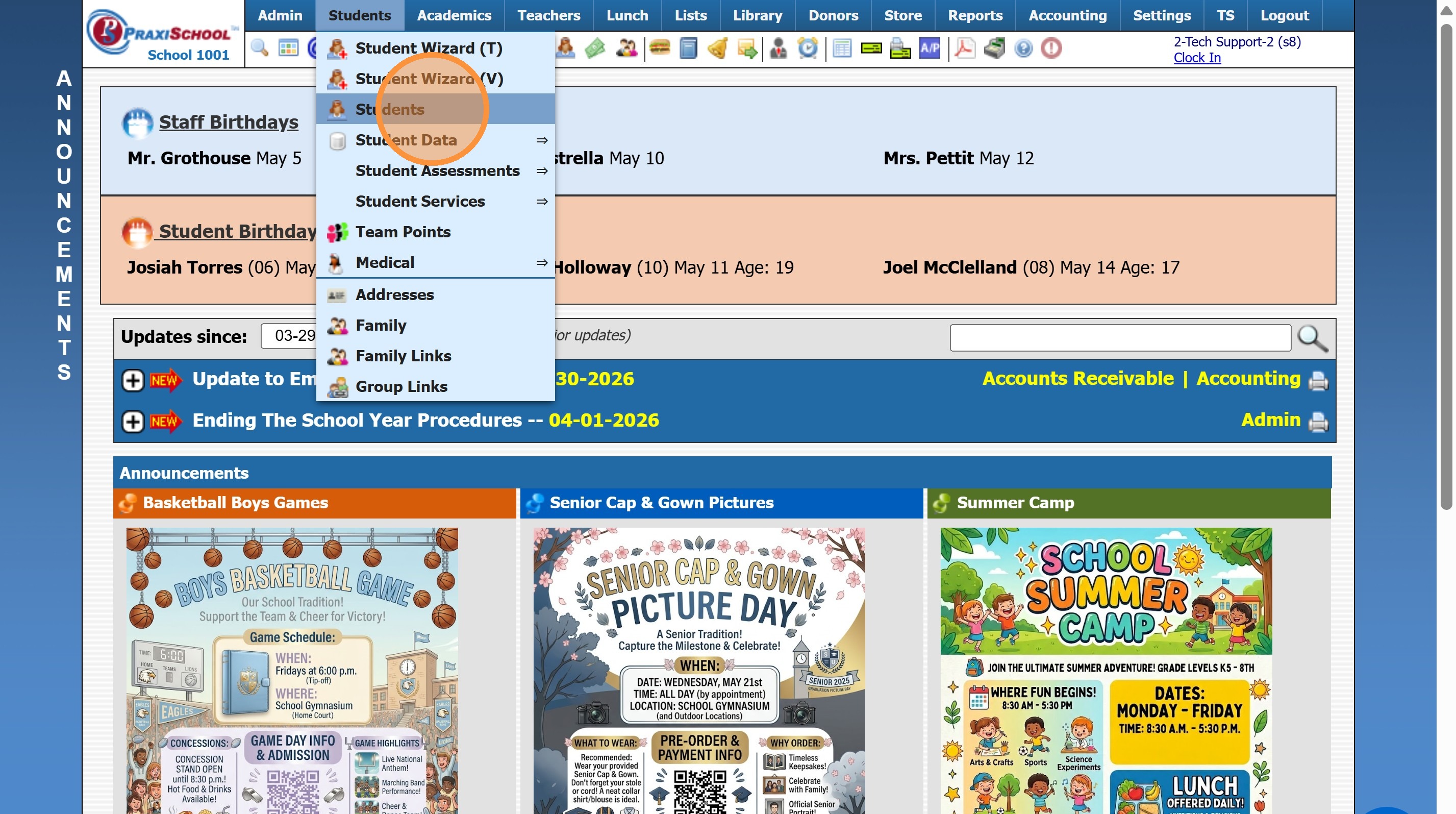
3. Select Student
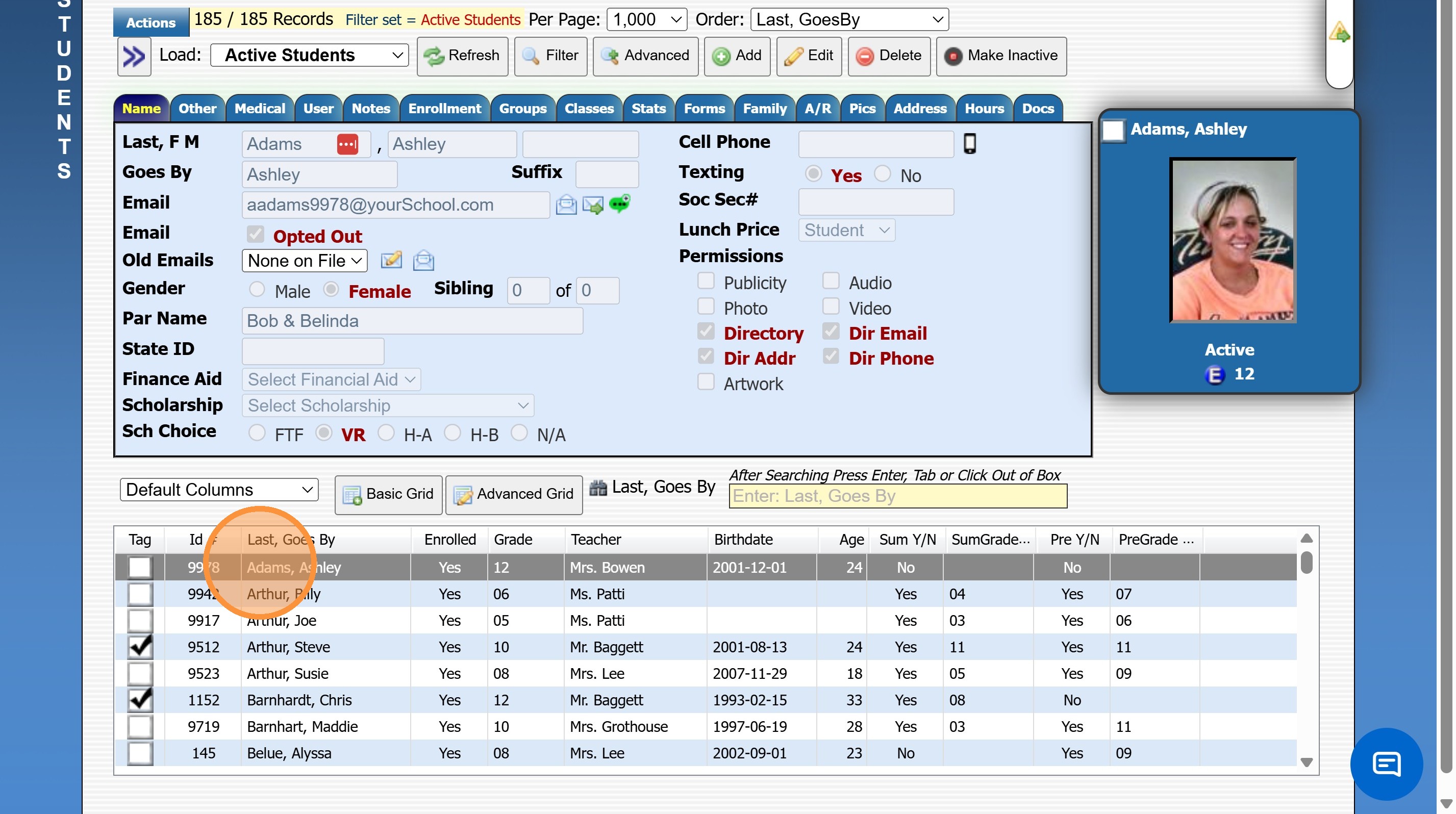
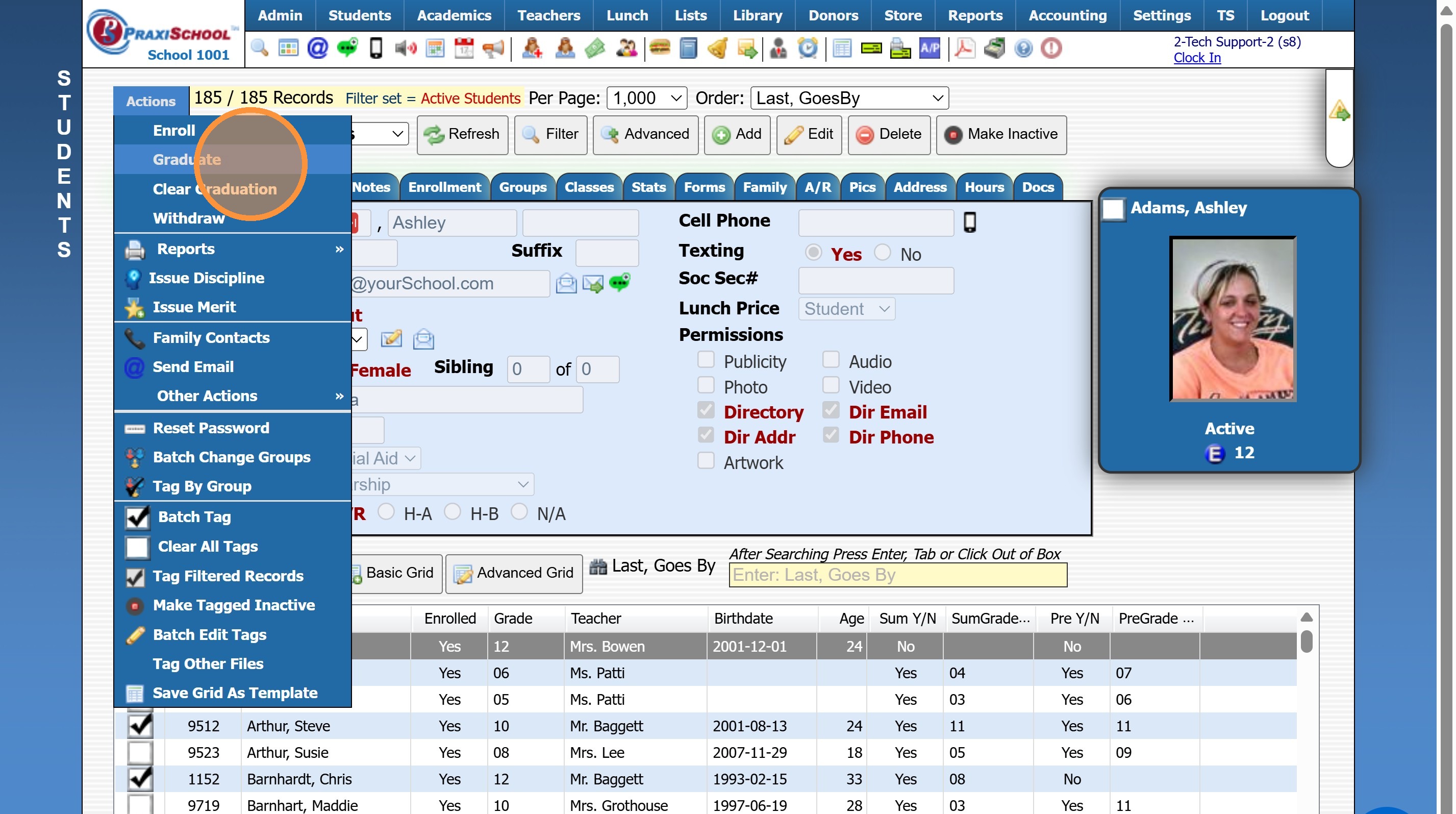
4. Click "Actions"
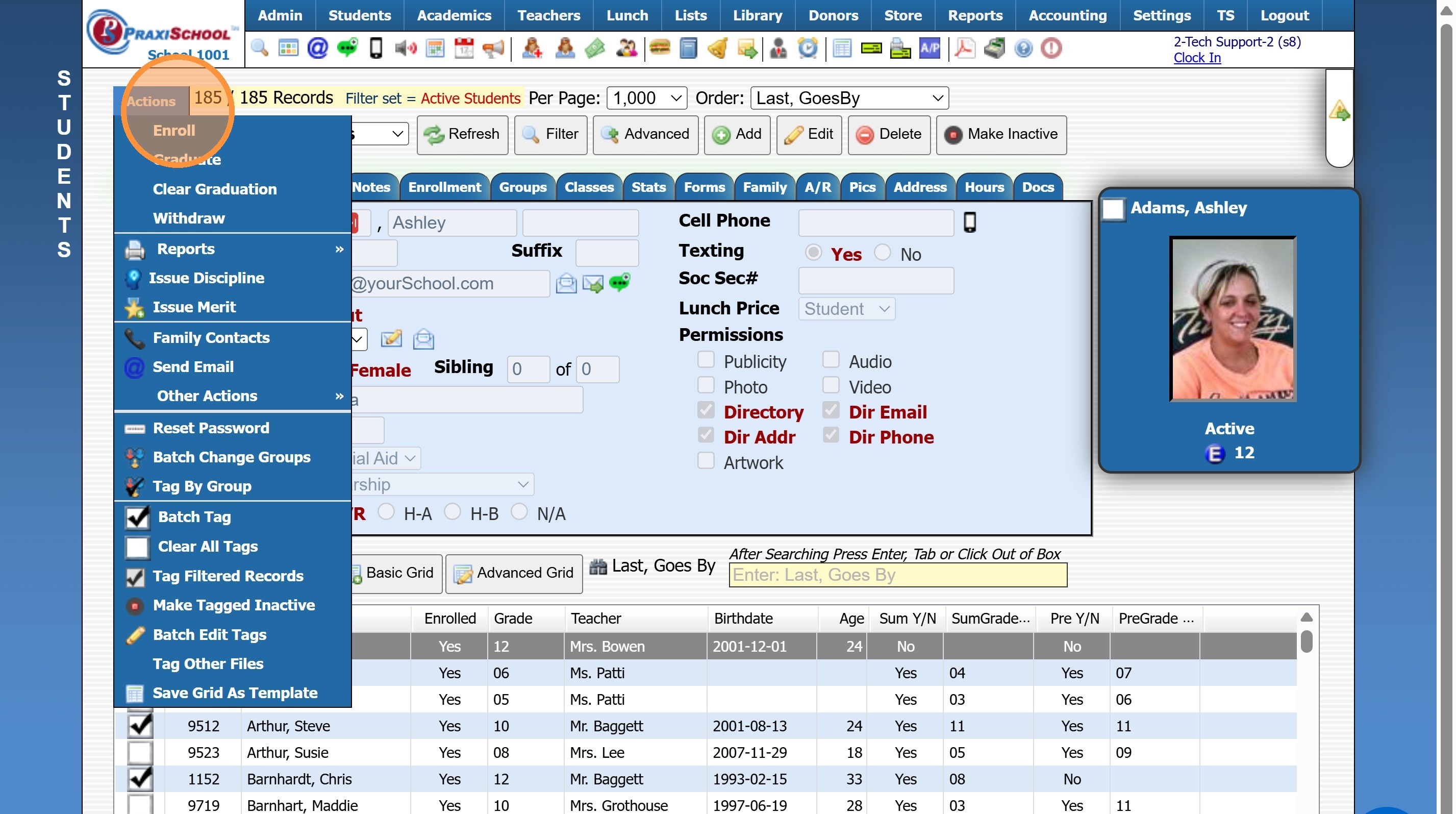
5. Click "Graduate"
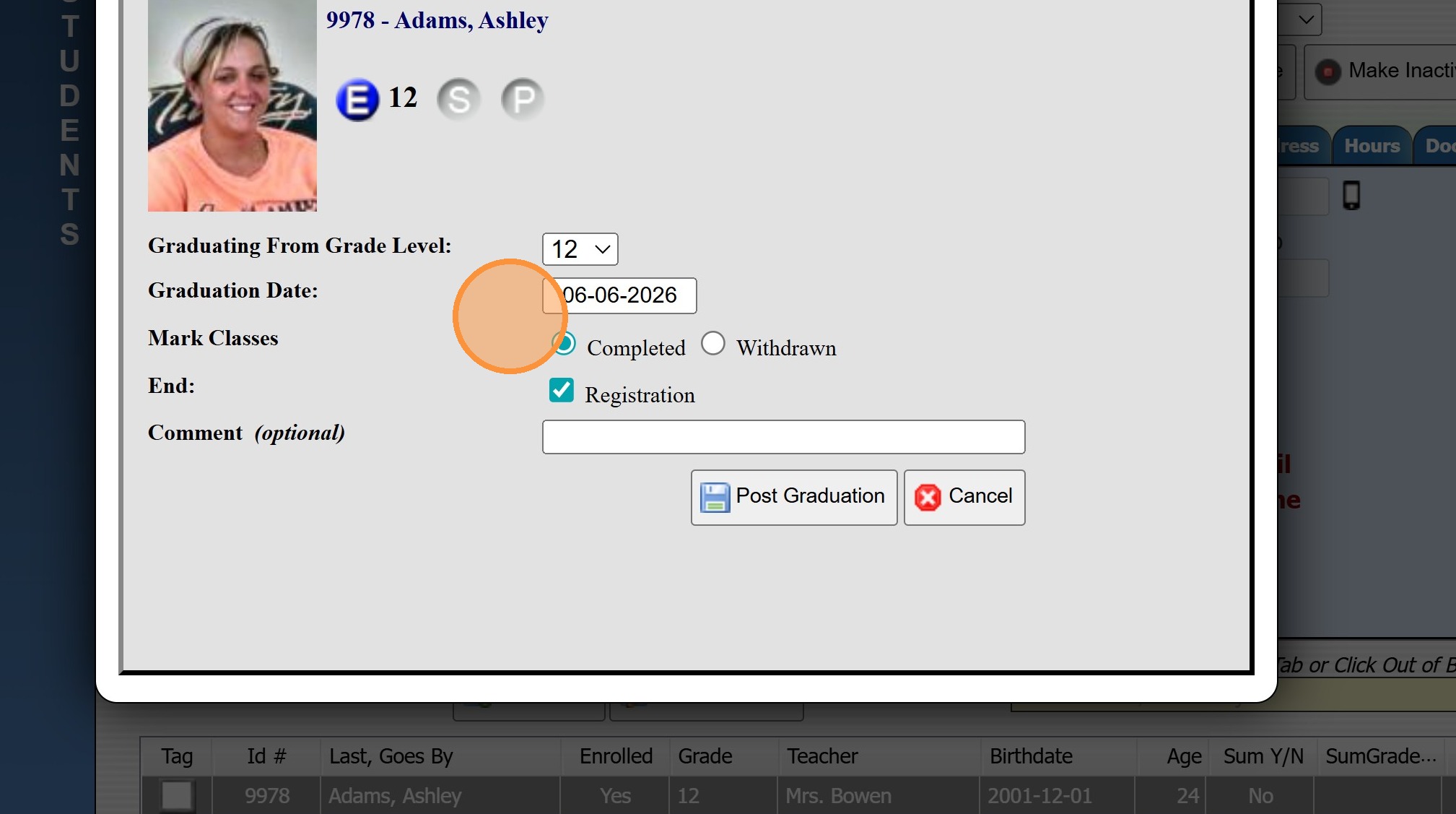
6. Select Graduation Date
Mark Classes:
Completed - keeps Grades for Report Cards & Transcripts.
Withdrawn - Grades are not kept for Report Cards & Transcripts
Comments are Optional
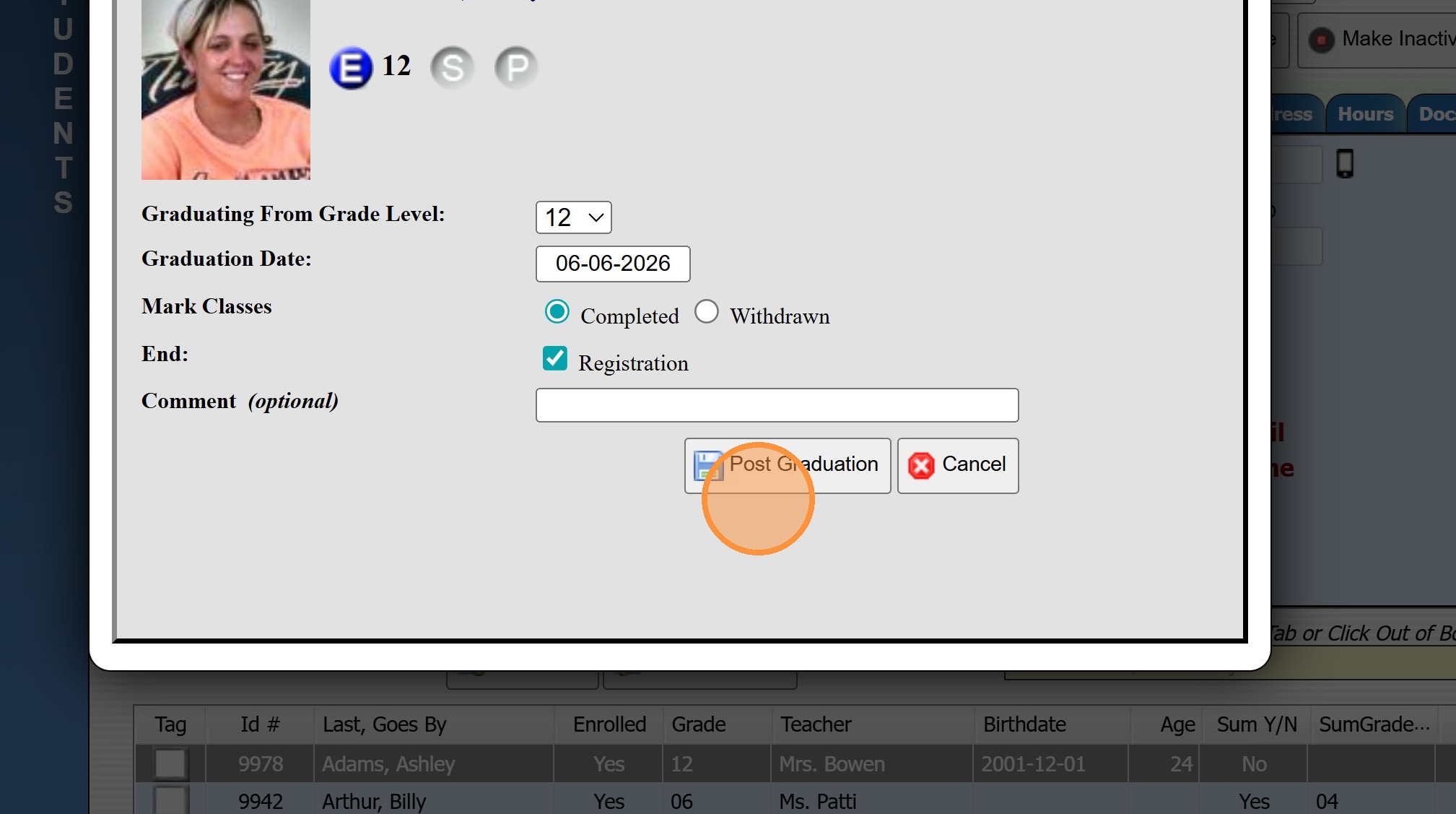
7. Click "Post Graduation"
9600.3.9
Related Articles
Graduating Seniors in Batch
Graduating Seniors in Batch 1. Log into PraxiSchool 2. Click "Academics" 3. Click "Grades Tasks" 4. Click "Promote Students" 5. Set the Effective Date (Date of Graduation) 6. Select Grade From (12th) and Grade To (12th) 7. Select "Graduate" 8. Check ...Graduating Seniors in Batch
1. Click "Academics" 2. Click "Grades Tasks" 3. Click "Promote Students" 4. Set Graduation Date & Select 12th Grade 5. Select Promote To "Graduate" 6. Click "Select All" 7. Click "Process" 9600.3.9Single Hrs Wizard: Adding Volunteer Hours Individually by A/R Account or Student
Single Hrs Wizard: Adding Volunteer Hours Individually by A/R Account or Student 1. Click "Admin" 2. Click "Volunteer" 3. Click "Single Hrs Wizard" 4. Select Table "A/R" or "Student" 5. Search Parent / Student Name 6. Click "Add" 7. Set Date & Select ...Uploading Student / Staff Photos Individually
1. Go to the Student or Staff Database 2. Select the Student or Staff 3. Click the "Pics" Tab 4. Click "Upload Picture" 5. Click "Choose File" & Select the Image 6. Click to Upload (Photo can be Cropped prior to Uploading to the Student / Staff file) ...Individually Enrolling a Student in Classes from the Student File
1. Click "Students" 2. Click "Students" 3. Select Student 4. Click the "Classes" tab 5. Click "Add" 6. Select Classes 7. Click "Enroll" 8. Click "Finished" 1500.4.36.1