Individually Enrolling a Student in Classes from the Student File
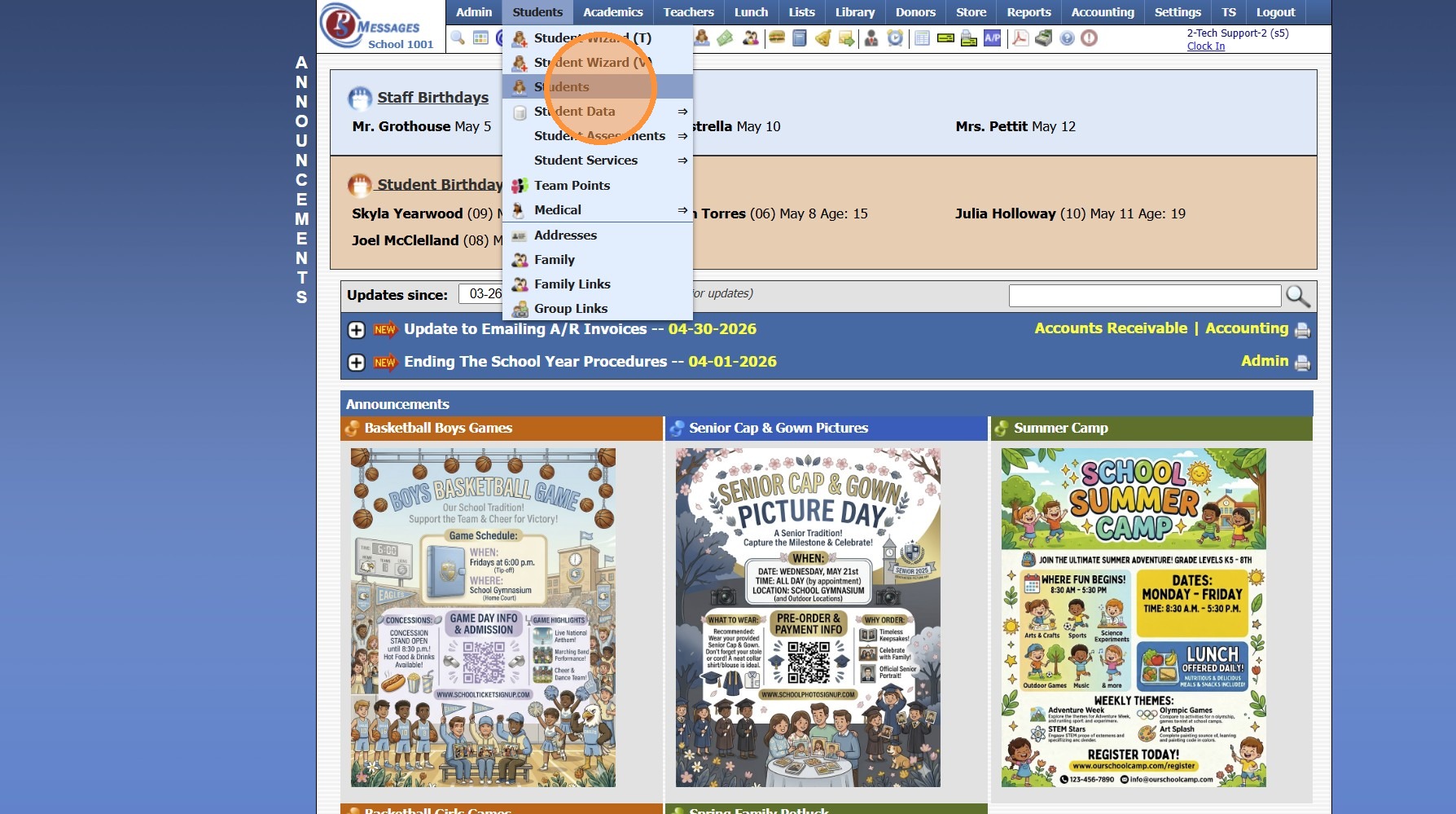
1. Click "Students"
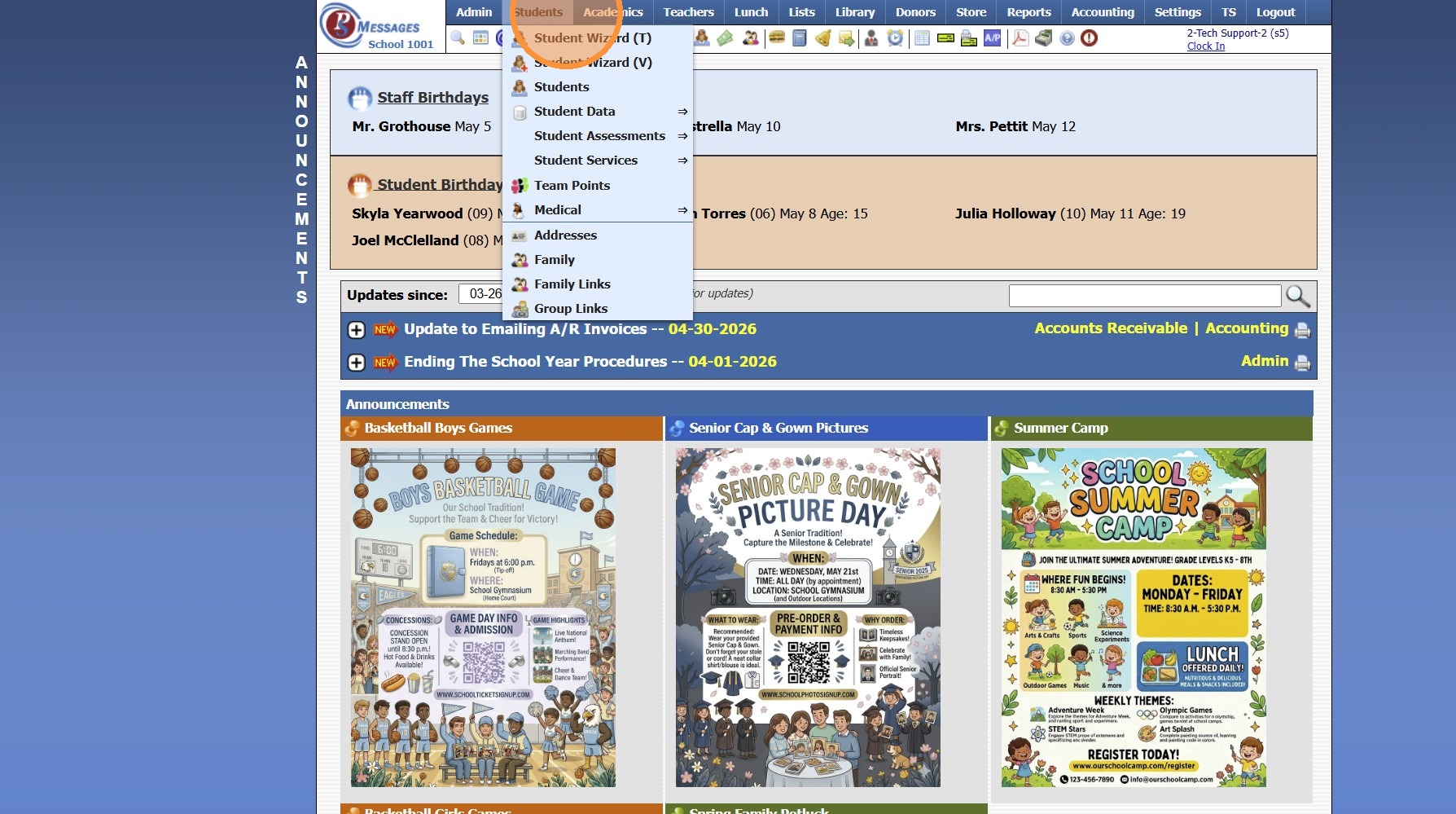
2. Click "Students"
3. Select Student
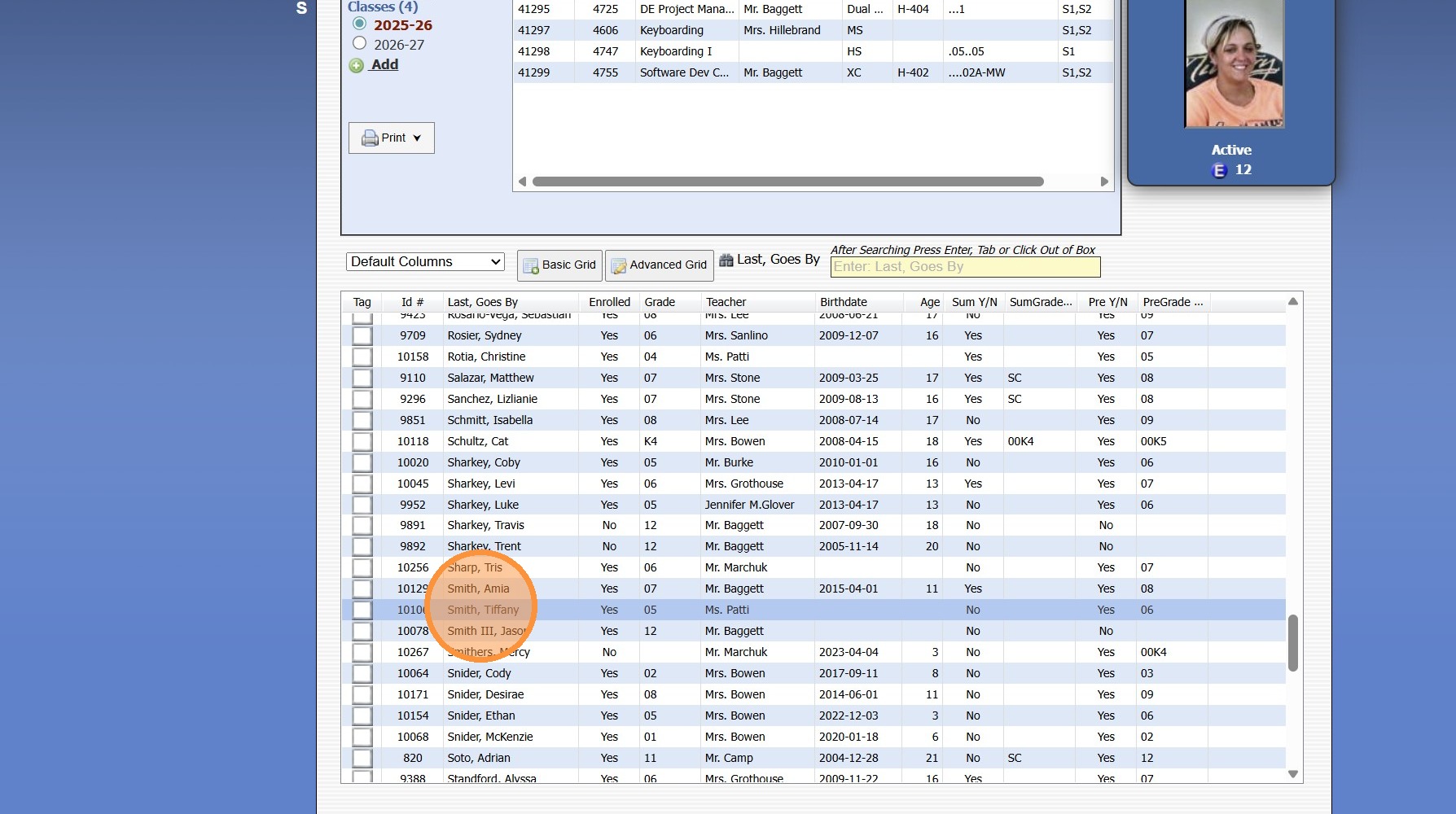
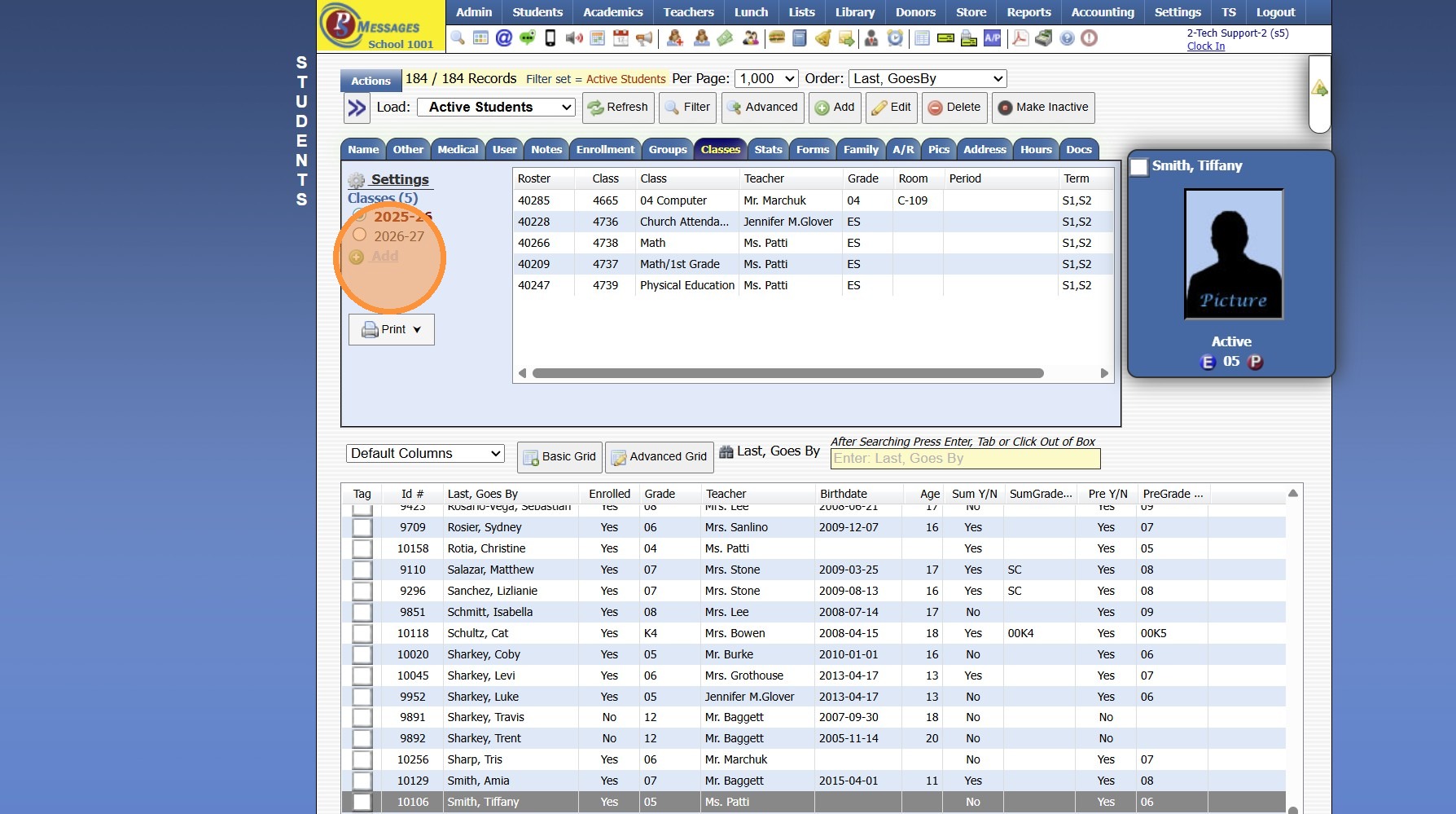
4. Click the "Classes" tab
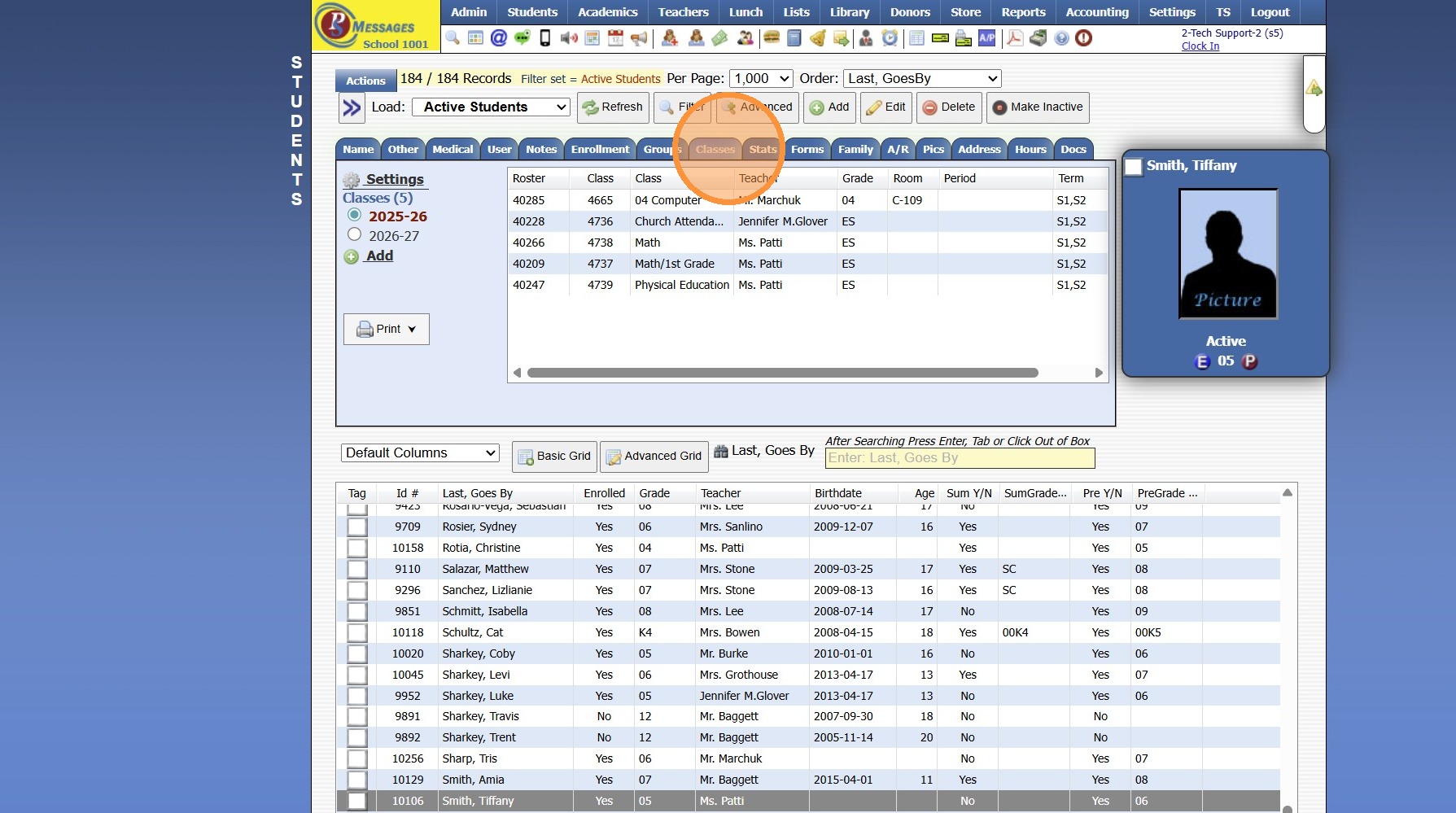
5. Click "Add"
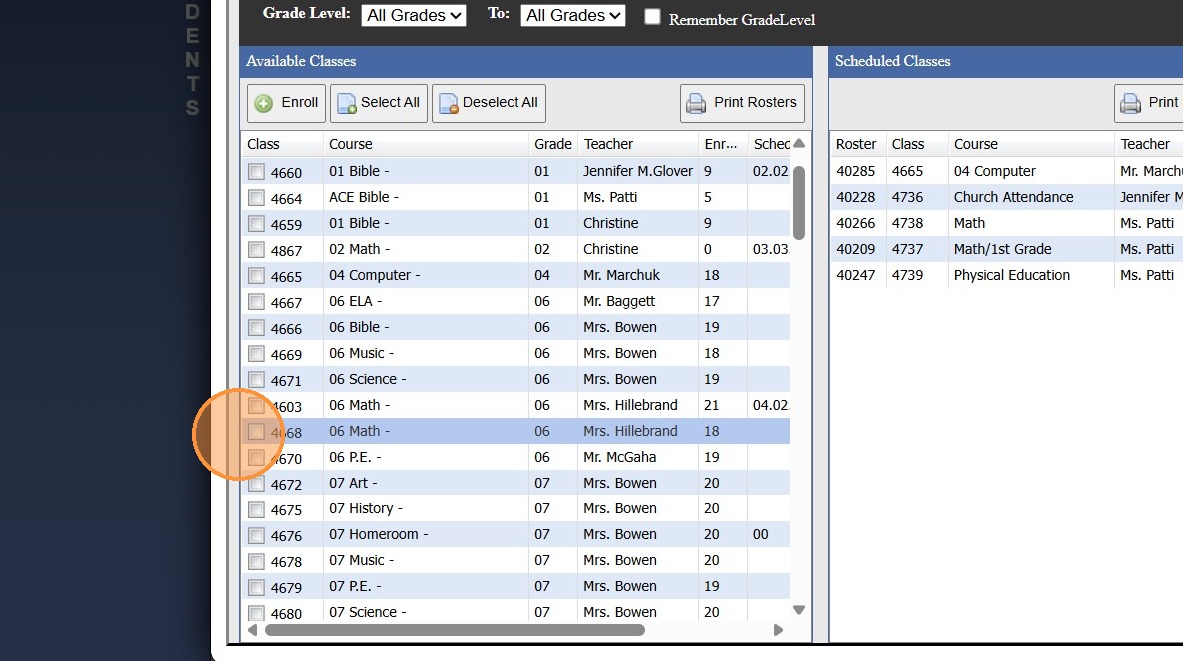
6. Select Classes
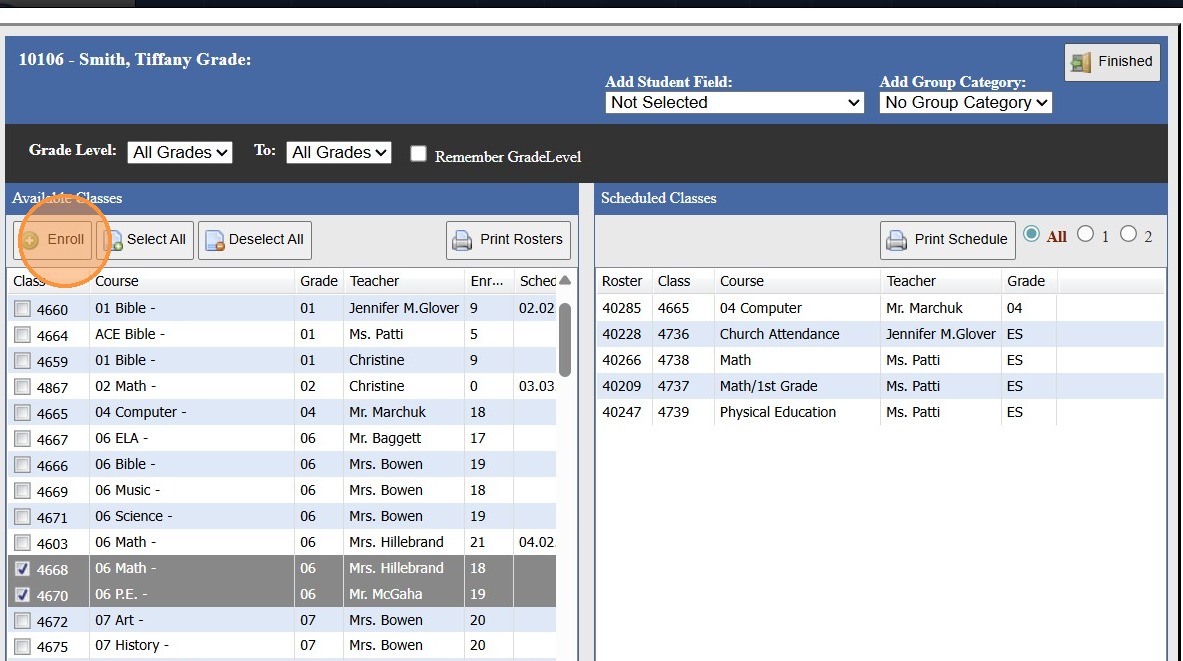
7. Click "Enroll"
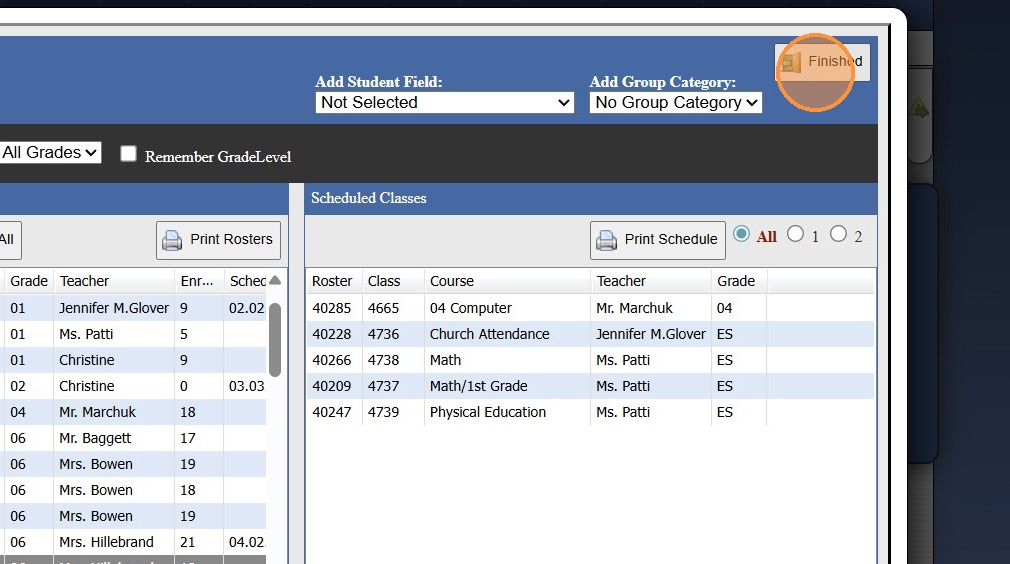
8. Click "Finished"
1500.4.36.1
Related Articles
Enrolling a Student from the Student File
Enrolling a Student from the Student File 1. Select Student 2. Click "Actions" 3. Click "Enroll" 4. Select the Session (Current, Summer, Next) 5. Select Student's Enrolling Grade Level 6. Select the Homeroom Teacher 7. Click the Student's Class Of ...Enrolling a Pre-Registered Student in Next Years Classes
1. Click "Students" 2. Click "Students" 3. Select the Student 4. Click the "Classes" tab 5. Select the Next School Year 6. Click "Add" 7. Select Classes 8. Click "Enroll" 9. Enrolled Classes are Visible under Scheduled Classes 10. Click "Finished" ...Courses & Classes Training
1. Adding a New Course 2. Adding a Class 3. Enrolling Students into Classes by Grade Level 4. Individually Enrolling Students in Classes 9500.2.2Uploading Student / Staff Photos Individually
1. Go to the Student or Staff Database 2. Select the Student or Staff 3. Click the "Pics" Tab 4. Click "Upload Picture" 5. Click "Choose File" & Select the Image 6. Click to Upload (Photo can be Cropped prior to Uploading to the Student / Staff file) ...Uploading Student Documents from the Student File
1. Click "Students" 2. Click "Students" 3. Select Student 4. Click the "Docs" Tab 5. Click "Add" 6. Select the Security, Folder & Description 7. Click "Choose File" 8. Verify School Year 9. Click "Upload Document" 1000.4.1.1