Graduating Seniors in Batch
1. Click "Academics"
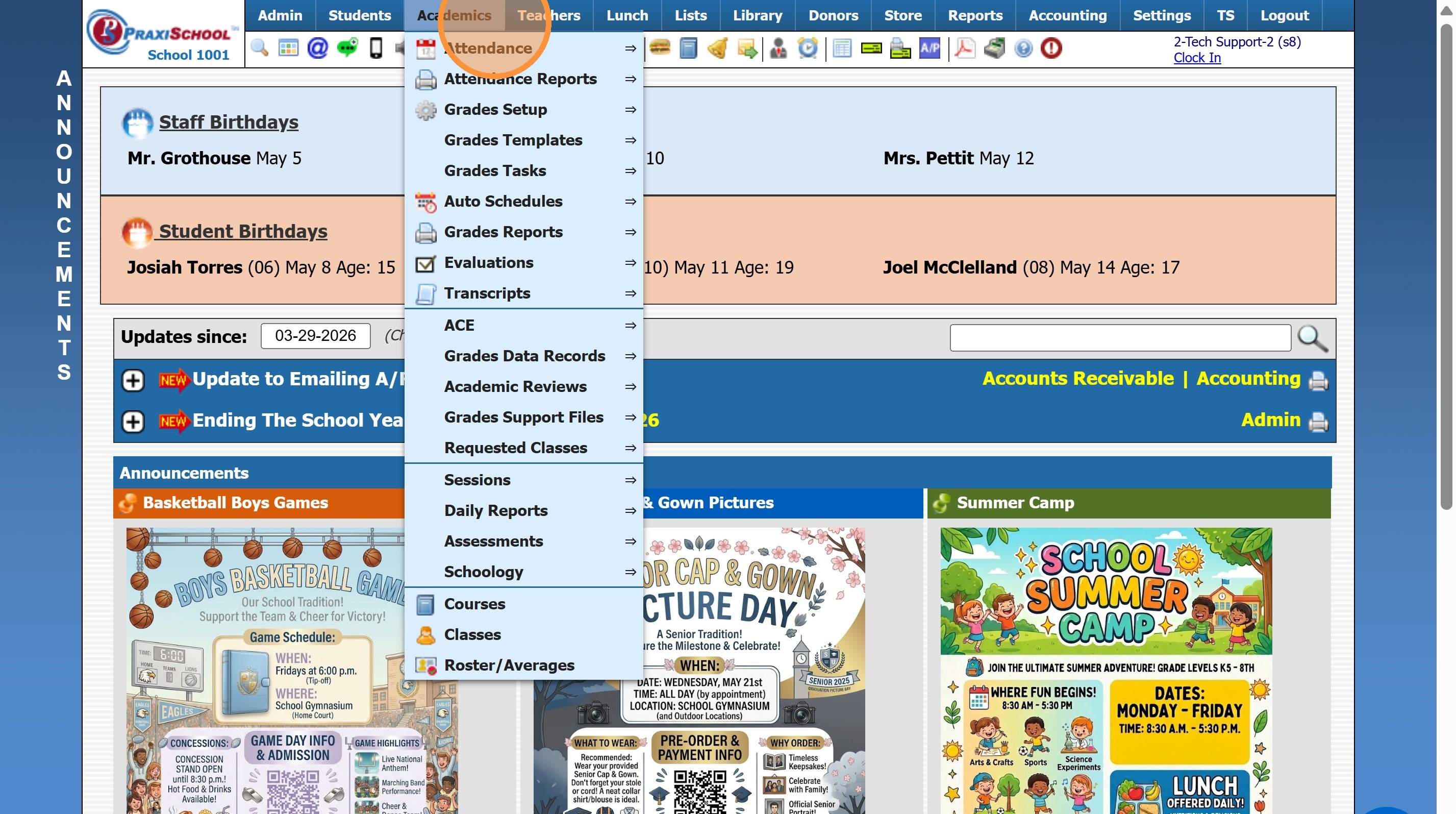
2. Click "Grades Tasks"
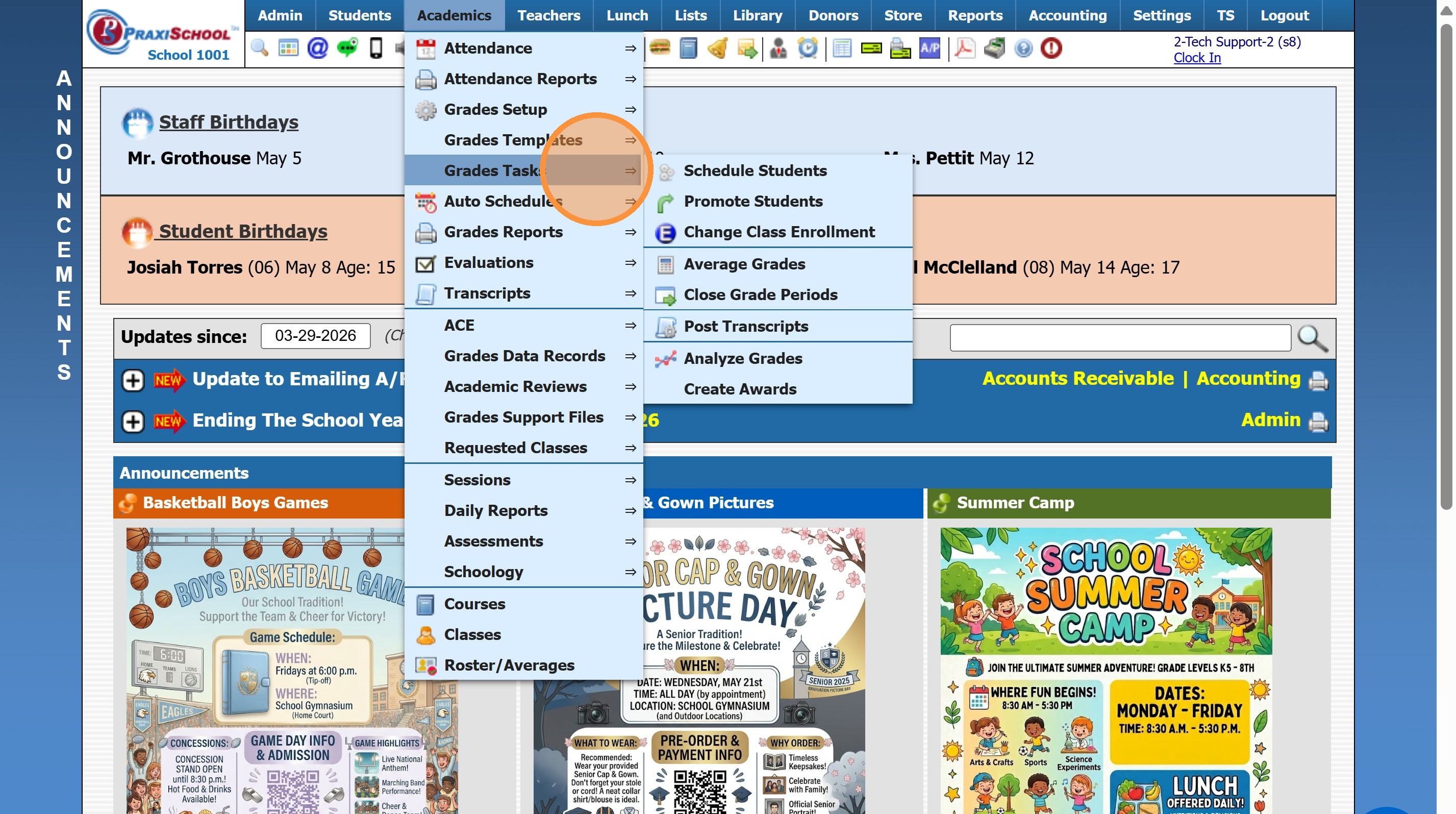
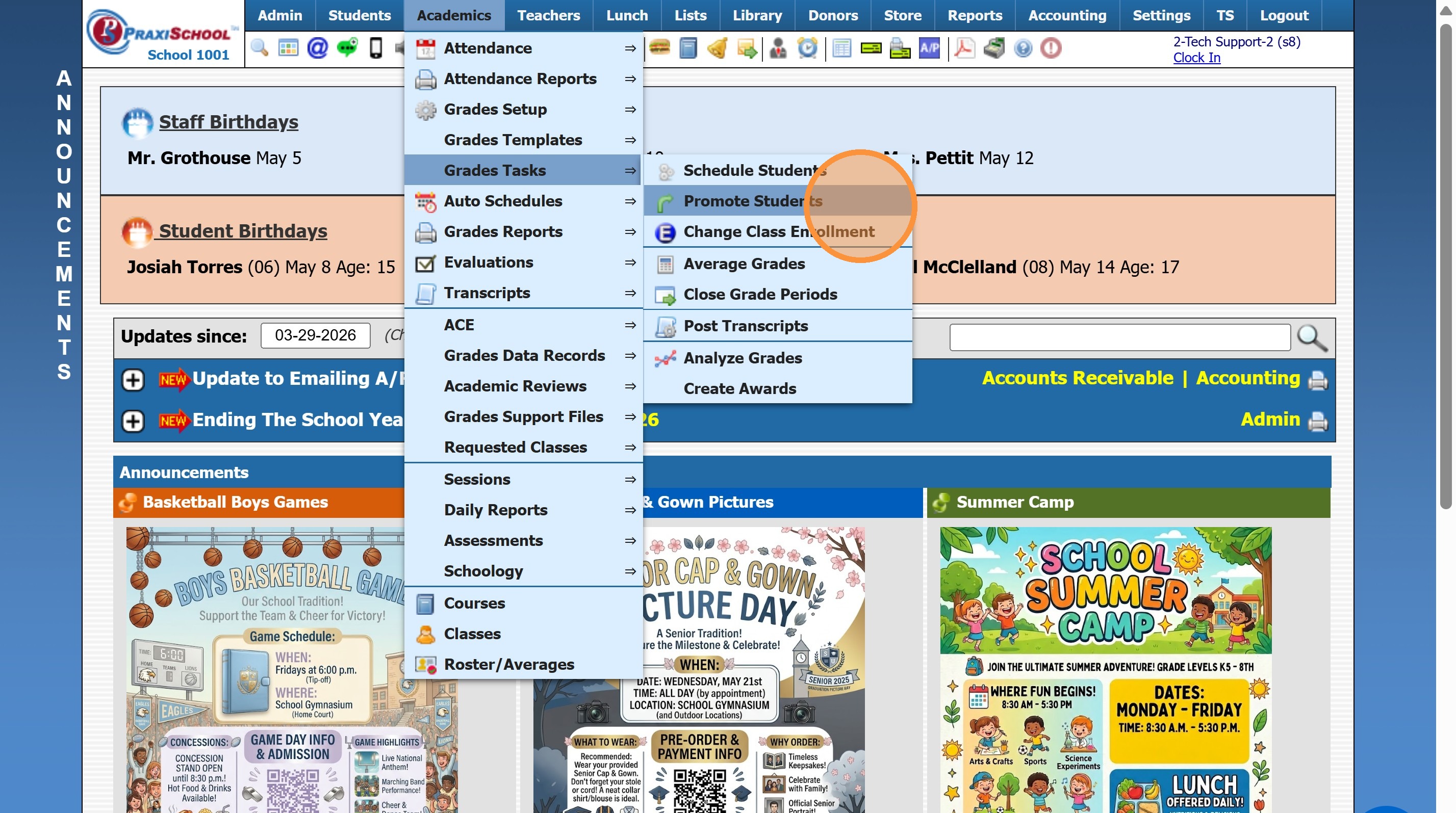
3. Click "Promote Students"
4. Set Graduation Date & Select 12th Grade
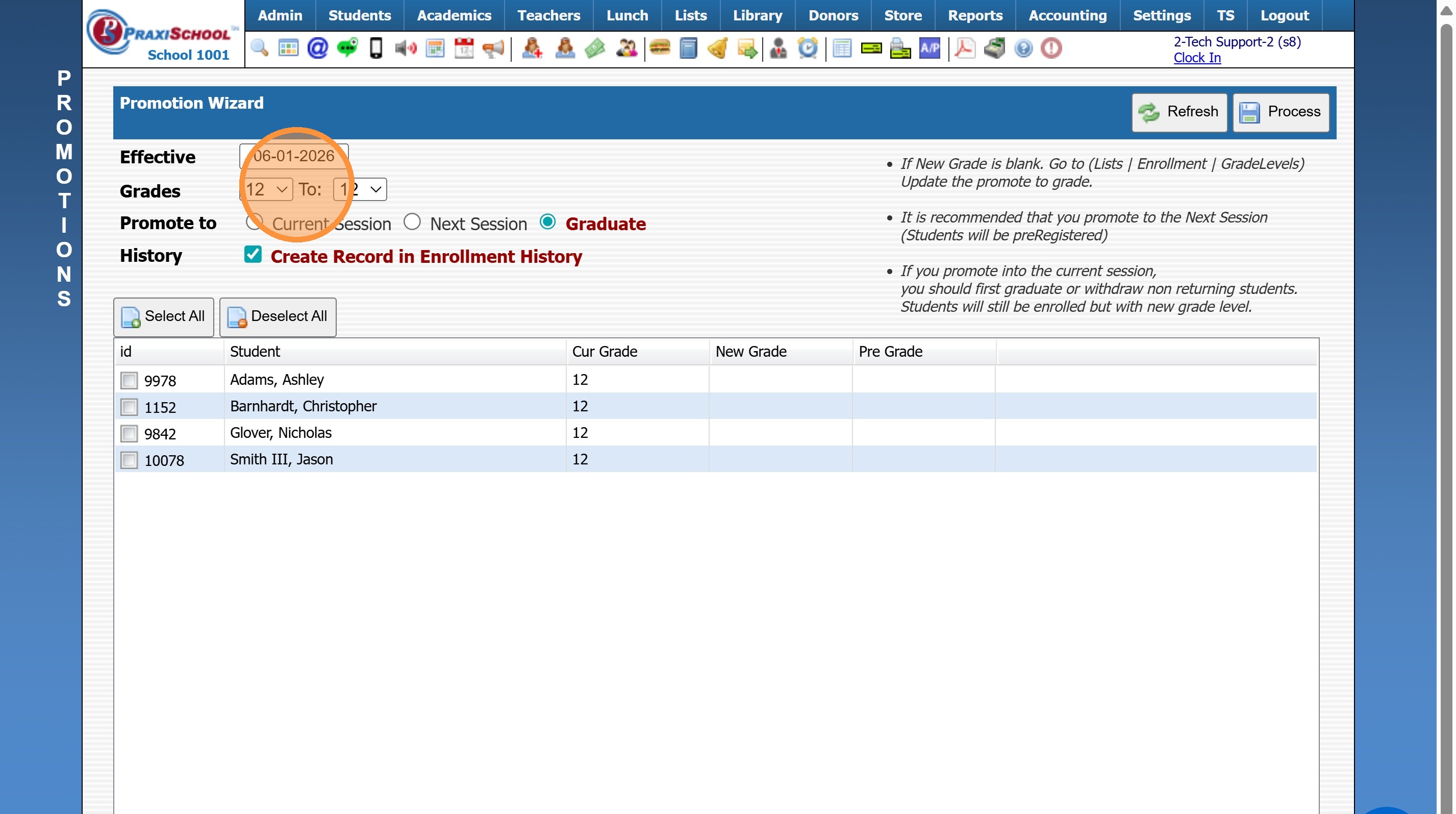
5. Select Promote To "Graduate"
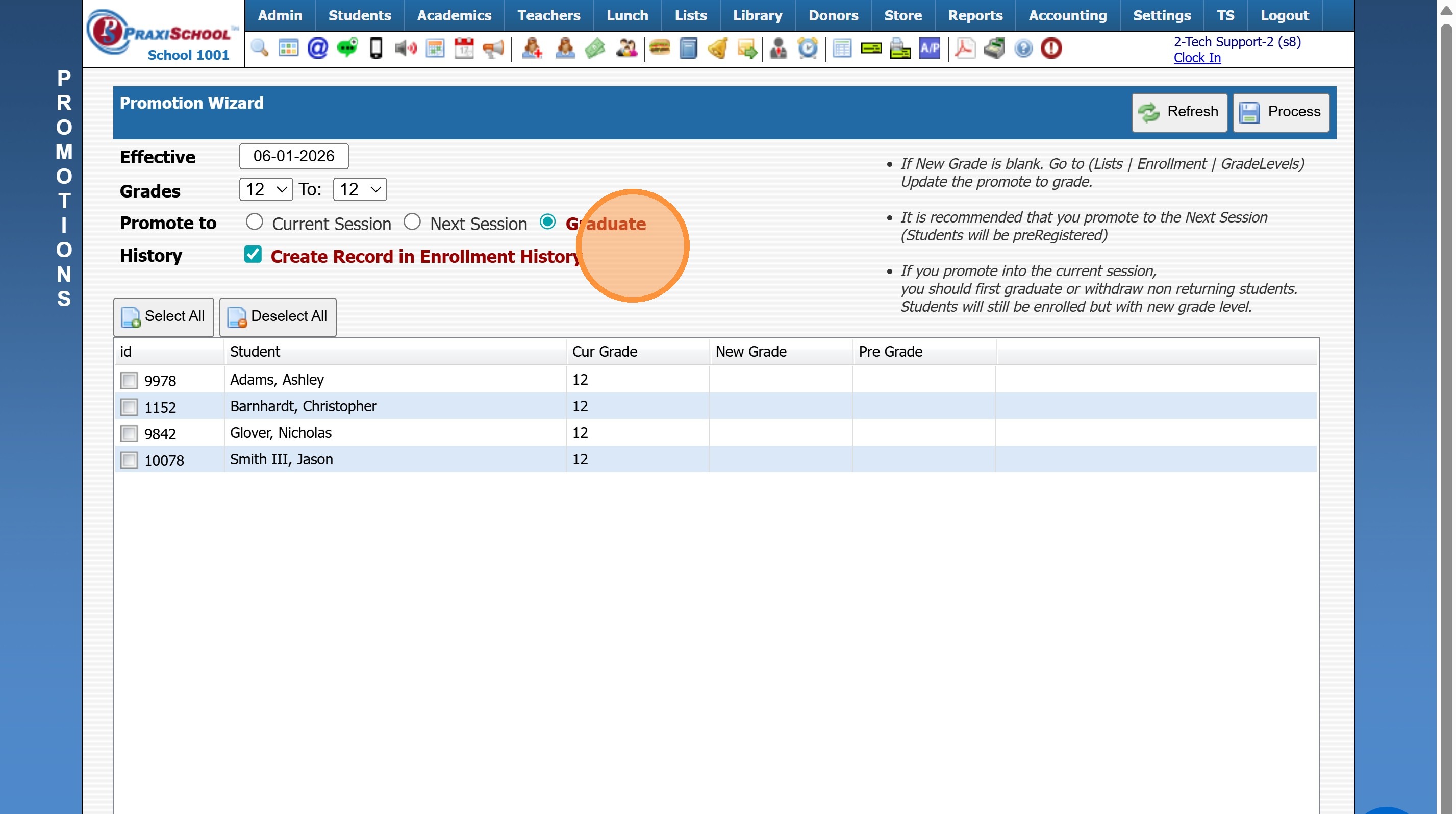
6. Click "Select All"
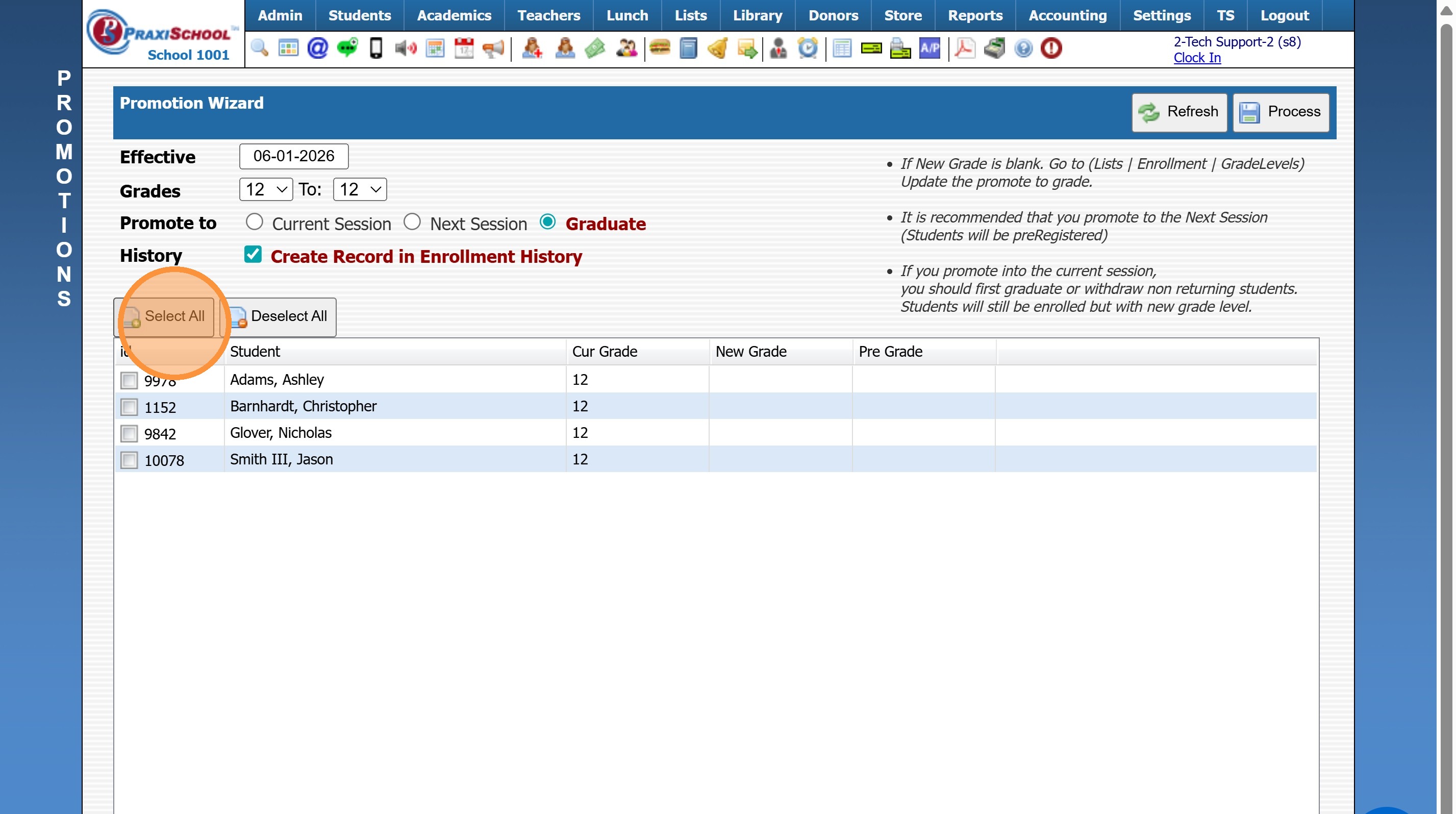
7. Click "Process"
9600.3.9
Related Articles
Graduating Seniors in Batch
Graduating Seniors in Batch 1. Log into PraxiSchool 2. Click "Academics" 3. Click "Grades Tasks" 4. Click "Promote Students" 5. Set the Effective Date (Date of Graduation) 6. Select Grade From (12th) and Grade To (12th) 7. Select "Graduate" 8. Check ...Graduating Seniors Individually
1. Click "Students" 2. Click "Students" 3. Select Student 4. Click "Actions" 5. Click "Graduate" 6. Select Graduation Date Mark Classes: Completed - keeps Grades for Report Cards & Transcripts. Withdrawn - Grades are not kept for Report Cards & ...Batch Tag and Batch Edit Tags
Batch Tag and Batch Edit Tags Batch Tagging 1. Log into PraxiSchool 2. Navigate to Database Screen (i.e. Students, Staff, AR, Family, etc.) 3. Click "Actions" 4. Click "Batch Tag" 5. Set the Parameters for Tagging the Files 6. Click "Tag" Option 7. ...Batch Assigning Groups
Batch Assigning Groups 1. Go to Database Screen (i.e. Students, AR, Staff) and Tag Individuals to Add to a Group 2. Click "Actions" 3. Click "Batch Change Groups" 4. Select Group 5. Click "Process" 6. Assigned Groups can be viewed under the Groups ...Archiving Students in Batch
Archiving Students in Batch 1. Click "Students" 2. Click "Students" 3. Tag Student Records to Archive 4. Click "Actions" 5. Click "Other Actions" 6. Click "Archive Students" 7. Click "Select All" 8. Click "Archive Checked Students", Click "Ok" & ...