Editing Donation Transaction Campaign Allocations
1. Click "Donors"
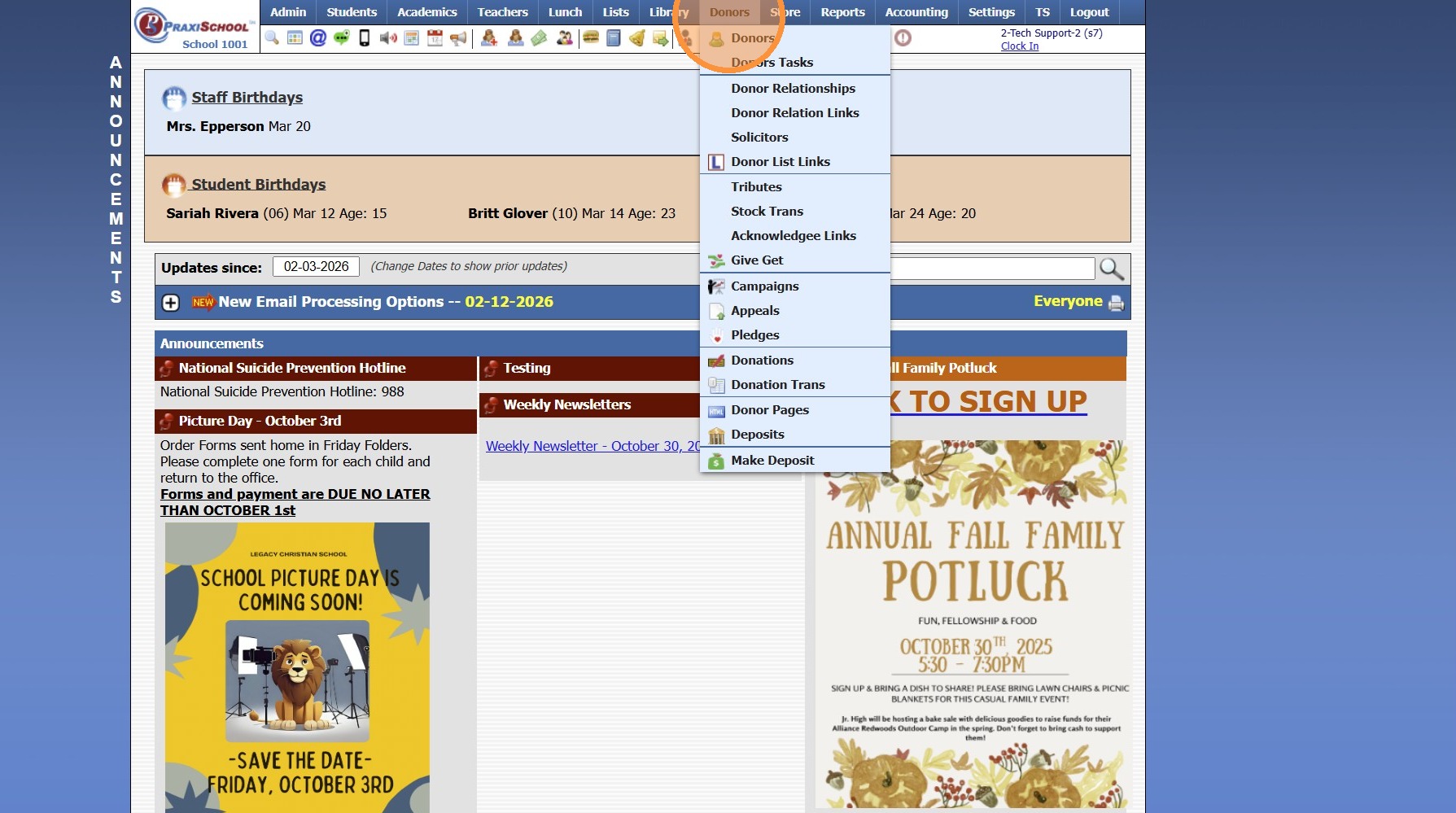
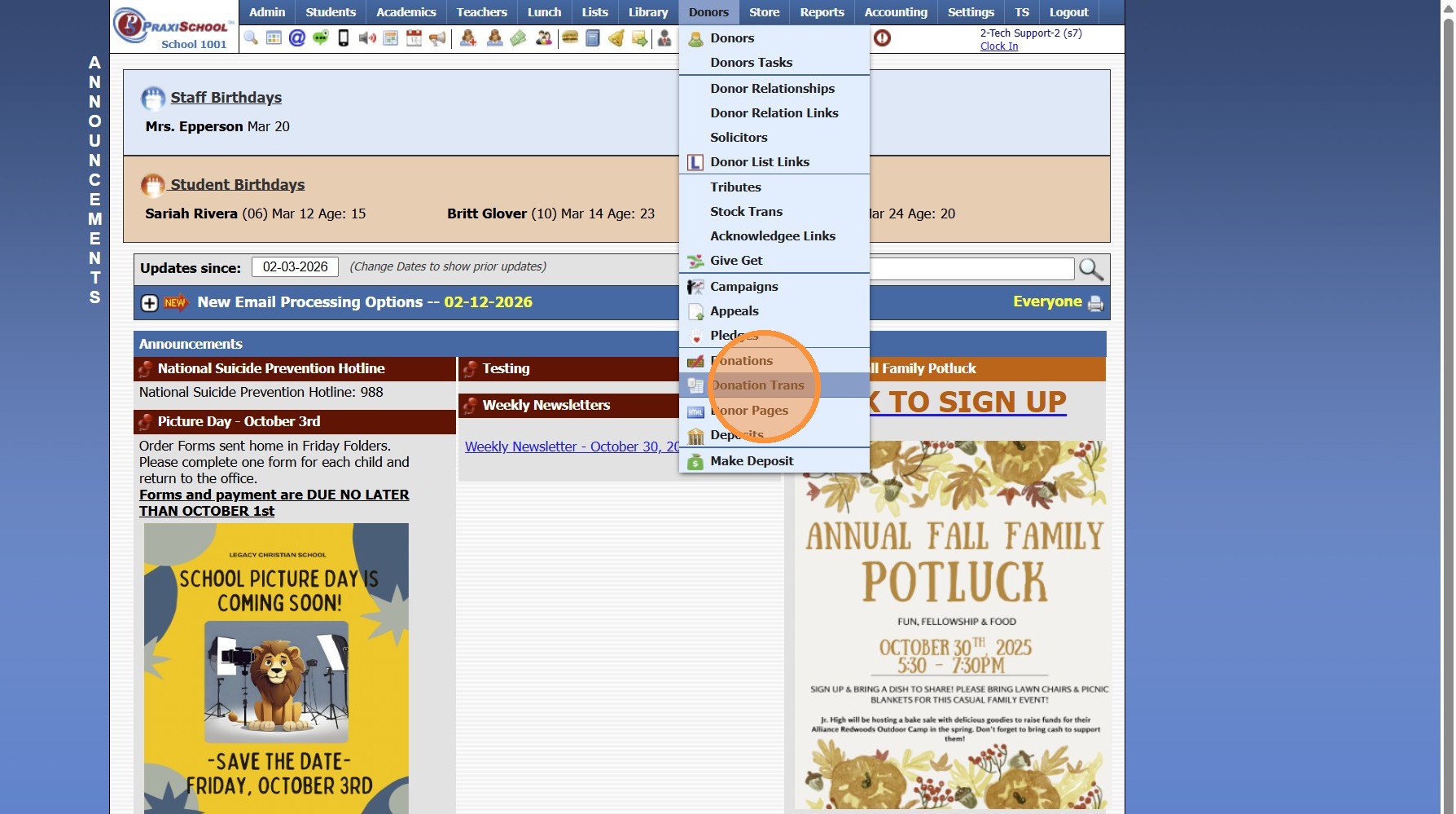
2. Click "Donation Trans"
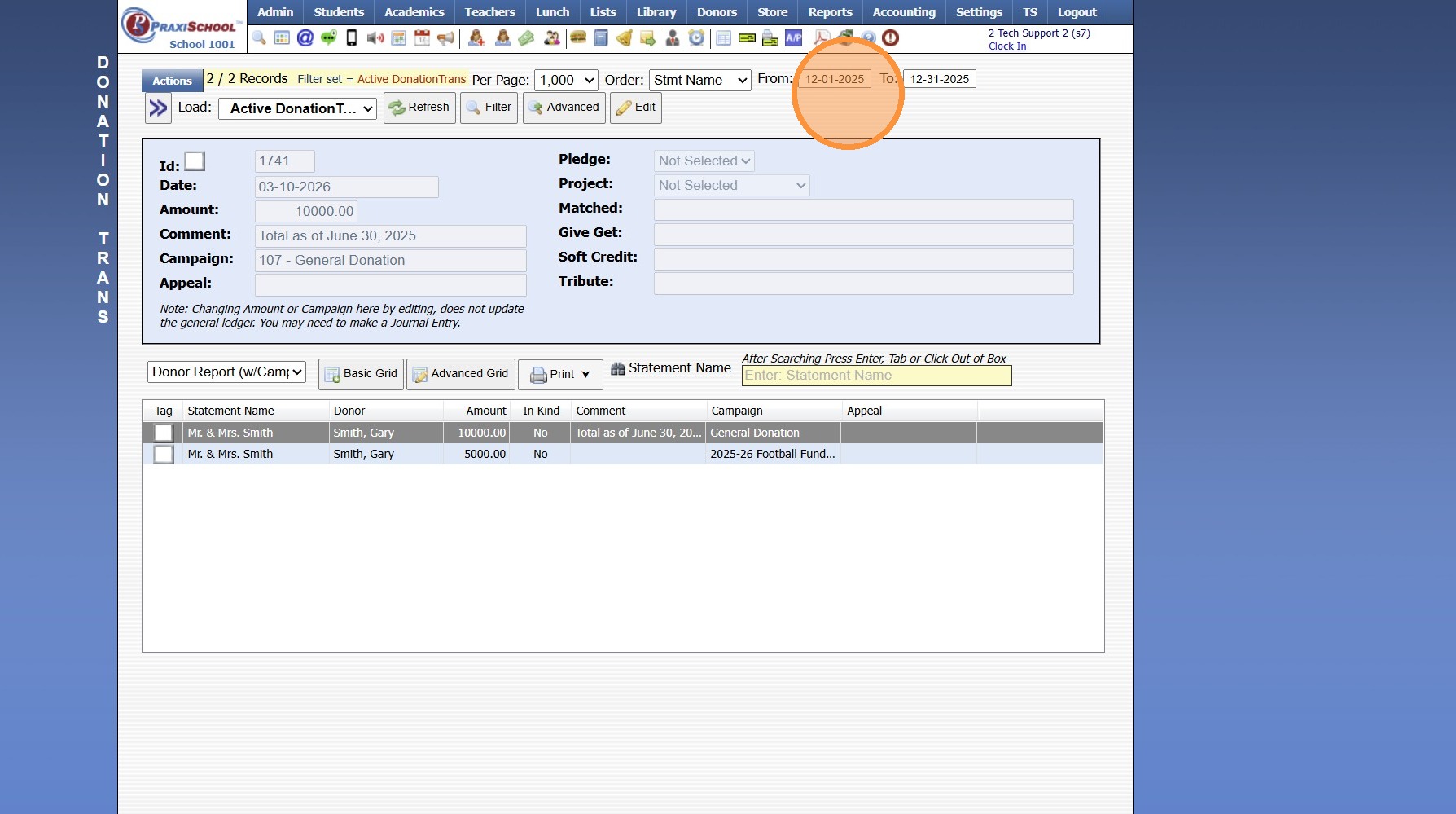
3. Set Date Range
4. Click "Refresh"
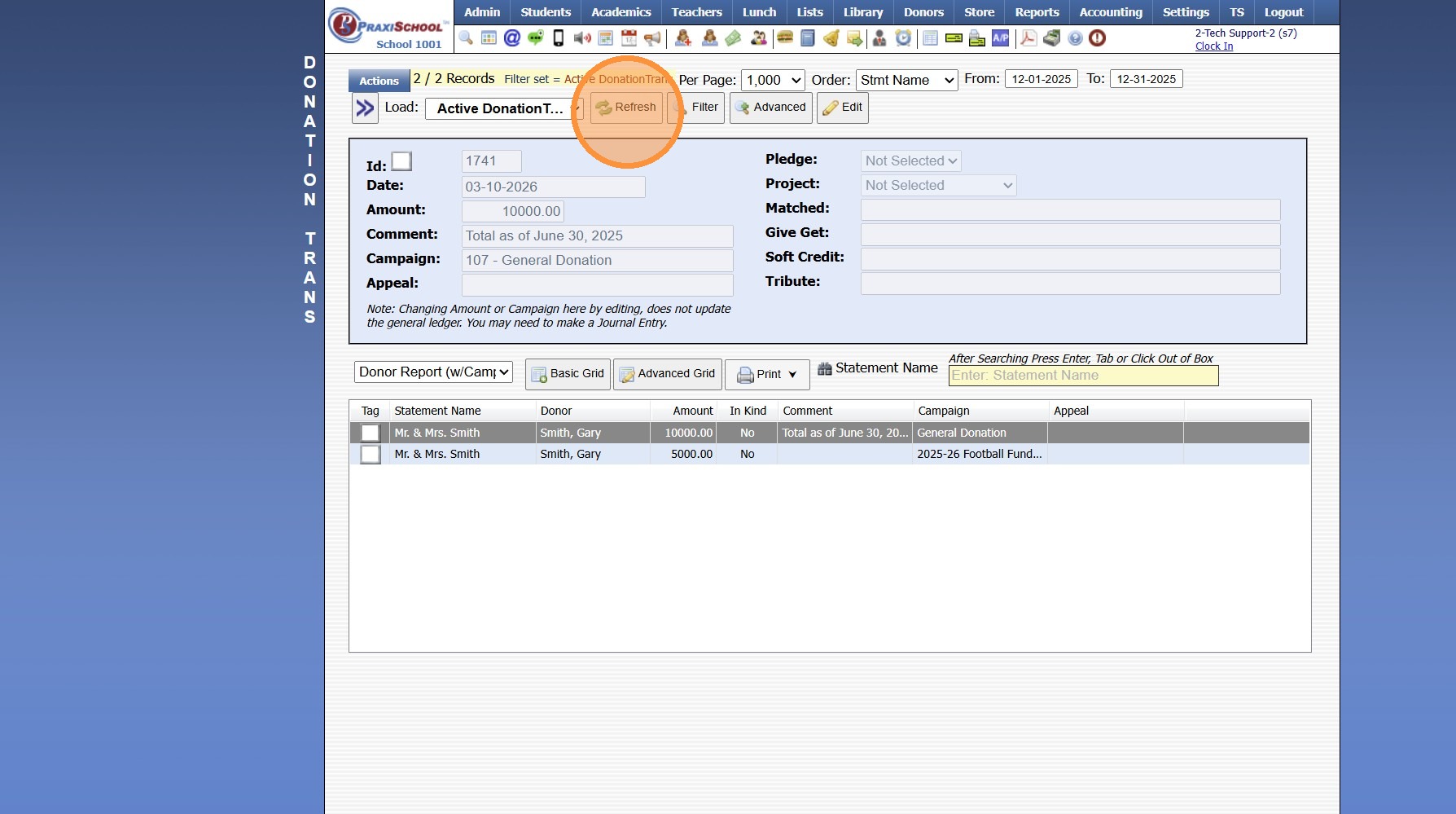
5. Select Transactions
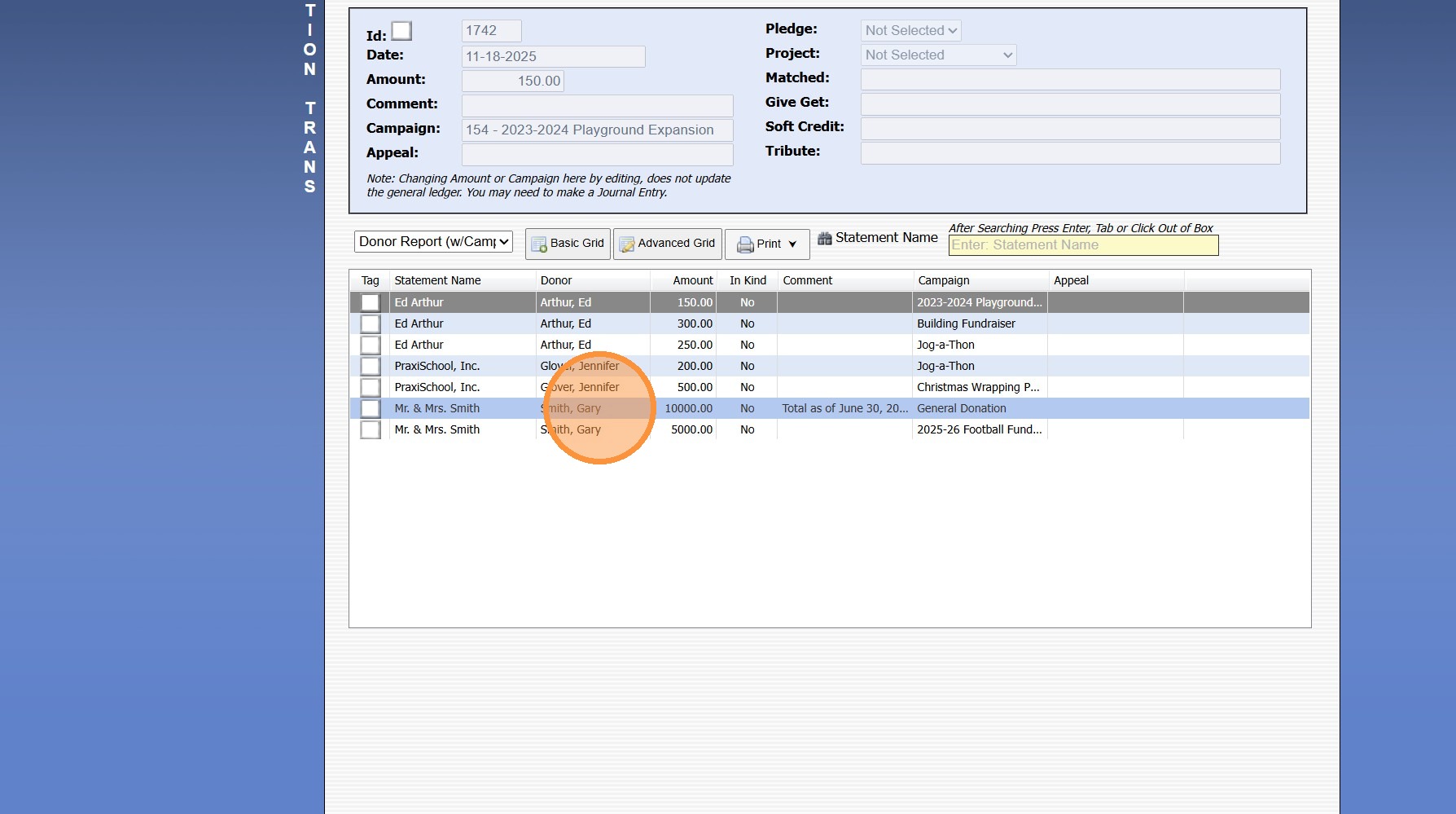
6. Click "Edit"
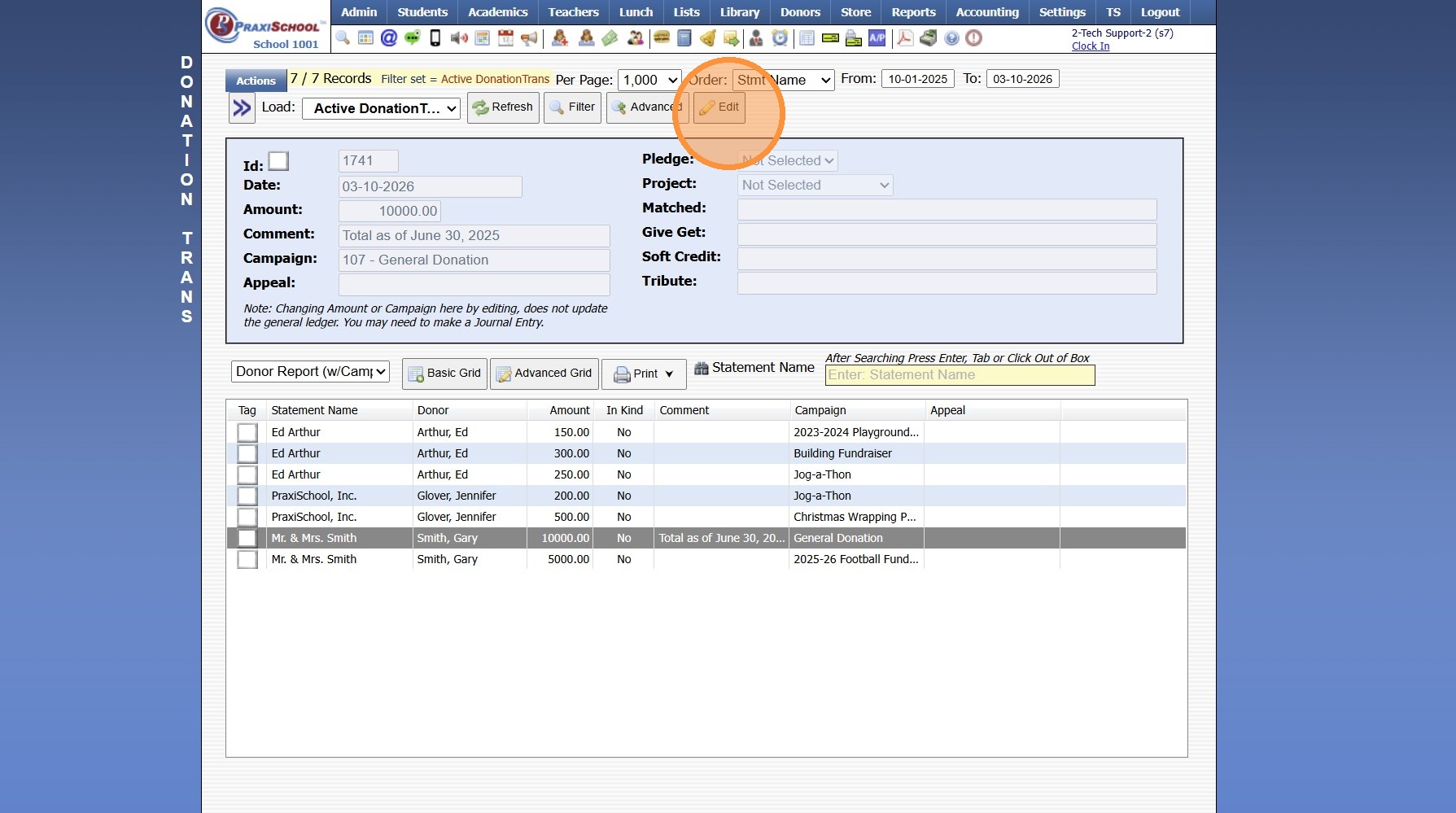
7. Update Donation Allocation Amount
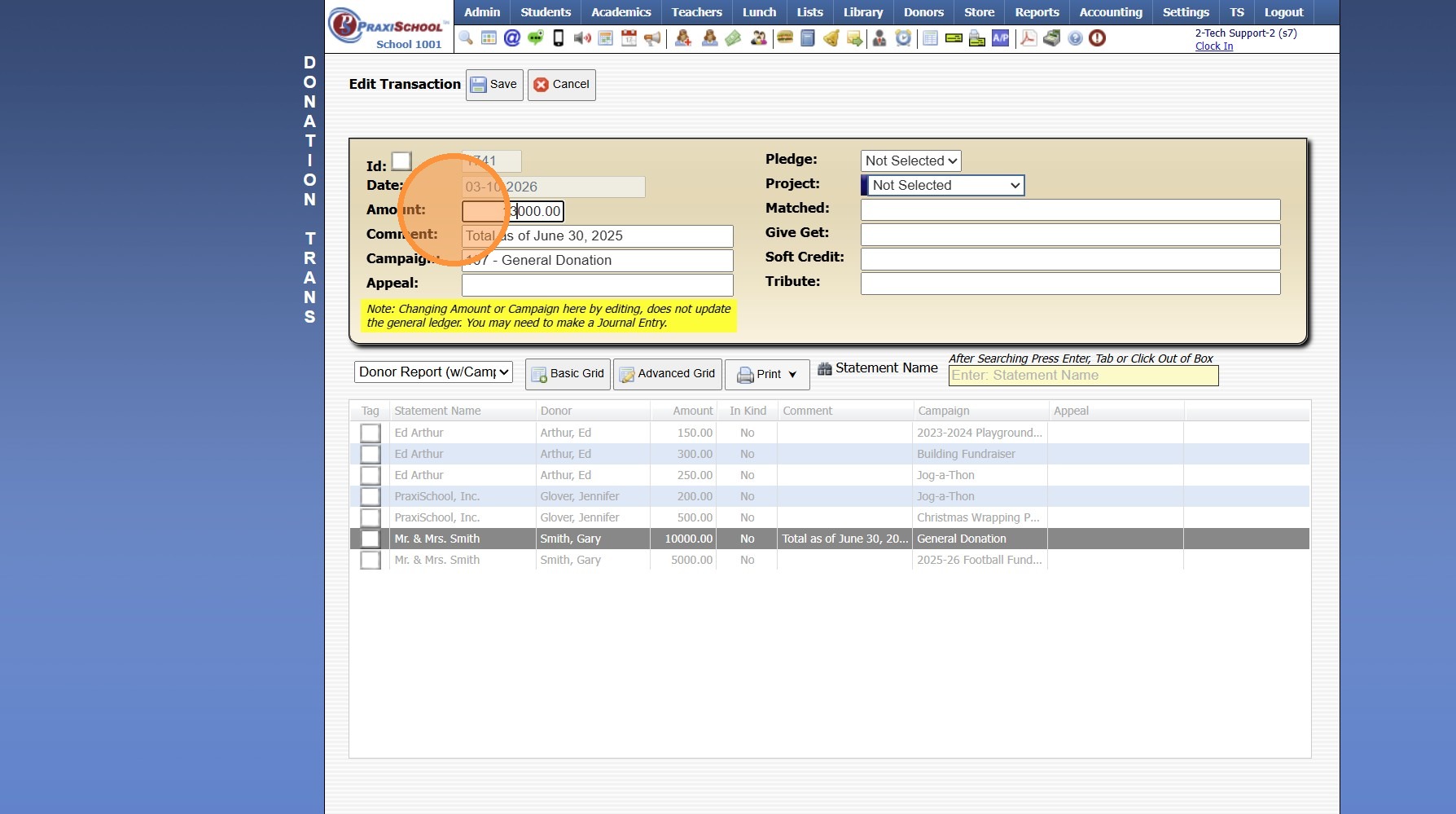
8. Click "Save"
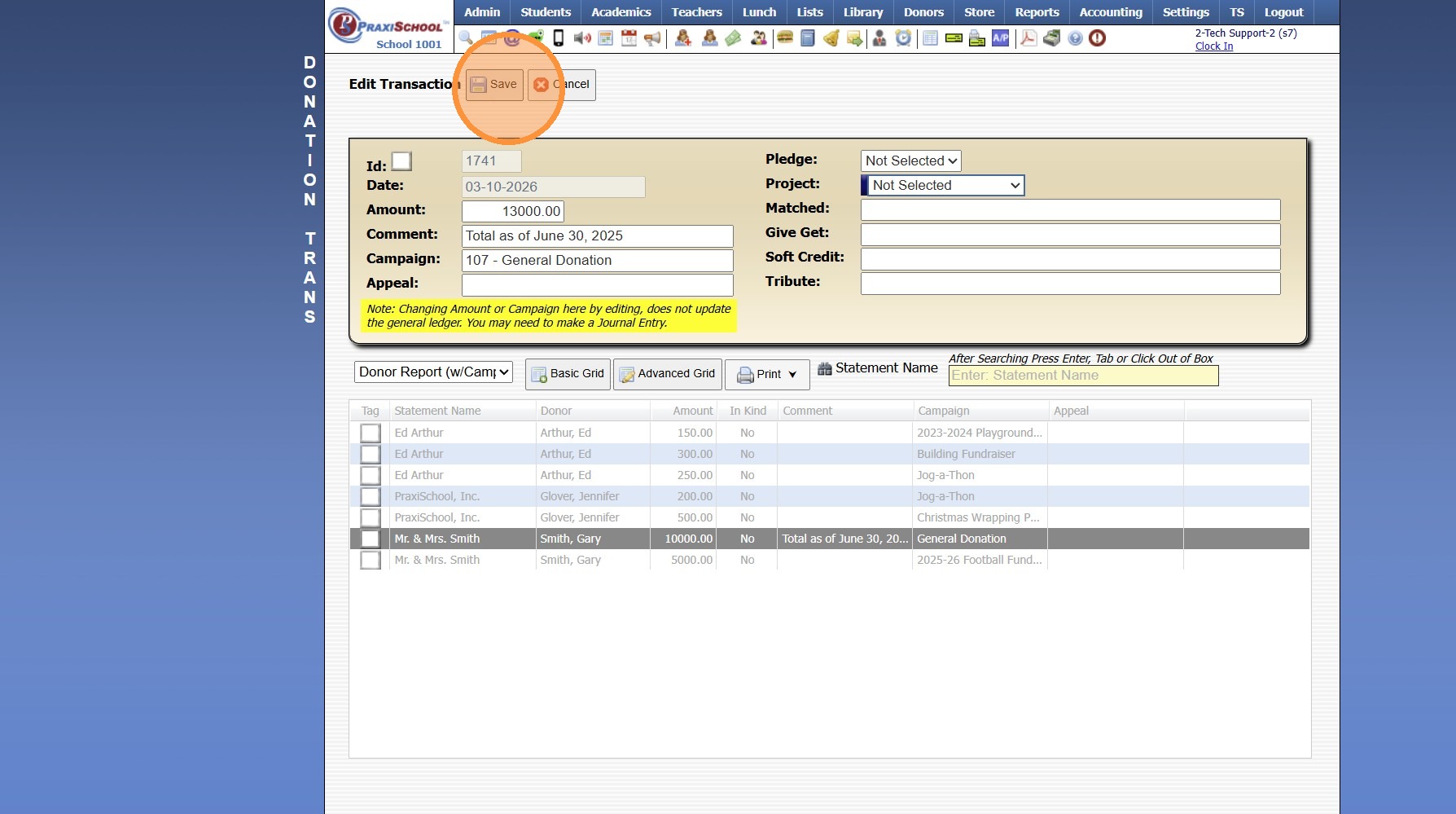
9. Select Next Donation Allocation
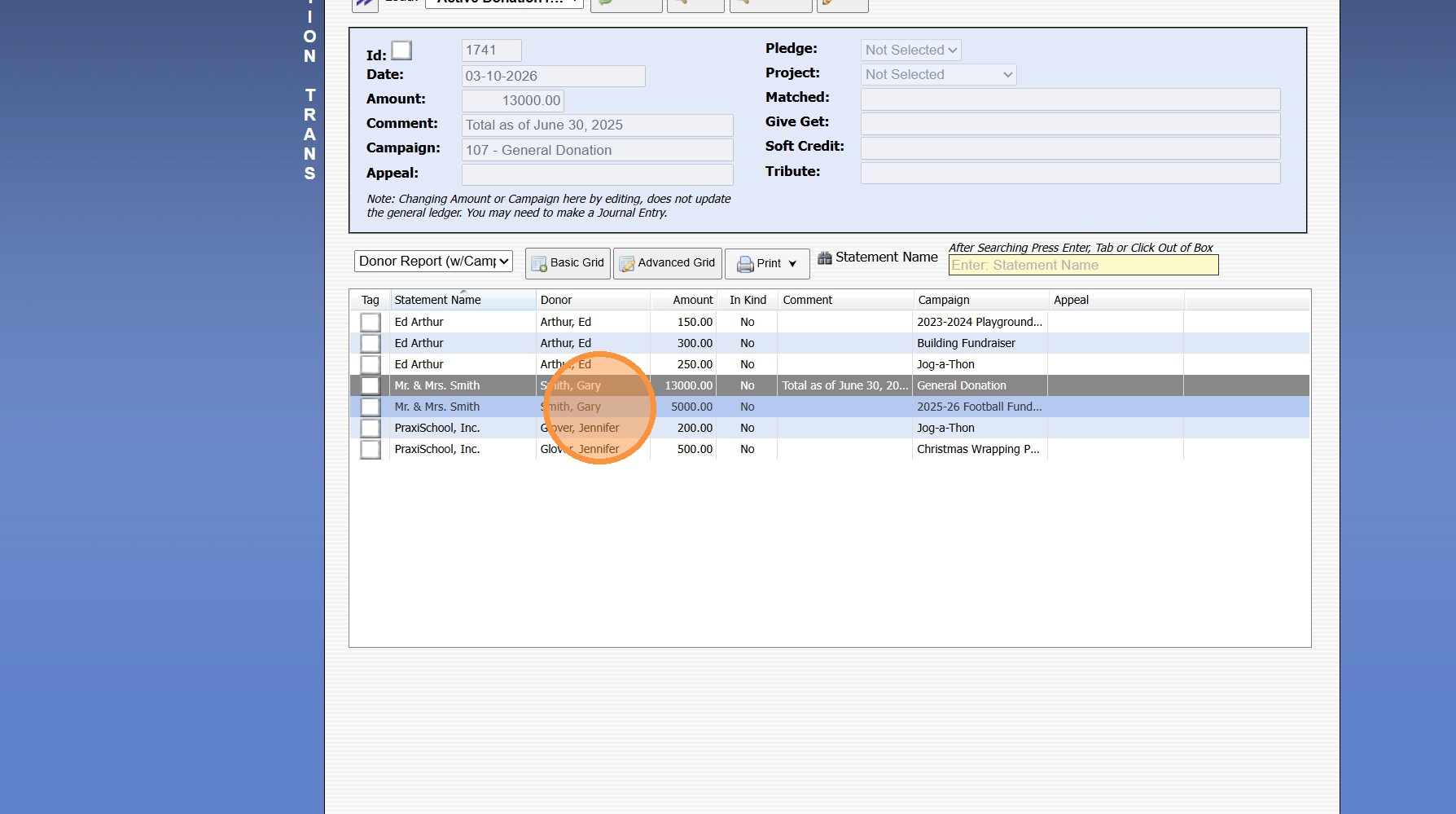
10. Click "Edit"
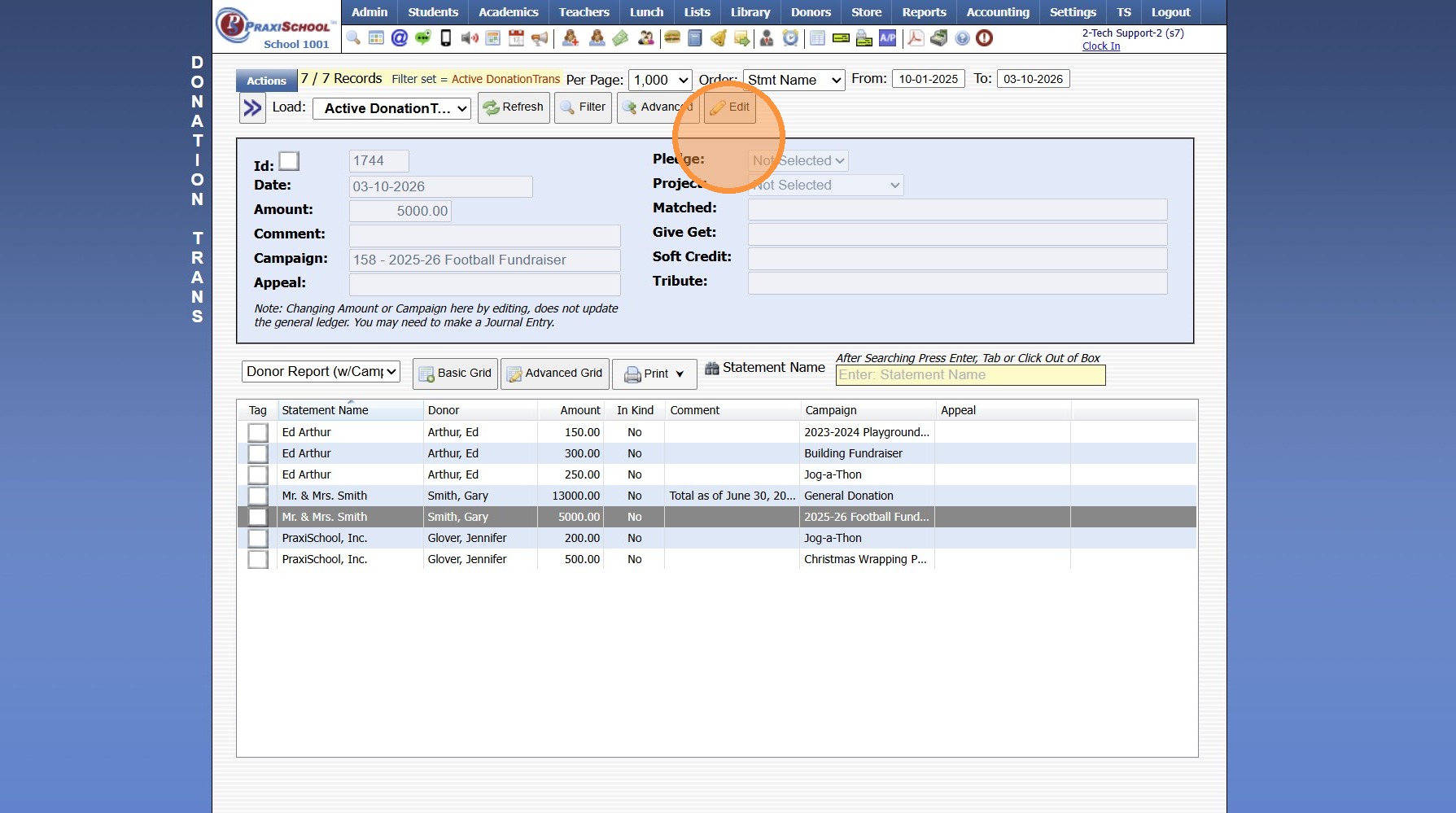
11. Update Donation Allocation Amount
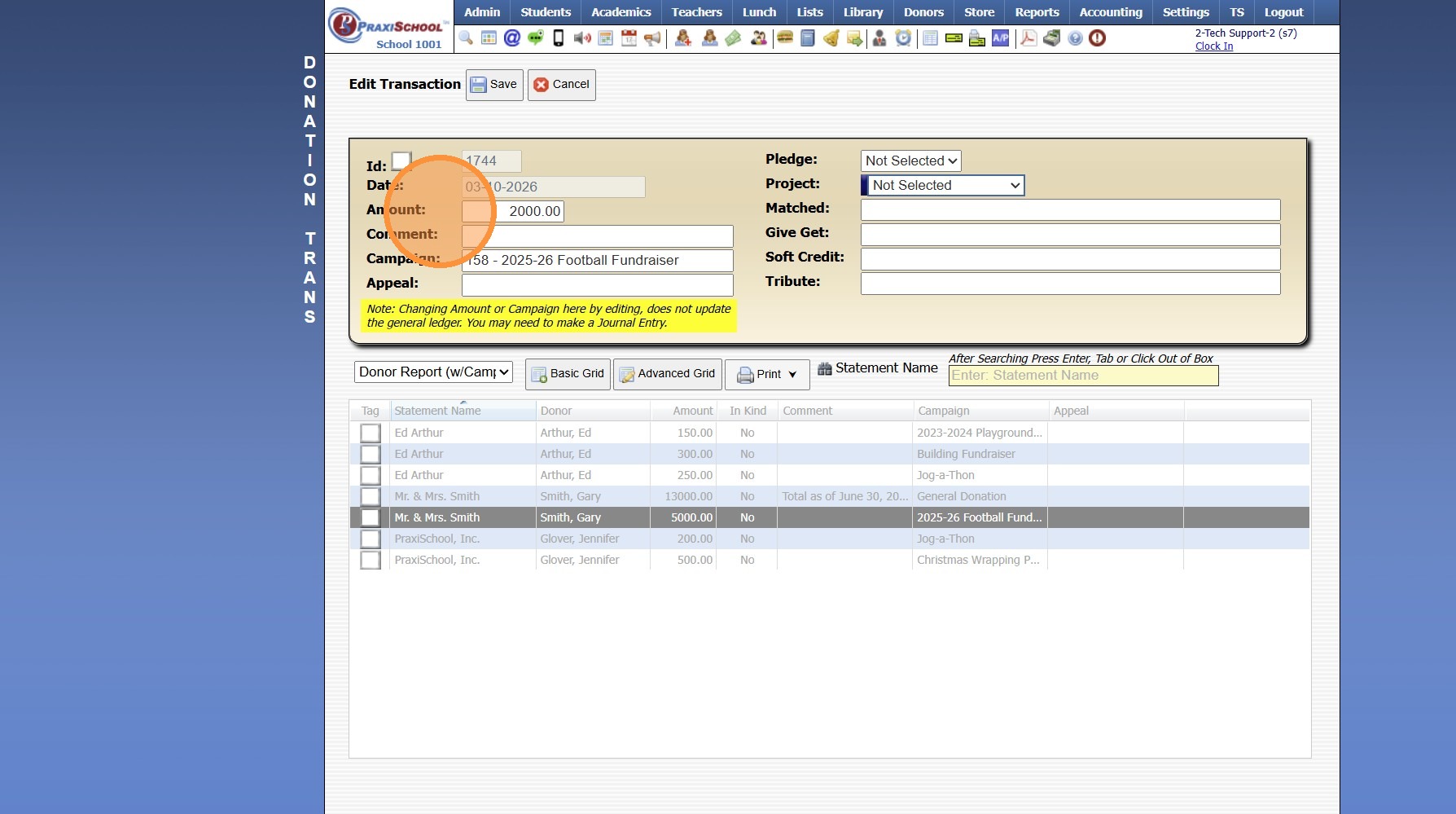
12. Click "Save"
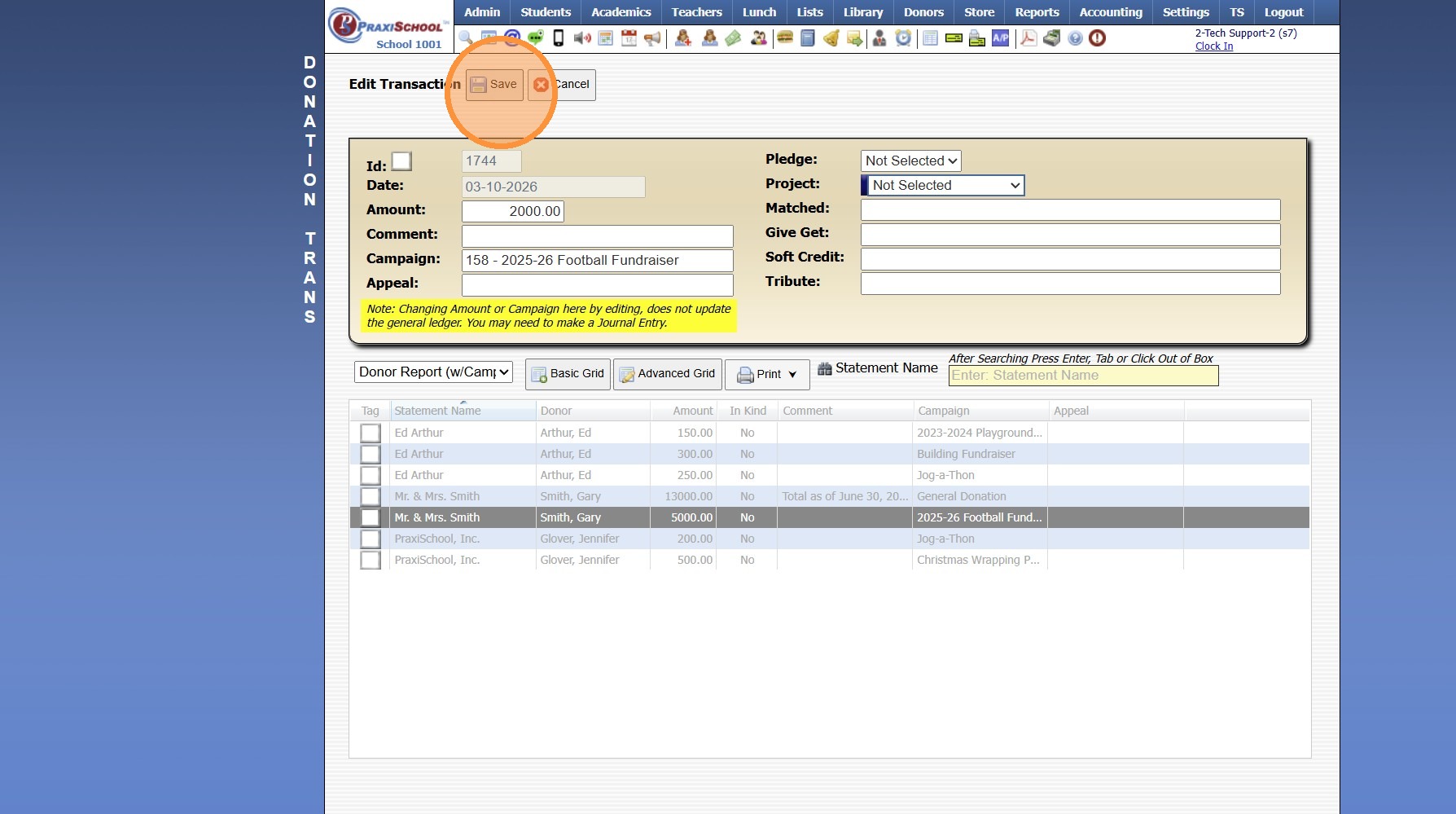
Total Amount of Donation Allocations MUST Match Total Original Donation Amount
4500.15.3
Related Articles
Editing an AR Transaction
These Edits can be made prior to the AR Deposit being processed. 1. Click "Admin" 2. Click "Accounts Receivable" 3. Select the AR Account 4. Click "Activity" 5. Click "Expand" 6. Select the Item to Edit 7. Click "Edit" 8. Update the Incorrect Data 9. ...Creating a Donor Campaign
Creating a Donor Campaign 1. Log into PraxiSchool 2. Click "Donors" 3. Click "Campaigns" 4. Click "Add" 5. Enter the Campaign ID Name & Portal Name (Optional) 6. Select the General Ledger Number. Department, Receivable General Ledger Number and Notes ...Posting a Returned Donation Check
1. Click "Donors" 2. Click "Donations" 3. Select Donation to Cancel 4. Click "Actions" 5. Click "Cancel Donation" 6. Select Cancel 7. Enter the Reason for Cancelling the Donation (Optional) 8. Click "Save Action" 9. Click "Accounting" 10. Click ...Addresses (Viewing, Editing, Adding)
Addresses (Viewing, Editing, Adding) 1. Click "Students" 2. Click "Addresses" Tip: The Addresses database is not typically where an Address would be Added or Edited. The Addresses database is a Data File of the Address data collected when adding a ...Creating a Memorized Transaction
1. Click "Accounting" 2. Click "Enter Accounting" 3. Click "Checks" 4. Create Payment Entry 5. Click "Save" 6. Click "Accounting" 7. Click "Register" 8. Select Payment Entry 9. Click "Actions" 10. Click "Memorize Transaction" 11. Enter Recurring ...