Creating an AR Contract Template
1. Click "Lists"
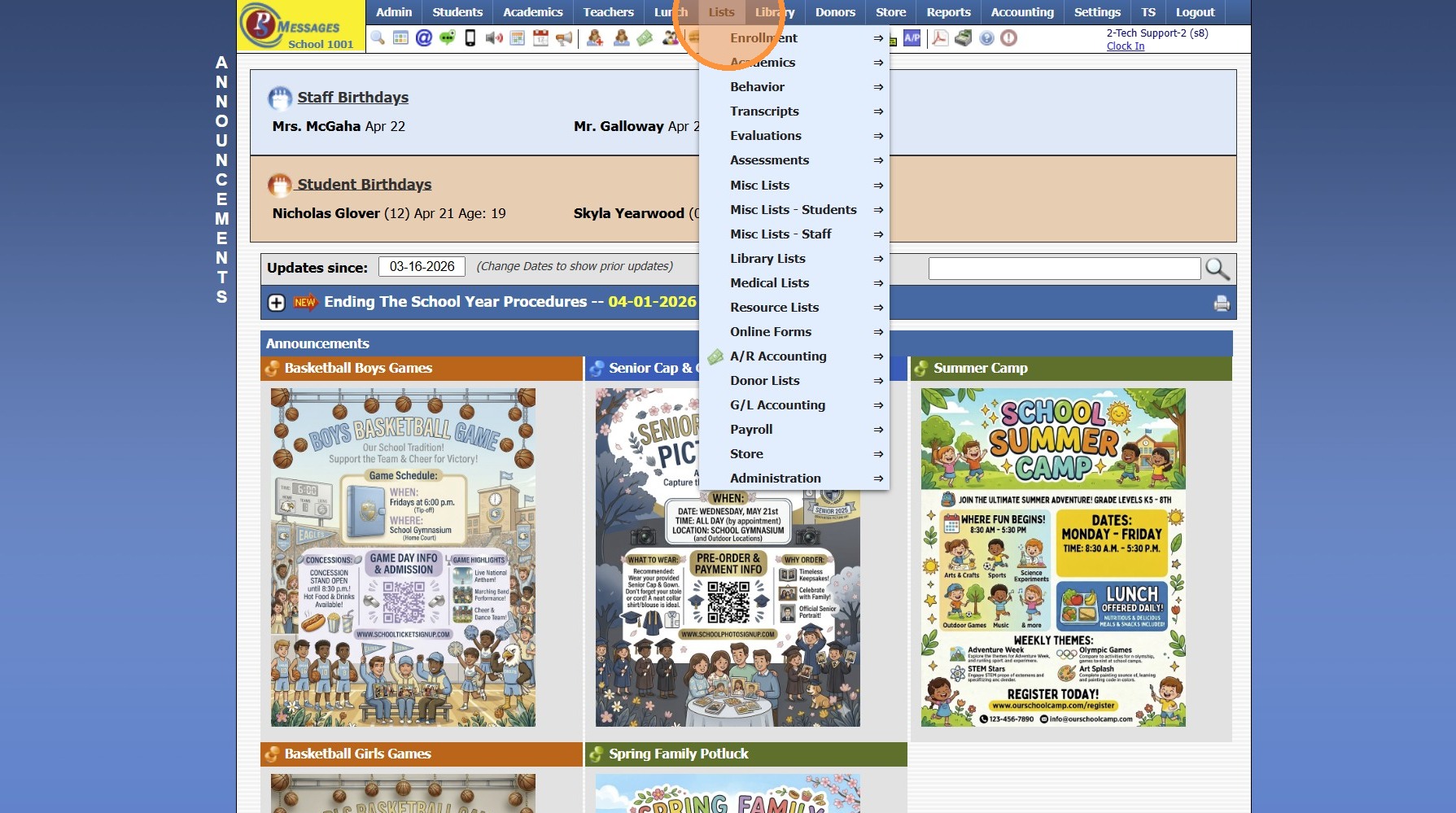
2. Click "A/R Accounting"
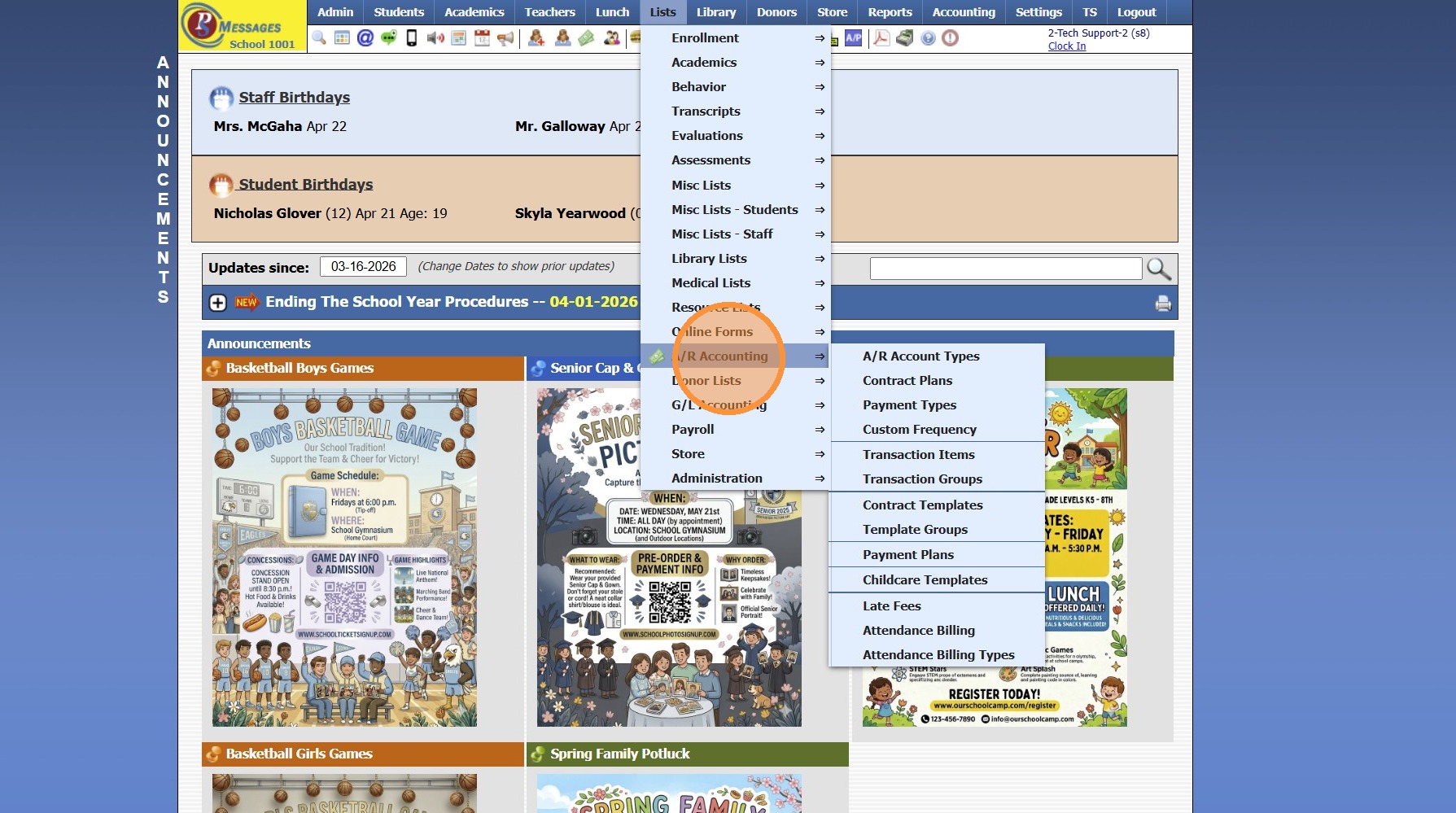
3. Click "Contract Templates"
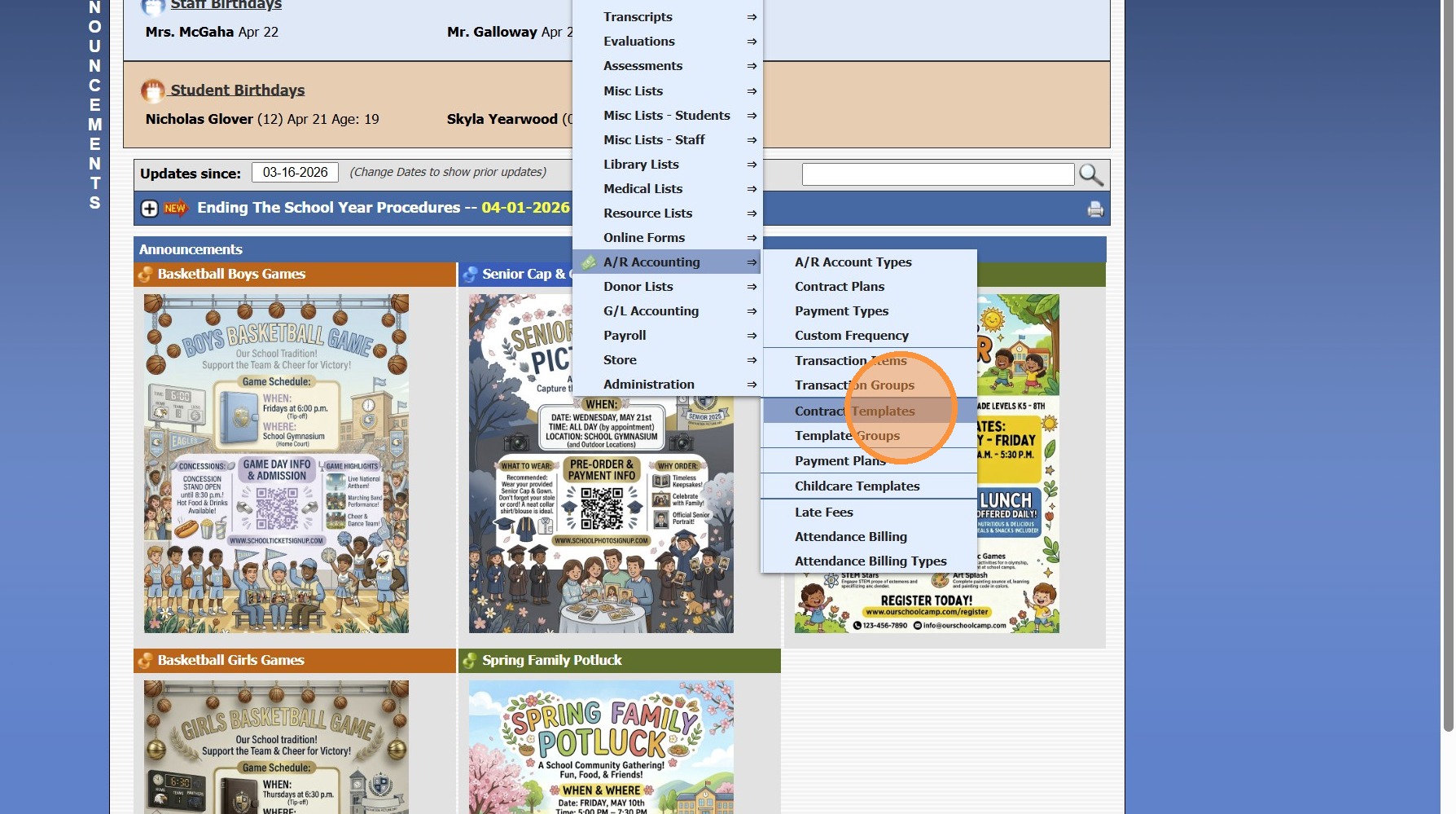
4. Click "Add"
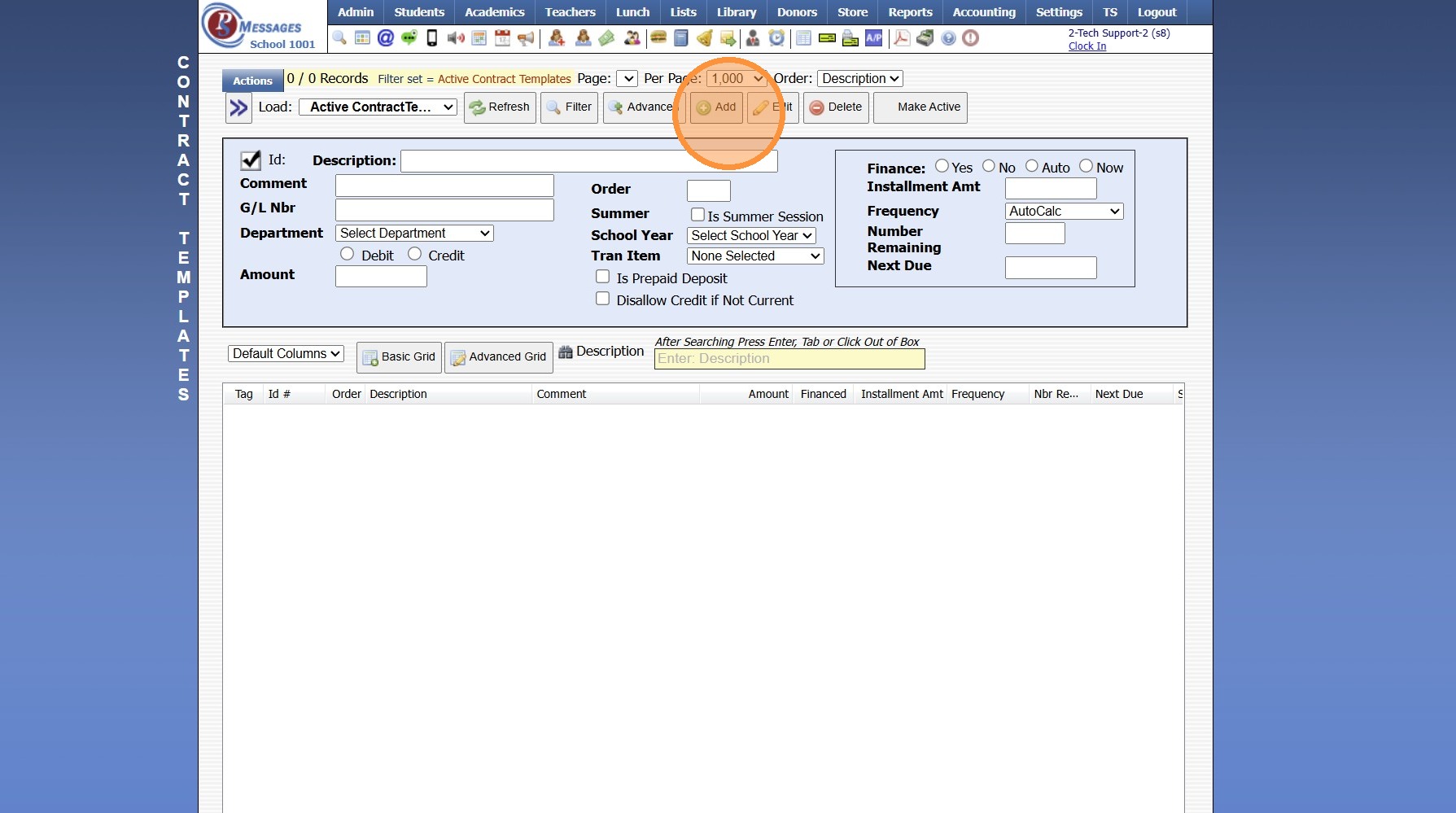
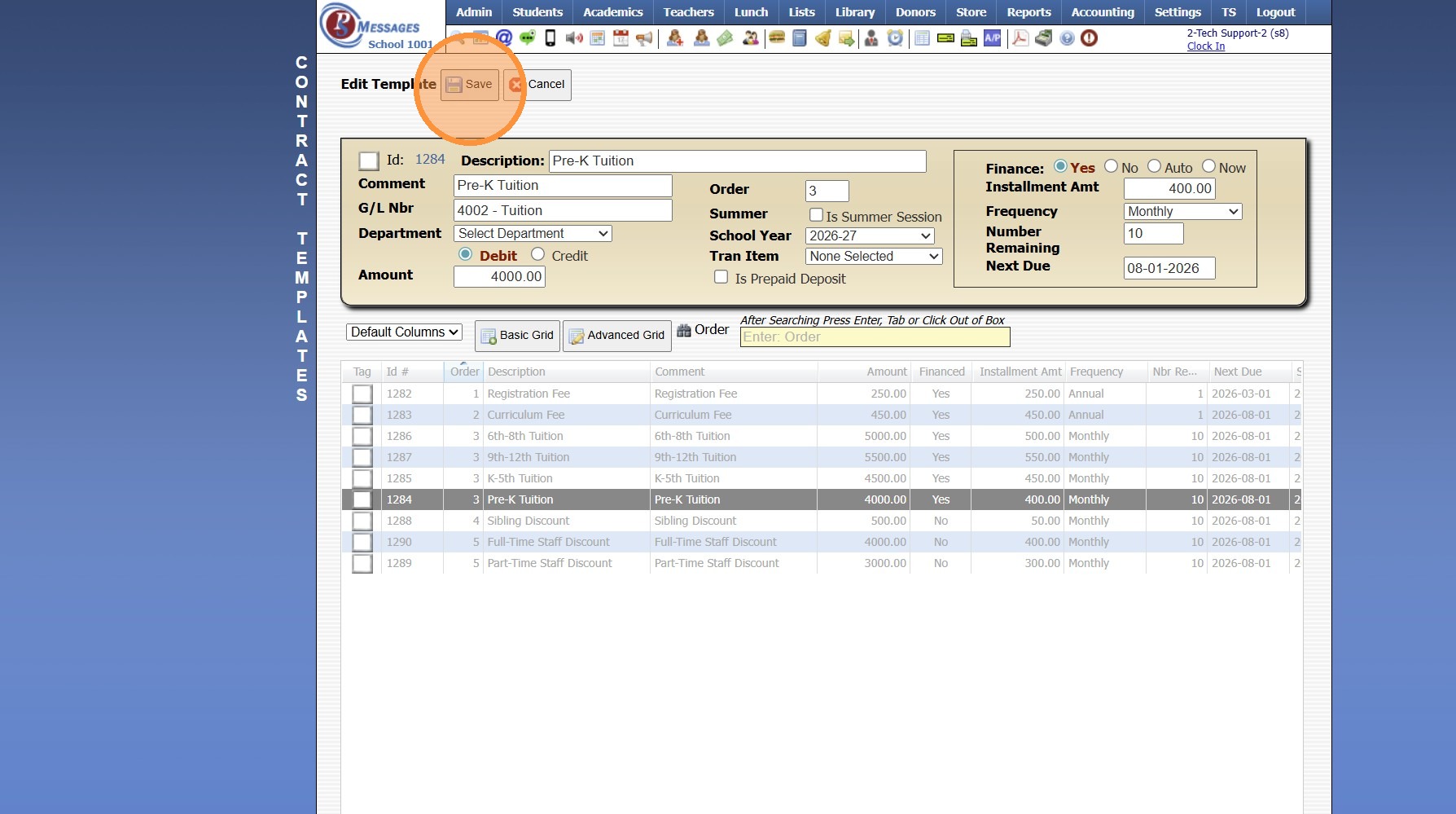
5. Enter Contract Description
(Only Seen by Admin)
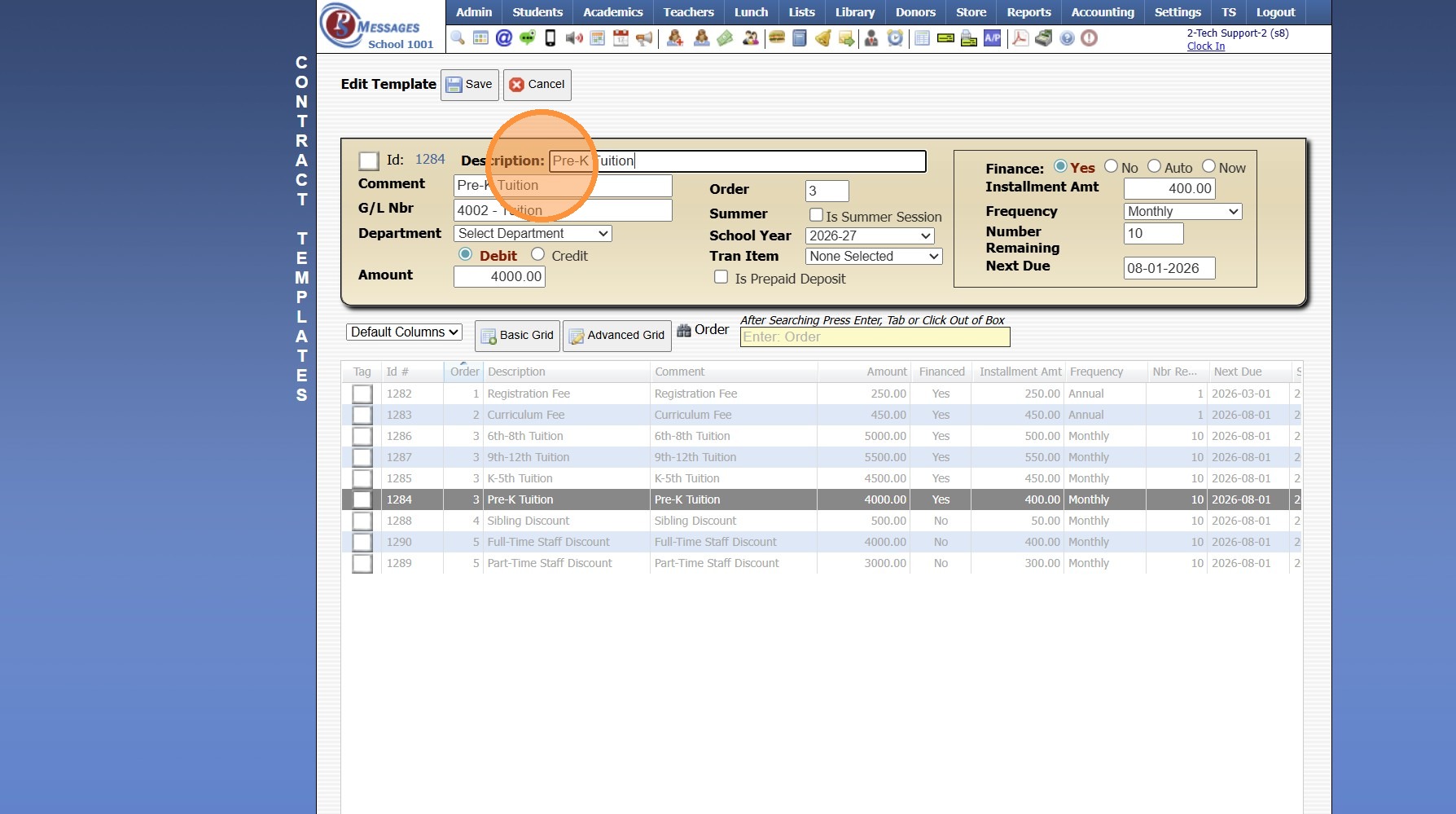
6. Enter Comment
(Shows on Statement & Parent Portal)
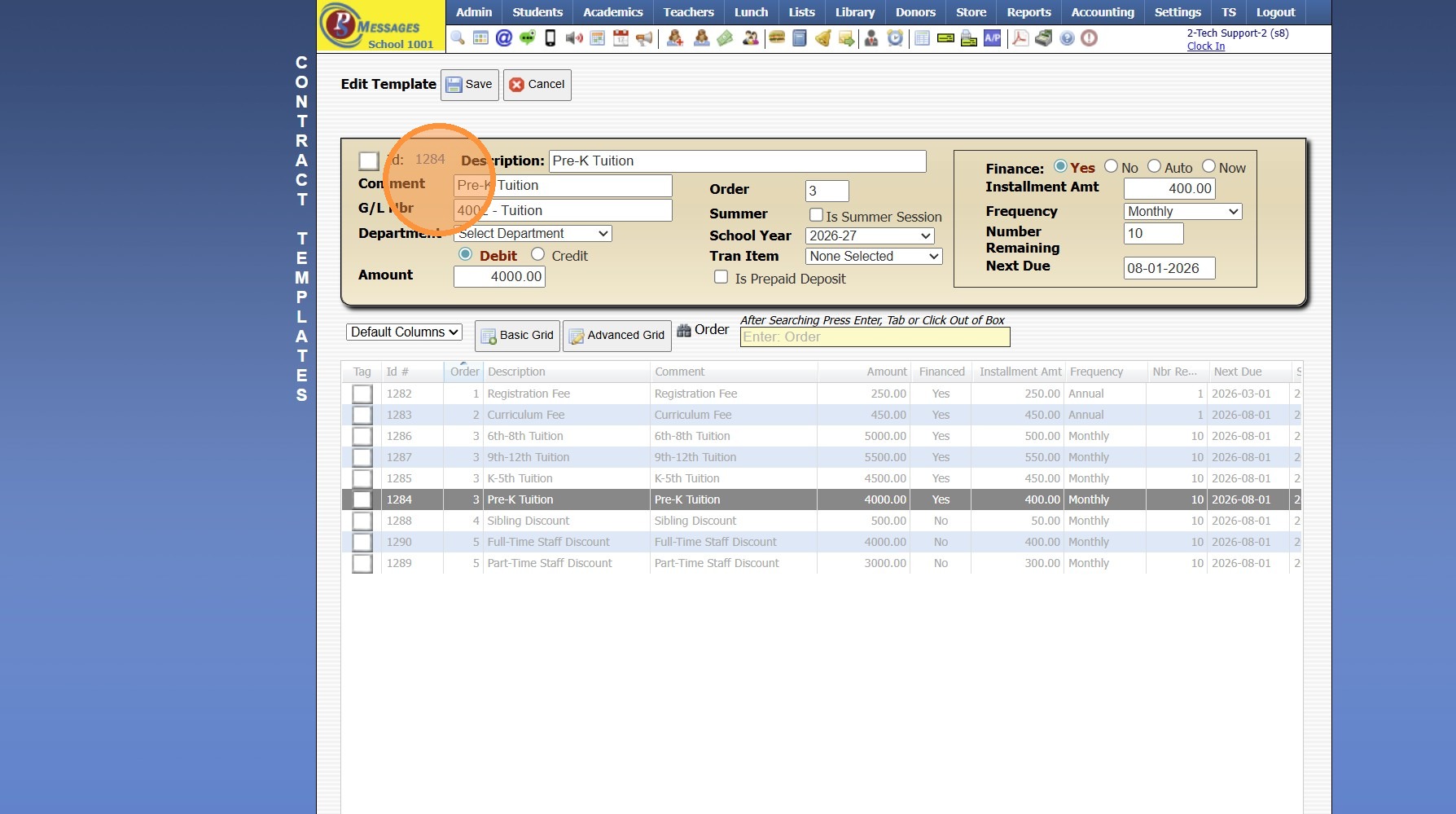
7. Enter GL Number
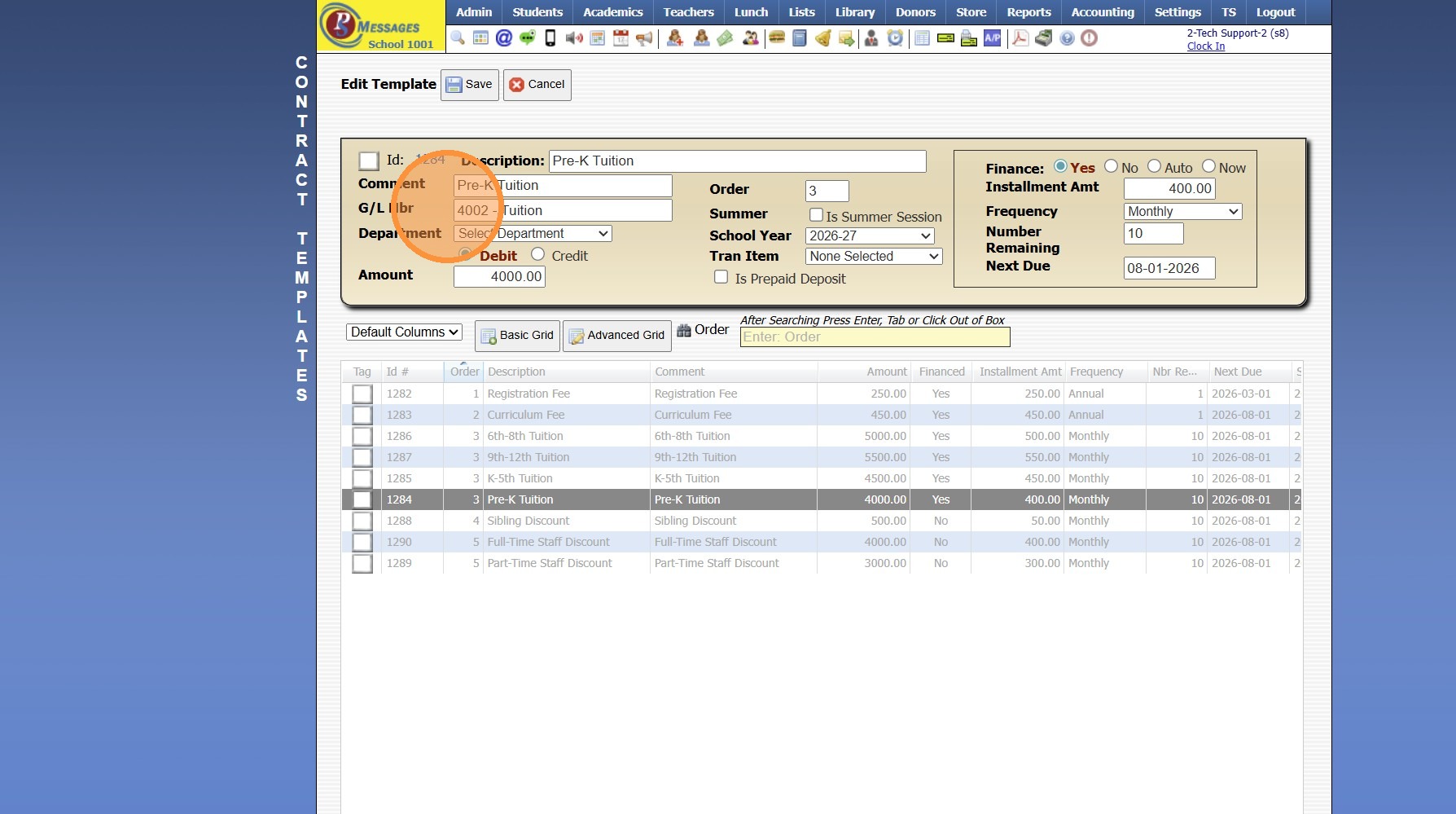
8. Select the Department (Optional)
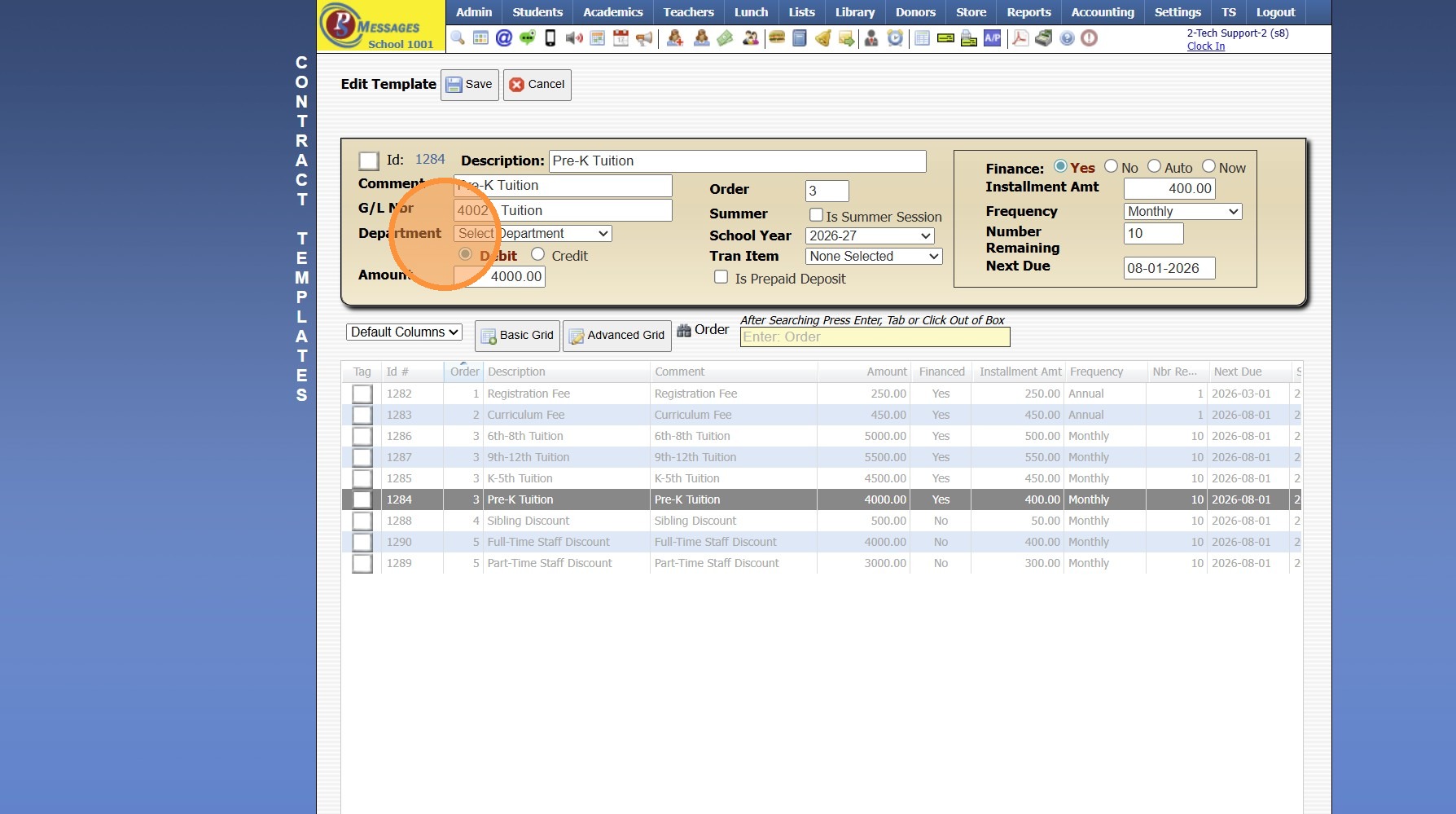
9. Select Debit or Credit
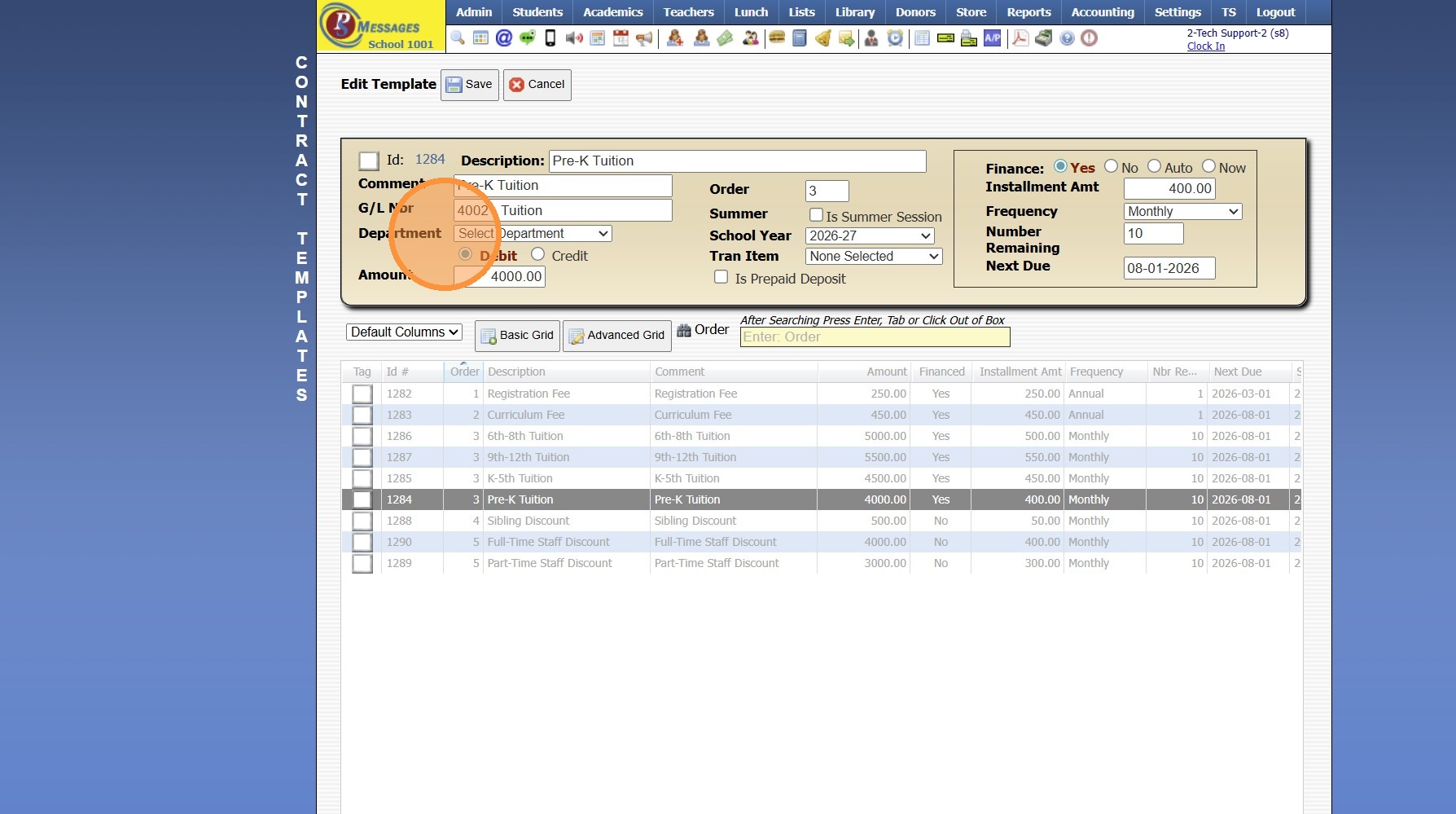
10. Enter Full Amount of Debit/Credit
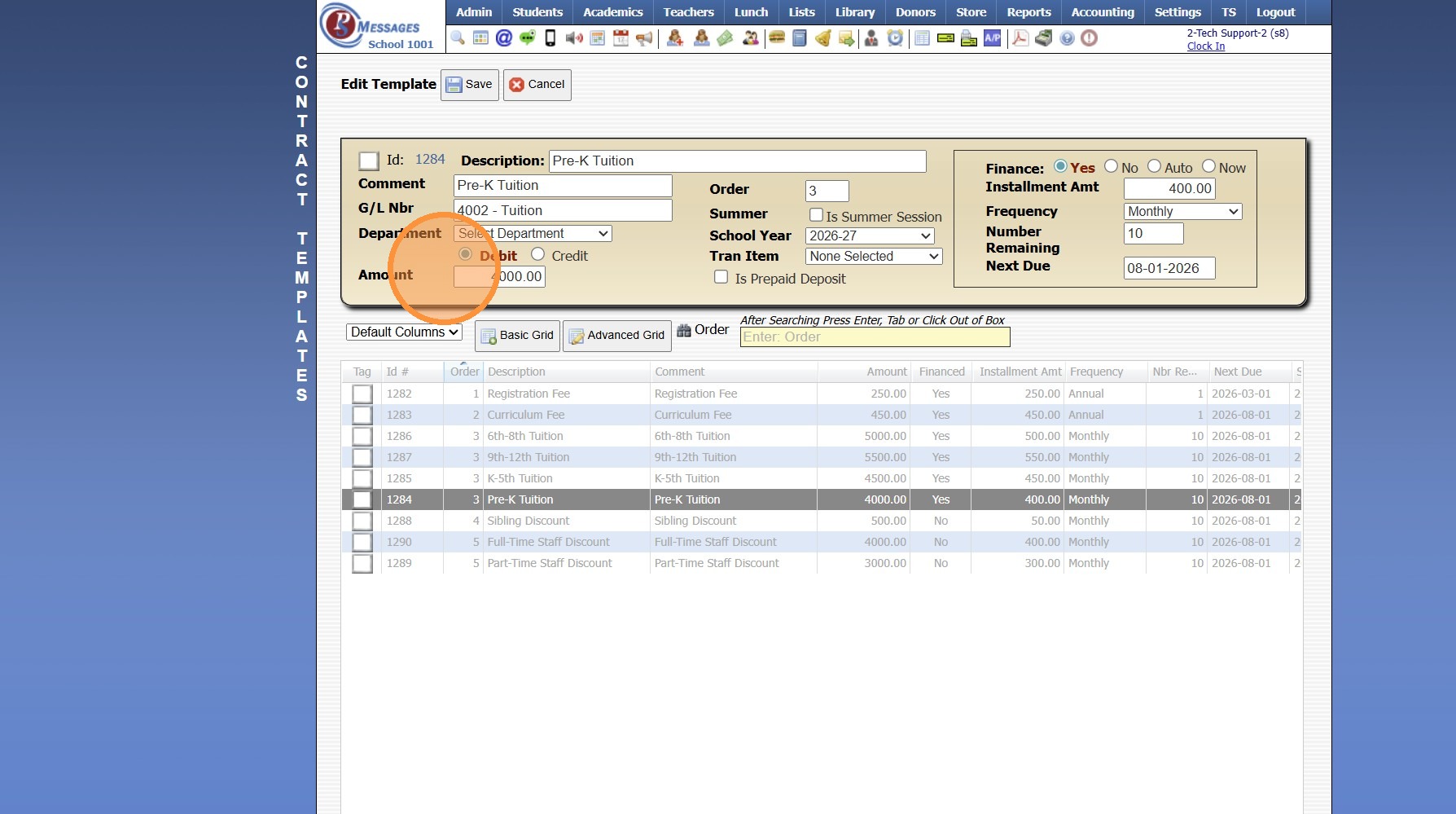
11. Enter the Order the Contract Should Appear
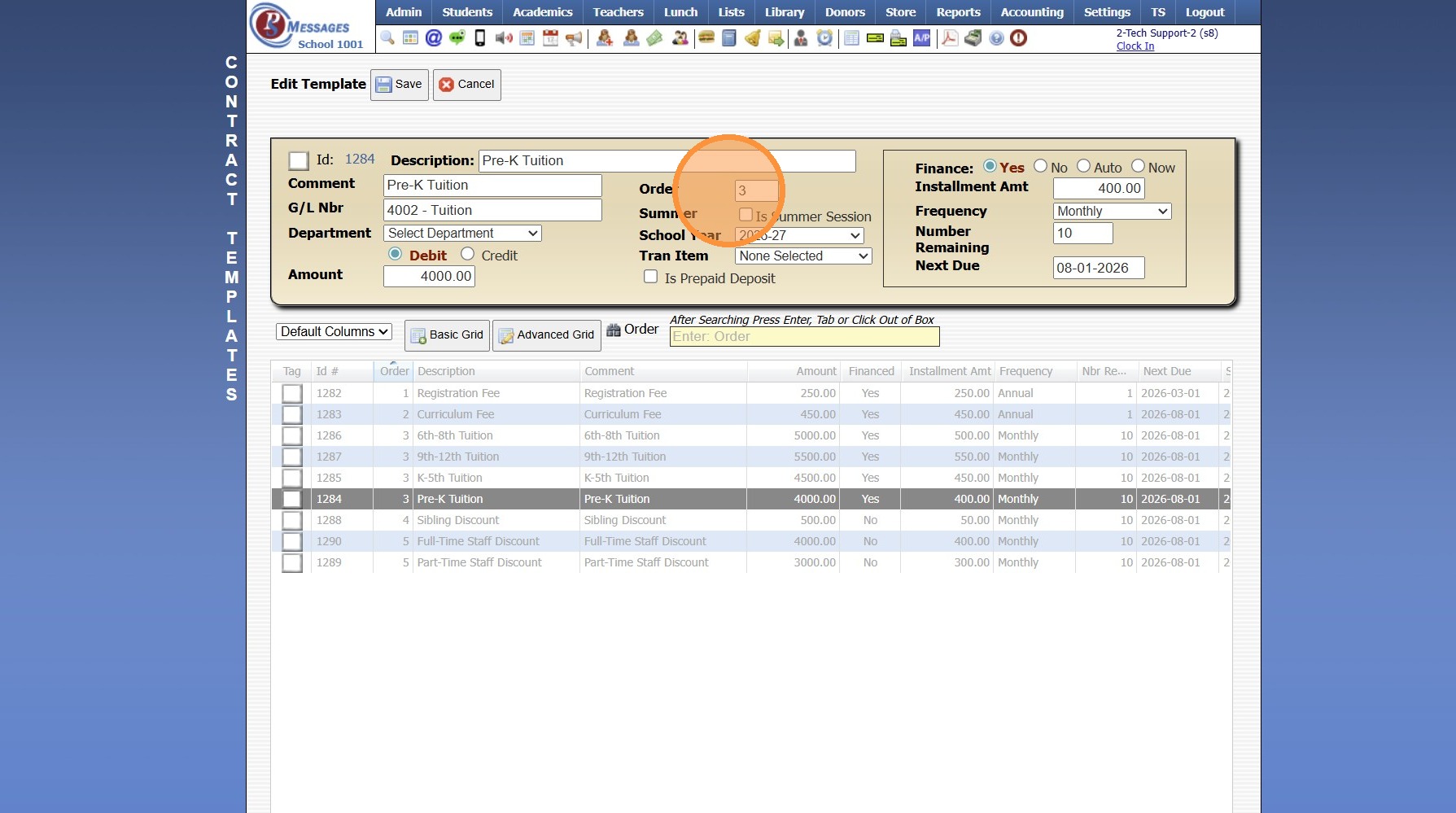
12. Select the School Year
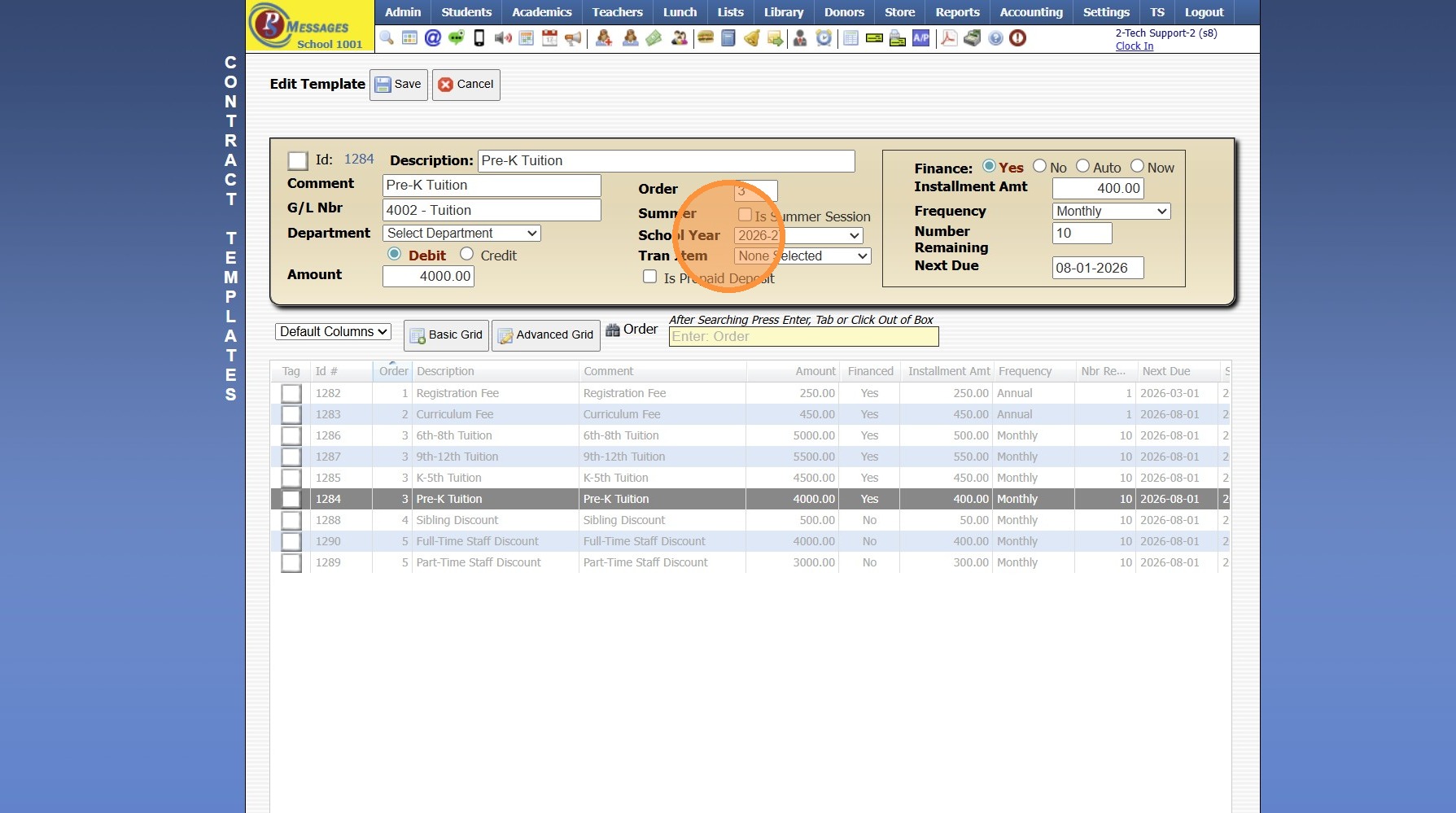
13. Enter the Installment Amount
(Amount to be Paid for Each Billing Cycle)
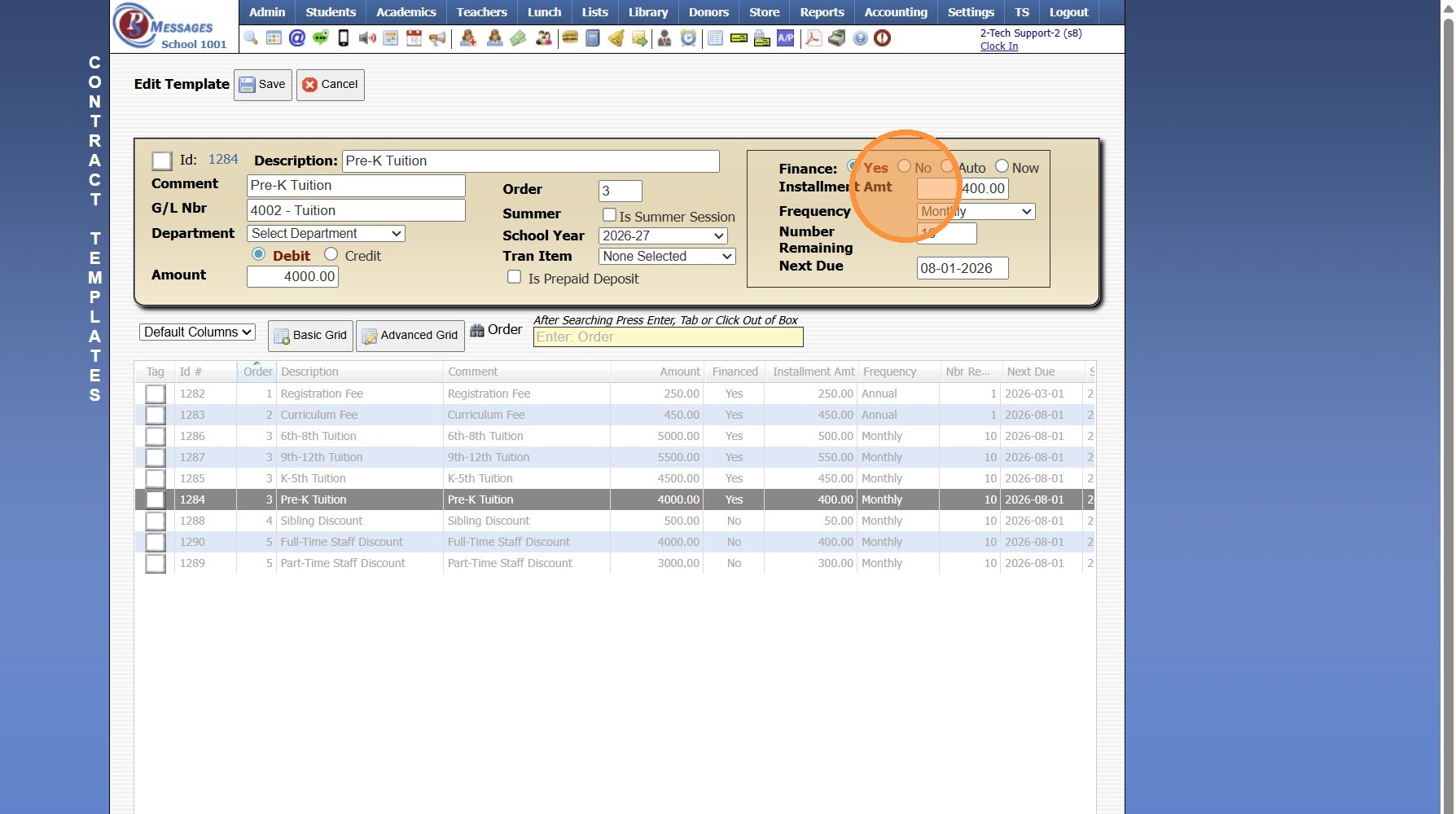
14. Select the Frequency
(Ex. Monthly, Quarterly, Annual, etc)
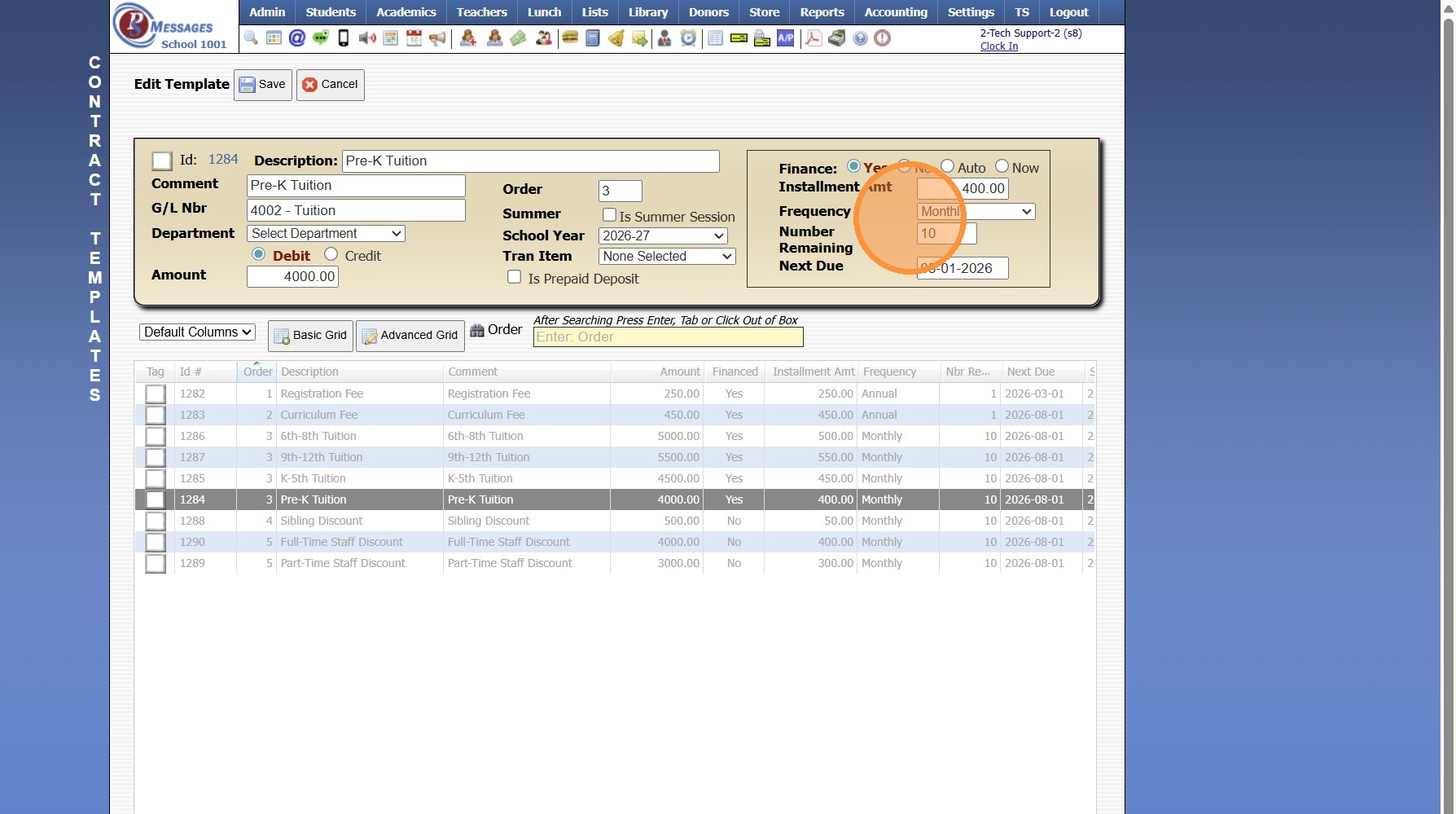
15. Select Number of times Contract should Bill
(Ex. 10 months would be 10)
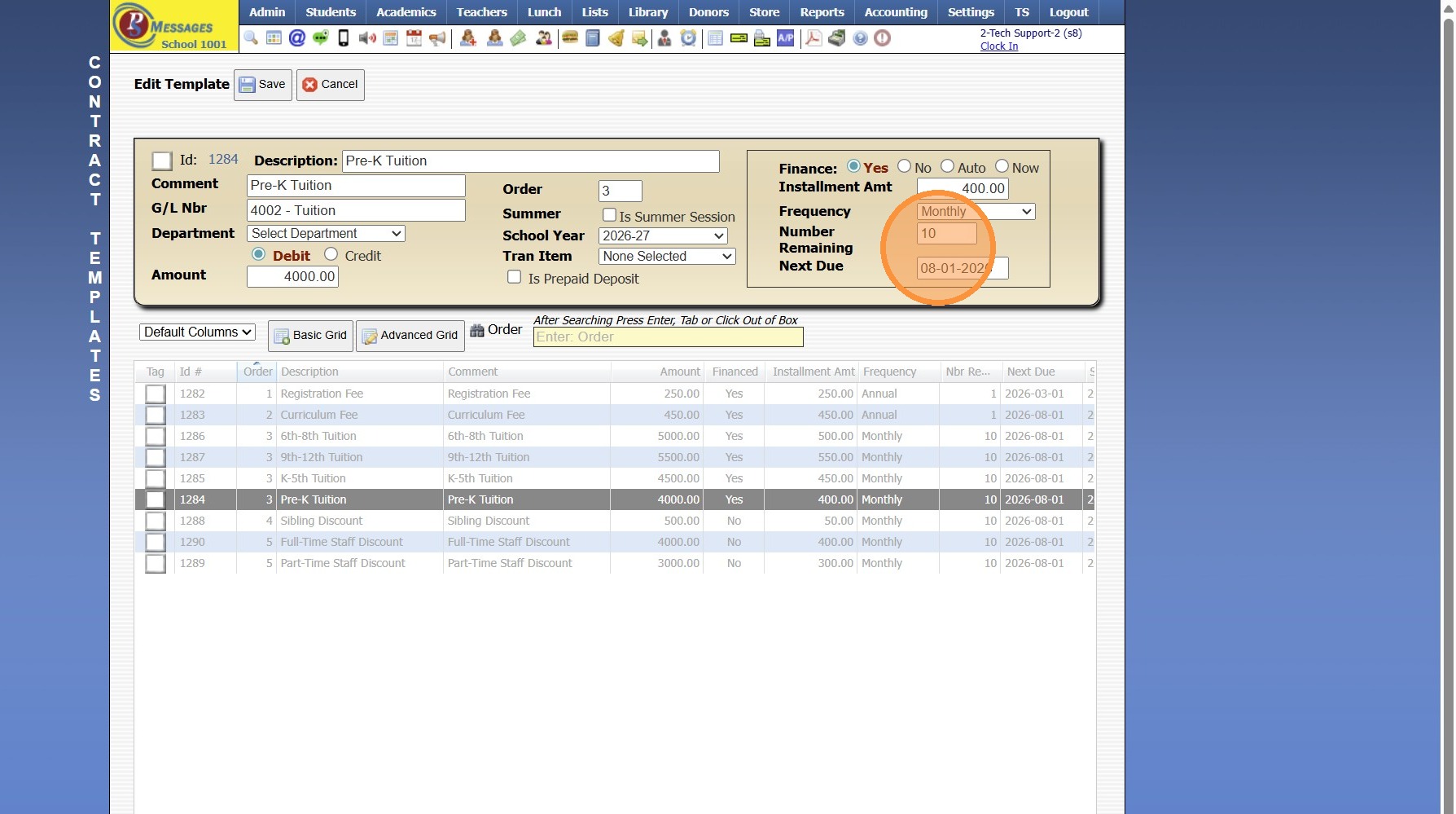
16. Enter the Date the Contract should Begin Processing
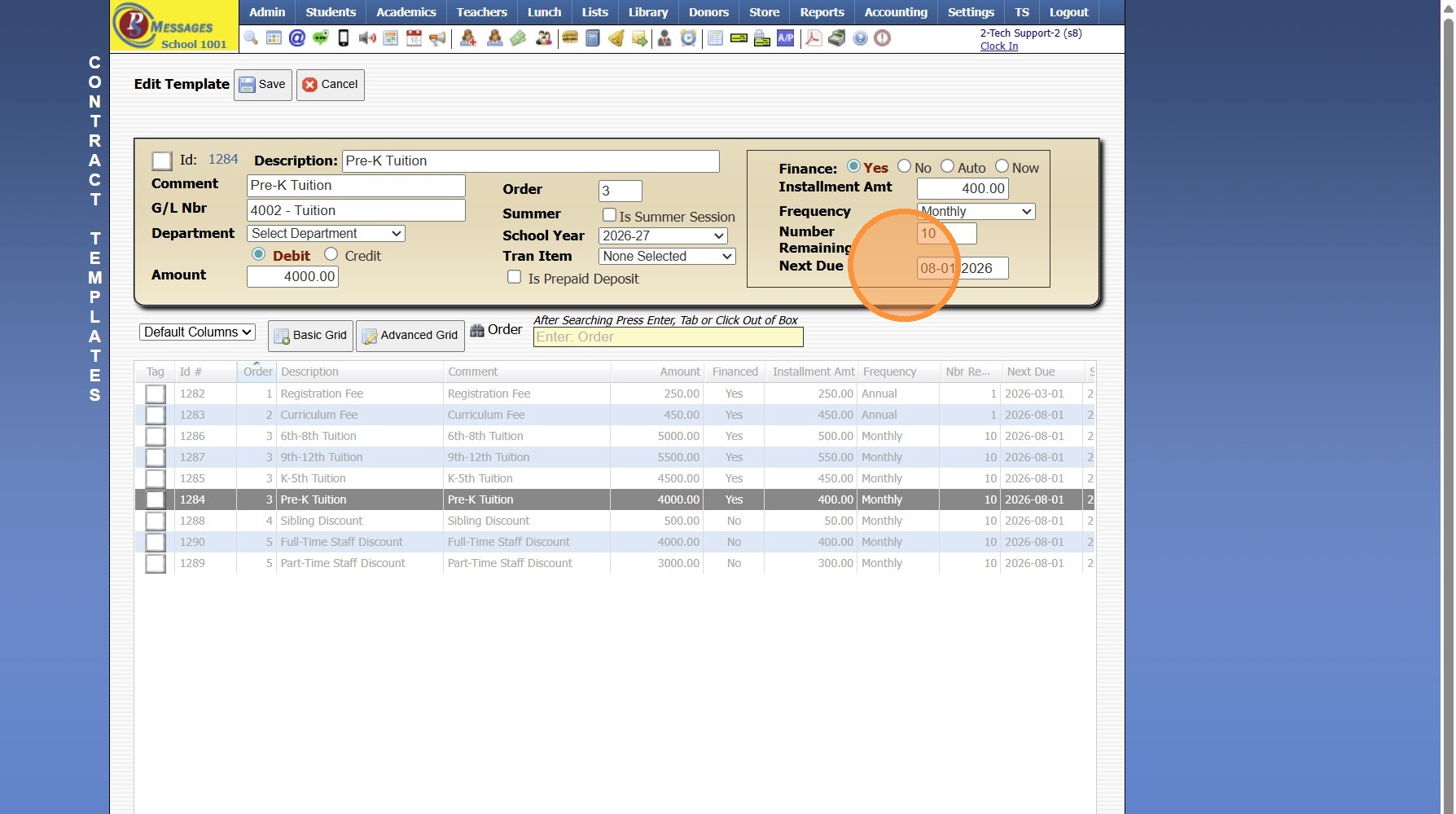
17. Click "Save"
3500.11.7
Related Articles
Printing AR Contract Reports
1. Click "Accounting" 2. Click "Accounts Receivable" 3. Click "A/R Contracts" 4. Select Grid Report OR Create Grid Report 5. Click "Print ⮟" 6. Click "Large Reports" 7. Contract Report can be Emailed, Printed, Exported to PDF or Excel 8. Click "GRAND ...Creating a Report Card Template for a New Student
If a New Student Enrolls After the First Grade Period Report Cards are Created, a Report Card Template will need to be Created for the New Student. 1. Click Academics > Grades Reports > Print Report Cards 2. Click "Process For 1 Student" & Search the ...Creating a Progress Report Template
1. Click "Academics" 2. Click "Grades Setup" 3. Click "Progress Report" 4. Click "Add" 5. Select the Format Option (Detail or Average) 6. Enter Progress Report Description 7. Select "Sch Yr" 8. Select Progress Report Options 9. Enter Grade Period, ...Creating Report Cards
Creating Report Cards 1. Log into PraxiSchool 2. Click "Academics" 3. Click "Grades Reports" 4. Click "Print Report Cards" 5. Select Grade Levels 6. Select Report Card Template 7. Click "Create Report Cards" 2000.6.7Creating Accounts Receivable Accounts
Creating Accounts Receivable Accounts 1. Log into PraxiSchool 2. Typically Student AR Accounts are Created in the Student Wizard (T) 3. After Creating the Student File, the Primary AR Account is Created from the A/R Account Toggle 4. A Secondary AR ...