Creating a Progress Report Template
1. Click "Academics"
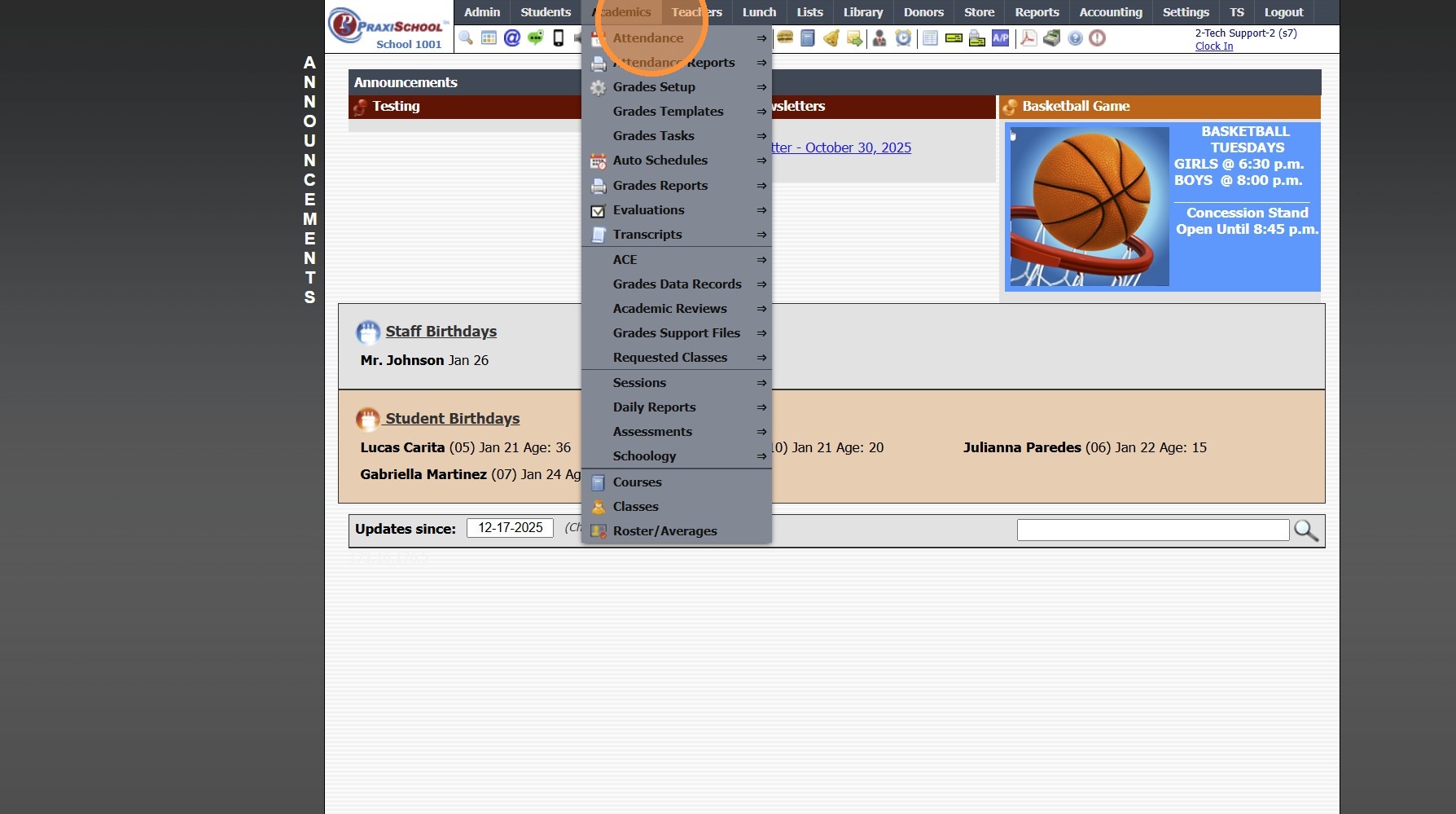
2. Click "Grades Setup"
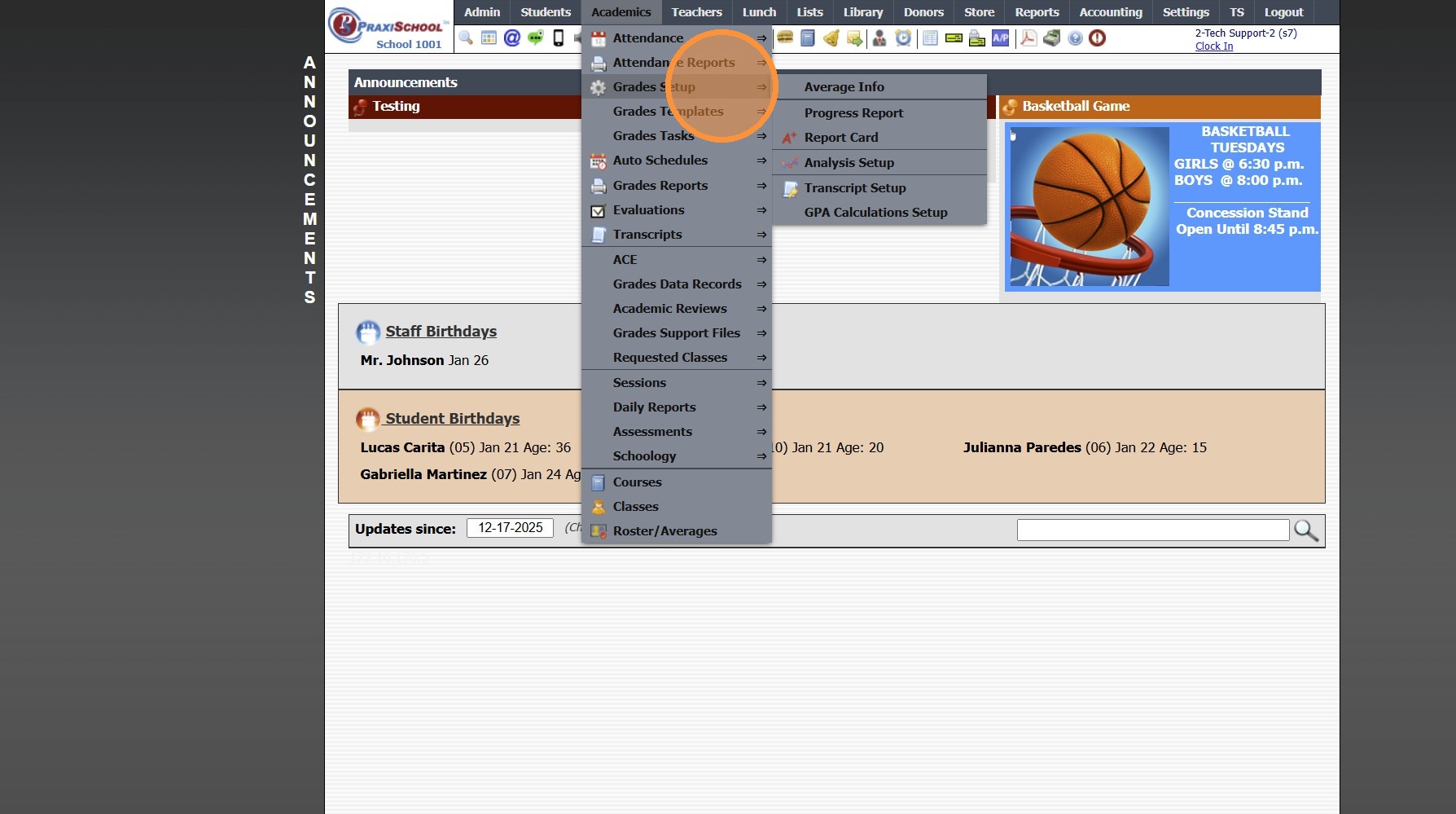
3. Click "Progress Report"
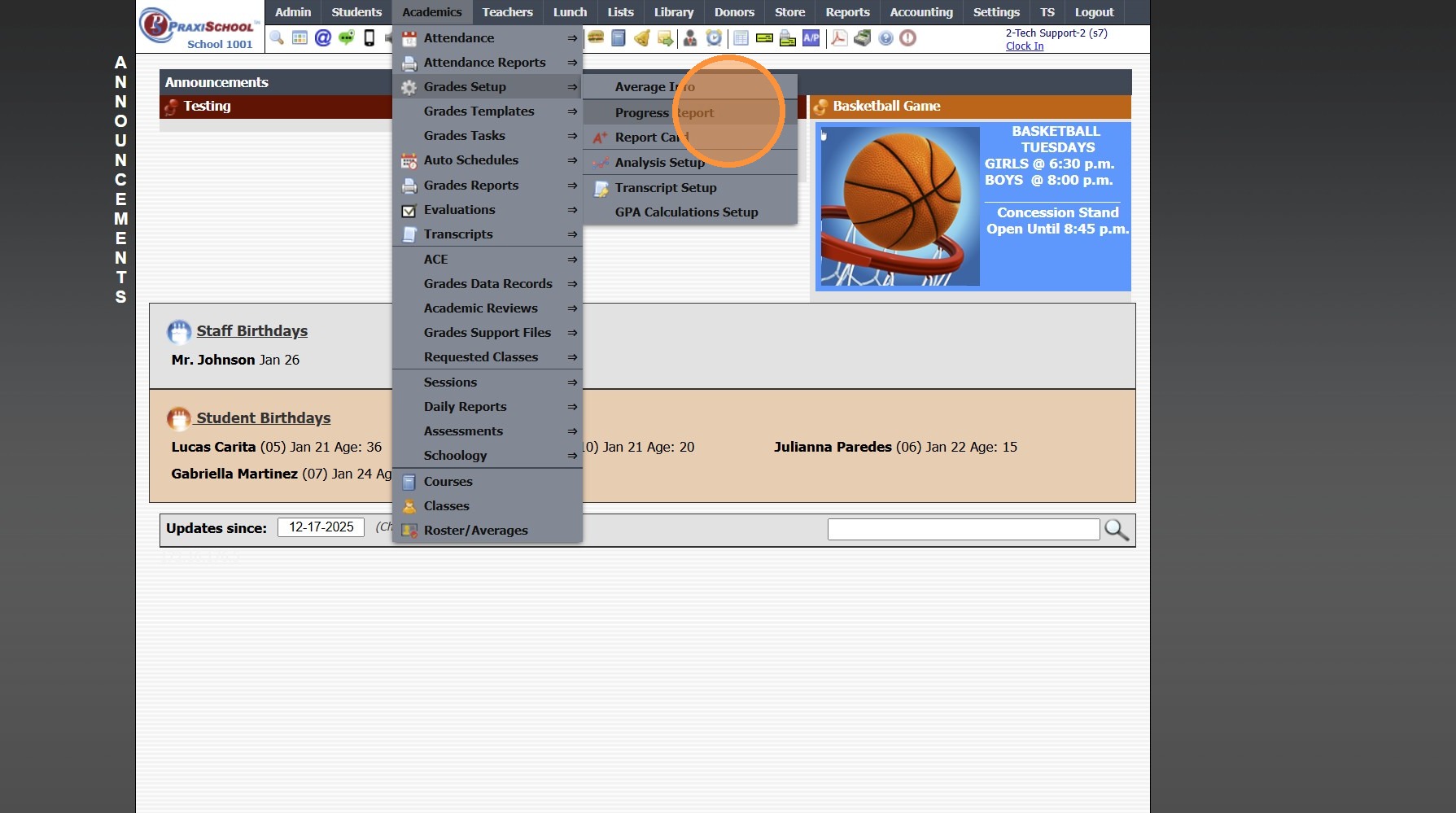
4. Click "Add"
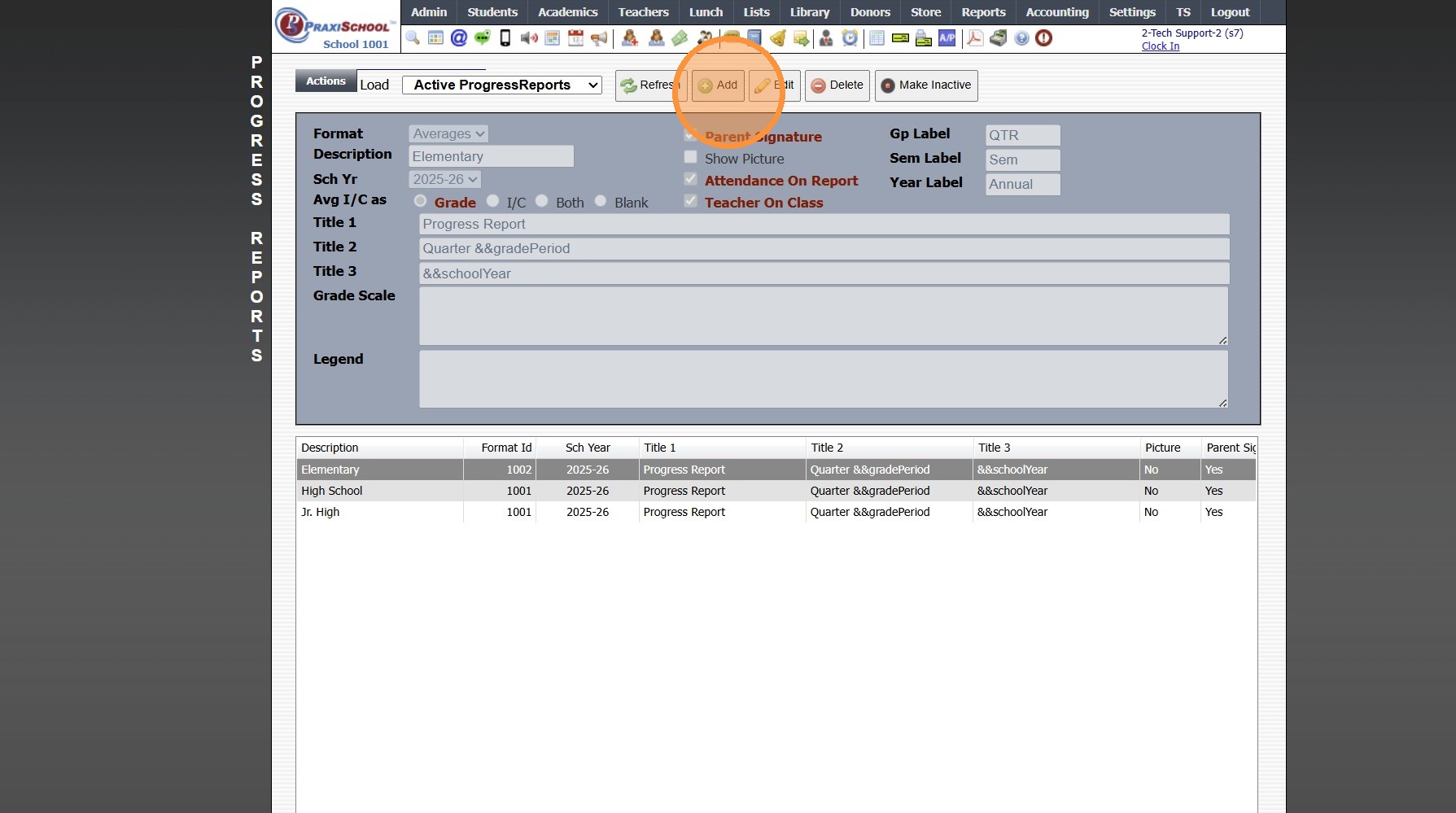
5. Select the Format Option (Detail or Average)
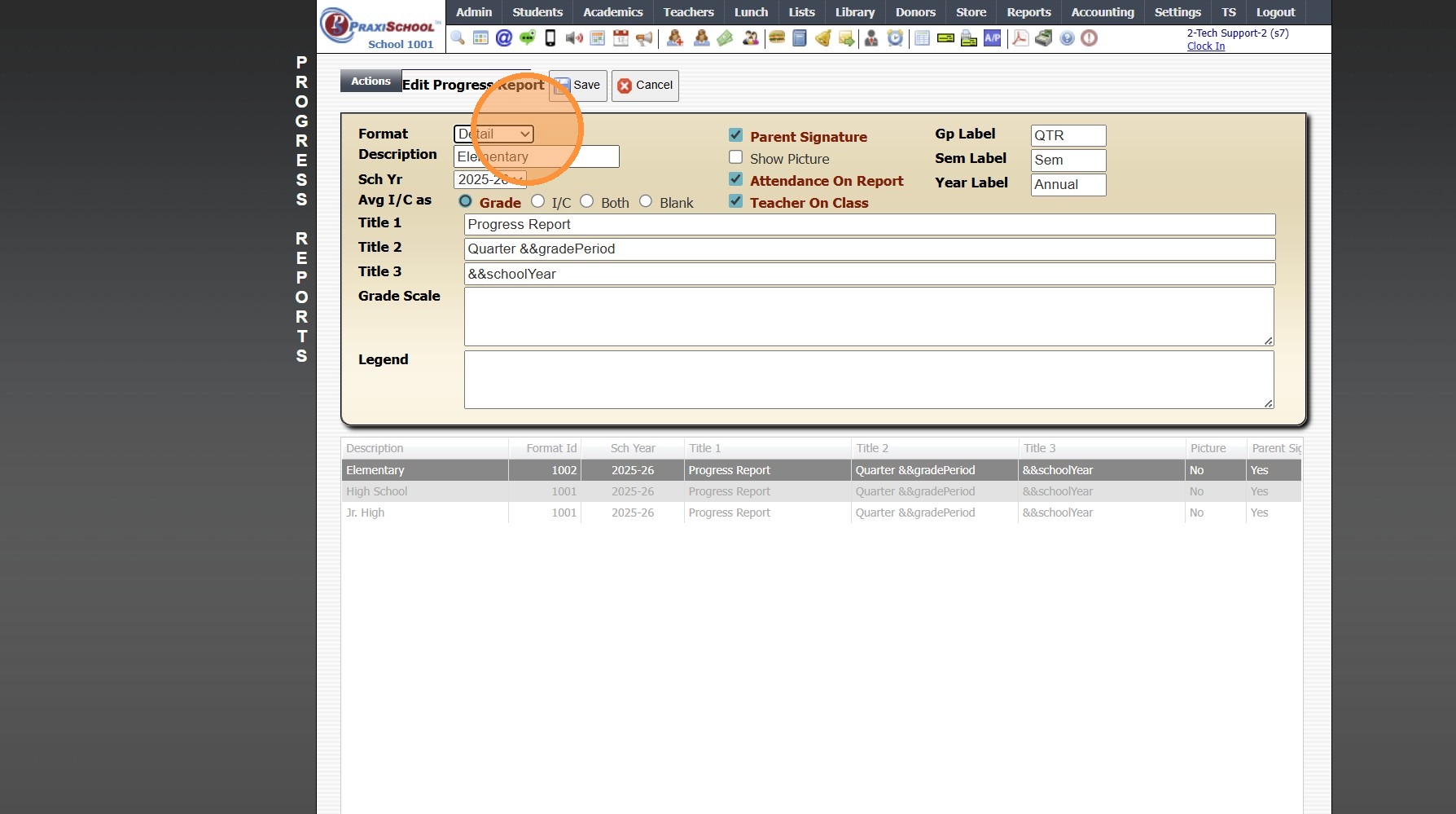
6. Enter Progress Report Description
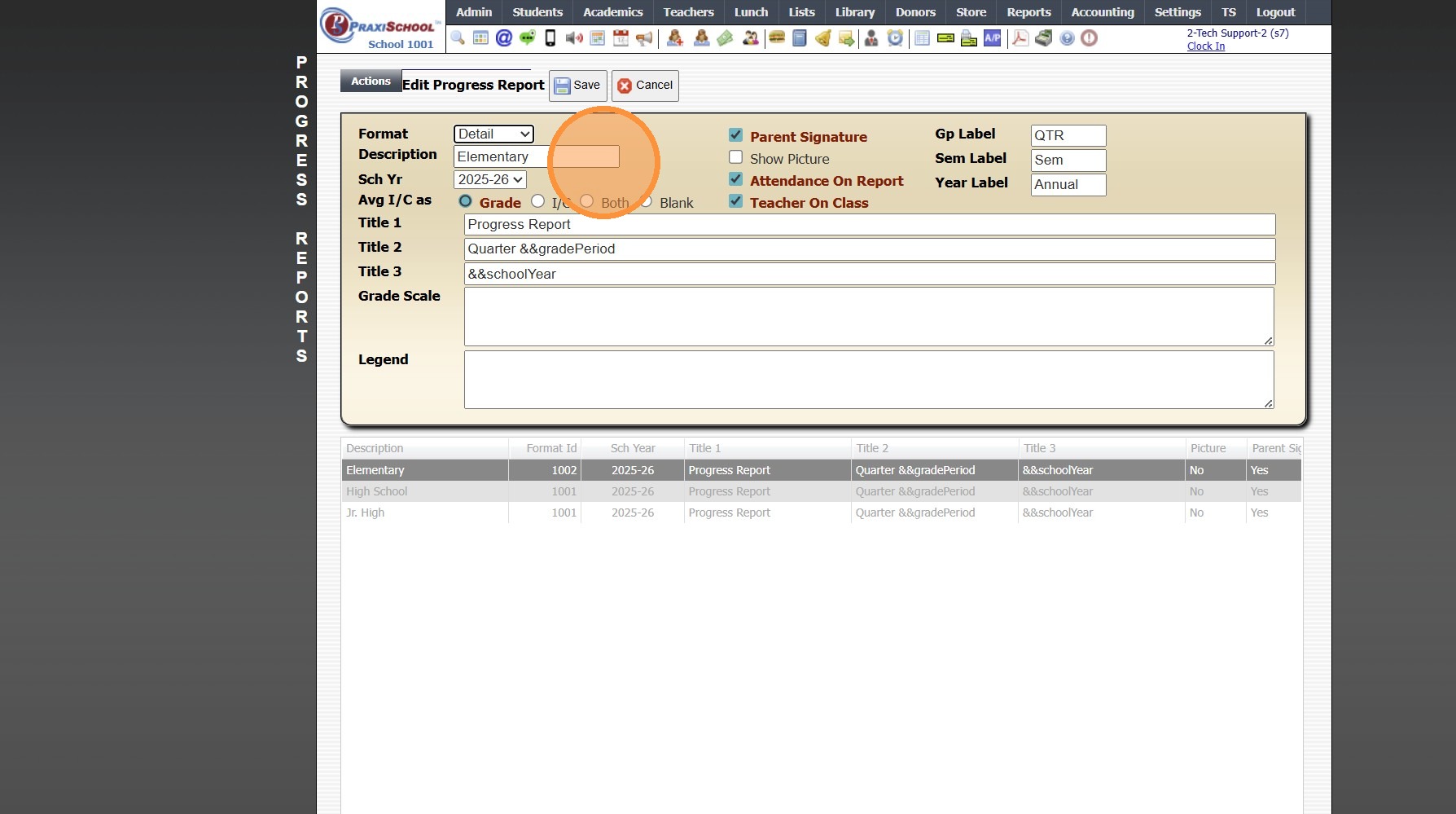
7. Select "Sch Yr"
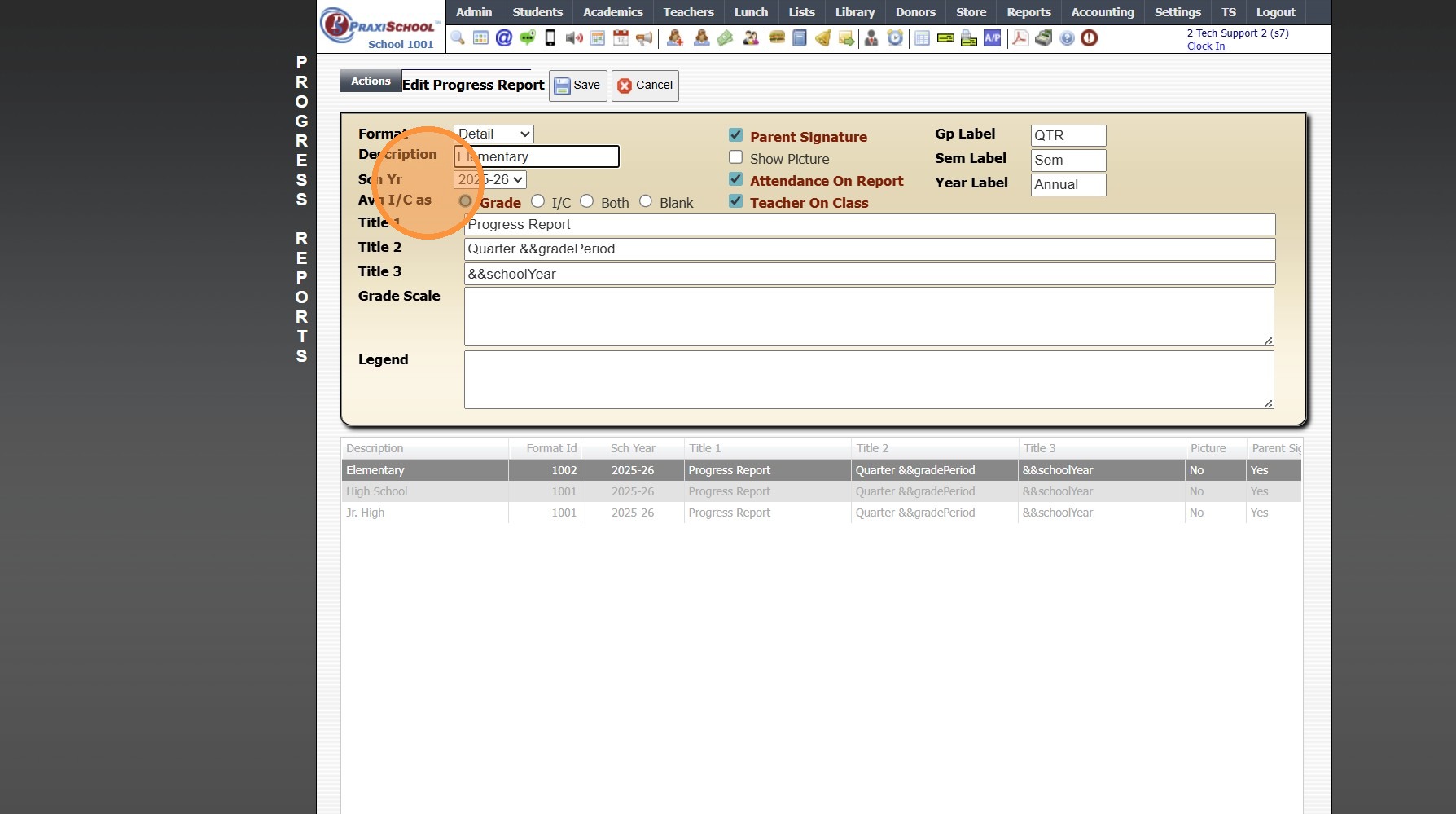
8. Select Progress Report Options
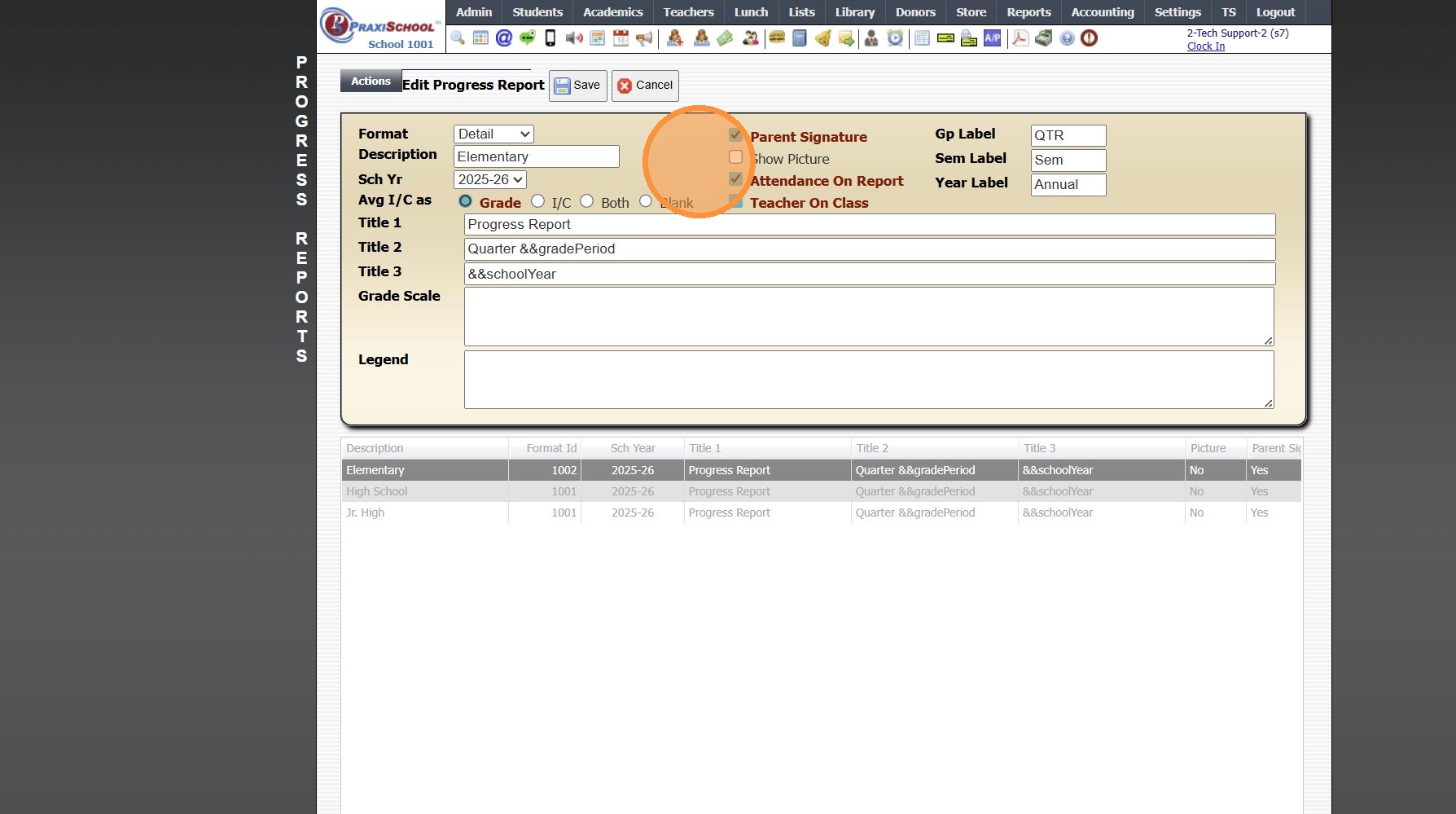
9. Enter Grade Period, Semester & Year Labels
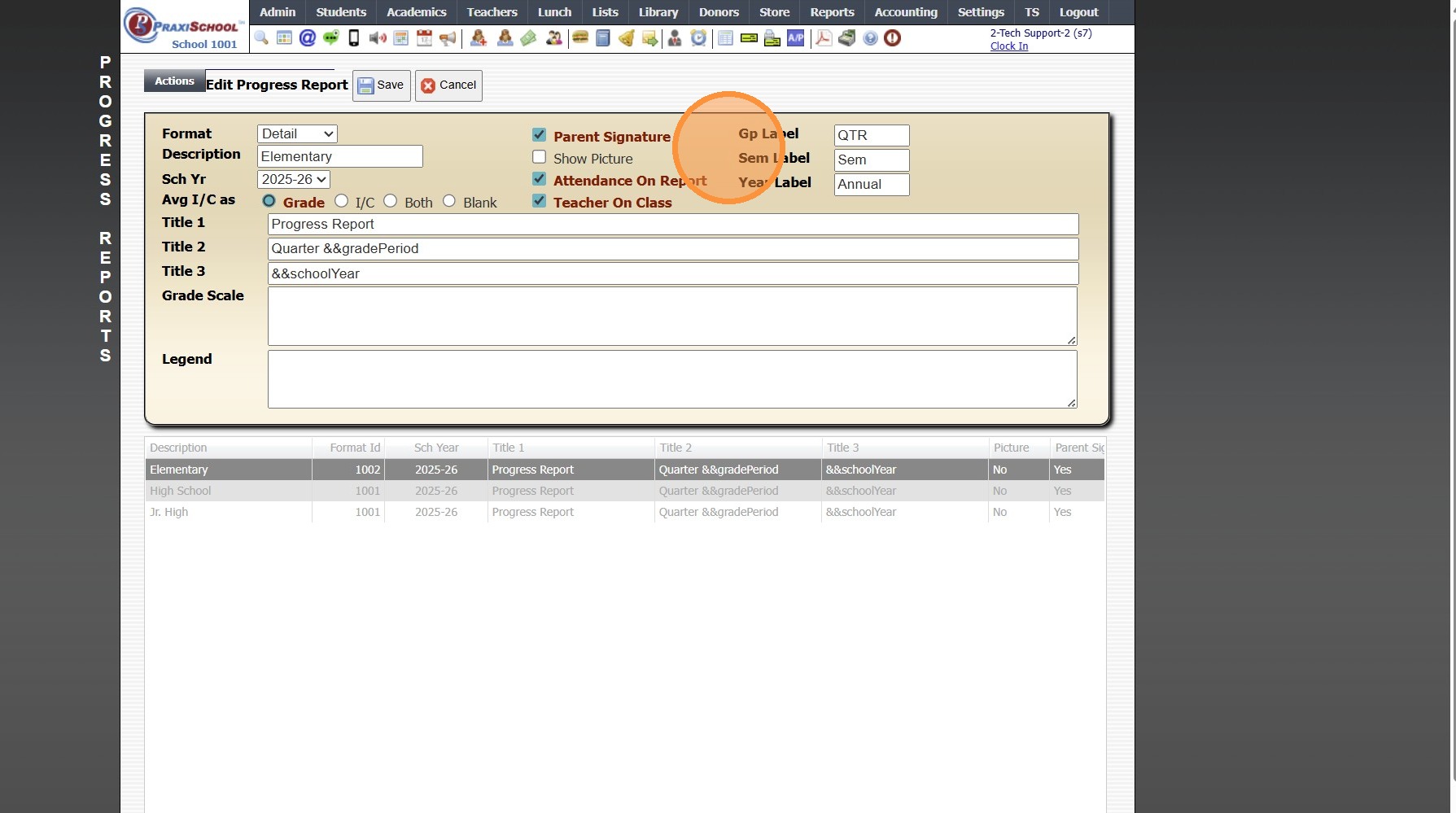
10. Select Avg I/C as Option
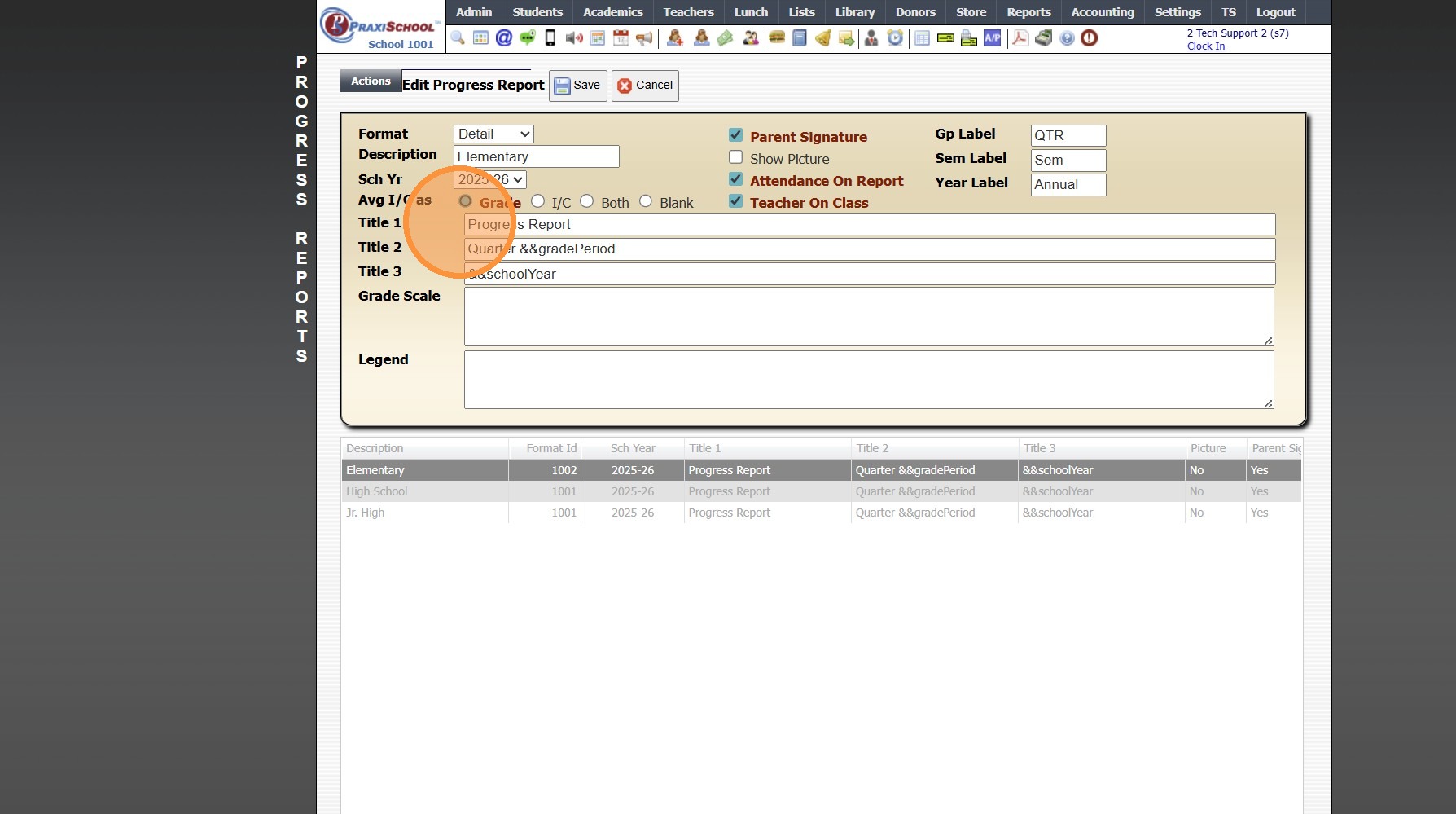
11. Enter Title 1 (Ex. Progress Report)
Enter Title 2 (Ex. Quarter &&gradePeriod - this will auto generate the grade period)(Optional)
Enter Title 3 (Ex. &&schoolYear - this will auto generate the school year)(Optional)
Enter Grade Scale
Enter Legend (Optional)
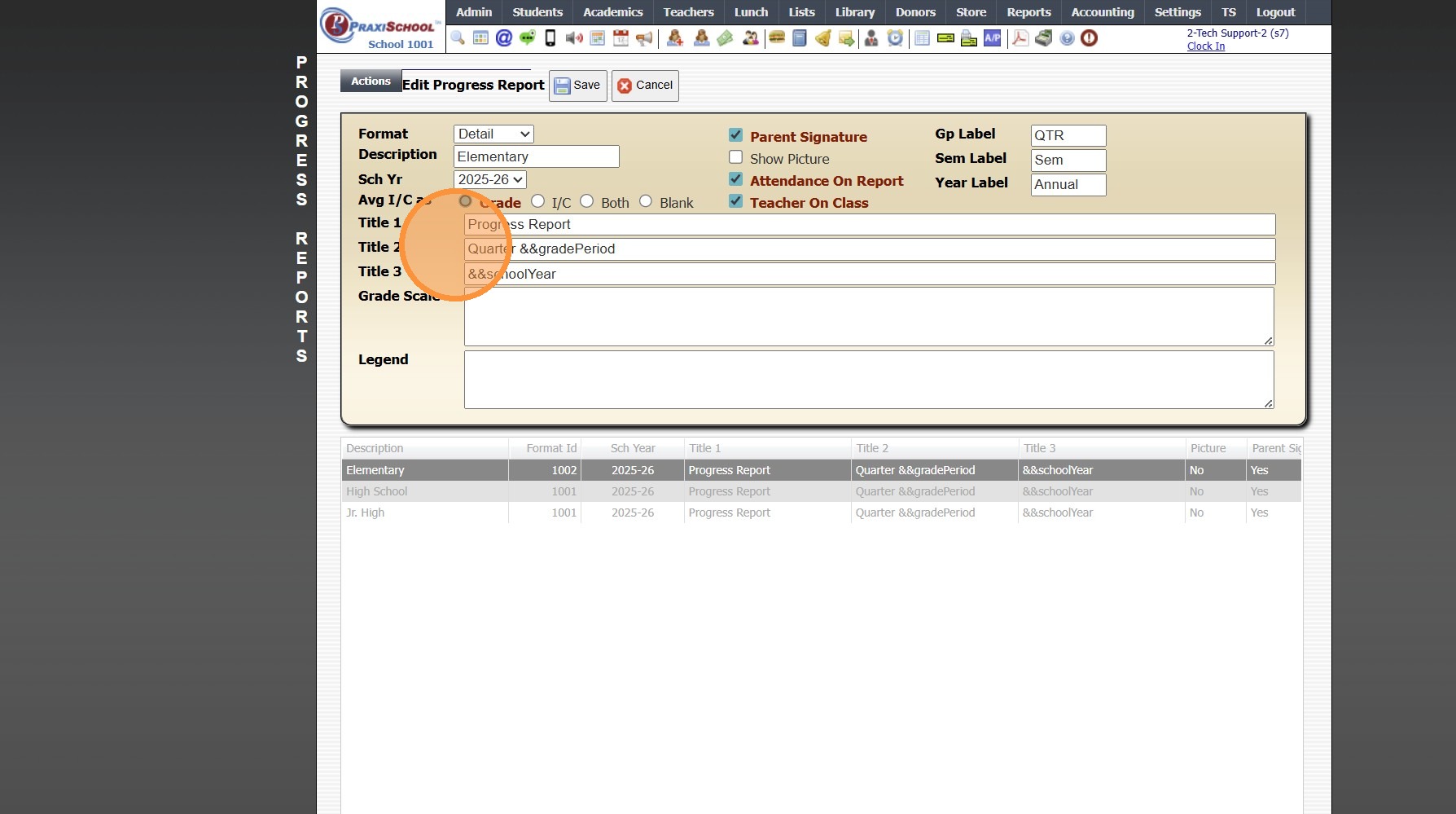
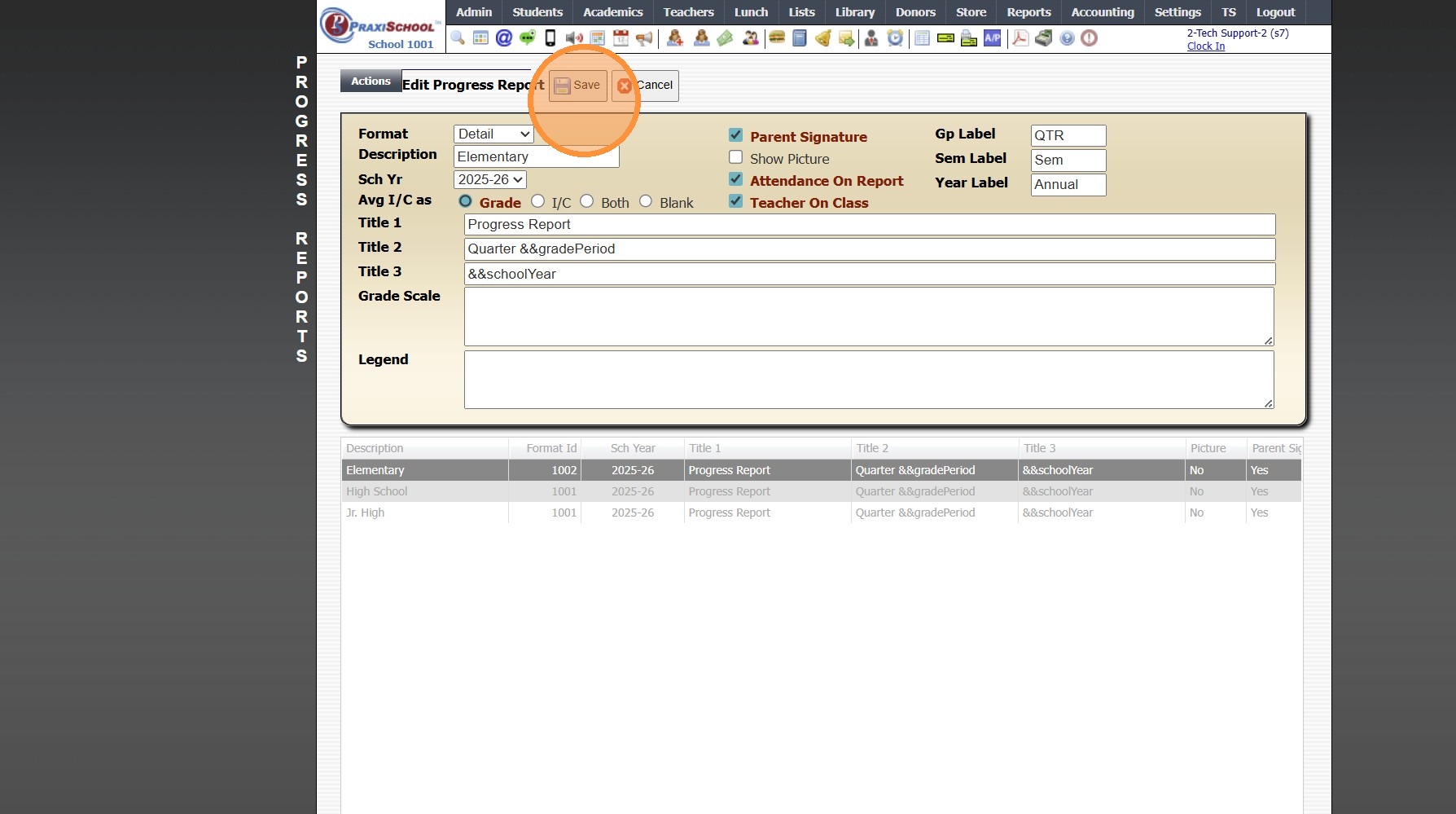
12. Click "Save"
2000.2.11
Related Articles
Creating Report Cards
Creating Report Cards 1. Log into PraxiSchool 2. Click "Academics" 3. Click "Grades Reports" 4. Click "Print Report Cards" 5. Select Grade Levels 6. Select Report Card Template 7. Click "Create Report Cards" 2000.6.7Creating a Report Card Template for a New Student
If a New Student Enrolls After the First Grade Period Report Cards are Created, a Report Card Template will need to be Created for the New Student. 1. Click Academics > Grades Reports > Print Report Cards 2. Click "Process For 1 Student" & Search the ...Emailing Progress Reports
Emailing Progress Reports 1. Log into PraxiSchool 2. Click "Academics" 3. Click "Grades Reports " 4. Click "Progress Reports" 5. Select Homeroom Teachers for Grade Levels 6. Select Progress Report Template 7. Select Grade Period for Grades and Grade ...Attaching a Report Card Cover Page to a Report Card Template
1. Click "Academics" 2. Click "Grades Setup" 3. Click "Report Card" 4. Select Report Card Template & Click "Edit" 5. Select Cover Sheet Template from Dropdown Menu 6. Click "Save" 7. Report Card Cover Sheet will Print with Report Card 2000.2.13Creating a Grade Analysis that Excludes other Grade Analysis Report
Creating a Grade Analysis that Excludes other Grade Analysis Report Creating a Simple Grade Analysis that excludes Another Grade Analysis, for All Classes on the same Grade Scale 1. Click "Academics" 2. Click "Grades Setup" 3. Click "Analysis Setup" ...