Attaching a Report Card Cover Page to a Report Card Template

Attaching a Report Card Cover Page to a Report Card Template

Attaching a Report Card Cover Page to a Report Card Template


1. Click "Academics"
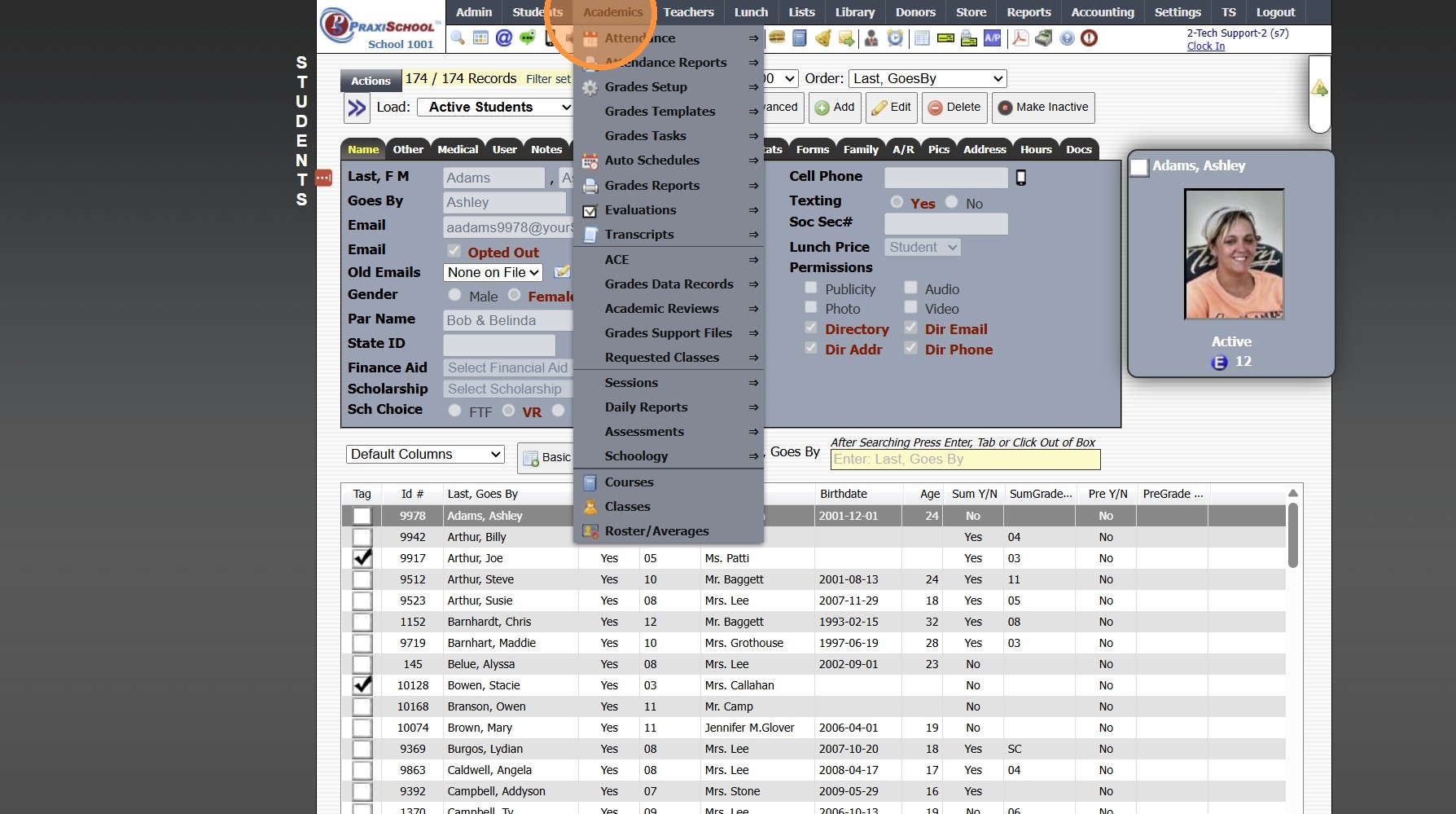
2. Click "Grades Setup"
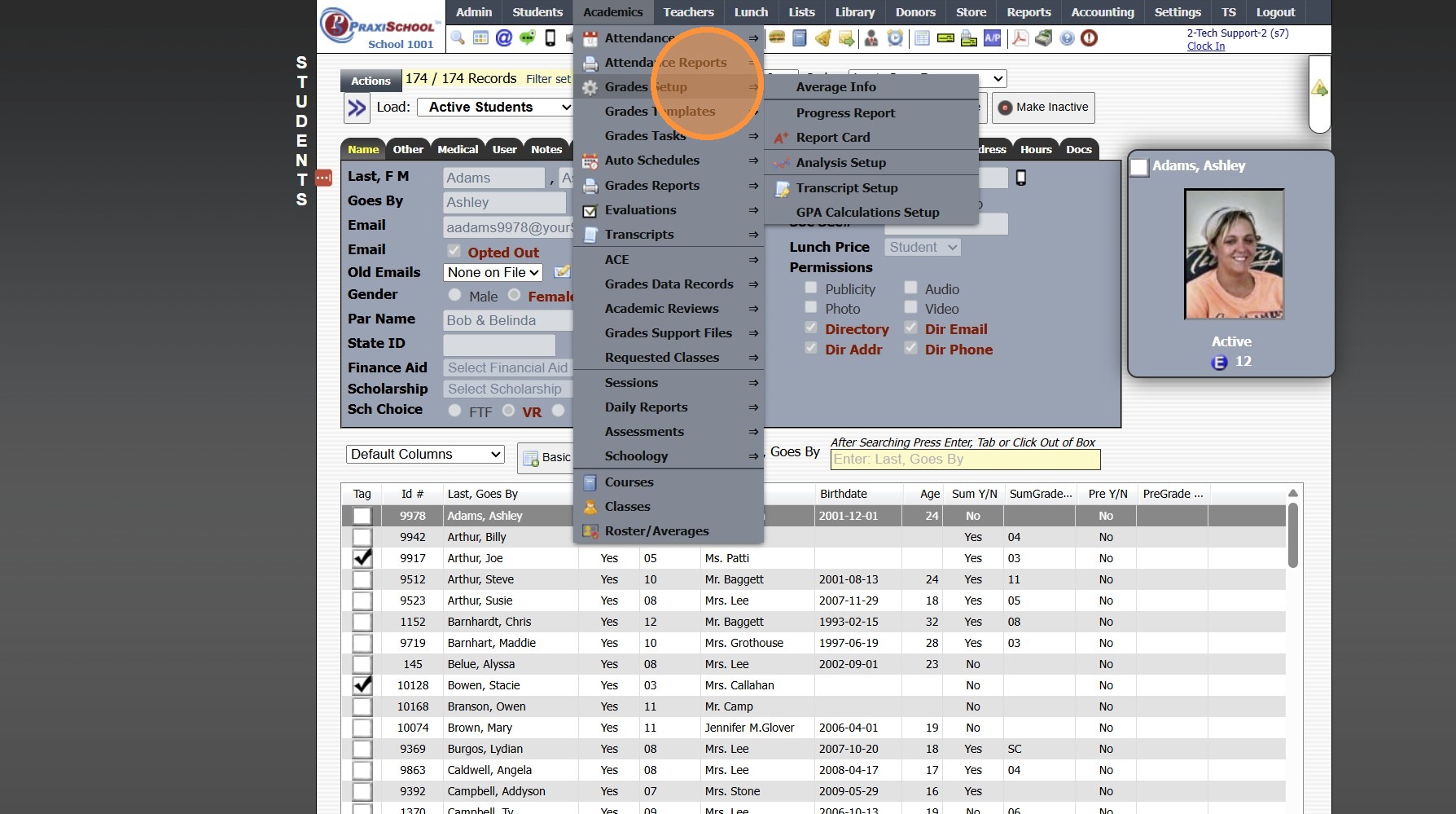
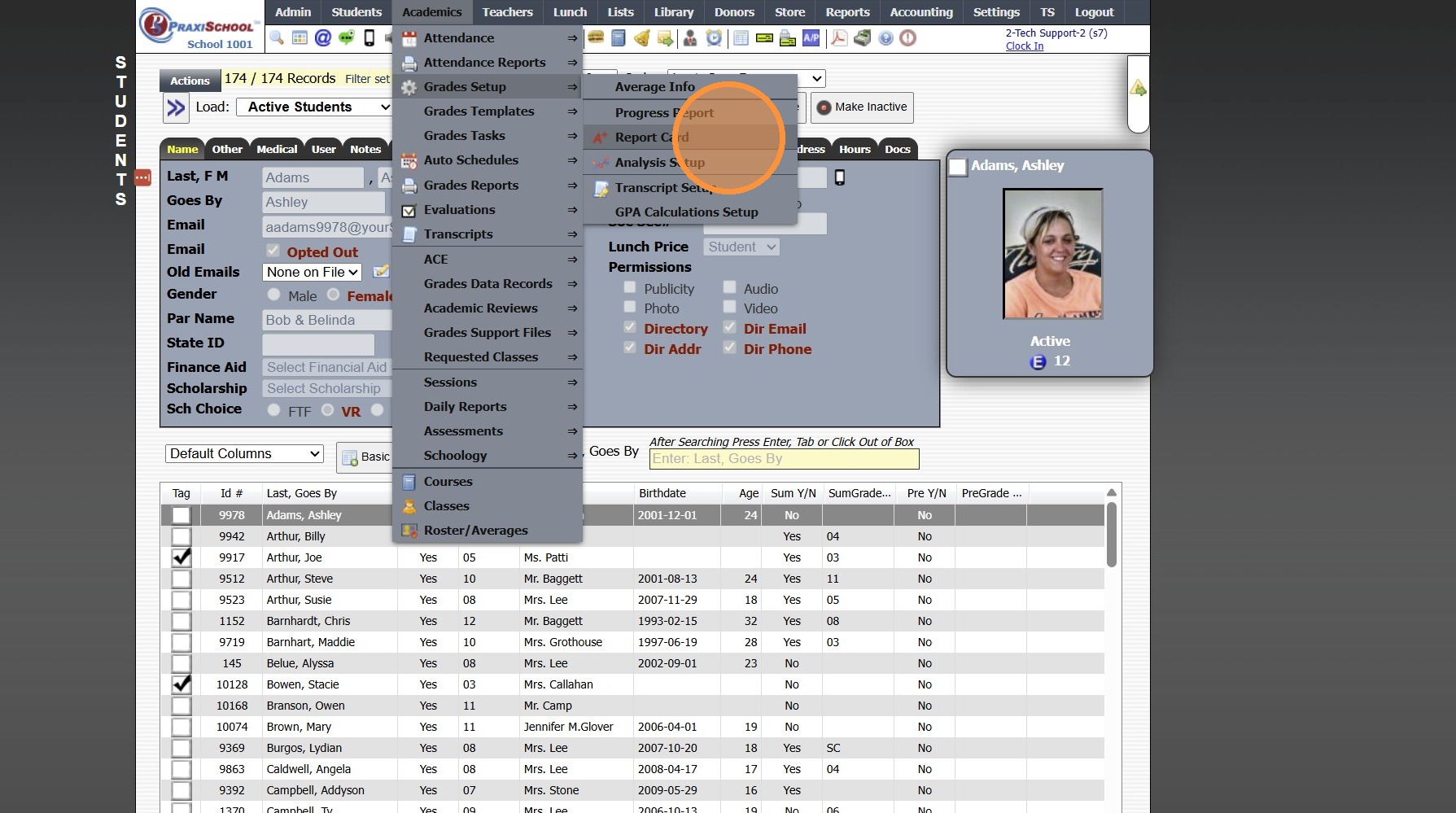
3. Click "Report Card"
4. Select Report Card Template & Click "Edit"
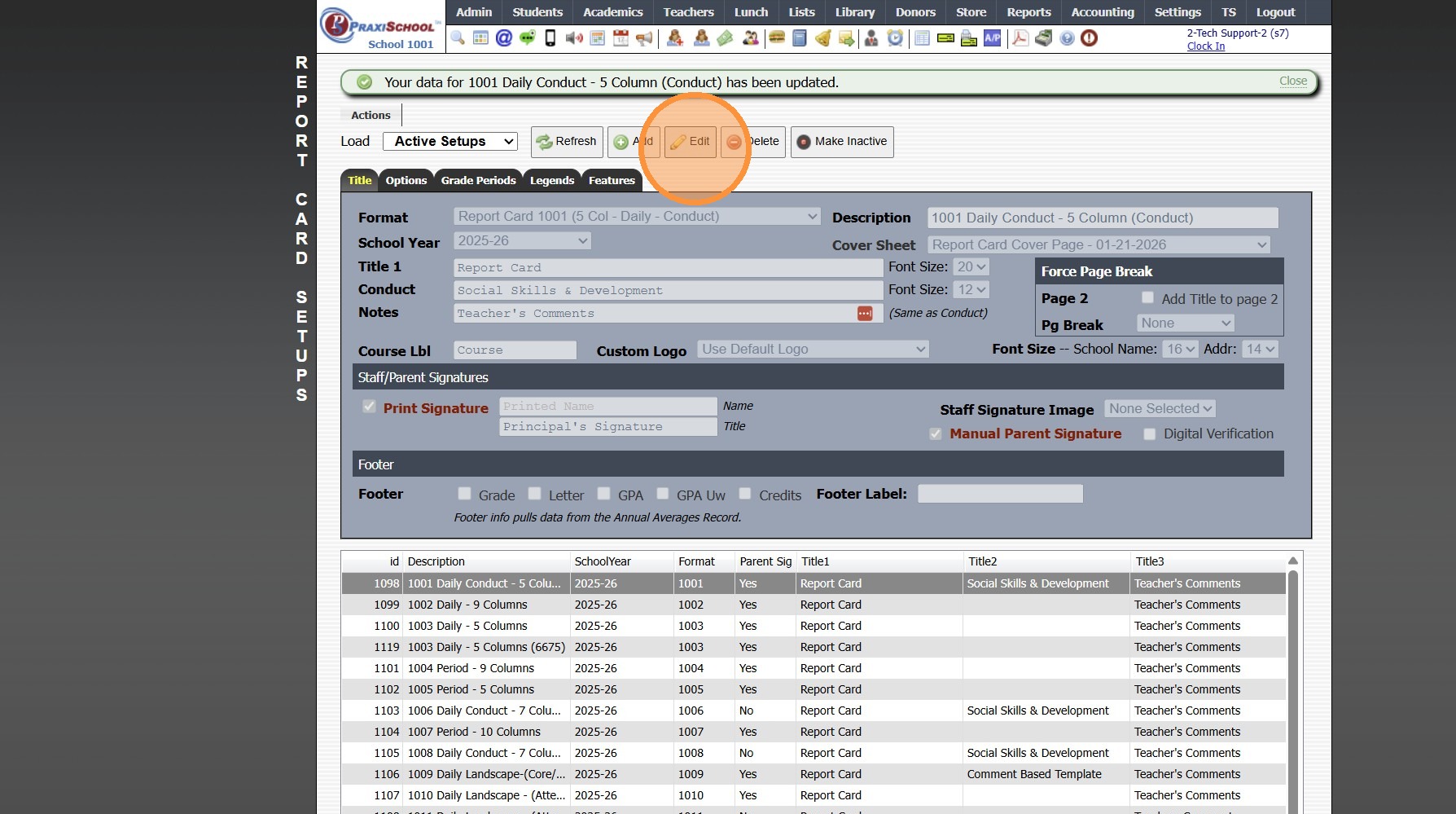
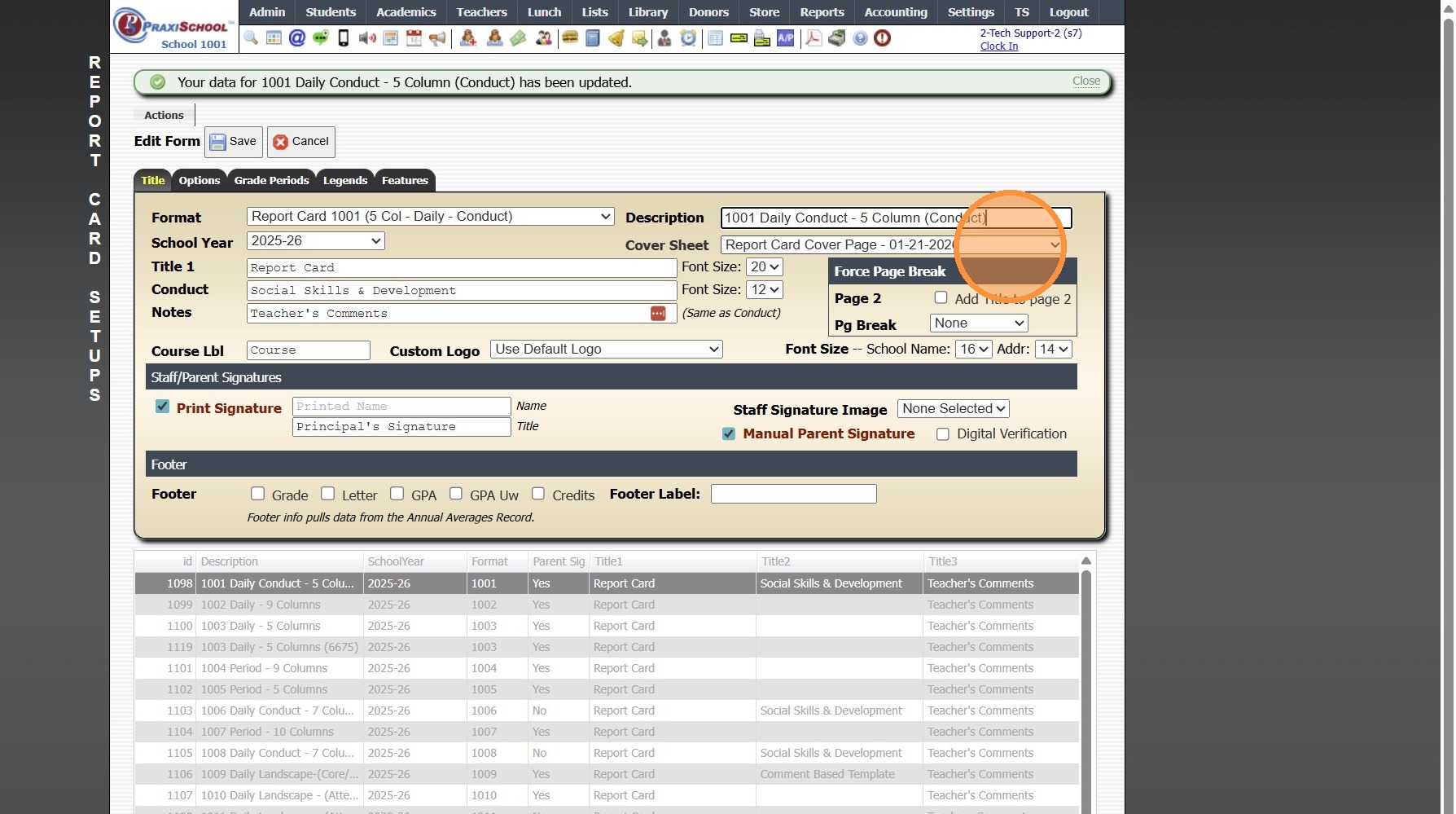
5. Select Cover Sheet Template from Dropdown Menu
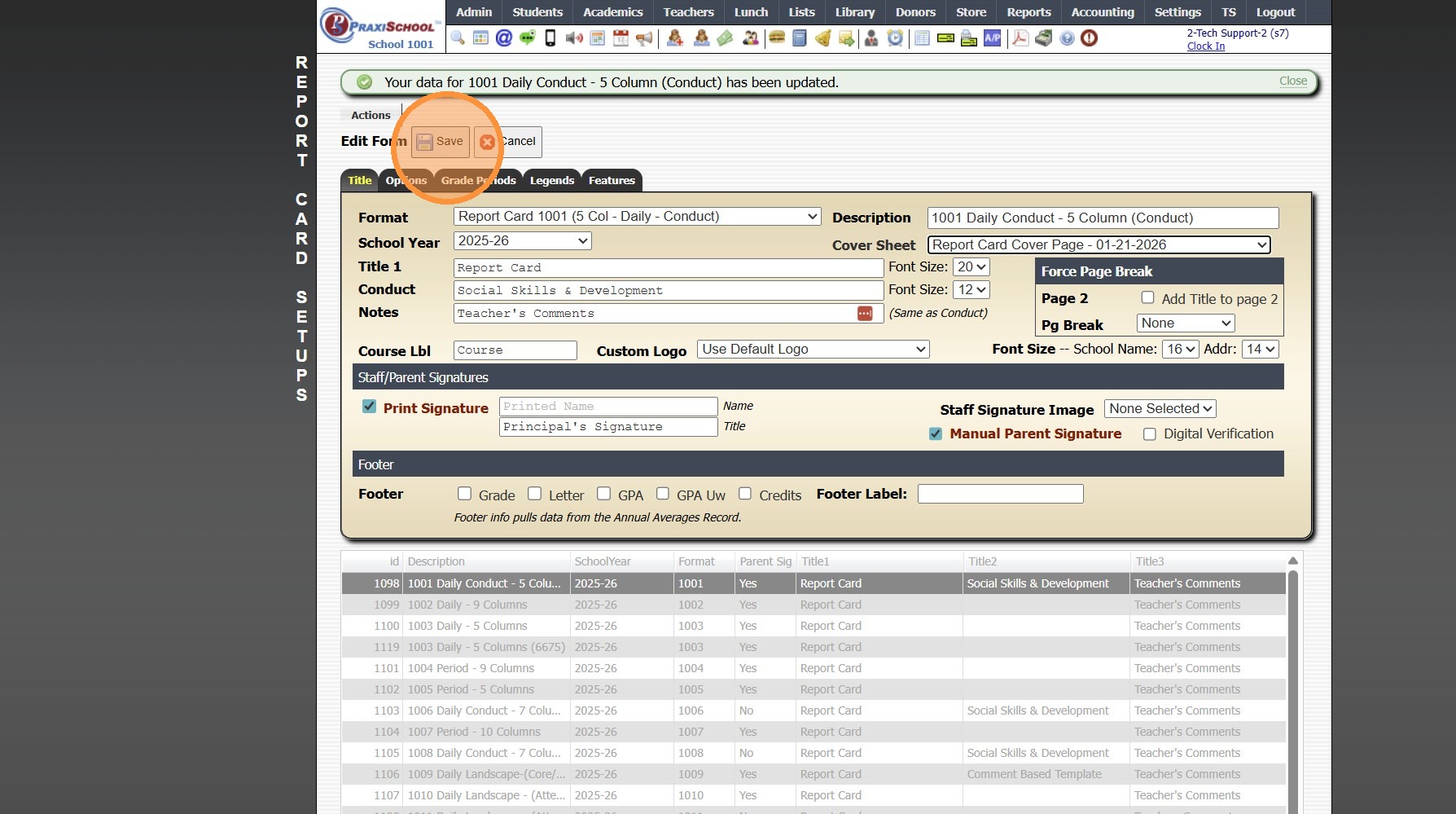
6. Click "Save"
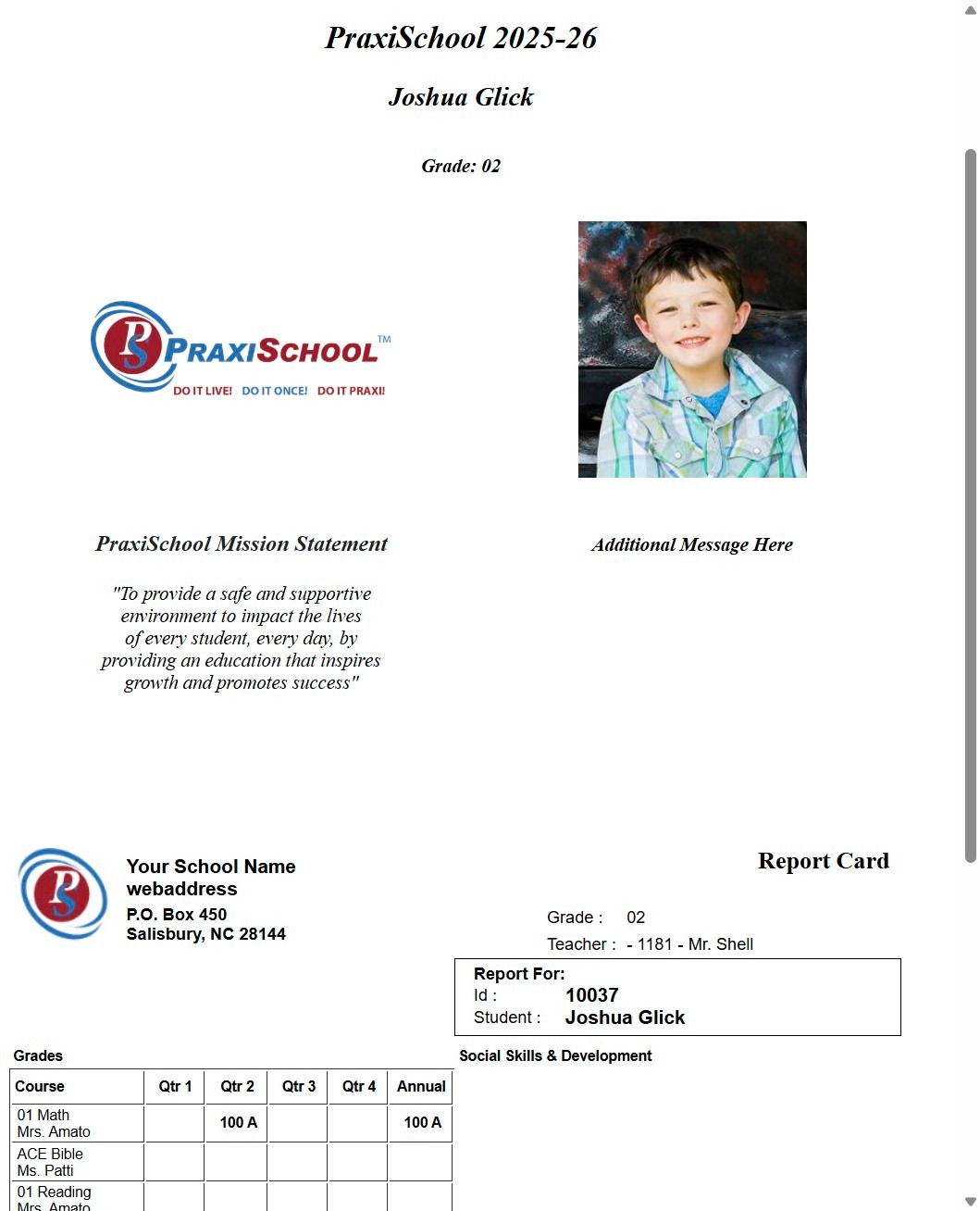
7. Report Card Cover Sheet will Print with Report Card


2000.2.13

    • Related Articles

    • Creating a Report Card Cover Page

      Creating a Report Card Cover Page 1. Click "Students" 2. Click "Students" 3. Click "Actions" 4. Click "Send Email" 5. Create Cover Page Layout 6. Click "Save Template" 7. Enter Template Name 8. Select Category or Add New Category 9. Click "Save As" ...
    • Creating a Progress Report Template

      Creating a Progress Report Template 1. Click "Academics" 2. Click "Grades Setup" 3. Click "Progress Report" 4. Click "Add" 5. Select the Format Option (Detail or Average) 6. Enter Progress Report Description 7. Select "Sch Yr" 8. Select Progress ...
    • Print ID Cards - Business Card Template

      Print ID Cards - Business Card Template 1. Click "Reports" 2. Click "Id Cards" 3. Select Database (Ex. Students, Student/Family, Staff or Family) 4. Select ID Card Format 5. Click "Refresh" 6. Tag Individuals to Print ID Cards 7. Select "Business ...
    • Replicating Report Card Templates for a New School Year

      Replicating Report Card Templates for a New School Year 1. Click "Academics" 2. Click "Grades Setup" 3. Click "Report Card" 4. Select Report Card Template to Replicate 5. Click "Actions" 6. Click "Replicate Setup" 7. Select New School Year 8. Enter ...
    • Report Card Set Up - Turning On Grade Periods

      Report Card Set Up - Turning On Grade Periods 1. Log into PraxiSchool 2. Click "Academics" 3. Click "Grades Setup" 4. Click "Report Card" 5. Select Report Card Template 6. Click "Grade Periods" 7. Click "Edit" 8. Select Grade Period Option for Print ...