Printing AR Contract Reports
1. Click "Accounting"
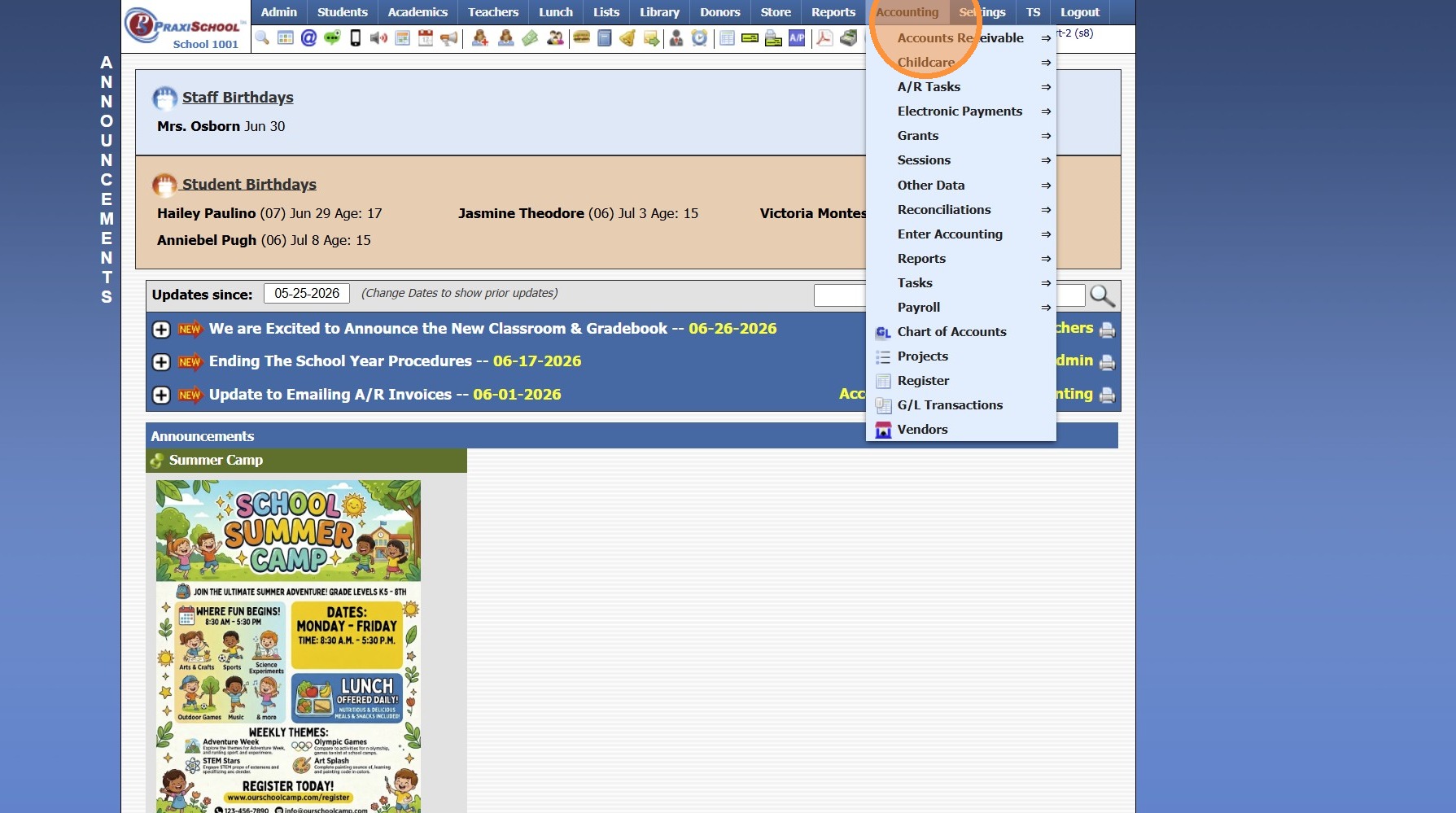
2. Click "Accounts Receivable"
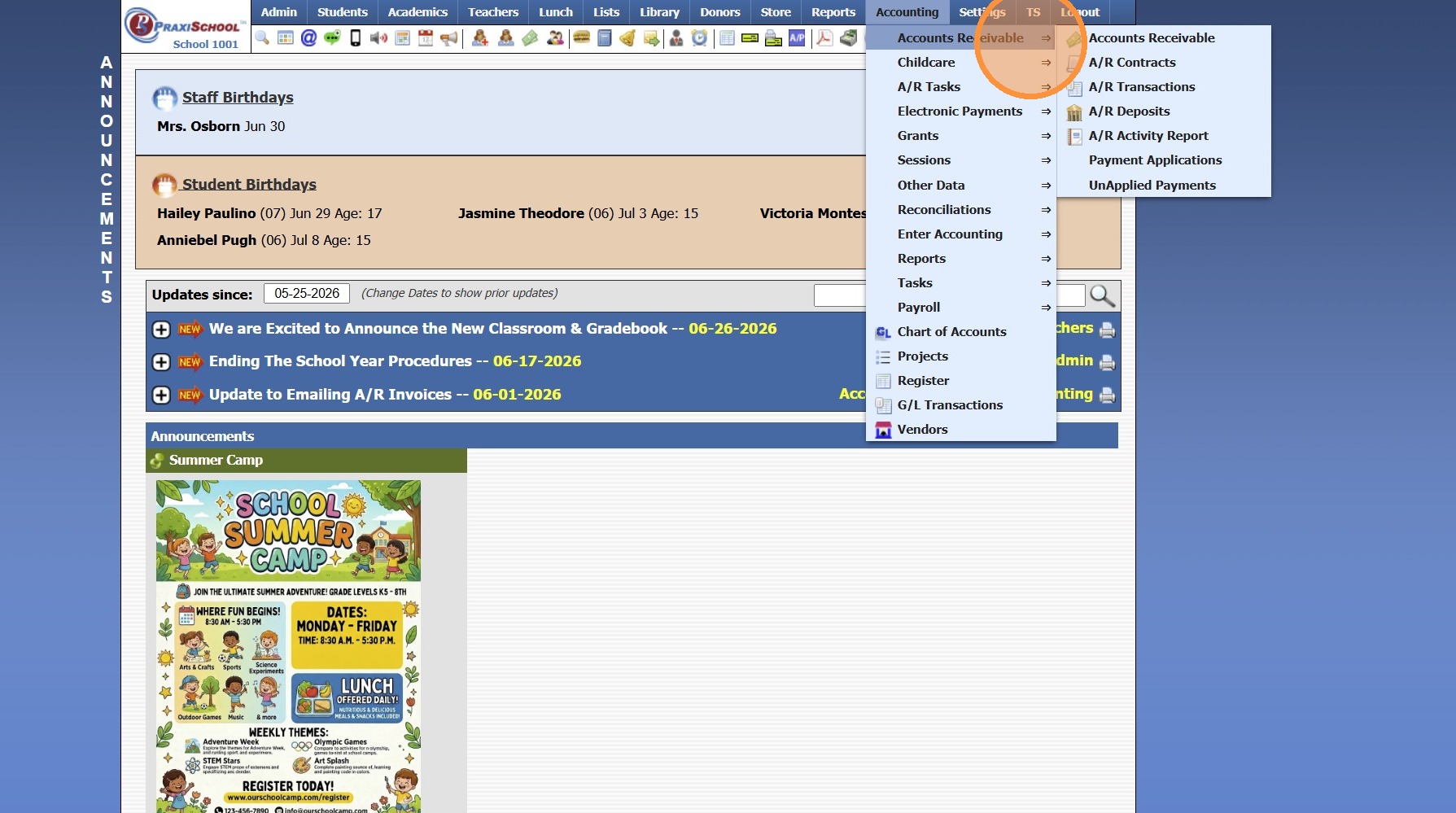
3. Click "A/R Contracts"
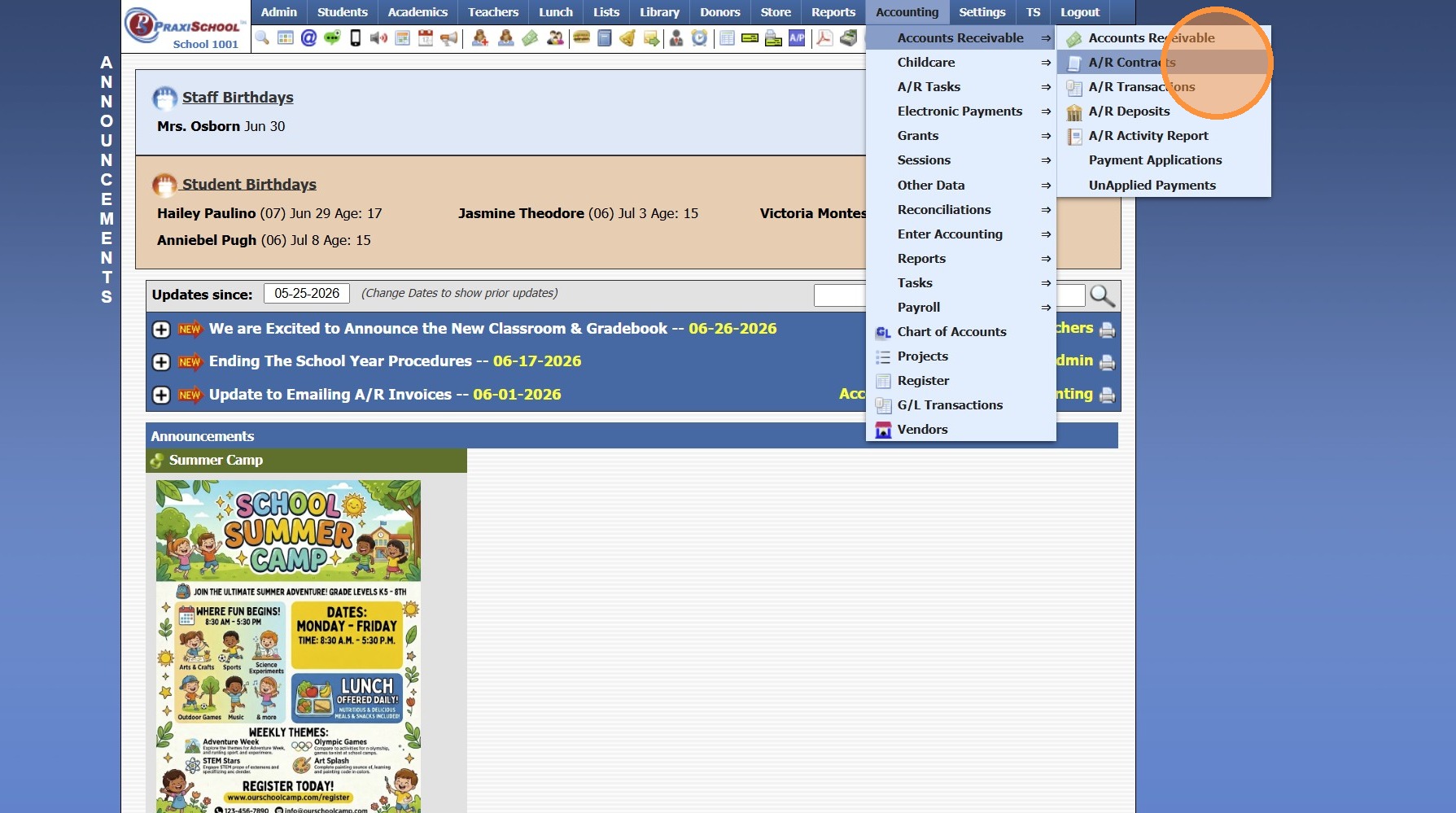
4. Select Grid Report OR Create Grid Report
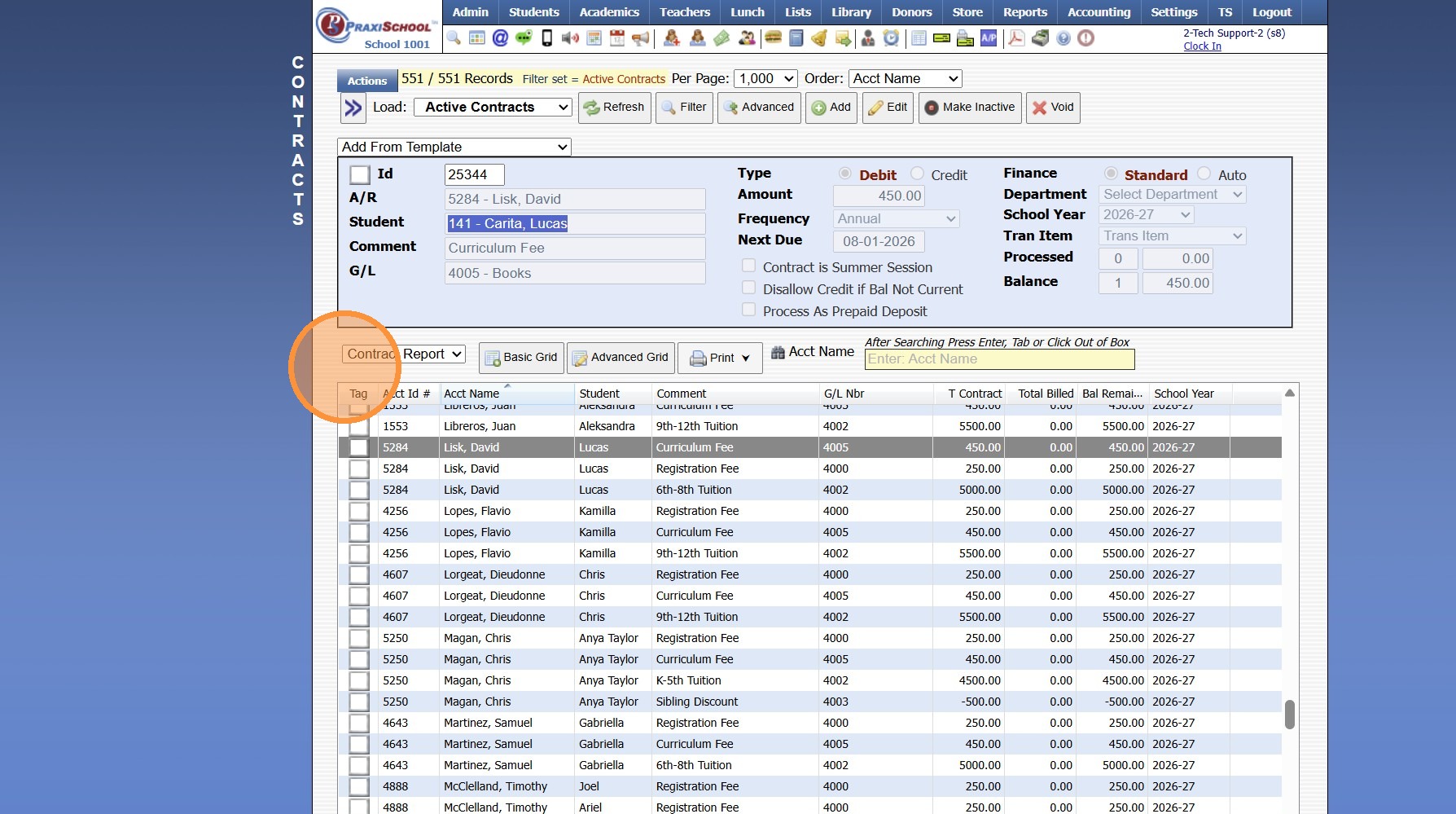
5. Click "Print ⮟"
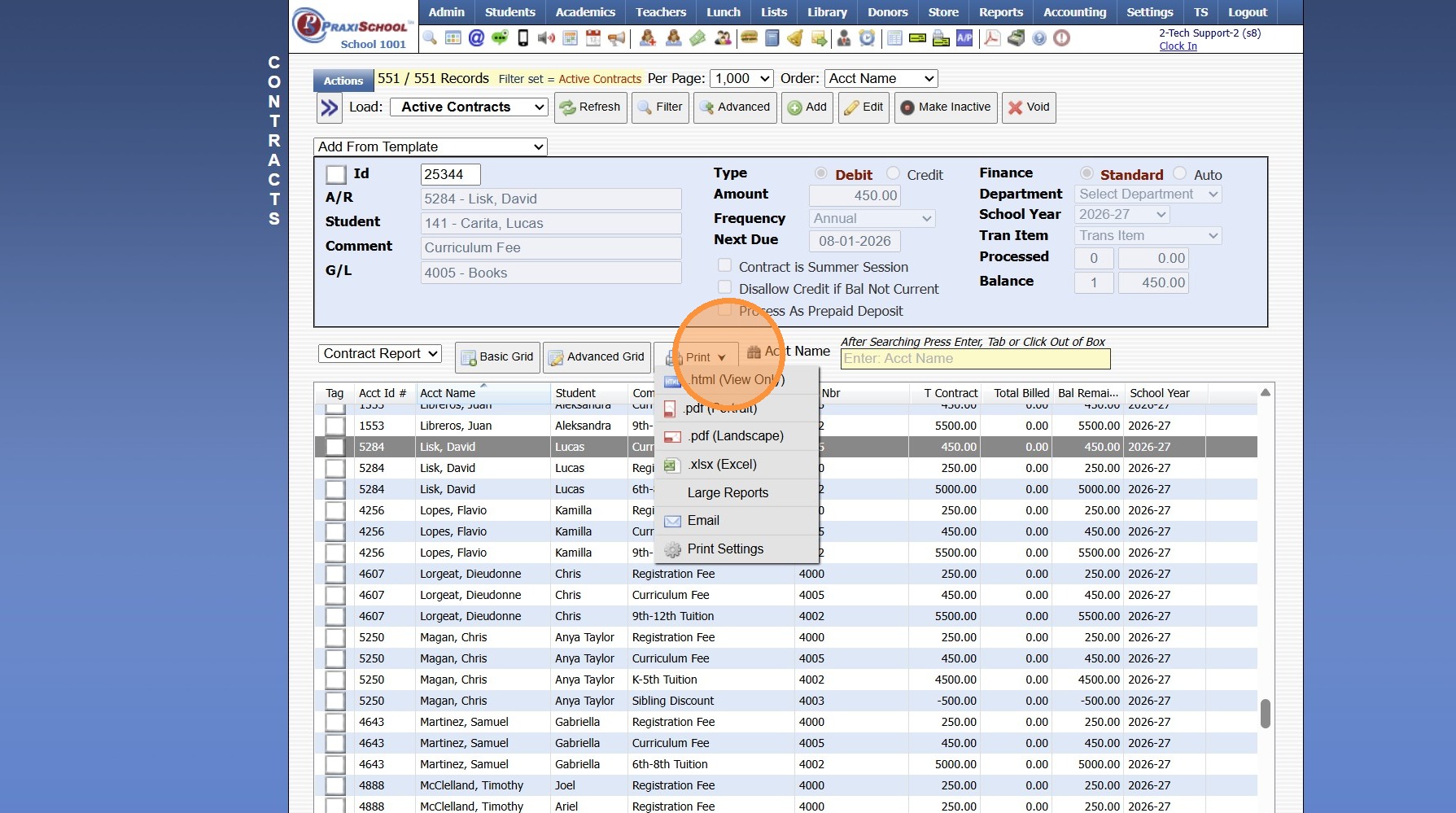
6. Click "Large Reports"
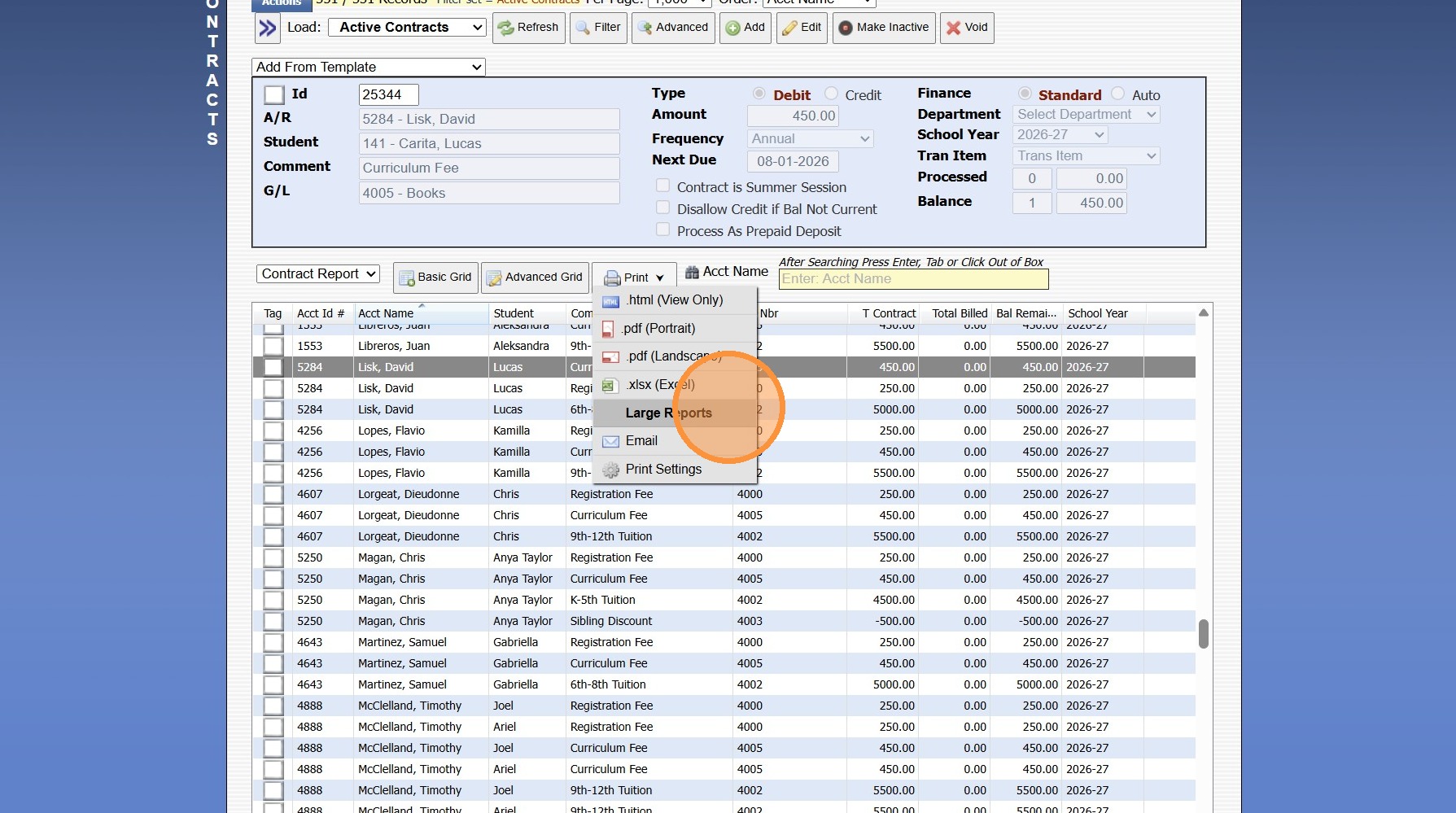
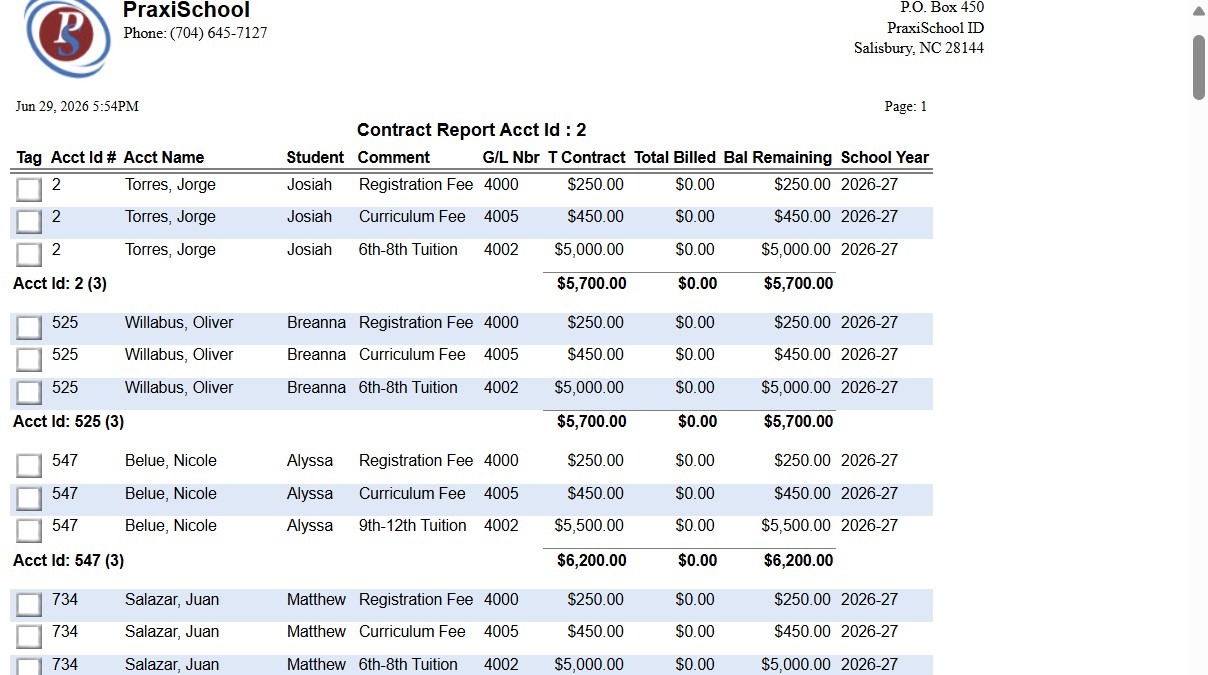
7. Contract Report can be Emailed, Printed, Exported to PDF or Excel
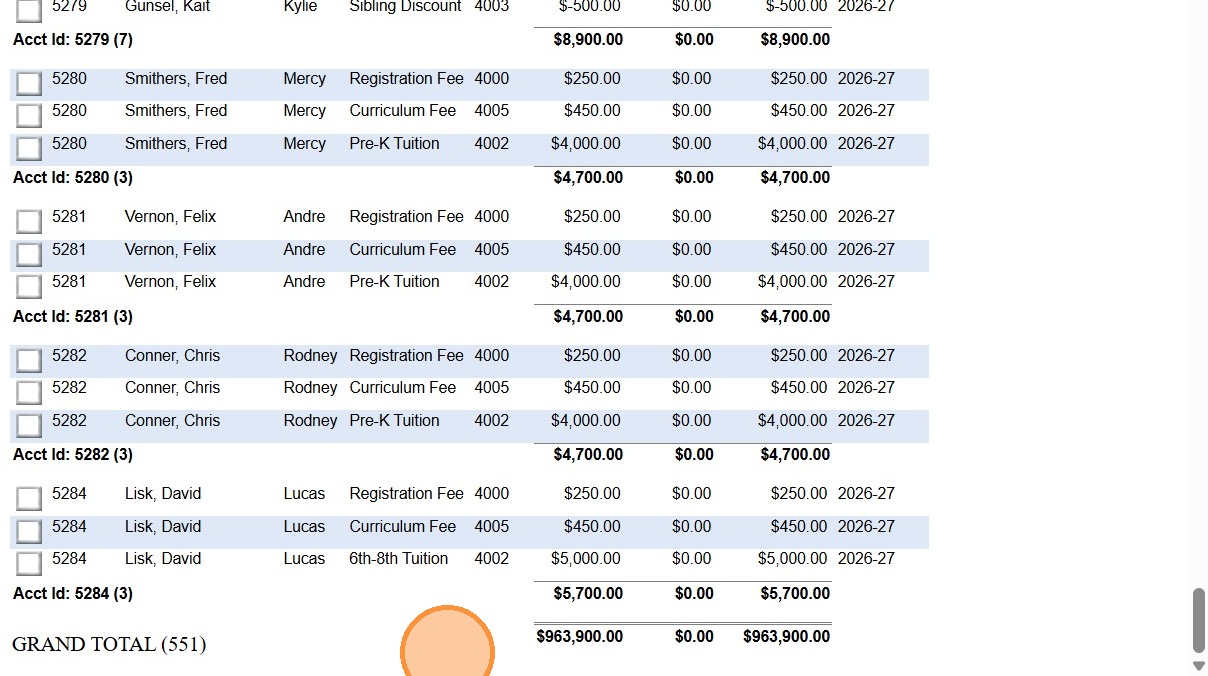
8. Click "GRAND TOTAL (551)"
6000.1.2.1
Related Articles
Creating an AR Contract Template
1. Click "Lists" 2. Click "A/R Accounting" 3. Click "Contract Templates" 4. Click "Add" 5. Enter Contract Description (Only Seen by Admin) 6. Enter Comment (Shows on Statement & Parent Portal) 7. Enter GL Number 8. Select the Department (Optional) 9. ...Viewing & Printing Staff Attendance Reports
Viewing & Printing Staff Attendance Reports 1. Click "Admin" 2. Click "Staff" 3. Click "Staff Attendance" 4. Select Date Range and Refresh to View Attendance 5. Select a Grid Report 6. Click Print & Select Print Option 1000.2.6Printing Student Parent Contact (A/R) Report
Printing Student Parent Contact (A/R) Report 1. Click "Reports" 2. Click "Parent Contacts (A/R)" 3. Select to Print by Homeroom Teacher, Grade Level or Class 4. Select All to Print for All Homeroom Teacher, Grade Level or Class 5. Report can be ...Printing the Student Directory
Printing the Student Directory 1. Click "Reports" 2. Click "Student Directory" 3. Select Sort & Filter Options 4. Check "Ignore Directory Preferences" to Print Report based on Administration Preferences Only 5. Select Student Options to Print on ...Printing the Staff Directory
Printing the Staff Directory 1. Click "Reports" 2. Click "Staff Directory" 3. Check "Ignore Directory Preferences" to Print Report based on Administration Preferences Only 4. Click "Print" 5. Staff Directory can be Printed, Emailed or Saved to a PDF ...