Creating a Report Card Template for a New Student
If a New Student Enrolls After the First Grade Period Report Cards are Created, a Report Card Template will need to be Created for the New Student.

1. Click Academics > Grades Reports > Print Report Cards
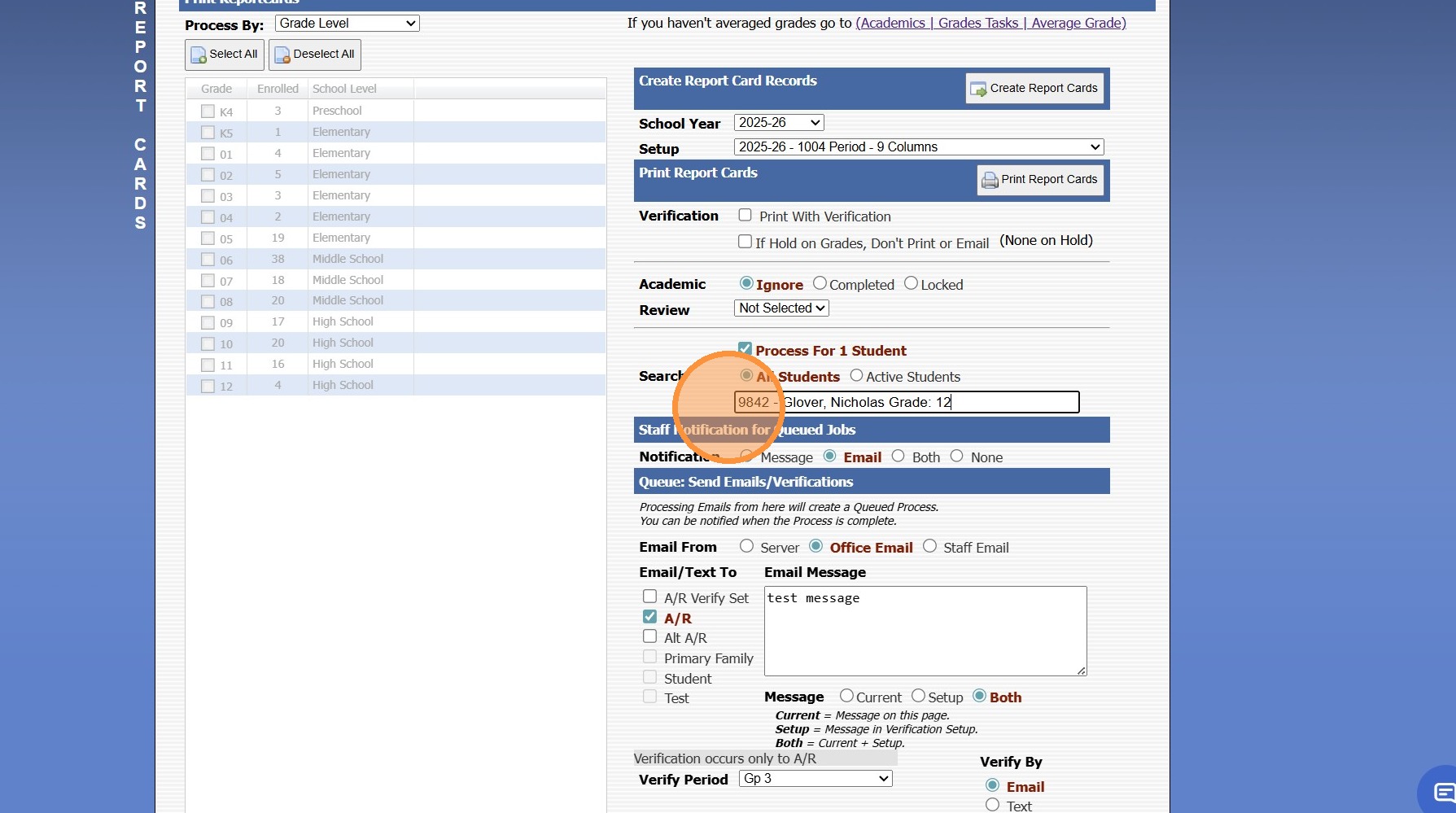
2. Click "Process For 1 Student" & Search the Student
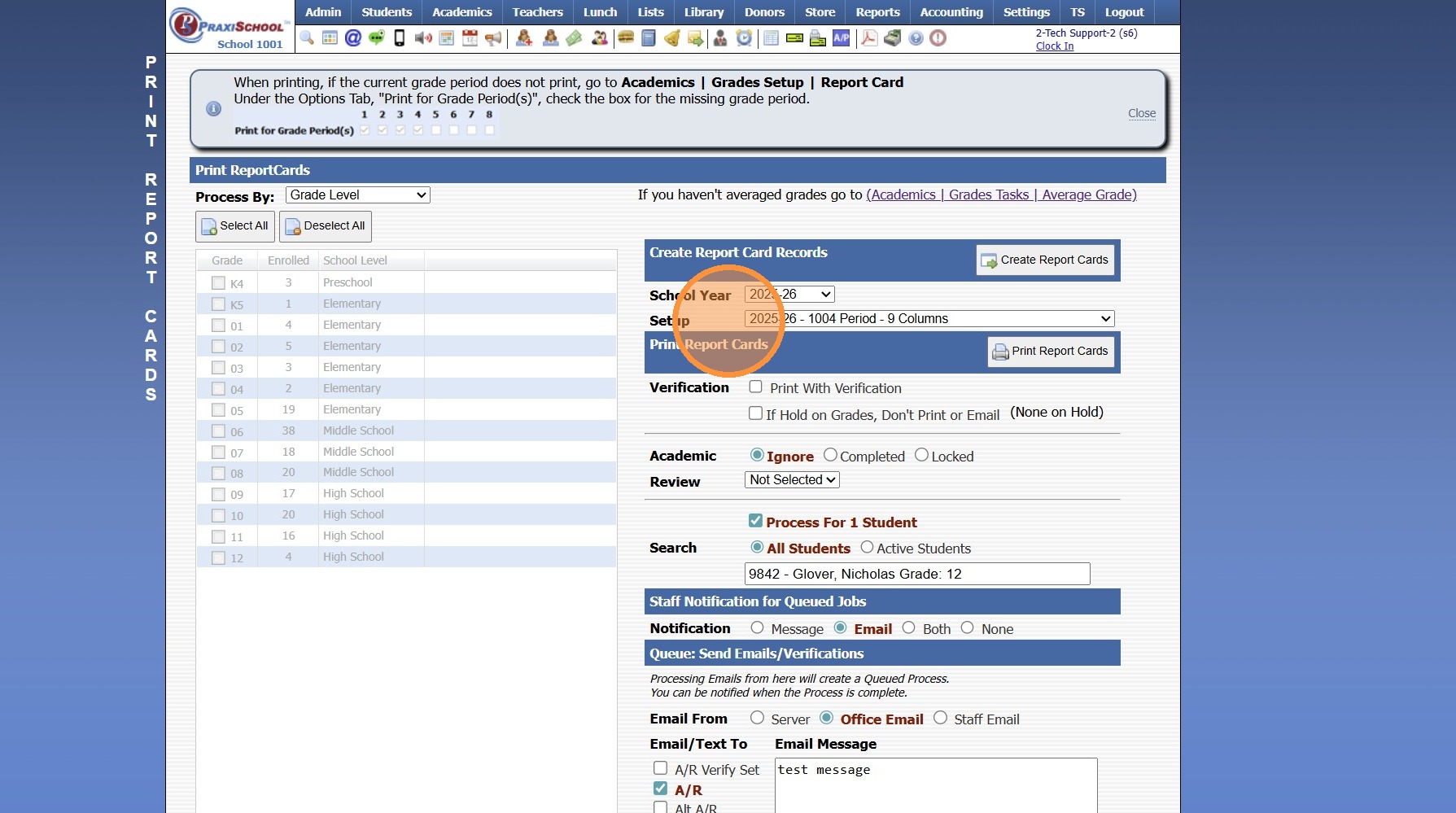
3. Select Report Card Template
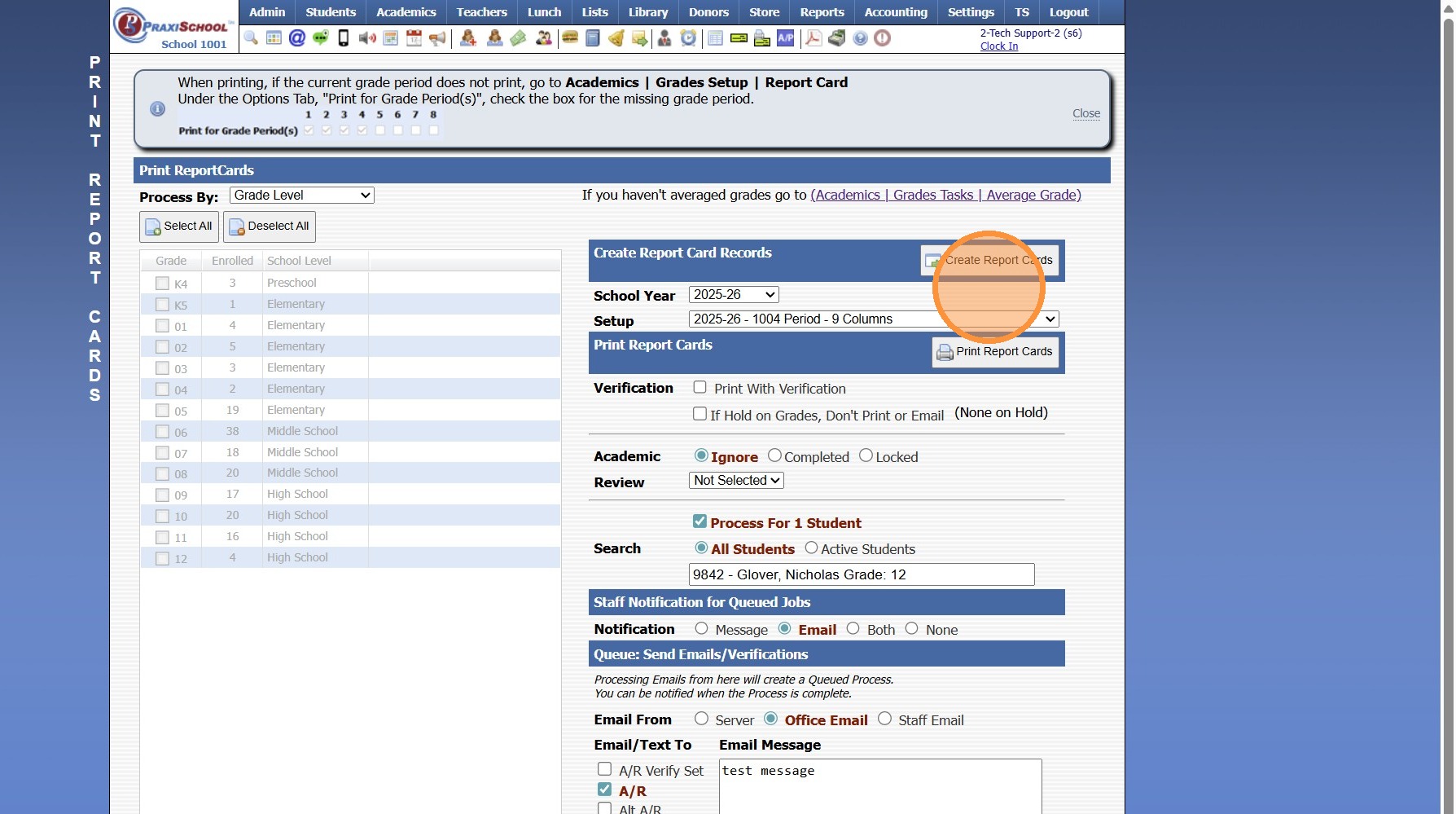
4. Click Create Report Cards
Related Articles
Replicating Report Card Templates for a New School Year
Replicating Report Card Templates for a New School Year 1. Click "Academics" 2. Click "Grades Setup" 3. Click "Report Card" 4. Select Report Card Template to Replicate 5. Click "Actions" 6. Click "Replicate Setup" 7. Select New School Year 8. Enter ...
Creating Report Cards
Creating Report Cards 1. Log into PraxiSchool 2. Click "Academics" 3. Click "Grades Reports" 4. Click "Print Report Cards" 5. Select Grade Levels 6. Select Report Card Template 7. Click "Create Report Cards" 2000.6.7
Attaching a Report Card Cover Page to a Report Card Template
1. Click "Academics" 2. Click "Grades Setup" 3. Click "Report Card" 4. Select Report Card Template & Click "Edit" 5. Select Cover Sheet Template from Dropdown Menu 6. Click "Save" 7. Report Card Cover Sheet will Print with Report Card 2000.2.13
Opening New Grade Period For Report Cards
Opening New Grade Period For Report Cards 1. Click "Academics" 2. Click "Grades Setup" 3. Click "Report Card" 4. Select Report Card Template 5. Click "Grade Periods" 6. Click "Edit" 7. Check the Box next to Print Grade Periods for the Grade Period to ...
Print ID Cards - Business Card Template
Print ID Cards - Business Card Template 1. Click "Reports" 2. Click "Id Cards" 3. Select Database (Ex. Students, Student/Family, Staff or Family) 4. Select ID Card Format 5. Click "Refresh" 6. Tag Individuals to Print ID Cards 7. Select "Business ...