Assigning Students to Teams
Teams are use to Track Student Merit & Discipline Points based on Teams of Students
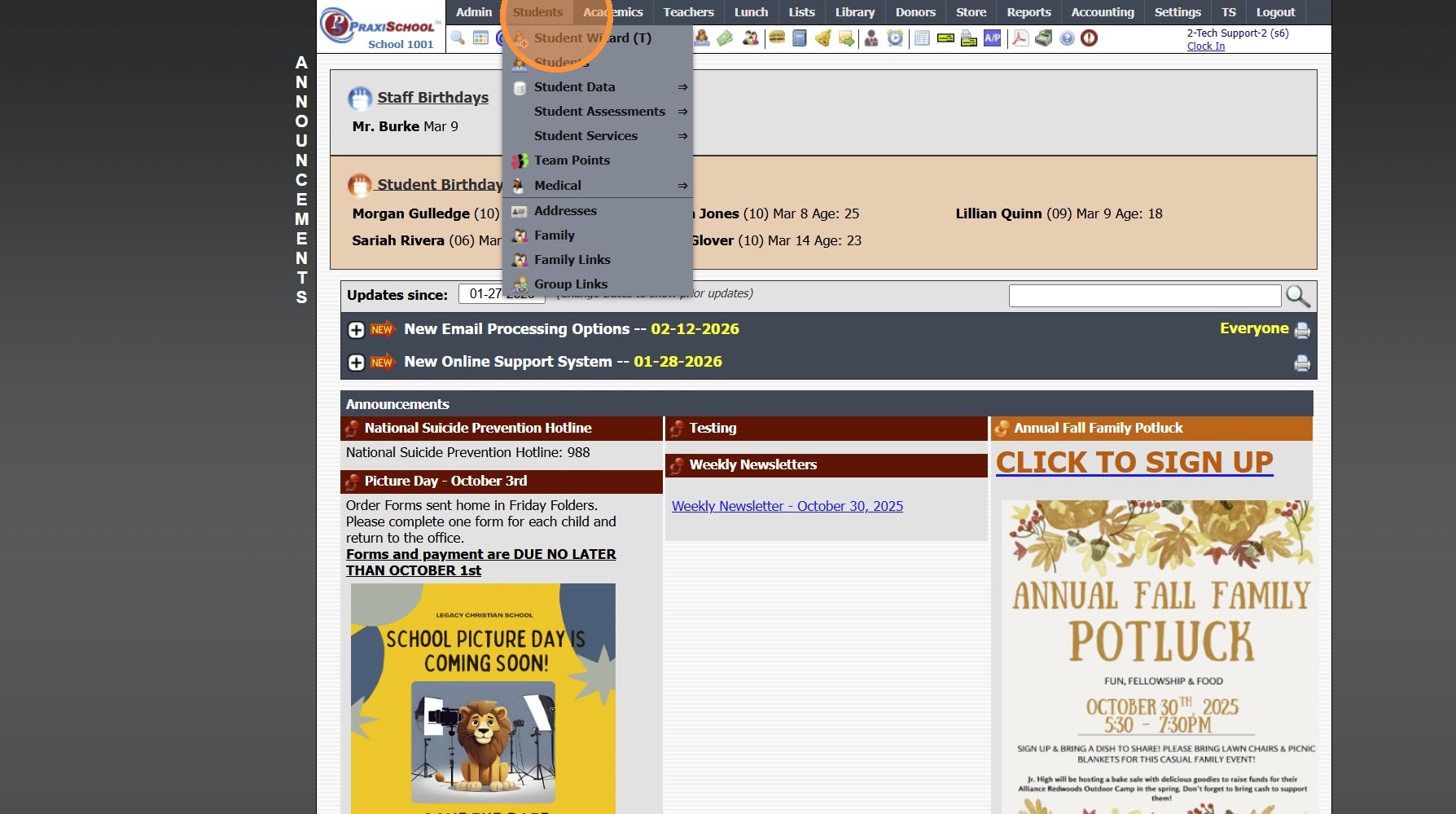
1. Click "Students"
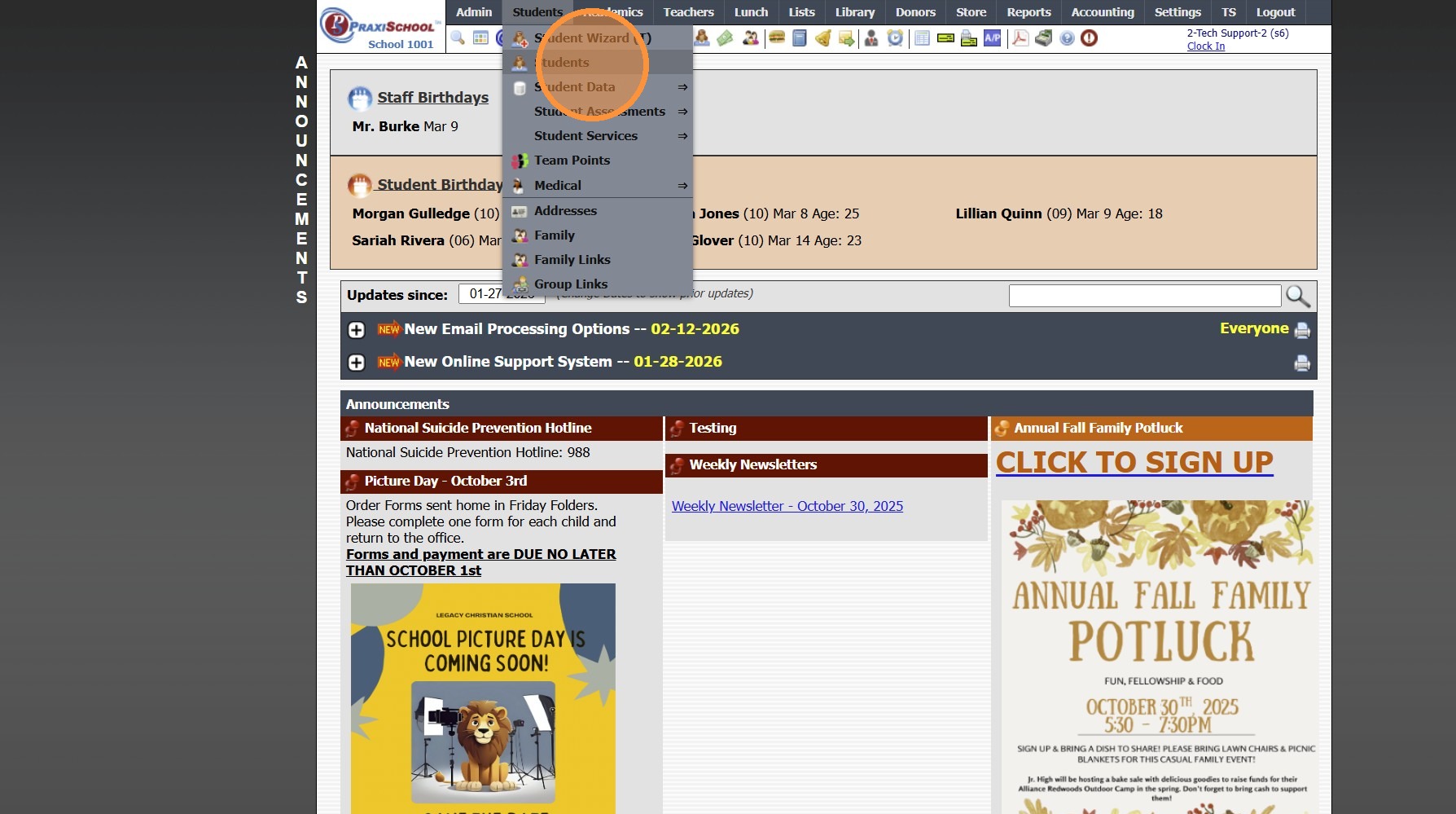
2. Click "Students"
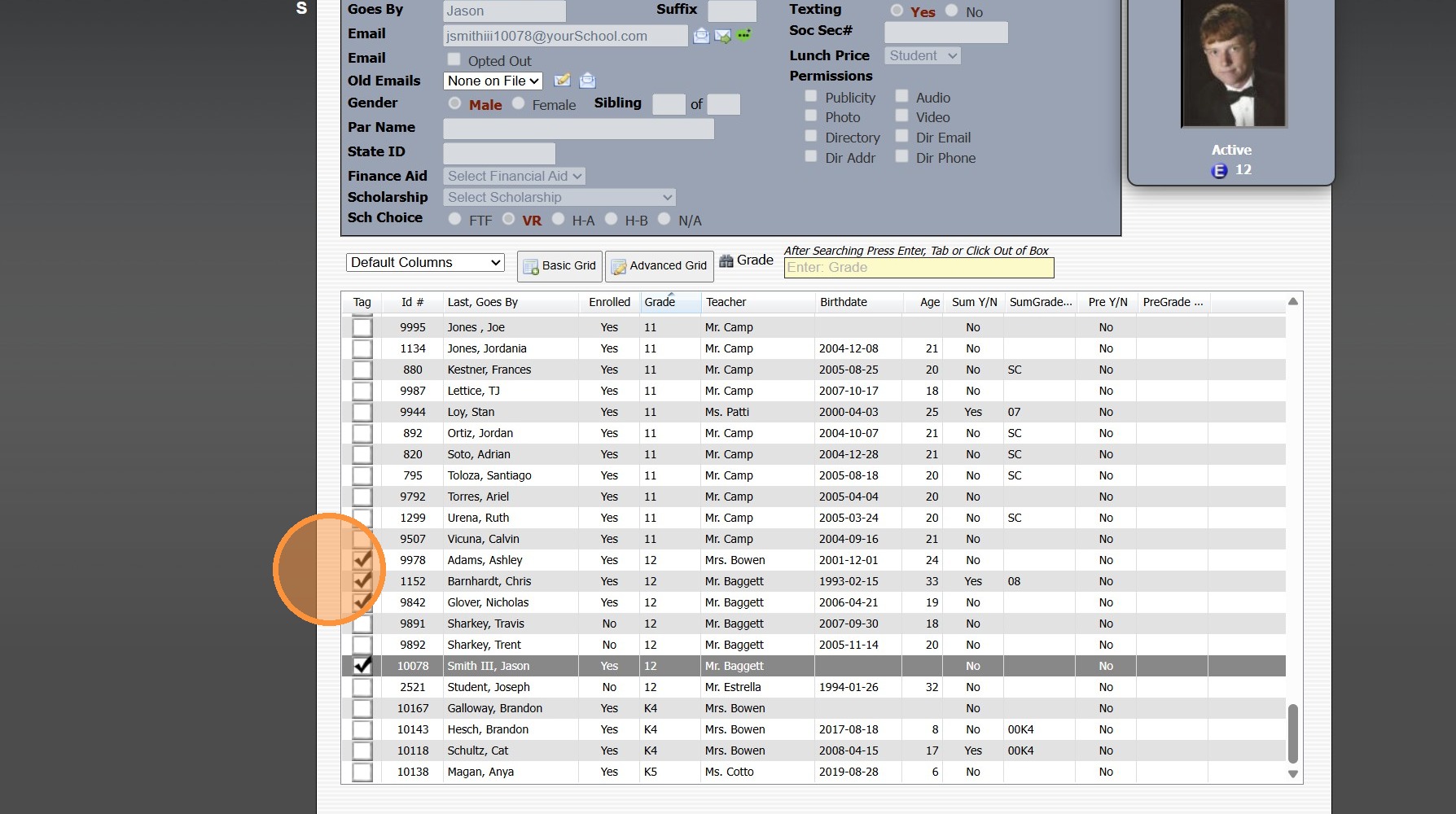
3. Tag Students to Assign to a Team
4. Click "Actions"
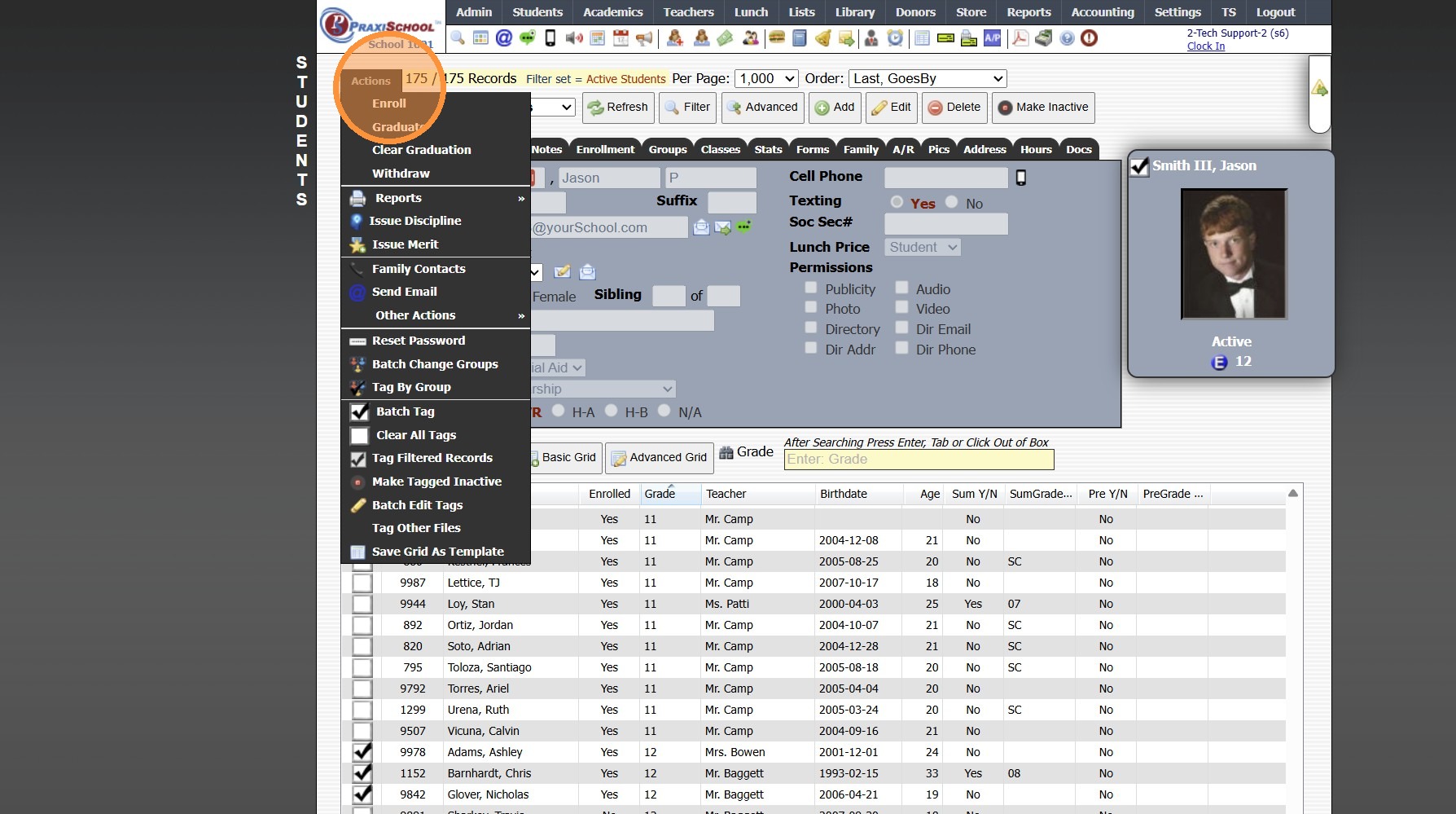
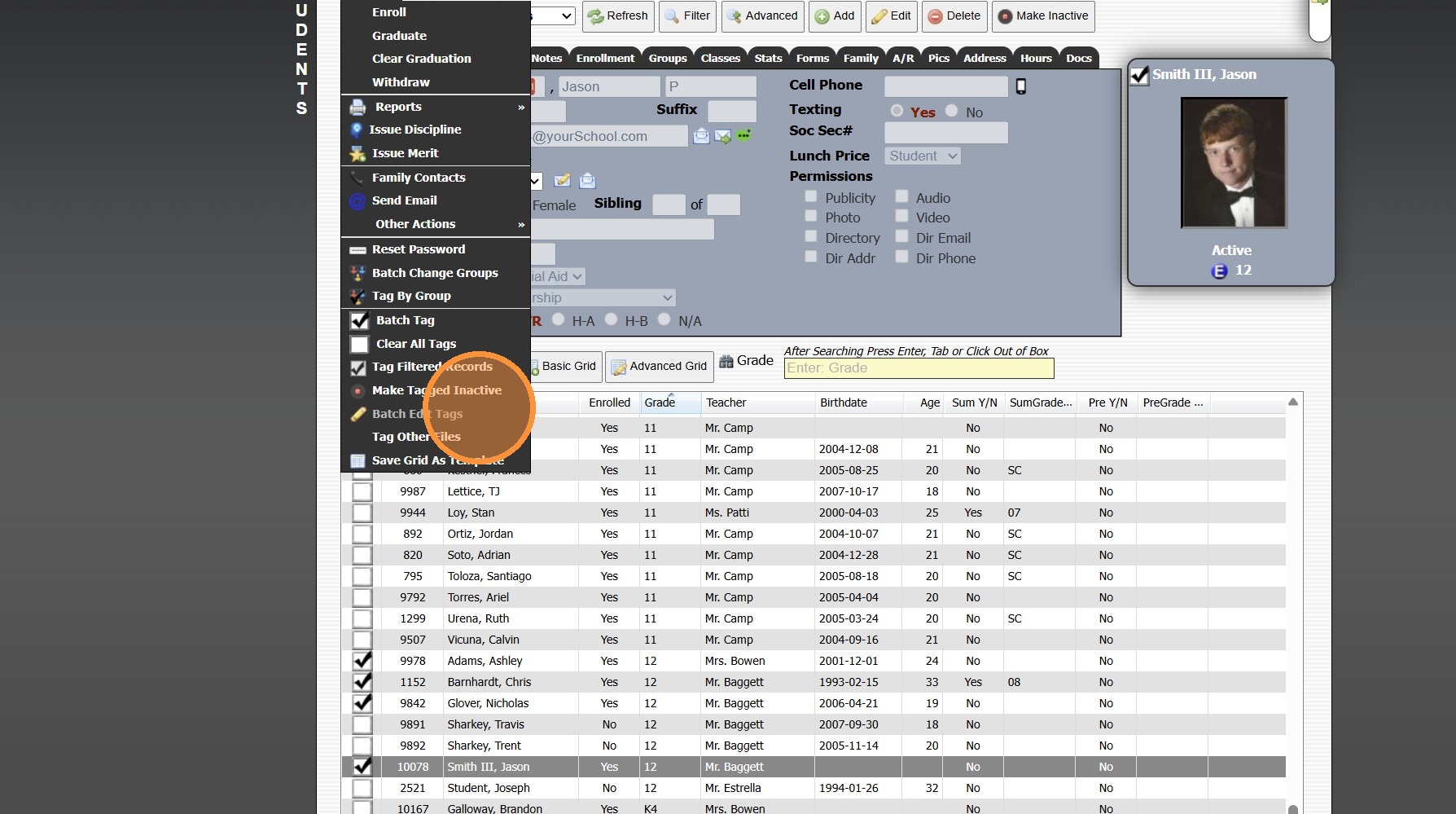
5. Click "Batch Edit Tags"
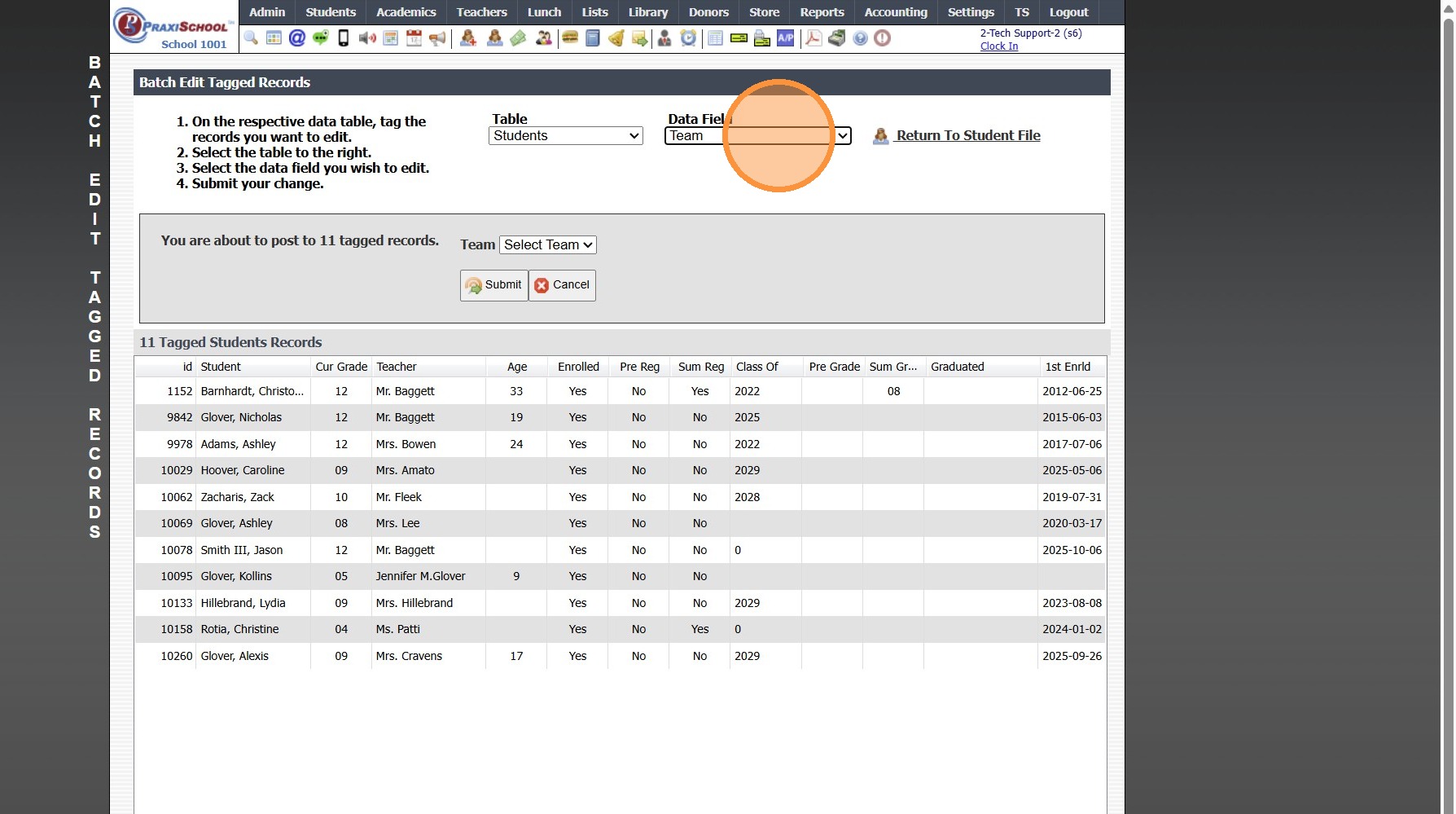
6. Select the "Team" Data Field
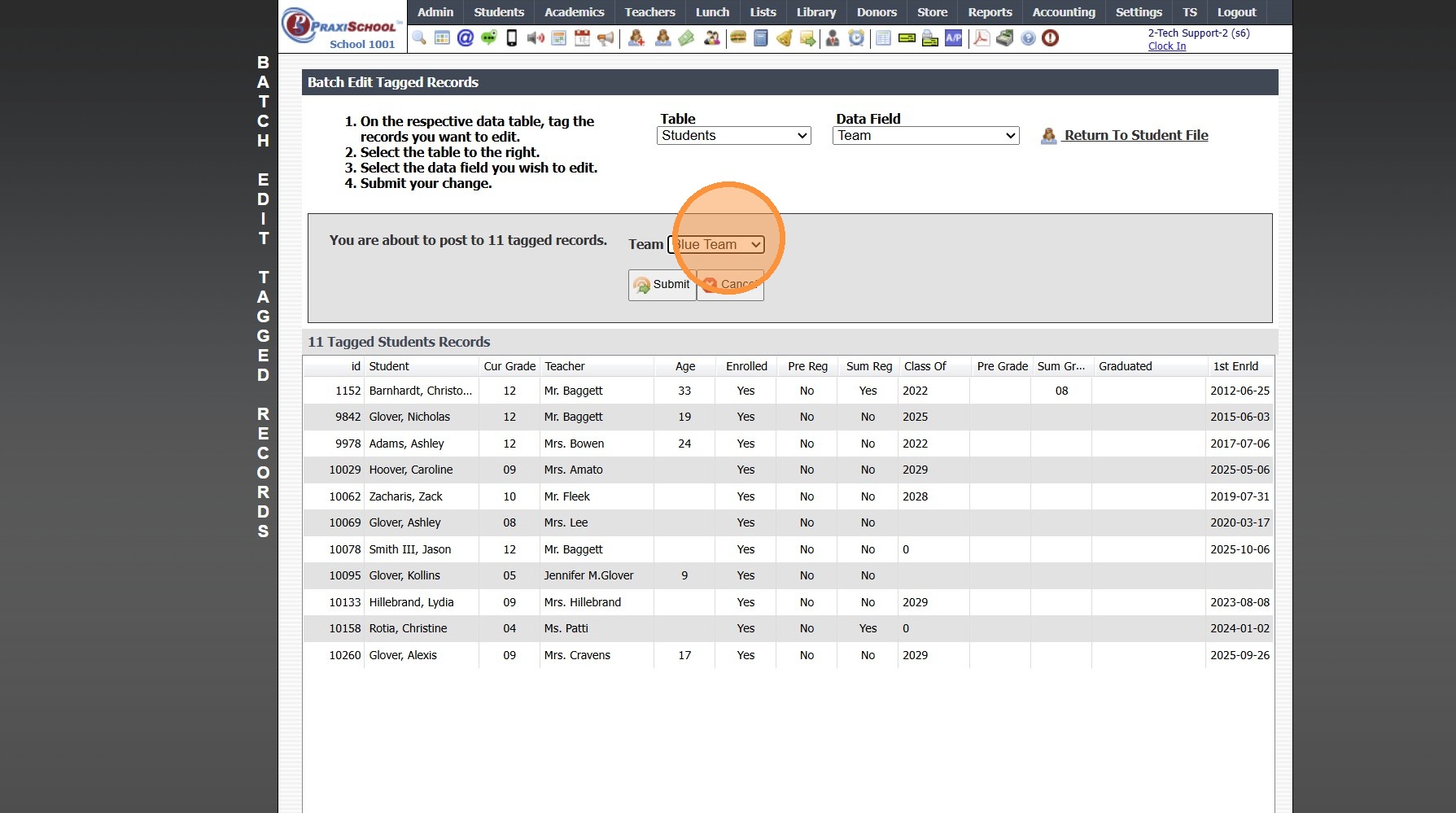
7. Select the Team
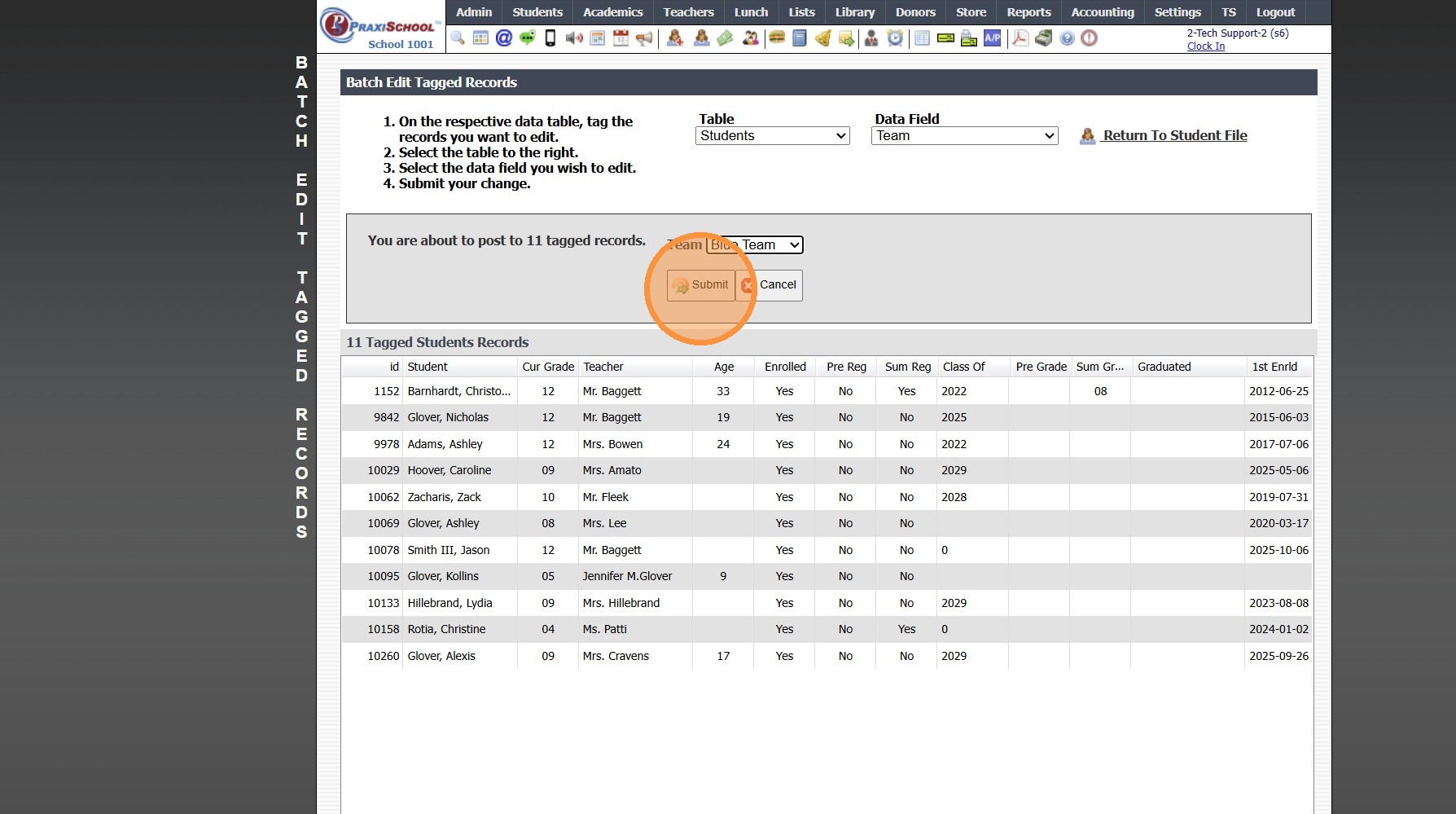
8. Click "Submit"
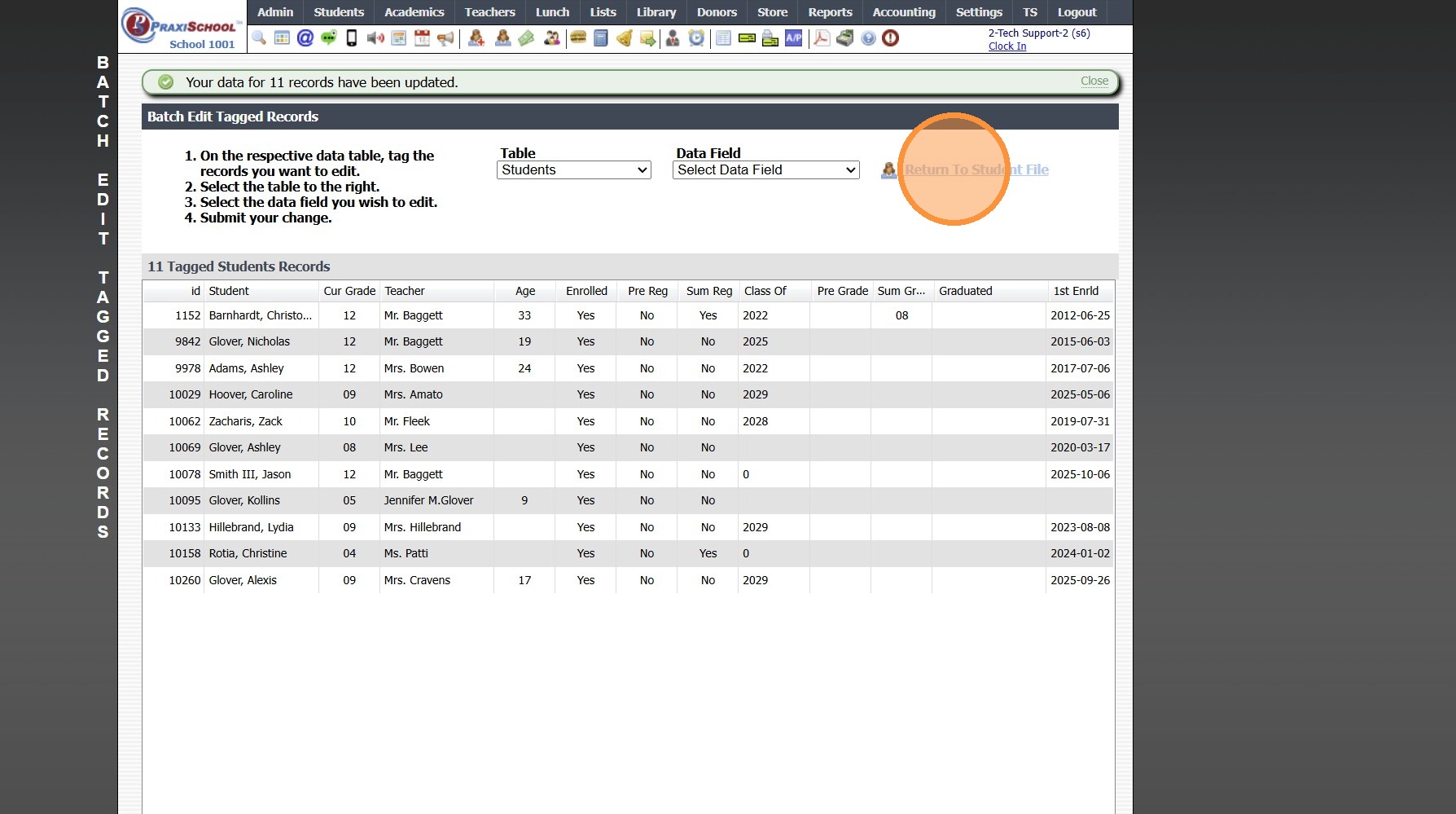
9. Click "Return To Student File"
1500.4.28
Related Articles
Assigning Lockers
Assigning Lockers from Lockers 1. Click "Lists" 2. Click "Misc Lists - Students" 3. Click "Lockers" 4. Click "Edit" 5. Select Student 6. Click "Save" Assigning Lockers from Students 7. Click "Students" 8. Click "Students" 9. Select Student 10. Click ...Assigning Students to Districts
1. Click "Students" 2. Click "Students" 3. Tag Students to Add to District 4. Click "Actions" 5. Click "Batch Edit Tags" 6. Select the Data Field "District" 7. Select the District 8. Click "Submit" 1500.17.1Enroll Students in ACE Courses and Assigning Paces
Enroll students in Courses and Assigning Paces 1. Click "Learning Center" 2. Click "Learning Center" 3. Select "Learning Center" Class and Click "Grade Book" 4. Click the student box and start typing the name 5. Select the name from the dropdown list ...Batch Assigning Groups
Batch Assigning Groups 1. Go to Database Screen (i.e. Students, AR, Staff) and Tag Individuals to Add to a Group 2. Click "Actions" 3. Click "Batch Change Groups" 4. Select Group 5. Click "Process" 6. Assigned Groups can be viewed under the Groups ...Assigning Seats in the Classroom
Assigning Seats in the Classroom 1. Click "Teachers" 2. Click "Classroom" 3. Select Class in Grid 4. Click "Assign Seats" 5. Click "Auto Assign Seats" to allow the System to Assign Seats in Alphabetic Order by Last Name 6. Click "Clear All Seat ...