Why Are All Records Not Populating in a Database?
Tip: The Most Common Reason all Records are not Populating in a Database is because the Per Page Count is Lower than the Number of Records. See Instructions Below.
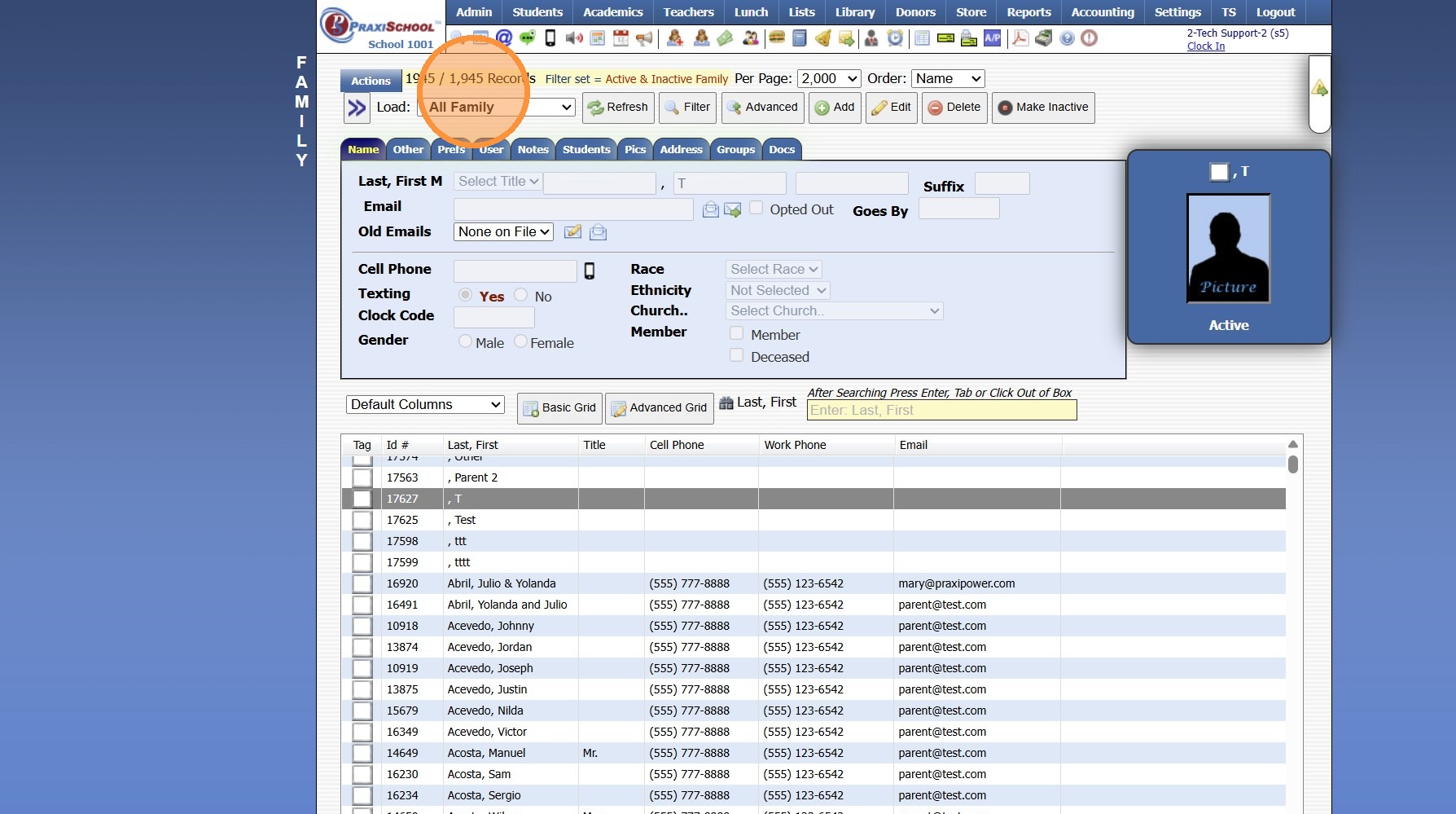
1. Select Database
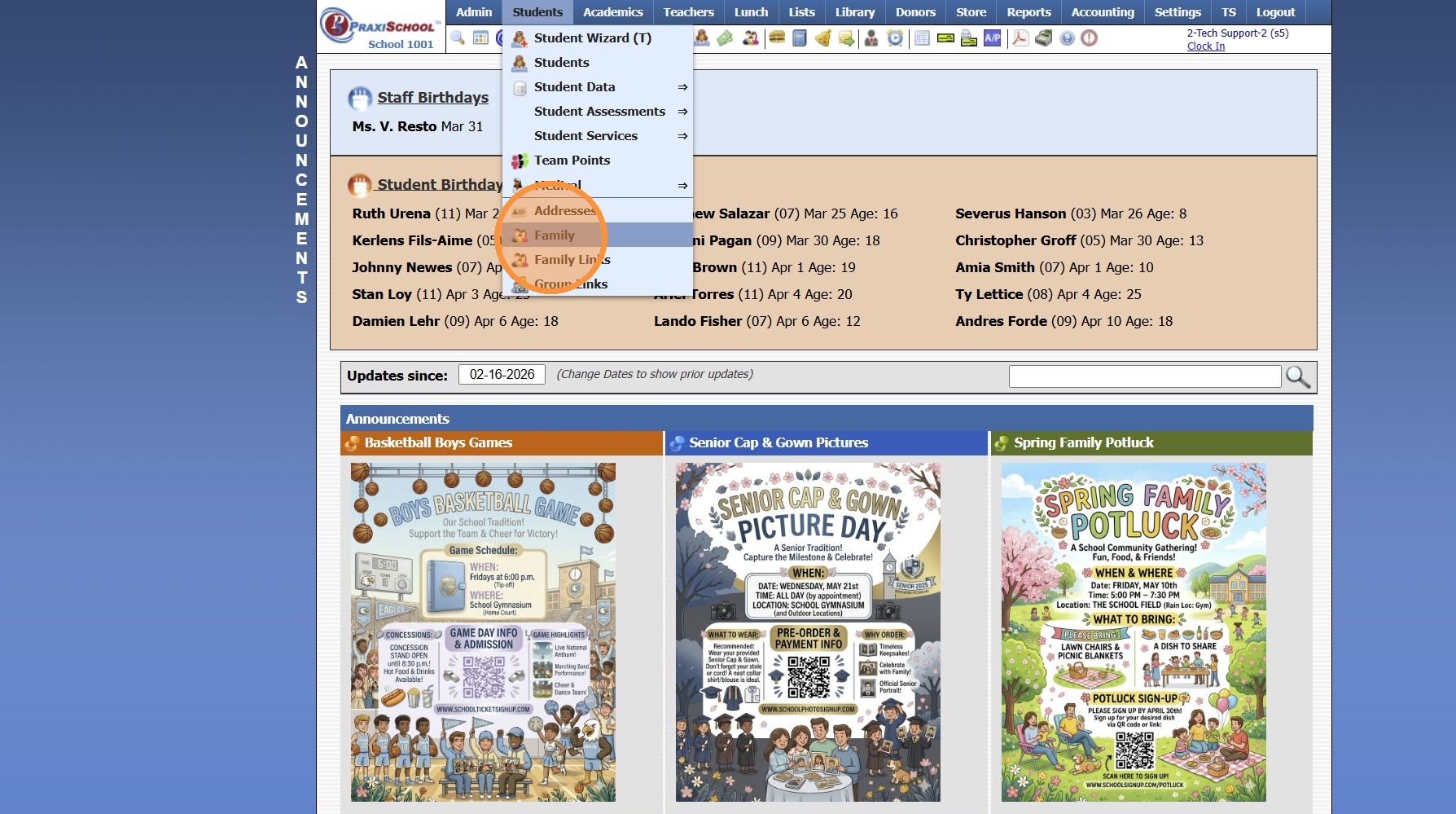
2. Check Number of Records Showing & Total Number Records
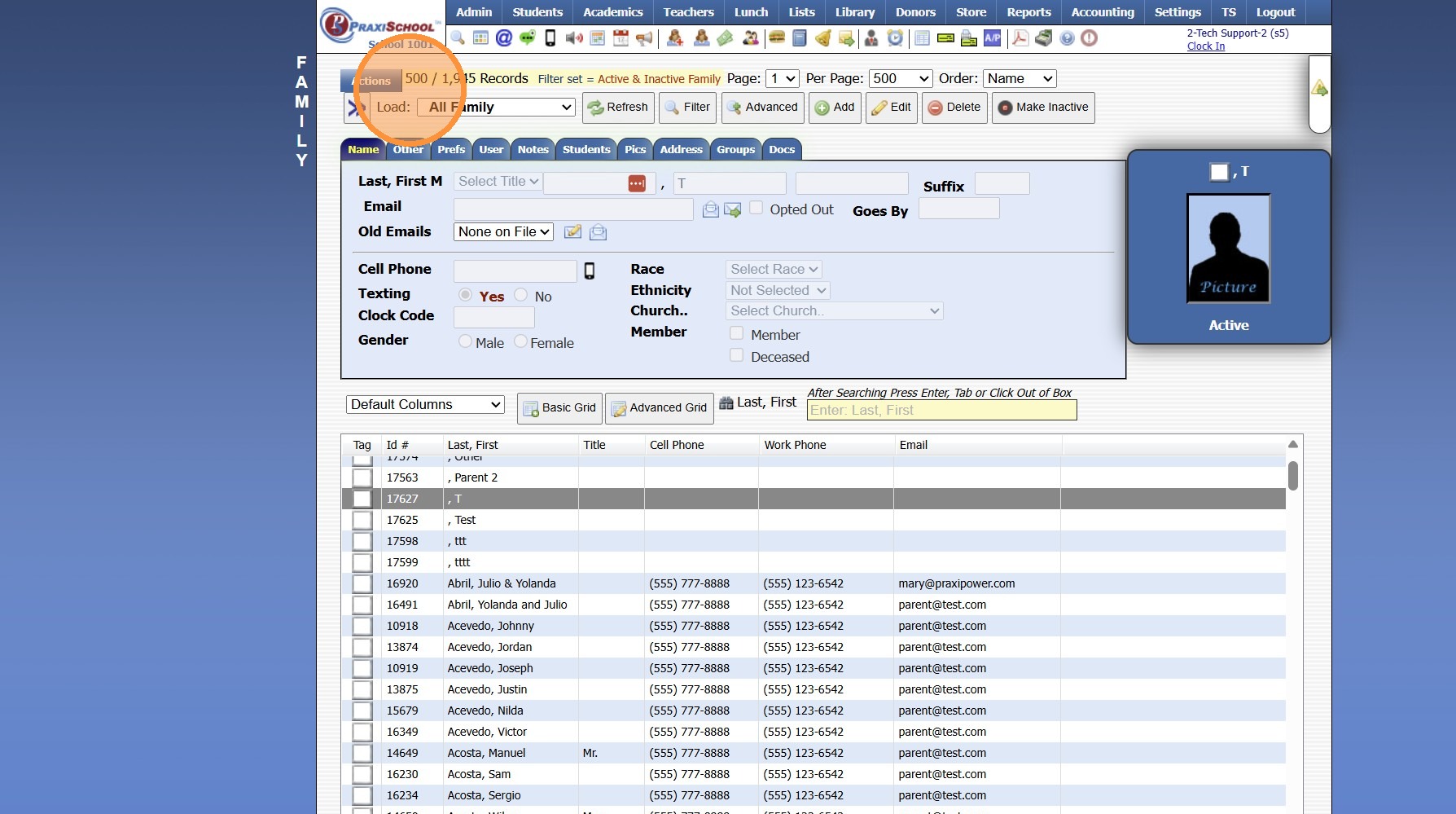
3. Change Per Page Number to a Number Greater than the Total Number of Records
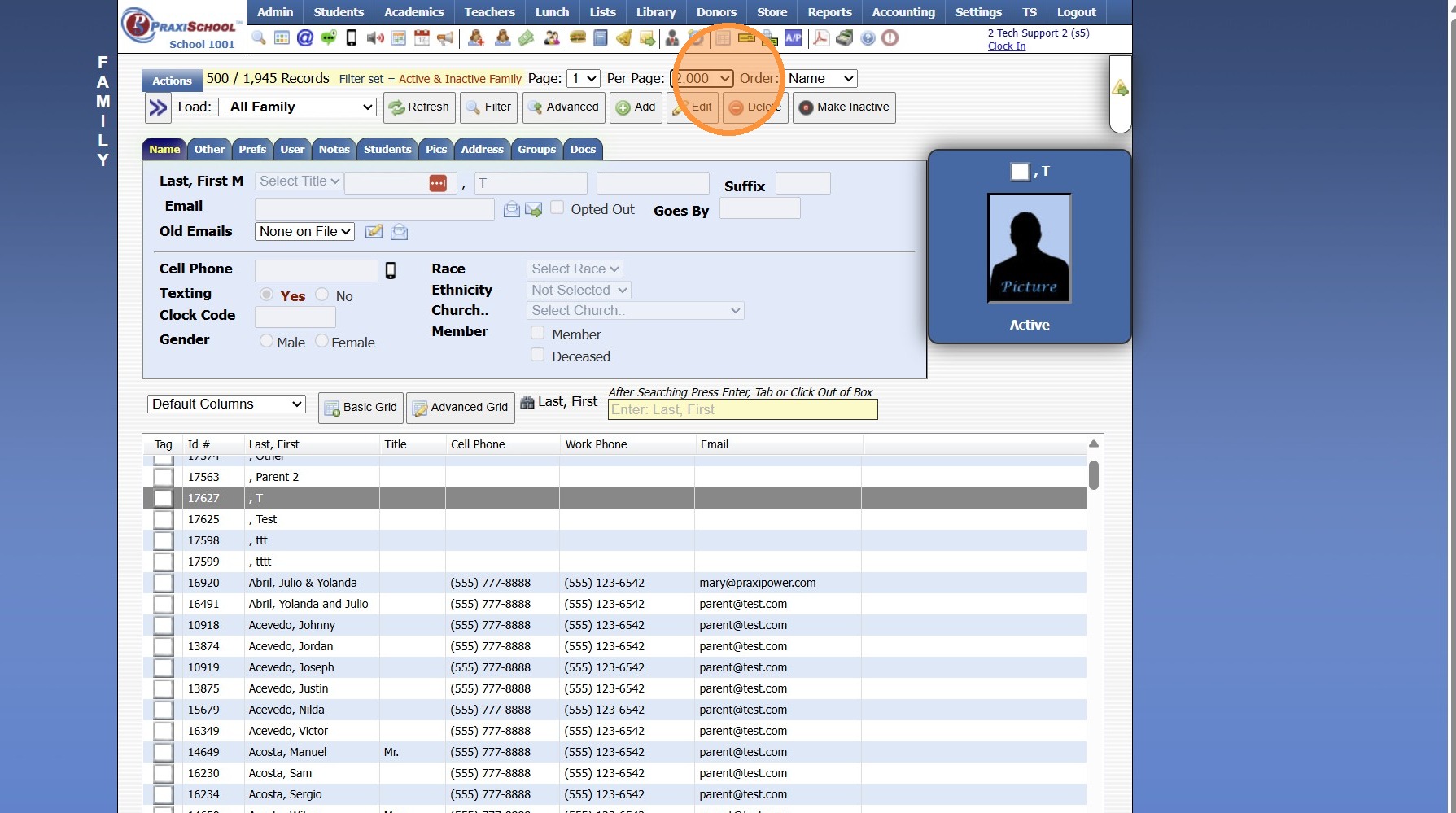
4. Click "Refresh"
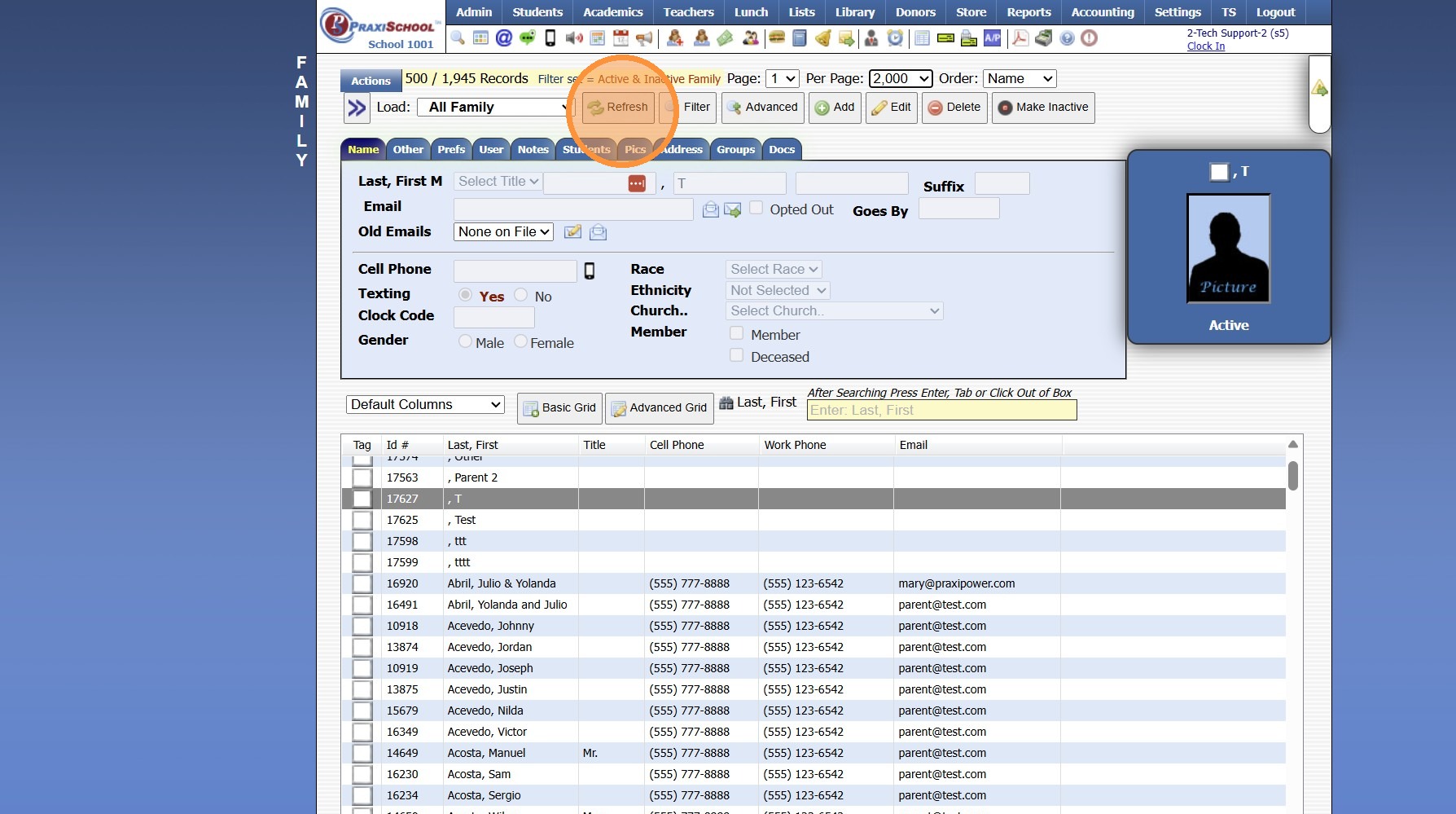
5. All Records are now Visible
8000.26
Related Articles
Why is attendance not populating in the 1 Student Wizard?
Tip: The Most Common Reason Attendance is not Populating in the 1 Student Wizard, is because the Start Date in the 1 Student Wizard being outside of the School Year Dates. See Instructions Below. 1. Click "Attendance" 2. Click "1 Student Wizard" 3. ...How to Export Database Files
1. Select the Database to Export Files 2. Select the Grid Option that Contains the Data to Export 3. Click "Print ⮟" 4. Click ".xlsx (Excel)" 8000.38Why are Dates not Populating on Submitted Forms?
Tip: The 2 Most Common Reasons Dates are not Populating on Submitted Forms are: Set Default Value is Checked for Field in Build Forms OR Date was not Entered in Correct Format. See Instructions Below. 1. Click "Admin", "Web Applicants" & Select New ...Why are Grades not Populating on the Report Card for a Class that has Grades & Grades have been Averaged?
Why are Grades not Populating on the Report Card for a Class that has Grades & Grades have been Averaged? Tip: In Classes, the Class more than likely does not have the Grade Period(s)/Semester(s) Turned On. Follow Instructions below to Turn On for ...Tag by Group
Tag by Group 1. Go to Database Screen (i.e. Students, AR, Staff) 2. Click "Actions" 3. Click "Tag By Group" 4. Select Group 5. Click "Tag Records" and click "Ok" 6. Individuals in Group can be Viewed from the Tagged Files option 1000.1.30