Viewing Portal Login Details
1. Click "Admin"
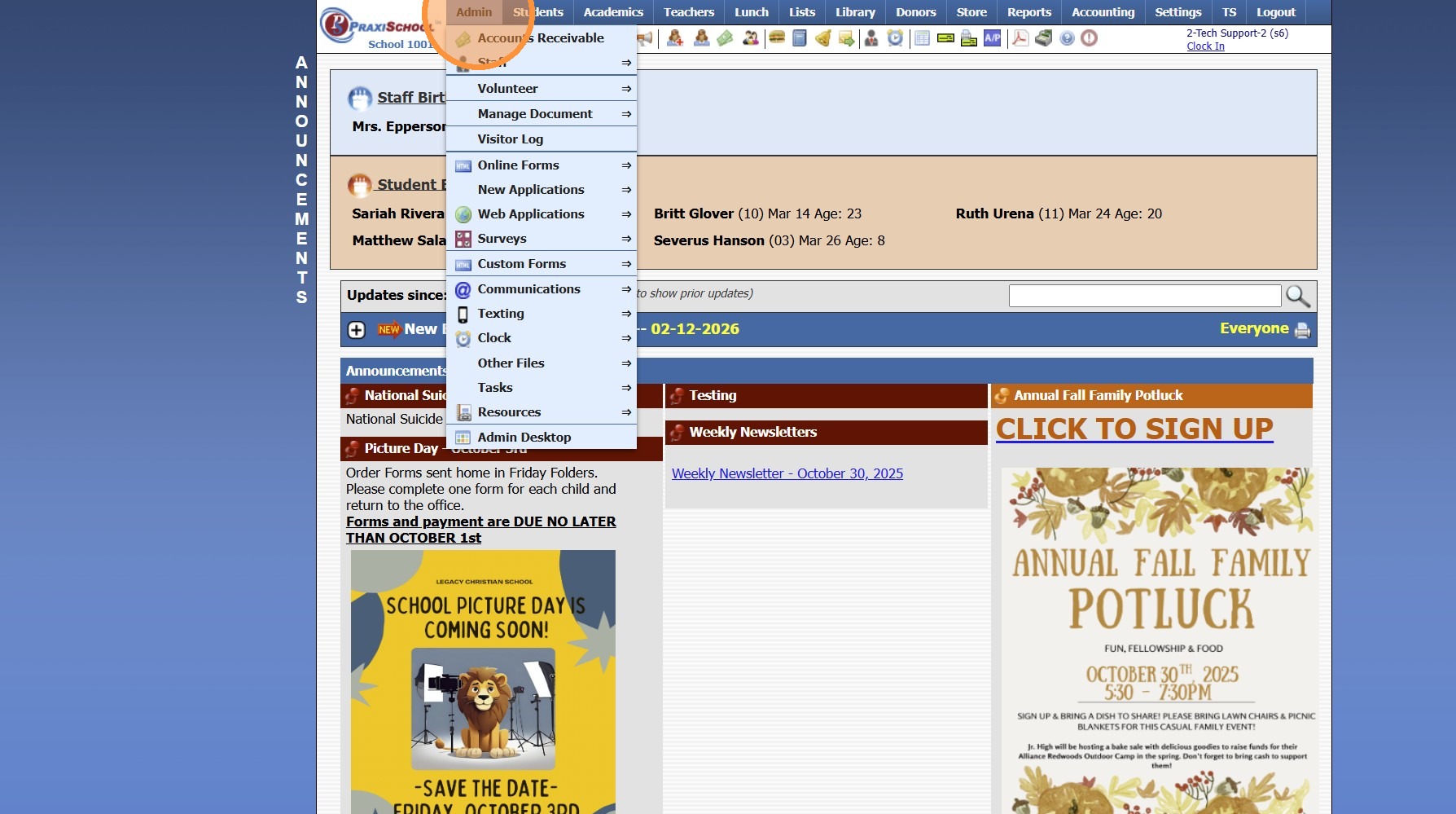
2. Click "Other Files"
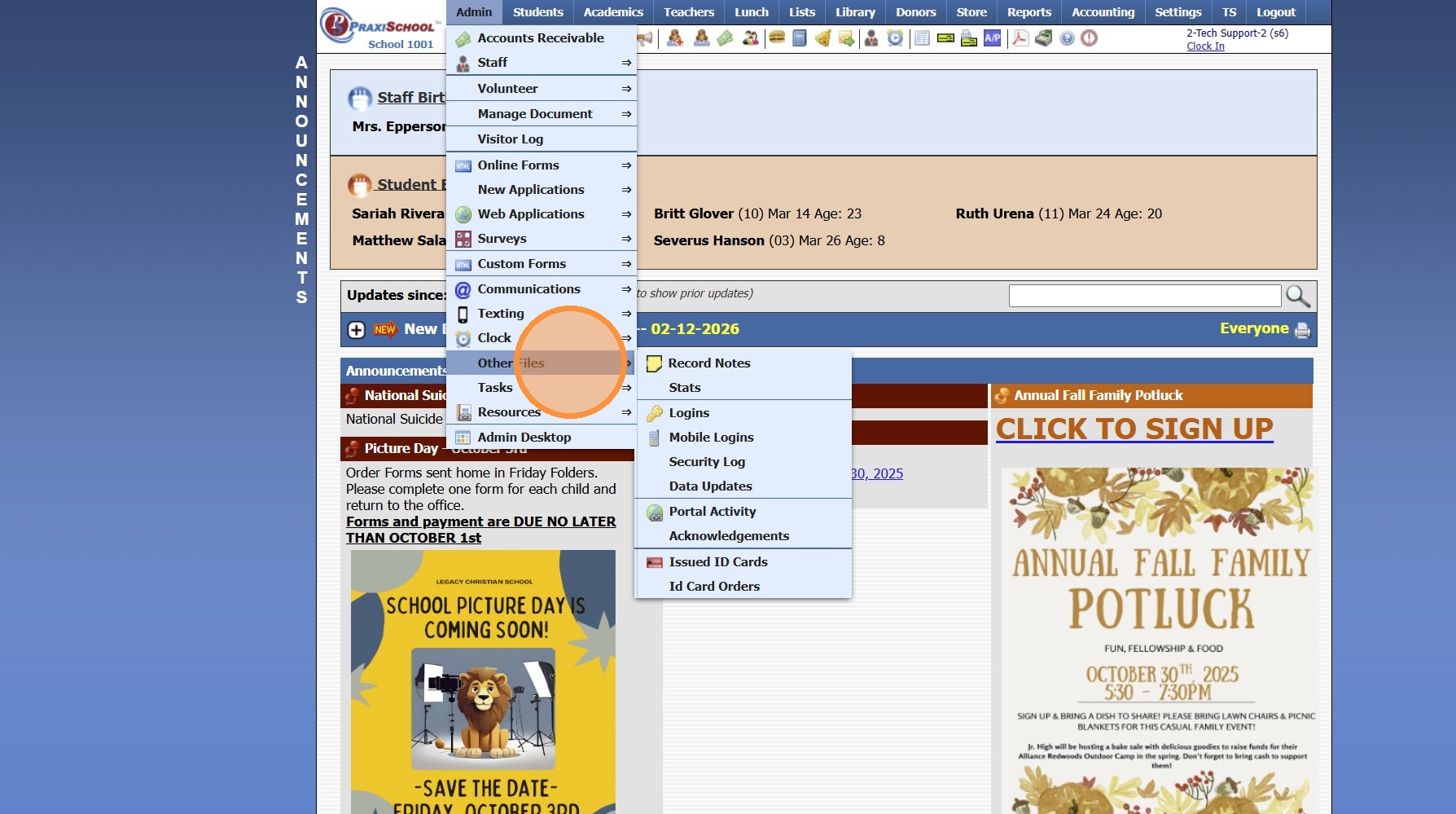
3. Click "Logins"
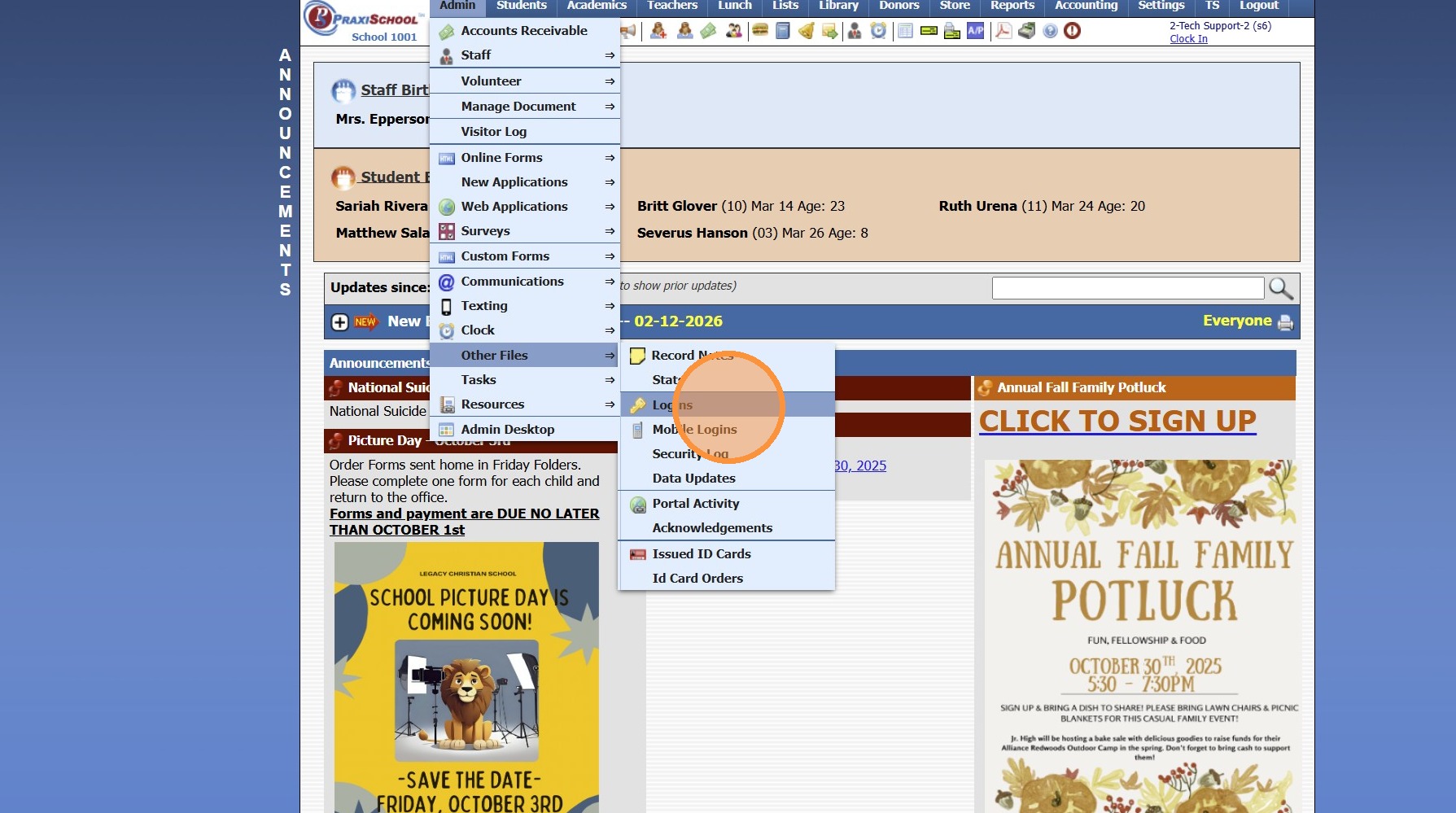
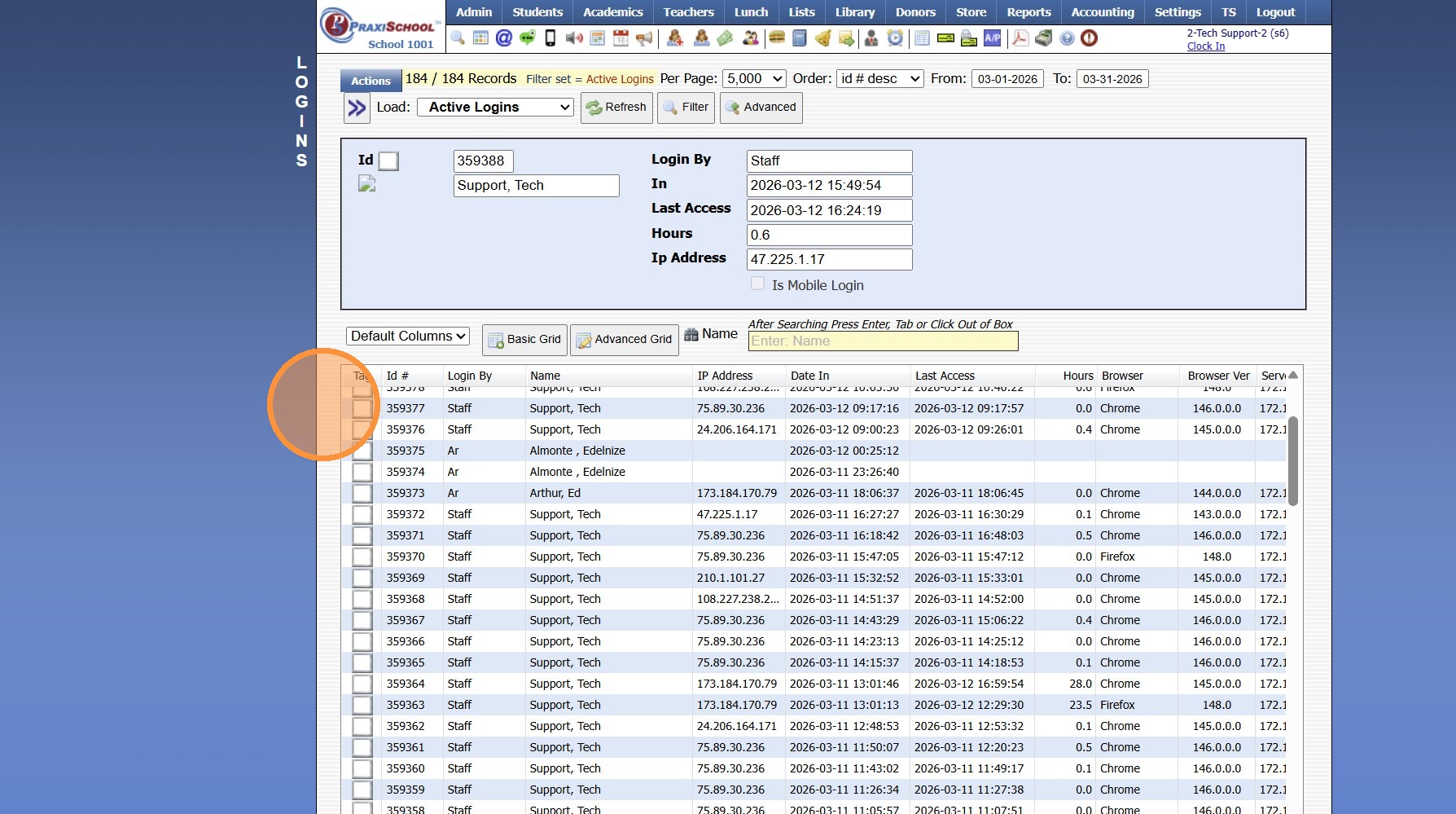
4. Login Details are Visible
1000.13.3
Related Articles
Heartland Payments Set Up Details
Heartland Payments is eager to assist in establishing a merchant processing account (MID) for credit/debit and echeck (ACH). The purpose of this document is to furnish details specific to each option as well as the boarding portals (labeled ...Viewing Parent, Student & Applicant Portal Activity
1. Click "Admin" 2. Click "Other Files" 3. Click "Portal Activity" 4. Activity from Portal is Visible 1000.13.7Approving Portal Submissions - Viewing Data
1. Click "Admin" 2. Click "Web Applications" 3. Click "Portal Submissions" 4. Select SUBMITTED Form (Forms Marked In Process have not been submitted and should NOT be approved" 5. Click the "Data" tab to View Submitted Form Data 6. Highlighted Fields ...Accessing the Parent Portal
1. Open Email & Click on Link to Set Password 2. Enter Parent ID (located in email) 3. Enter Email Address that Welcome Email was Sent To 4. Enter Temporary Password (located in email) 5. Enter Desired Password & Confirm Password 6. Click "Submit" to ...Viewing School Calendar
Viewing School Calendar 1. Login to PraxiSchool 2. Click 2nd Calendar Icon to View School Calendar 3. Calendar can be viewed by Month or in List Format 4. Click on a Calendar Item to View Additional Information 5. Click Link to View Attached Resource ...