Using the Search Icon on the Toolbar
Using the Search Icon on the Toolbar
1. Click the Search Icon
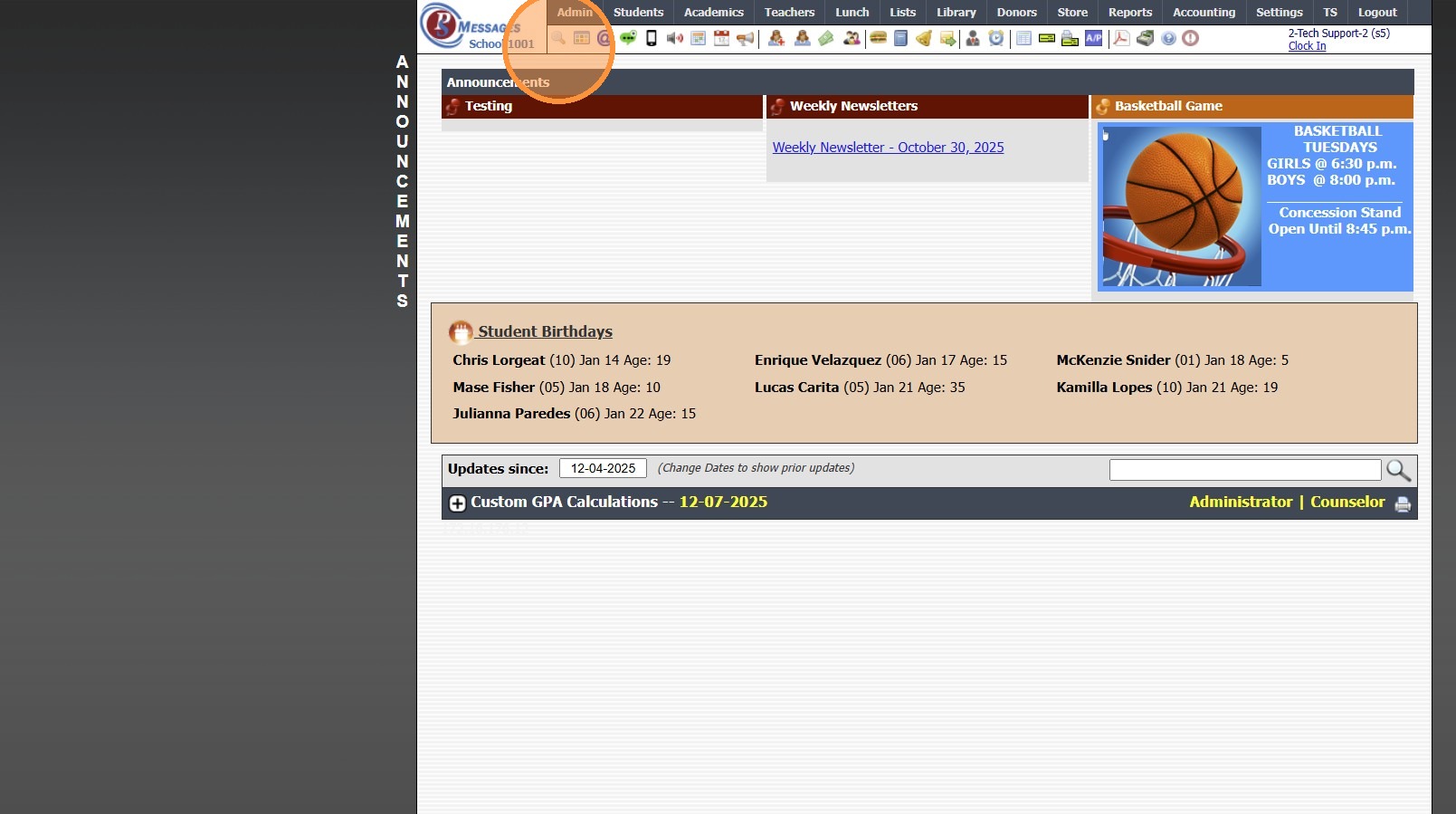
2. Enter Keyword(s) to Search Database Screens
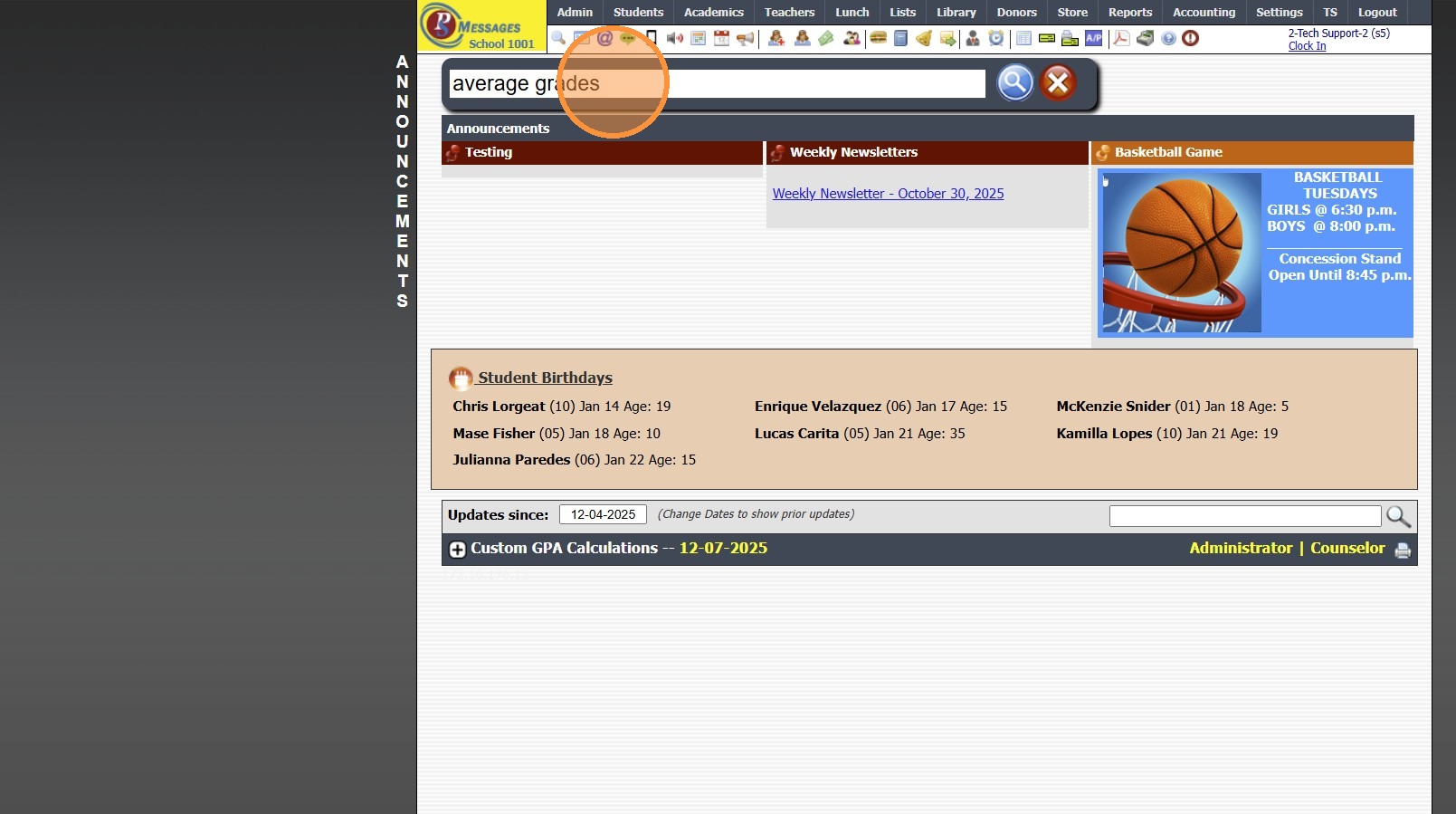
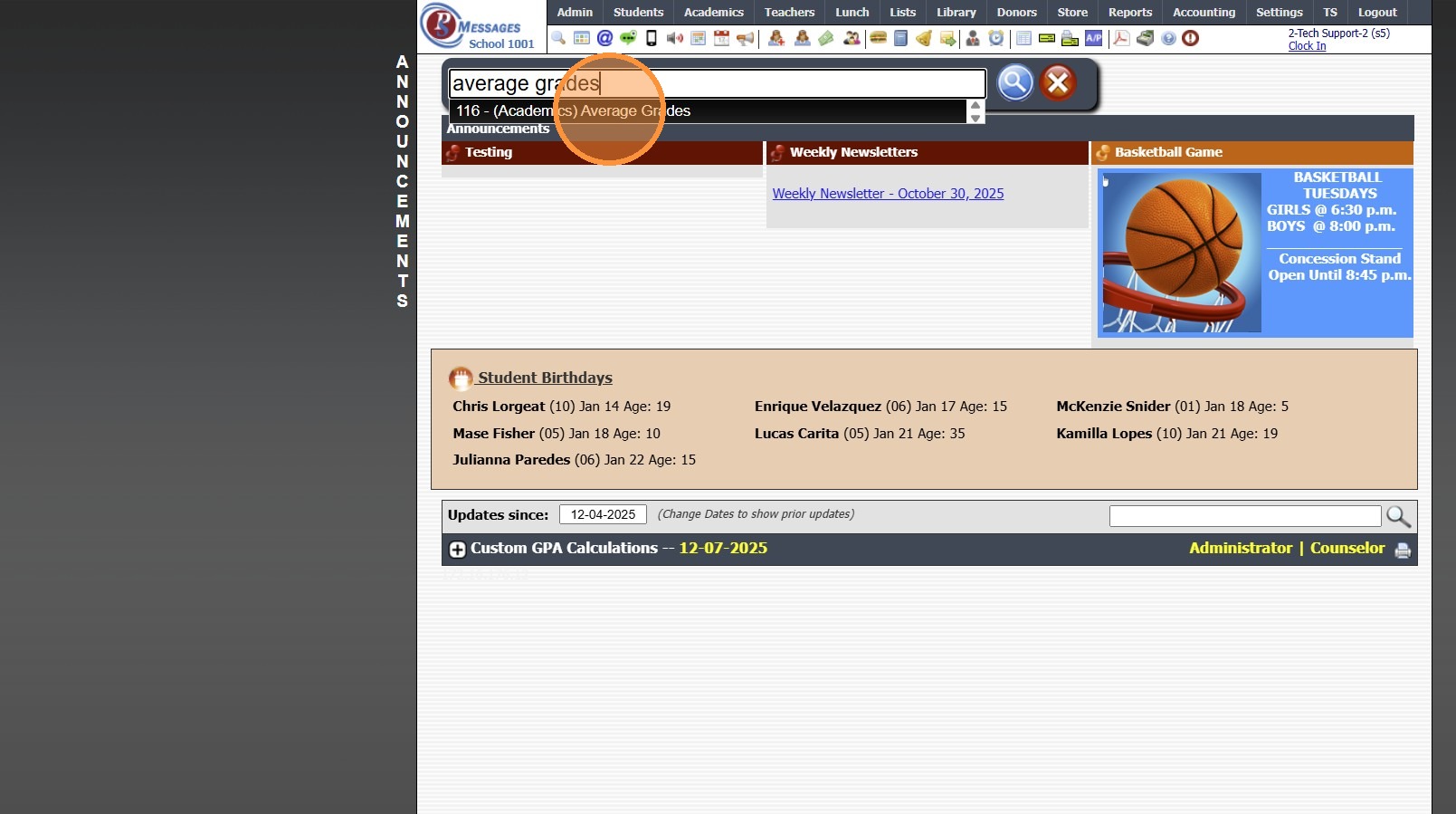
3. Select Database Screen from Dropdown & Click " [[Enter]]"
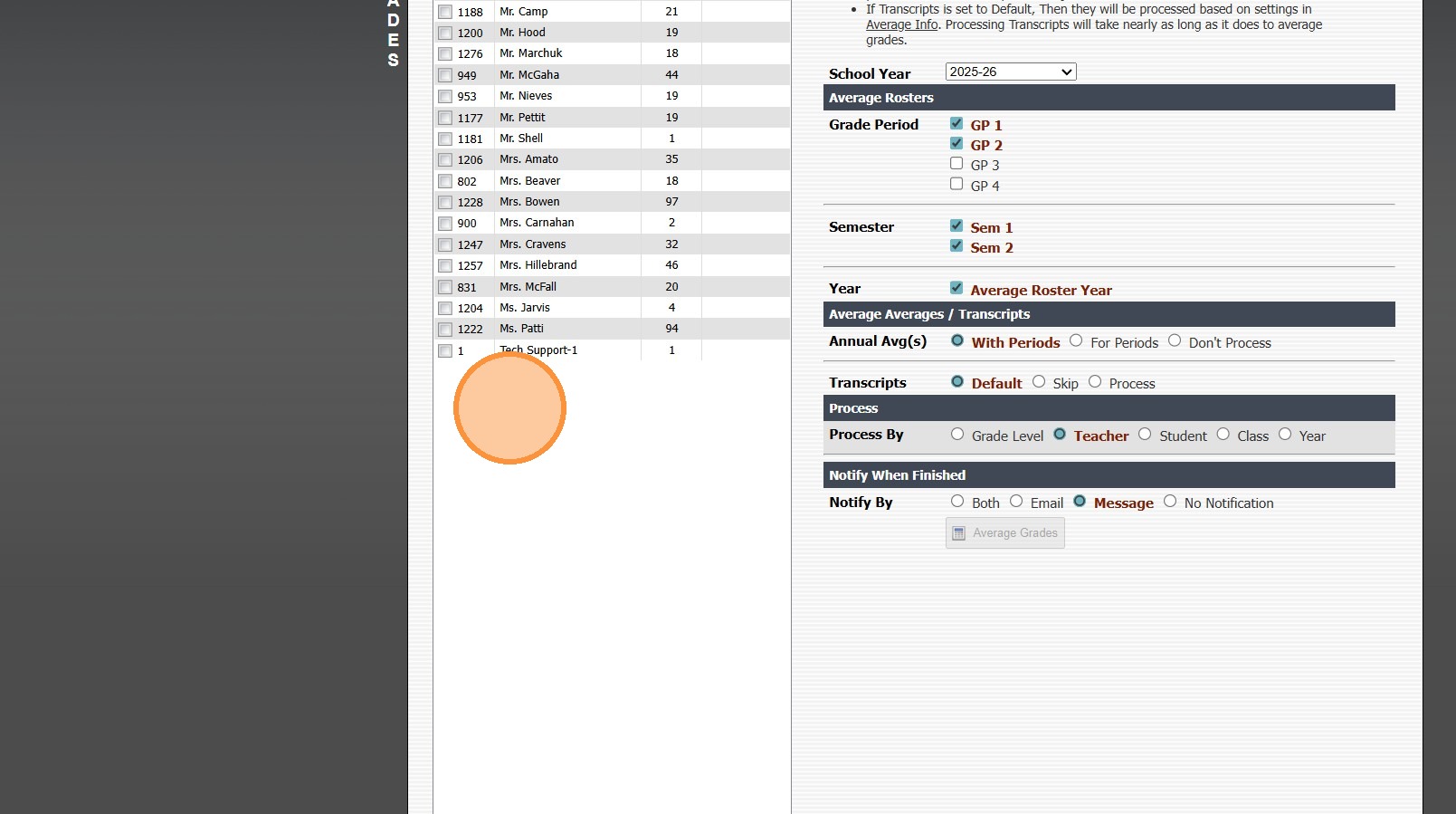
4. Search Moves to Selected Database Screen
5. 7500.1.1
Related Articles
TimeClock Icon - Standard Time Clock
TimeClock Icon - Standard Time Clock 1. Click the TimeClock icon on the Icon Toolbar Clocking In / Out Using a Scanner 2. Select the "Scan Barcode" toggle 3. Click inside the Clock Id box & Scan Staff / Student Barcode (Box will turn green & state ...Icon Toolbar - Staff Icon
Icon Toolbar - Staff Icon Click on the Staff Icon for Quick Access to the Staff File 7500.1.18Icon Toolbar - Family Icon
Icon Toolbar - Family Icon Click on the Family Icon for Quick Access to the Student Contacts / Family File 7500.1.13Icon Toolbar - Student Wizard Icon
Icon Toolbar - Student Wizard Icon Click on the Student Wizard Icon for Quick Access the Student Wizard 7500.1.10Icon Toolbar - Admin Desktop Icon
Icon Toolbar - Admin Desktop Icon Click on the Admin Desktop Icon for Quick Access to the Admin Desktop 7500.1.2