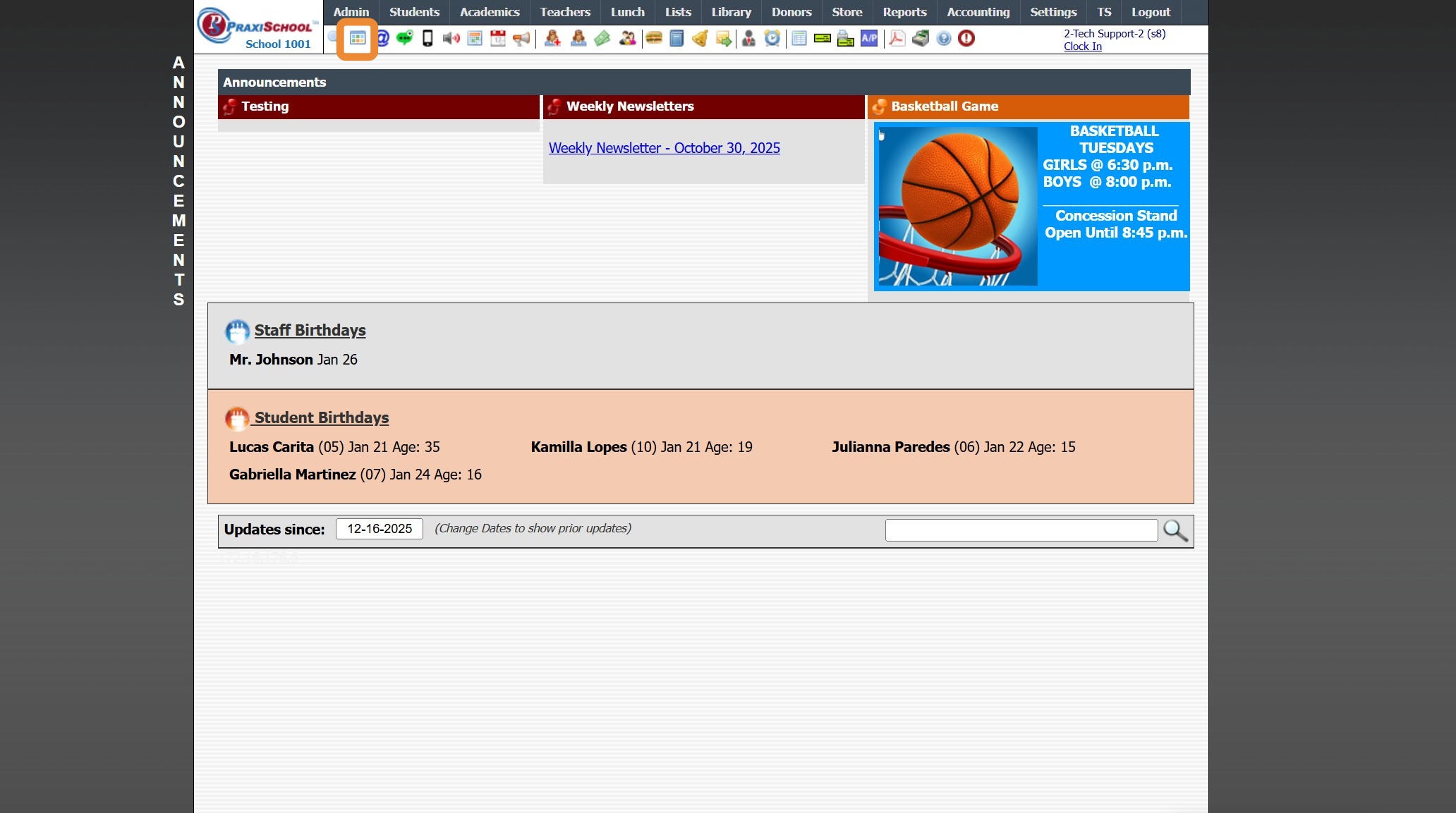
Icon Toolbar - Admin Desktop Icon
Icon Toolbar - Admin Desktop Icon
Click on the Admin Desktop Icon for Quick Access to the Admin Desktop
7500.1.2
Related Articles
Icon Toolbar - Staff Icon
Icon Toolbar - Staff Icon Click on the Staff Icon for Quick Access to the Staff File 7500.1.18Icon Toolbar - Family Icon
Icon Toolbar - Family Icon Click on the Family Icon for Quick Access to the Student Contacts / Family File 7500.1.13Icon Toolbar - Student Wizard Icon
Icon Toolbar - Student Wizard Icon Click on the Student Wizard Icon for Quick Access the Student Wizard 7500.1.10Icon Toolbar - Students
Icon Toolbar - Students Click on the Student Icon for Quick Access to Student Database 7500.1.11Icon Toolbar - Library Fines Icon
Icon Toolbar - Library Fines Icon Click on the Library Fines Icon for Quick Access to the Library Fines Database 7500.1.15