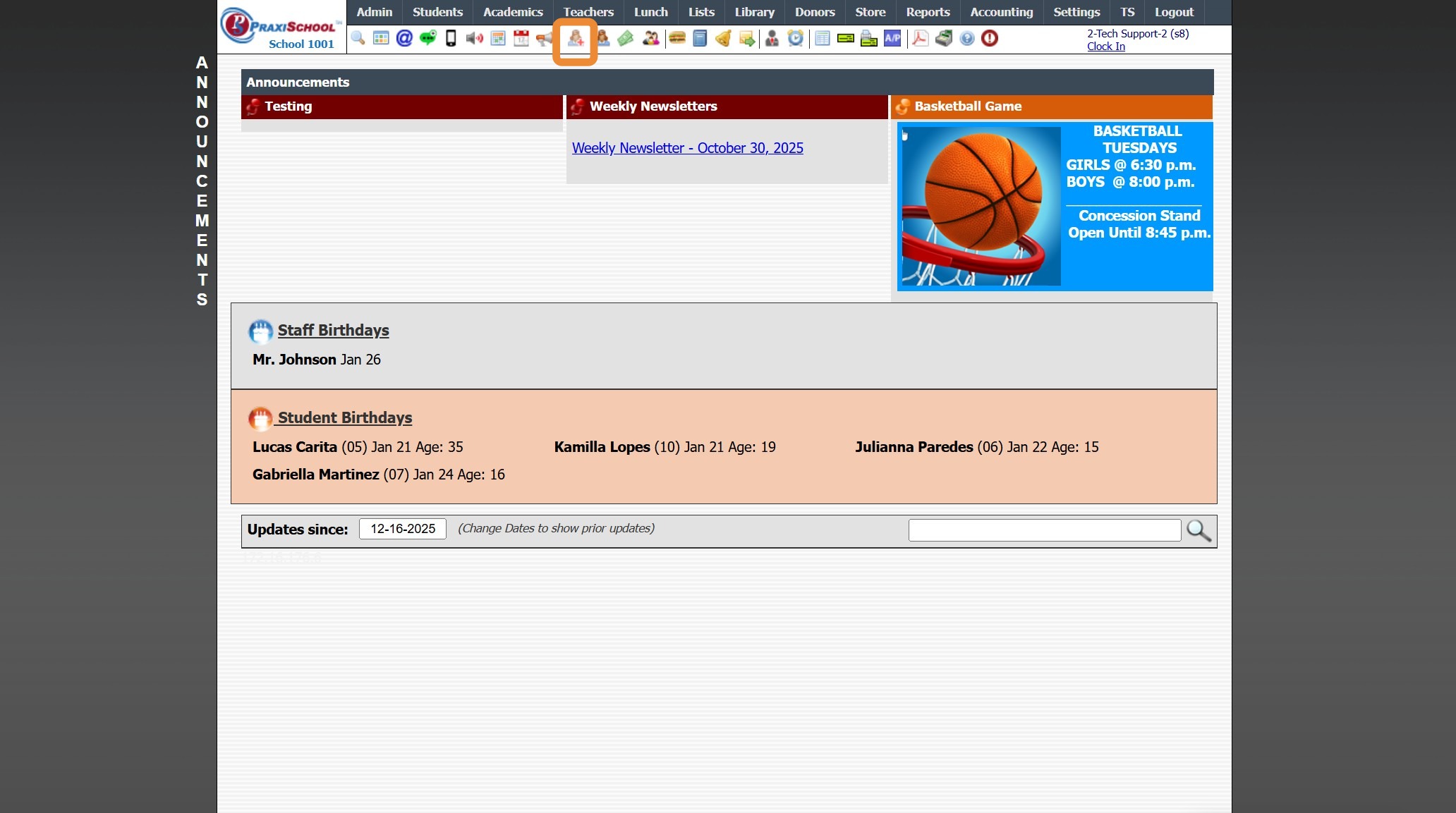
Icon Toolbar - Student Wizard Icon
Icon Toolbar - Student Wizard Icon
Click on the Student Wizard Icon for Quick Access the Student Wizard
7500.1.10
Related Articles
Icon Toolbar - Family Icon
Icon Toolbar - Family Icon Click on the Family Icon for Quick Access to the Student Contacts / Family File 7500.1.13Icon Toolbar - Students
Icon Toolbar - Students Click on the Student Icon for Quick Access to Student Database 7500.1.11Using the Tardy Wizard (Icon)
Using the Tardy Wizard (Icon) 1. Click the Tardy Wizard Icon 2. Select Student 3. Enter Reason (Optional) 4. Select Class 5. Select "Notify Teacher" to Send Teacher a Message 6. Select Excused or Unexcused Tardy 7. Click "Finished" 8. Tardy Slip Will ...Icon Toolbar - Staff Icon
Icon Toolbar - Staff Icon Click on the Staff Icon for Quick Access to the Staff File 7500.1.18Icon Toolbar - Admin Desktop Icon
Icon Toolbar - Admin Desktop Icon Click on the Admin Desktop Icon for Quick Access to the Admin Desktop 7500.1.2