Batches Step 1 - Updating Batches
1. Click "Accounting"
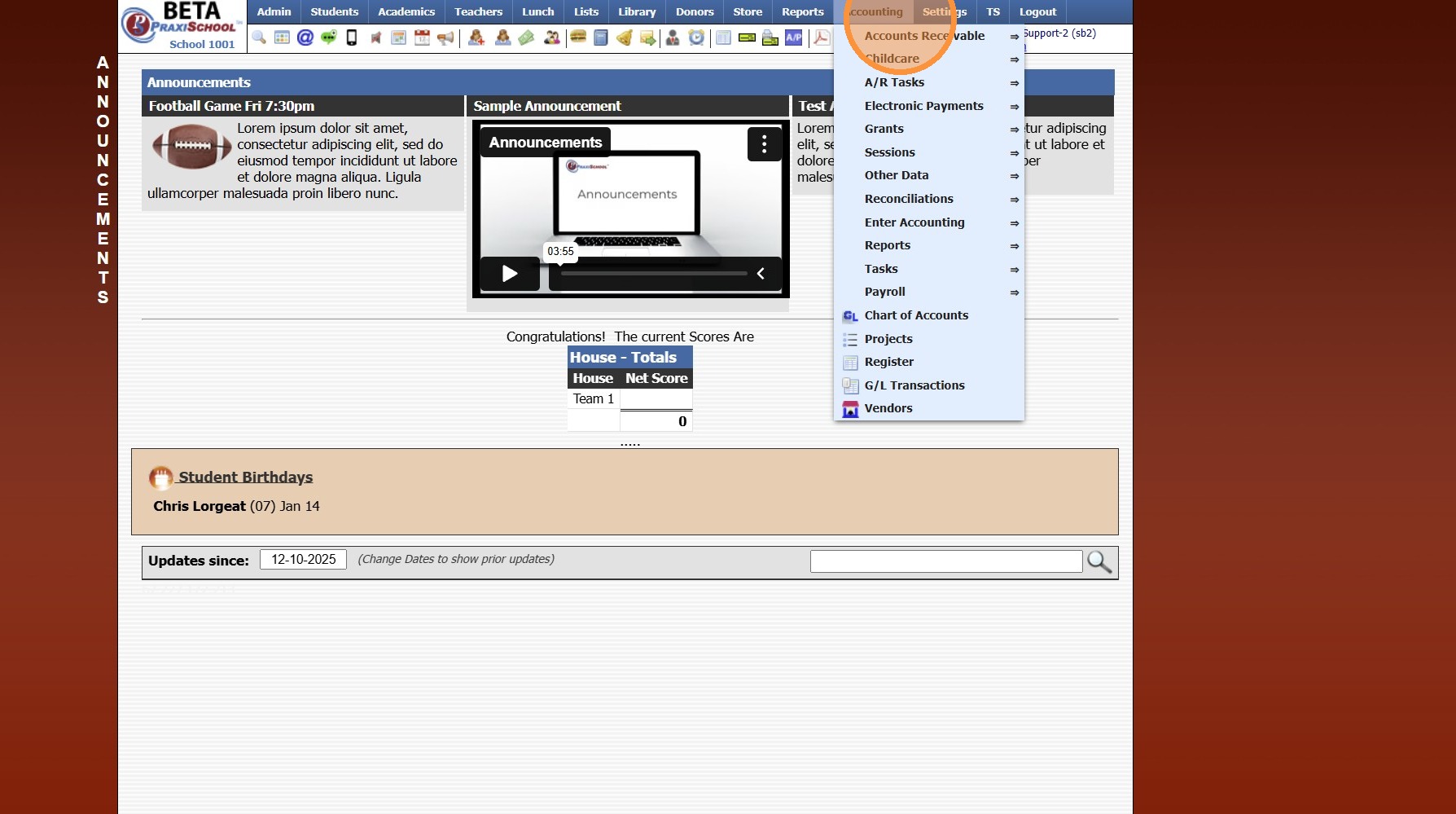
2. Click "Electronic Payments"
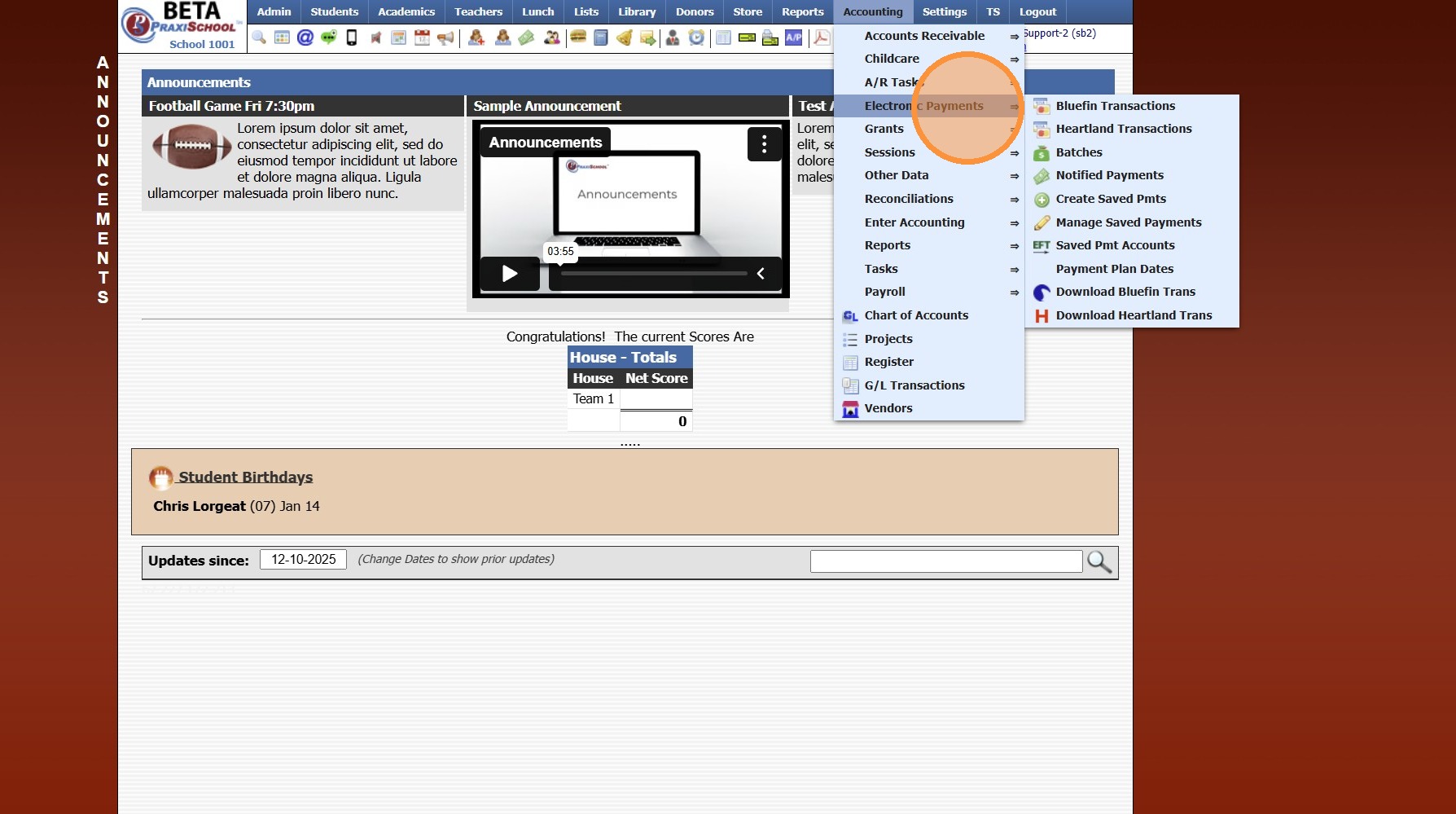
3. Click "Download Heartland Trans"
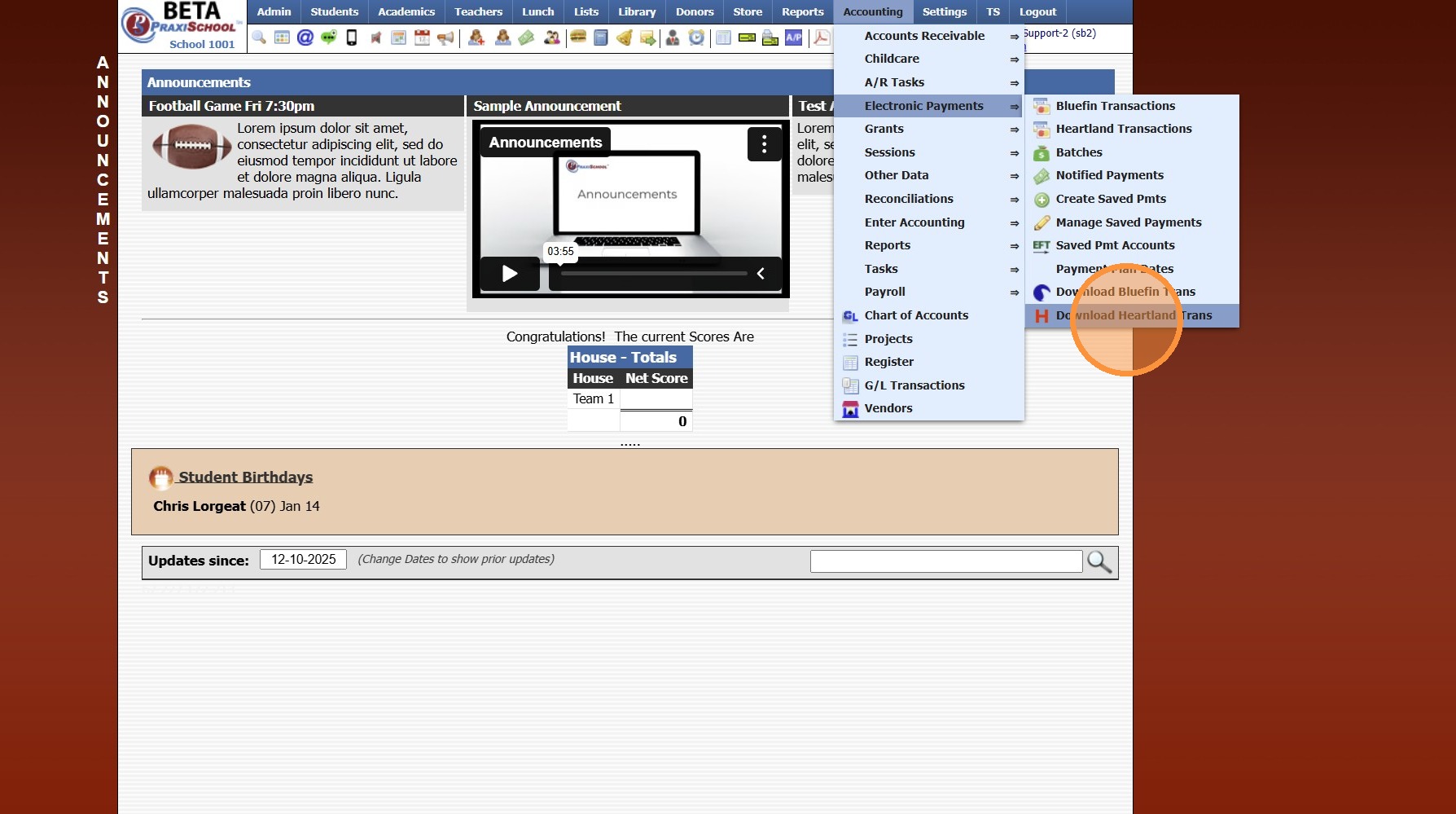
4. Set Date Range
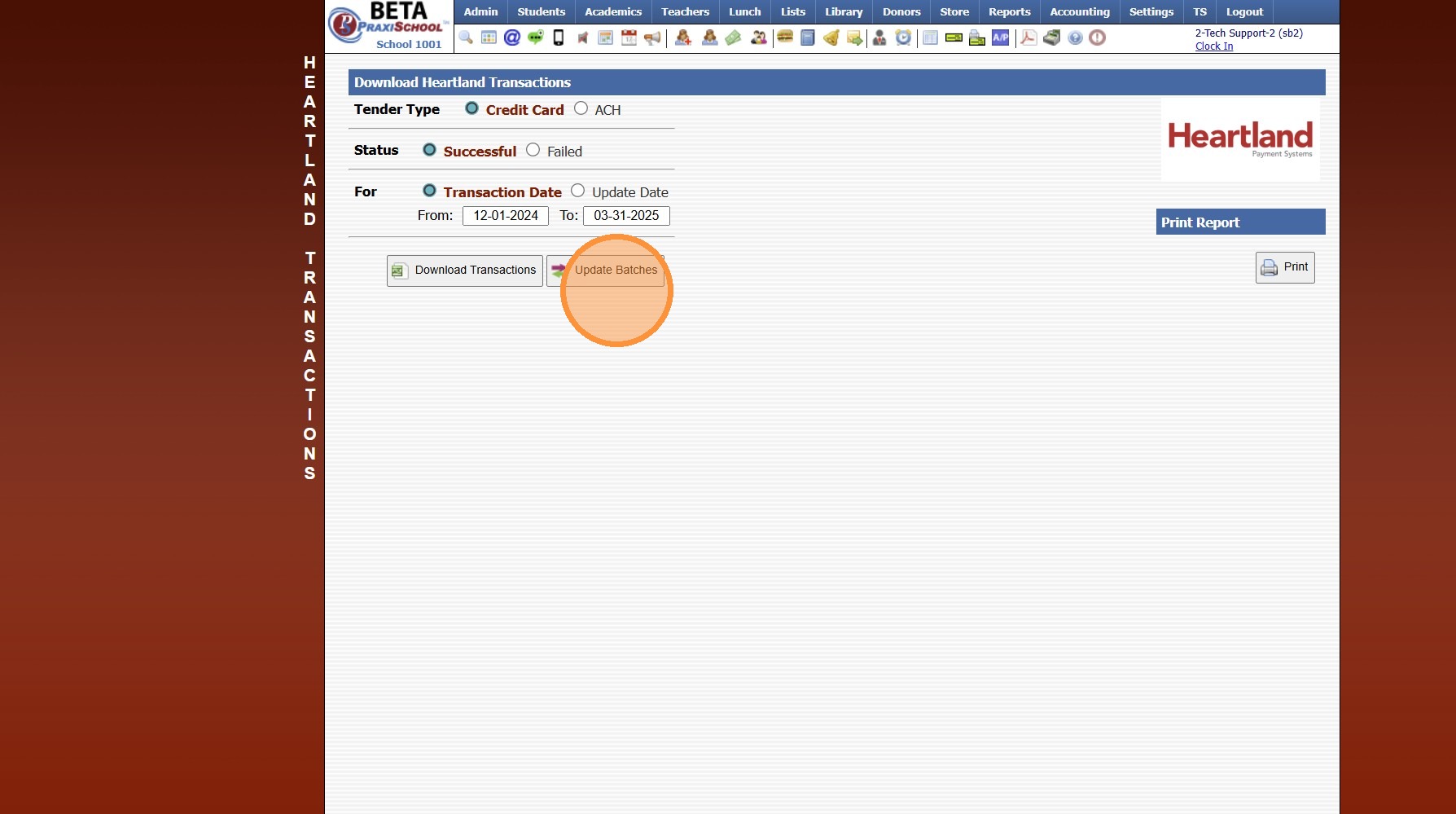
5. Click "Credit Card"
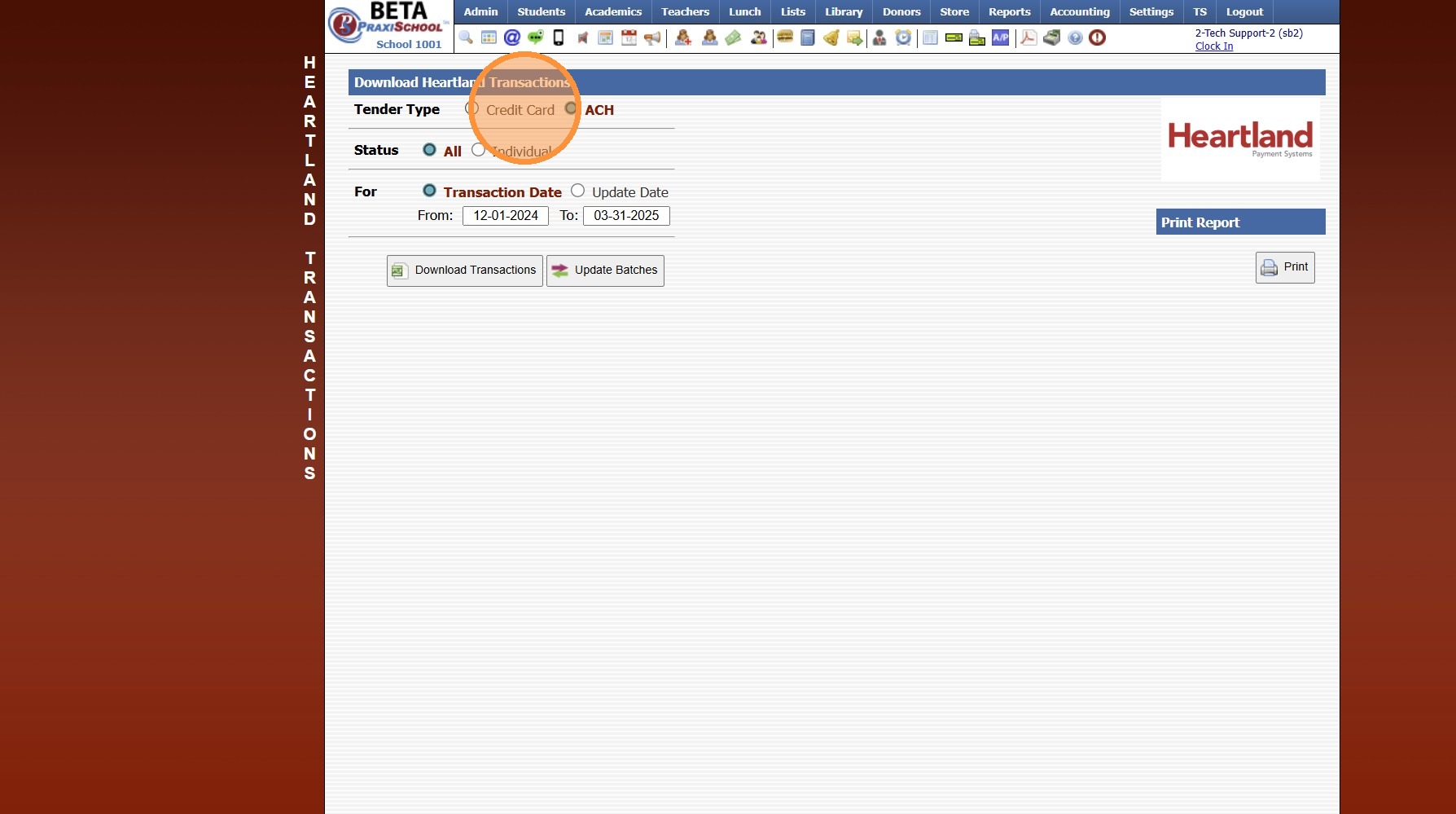
6. Click "Update Batches"
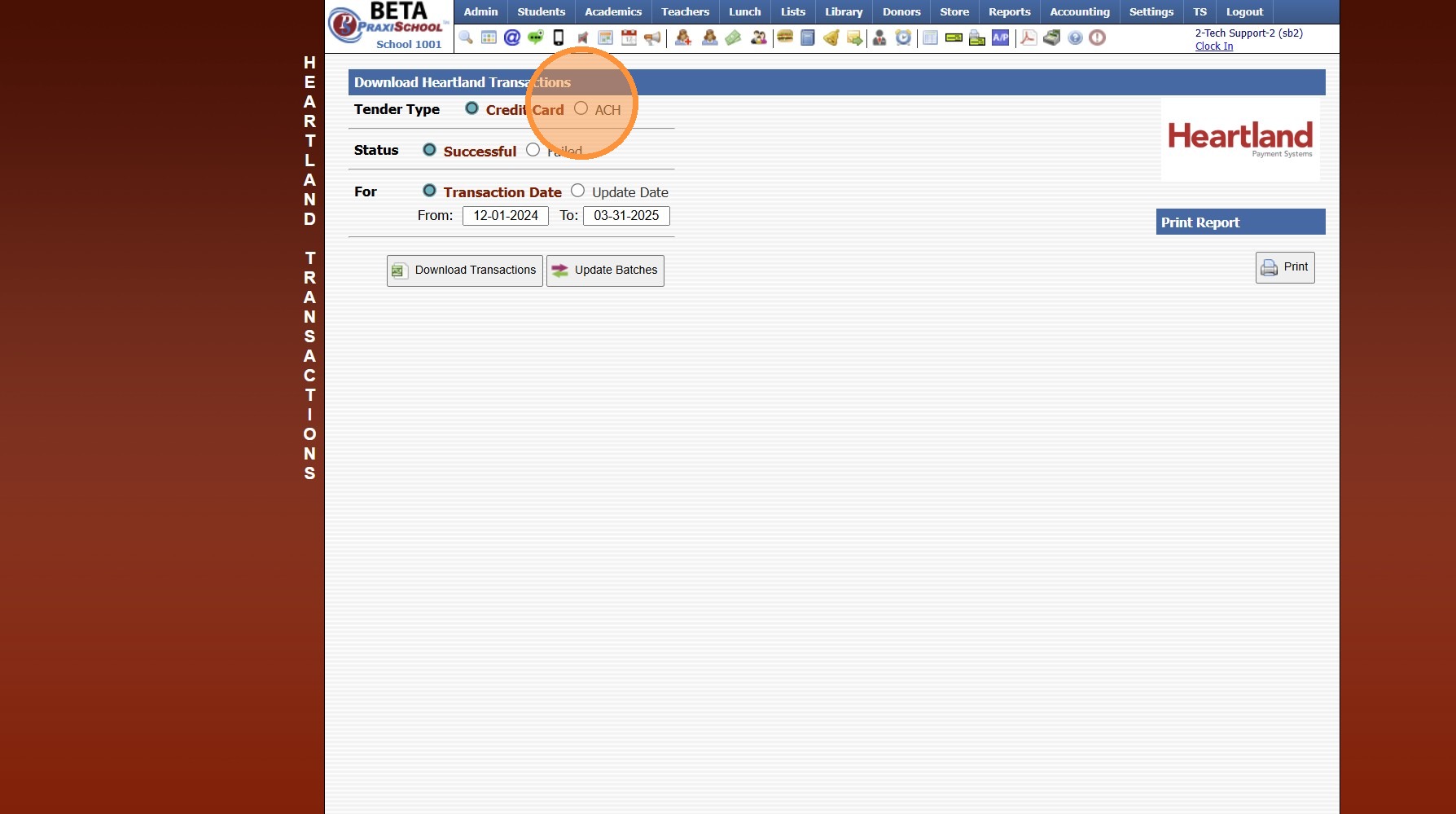
7. Click "ACH"
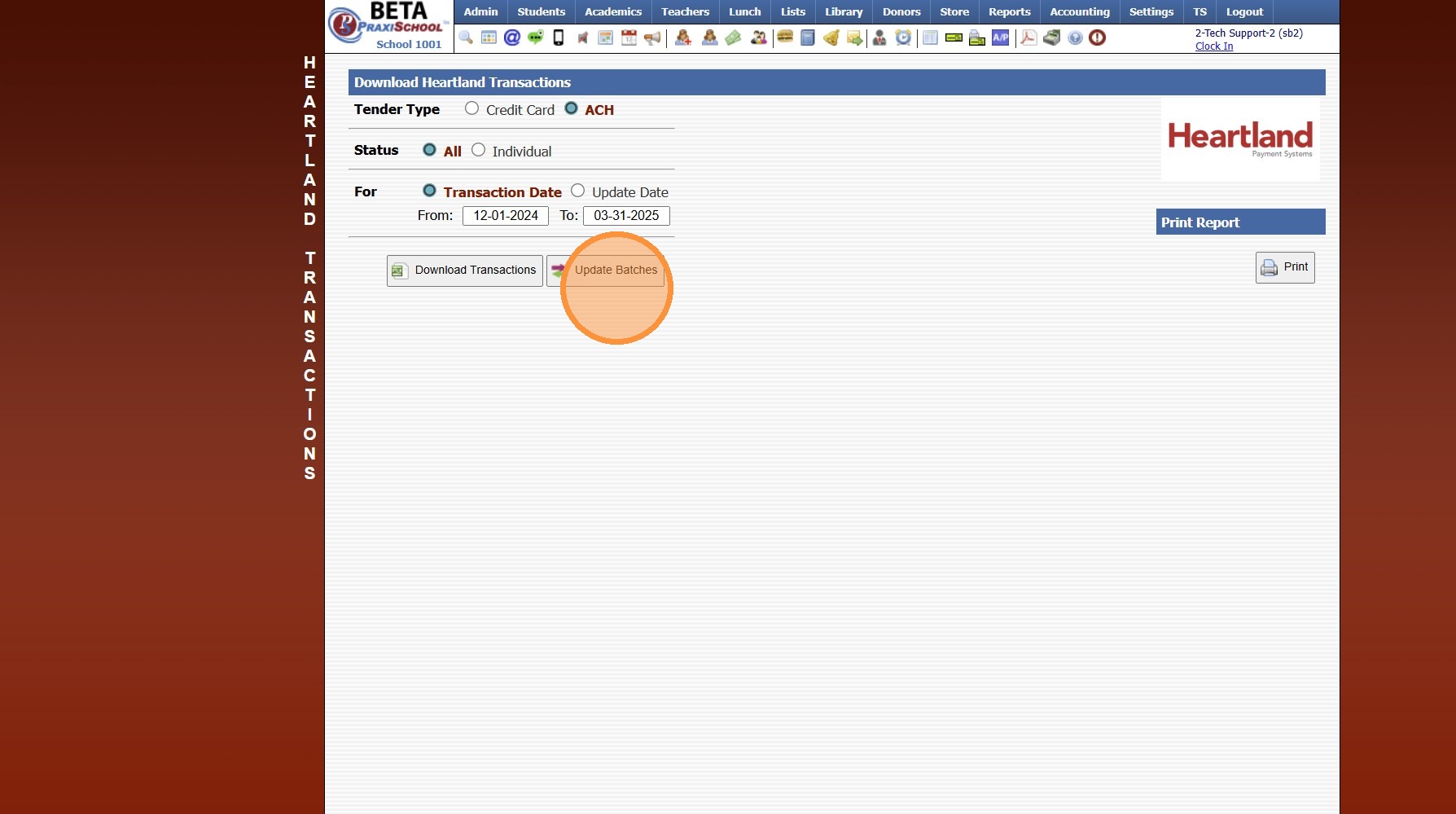
8. Click "Update Batches"
6000.4.13
Related Articles
BlueFin Payments - Updating Batches
1. Click "Accounting" 2. Click "Electronic Payments" 3. Click "Download Bluefin Trans" 4. Verify Status is set to "Both" & Tender Type is set to "All" 5. Set "From" & "To" Date 6. Click "Update Batches" 6000.4.13.1Batches Step 2 - Transfer to Bank
(Batches should be updated prior to Transferring to Bank) 1. Click "Accounting" 2. Click "Electronic Payments" 3. Click "Batches" 4. Select Batch 5. Click "Transfer To Bank" 6. Transaction Date will Auto Populate, Date can be Modified to Date Batch ...Session Close Prep Step III: Completing Steps & Tasks
1. Select a Step 2. Select a Task to Expand 3. Mark the Task Yes, No or N/A 4. Enter Completing Staff Name 5. Enter Comments (Optional) 6. Click "Mark Completed" 7. Repeat for each Step & Task 8. Once all Tasks in a Step are Completed, a Green Check ...Updating PACE Inventory
Updating PACE Inventory 1. Click "Academics" 2. Click "ACE" 3. Click "Pace Deliveries / Adjustments" Update for One PACE 4. Select Pace to Edit & Click "Edit" 5. Update Comment, In Stock Quantity, Price and/or Cost 6. Click "Save" 7. Click "Actions" ...Updating Class Resources
Updating Class Resources 1. Login to PraxiSchool 2. Click "Admin" 3. Click "Resources" 4. Click "Class Resources" Editing a Single Resource 5. Click "Edit" to Update Name, Category, Share Option and/or to Add Notes Editing Resource Categories in ...