Batches Step 2 - Transfer to Bank
(Batches should be updated prior to Transferring to Bank)
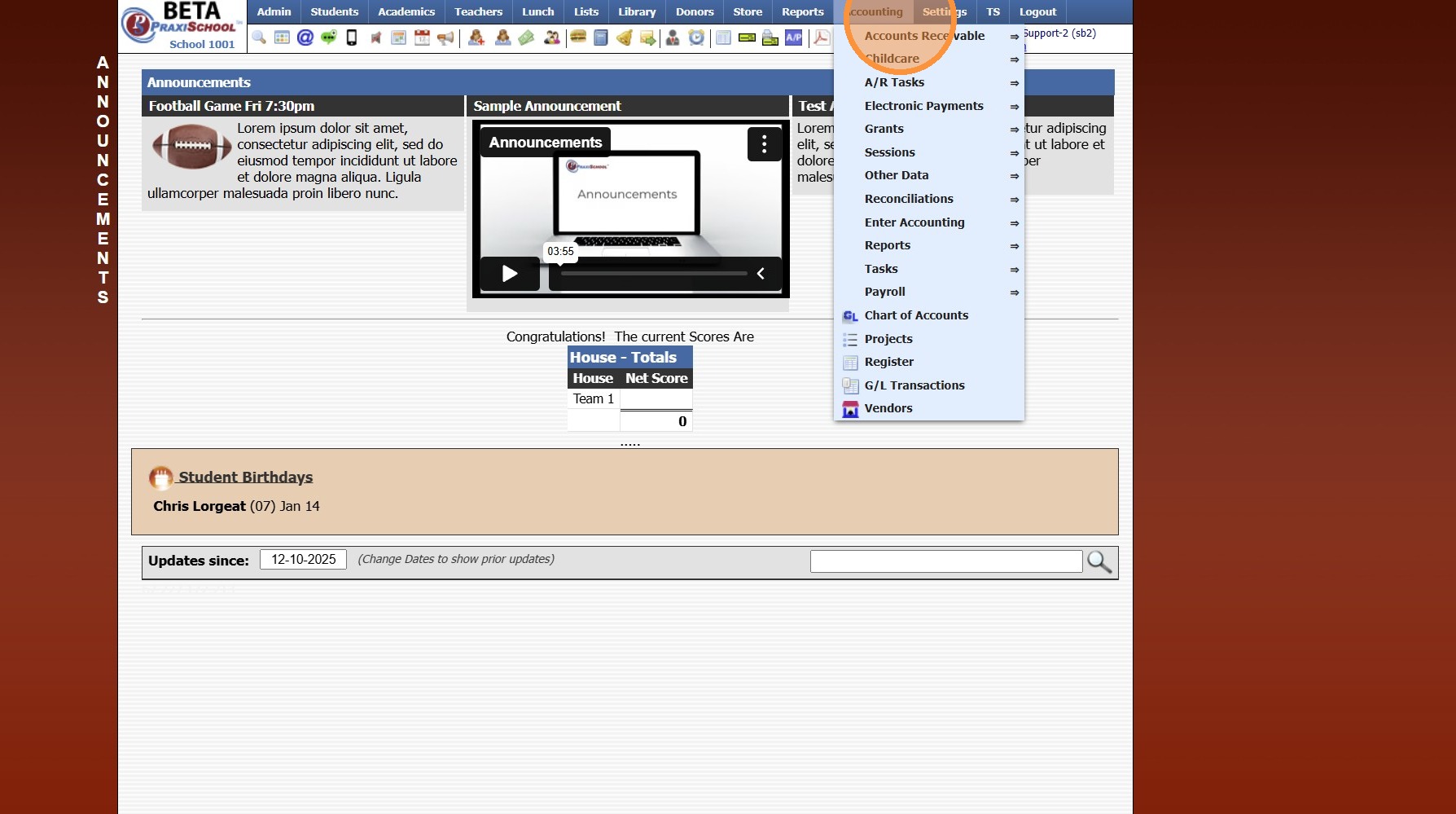
1. Click "Accounting"
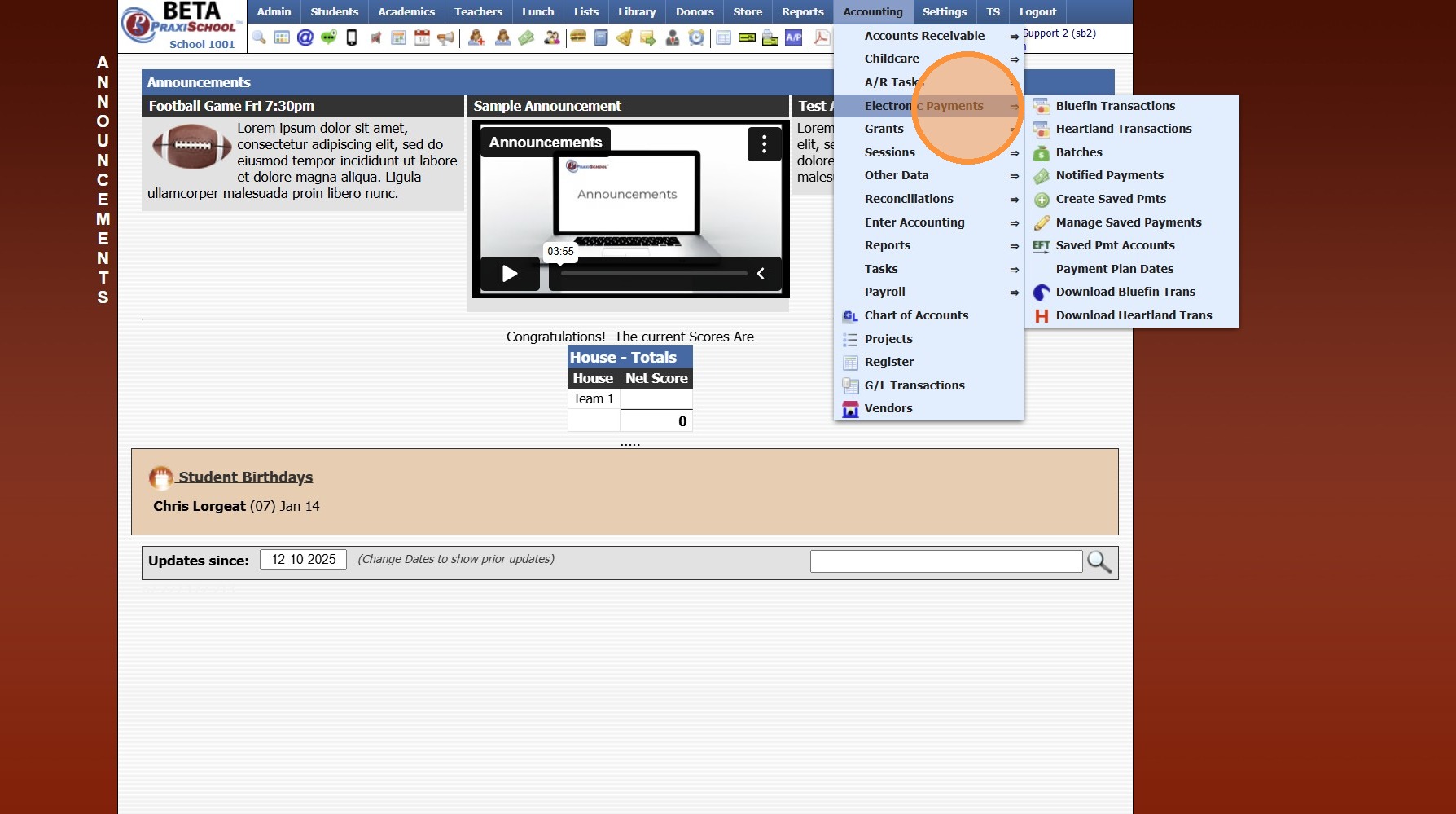
2. Click "Electronic Payments"
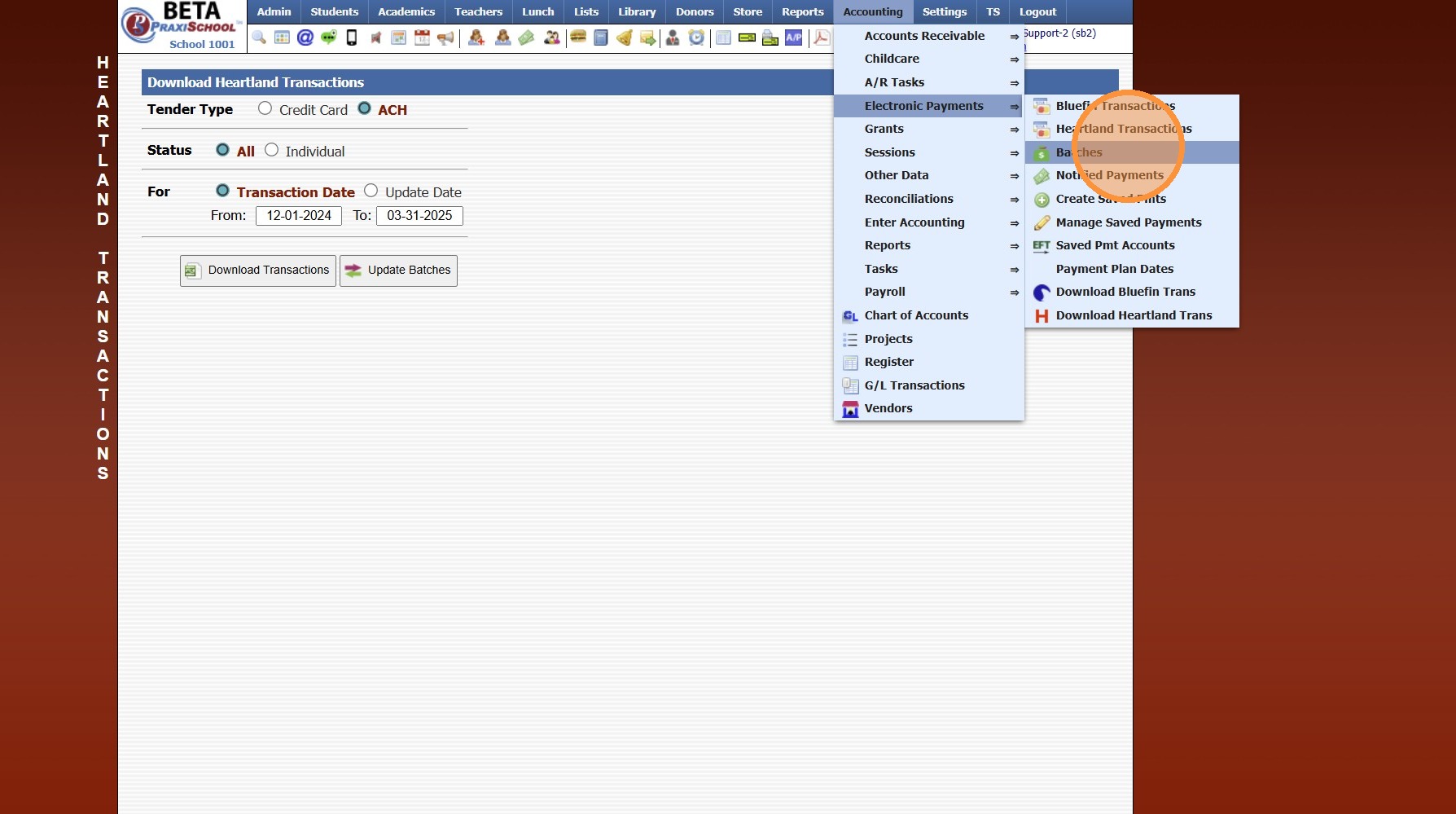
3. Click "Batches"
4. Select Batch
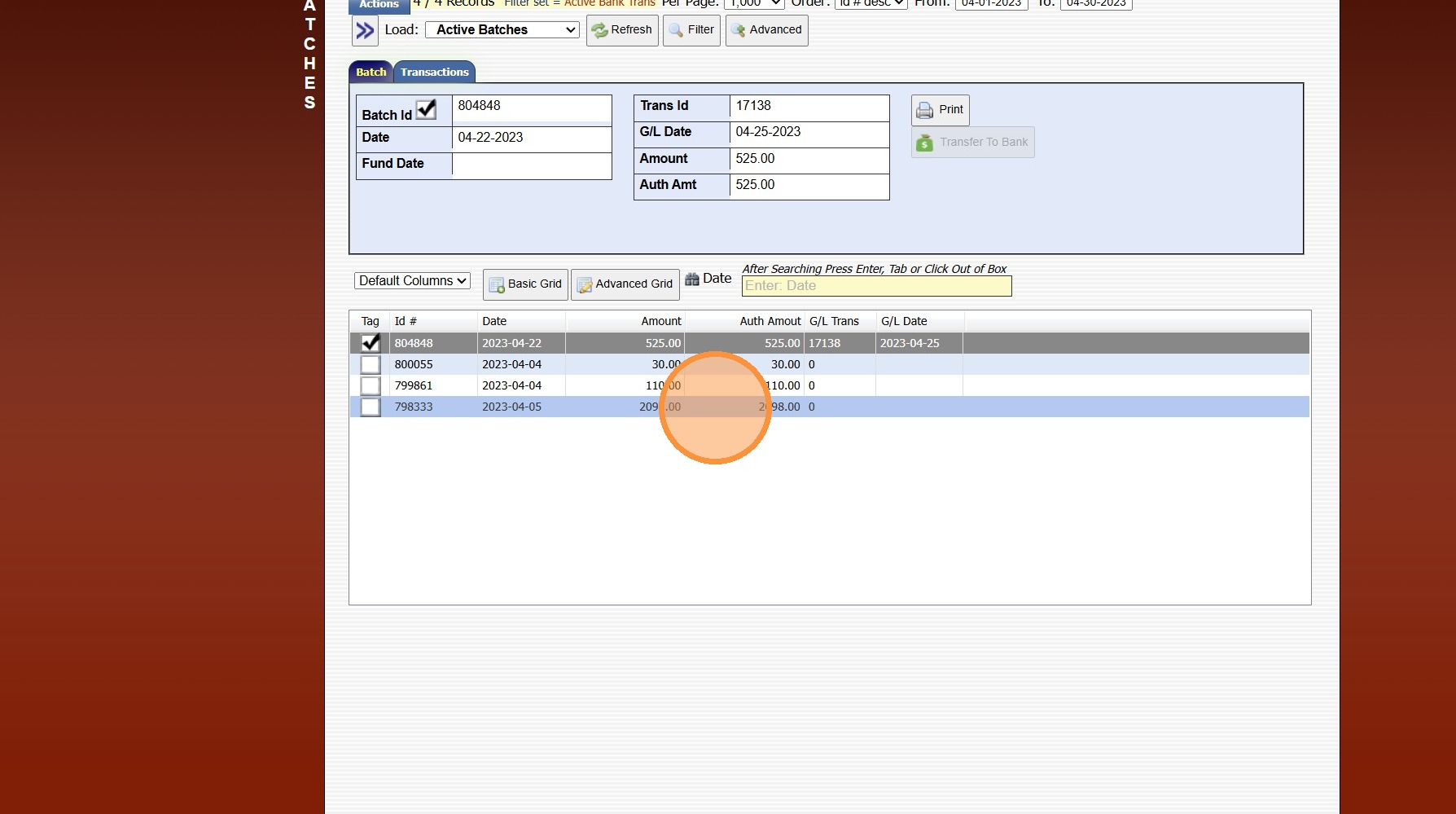
5. Click "Transfer To Bank"
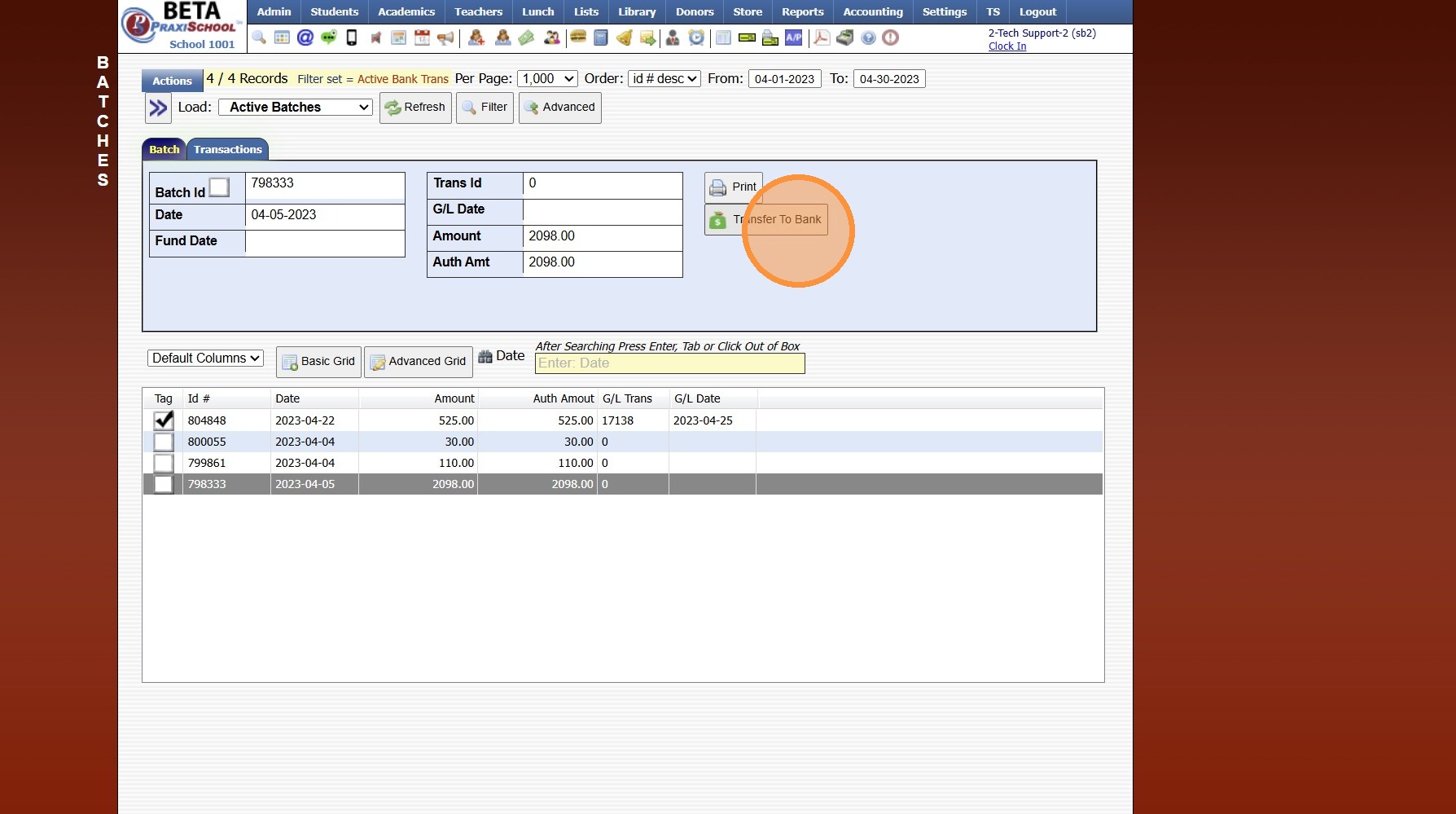
6. Transaction Date will Auto Populate, Date can be Modified to Date Batch Posted to Bank Account
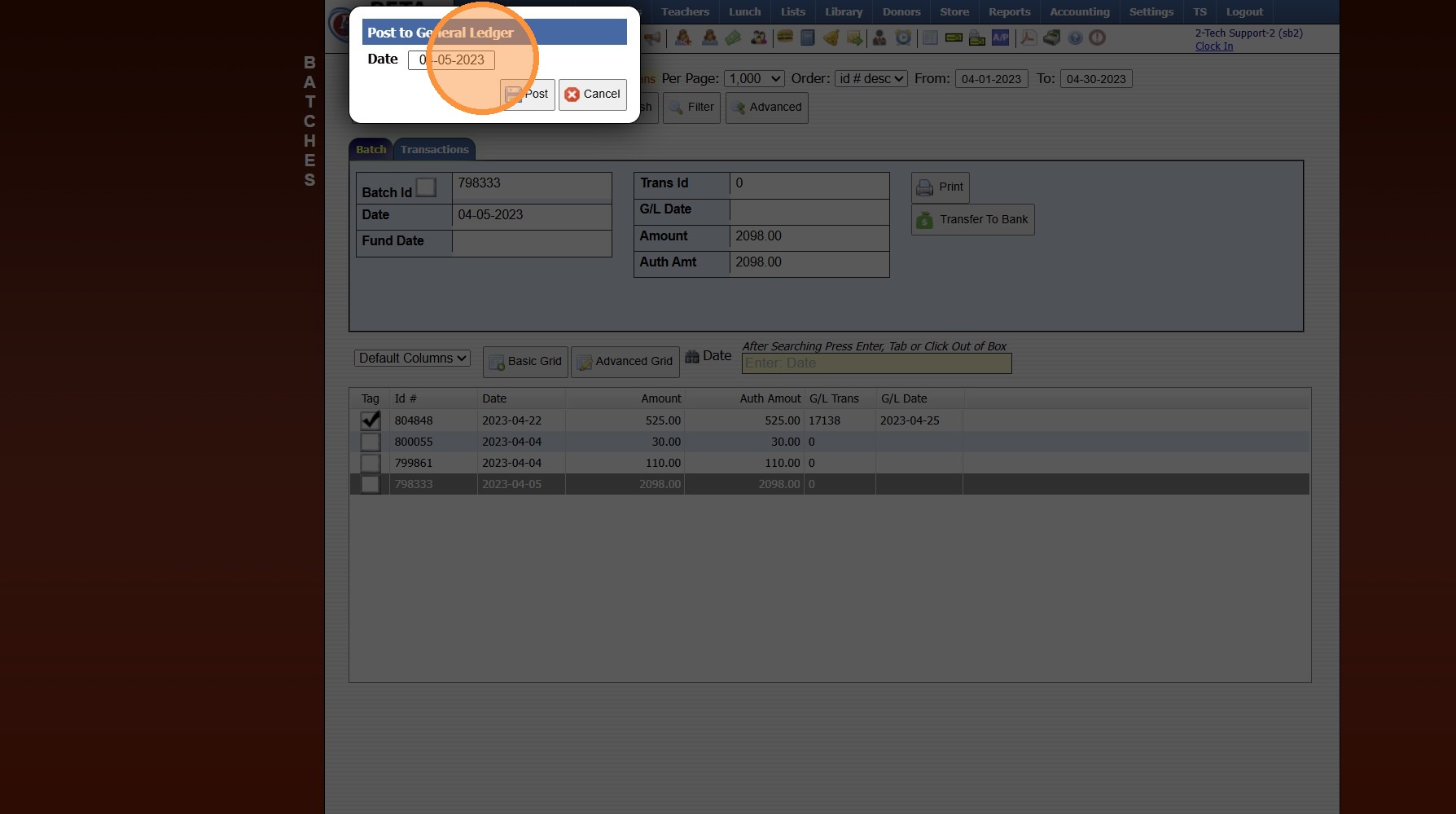
7. Click "Post"
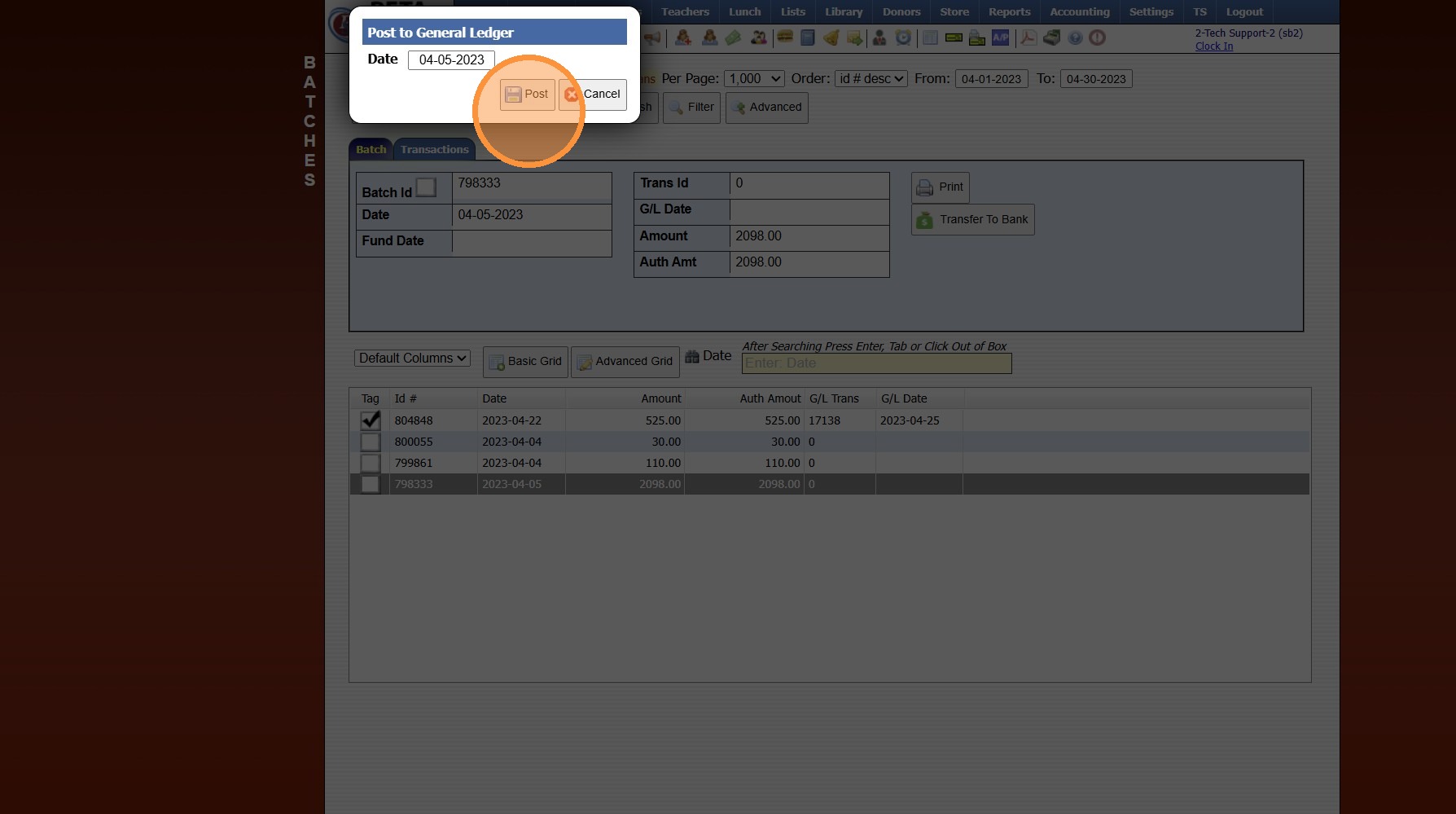
8. Once Batch has been Transferred to Bank, the GL Trans Number and GL Date will Generate.
6000.4.3
Related Articles
Batches Step 1 - Updating Batches
1. Click "Accounting" 2. Click "Electronic Payments" 3. Click "Download Heartland Trans" 4. Set Date Range 5. Click "Credit Card" 6. Click "Update Batches" 7. Click "ACH" 8. Click "Update Batches" 6000.4.13BlueFin Payments - Updating Batches
1. Click "Accounting" 2. Click "Electronic Payments" 3. Click "Download Bluefin Trans" 4. Verify Status is set to "Both" & Tender Type is set to "All" 5. Set "From" & "To" Date 6. Click "Update Batches" 6000.4.13.1Session Close Prep Step III: Completing Steps & Tasks
1. Select a Step 2. Select a Task to Expand 3. Mark the Task Yes, No or N/A 4. Enter Completing Staff Name 5. Enter Comments (Optional) 6. Click "Mark Completed" 7. Repeat for each Step & Task 8. Once all Tasks in a Step are Completed, a Green Check ...Session Close Prep Step IV: Completed Message
1. Verify all Steps/Tasks are Completed 2. Click the "Messages" Toggle 3. Enter "Completed" in the Subject Field 4. Enter "Completed" in the Message Field 5. Click Send Message 9600.1.4Session Close Prep Step I: Creating the Next School Year
1. Click "Lists" 2. Click "Enrollment" 3. Click "School Years" 4. Click "Add" 5. Enter NEW School Year in YYYY-YY Format (Ex. 2026-27) 6. Enter Administrator's Name 7. Enter Date From & Date To (NOTE: The beginning & ending date MUST encompass 12 ...