Setting Form In Process & Submitted Levels
1. Click "Admin"
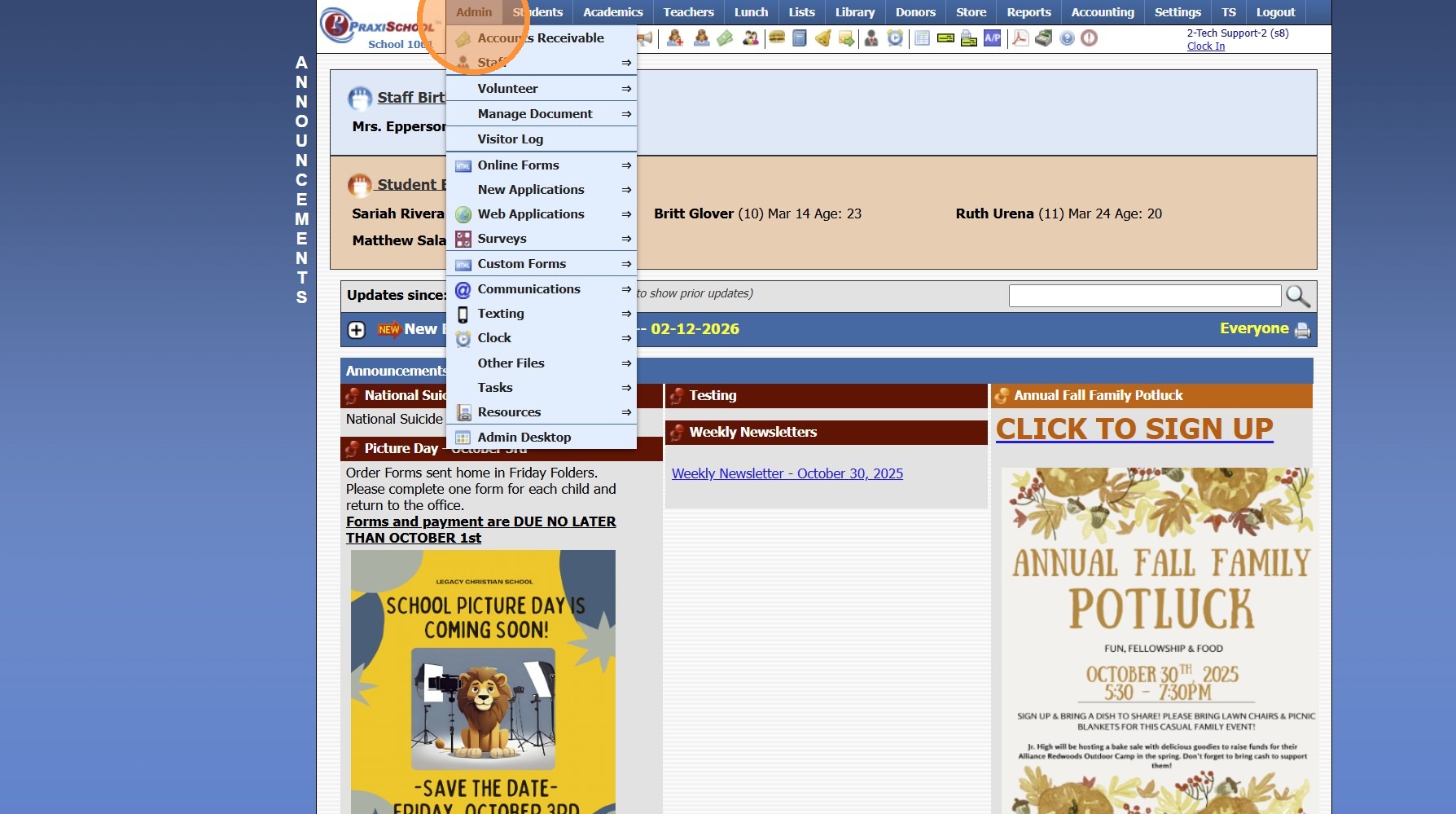
2. Click "Online Forms"
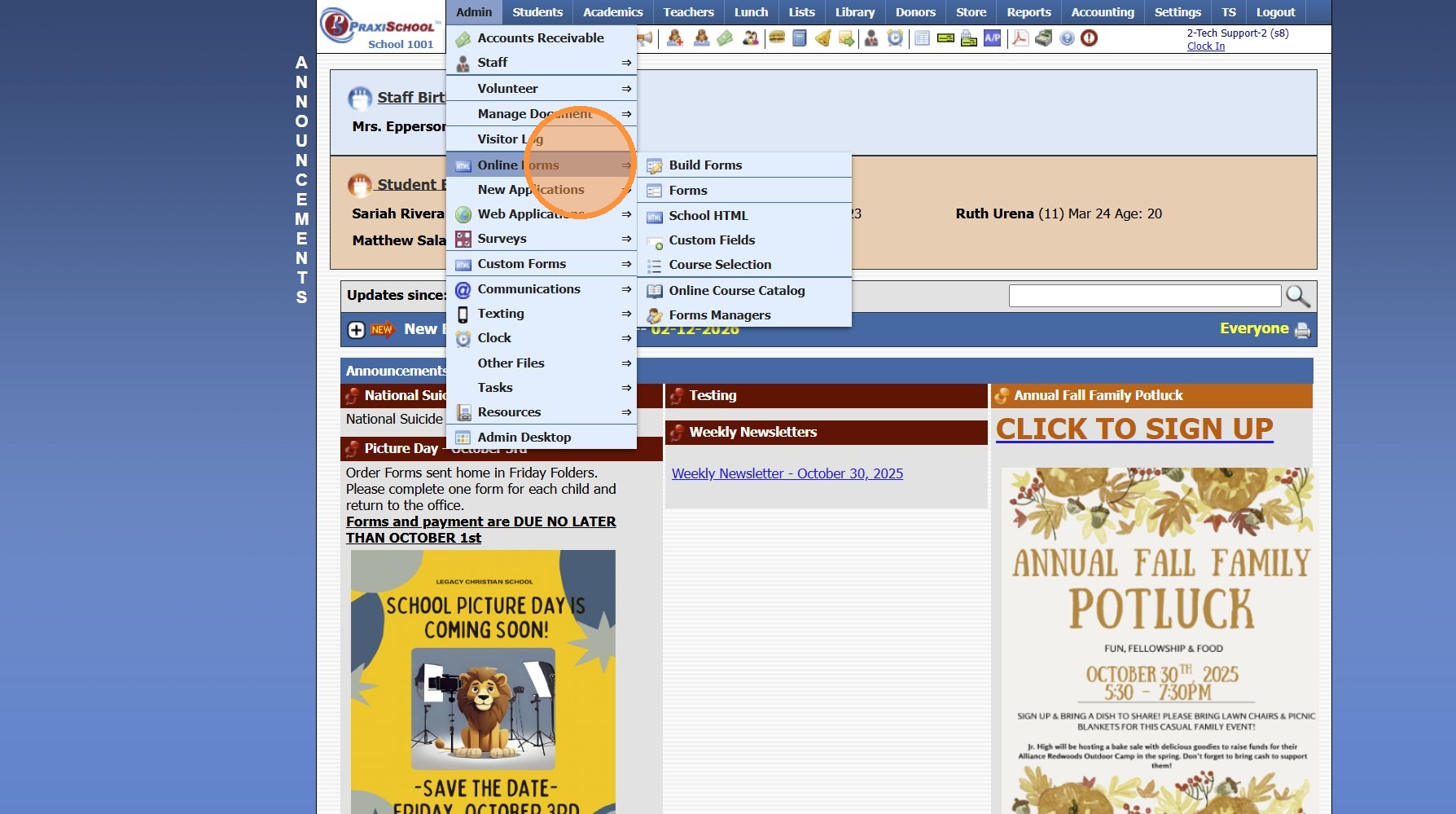
3. Click "Forms"
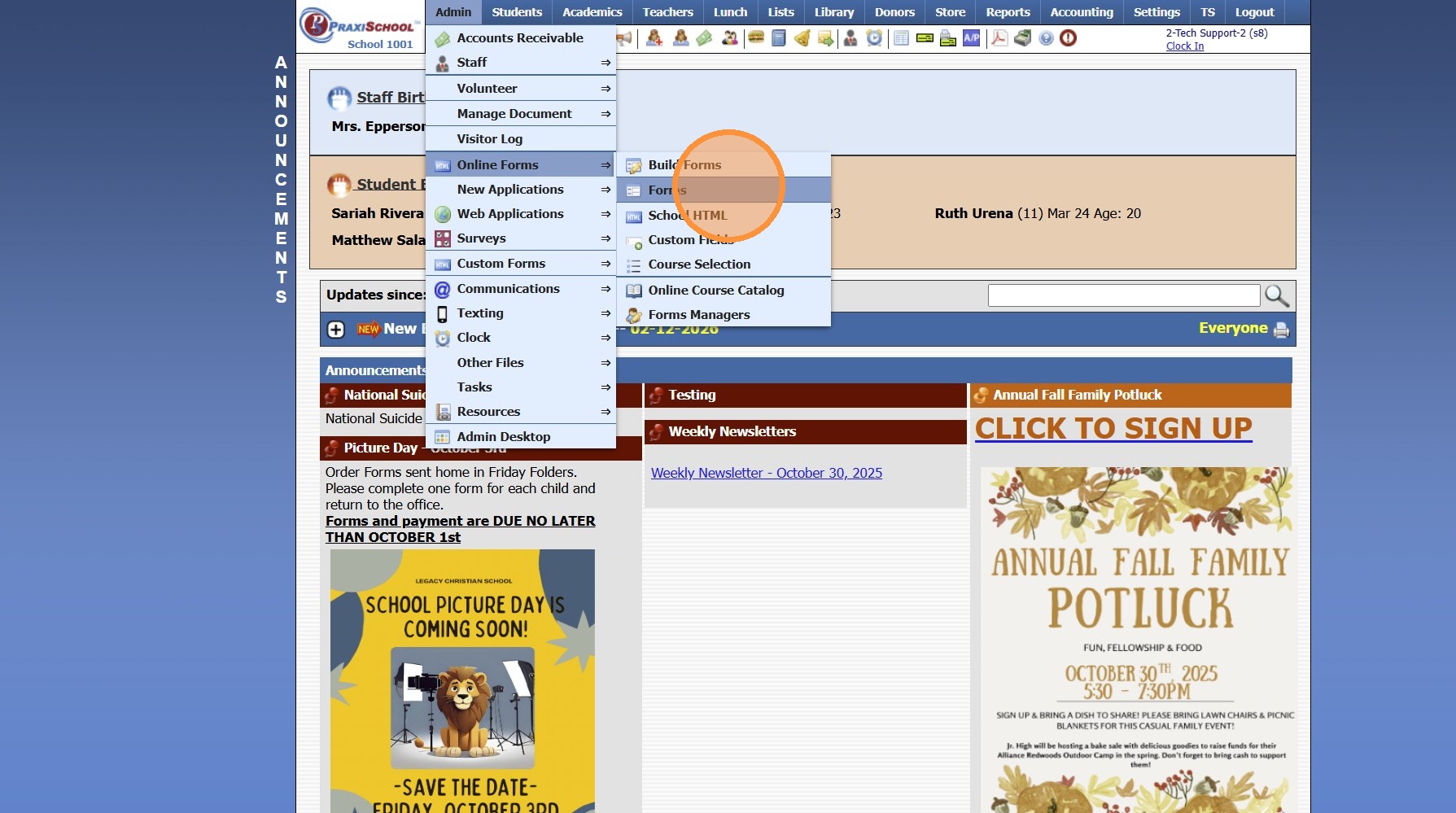
4. Select Form
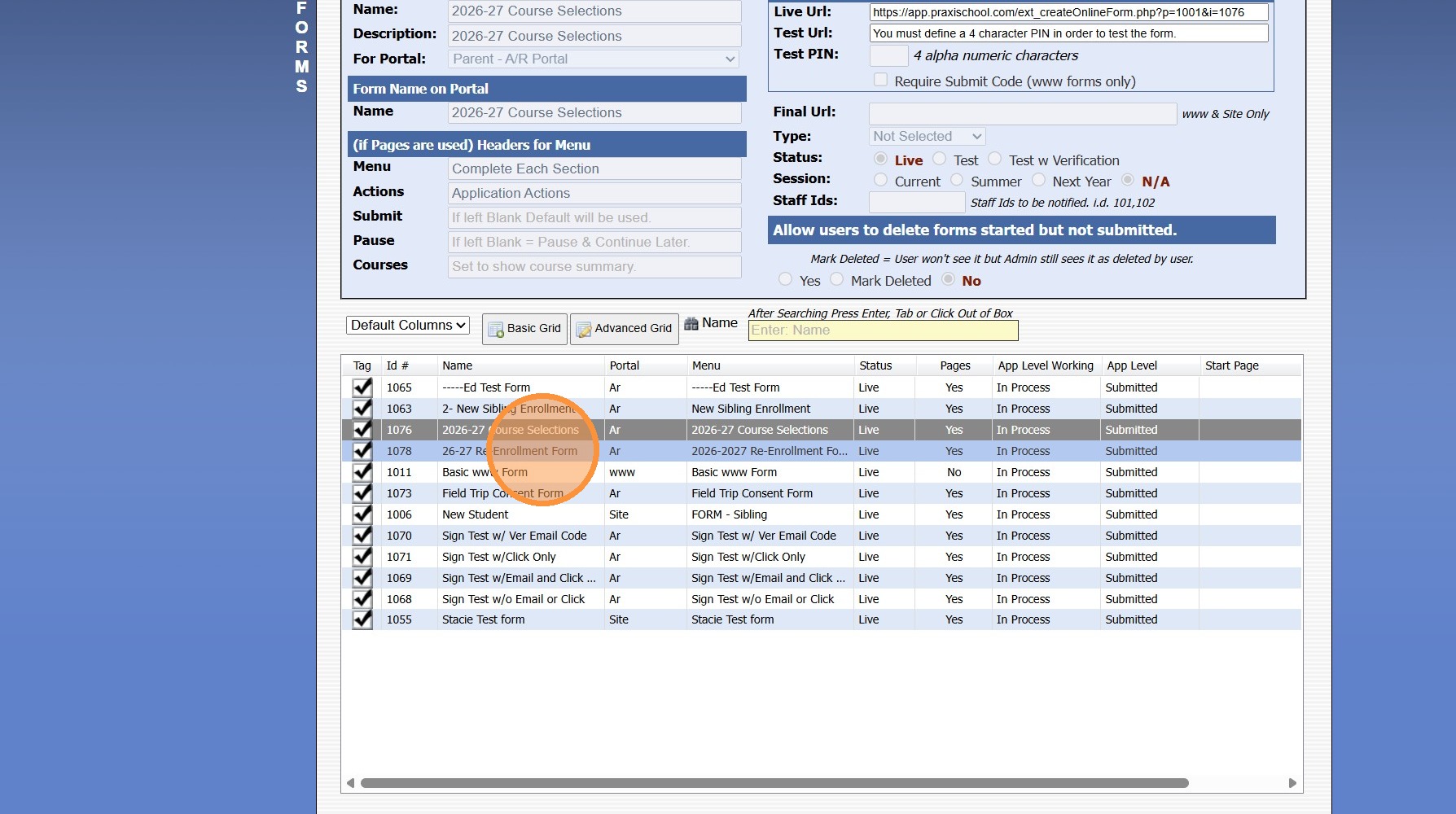
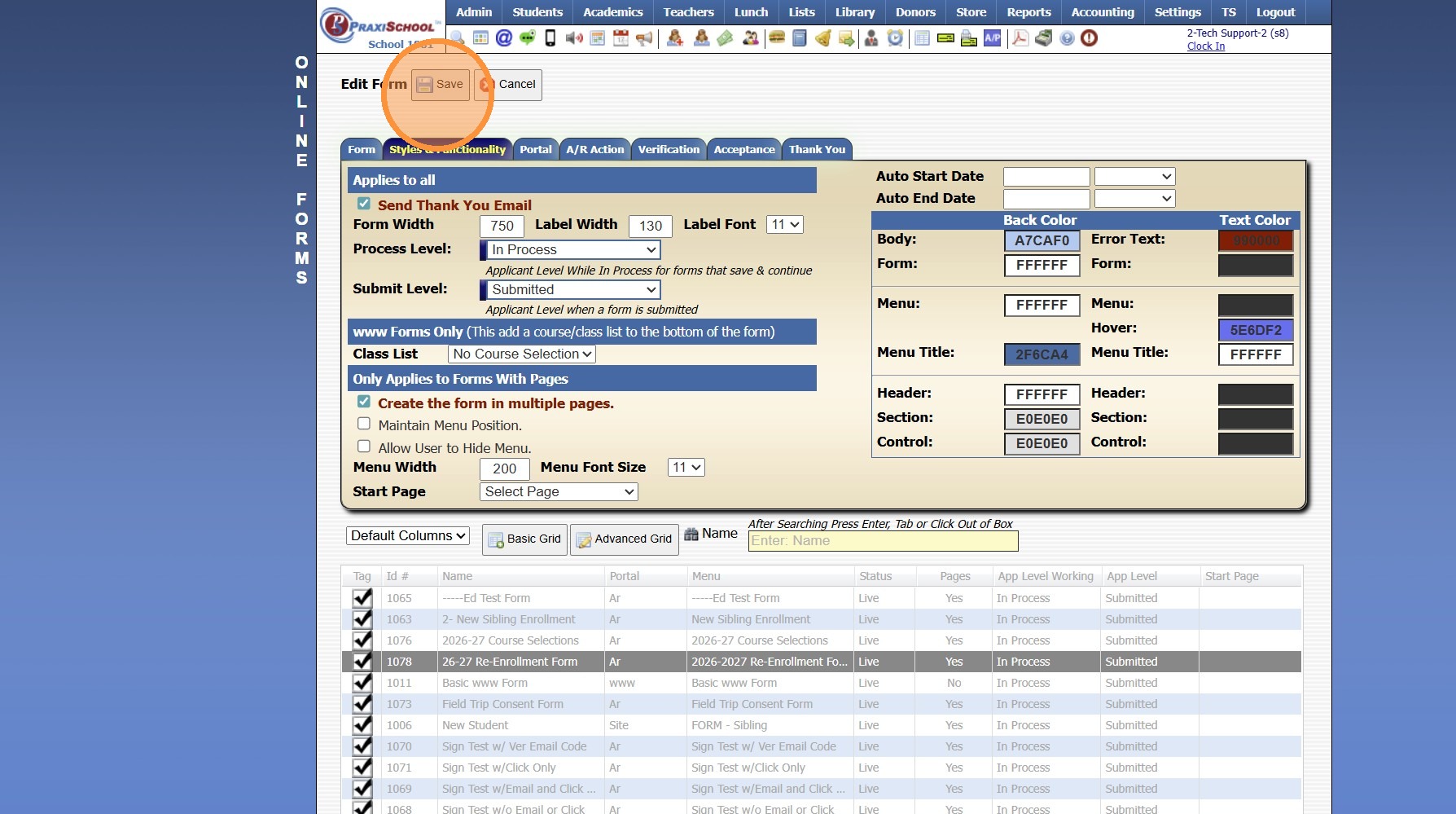
5. Click the "Styles & Functionality" Tab
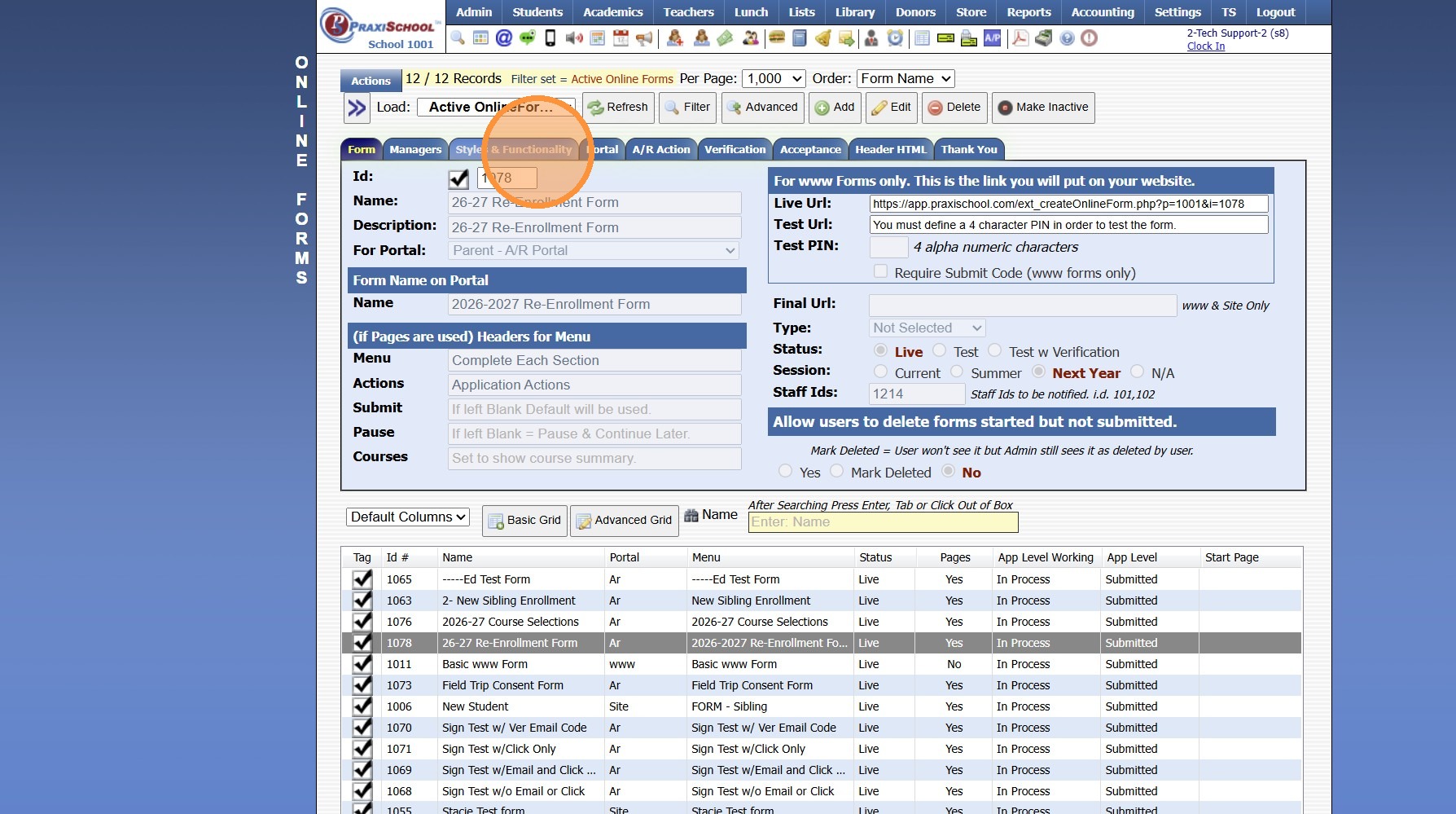
6. Click "Edit"
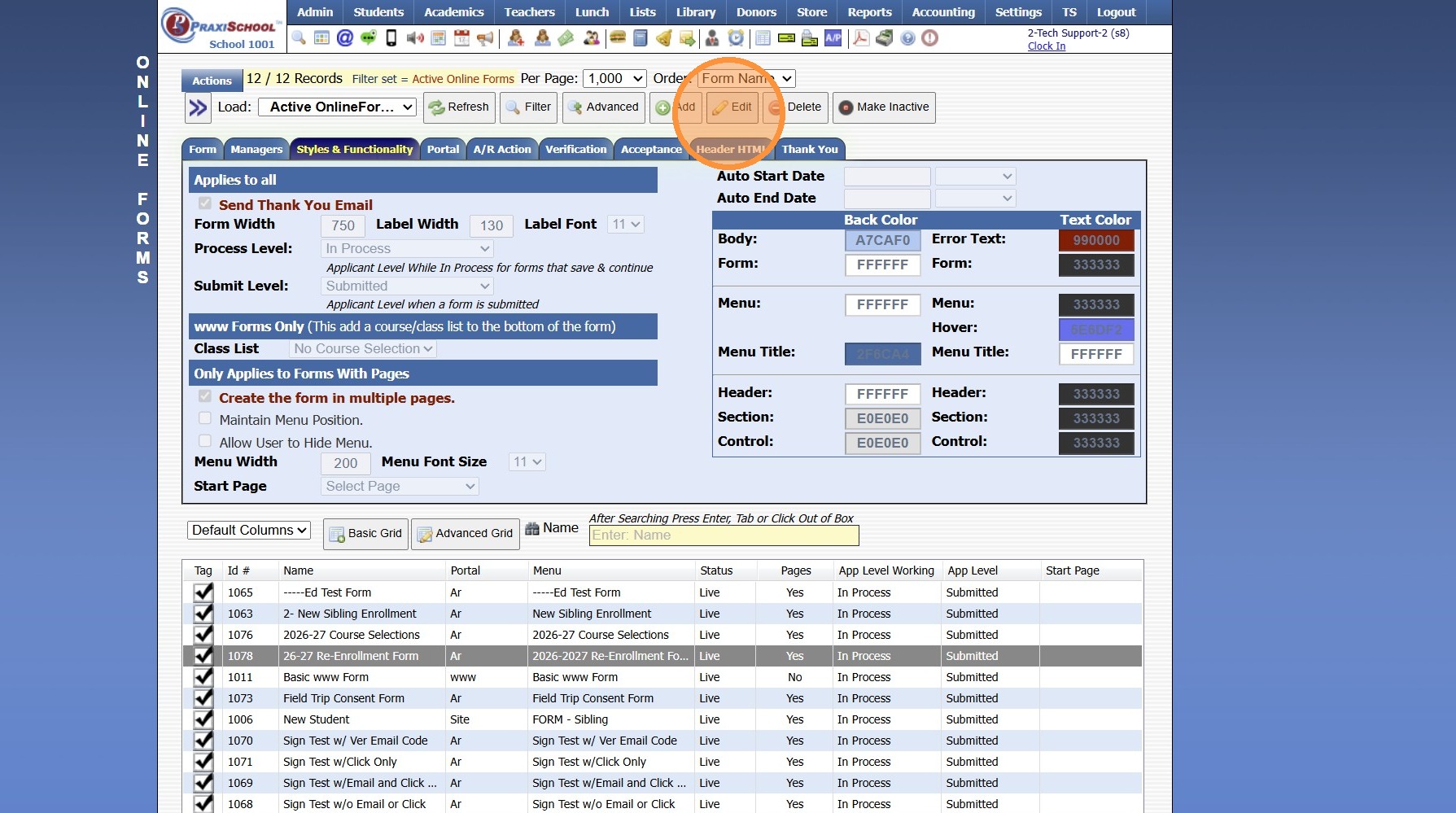
7. Verify Process Level is set to In Process
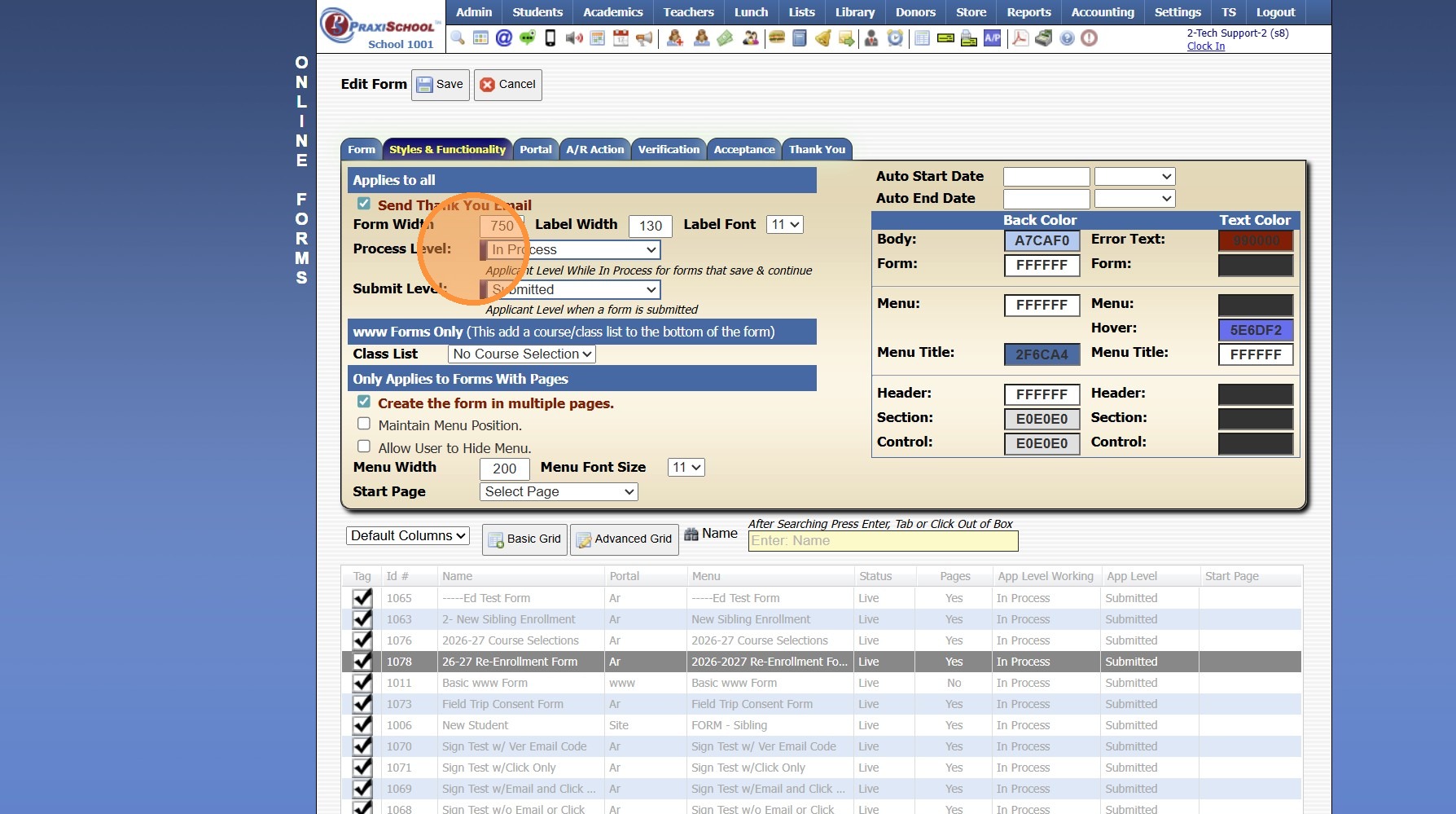
8. Verify Submitted Level is set to Submitted
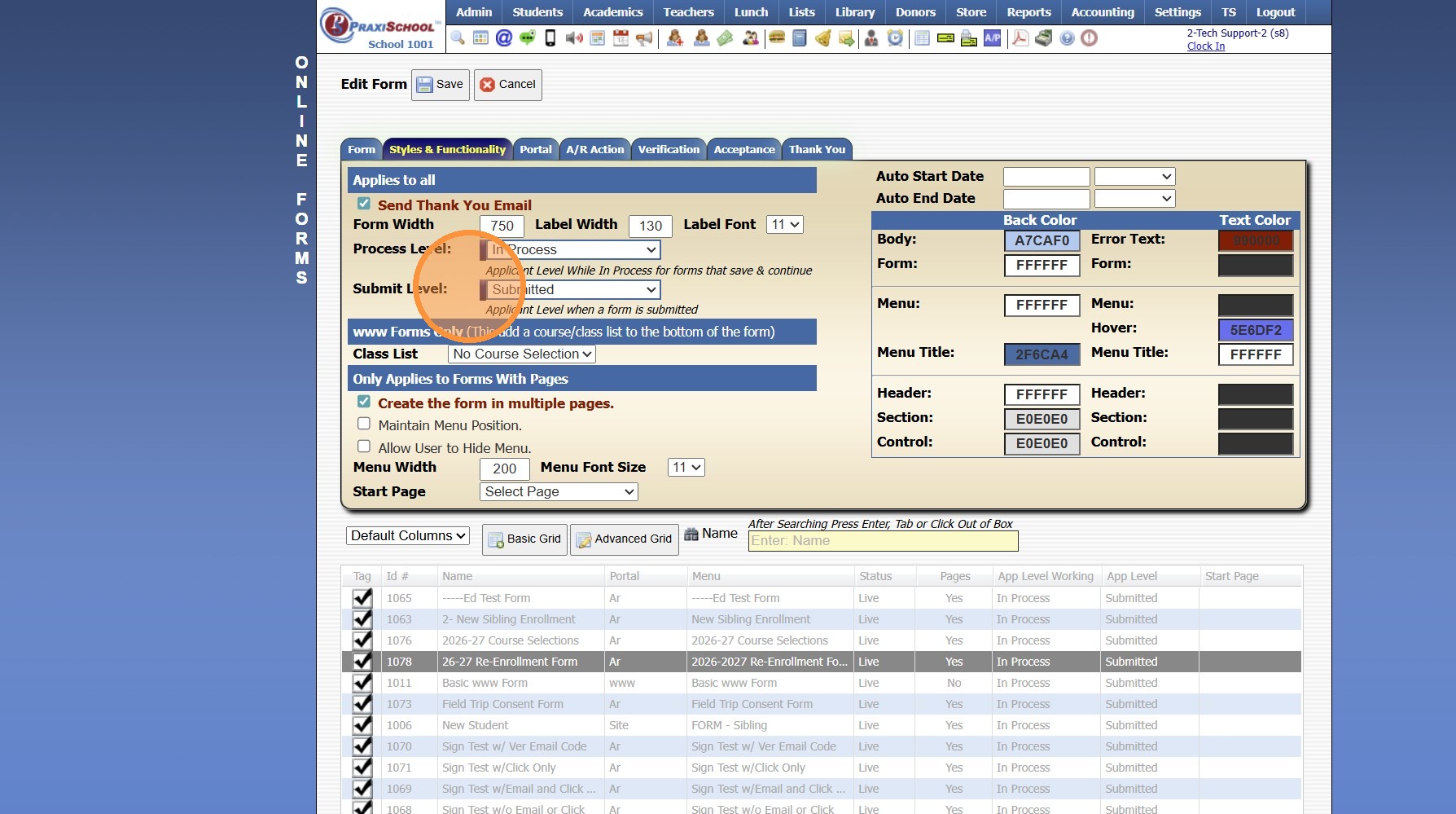
9. Click "Save"
1000.6.5
Related Articles
Online Form Levels & Meanings
1. There can be many Online Form Levels. However, each Level will connect to 1 of 4 Level Types: Exclude, In Process, Submitted or Approved 2. All Forms start at the In Process level. In Process means the form has been started, but has not been ...Creating Application Levels
1. Click "Lists" 2. Click "Online Forms" 3. Click "Applicant Levels" 4. Click "Add" 5. Enter Order & App Level Description 6. Select App Level Tip: App Level Information: Exclude: All App Levels created for Applications that will not be ...Creating a www Form
1. Click "Admin" 2. Click "Online Forms" 3. Click "Forms" 4. Click "Add" 5. Add Form Name, Description and Portal Form Name 6. Select the For Portal Option: "From Your Website (Only new registration)" 7. Click "Test" to put in Test Mode until Form is ...Creating an AR Portal Form
1. Click "Admin" 2. Click "Online Forms" 3. Click "Forms" 4. Click "Add" 5. Add Form Name, Description and Portal Form Name 6. Select the For Portal Option: "Parent - A/R Portal" 7. Click "Test" to put in Test Mode until Form is Built 8. Select ...Creating a Site Portal Form
1. Click "Admin" 2. Click "Online Forms" 3. Click "Forms" 4. Click "Add" 5. Add Form Name, Description and Portal Form Name 6. Select the For Portal Option: "Application Site (Only new registration)" 7. Click "Test" to put in Test Mode until Form is ...