Session Close Tasks - Enrollment: Pre-Registering Existing Student Using the Promote Students Wizard
1. Click "Academics"
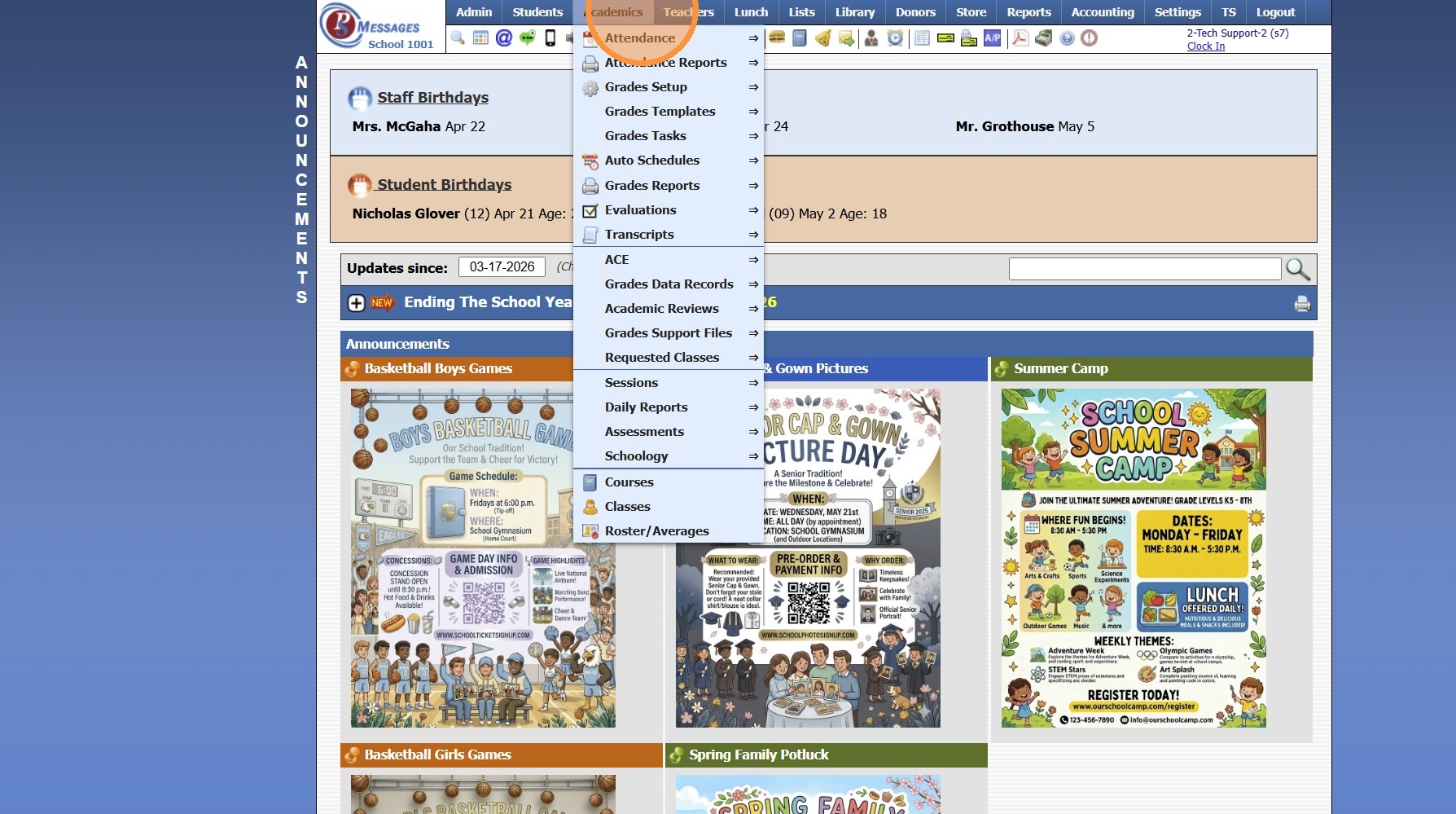
2. Click "Grades Tasks"
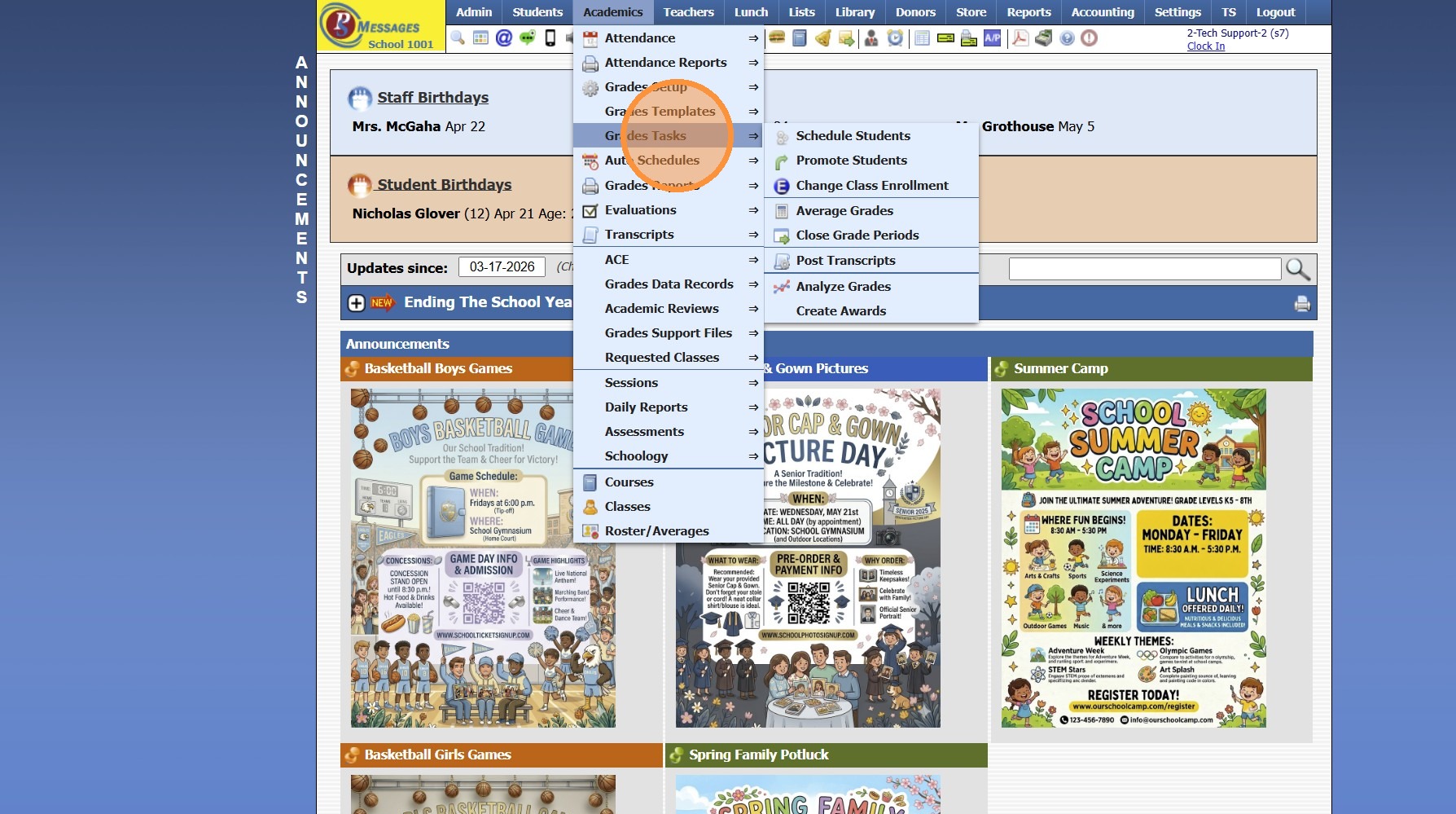
3. Click "Promote Students"
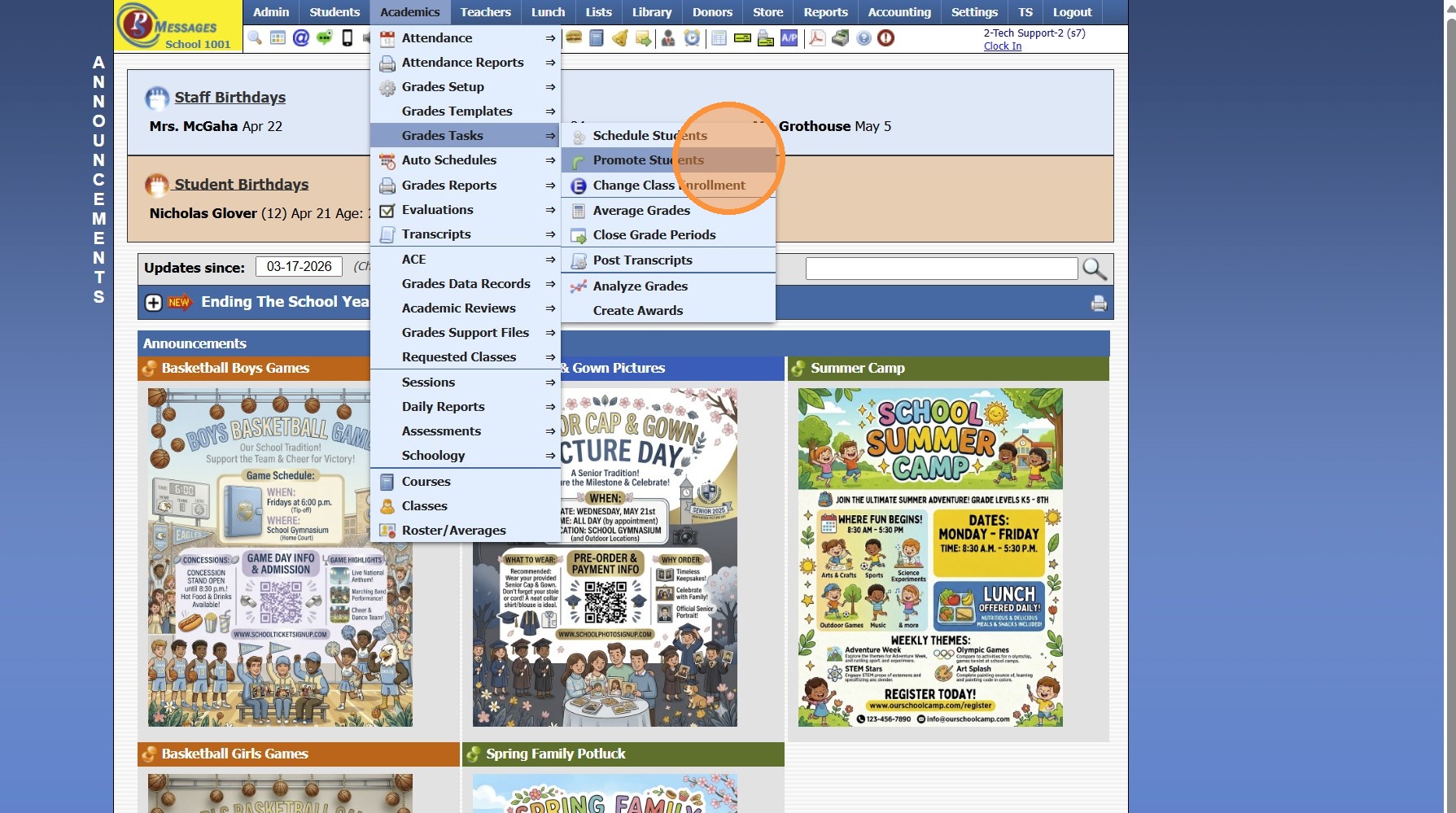
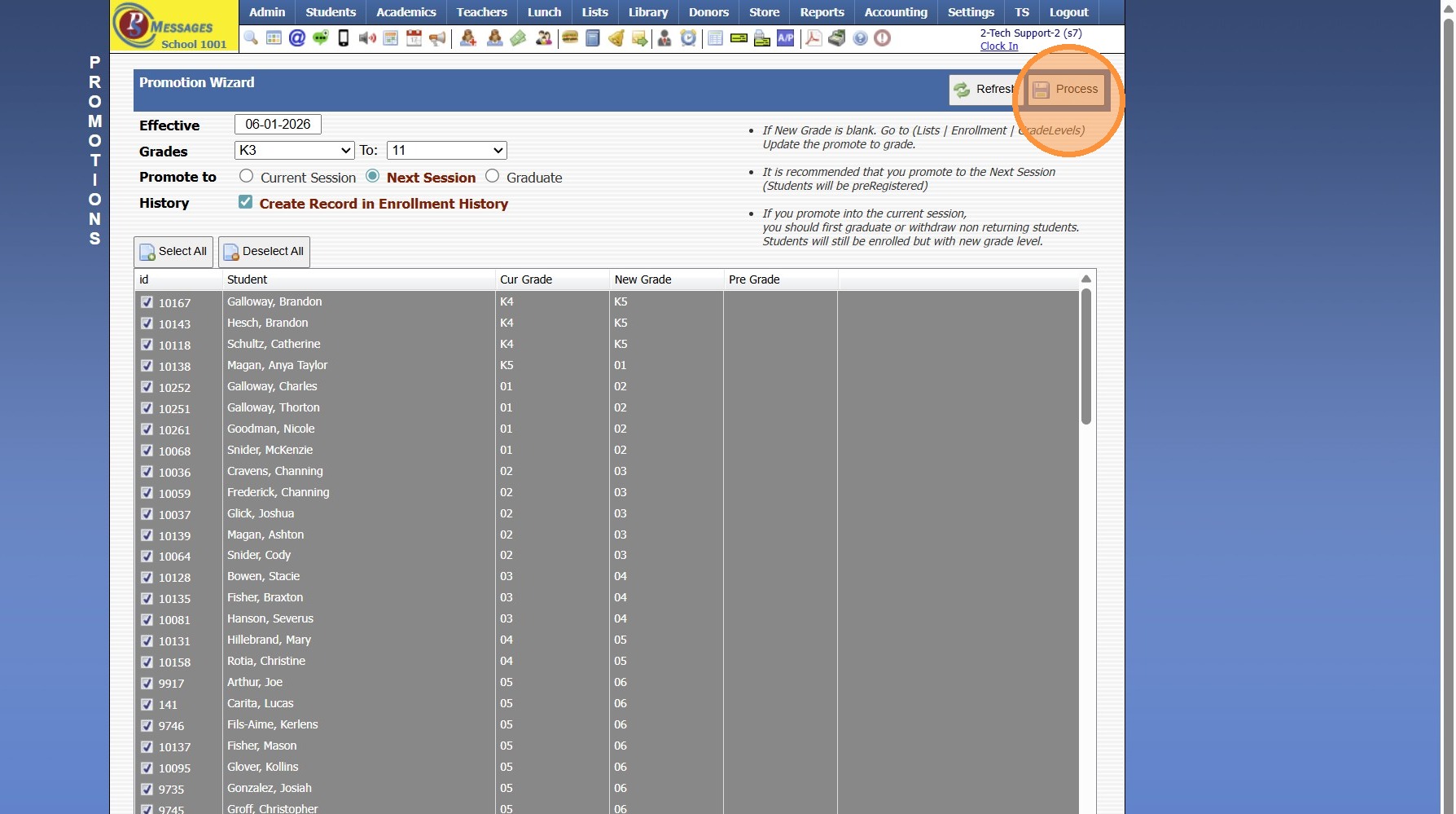
4. Select the Effective Date
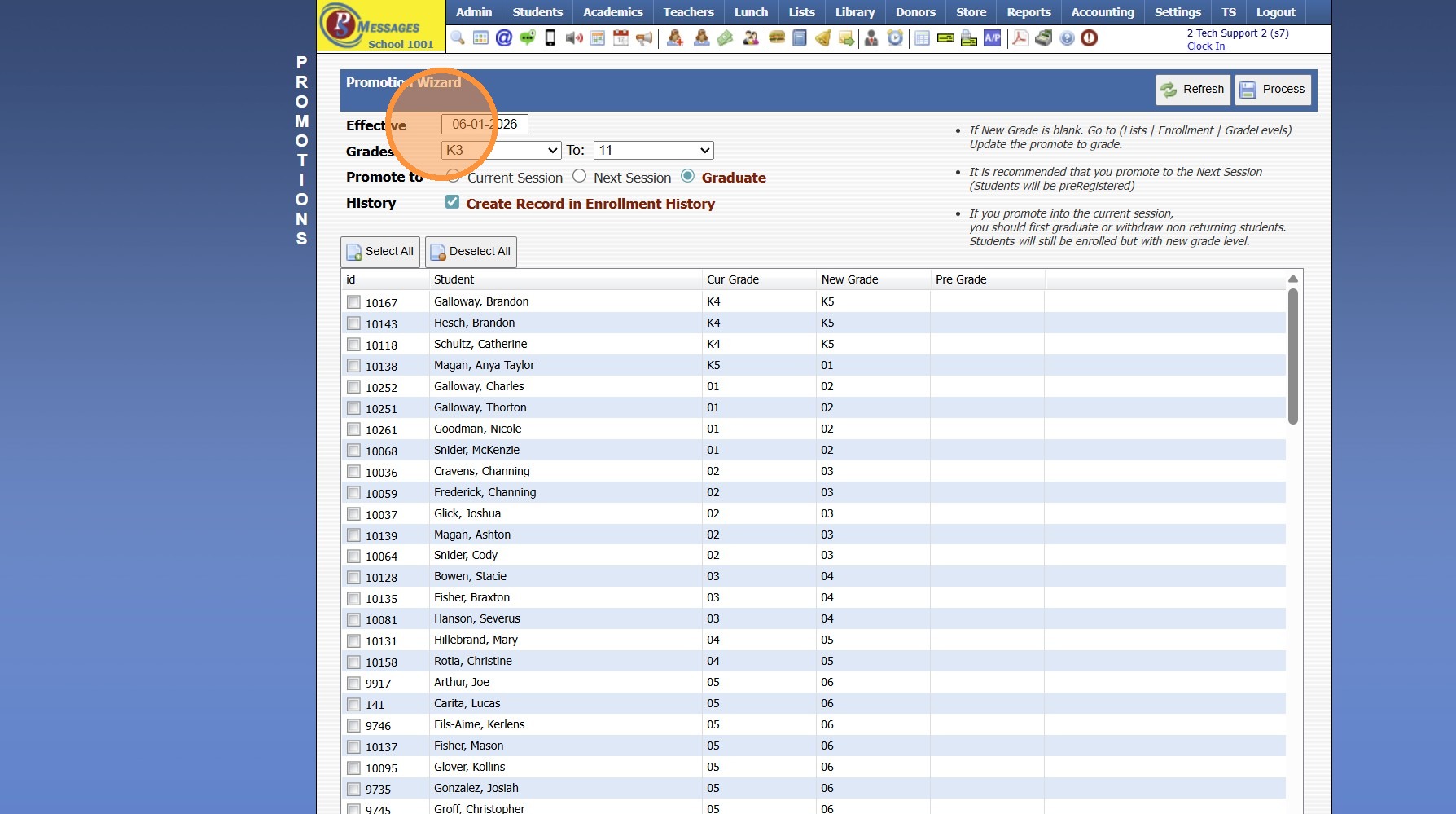
5. Select Grade Levels to Promote
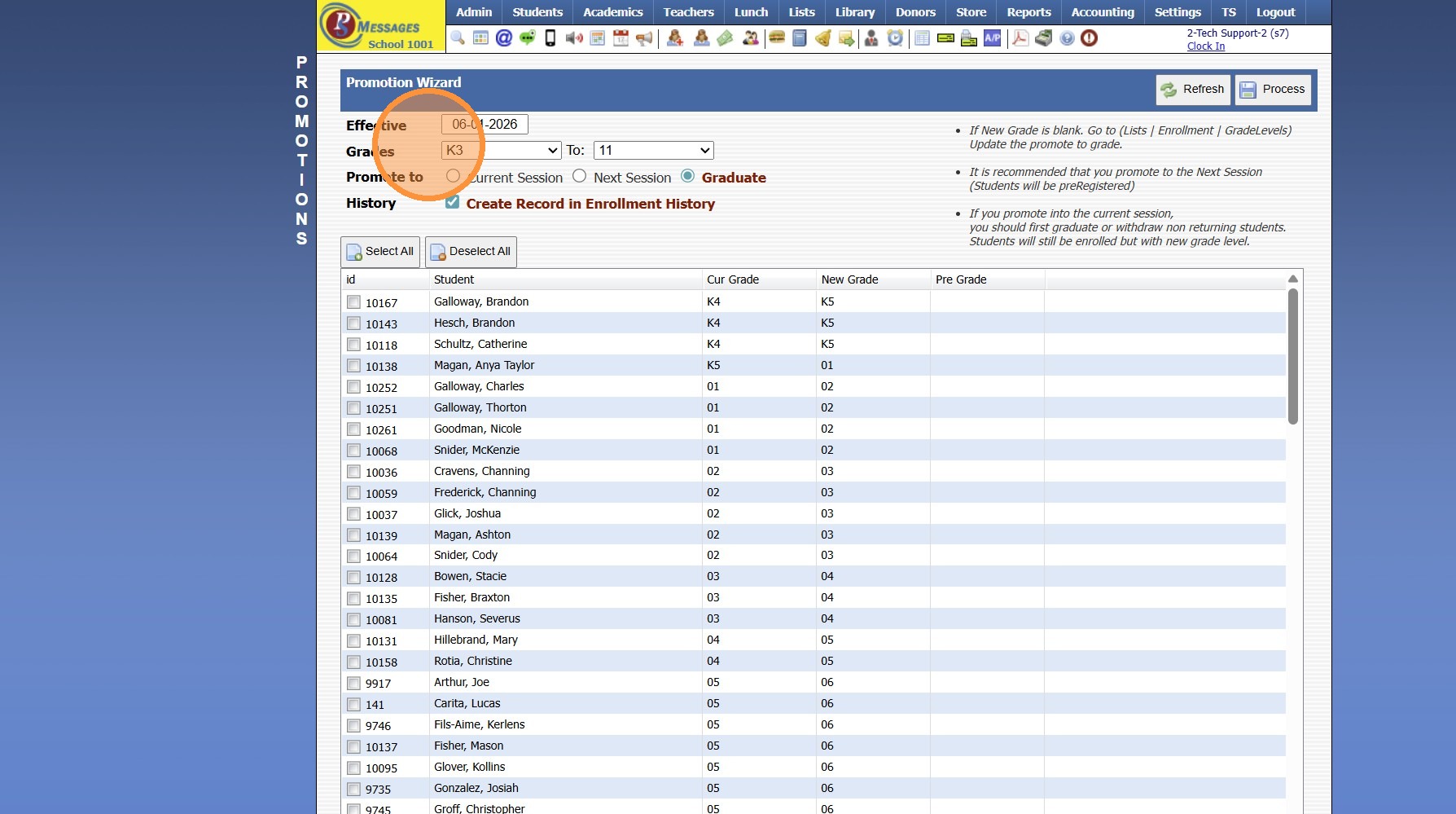
6. Click "Next Session" to Pre-Register for Next Year
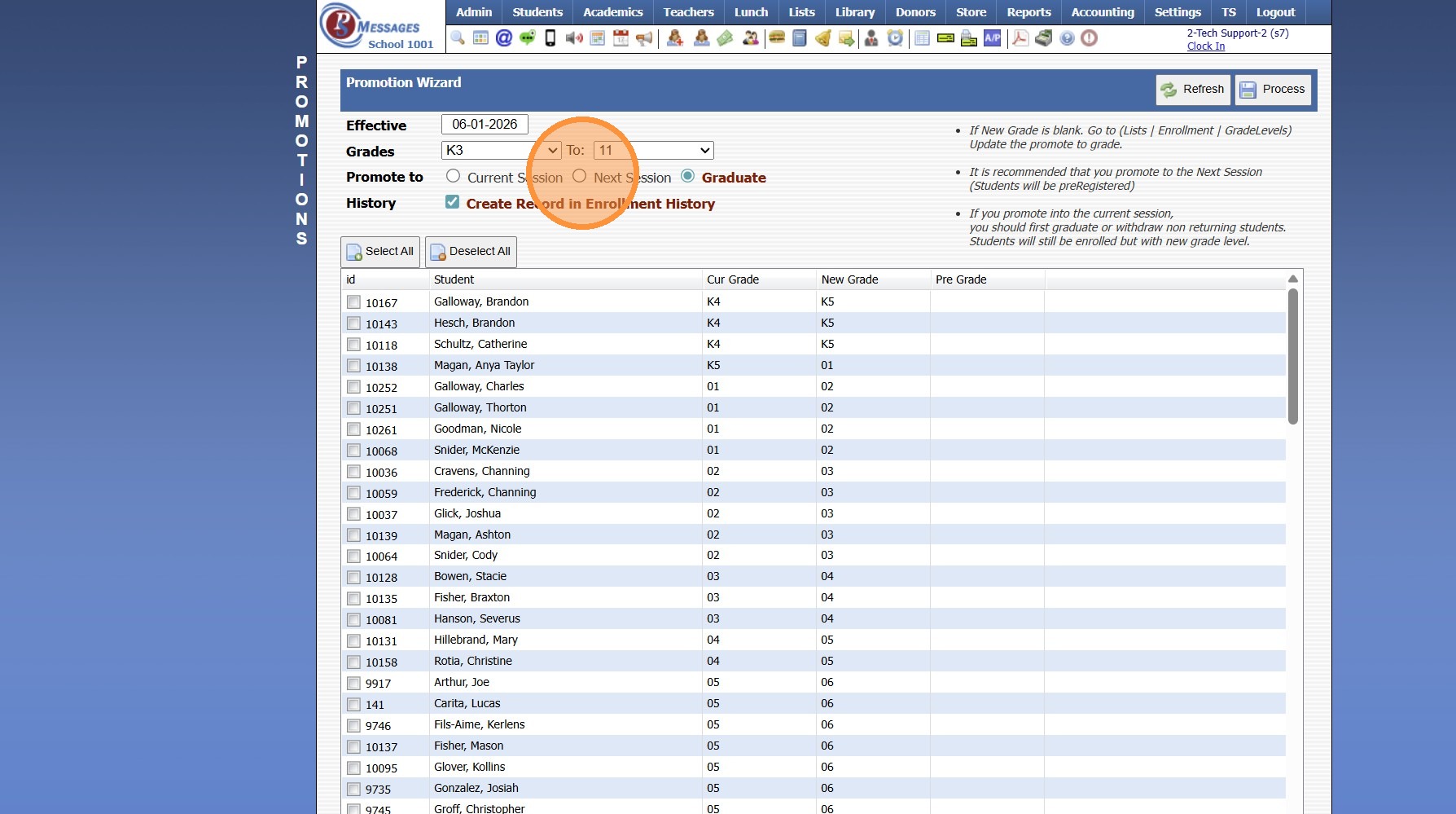
7. Click "Create Record in Enrollment History" to add the Enrollment History
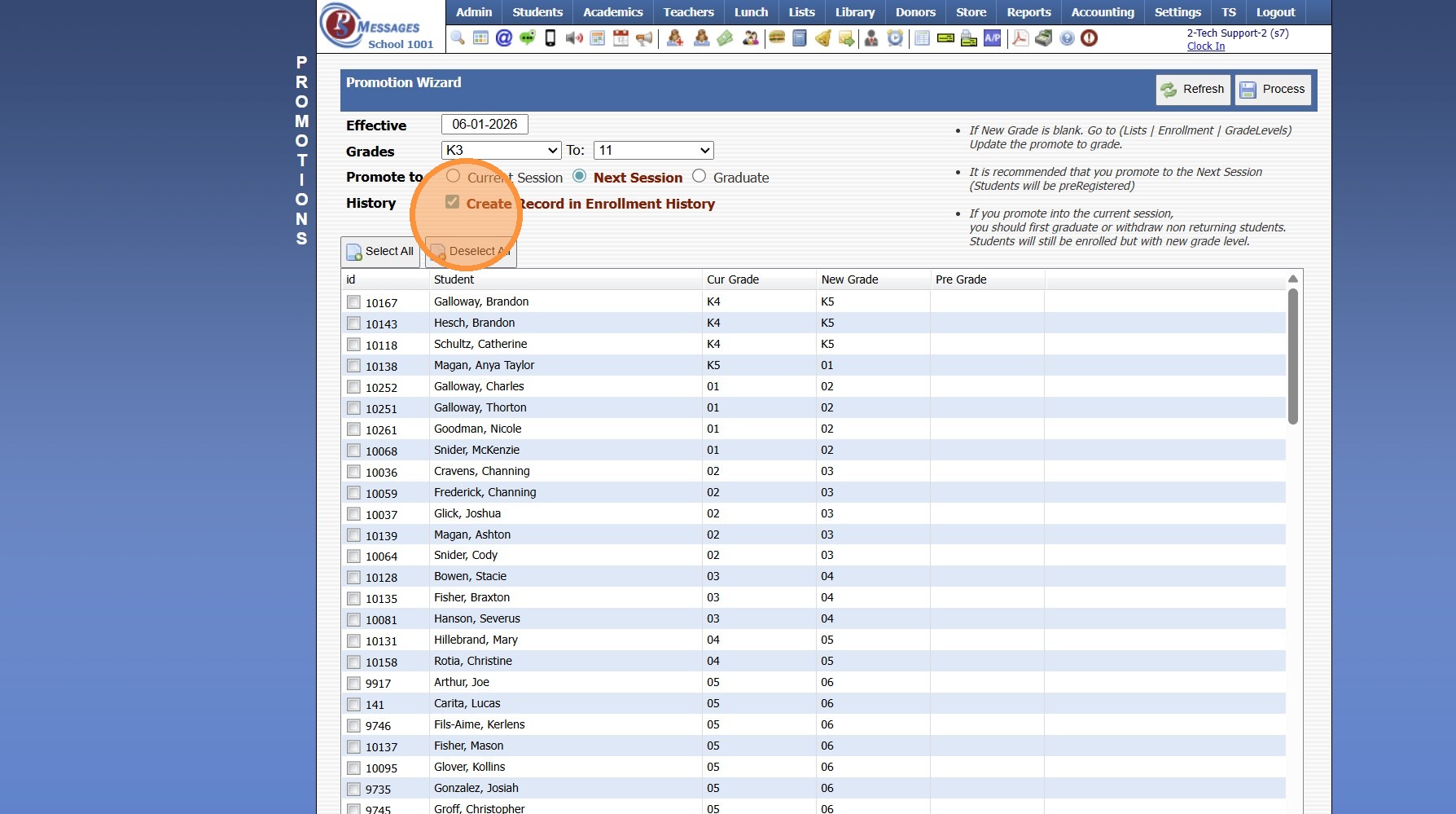
8. Click "Select All" & Uncheck any Students that Should NOT be Pre-Registered
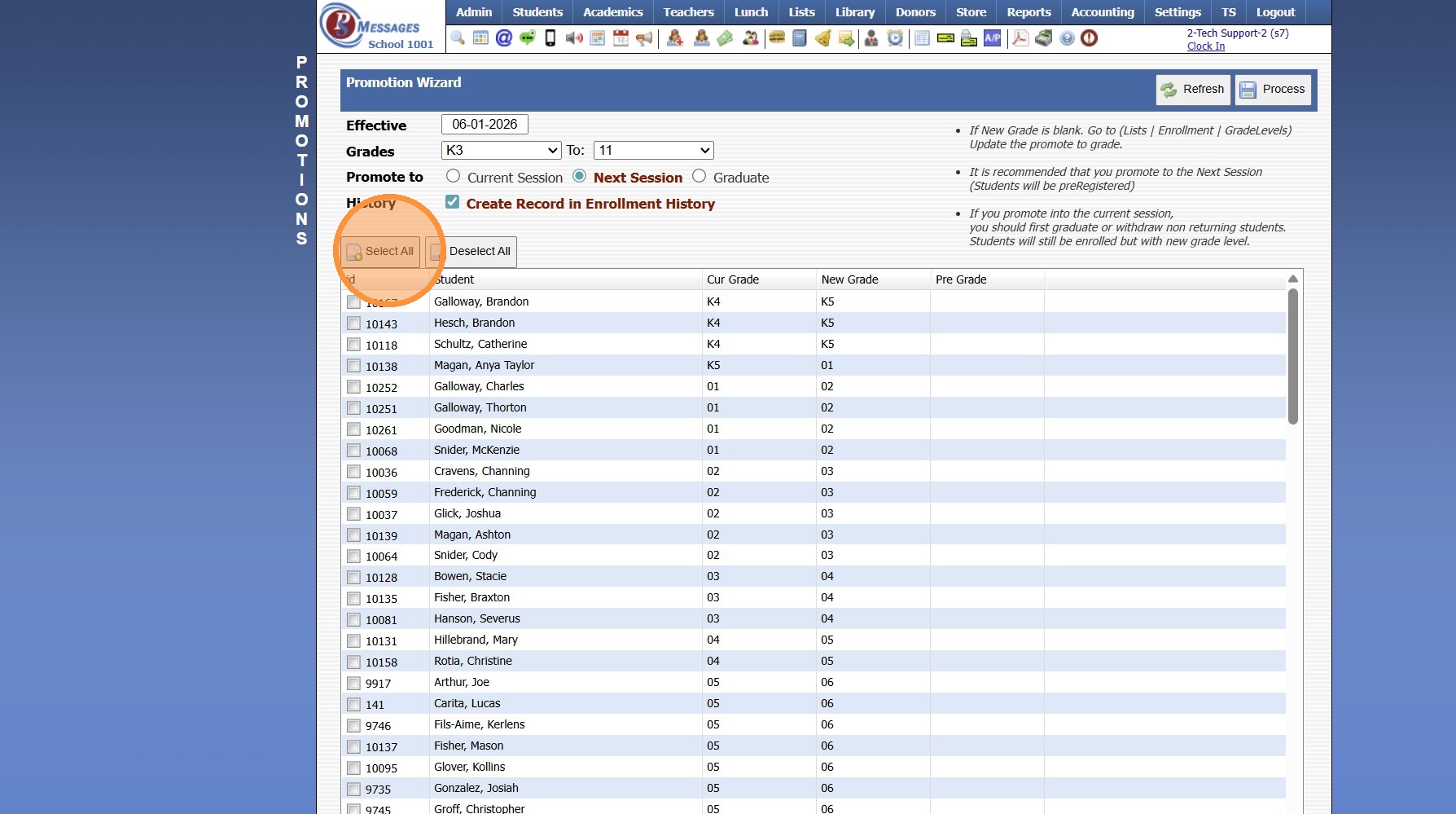
9. Click "Process"
9600.3.4
Related Articles
Pre-Register Students to Next Grade Level Using the Promotion Wizard
Pre-Register Students to Next Grade Level Using the Promotion Wizard 1. Log into PraxiSchool 2. Click "Academics" 3. Click "Grades Tasks" 4. Click "Promote Students" 5. Set the Effective Date 6. Select Grade Level From and Grade Level To 7. Select ...Enrollment Reports
1. Click "Reports" 2. Click "Enrollment" Manually Selecting Report Options 3. Select the "For" option, "Enrolled" option, "Summer" option and/or the "Next Year" option 4. Select desired options for the Report 5. Select to Generate Enrollment Report ...Session Close Tasks - Enrollment: Attendance Type Change
Alert: PLEASE NOTE: Attendance type should NOT be changed during the school year! 1. Click "Lists" 2. Click "Enrollment" 3. Click "School Levels" 4. Select School Level 5. Click "Edit" 6. Select Desired Attendance Type Daily - Attendance is taken 1 ...Session Close Tasks - Enrollment: Archive Family
Tip: NOTE: Complete AFTER Non-Returning Students have been Graduated/Withdrawn & Made Inactive. 1. Click "Students" 2. Click "Family" 3. Click "Actions" 4. Click "Archive Family" 5. Click "Select All" 6. Click "Archive Checked Family" 9600.3.11How to Add a New Student in the Student Wizard (T)
How to New Student in Student Wizard (T) 1. Click "Students" 2. Click "Student Wizard (T)" 3. Click "New Student" 4. Add the Student's Name 5. Add the Goes By Name 6. The other fields and tabs are available for you to use to use but they are optional ...