Session Close Tasks - Enrollment: Archive Family
Tip: NOTE: Complete AFTER Non-Returning Students have been Graduated/Withdrawn & Made Inactive.
1. Click "Students"
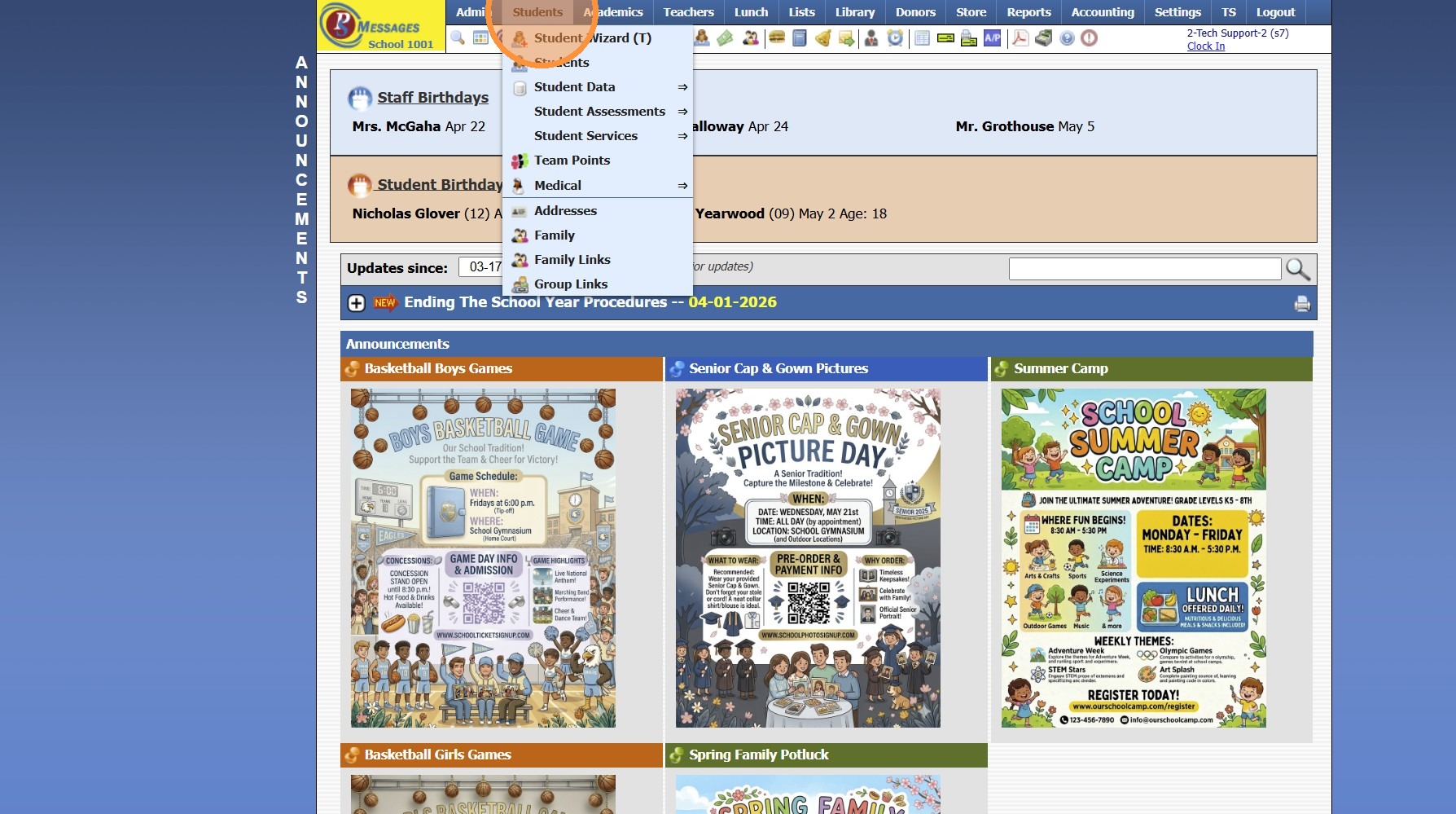
2. Click "Family"
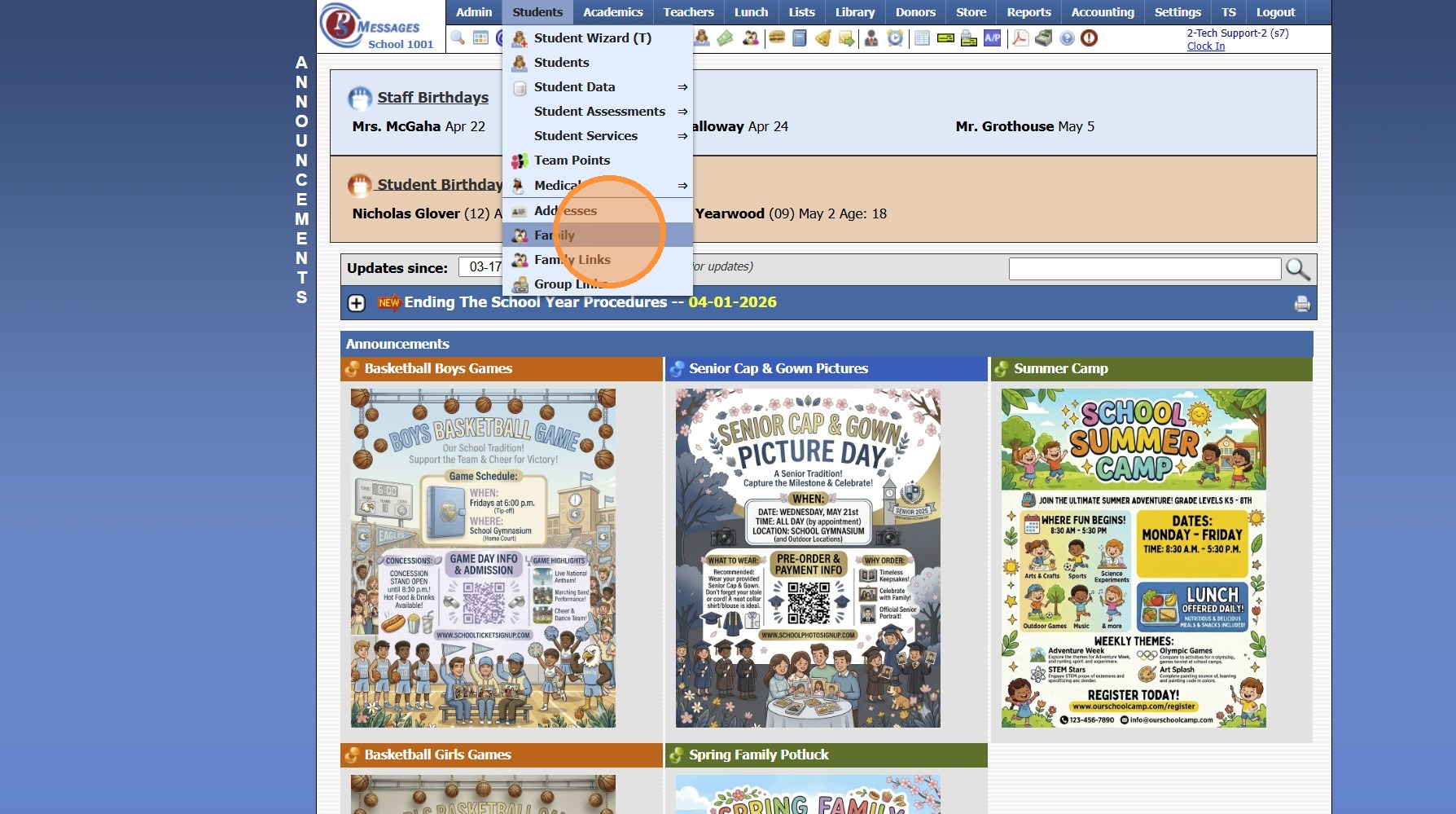
3. Click "Actions"
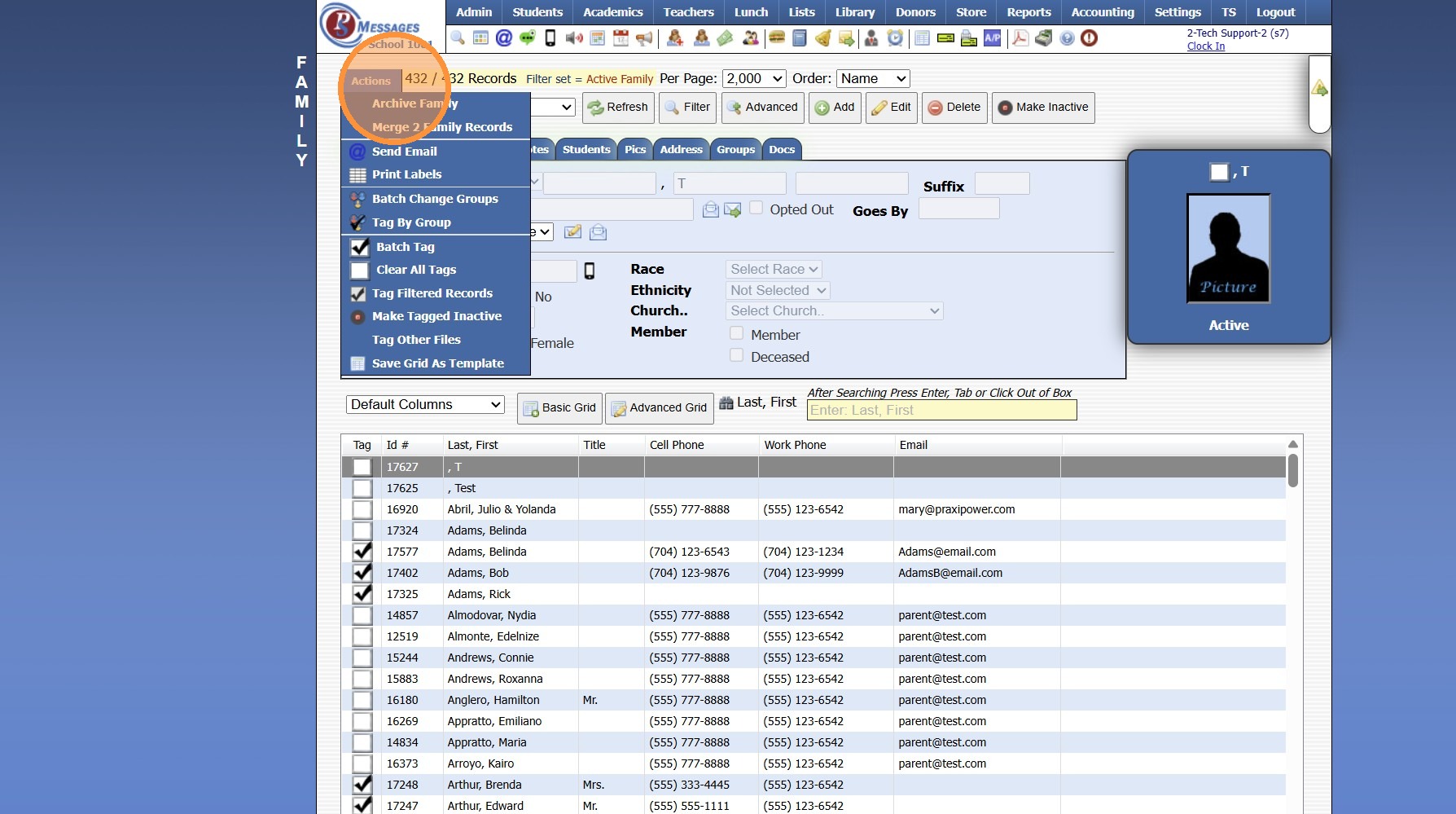
4. Click "Archive Family"
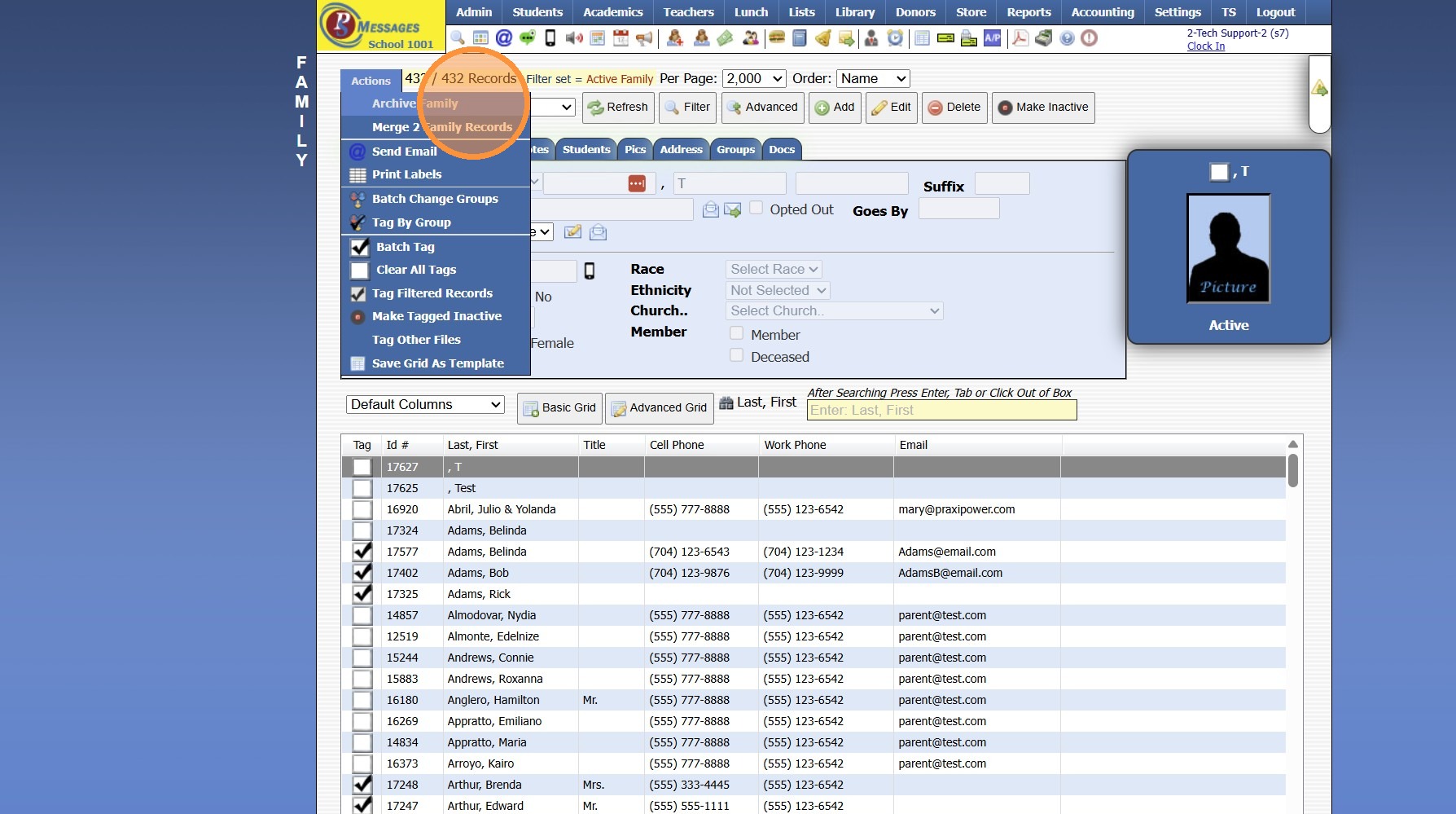
5. Click "Select All"
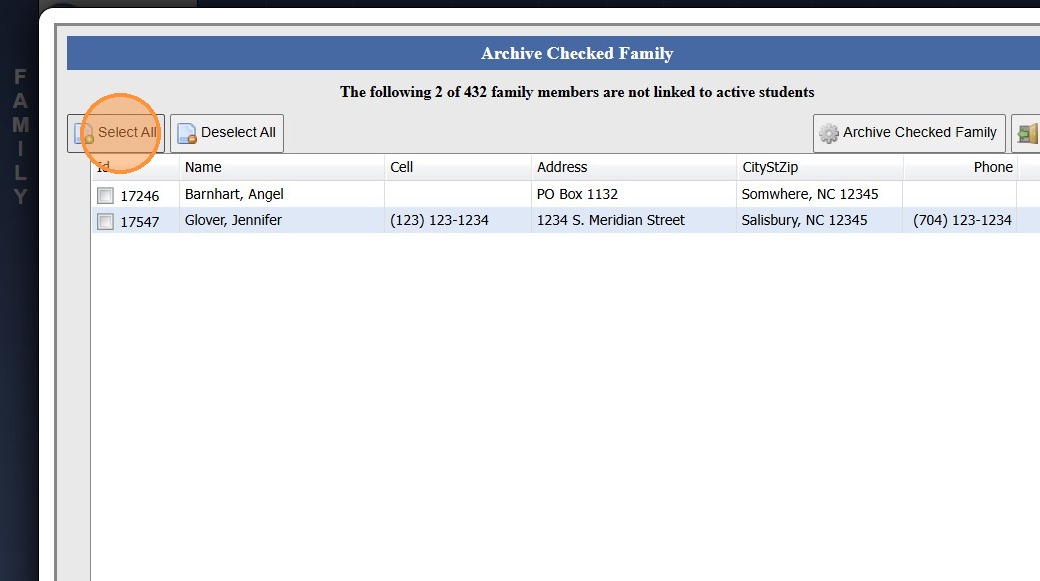
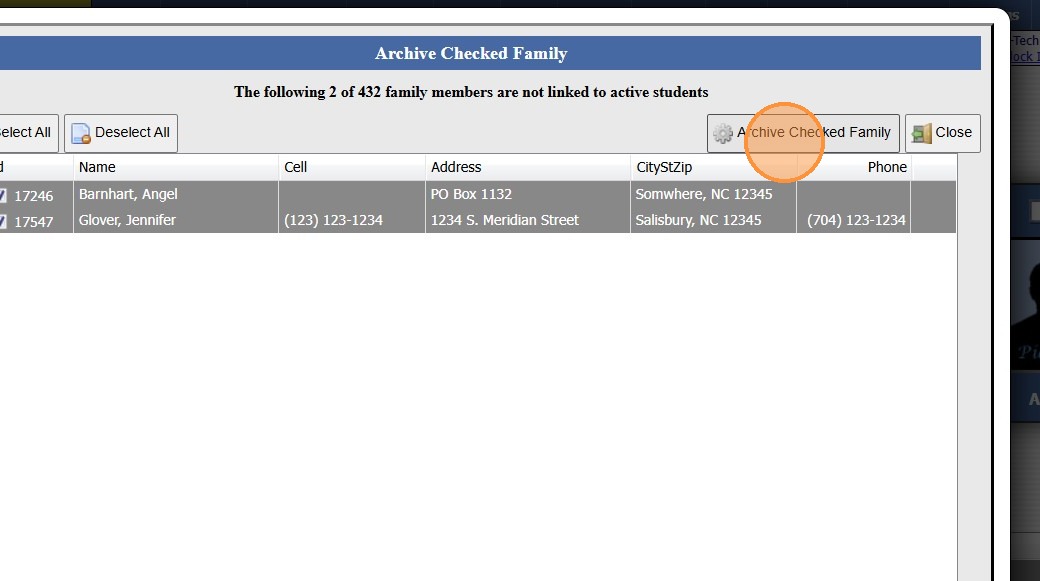
6. Click "Archive Checked Family"
9600.3.11
Related Articles
Session Close Tasks - Enrollment: Pre-Registering Existing Student Using the Promote Students Wizard
1. Click "Academics" 2. Click "Grades Tasks" 3. Click "Promote Students" 4. Select the Effective Date 5. Select Grade Levels to Promote 6. Click "Next Session" to Pre-Register for Next Year 7. Click "Create Record in Enrollment History" to add the ...Session Close Tasks - Enrollment: Attendance Type Change
Alert: PLEASE NOTE: Attendance type should NOT be changed during the school year! 1. Click "Lists" 2. Click "Enrollment" 3. Click "School Levels" 4. Select School Level 5. Click "Edit" 6. Select Desired Attendance Type Daily - Attendance is taken 1 ...Session Close Tasks - Enrollment: New School Year Dates
1. Click "Lists" 2. Click "Enrollment" 3. Click "School Years" Add the School Year 4. Click "Add" 5. Enter New School Year (Enter in YYYY-YY Format) (Ex. 2027-28) 6. Enter the Administrator's Name 7. Enter the Date From & the Date To (NOTE: The Date ...Session Close Prep Step II: Creating Current School Year Session Close
1. Click "Admin" 2. Click "Tasks" 3. Click "Session Close Prep" 4. Select "Create New Closing" from dropdown 5. Select "Current Session" to Close Current School Year, Select "Summer Session" to Close a Summer Session 6. Select Current School Year 7. ...Session Close Tasks - Academic Tasks: Average Grades
1. Click "Academics" 2. Click "Grades Tasks" 3. Click "Average Grades" 4. Click "Select All" 5. Select Grade Periods to Average 6. Select Semesters to Average 7. Select Year to Average 8. Select Notification Preference 9. Click "Average Grades" 10. ...