Searching the Knowledge Base
1. Log into Praxi
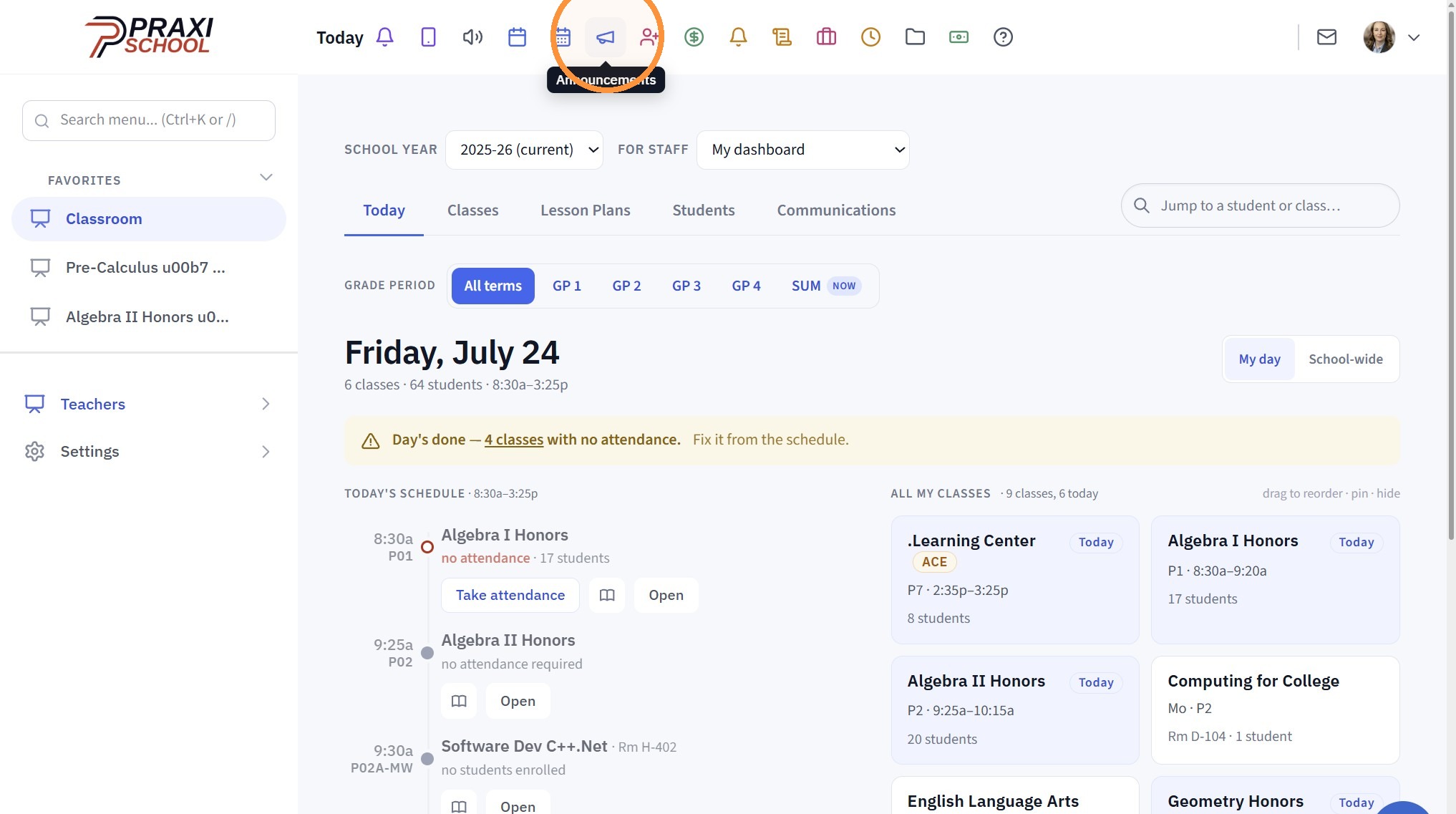
2. Click in the Search Box
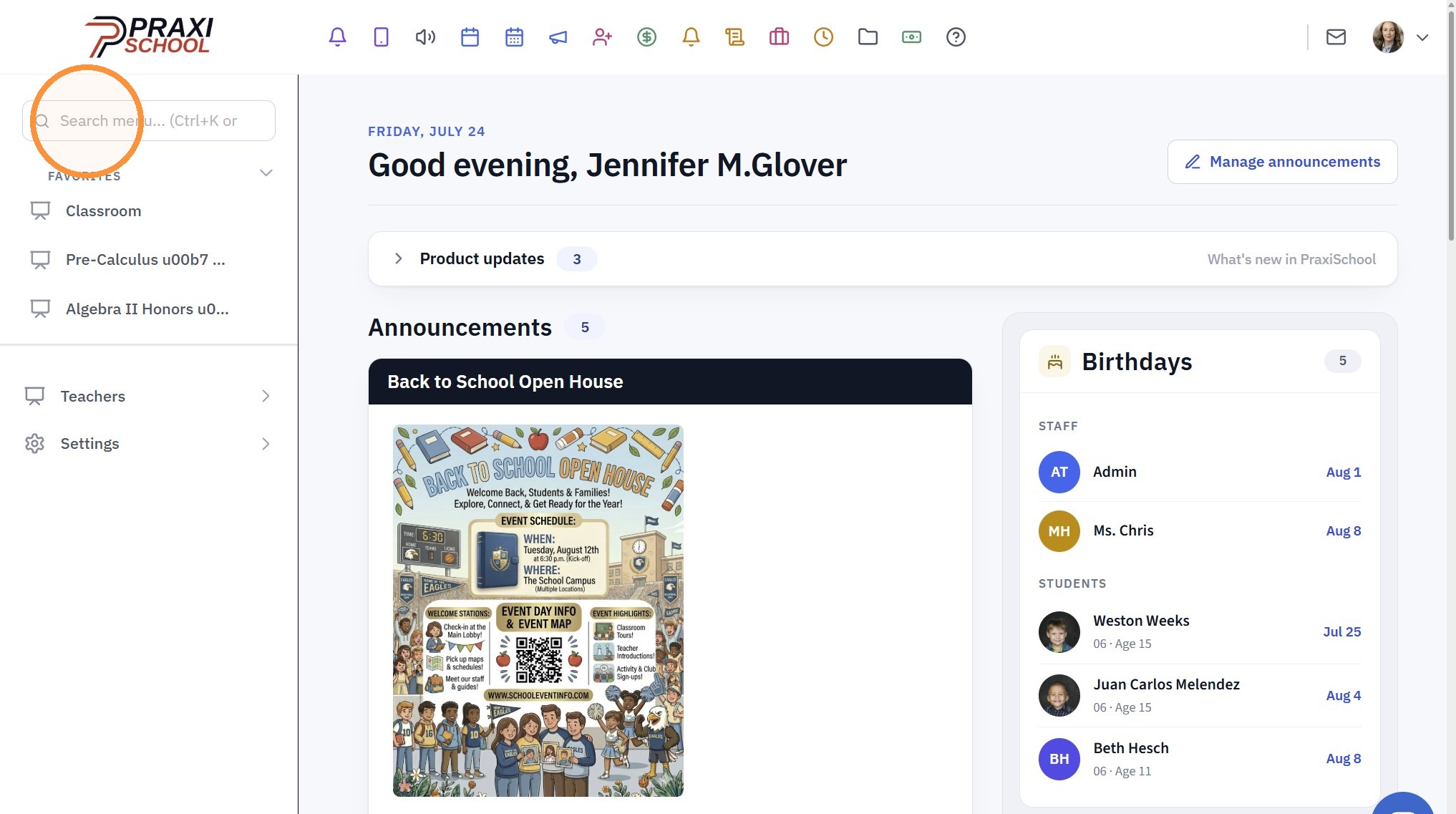
3. Enter "Support"
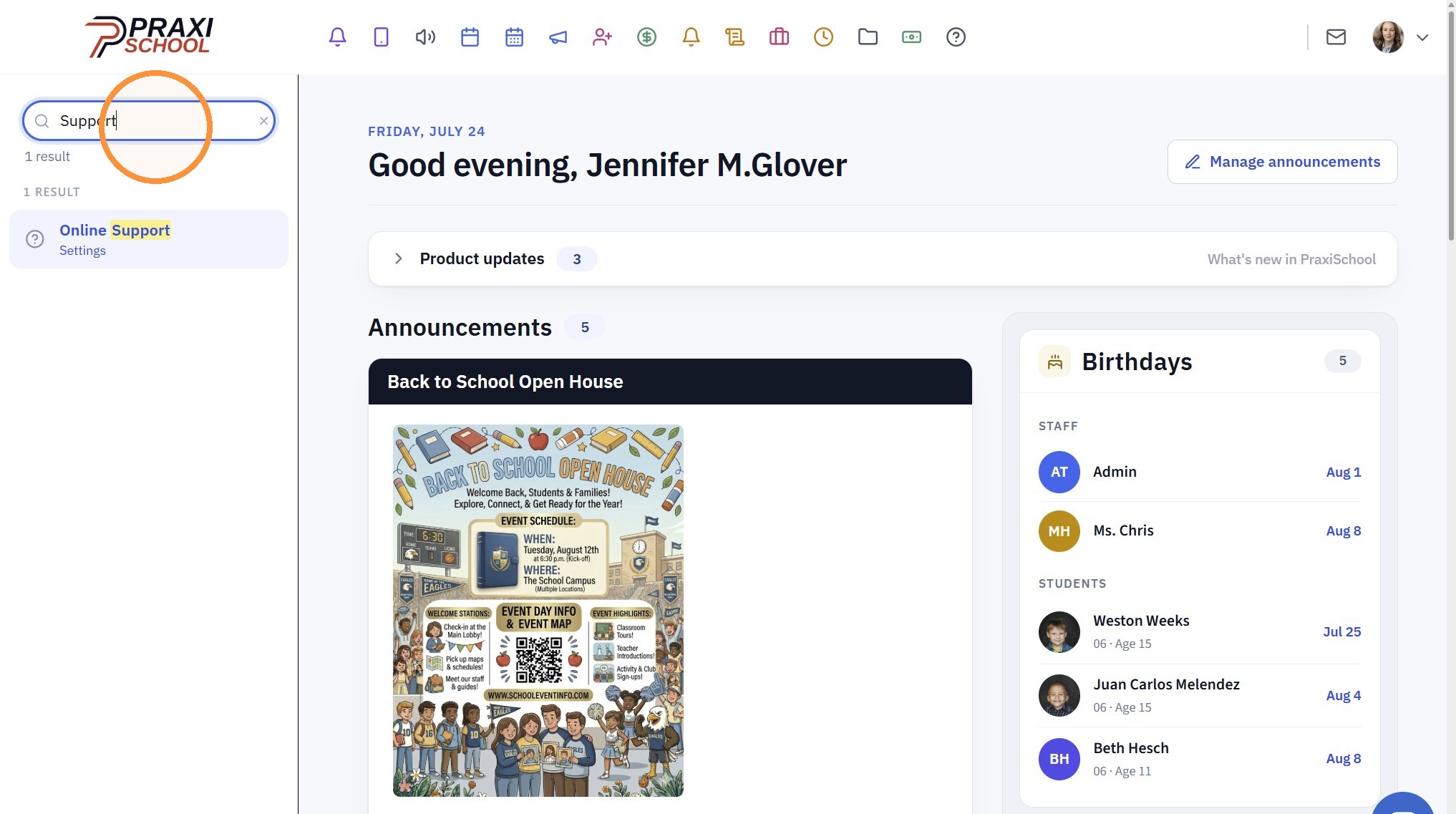
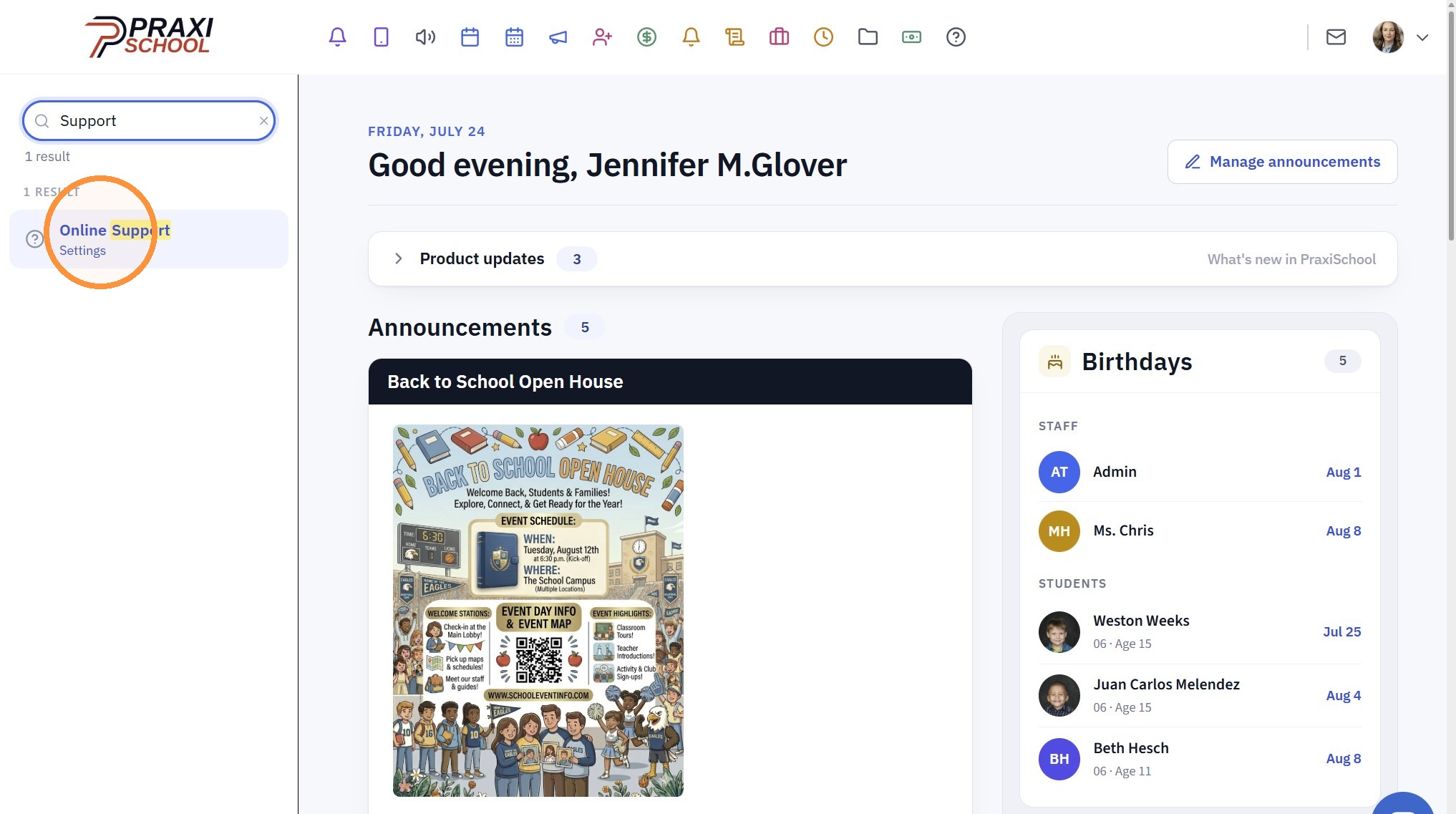
4. Click "Online Support"
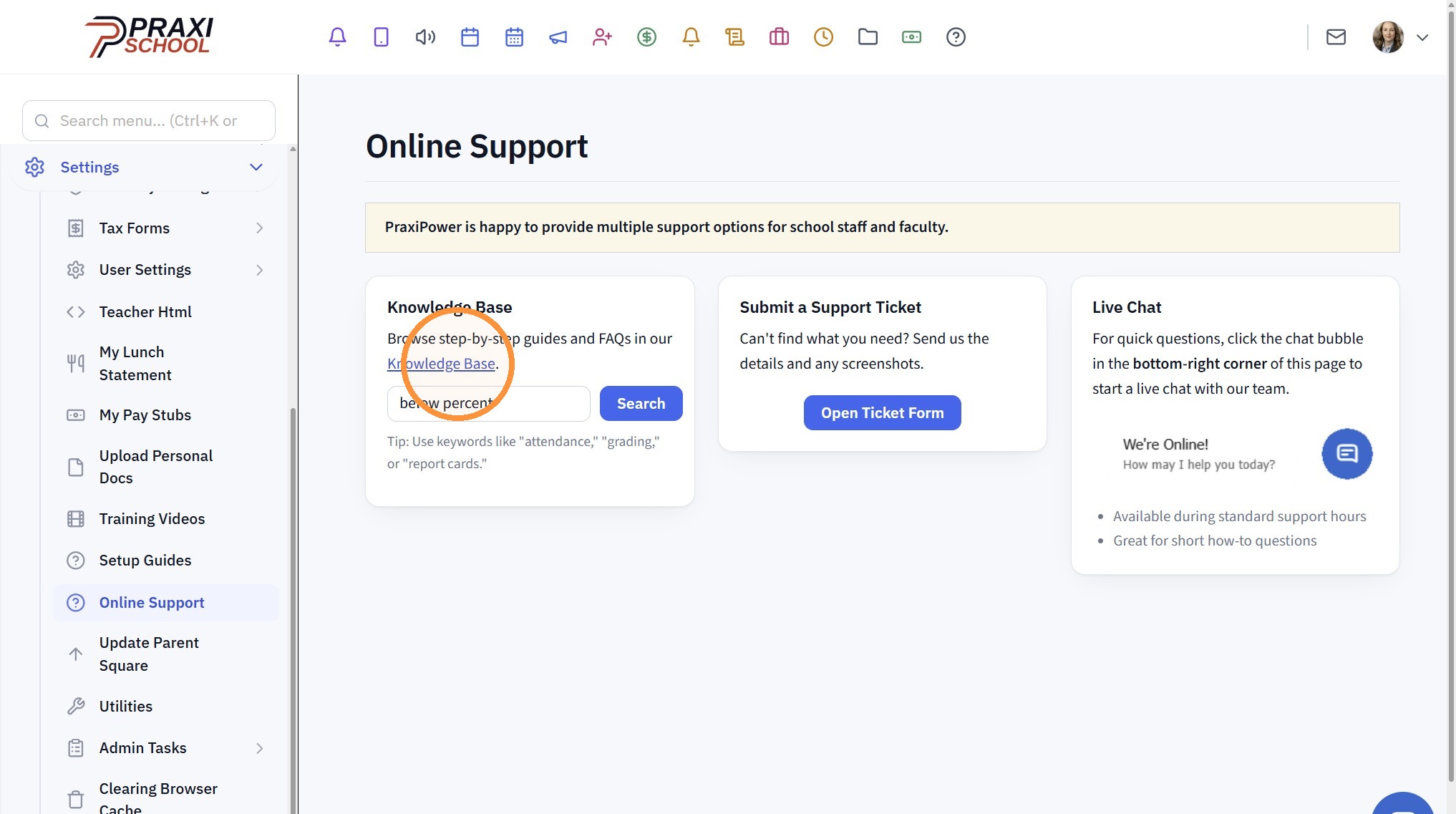
Searching Directly from the Support Page
5. Click in the "Search the Knowledge Base"
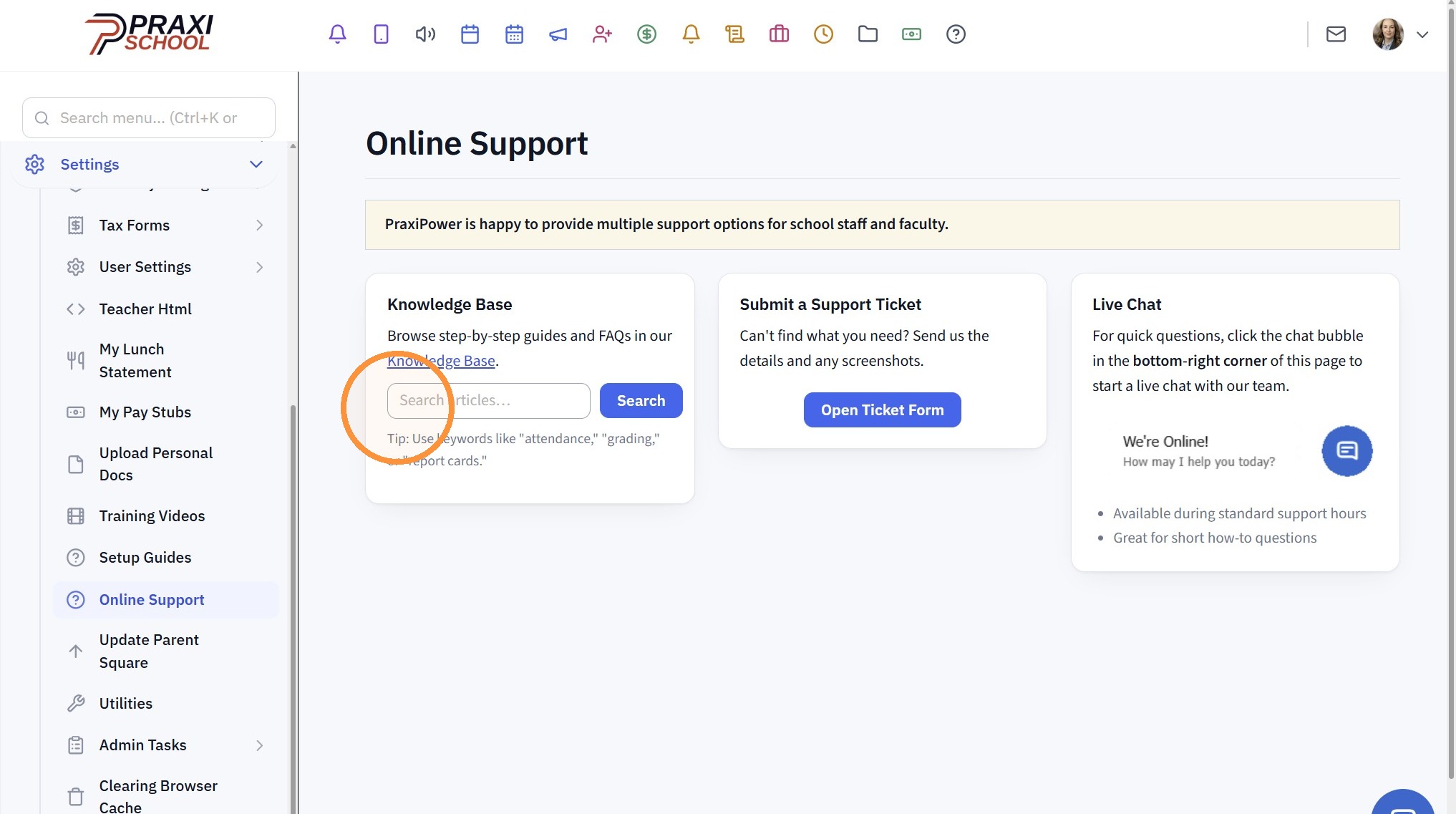
6. Enter Topic to Search
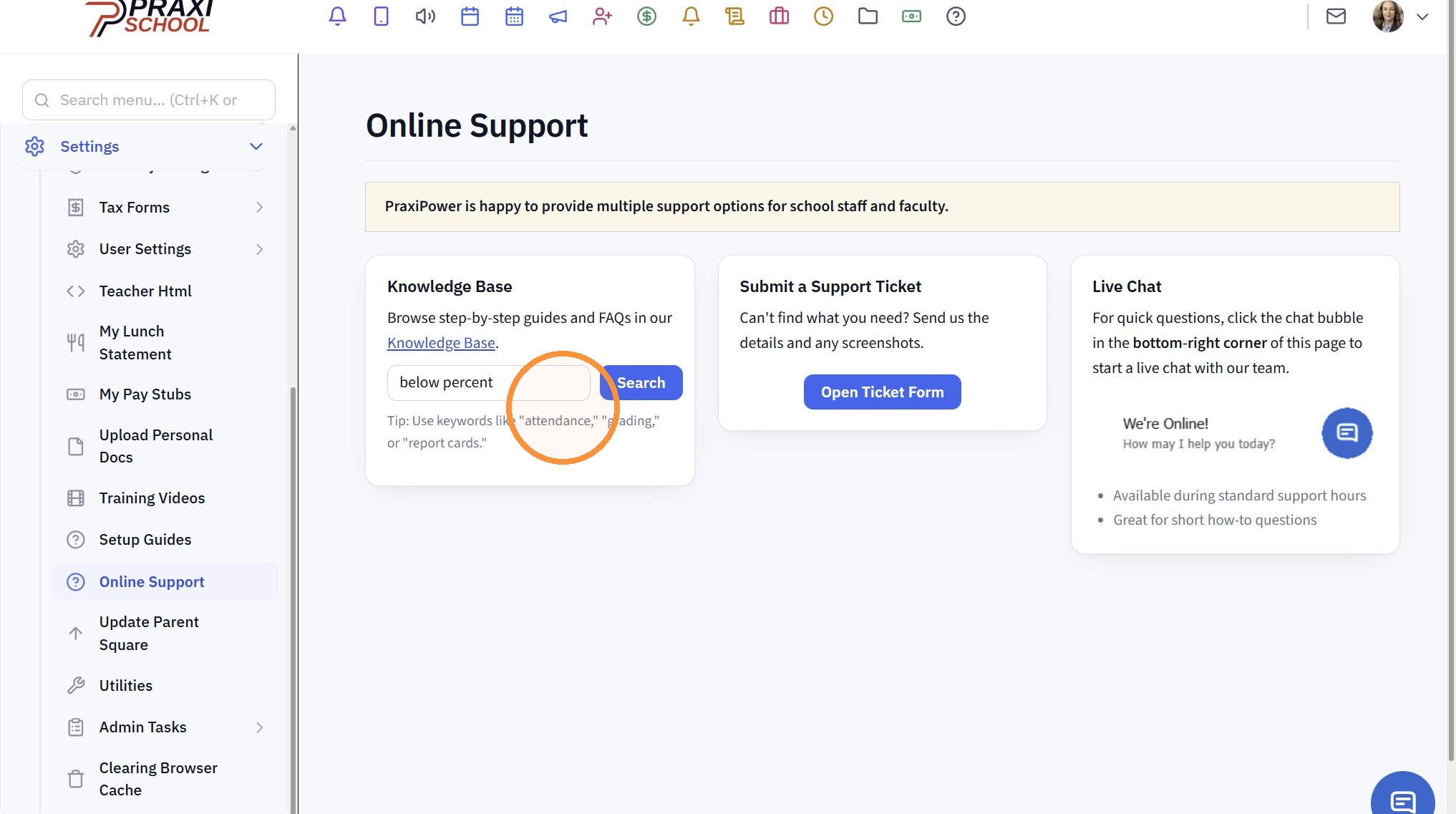
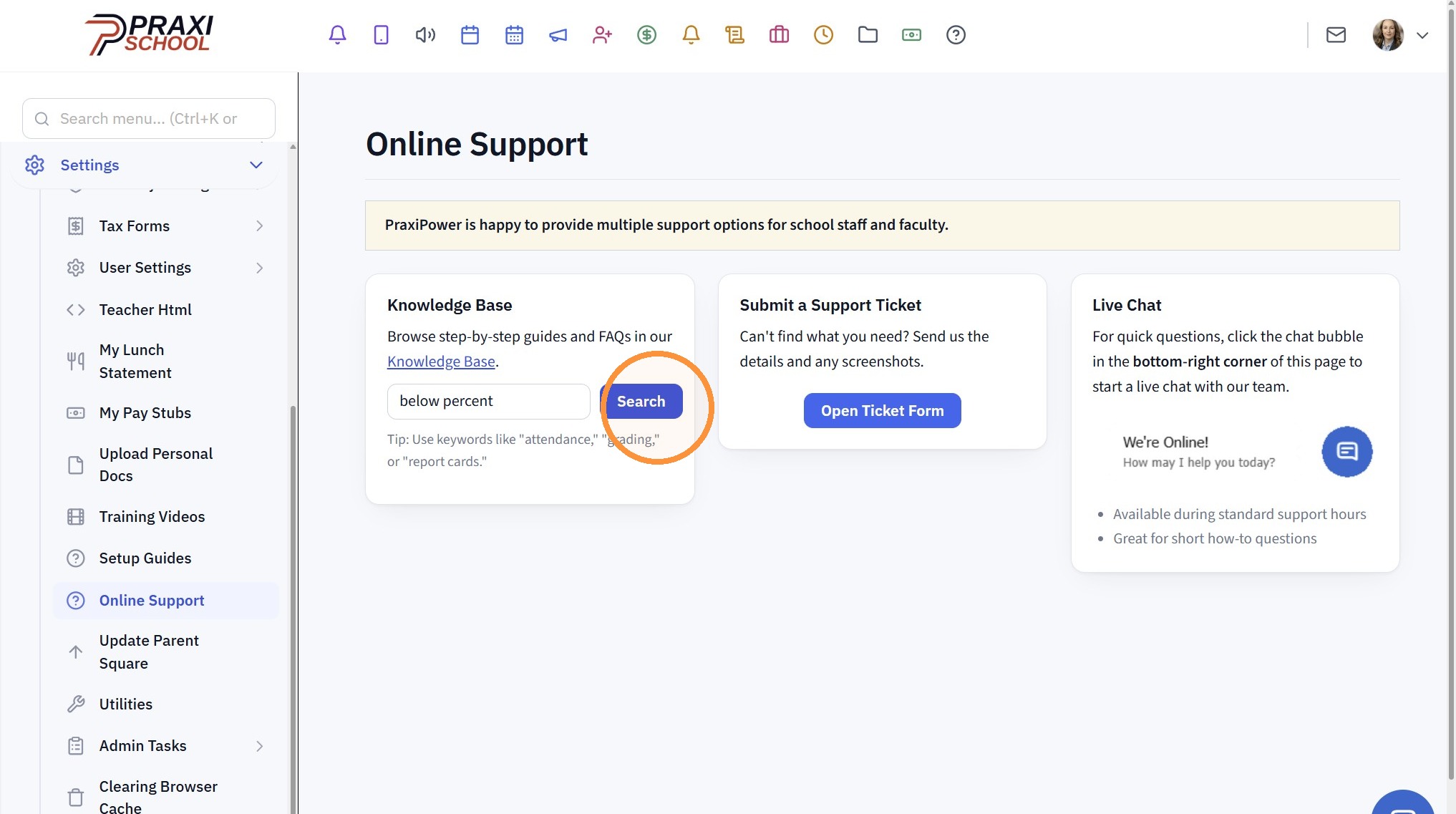
7. Click "Search"
8. Search will Open with all Items containing searched Topic
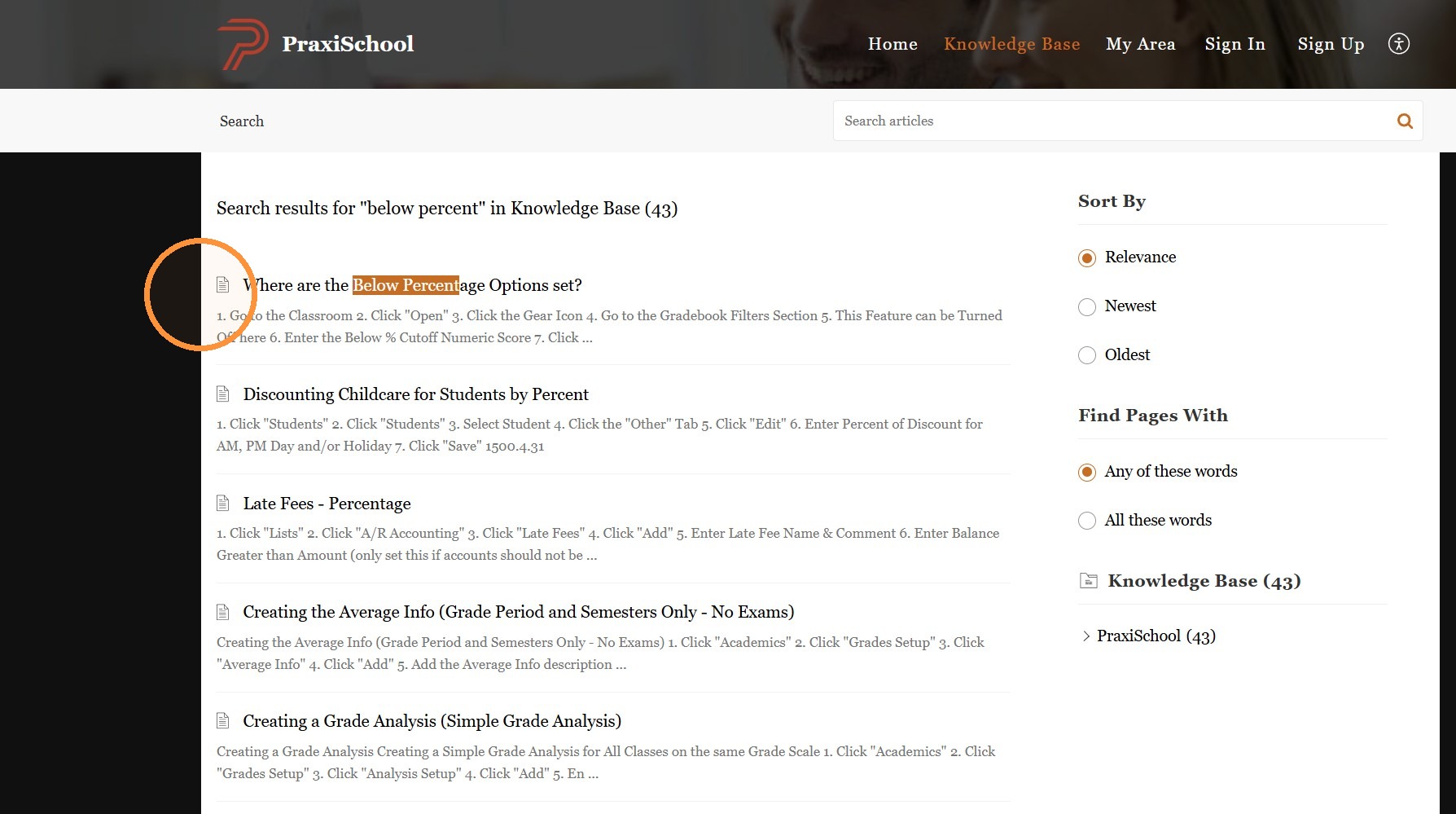
Searching inside the Knowledge Base
9. Click "Knowledge Base"
10. Search a Specific Topic or Click on a Header to find Related Topics
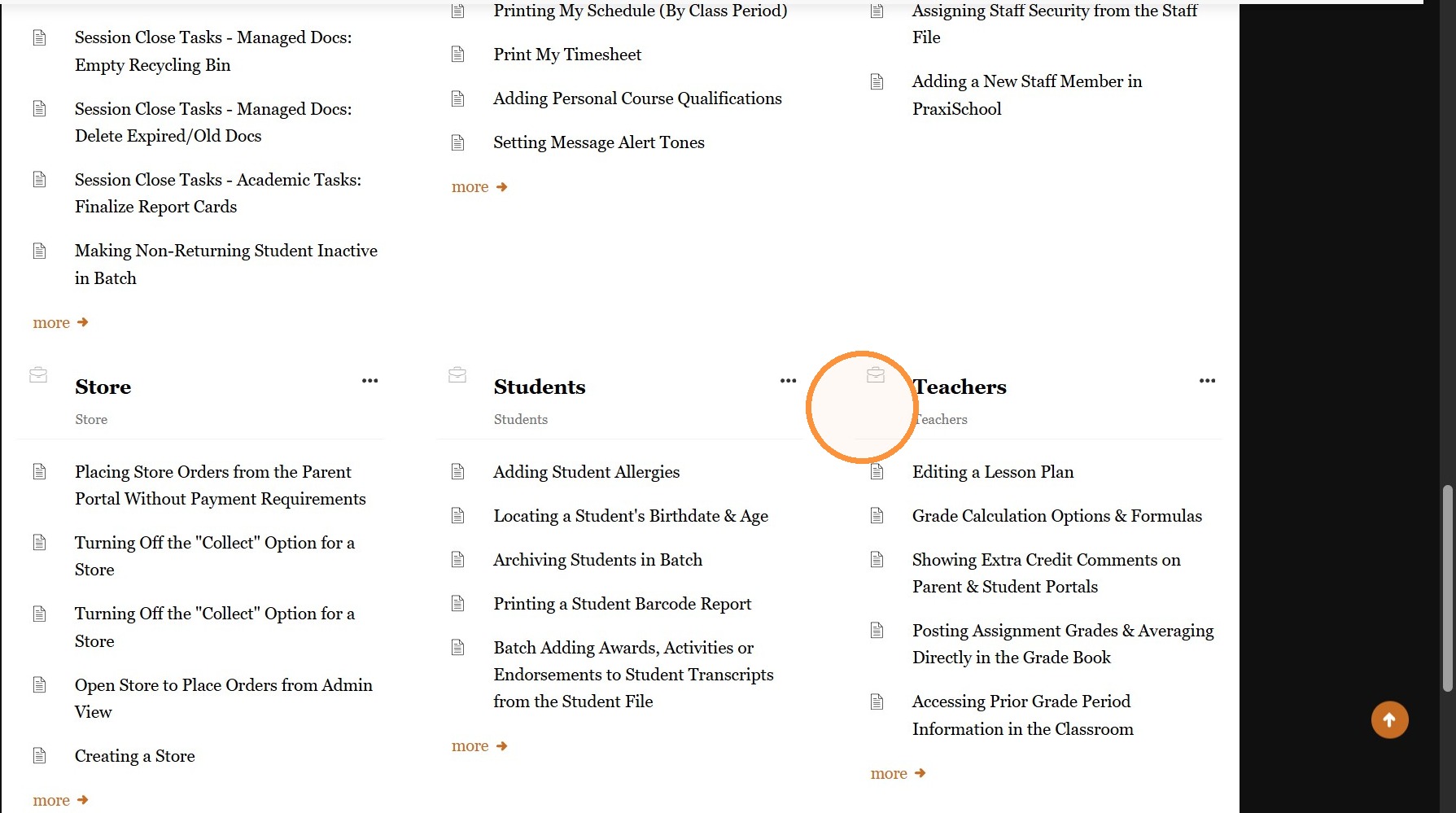
Related Articles
Access the Knowledge Base
1. Click "Settings" 2. Click "Online Support" 3. Click in the Search Field & Enter a Keyword to Search OR click on the Knowledge Base link Knowledge Base Screen 4. From the Knowledge Base Screen, Click Search Articles & Enter a Keyword to Search 5. A ...Library Overview and Training
Welcome to the PraxiSchool Library Overview and Training! Below you will find information about the Library features, an Overview video about the Library and the basic Library Training Videos. Please review each video before attempting to set up your ...Assigning Students to Teams
Teams are use to Track Student Merit & Discipline Points based on Teams of Students 1. Click "Students" 2. Click "Students" 3. Tag Students to Assign to a Team 4. Click "Actions" 5. Click "Batch Edit Tags" 6. Select the "Team" Data Field 7. Select ...Admin Desktop Reports: Attendance
1. Click "Admin" 2. Click "Admin Desktop" 3. Select Attendance Option 4. Select Grade Period or Date Range & Refresh (If Date Range is Selected, enter Date From and Date To) 5. Select Analyze For Option 6. Attendance Reports for Daily Based ...Creating a Basic Check
Creating a Basic Check 1. Click "Accounting" 2. Click "Enter Accounting" 3. Click "Checks" 4. Enter New Vendor or Select Existing Vendor 5. Current Date will Automatically Populate, Change if Needed 6. Enter Amount of Check 7. Enter Check Memo Enter ...