Printing a Prepaid Deposit Report
1. Click "Admin"
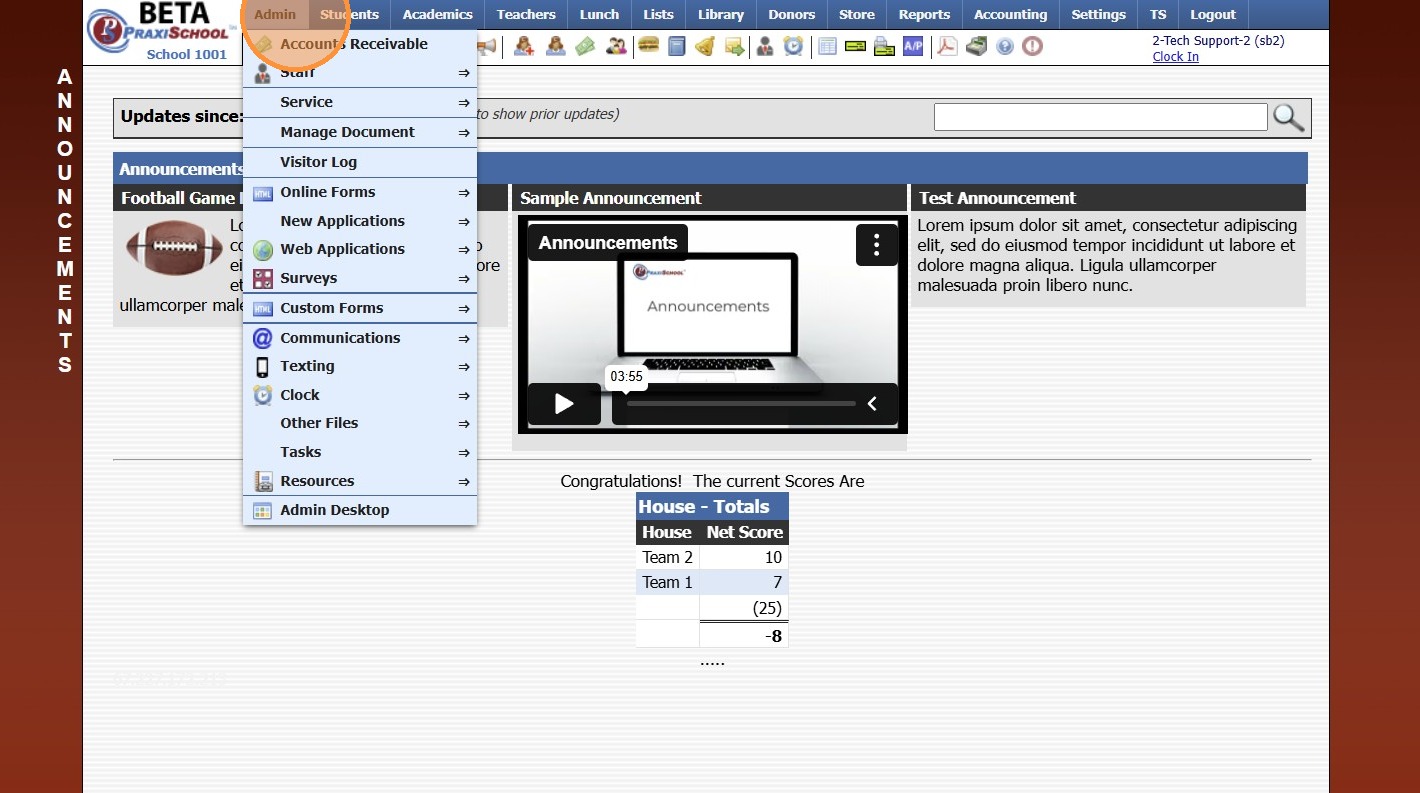
2. Click "Accounts Receivable"
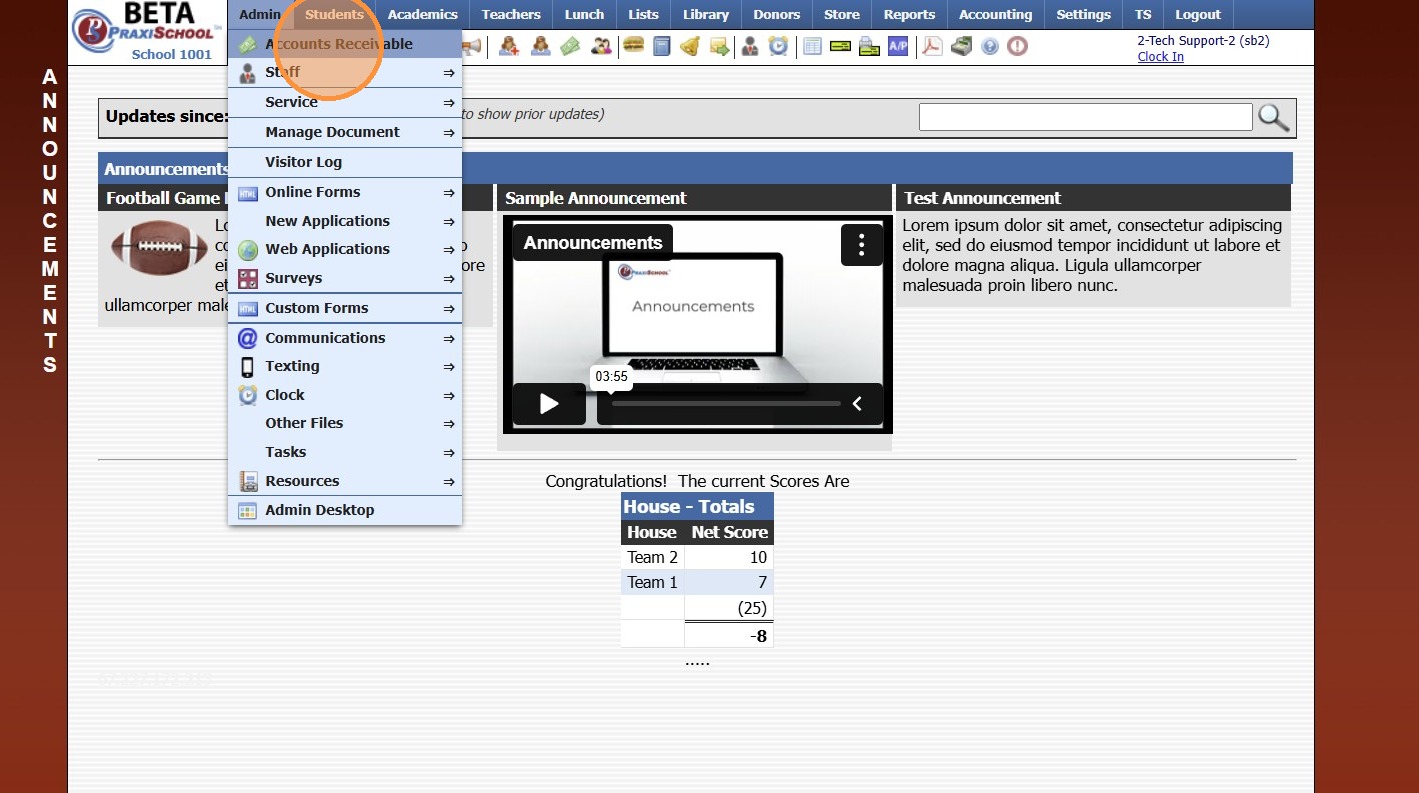
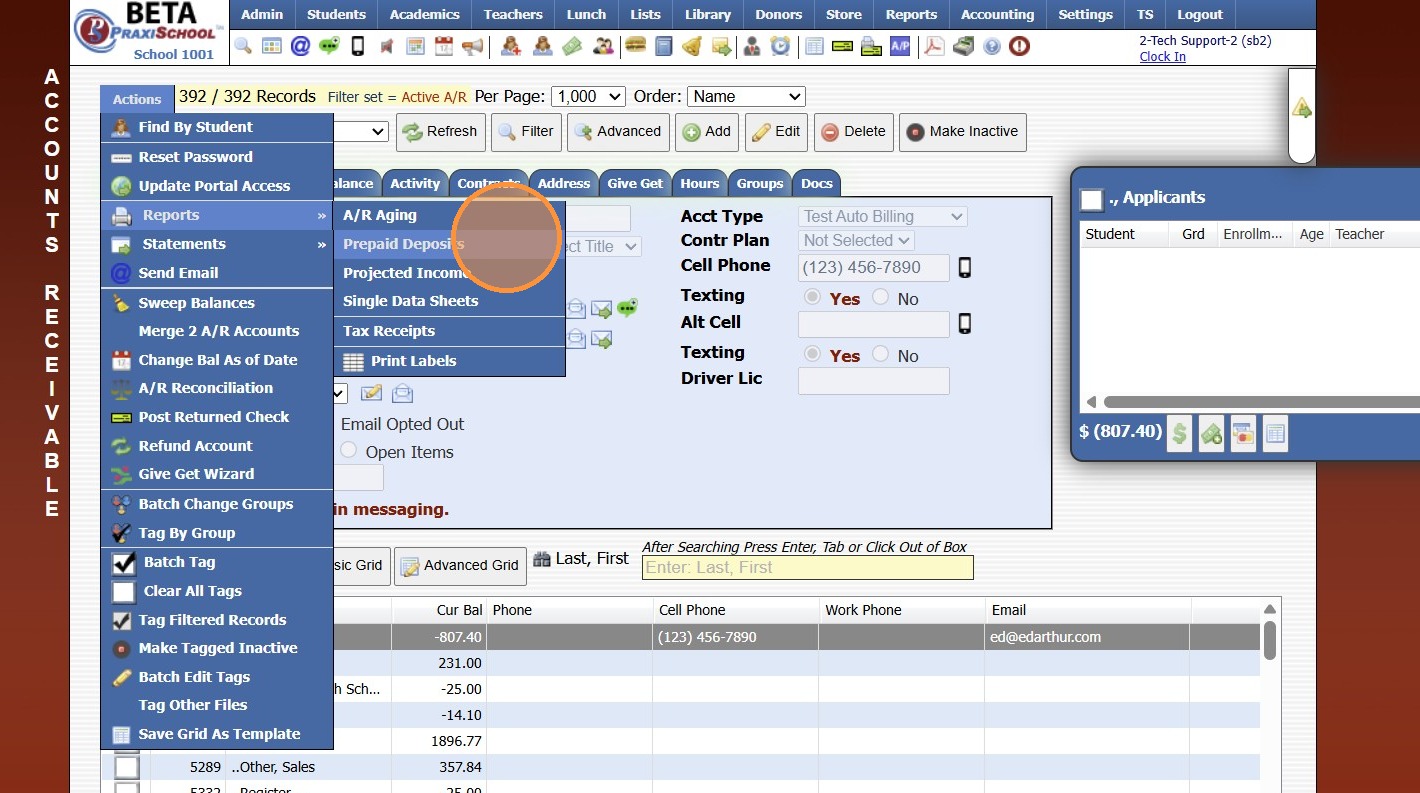
3. Click "Actions"
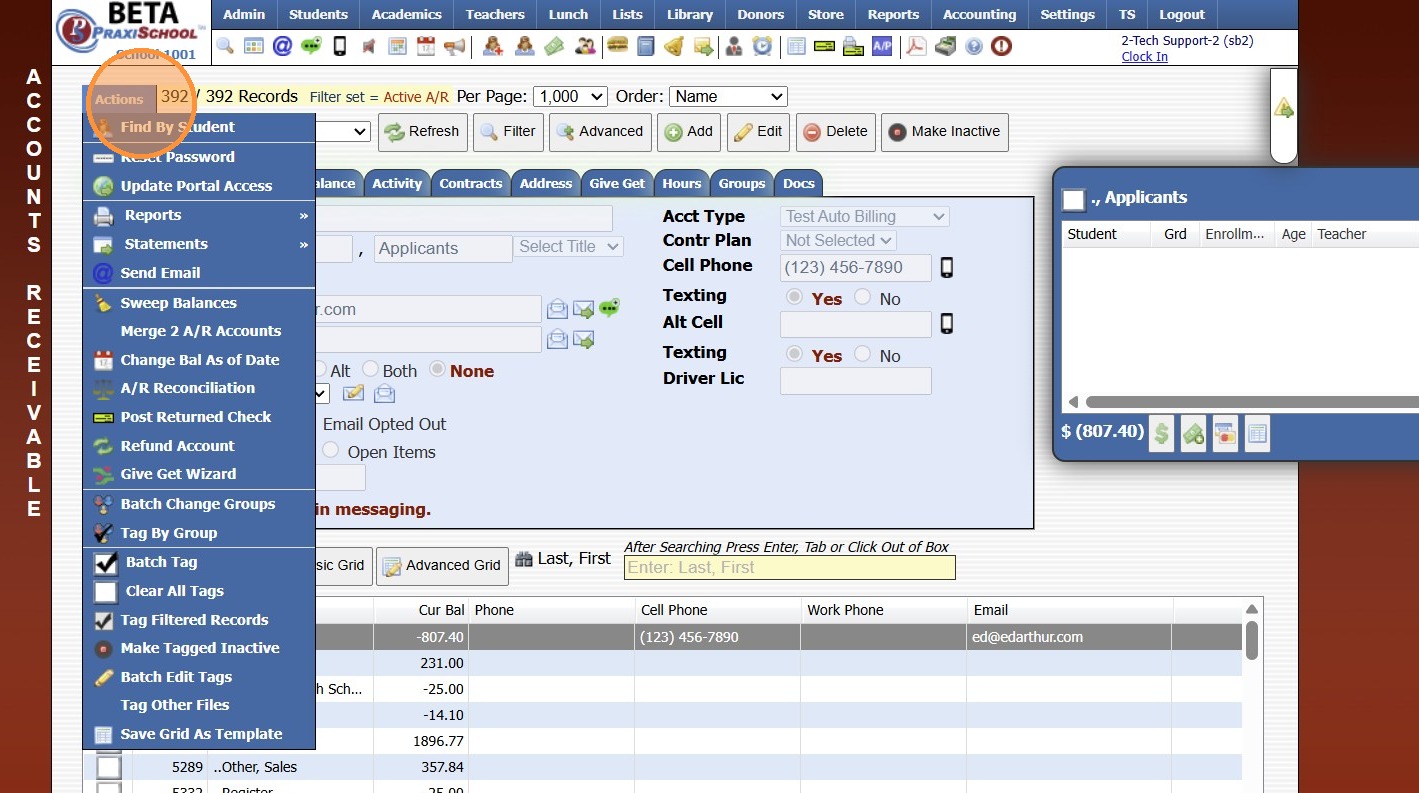
4. Click "Reports"
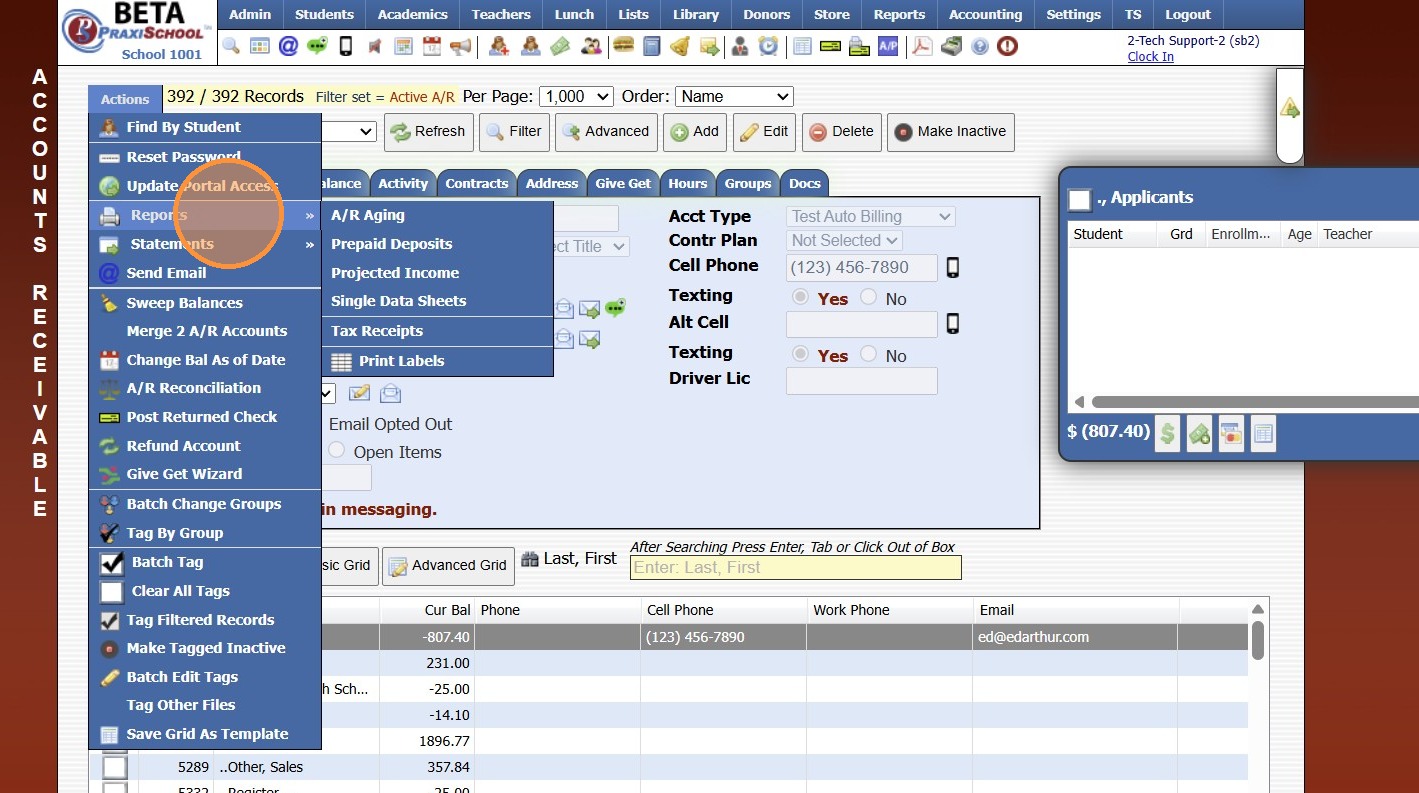
5. Click "Prepaid Deposits"
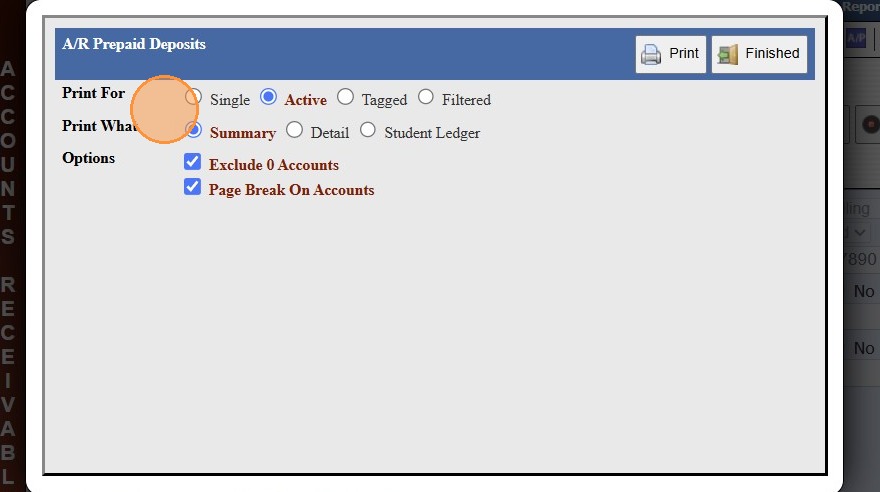
6. Select the Print For, Print What and Options for Report
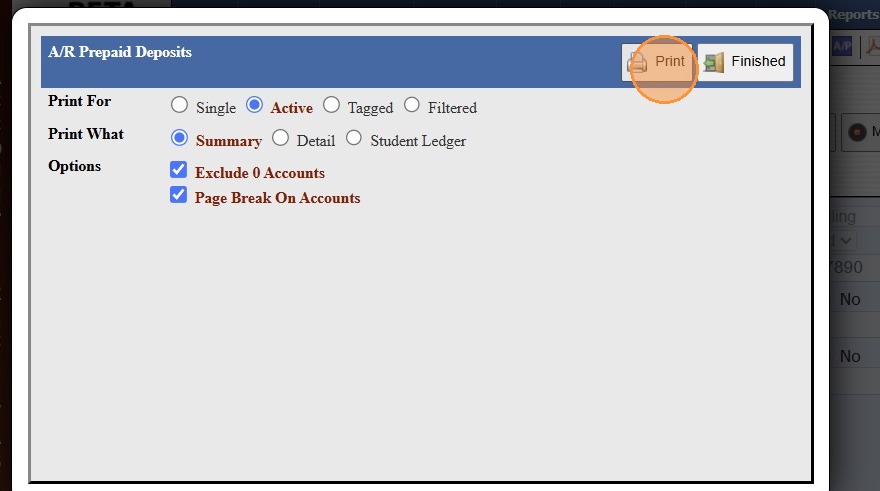
7. Click "Print"
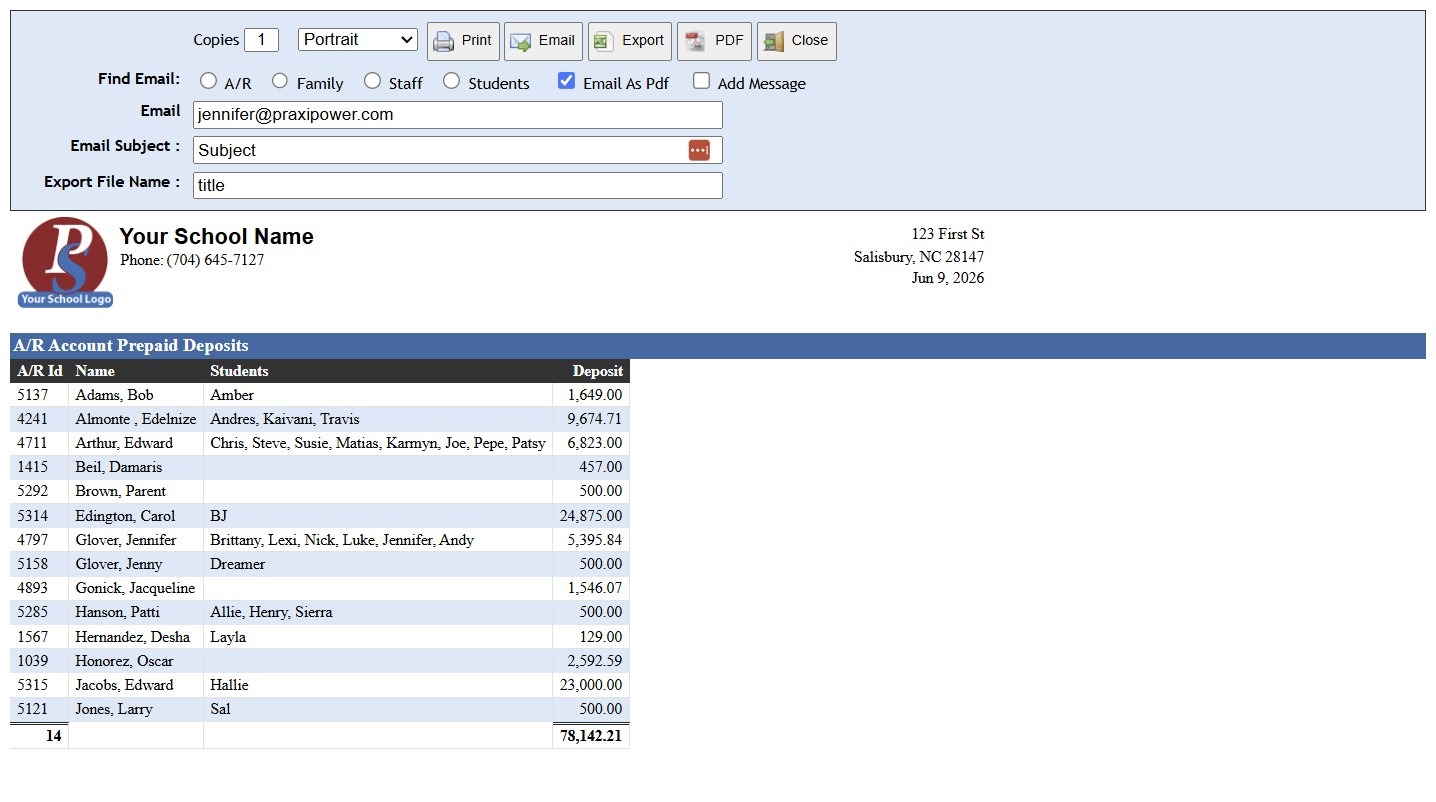
8. Report will Generate to be Printed, Emailed or Exported
1000.1.9
Related Articles
Printing Report Cards
Printing Report Cards 1. Log into PraxiSchool 2. Click "Academics" 3. Click "Grades Reports" 4. Click "Print Report Cards" 5. Select Grade Level(s) 6. Click "Print Report Cards" Queued Options 7. Report Cards Can be Emailed by Selecting the Queue: ...Printing Student Family Contacts Report
Printing Student Family Contacts Report 1. Click "Reports" 2. Click "Family Contact" 3. Select to Print by Homeroom Teacher, Grade Level or Class 4. Select All to Print for All Homeroom Teacher, Grade Level or Class 5. Report can be printed for one ...Printing Student Family Contacts Report
Printing Student Family Contacts Report 1. Click "Reports" 2. Click "Family Contact" 3. Select to Print by Homeroom Teacher, Grade Level or Class 4. Select All to Print for All Homeroom Teacher, Grade Level or Class 5. Report can be printed for one ...Printing Student Parent Contact (A/R) Report
Printing Student Parent Contact (A/R) Report 1. Click "Reports" 2. Click "Parent Contacts (A/R)" 3. Select to Print by Homeroom Teacher, Grade Level or Class 4. Select All to Print for All Homeroom Teacher, Grade Level or Class 5. Report can be ...Settings Media Student Media Permissions and Printing Report
Marking Media Permissions 1. Click "Students" 2. Click "Students" 3. Select Student 4. Click "Edit" 5. Check all Publicity fields that are Allowed. (Check = yes) 6. Click "Save" Creating Grid Report and Printing 7. Click "Basic Grid" 8. Click "Tag" ...