Manually Adding Student Awards
1. Click "Academics"
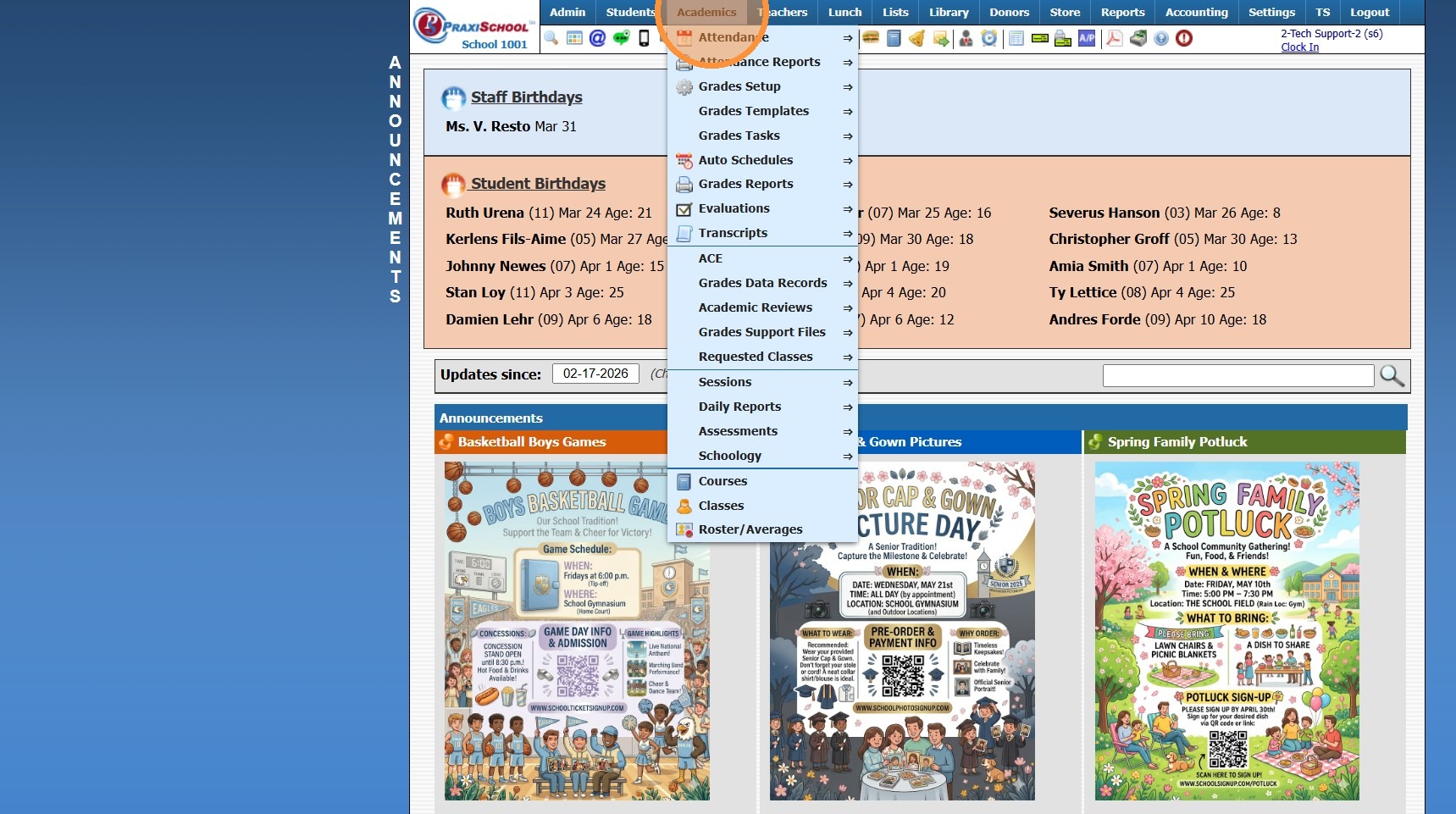
2. Click "Transcripts"
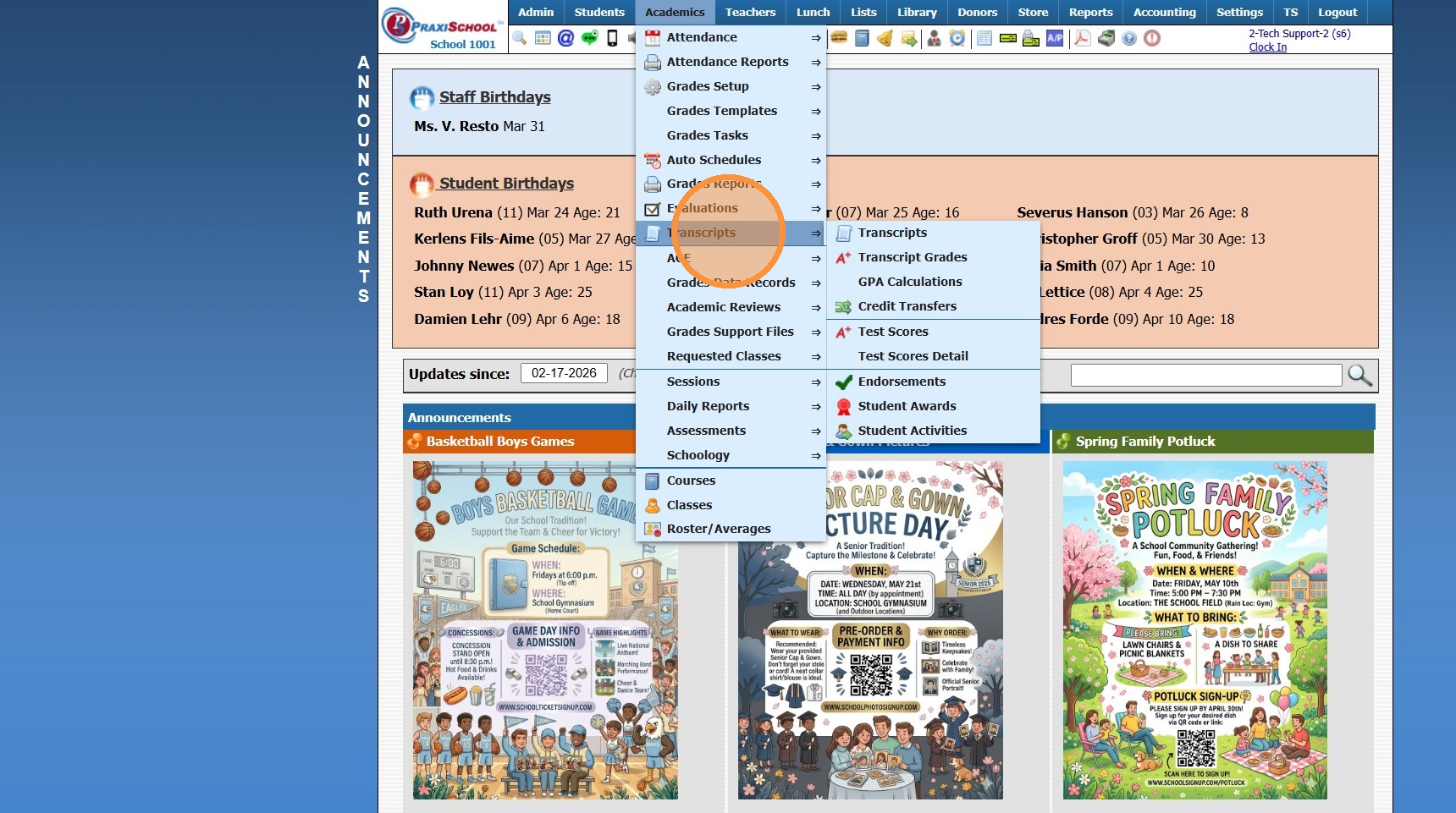
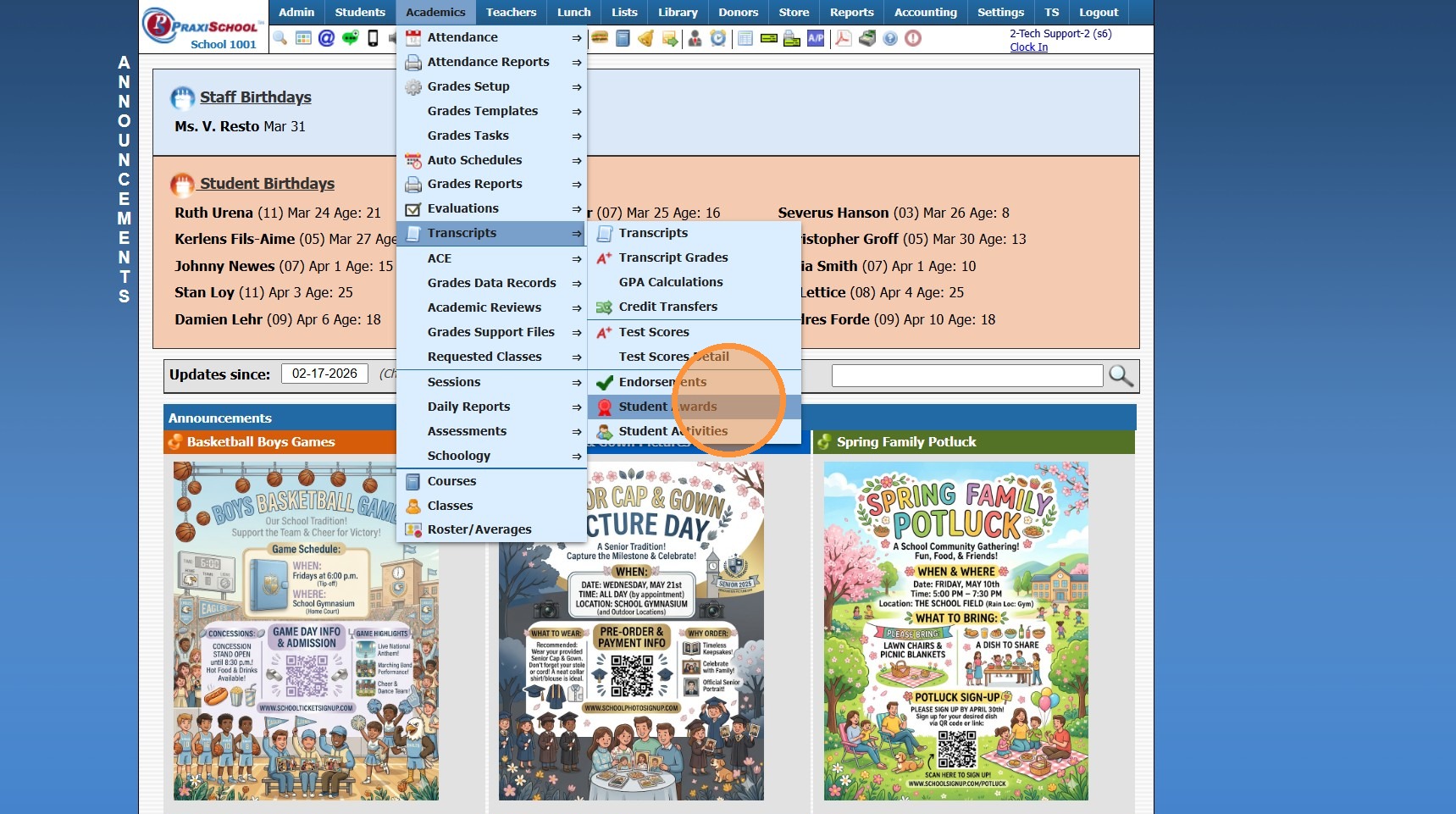
3. Click "Student Awards"
4. Click "Add"
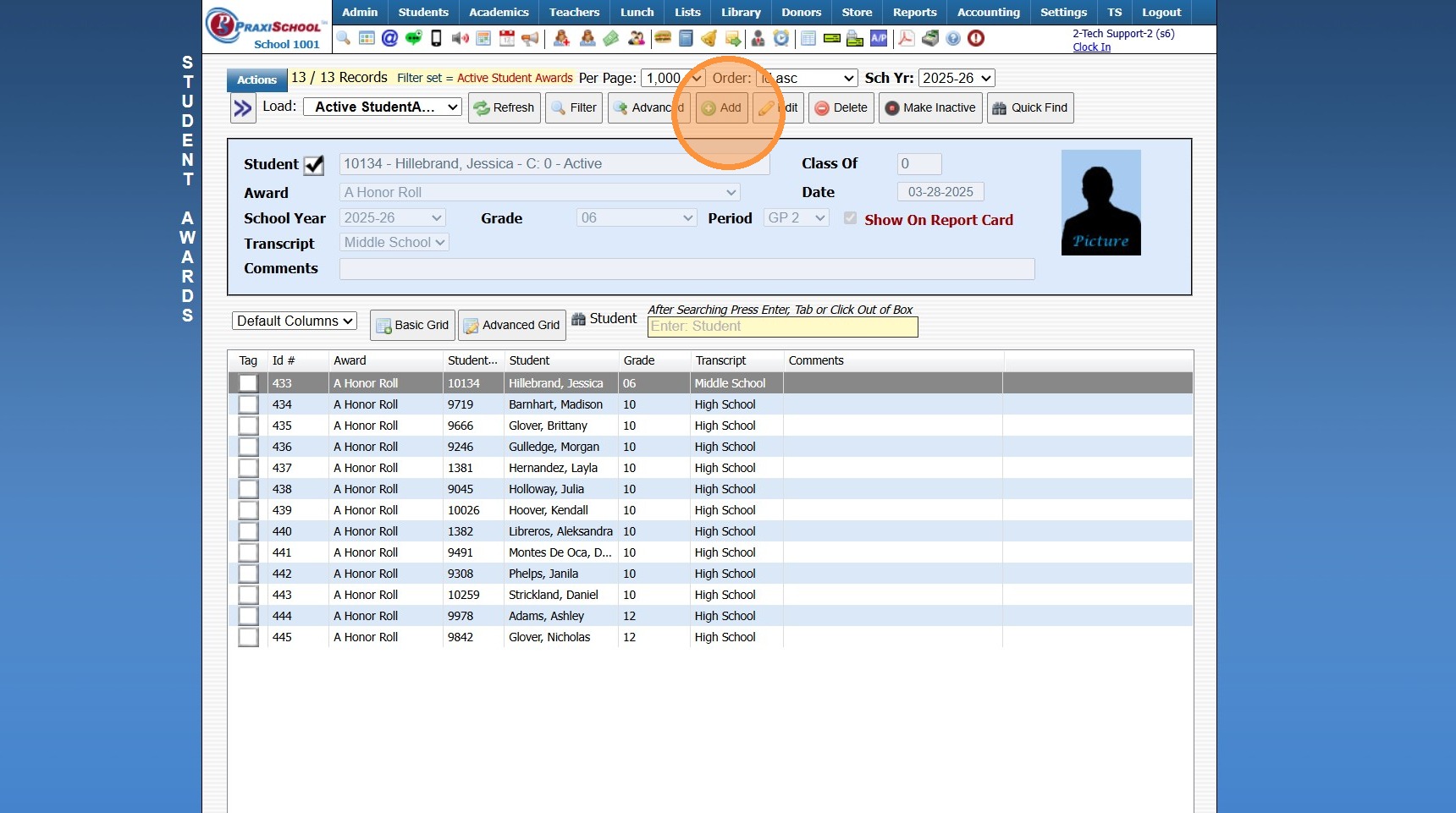
5. Select Student
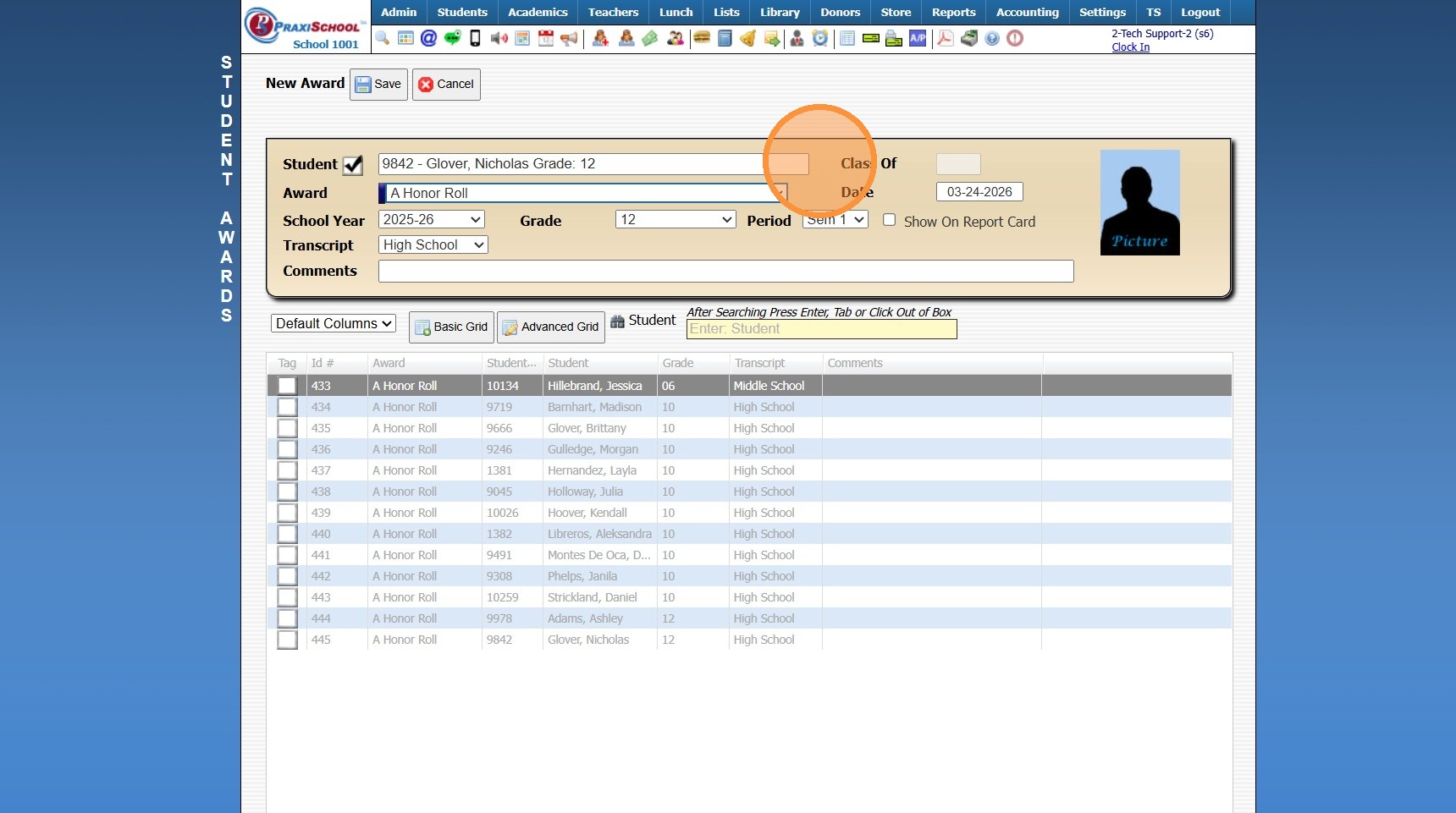
6. Select Award Type
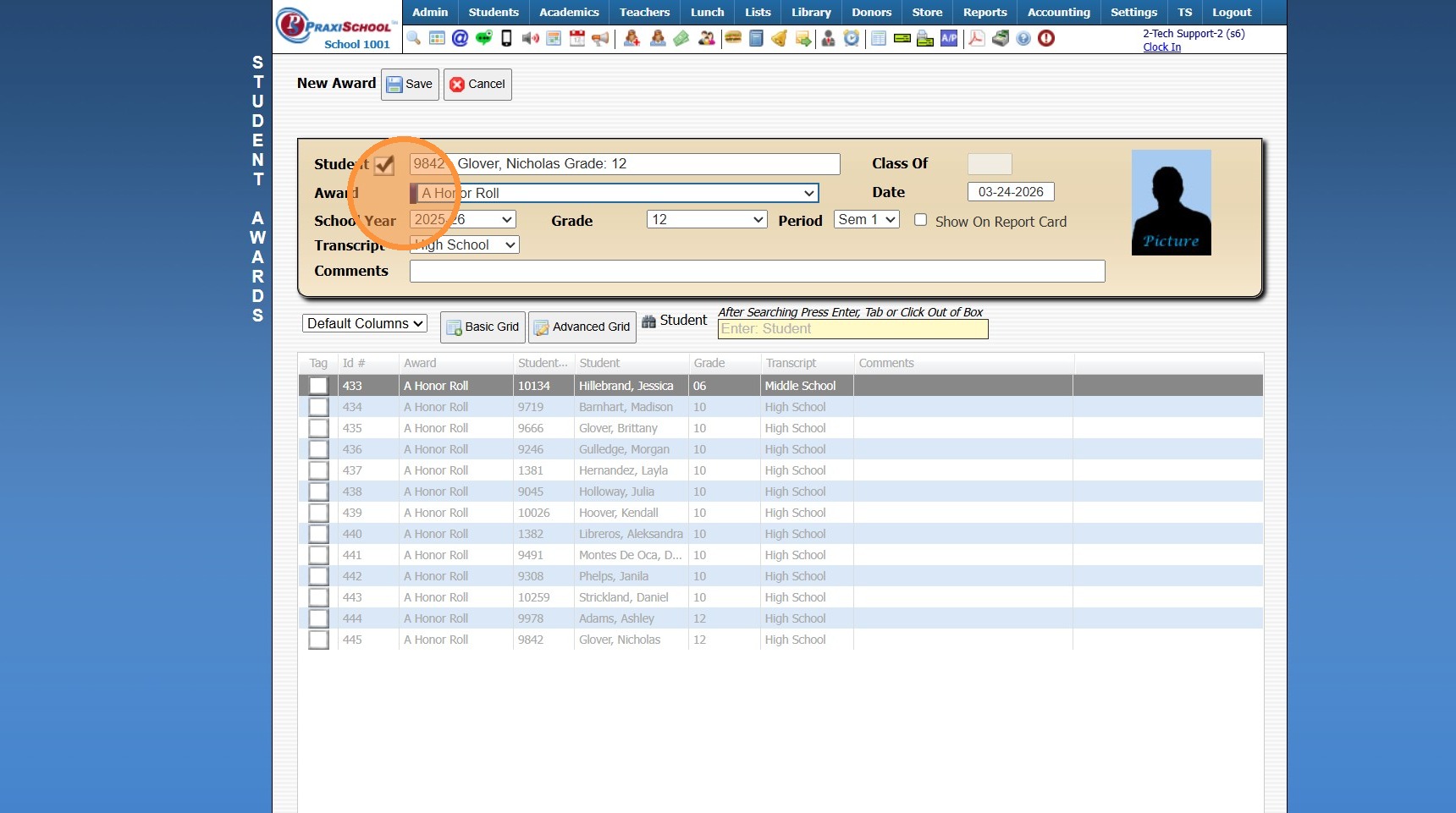
7. Select School Year & Date
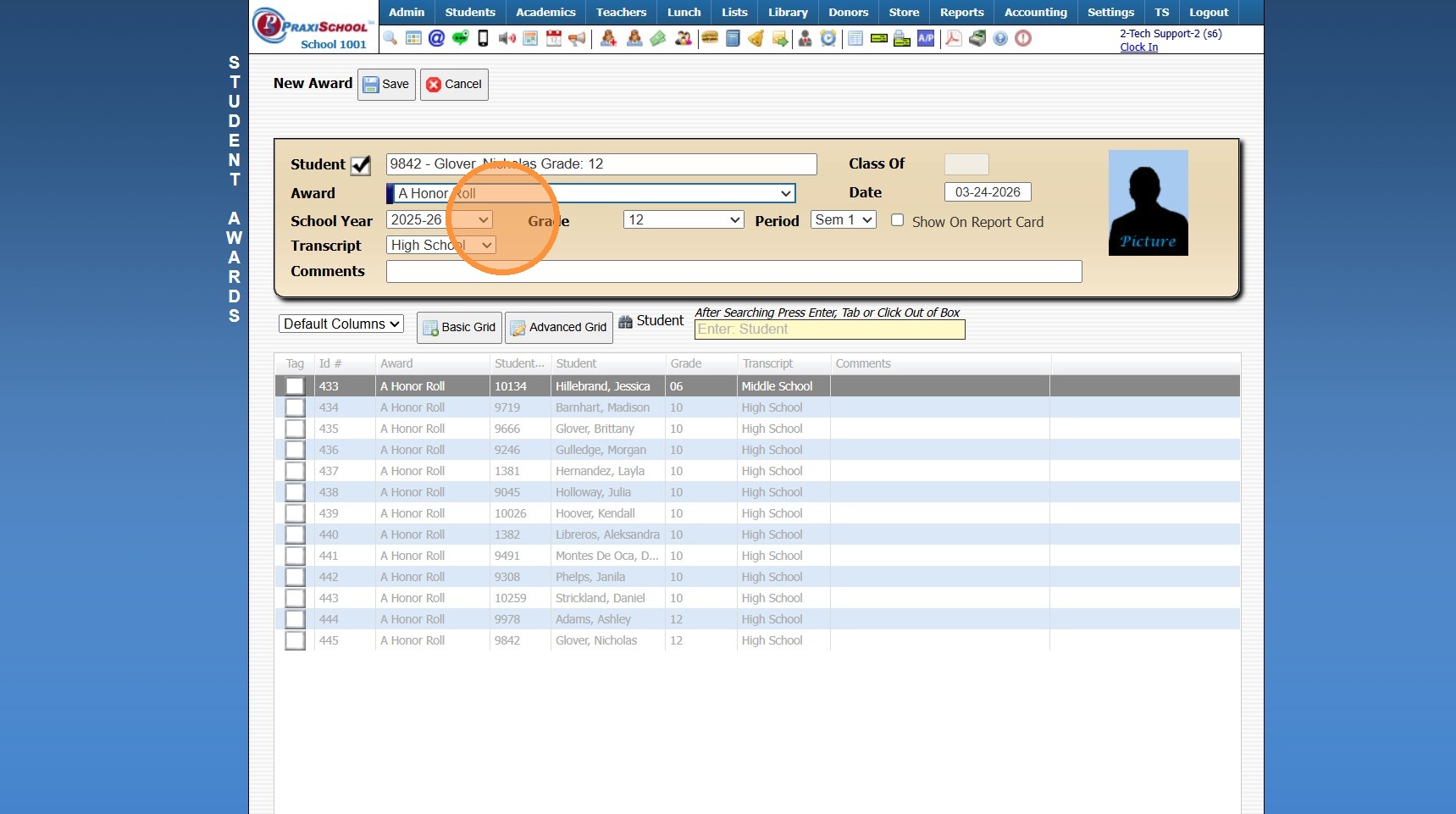
8. Select Student's Grade Level
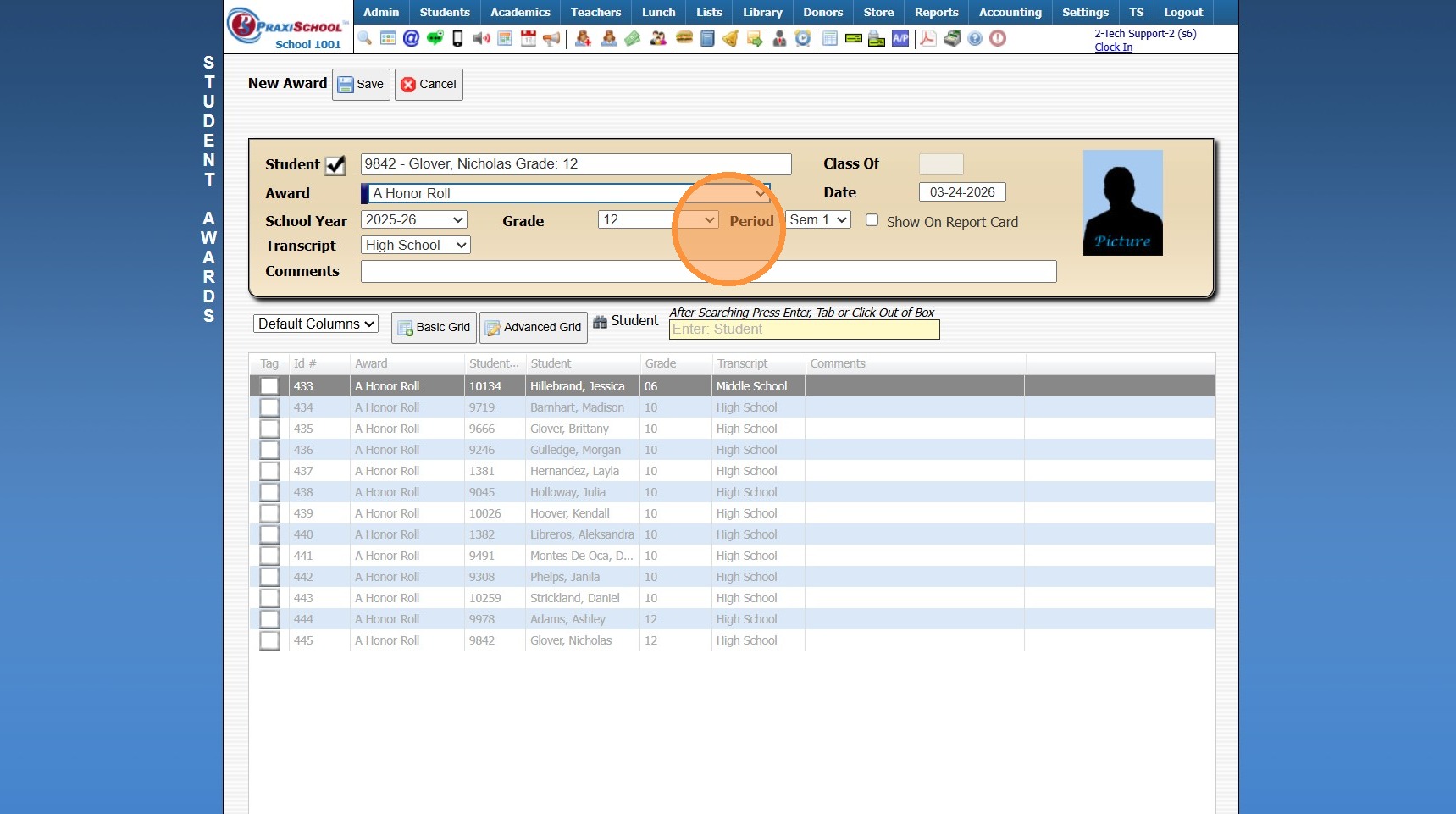
9. Select Grade Period
(Student Awards can be added to the Student Report Card by Checking the Box for Show on Report Card)
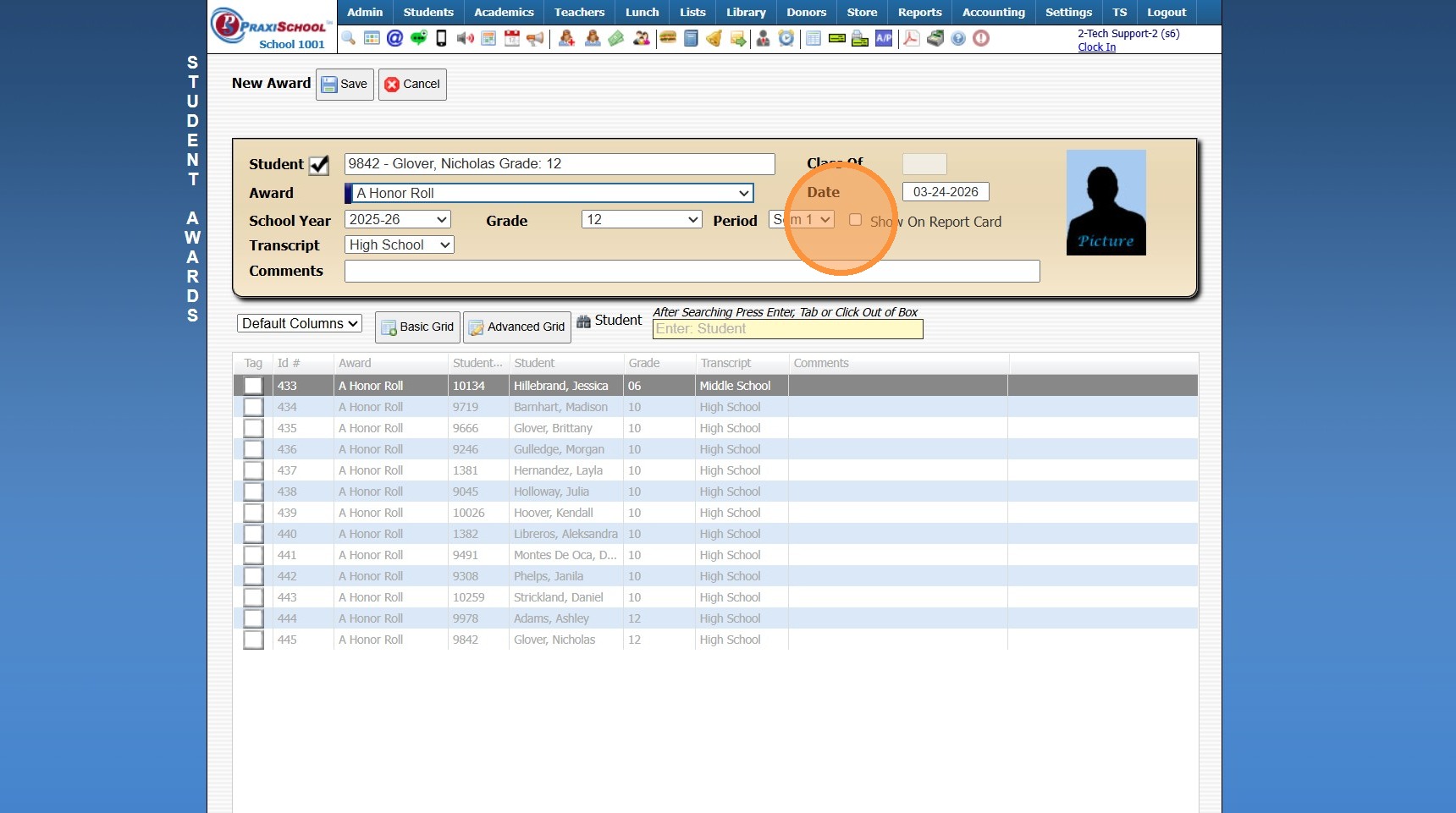
10. Select Transcript Type
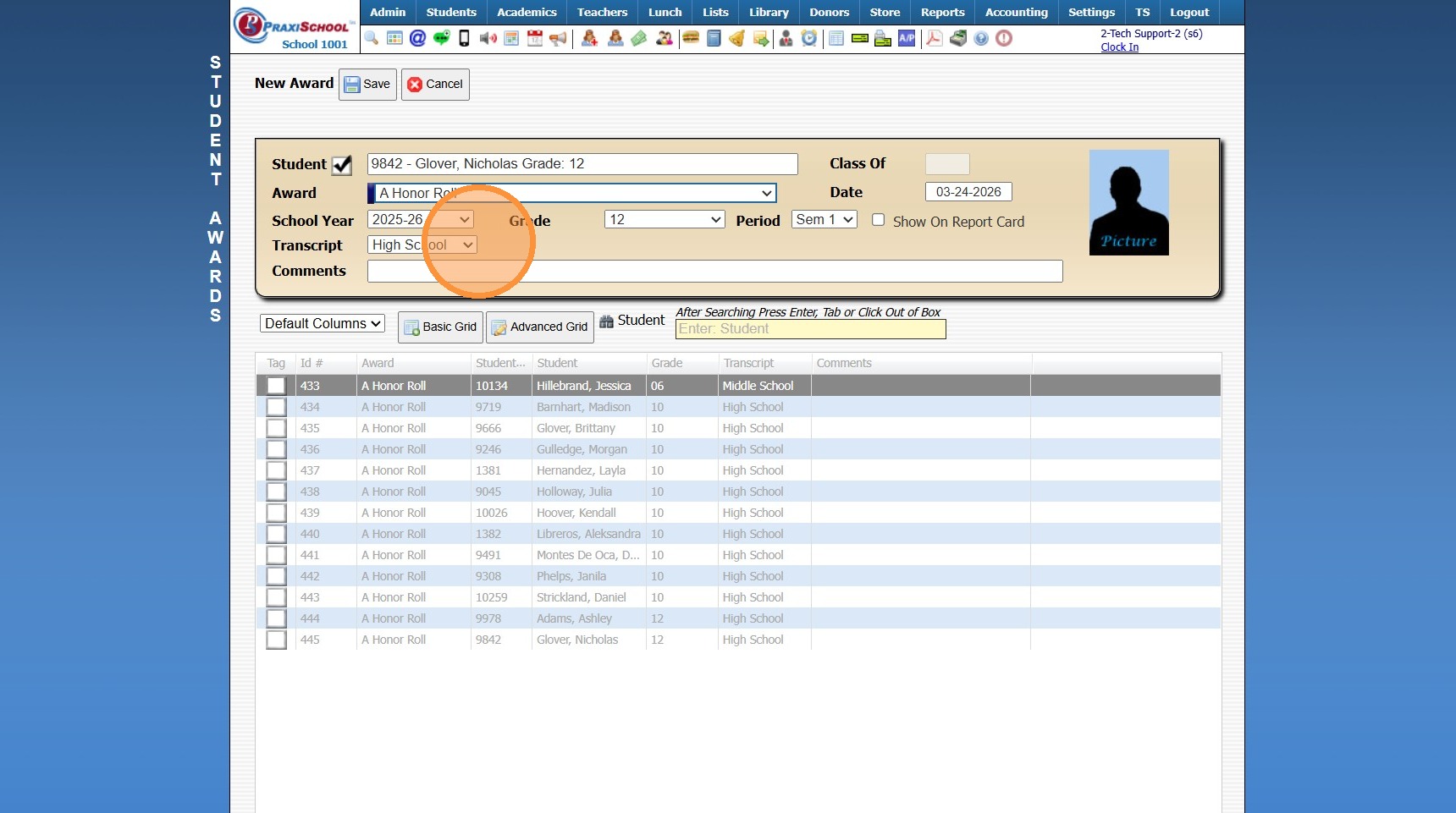
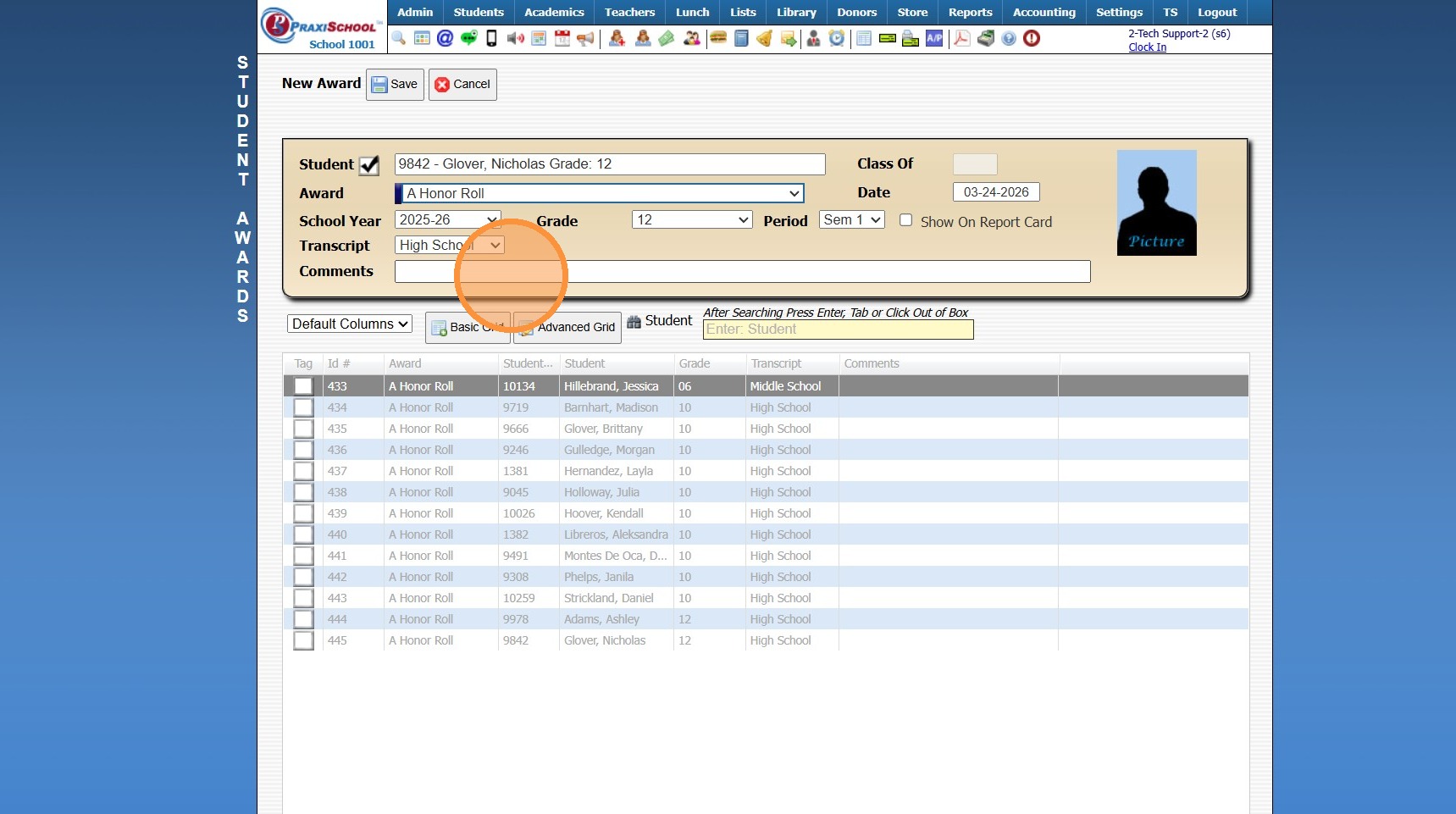
11. Enter Comment (Optional)
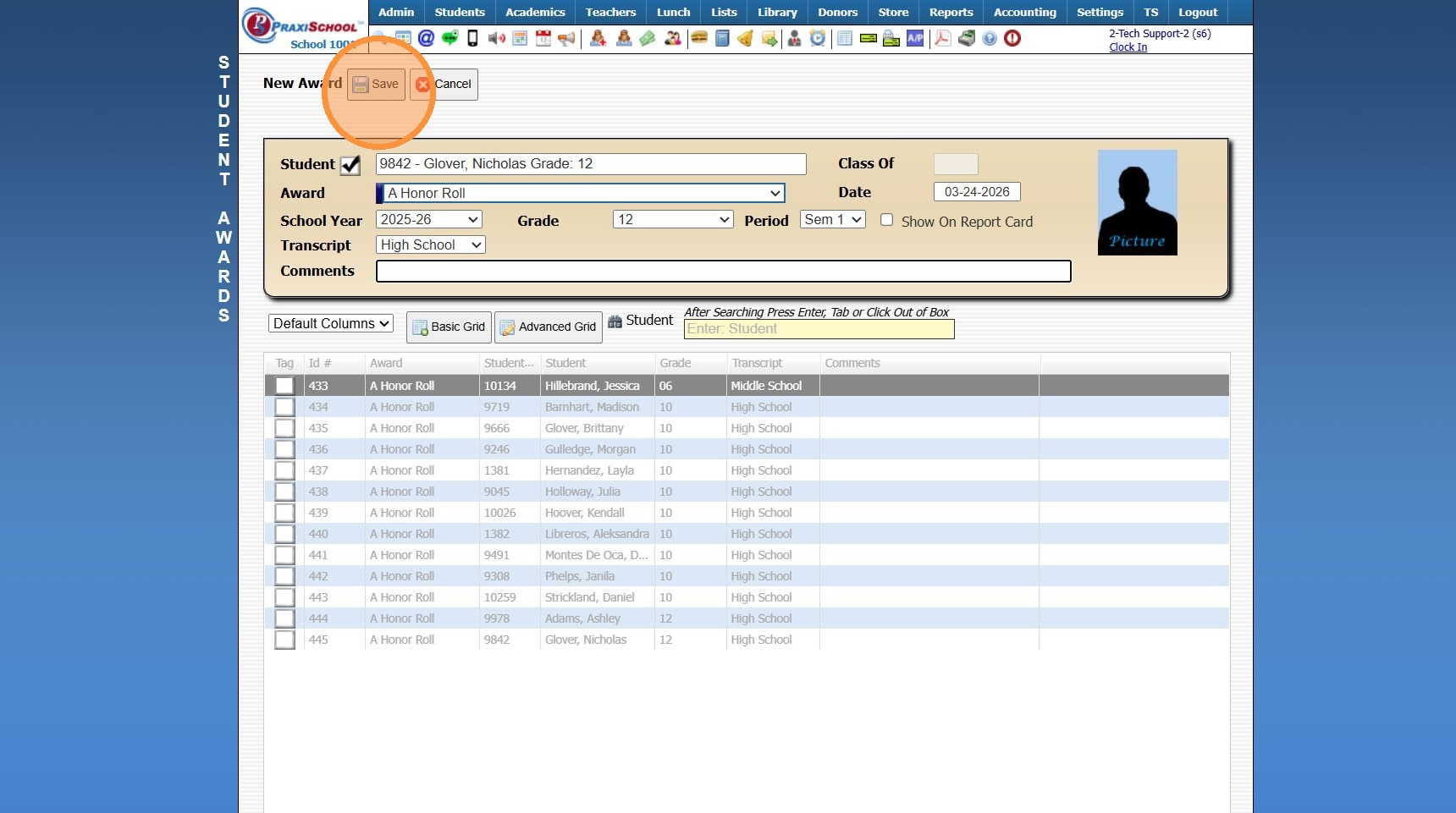
12. Click "Save"
2000.8.9
Related Articles
Batch Adding Awards, Activities or Endorsements to Student Transcripts from the Student File
Batch Adding Awards, Activities or Endorsements to Student Transcripts from the Student File Made by Jennifer Glover with Scribe 1. Click "Students" 2. Click "Students" 3. Tag Students to Assign Award, Activity or Endorsement 4. Click "Actions" 5. ...Creating Awards
NOTE: The Grade Analysis must be processed before Awards can be Created. 1. Click "Academics" 2. Click "Grades Tasks" 3. Click "Create Awards" 4. Select the Grade Analysis for Analysis 1 (Analysis 2-4 can be Selected if Analyzing using Different ...Adding a Transaction Item to a Student's AR Account
Adding a Transaction Item to a Student's AR Account Adding a Transaction Item to a Student's AR Account from Defined Items or Manually 1. Log into PraxiSchool 2. Click "Admin" 3. Click "Accounts Receivable" 4. Select Billing Account 5. Click $ to Add ...Manually Adding Library Book Thumbnail to Library Catalog
Manually Adding Library Book Thumbnail to Library Catalog 1. Log into PraxiSchool 2. Click "Library" 3. Click "Catalog" 4. Select Book 5. Click "Edit" 6. Click "Links" 7. Enter Thumbnail Link 8. Click "Save" Getting Thumbnail Link 9. Go to Google and ...Adding Required Forms List to Students
Adding Required Forms List to Students 1. Click "Students" 2. Click "Students" 3. Select Student 4. Click "Forms" tab 5. Click "Add" 6. Select Form Template or Manually Tag Desired Forms 7. Click "Add Selected Forms" 1500.4.23