Late Fees - Percentage
1. Click "Lists"
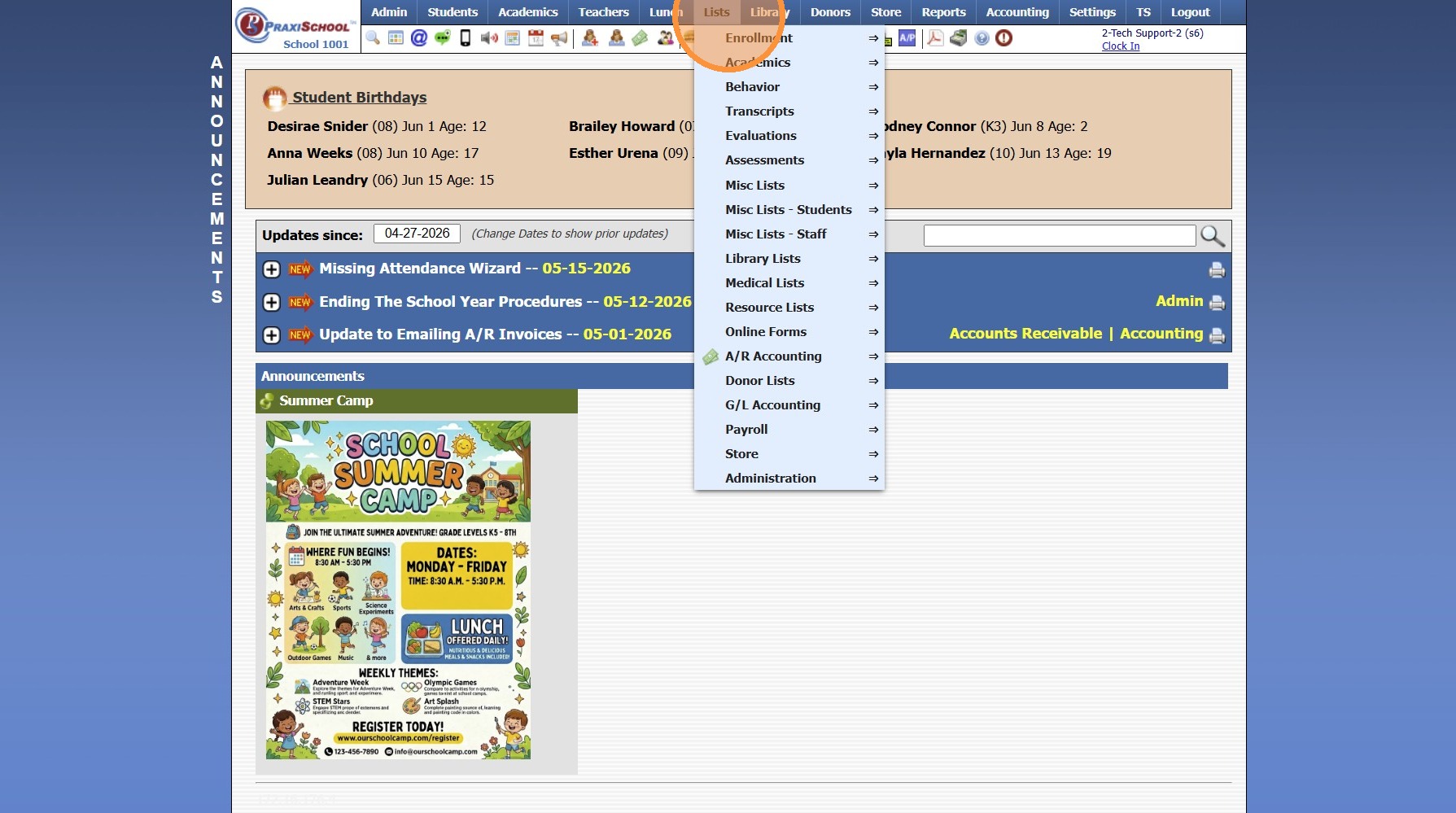
2. Click "A/R Accounting"
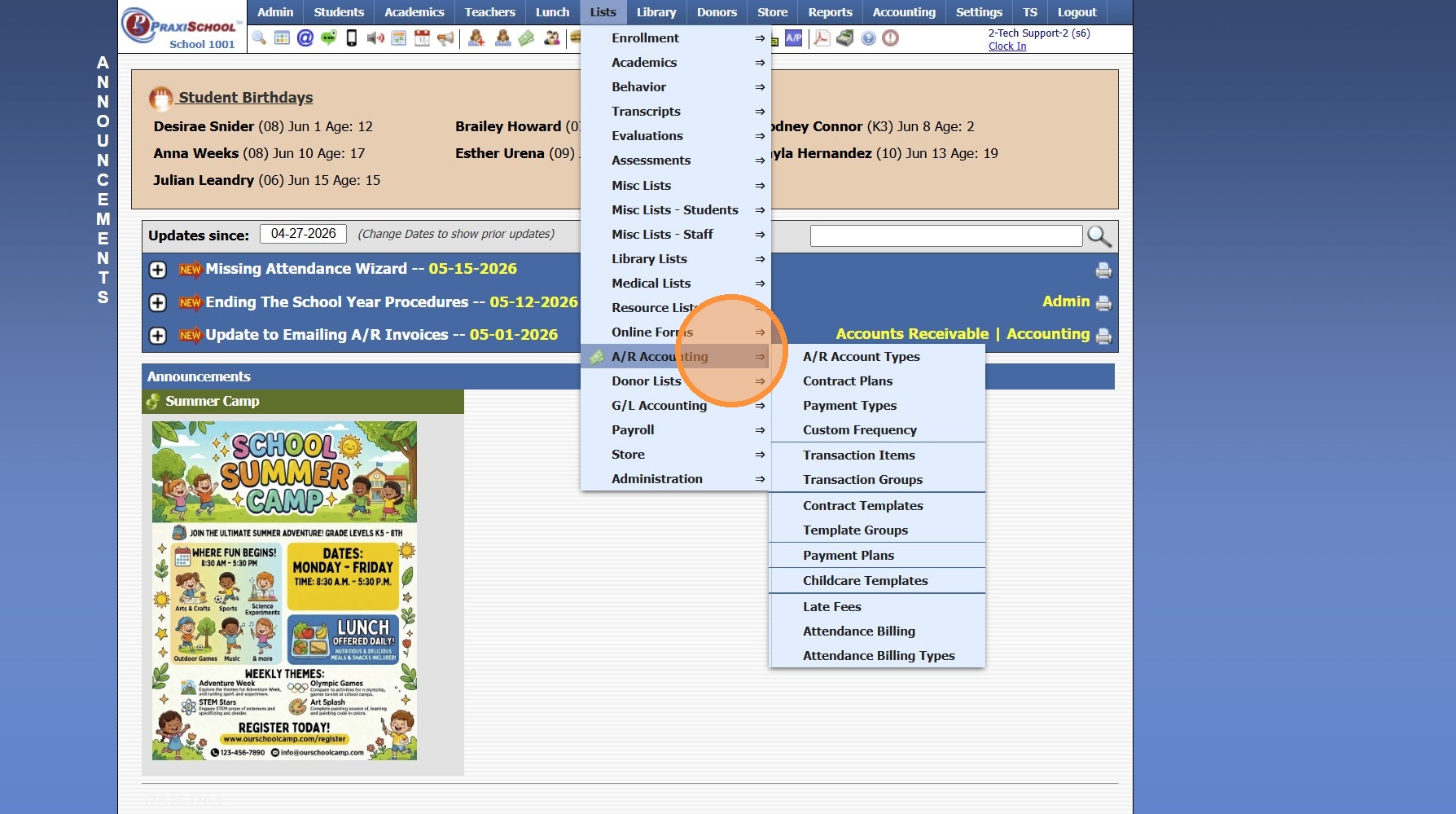
3. Click "Late Fees"
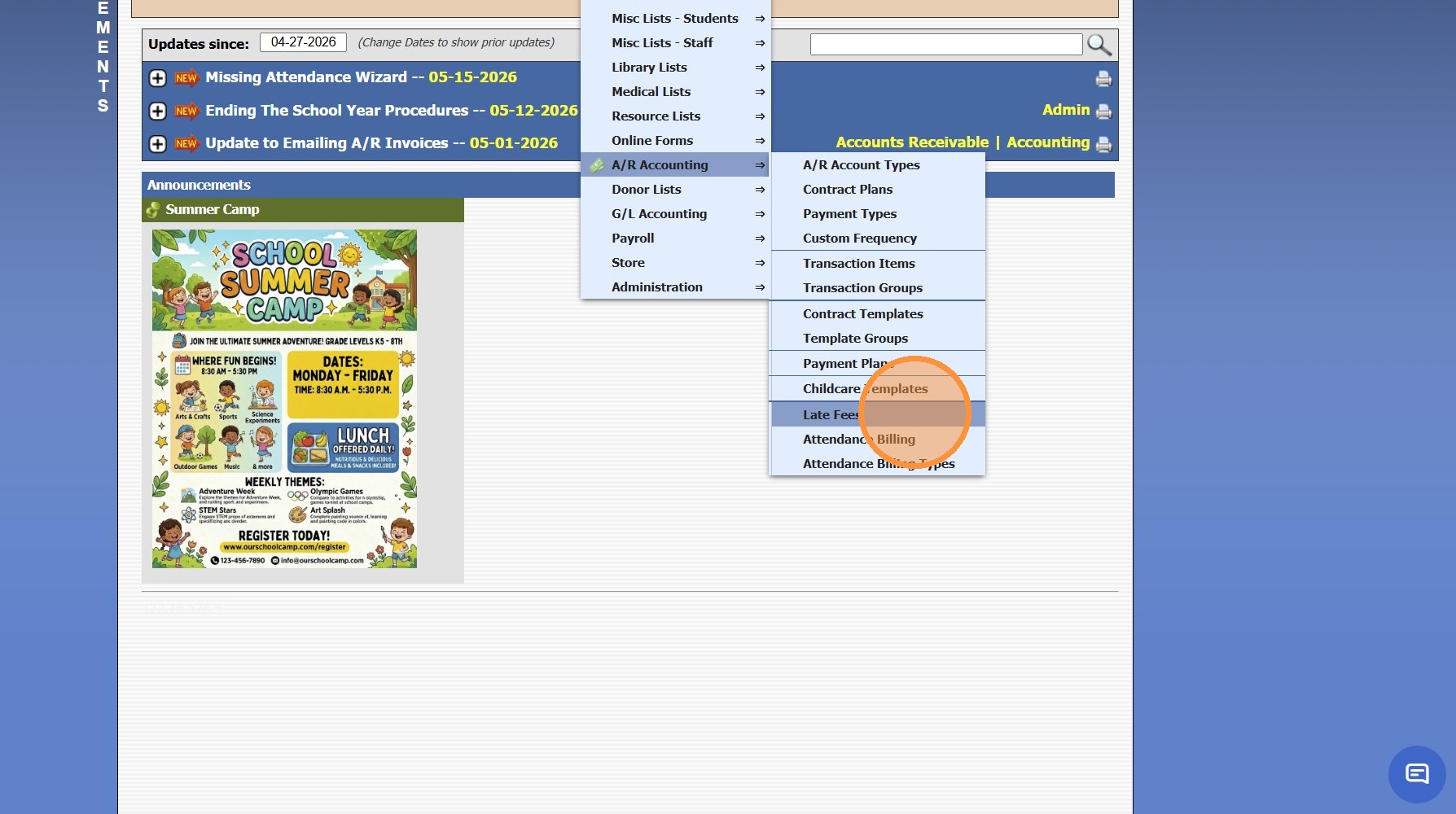
4. Click "Add"
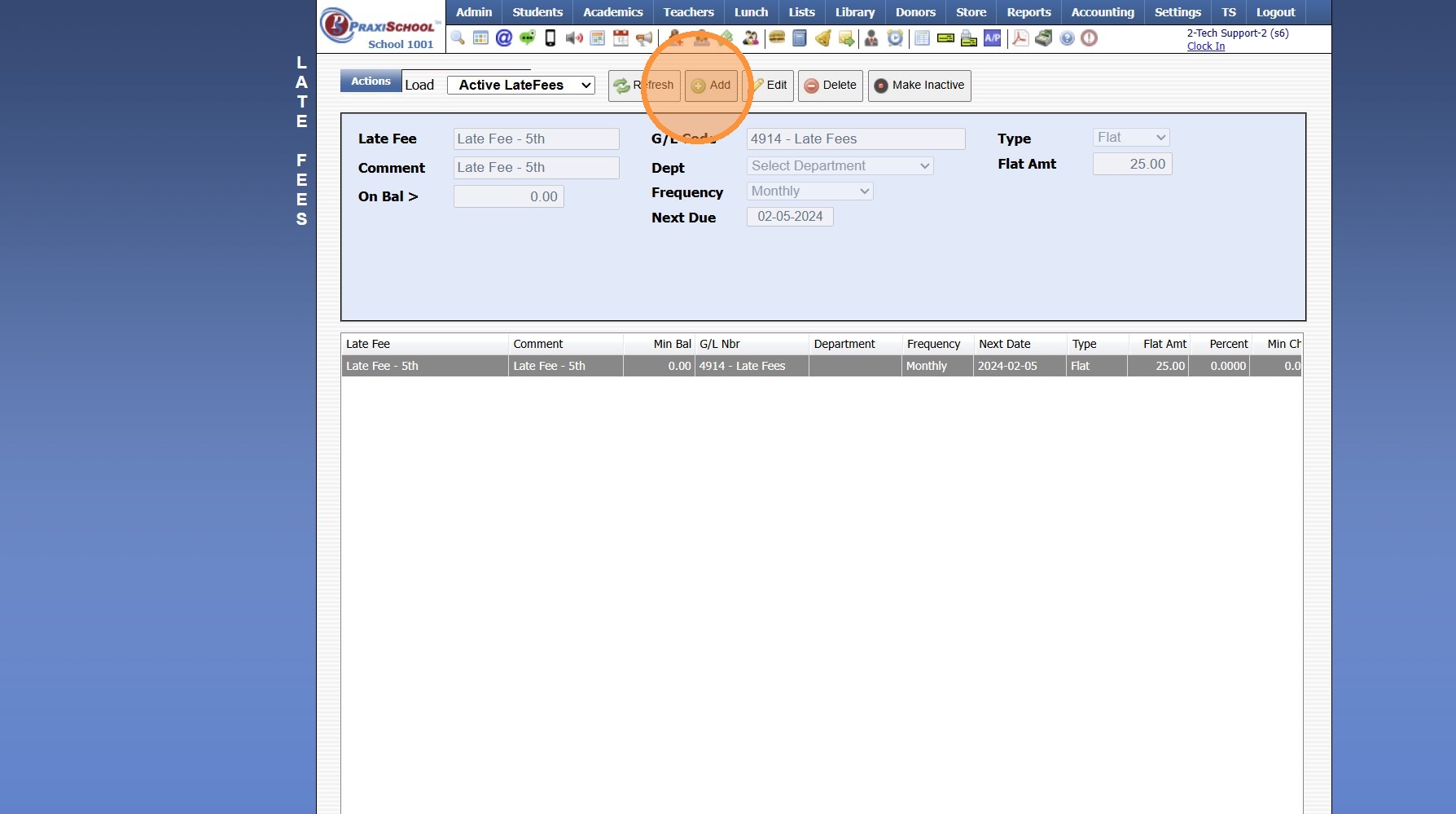
5. Enter Late Fee Name & Comment
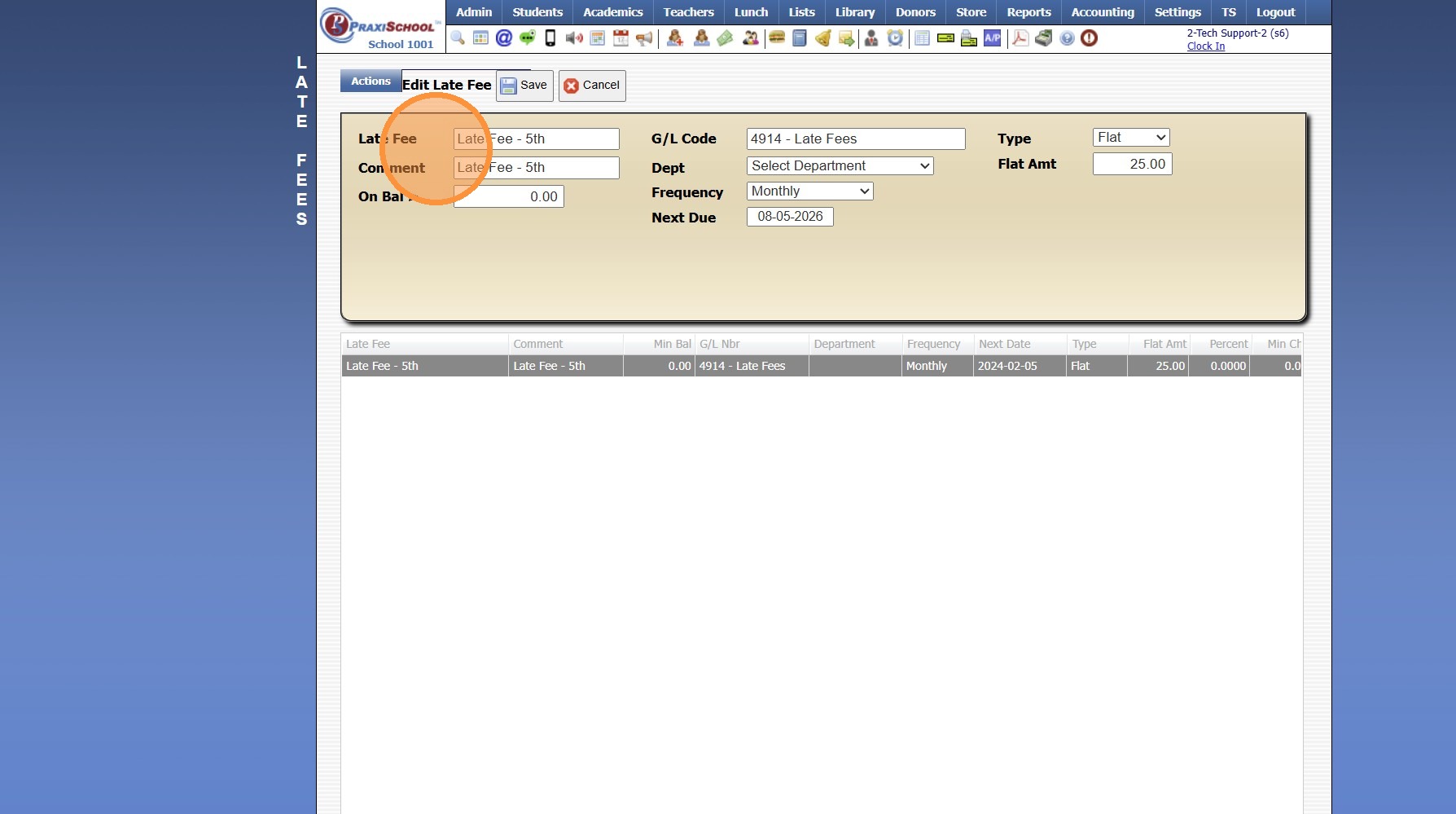
6. Enter Balance Greater than Amount (only set this if accounts should not be billed when balance is lower than a certain amount)
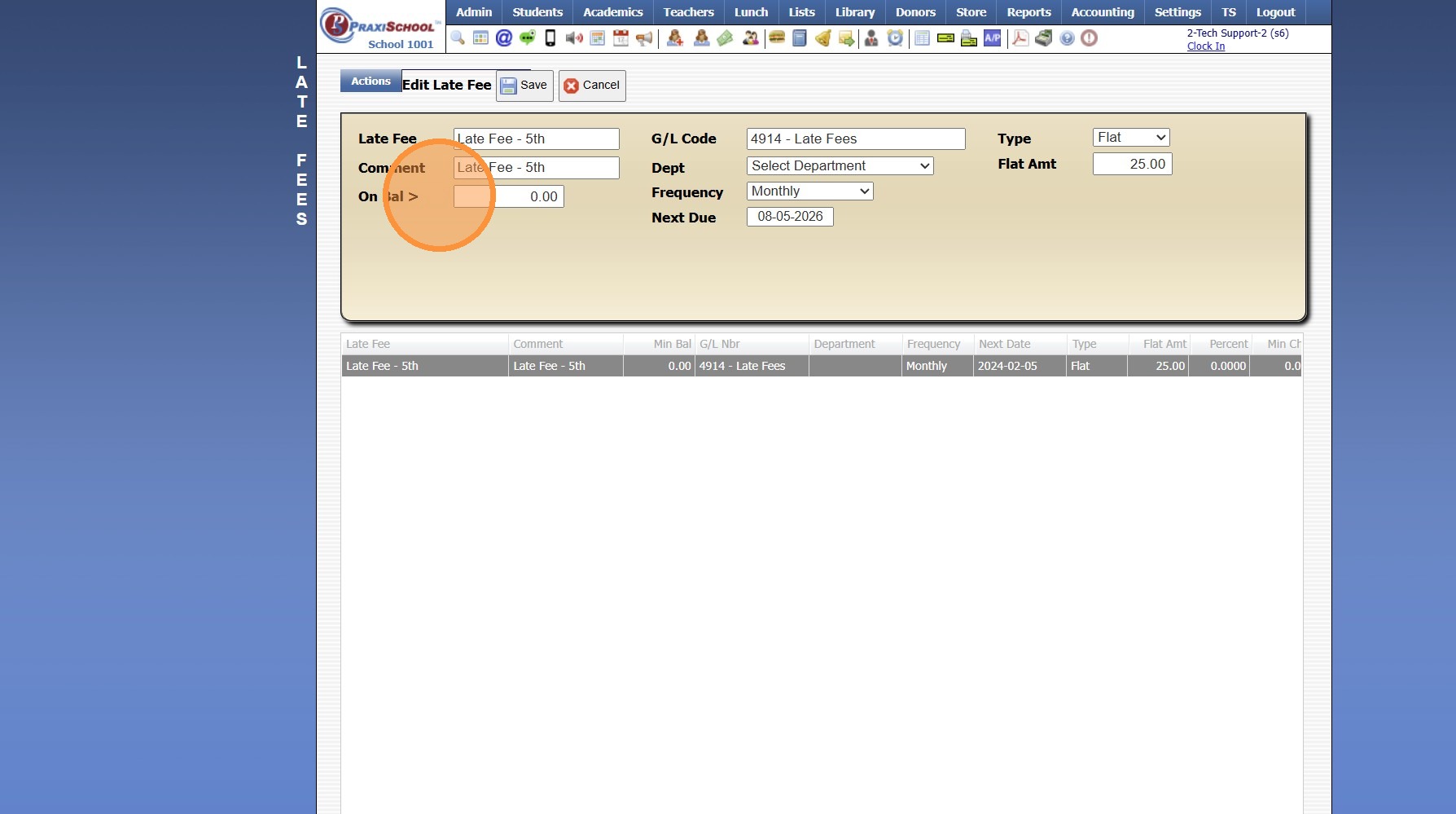
7. Select Late Fee General Ledger Number
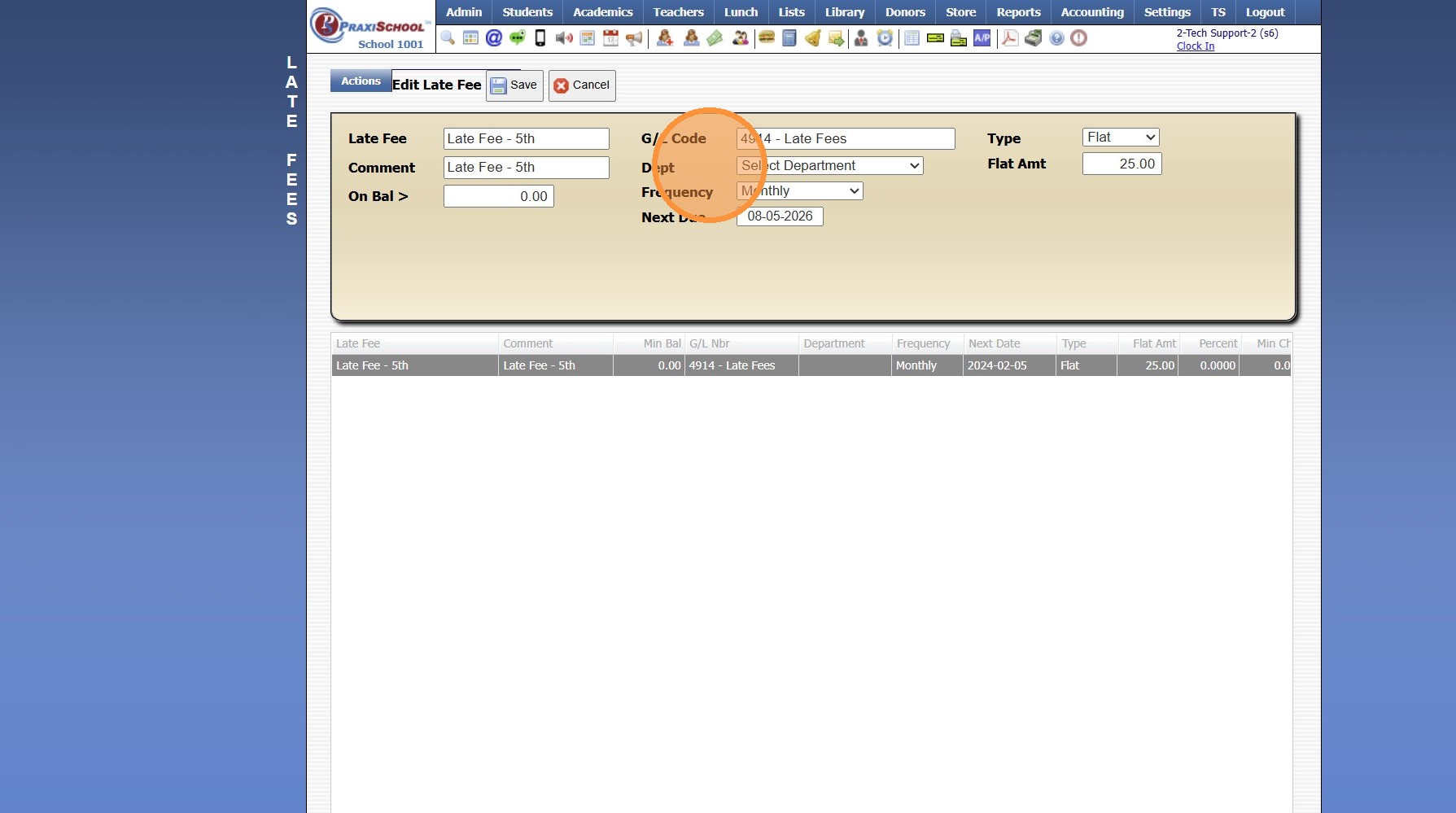
8. Late Fees can be set to a Specific Department (Optional)
9. Set "Frequency"
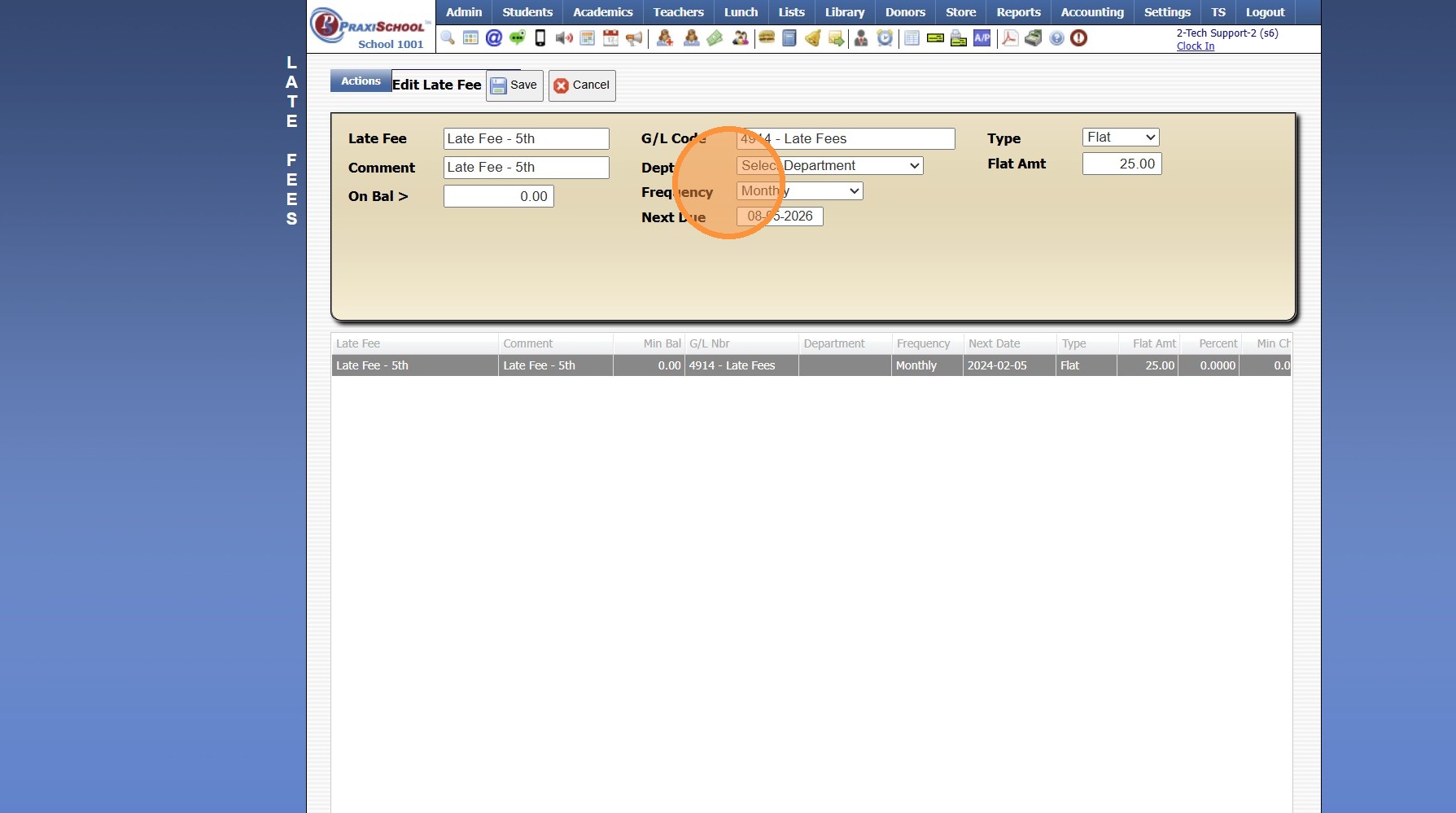
10. Select the "Next Due"
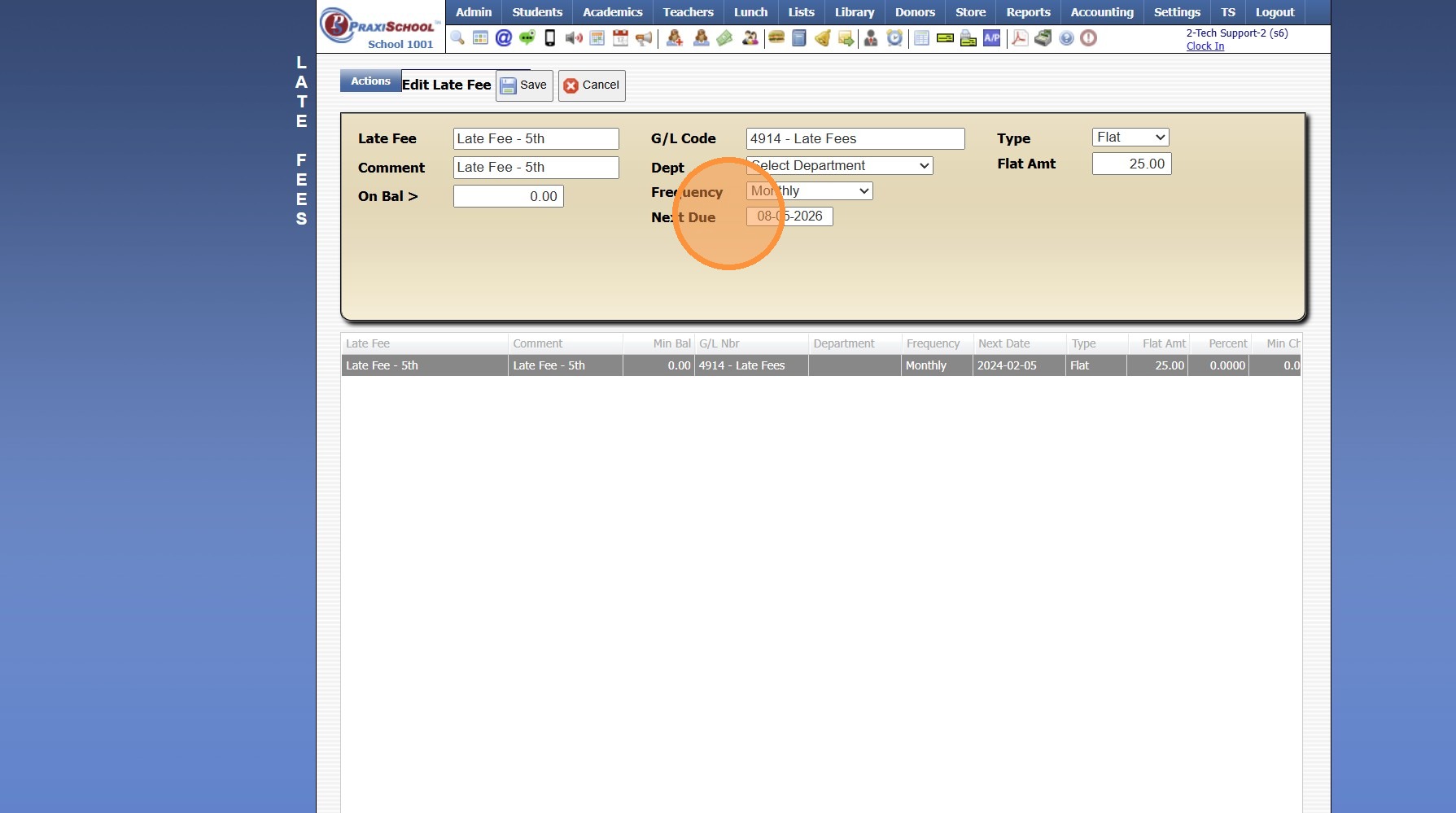
11. Select Percent for the Type
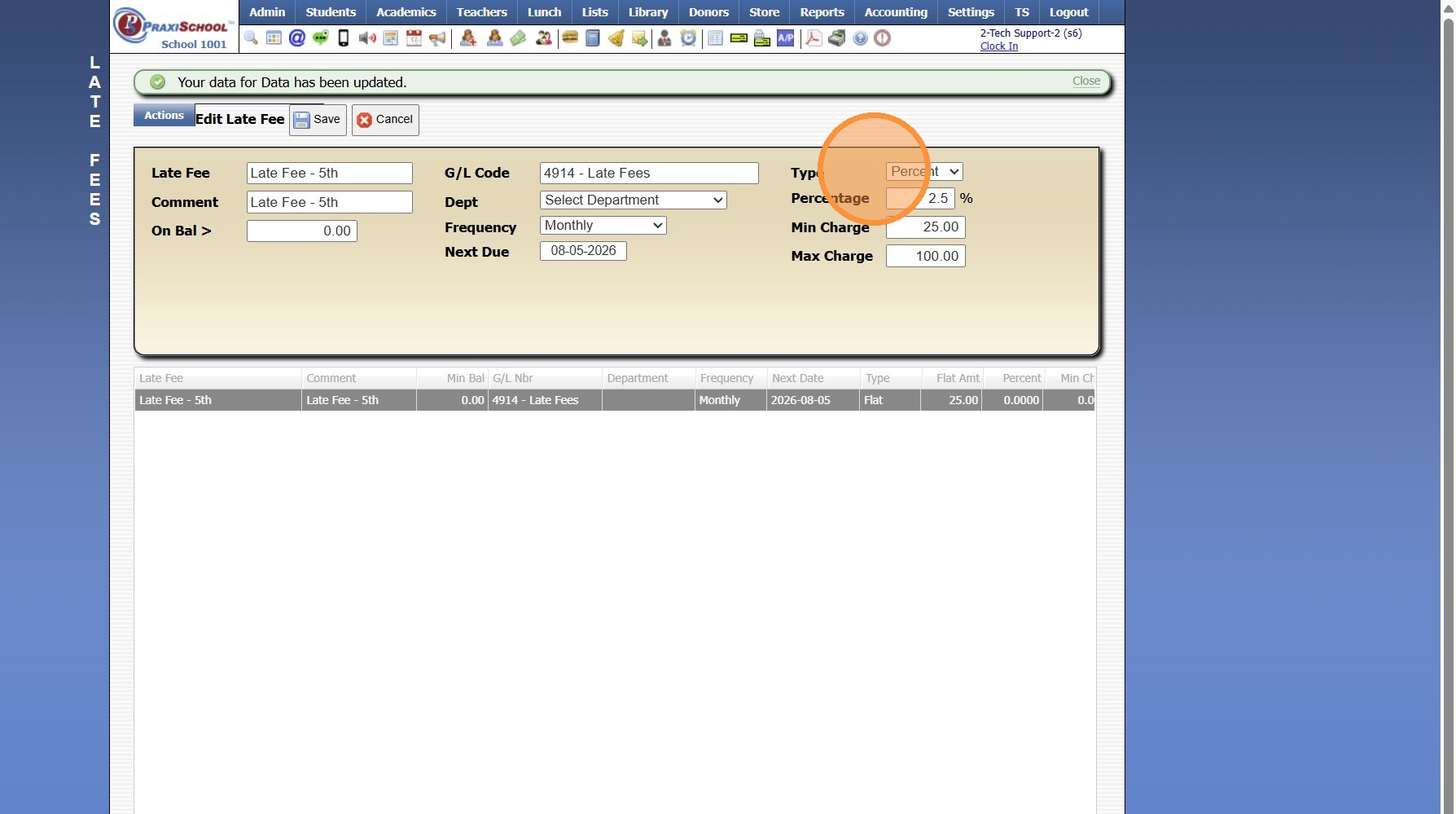
12. Enter the Percent to Charge on the Late Fee Balance
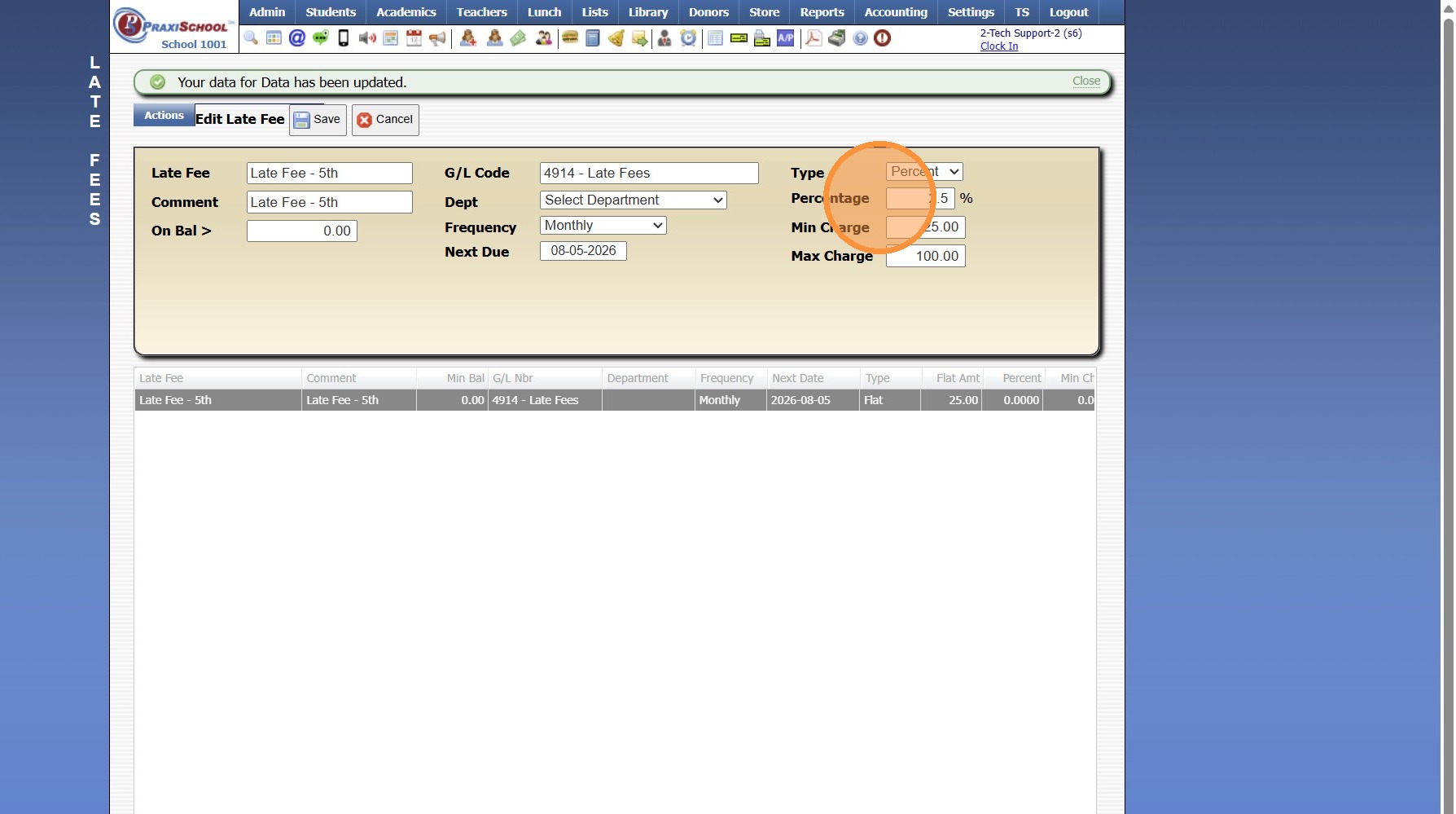
13. Enter the Minimum Amount to Charge (Optional)
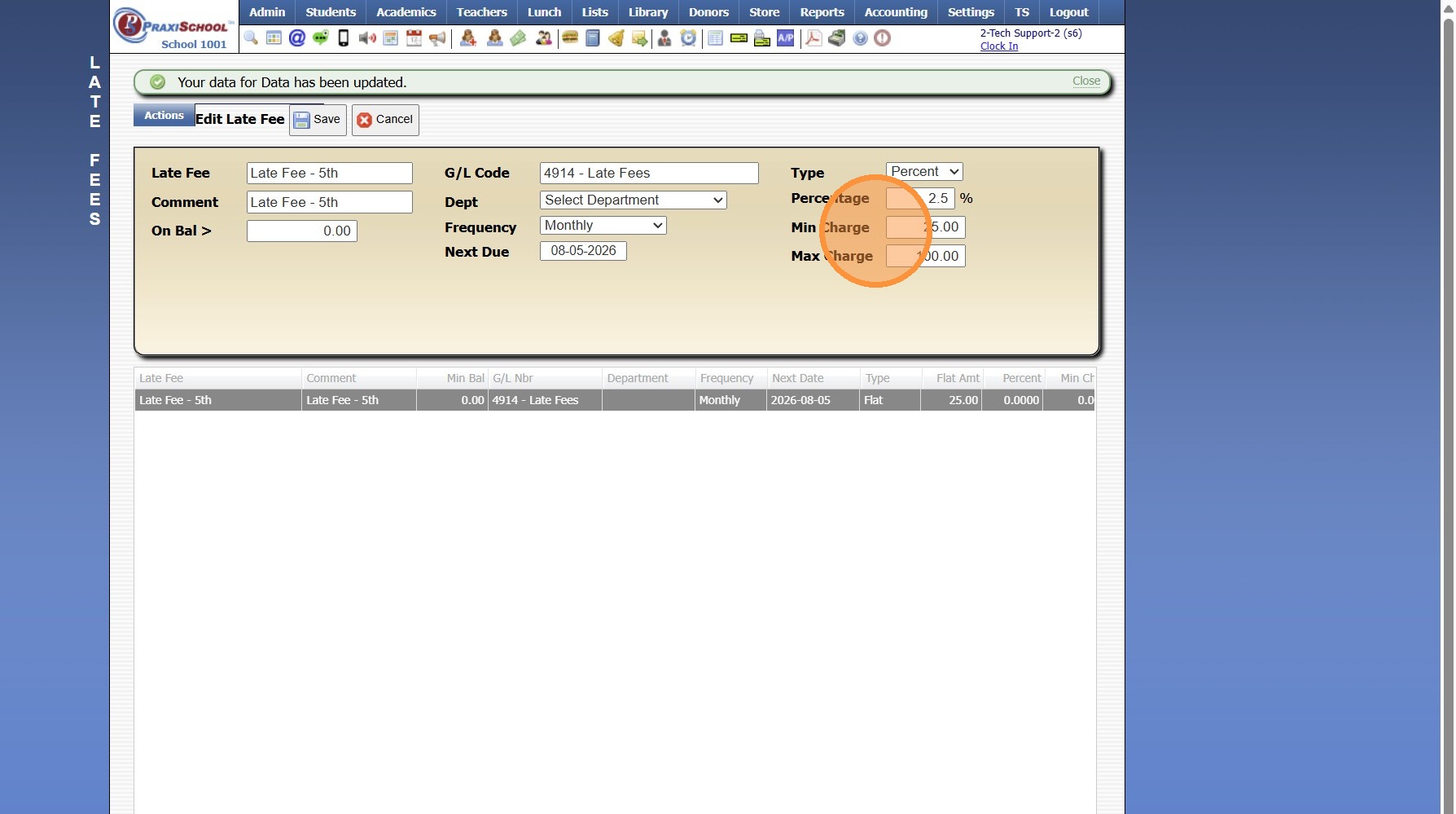
14. Enter the Maximum Amount to Charge (Optional)
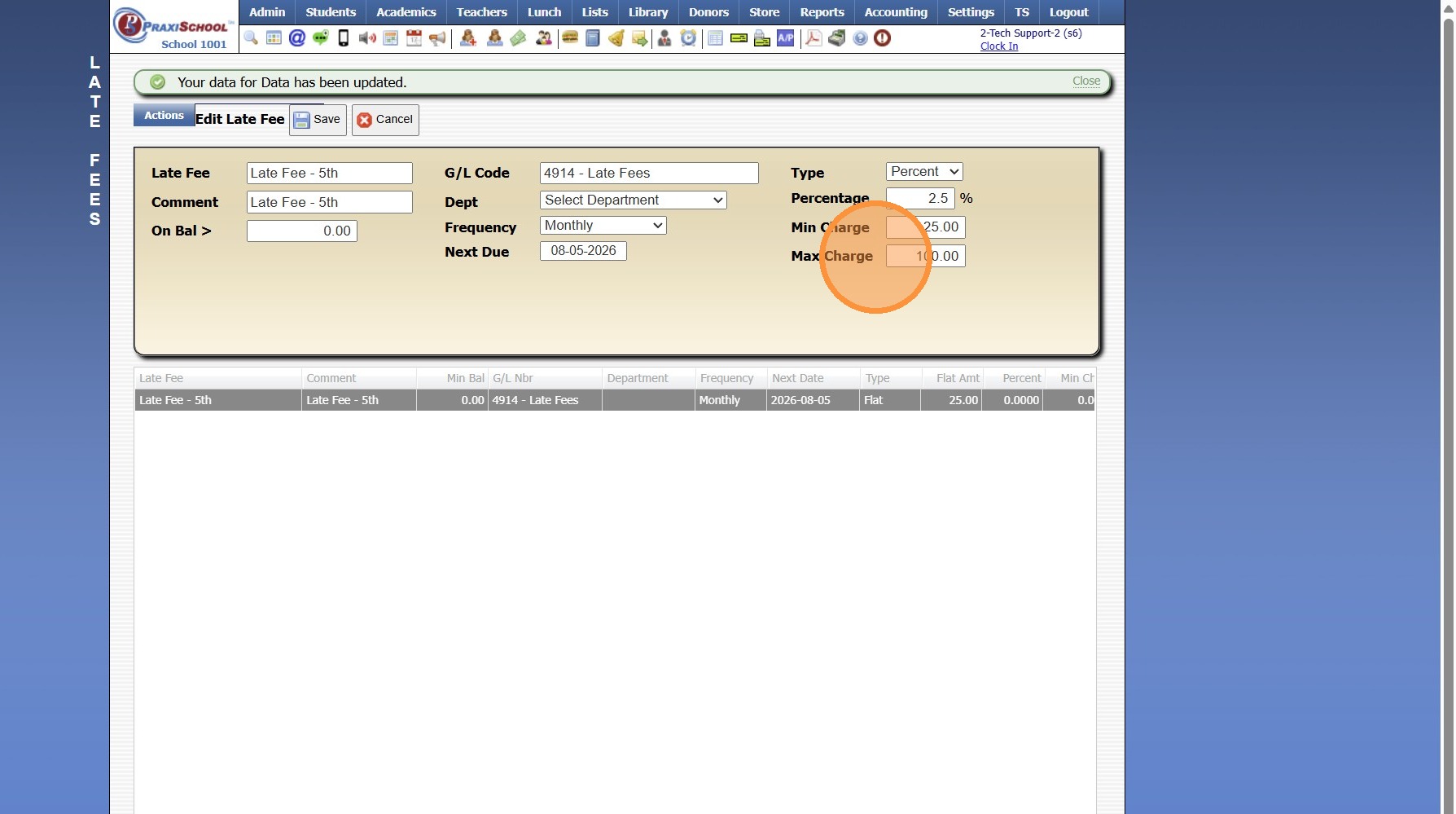
15. If the Minimum & Maximum Amounts are not Set, the Late Fee will process based on the entered Percentage.
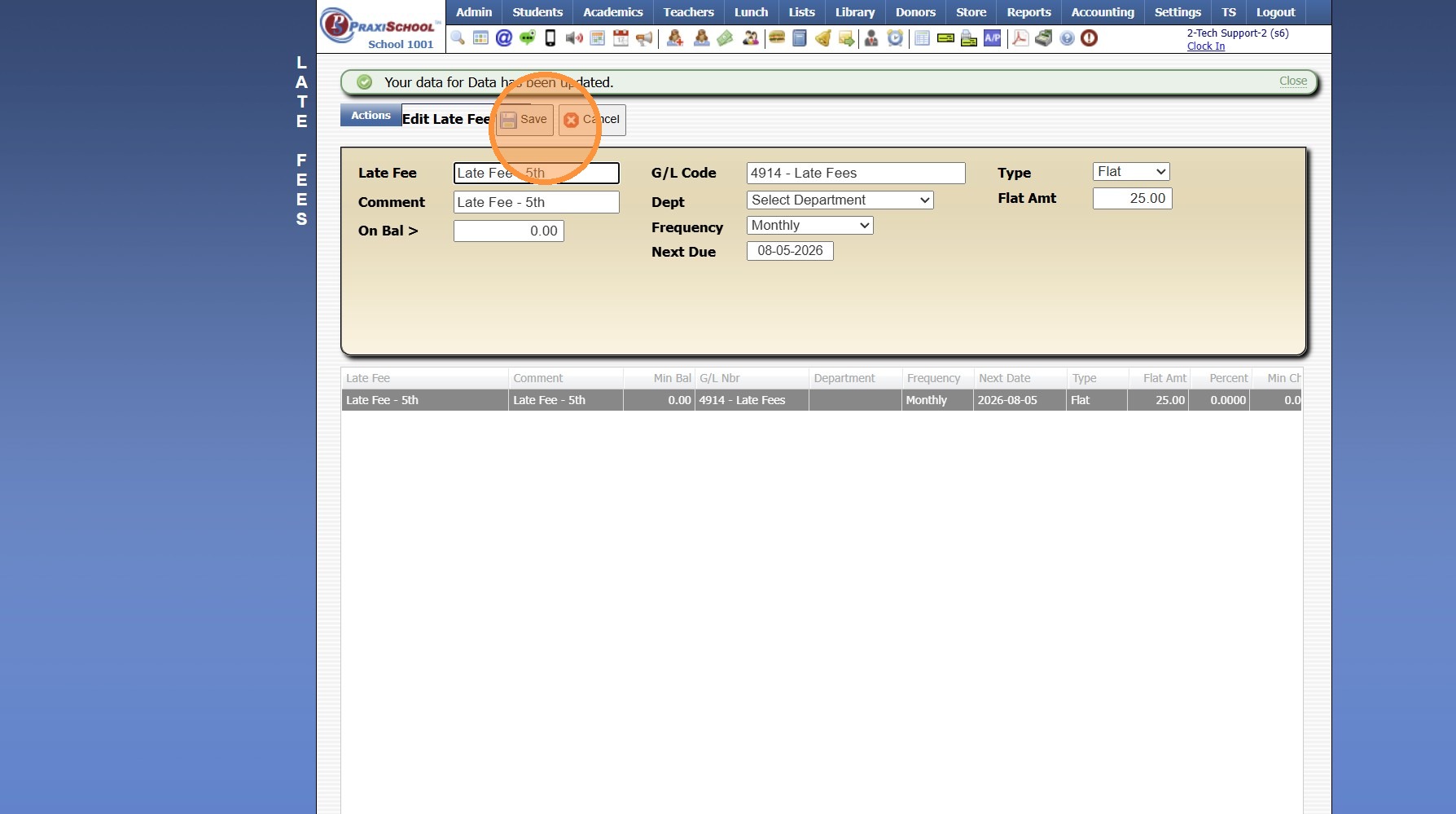
16. Click "Save"
3500.11.12
Related Articles
Updating Heartland ACH Convenience Fees
1. Click "Settings" 2. Click "School Settings" 3. Click "Accounting" 4. From the Accounting Settings screen, Scroll Down 5. Update the ACH Service Fee A/R& Lunch to $1.50 6. Update the ACH Service Fee Message to $1.50 7. Click "Save" 6000.4.16Where are the Below Percentage Options set?
1. Go to the Classroom 2. Click "Open" 3. Click the Gear Icon 4. Go to the Gradebook Filters Section 5. This Feature can be Turned Off here 6. Enter the Below % Cutoff Numeric Score 7. Click "Save settings"Why are Parents being Charged a Different Fee for Enrollment than the Set Amount?
Tip: The Most Common Reason Parents are being Charged a Different Fee from the Set Amount is because the Allow Variable Payment option is Selected on the Form AR Action Settings. The Allow Variable Payment option should only be Selected if the Amount ...Adding Components in the Classroom Gradebook
1. Go to the Classroom & Select the Class 2. Click "Open" 3. Click "Grade Book" 4. Click on the 3 dots 5. Select "Components & weights" 6. Enter the Component Name 7. Enter the Percentage for the Component 8. Click "Add component" to Add another ...Library Overview and Training
Welcome to the PraxiSchool Library Overview and Training! Below you will find information about the Library features, an Overview video about the Library and the basic Library Training Videos. Please review each video before attempting to set up your ...