I accidentally added students in the student file. How do I add and attach those students to the Parent Accounts?
1. Click "Students"
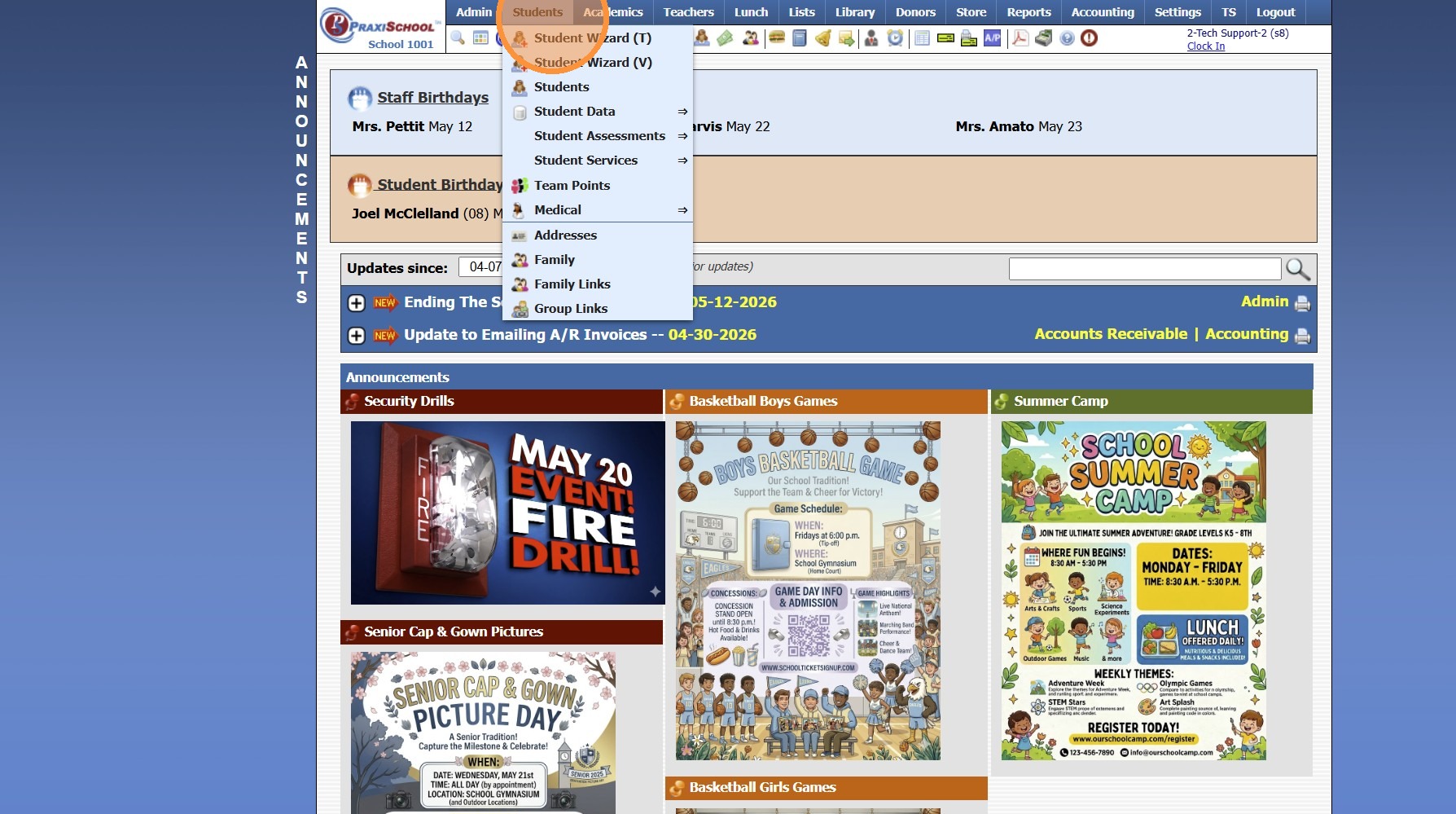
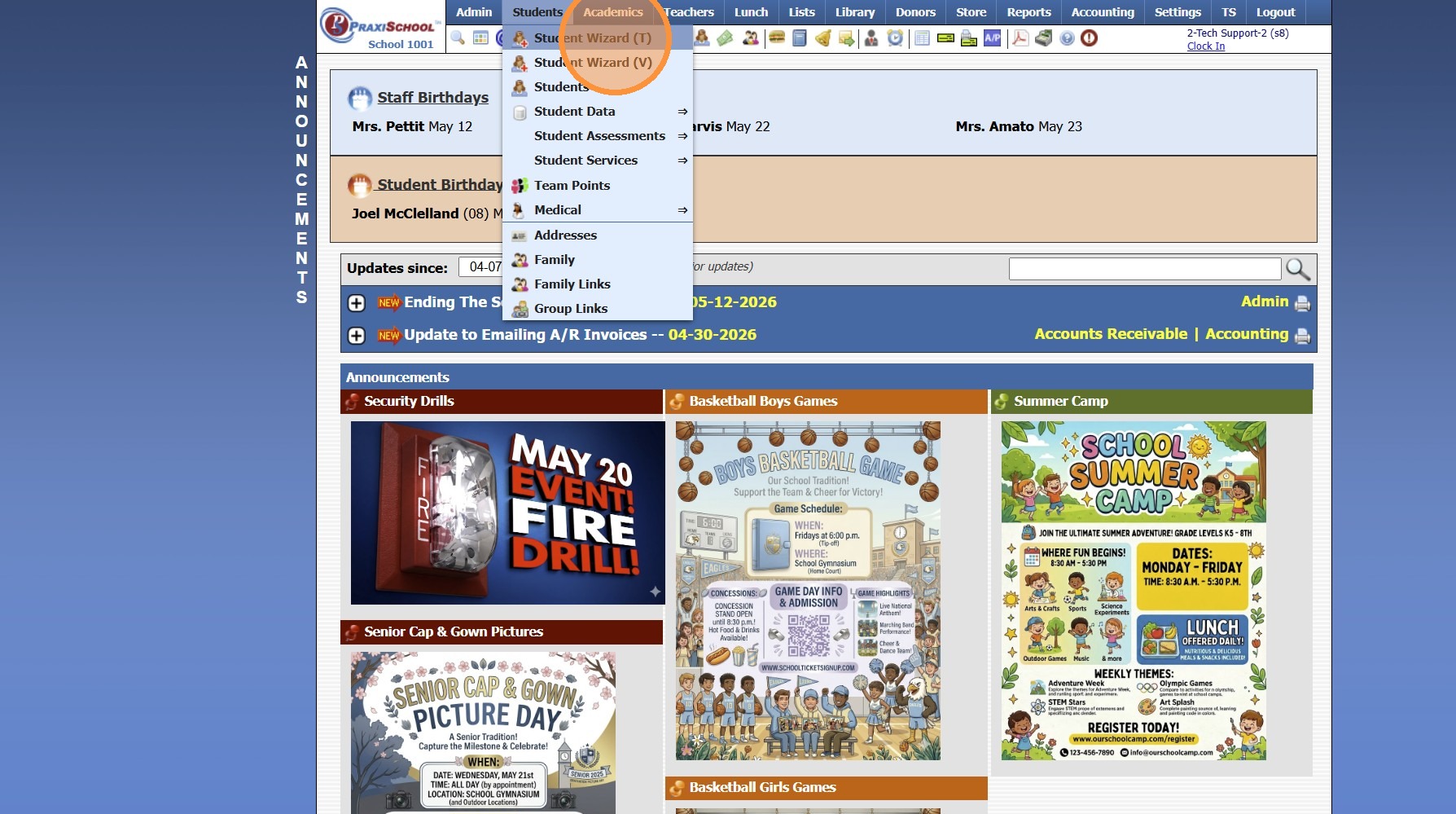
2. Click "Student Wizard (T)"
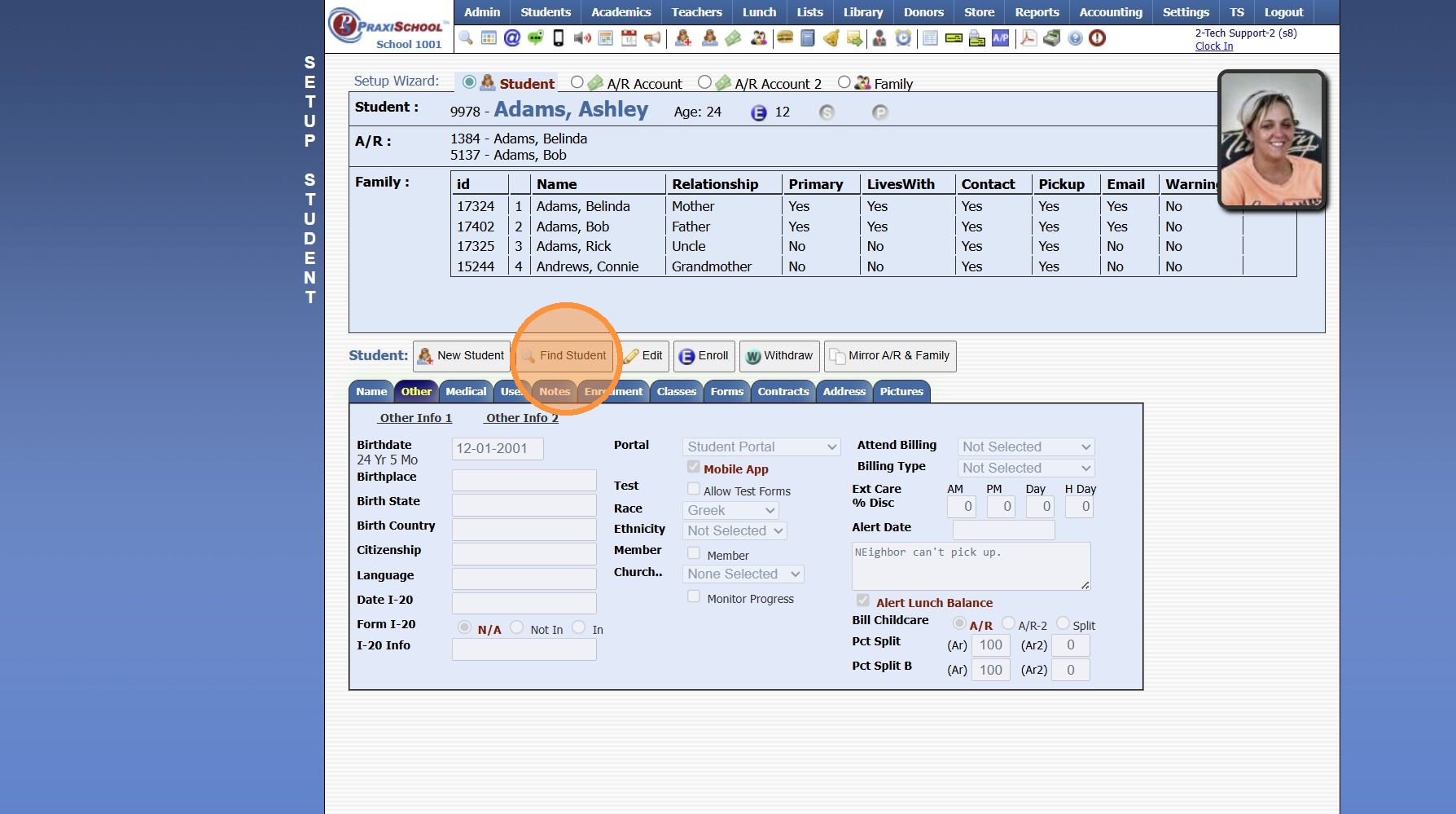
3. Click "Find Student"
4. Search Student Name
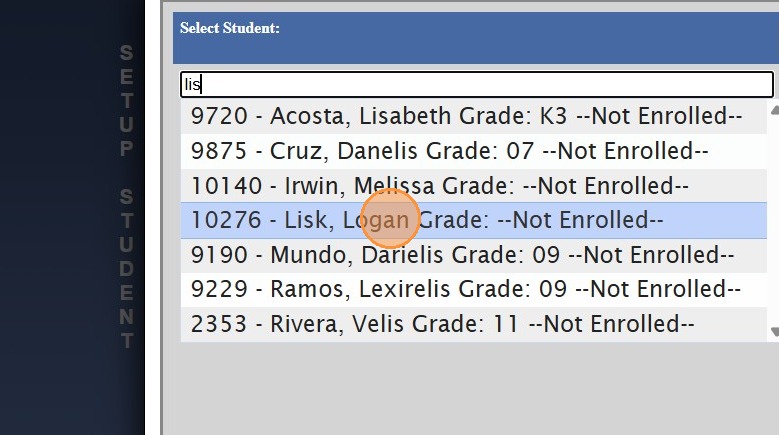
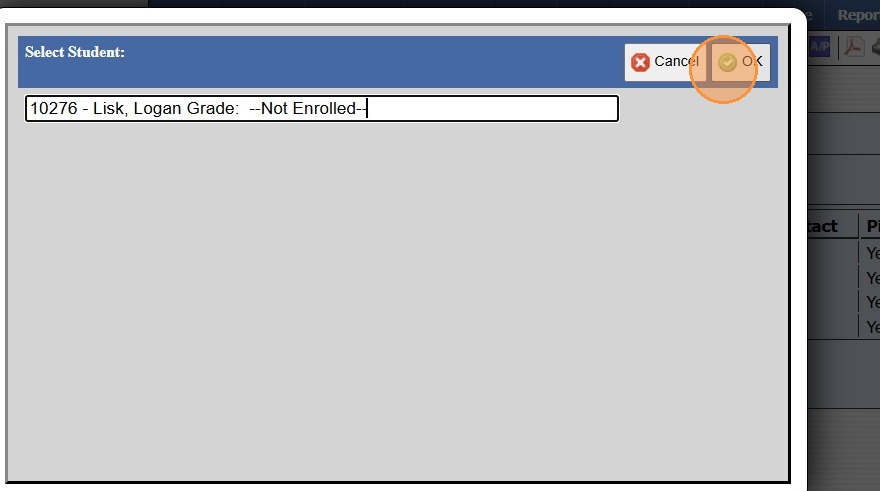
5. Select & Click "Ok"
6. Click "Address" tab to Verify Address has been Added
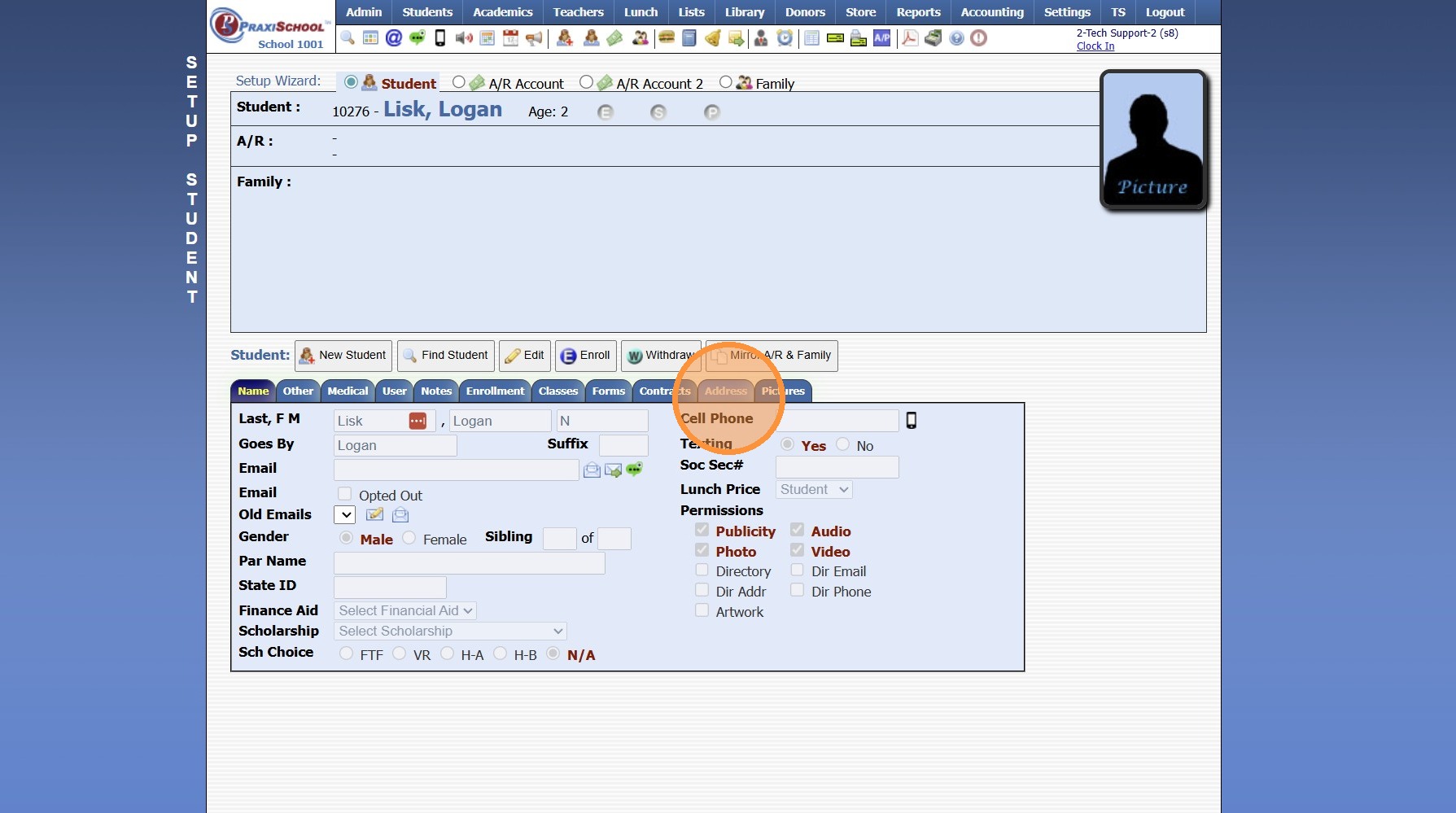
Address had Not been Added
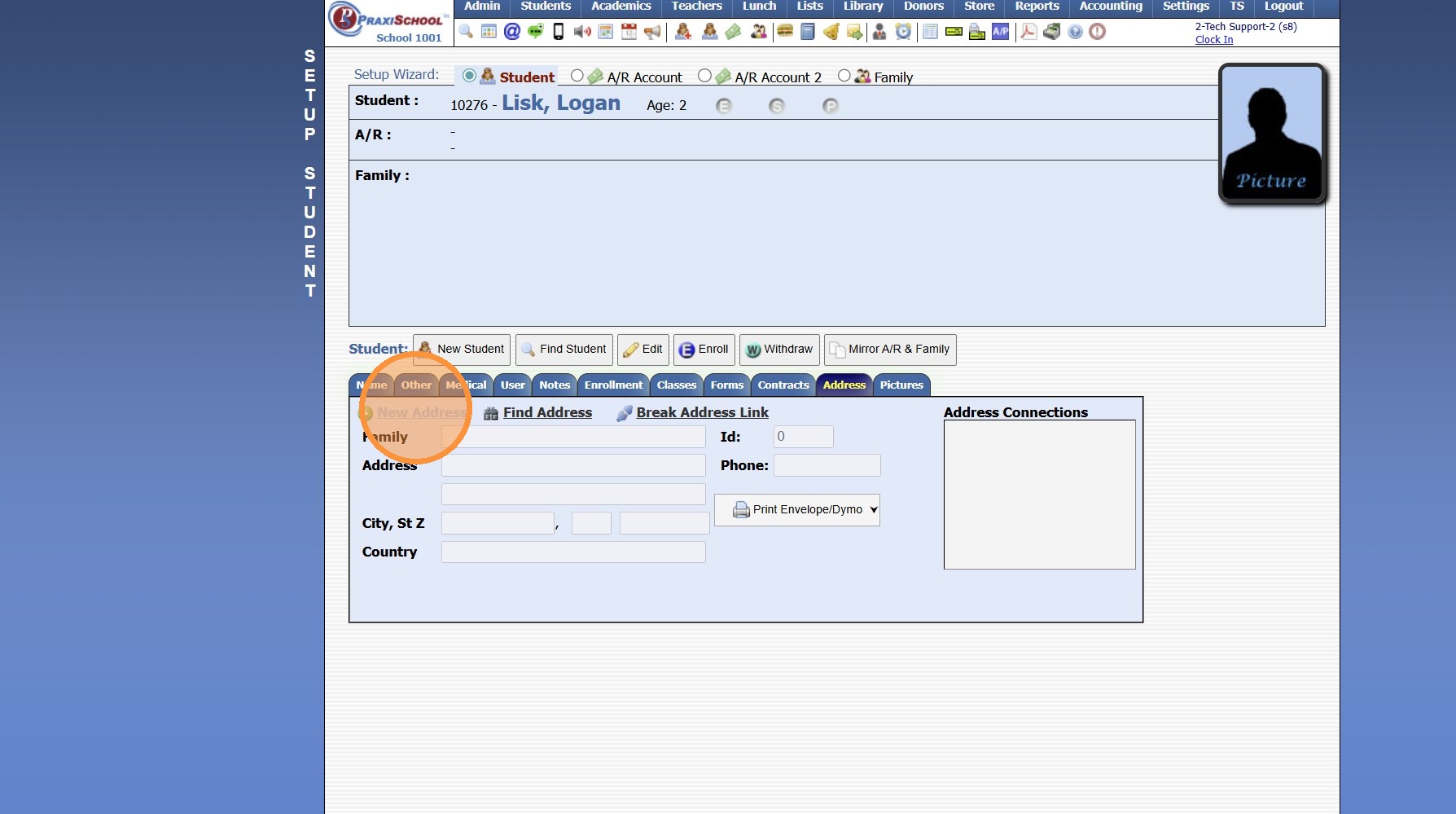
7. Click "New Address"
8. Enter Address Information
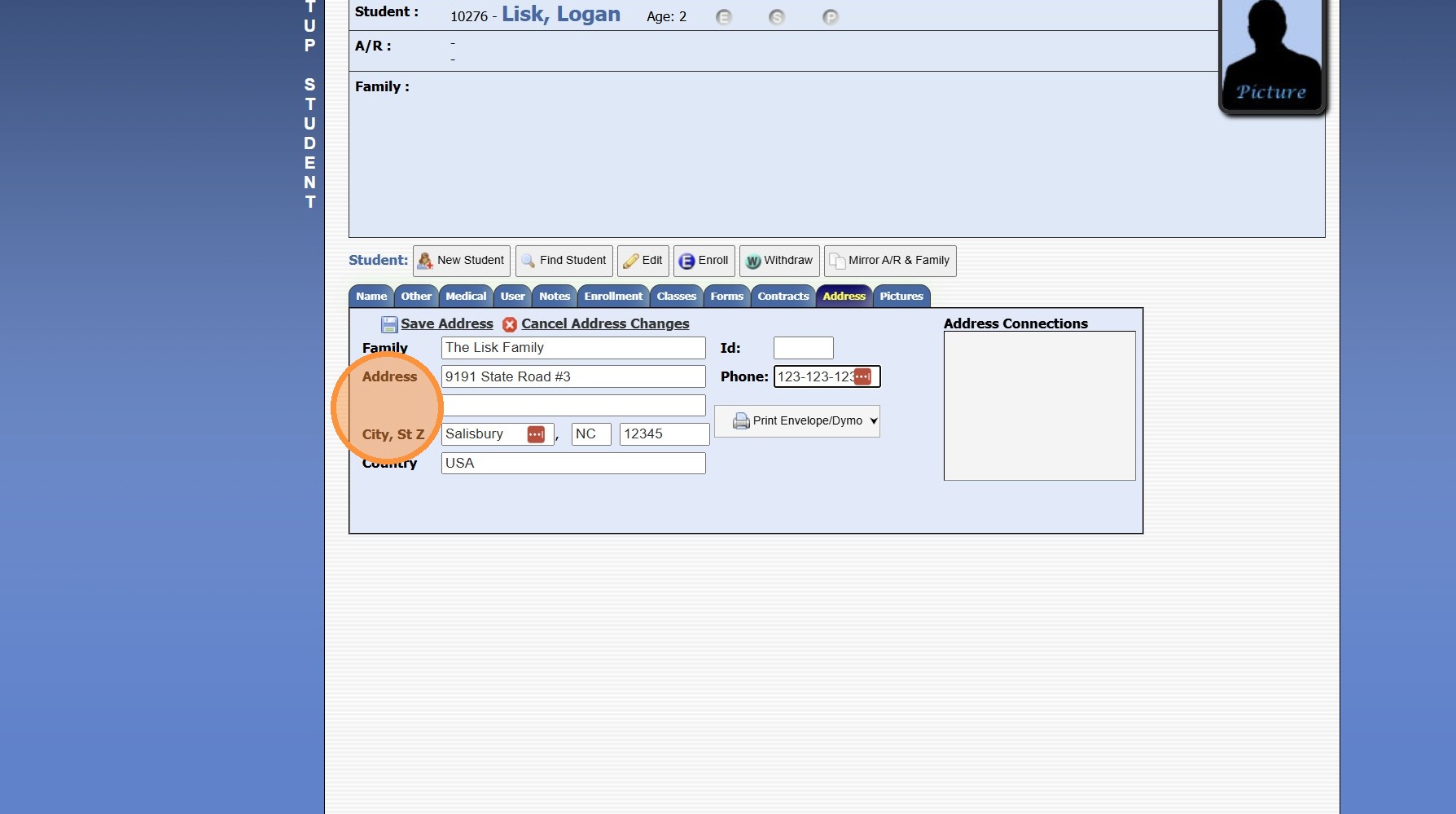
9. Click "Save Address"
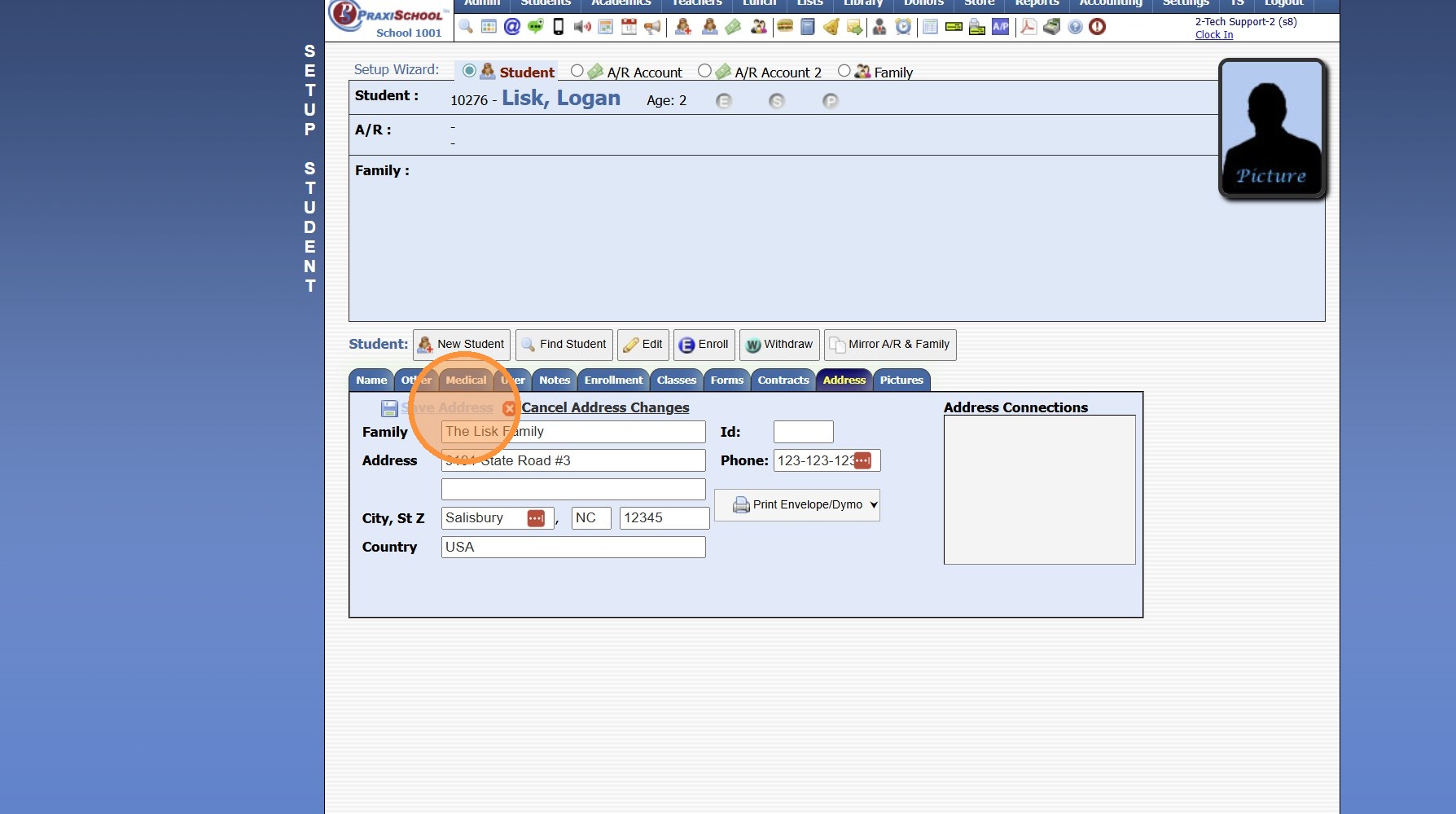
10. Click the "A/R Account" Toggle
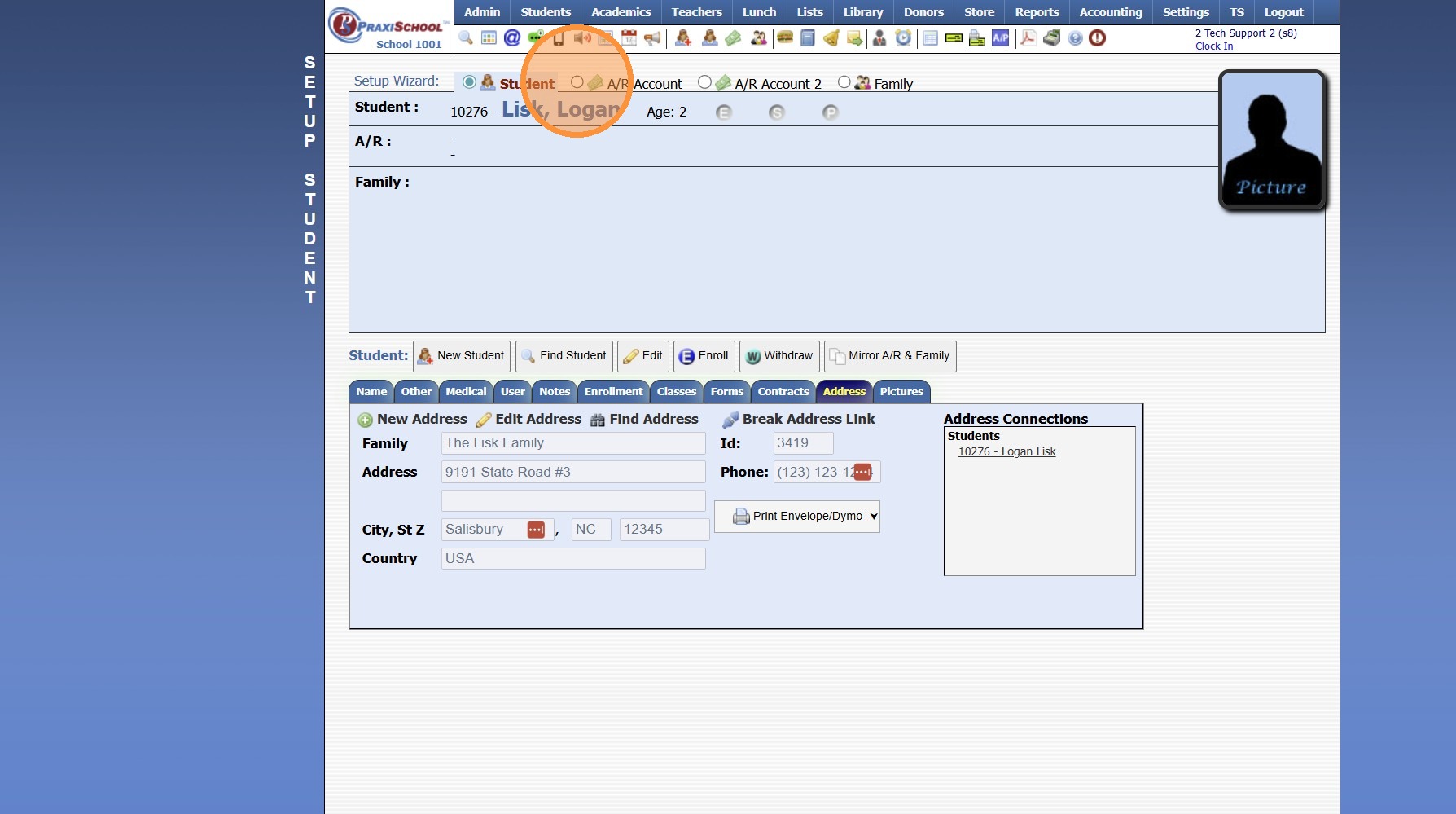
11. Click "New Account"
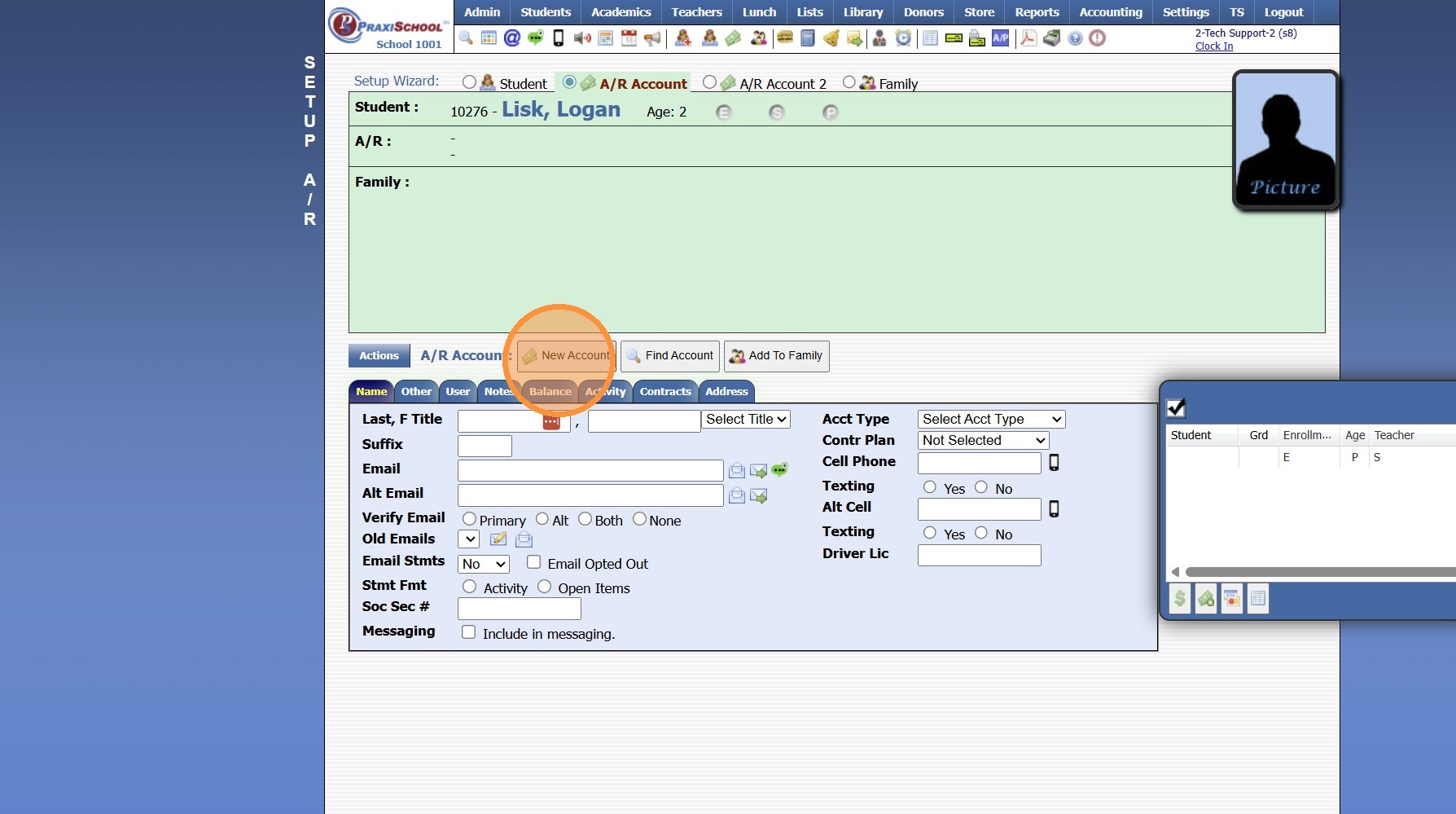
12. Enter Parent Account Information
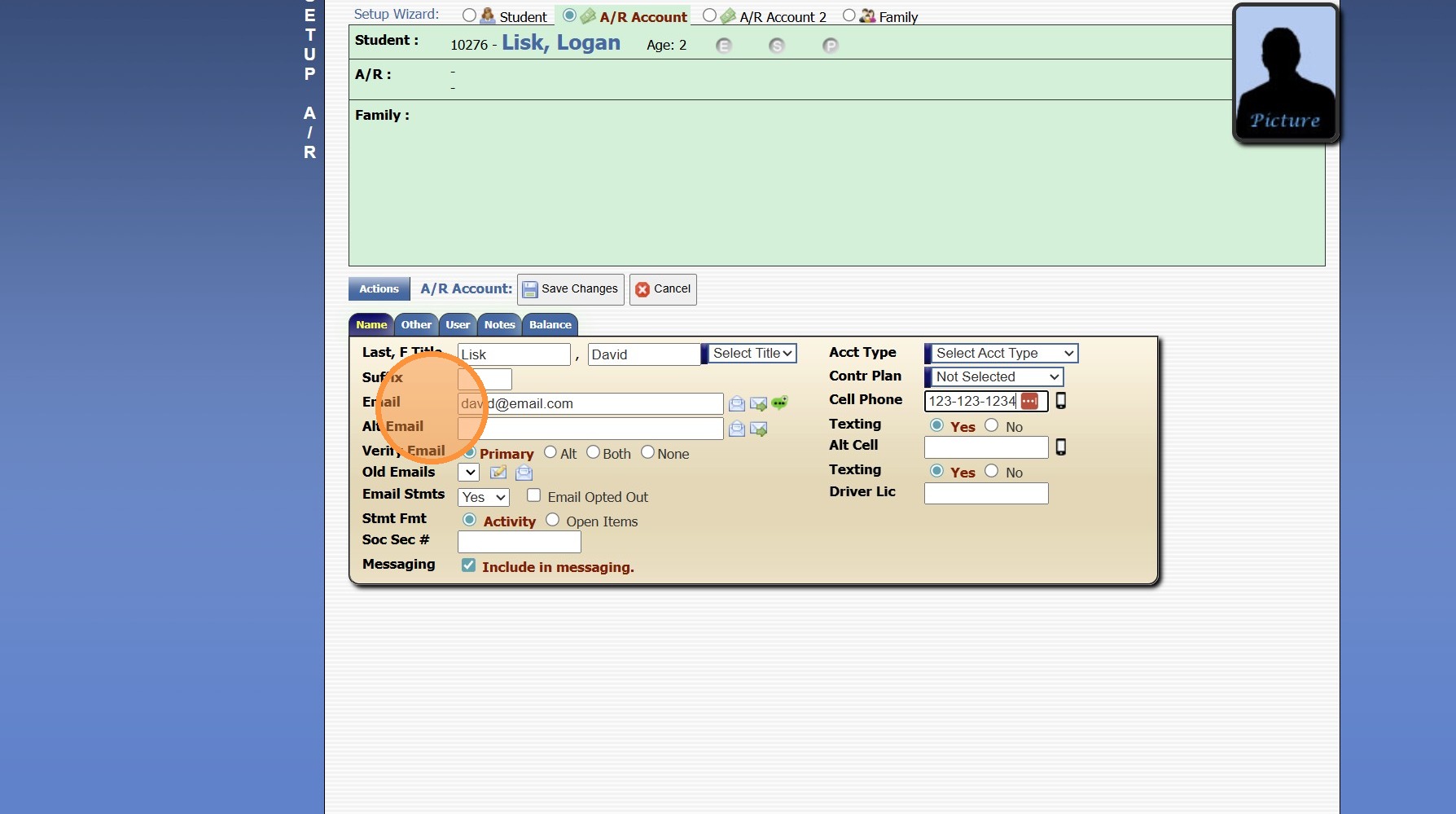
13. Click "Save Changes"
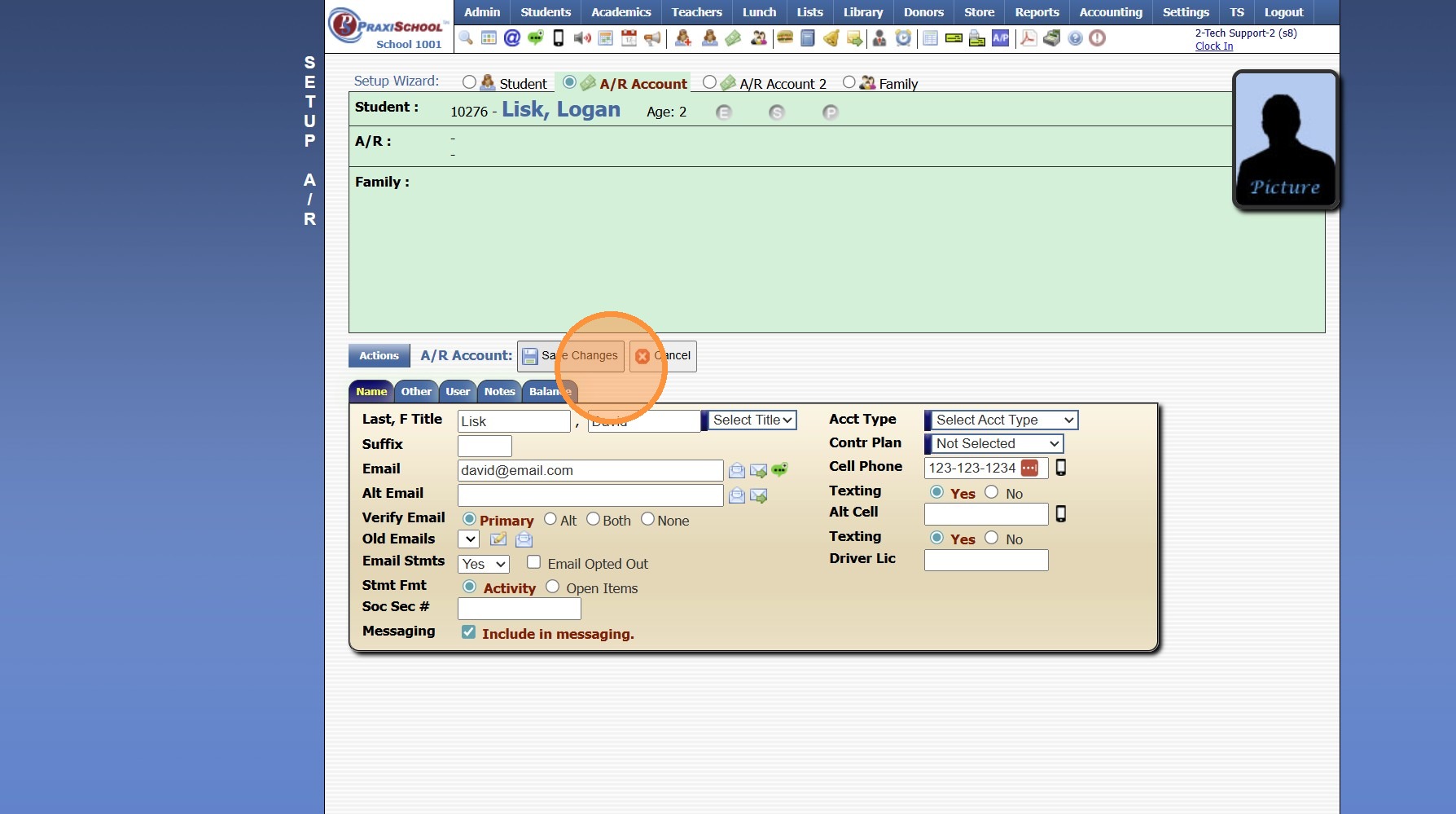
14. Click "Add To Family" & Click "Ok"
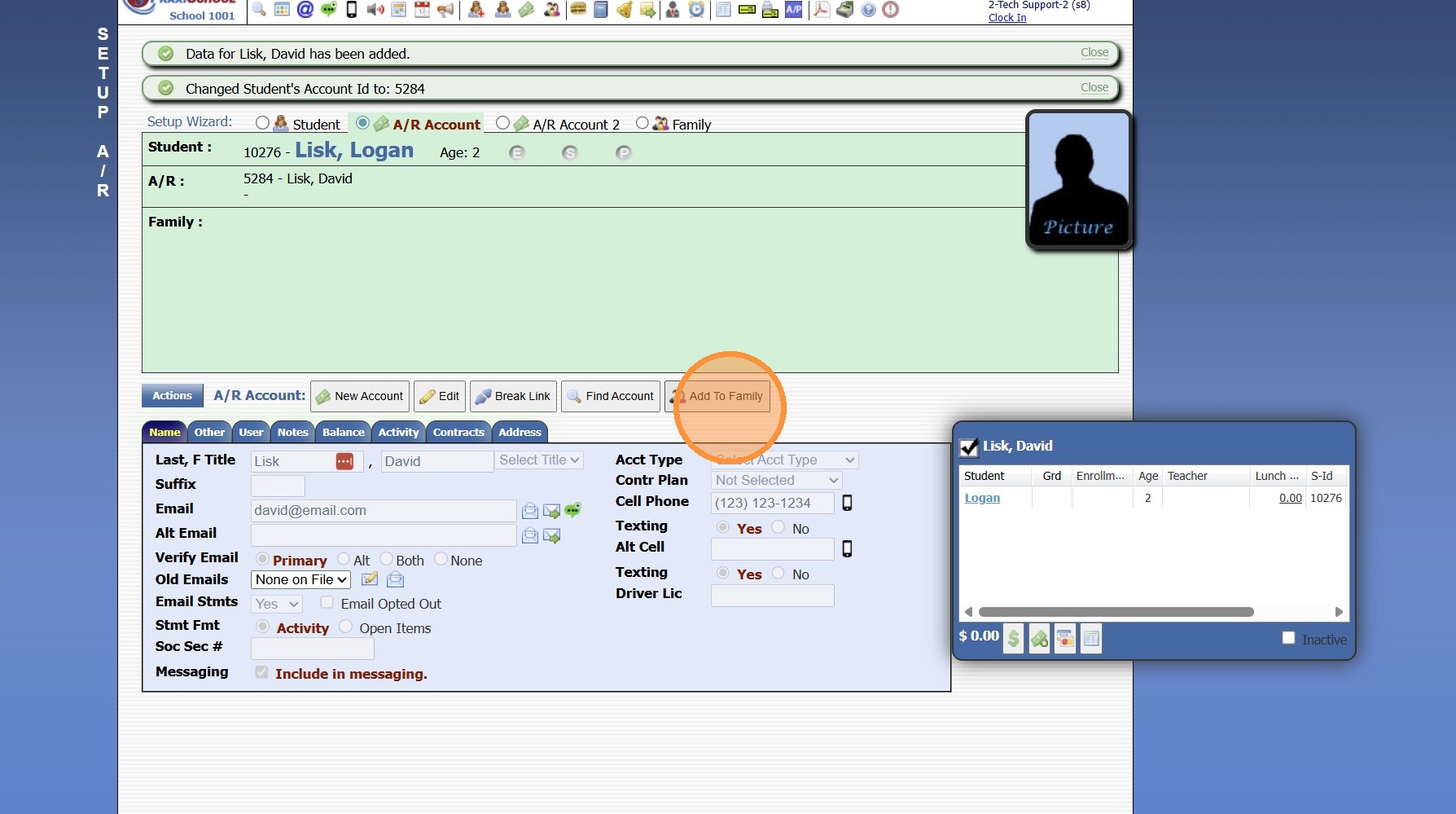
15. Select the Relationship to Student
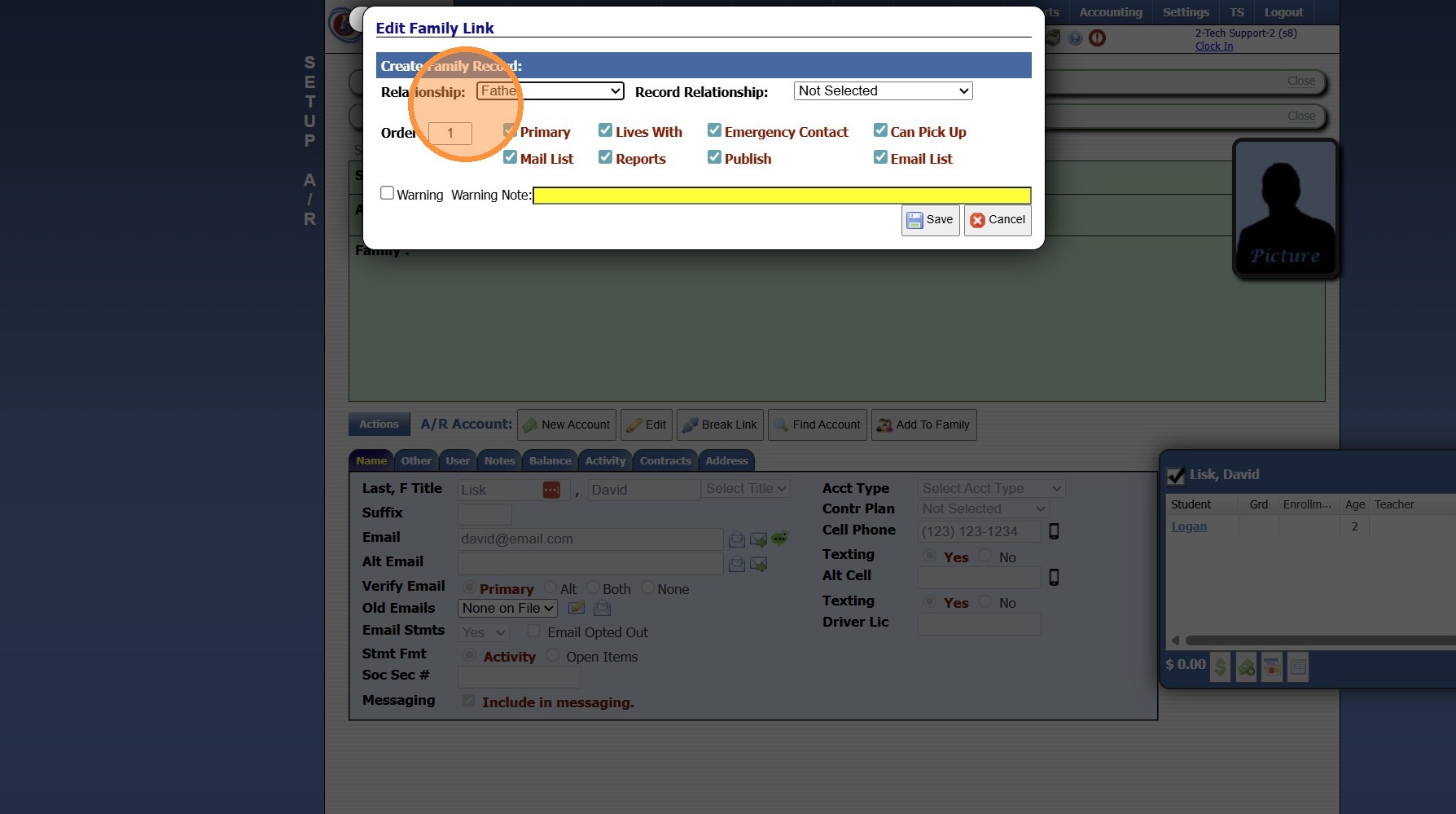
16. Click "Save"
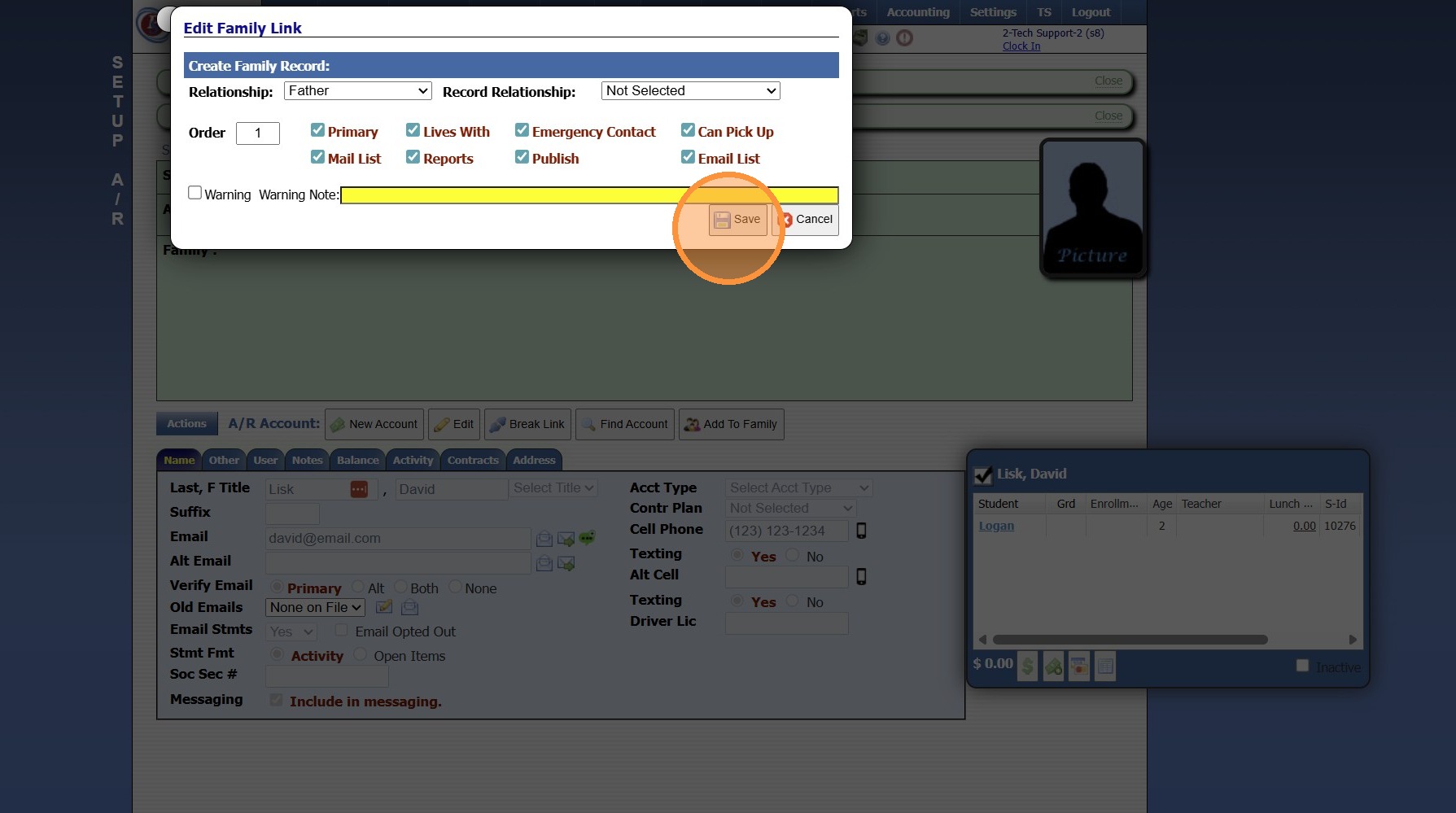
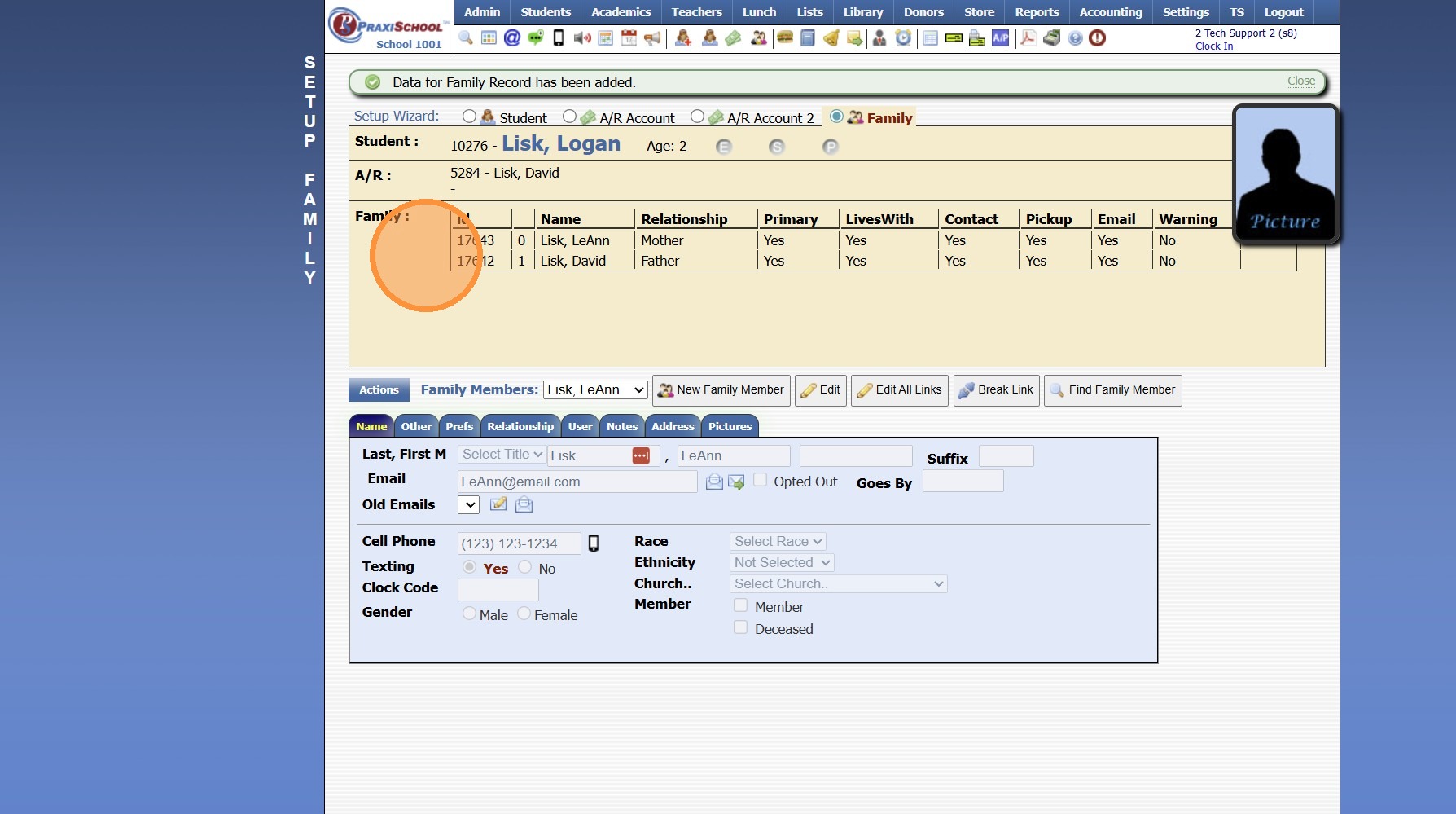
17. Click the "Family" Toggle
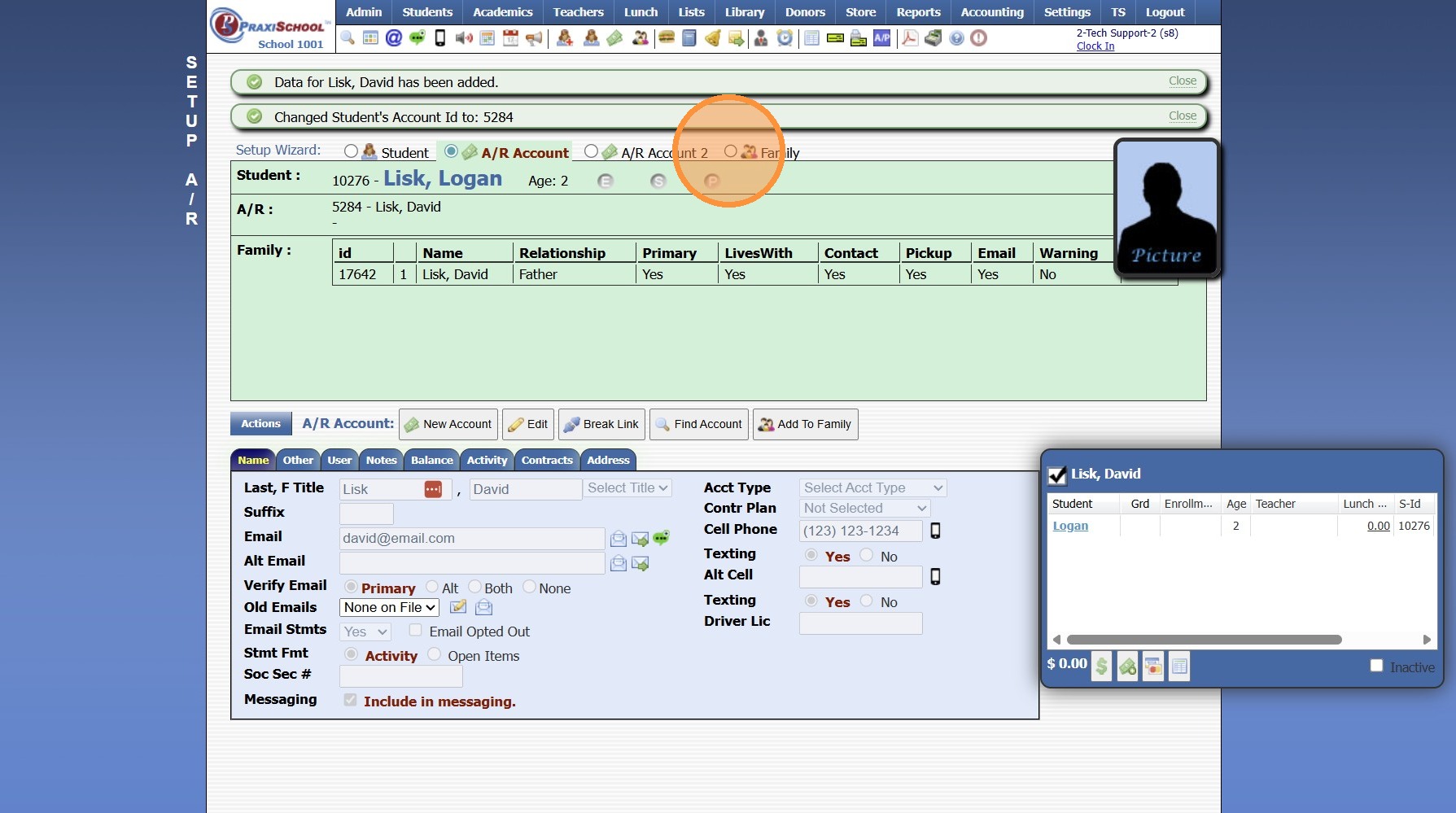
18. Select Relationship to Student & Verify Permissions
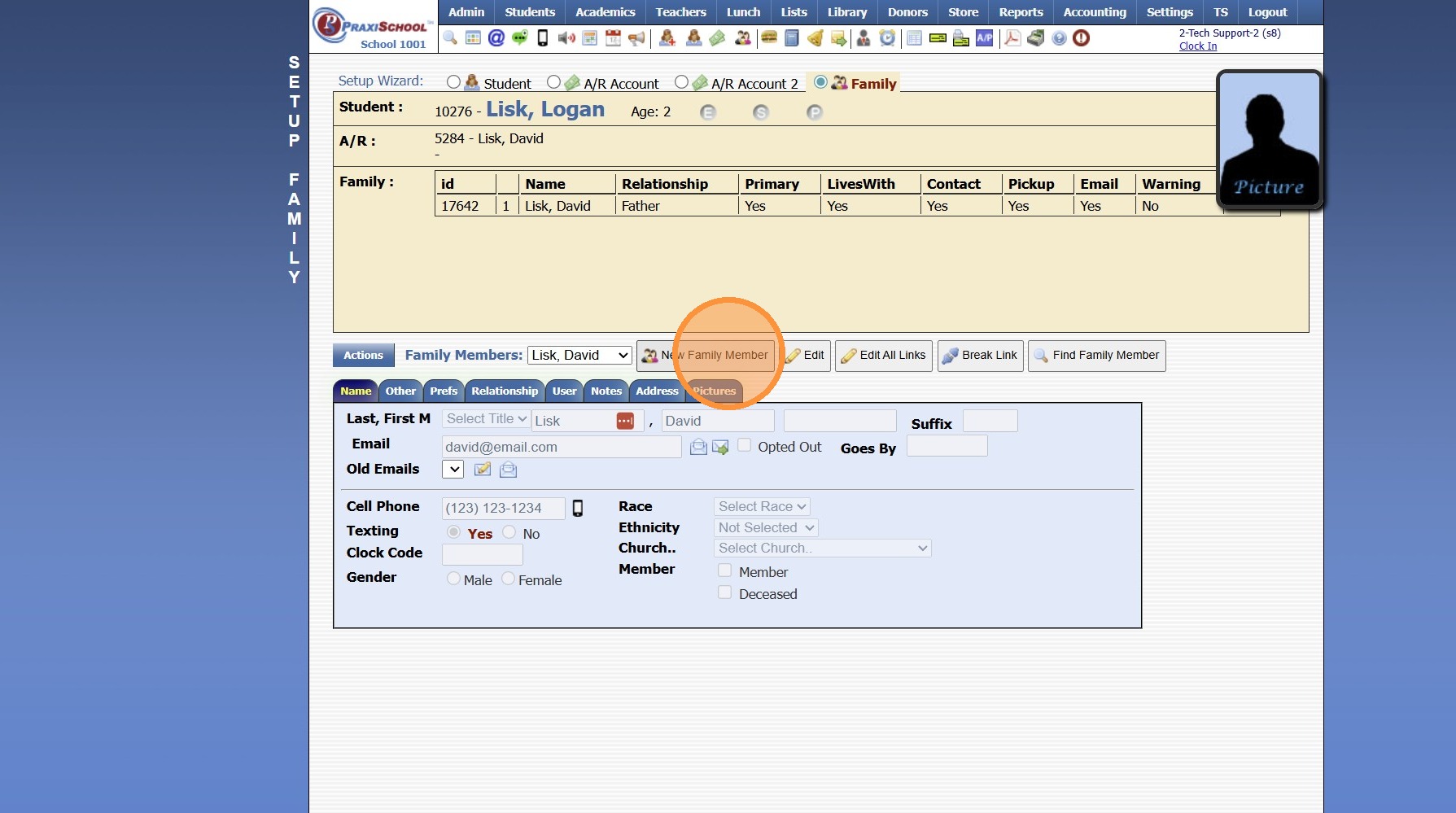
19. Click the Name tab and enter Student Contact Information
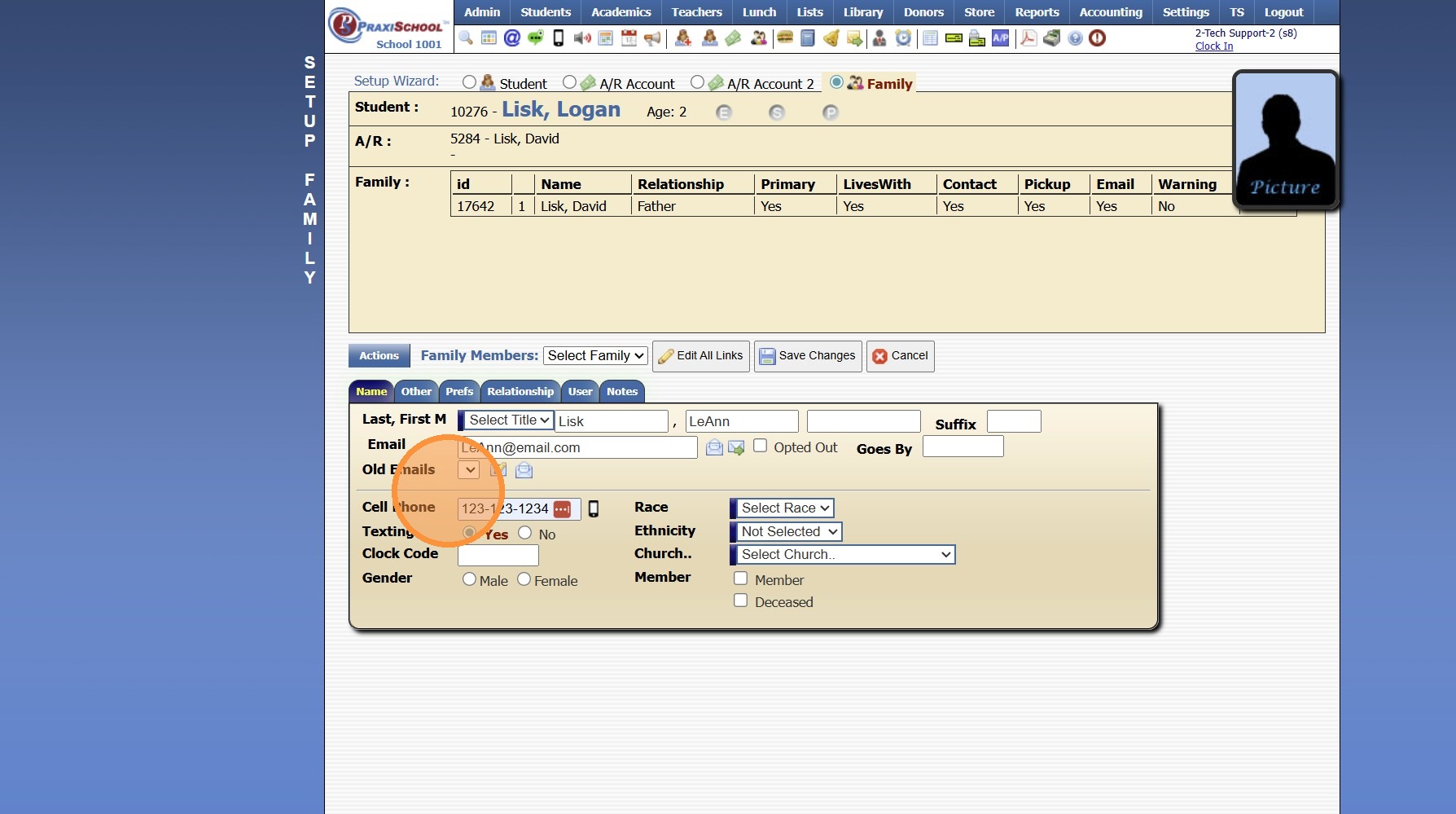
20. Click "Save Changes"
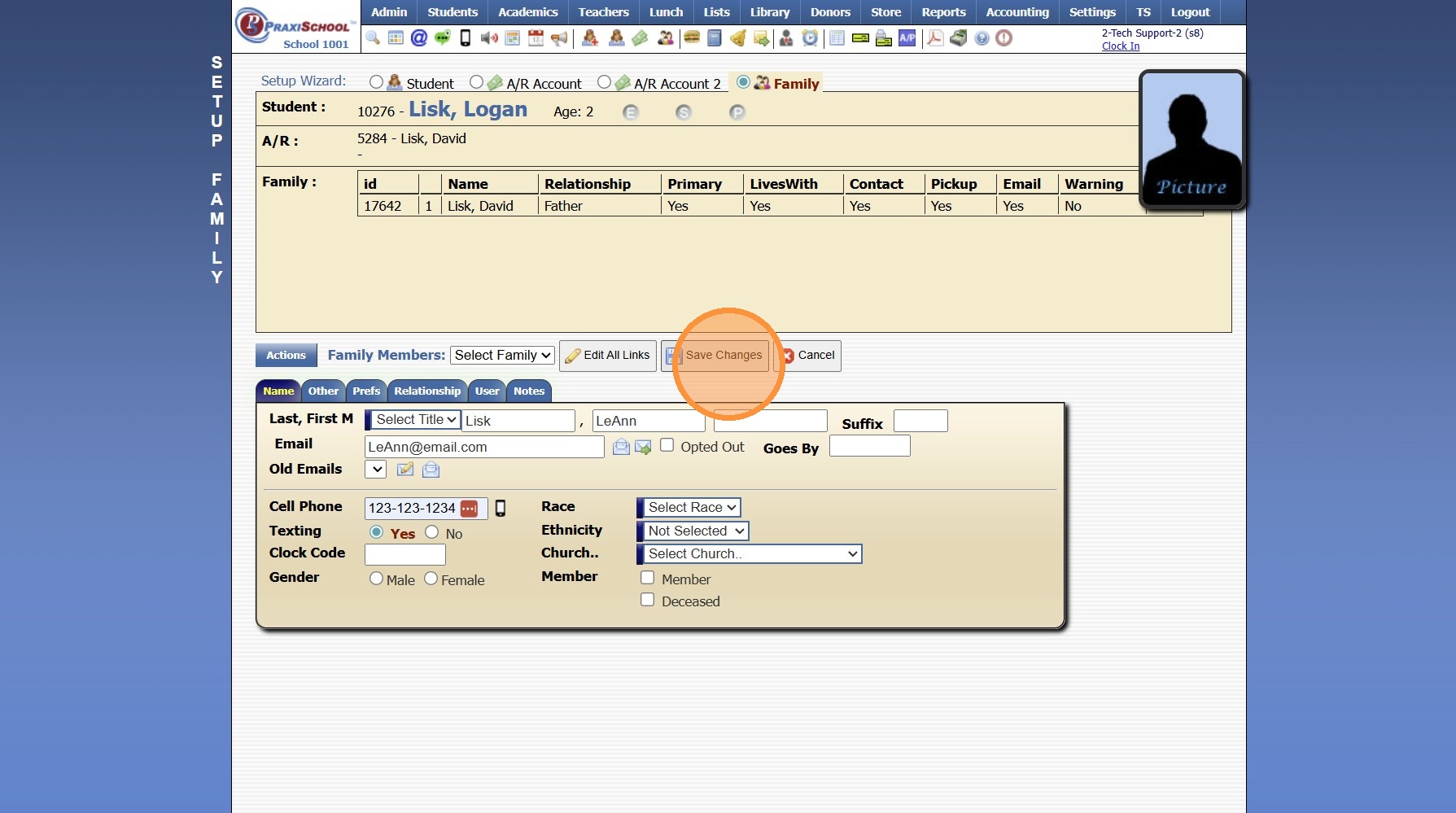
21. Once the AR & Family file have been added, All Student Contacts are Visible
8000.39
Related Articles
Creating Accounts Receivable Accounts
Creating Accounts Receivable Accounts 1. Log into PraxiSchool 2. Typically Student AR Accounts are Created in the Student Wizard (T) 3. After Creating the Student File, the Primary AR Account is Created from the A/R Account Toggle 4. A Secondary AR ...Adding Students to the Donor File
Adding Students to the Donor File 1. Click "Students" 2. Click "Students" 3. Tag Students to Add to the Donor File 4. Click "Actions" 5. Click "Other Actions" 6. Click "Copy Tagged To Donors" 7. A Donor Type can be Selected from the Dropdown Menu OR ...Uploading Student Documents from the Student File
1. Click "Students" 2. Click "Students" 3. Select Student 4. Click the "Docs" Tab 5. Click "Add" 6. Select the Security, Folder & Description 7. Click "Choose File" 8. Verify School Year 9. Click "Upload Document" 1000.4.1.1Adding Batch Contracts to Student Billing Accounts
Adding Batch Contracts to Student Billing Accounts Tip: Tip! All Contract Templates must be set up prior to Batch Adding. Only contracts that have a set dollar amount can be added in the batch process. The NOW financing option in Contract Templates ...STUDENT EXAMPLE: Creating Volunteer Hour Type for Students & Batch Adding Hours to Student Accounts
STUDENT EXAMPLE: Creating Volunteer Hour Type for Students & Batch Adding Hours to Student Accounts (Example being used - Junior & Senior NSHSS Annual Required Volunteer Hours) Adding Hour Type 1. Click "Admin" 2. Click "Volunteer" 3. Click "Hours ...