Generating an Accounts Receivable Aging Report
Generating an Accounts Receivable Aging Report
1. Log into PraxiSchool
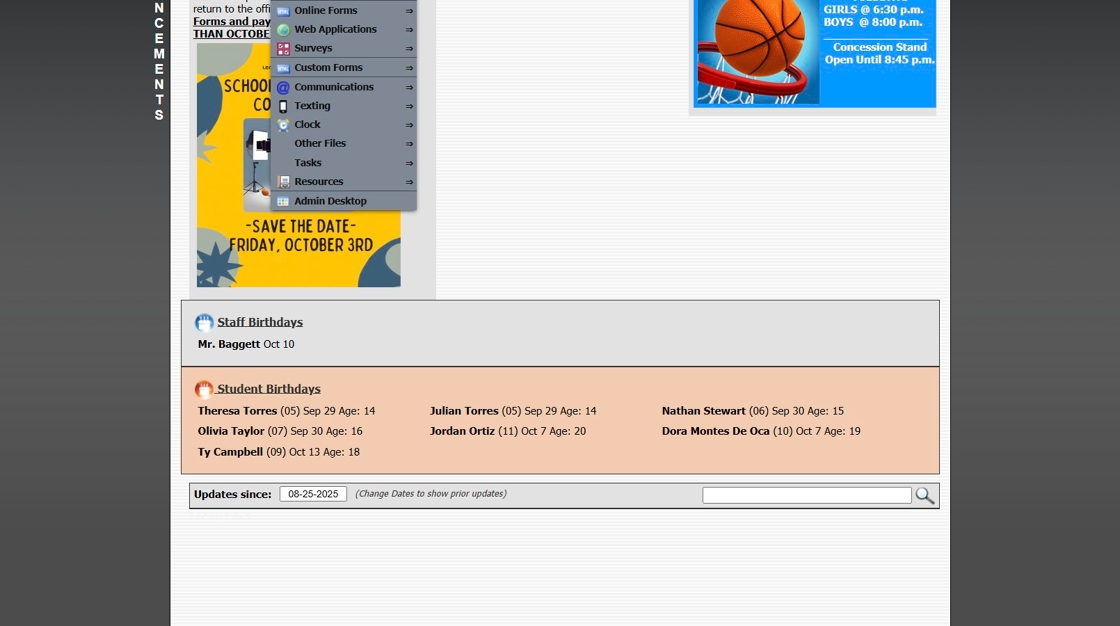
2. Click "Admin"
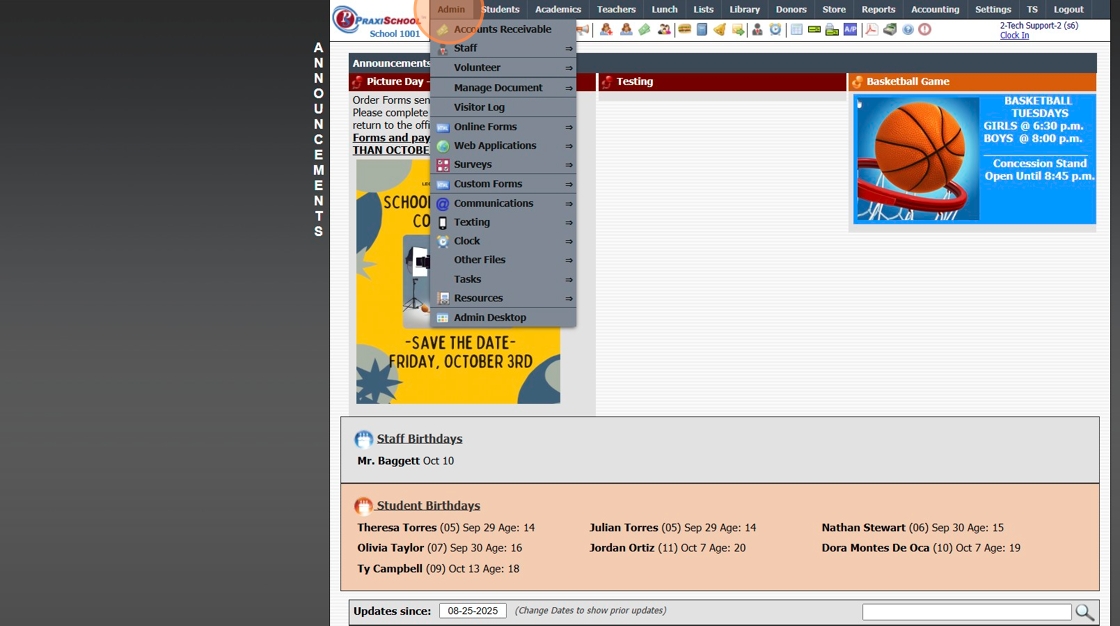
3. Click "Account Receivable"
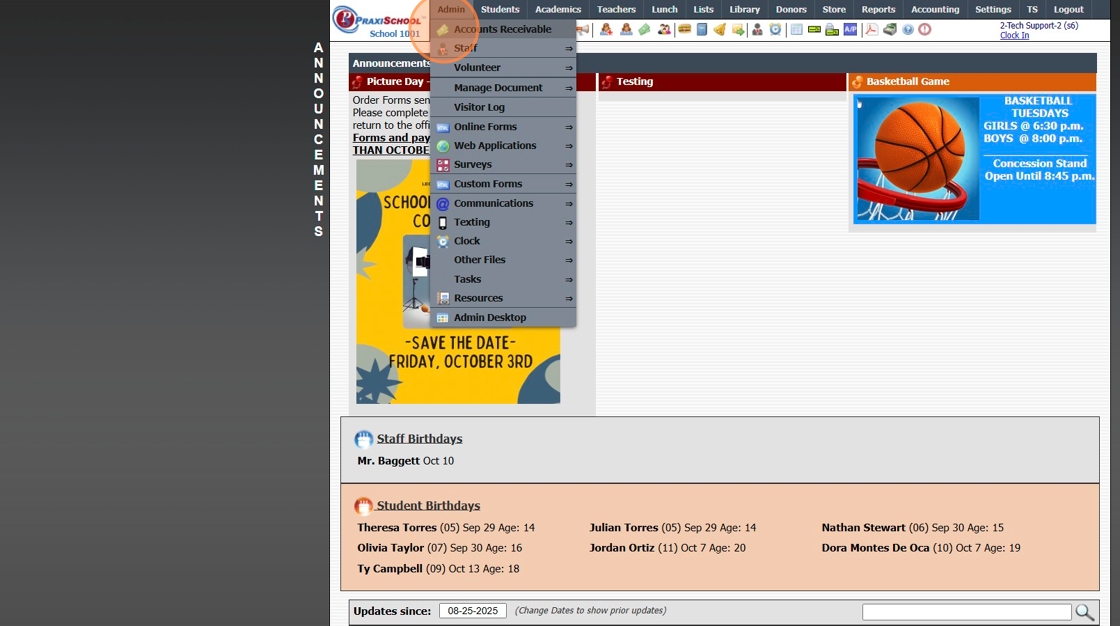
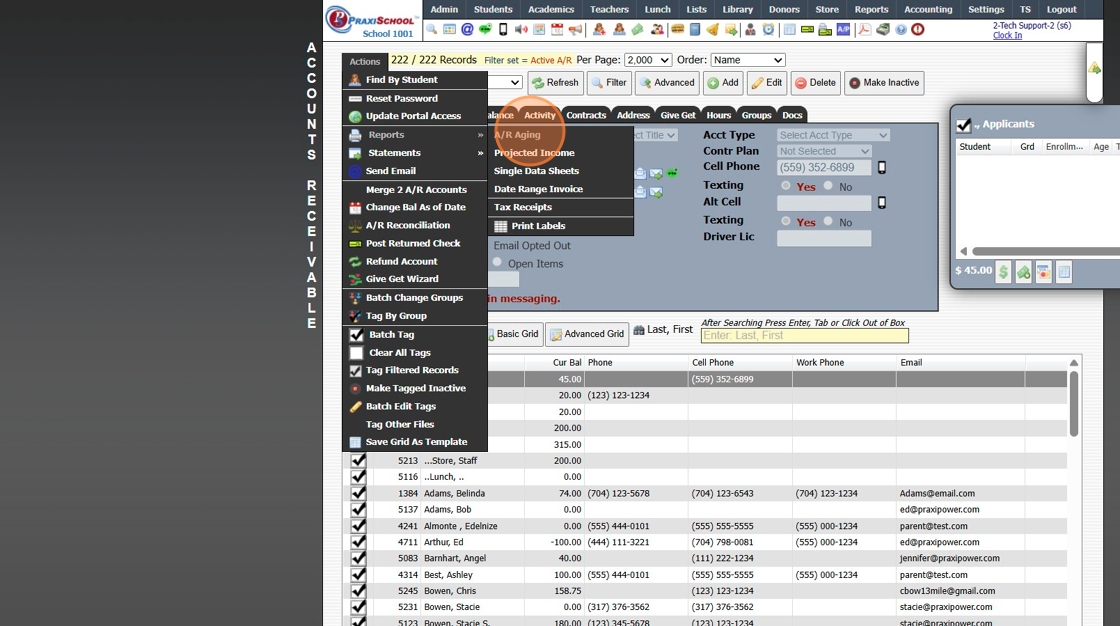
4. Click "Actions"

5. Click "Reports"
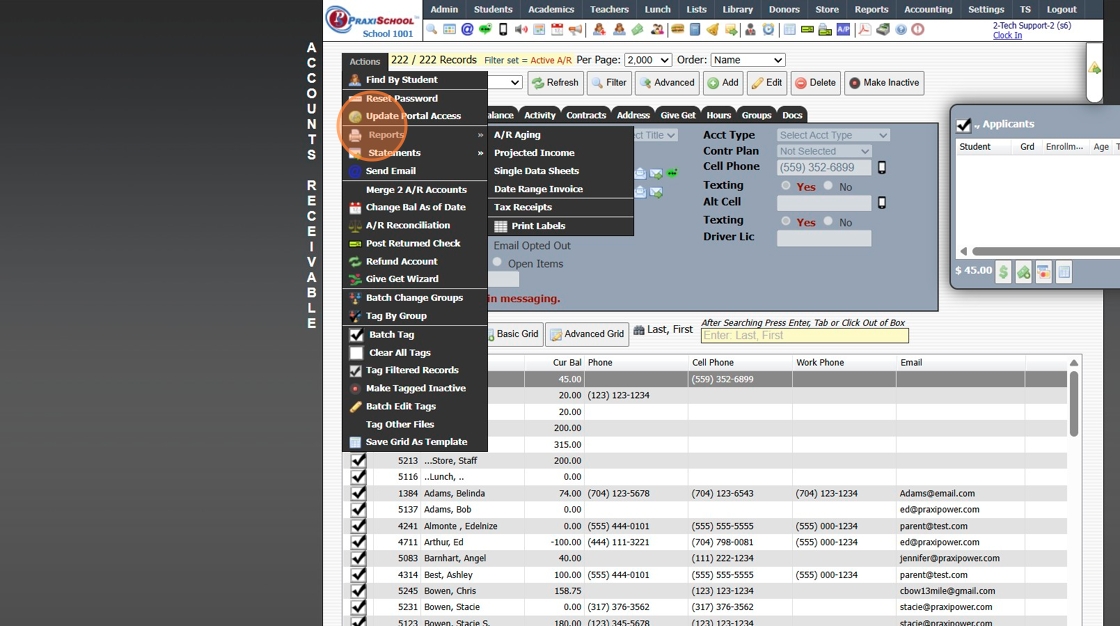
6. Click "A/R Aging"
7. Select Based On Option

8. Select Desired Options

9. Select desired Accounts Option

10. Click "Print"

11. Select desired Print Format

1000.1.8
Related Articles
Generating an Accounts Receivable Projected Income Report
Generating an Accounts Receivable Projected Income Report 1. Log into PraxiSchool 2. Click "Admin" 3. Click "Accounts Receivable" 4. Click "Actions" 5. Click "Reports" 6. Click "Projected Income" 7. Set Dates "From" and "To" 8. Click "Print" 9. The ...Icon Toolbar - Accounts Receivable
Icon Toolbar - Accounts Receivable Click on the Accounts Receivable Icon for Quick Access to the Accounts Receivable Database 7500.1.12Creating Accounts Receivable Accounts
Creating Accounts Receivable Accounts 1. Log into PraxiSchool 2. Typically Student AR Accounts are Created in the Student Wizard (T) 3. After Creating the Student File, the Primary AR Account is Created from the A/R Account Toggle 4. A Secondary AR ...Generating Incomplete Grades Report
Generating Incomplete Grades Report Incomplete Grades - Grade Book Grades have been marked Incomplete. 1. Click "Teachers" 2. Click "Classroom" 3. Click "Reports" 4. Click "Incomplete Grades" 5. Select "All My Classes" (Default) or "Current Class" 6. ...Generating Blank Grades Report
Generating Blank Grades Report Blank Grades - Grade Book Grades that the Yellow Bar was clicked to Add the Weight but Grades have not been entered. 1. Click "Teachers" 2. Click "Classroom" 3. Click "Reports" 4. Click "Blank Grades" 5. Select "All My ...