Entering Basic CC Bills
Entering Basic CC Bills
1. Click "Accounting"
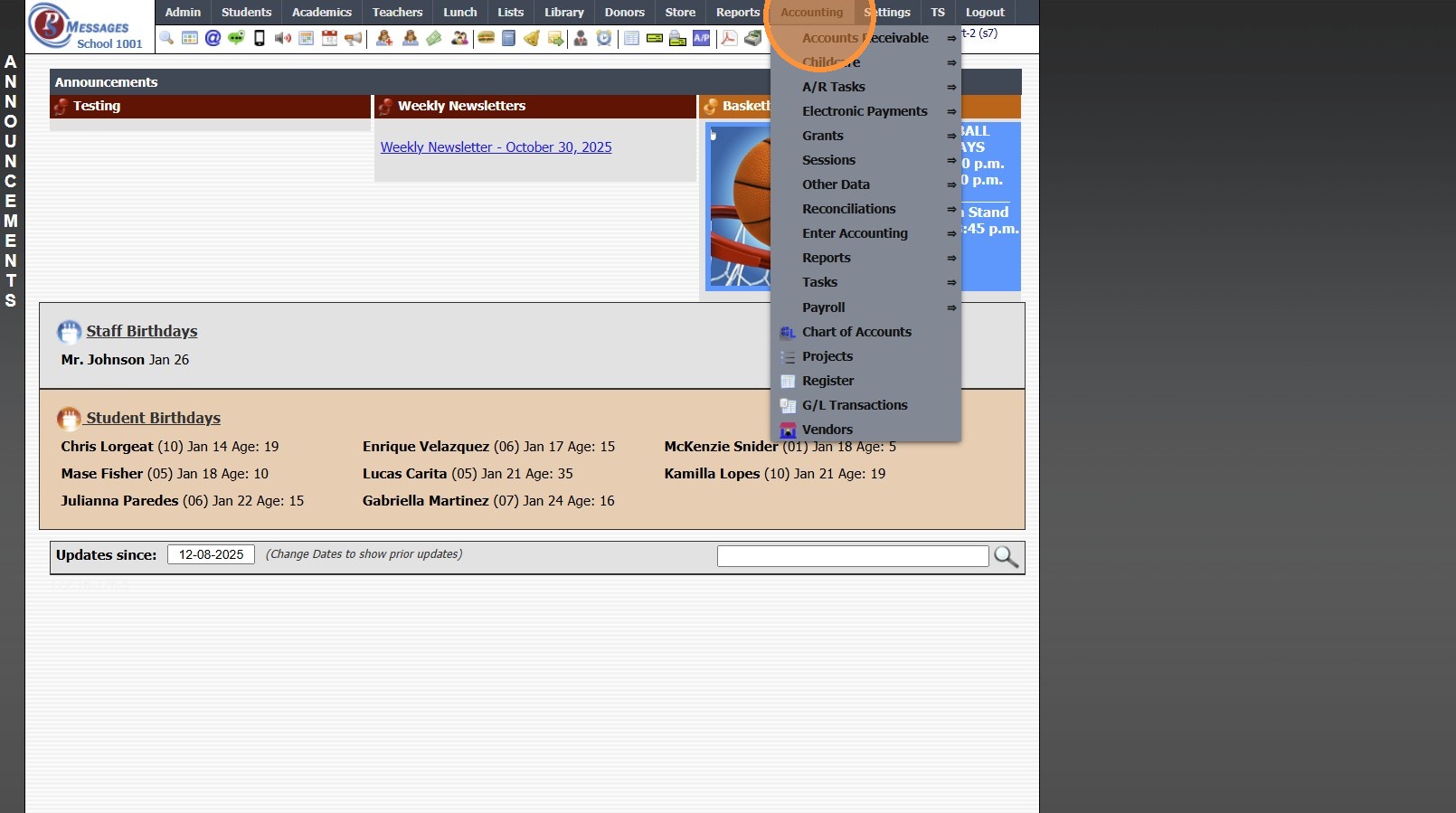
2. Click "Enter Accounting"
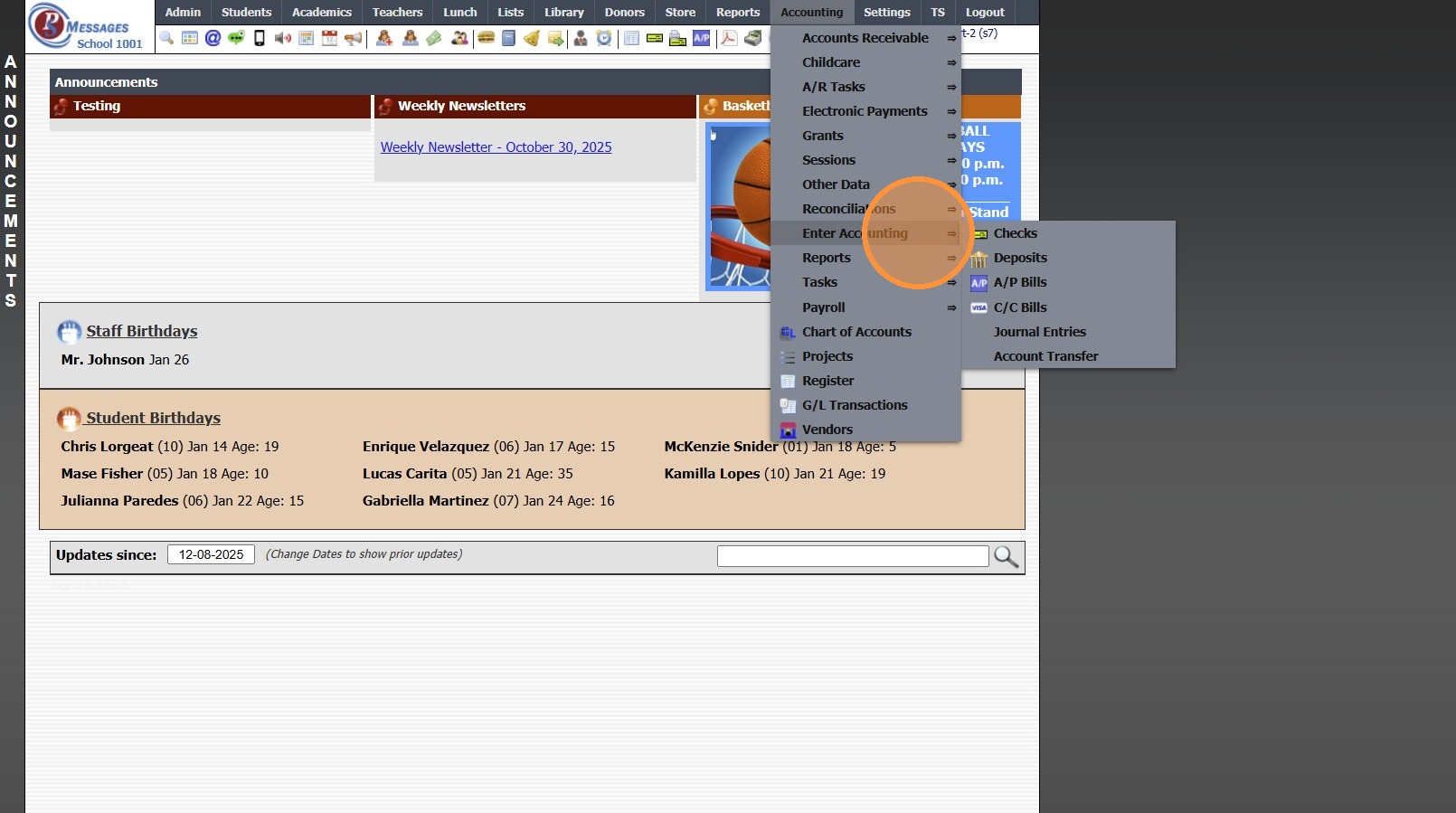
3. Click "C/C Bills"

4. Select Credit Card from Dropdown Menu
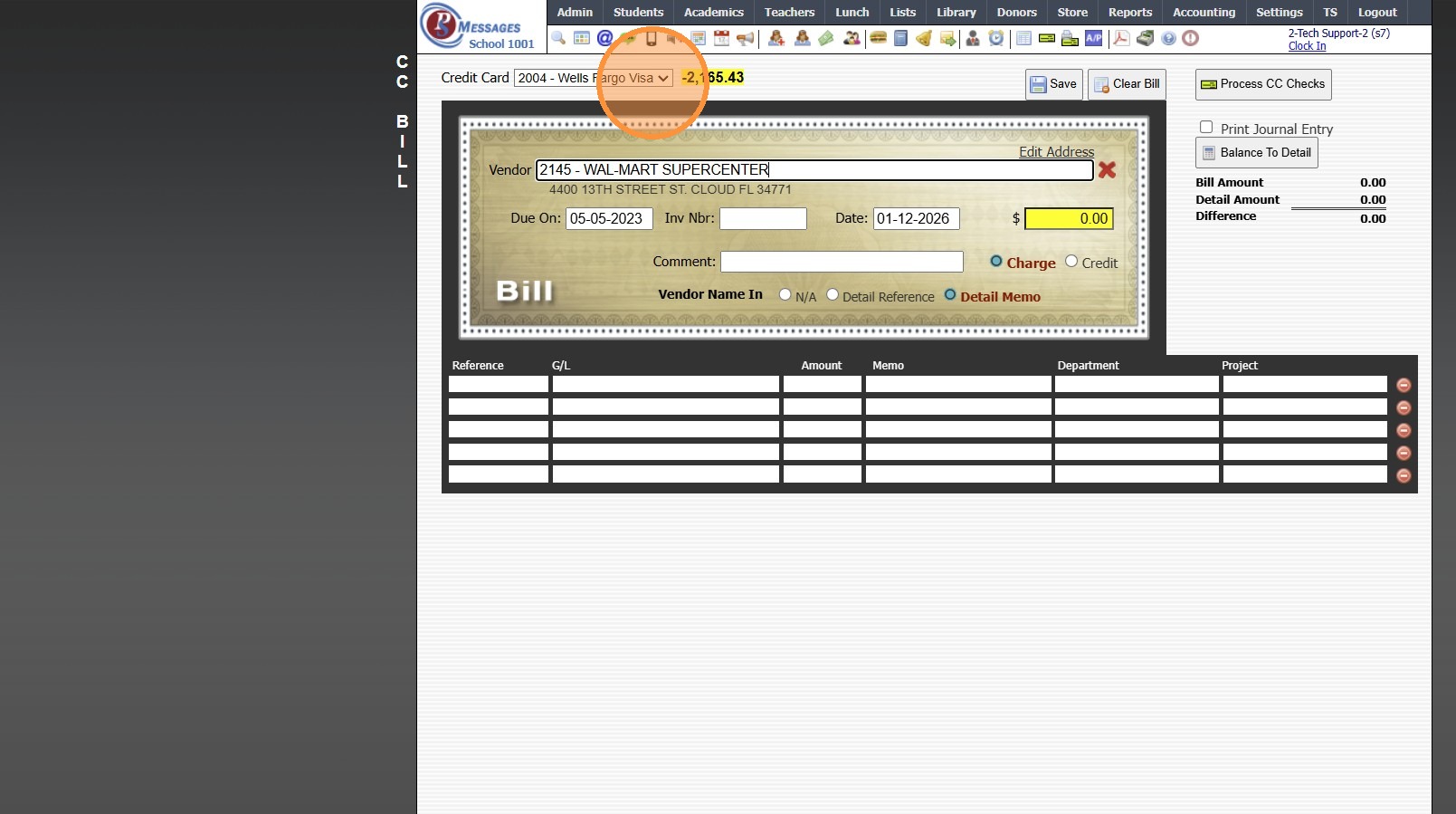
5. Enter New Vendor or Select Existing Vendor
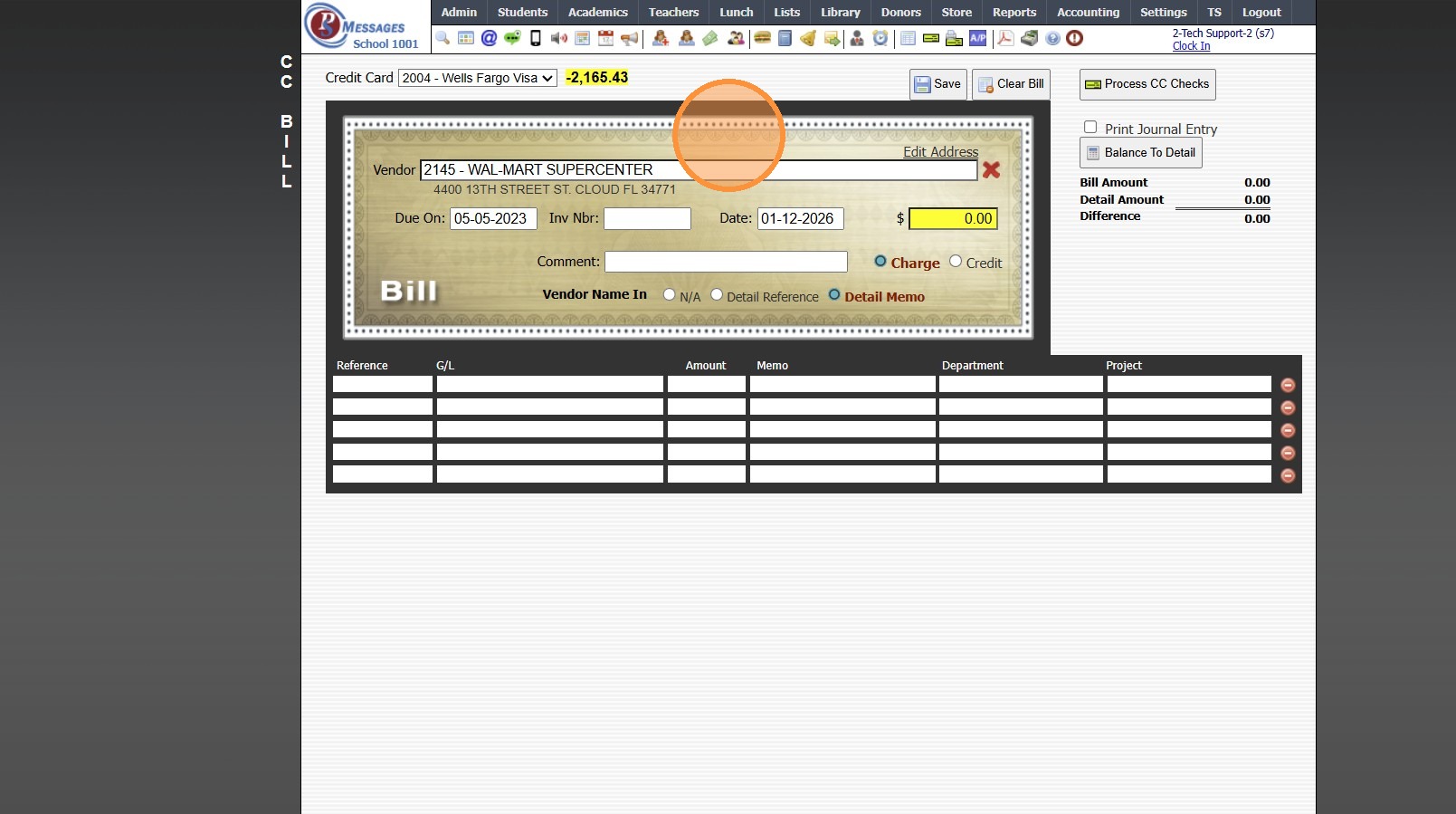
6. Enter Due Date (Optional)
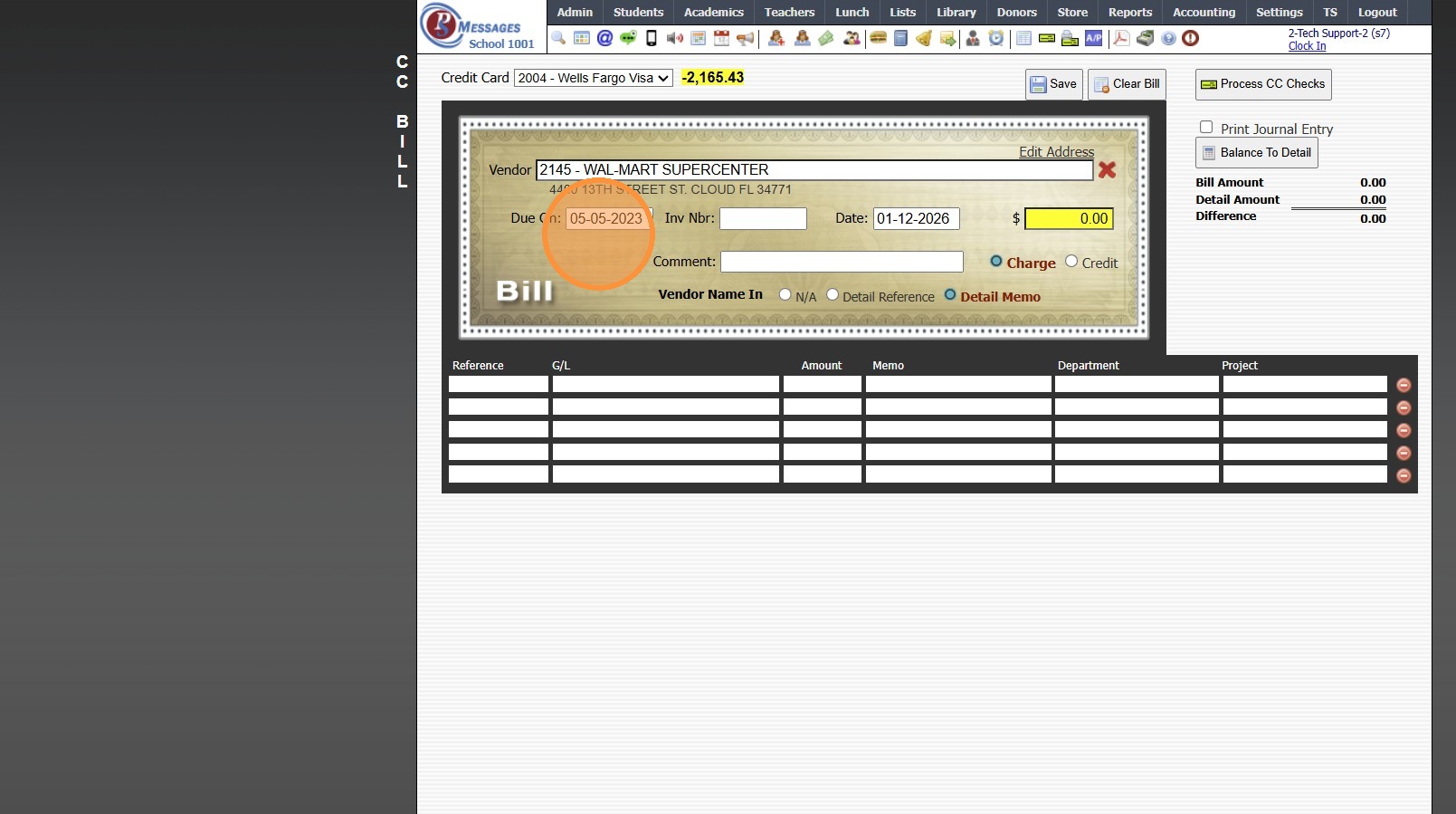
7. Enter Invoice Number (If Applicable)
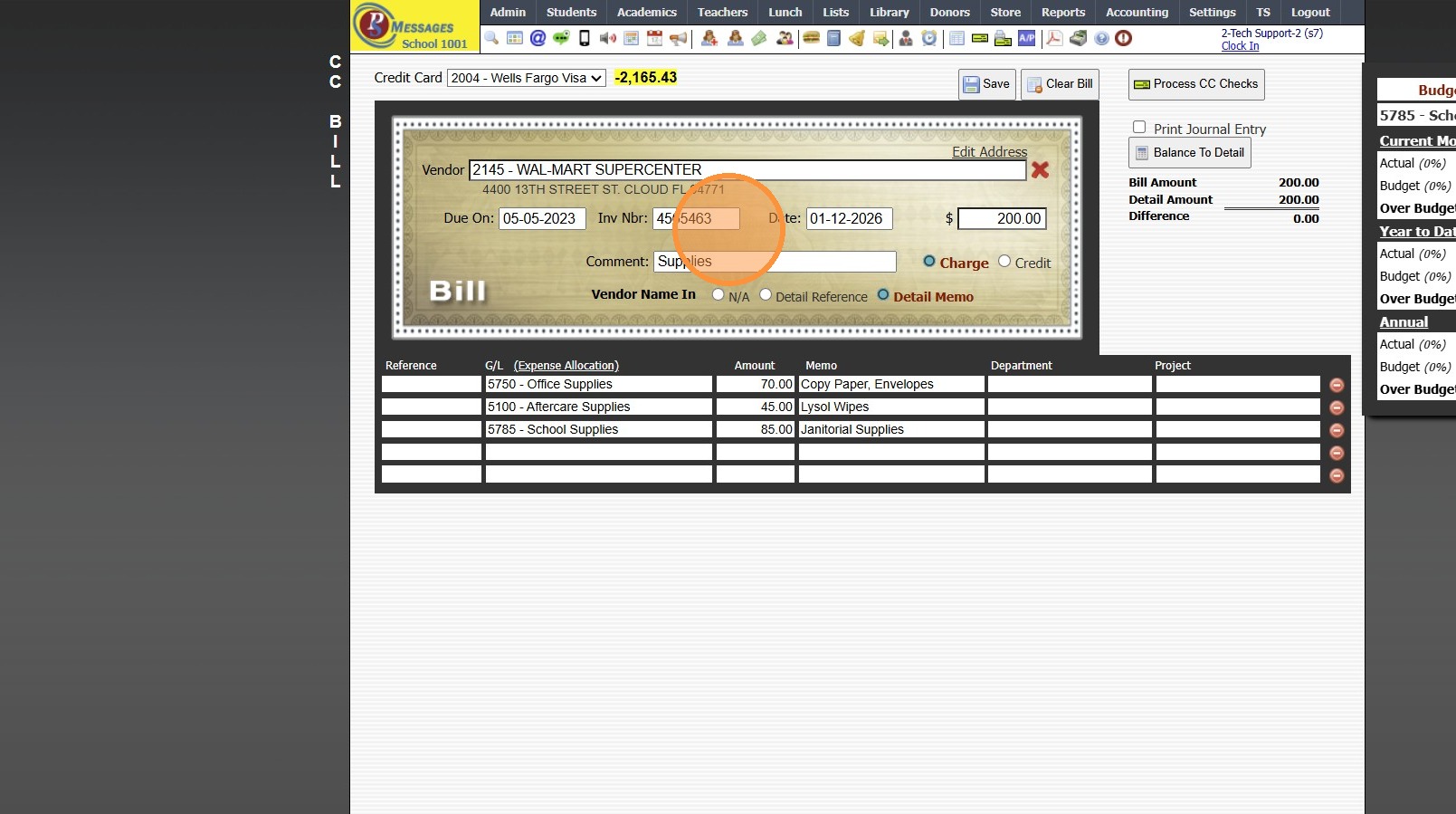
8. Enter Amount
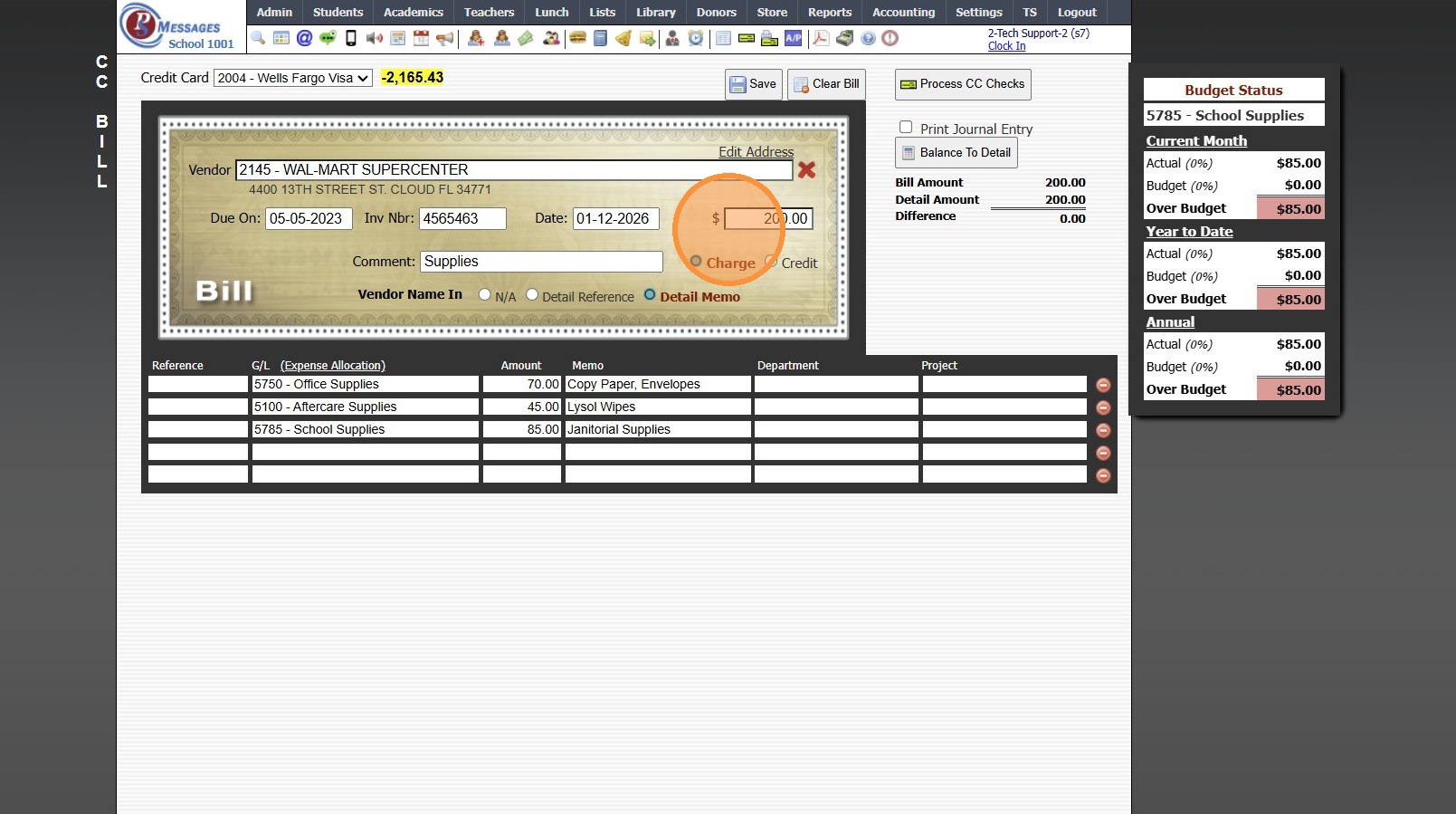
9. Enter Comment (Optional)
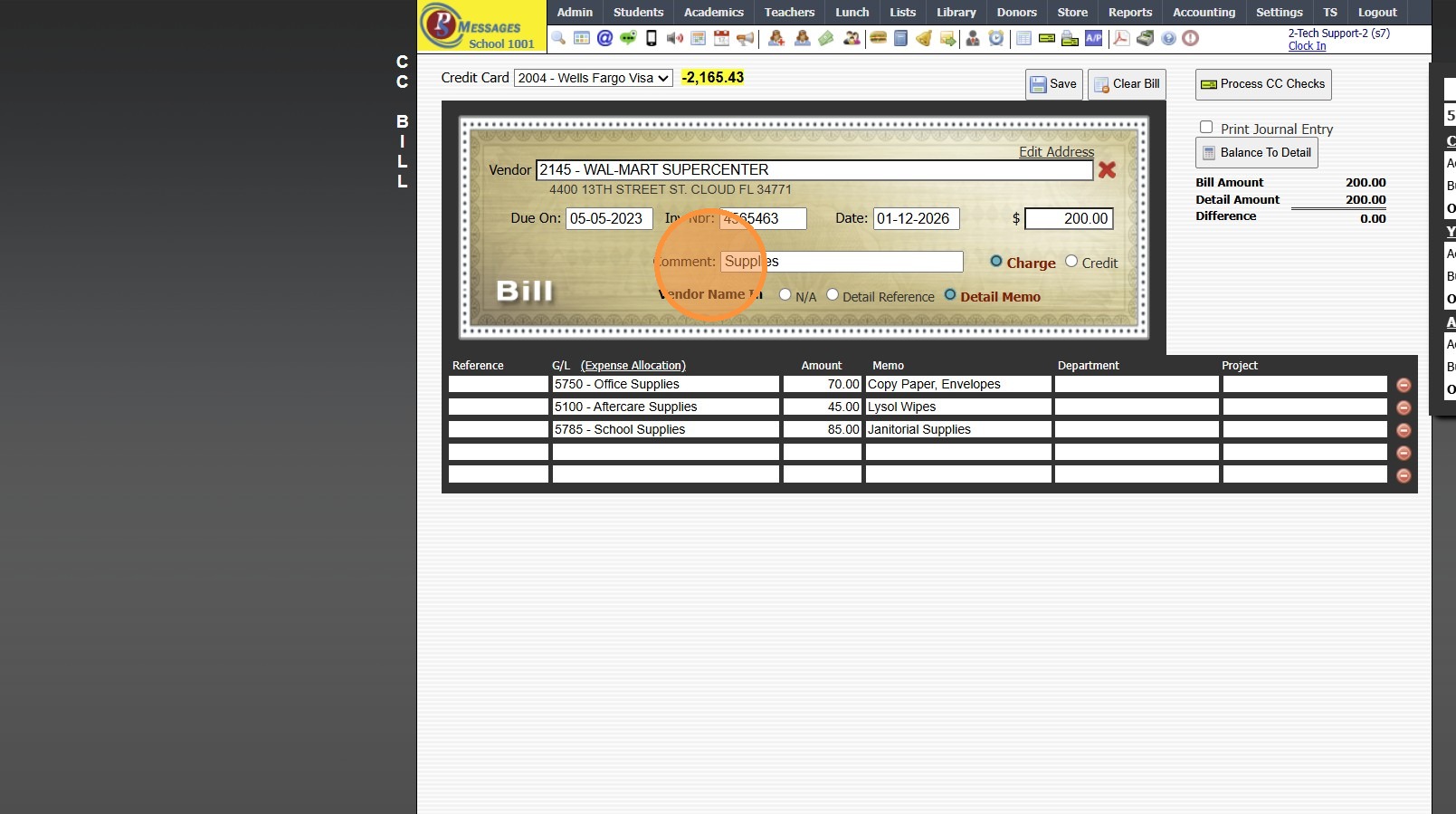
10. Select Appropriate General Ledger Number
(If Amount is split between more than one General Ledger Number, create separate line items for each General Ledger Number)
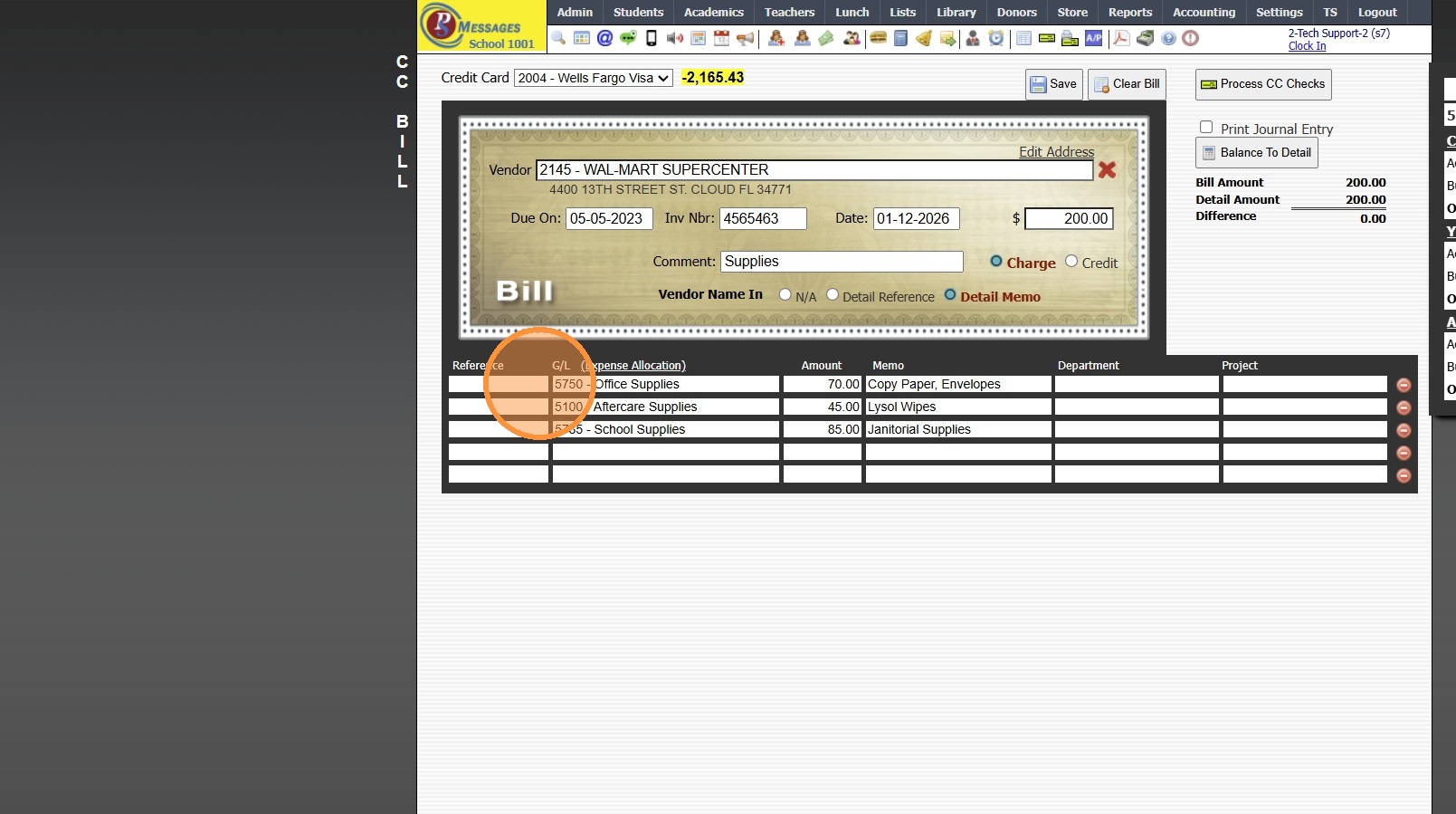
11. Enter Amount to apply towards Selected General Ledger Number
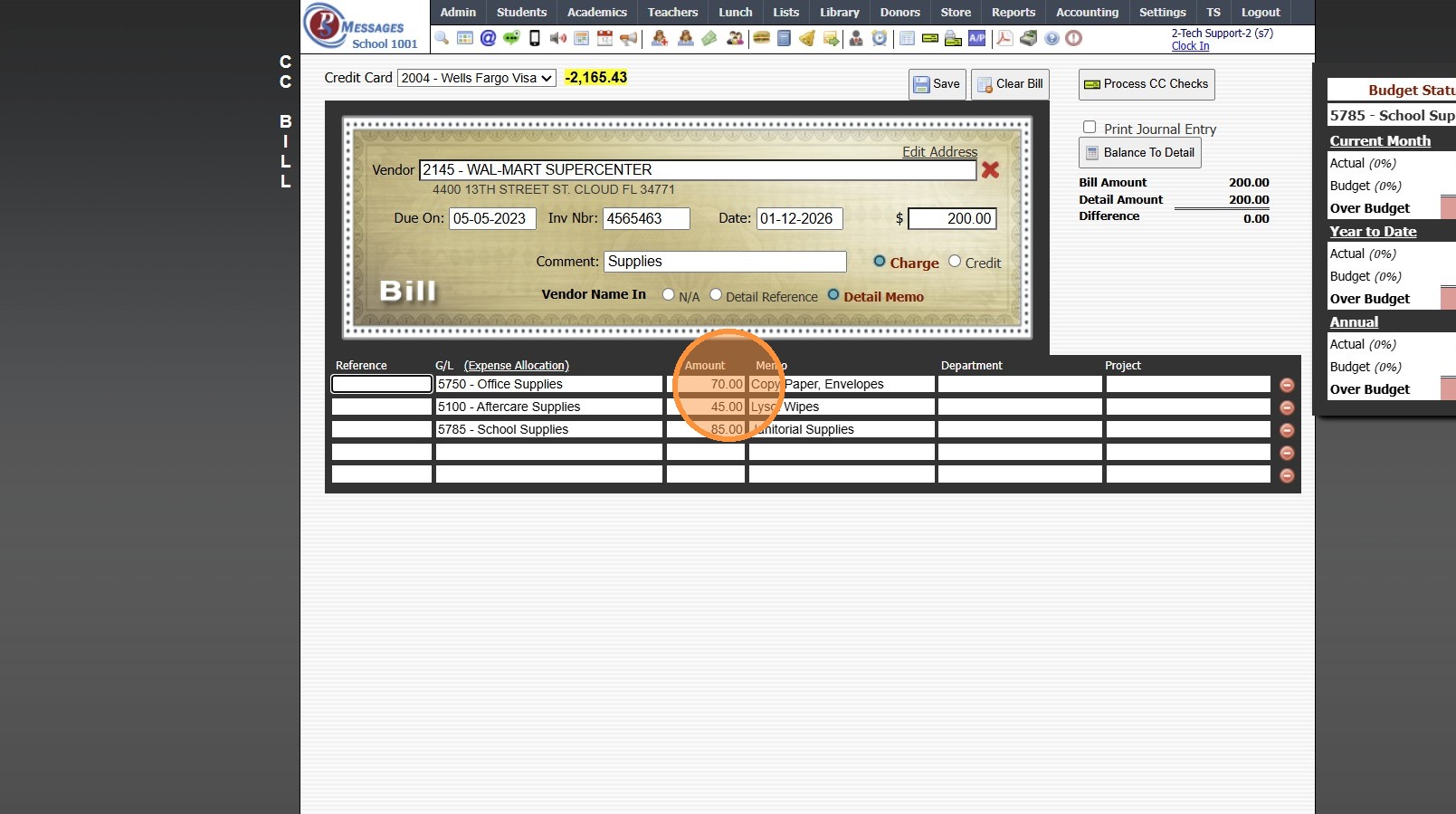
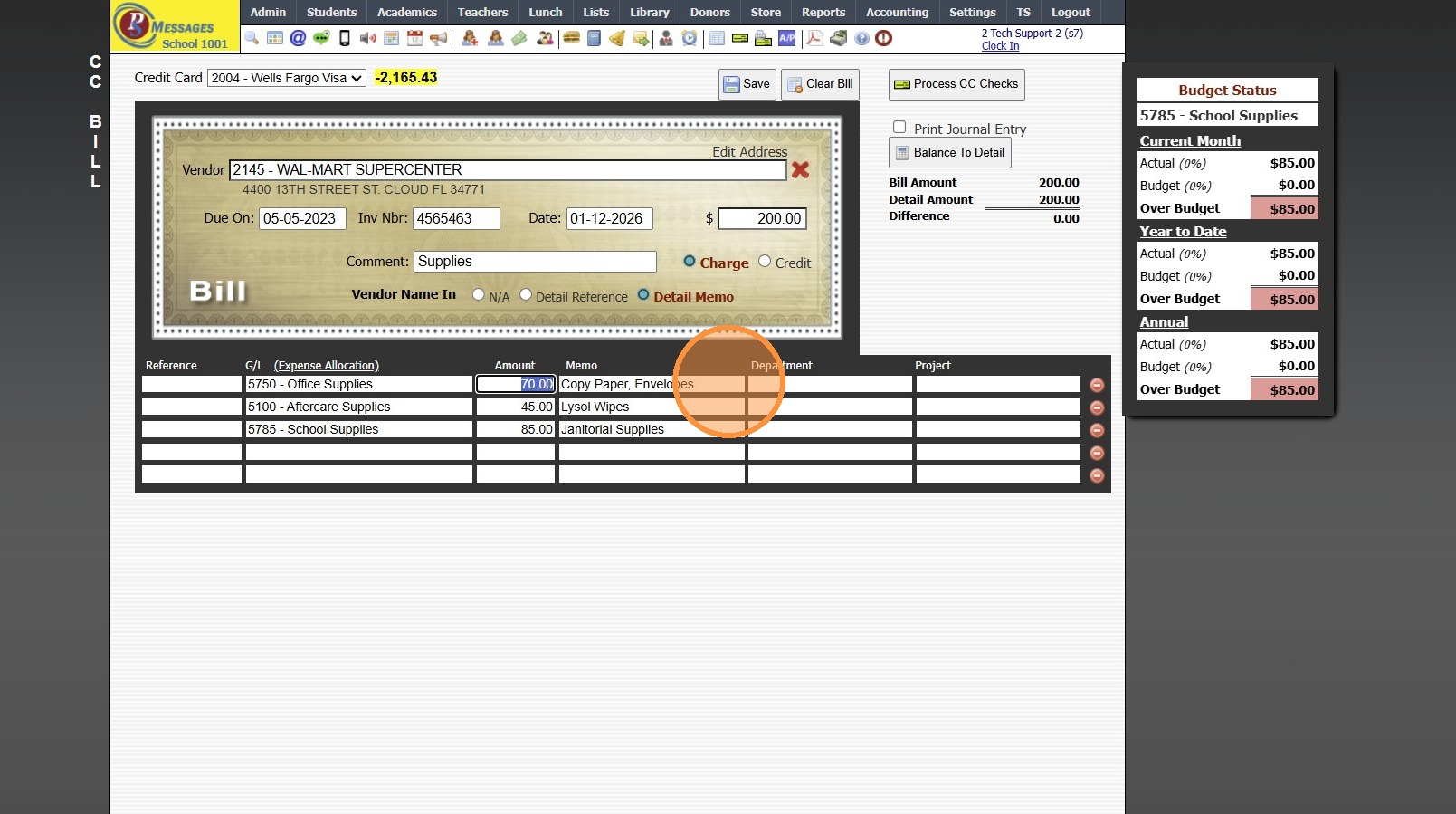
12. Add a Memo next to an Enter (Optional)
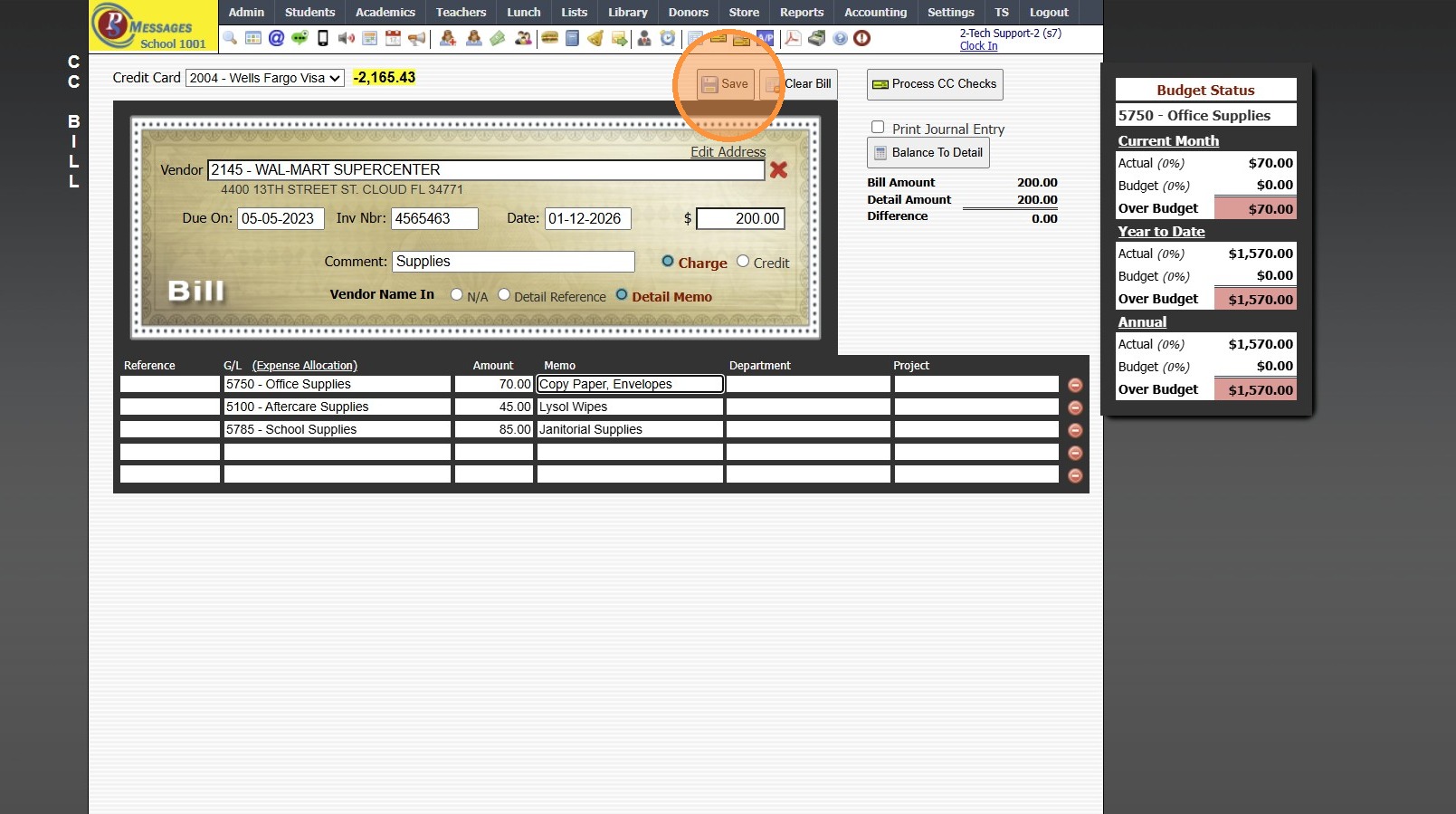
13. Click "Save"
6000.9.4
Related Articles
Entering Basic AP Bills
Entering Basic AP Bills 1. Click "Accounting" 2. Click "Enter Accounting" 3. Click "A/P Bills" 4. Enter New Vendor or Select Existing Vendor 5. Enter Invoice Number 6. Enter Date Received 7. Enter Full Amount 8. Enter Net On Date 9. Enter the ...Adding Email CC List
Adding Email CC List 1. Click "Admin" 2. Click "Communications" 3. Click "Email cc List" 4. Click "Add" 5. Select Staff Member to Assign CC List 6. Enter Description for CC List 7. Share in Admin Emails - Check box to allow Other Admin Users Access ...Creating a Basic Check
Creating a Basic Check 1. Click "Accounting" 2. Click "Enter Accounting" 3. Click "Checks" 4. Enter New Vendor or Select Existing Vendor 5. Current Date will Automatically Populate, Change if Needed 6. Enter Amount of Check 7. Enter Check Memo Enter ...When entering CcBills I lost my place, where can I see what I have already entered?
1. Click "Accounting" 2. Click "Enter Accounting" 3. Click "C/C Bills" 4. Click "Process CC Checks" 5. Select Credit Card & Refresh to see all Entered, but not Processed CcBills 8000.27Creating a Basic Transaction Item (Defined Items)
Creating a Basic Transaction Item (Defined Items) 1. Log into PraxiSchool 2. Click "Lists" 3. Click "A/R Accounting" 4. Click "Transaction Items" 5. Click "Add" 6. Enter Description & Comment (typically these are the same) Add Notes (Optional) 7. ...