Entering Basic AP Bills
Entering Basic AP Bills
1. Click "Accounting"
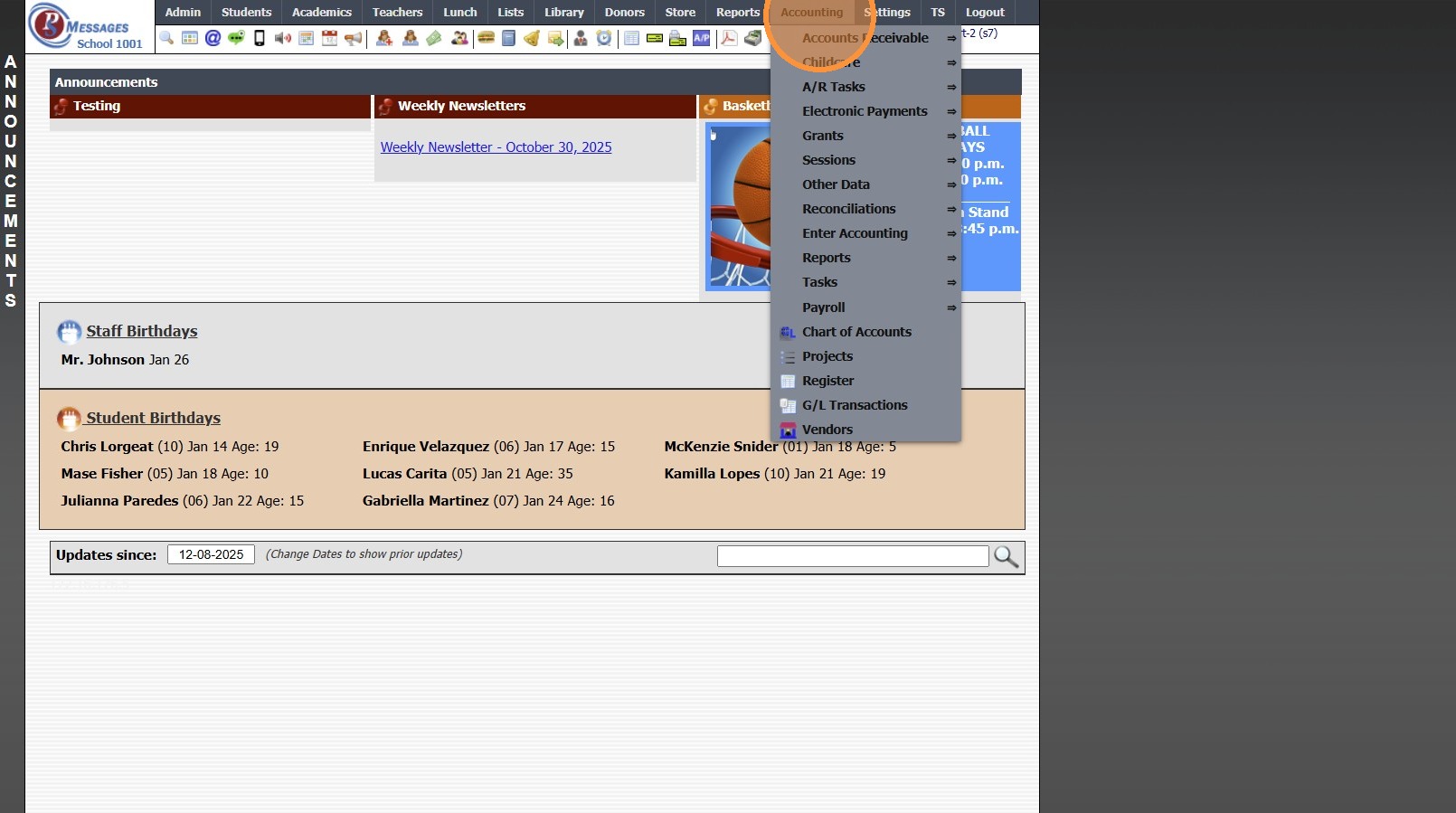
2. Click "Enter Accounting"
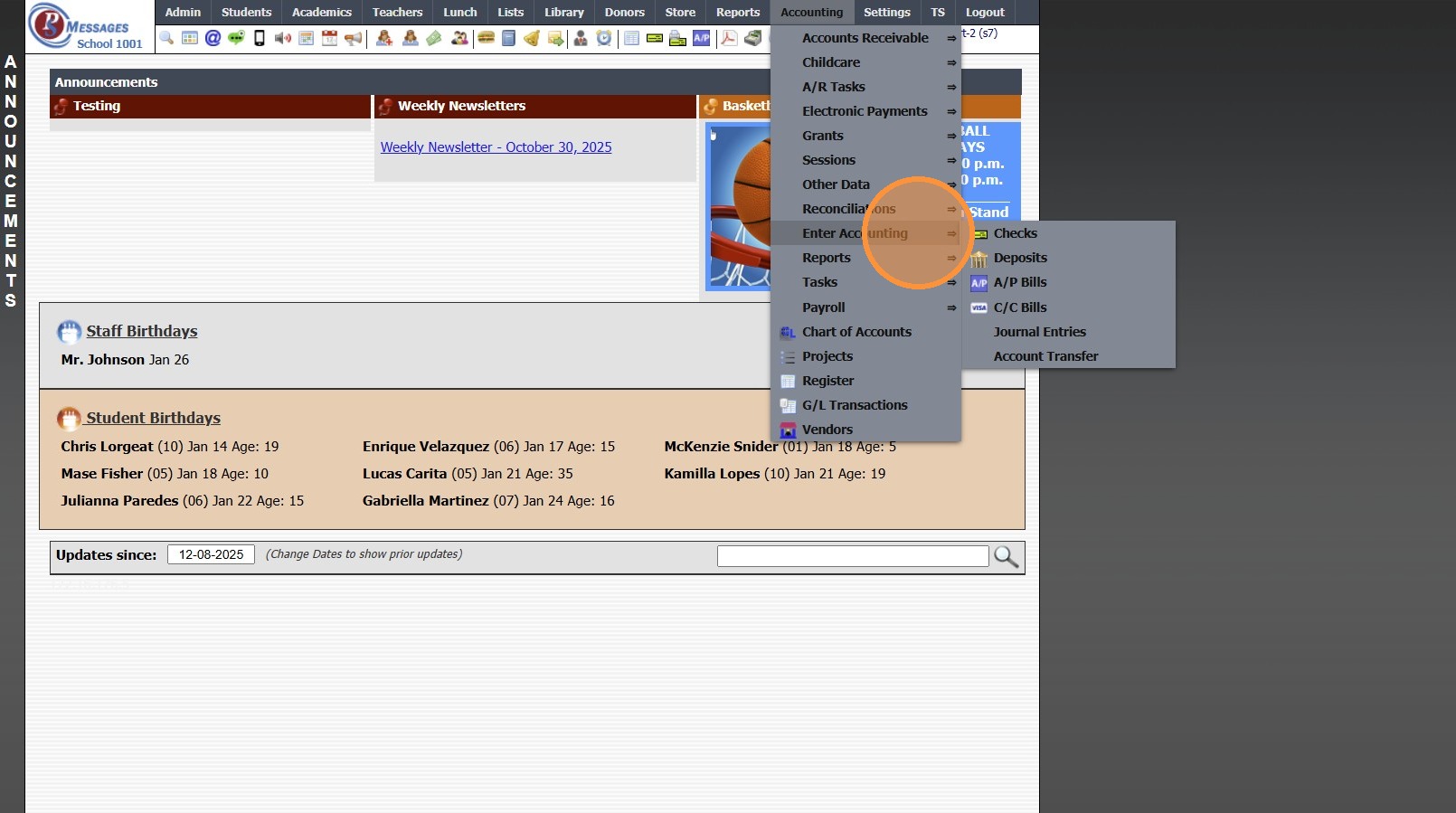
3. Click "A/P Bills"
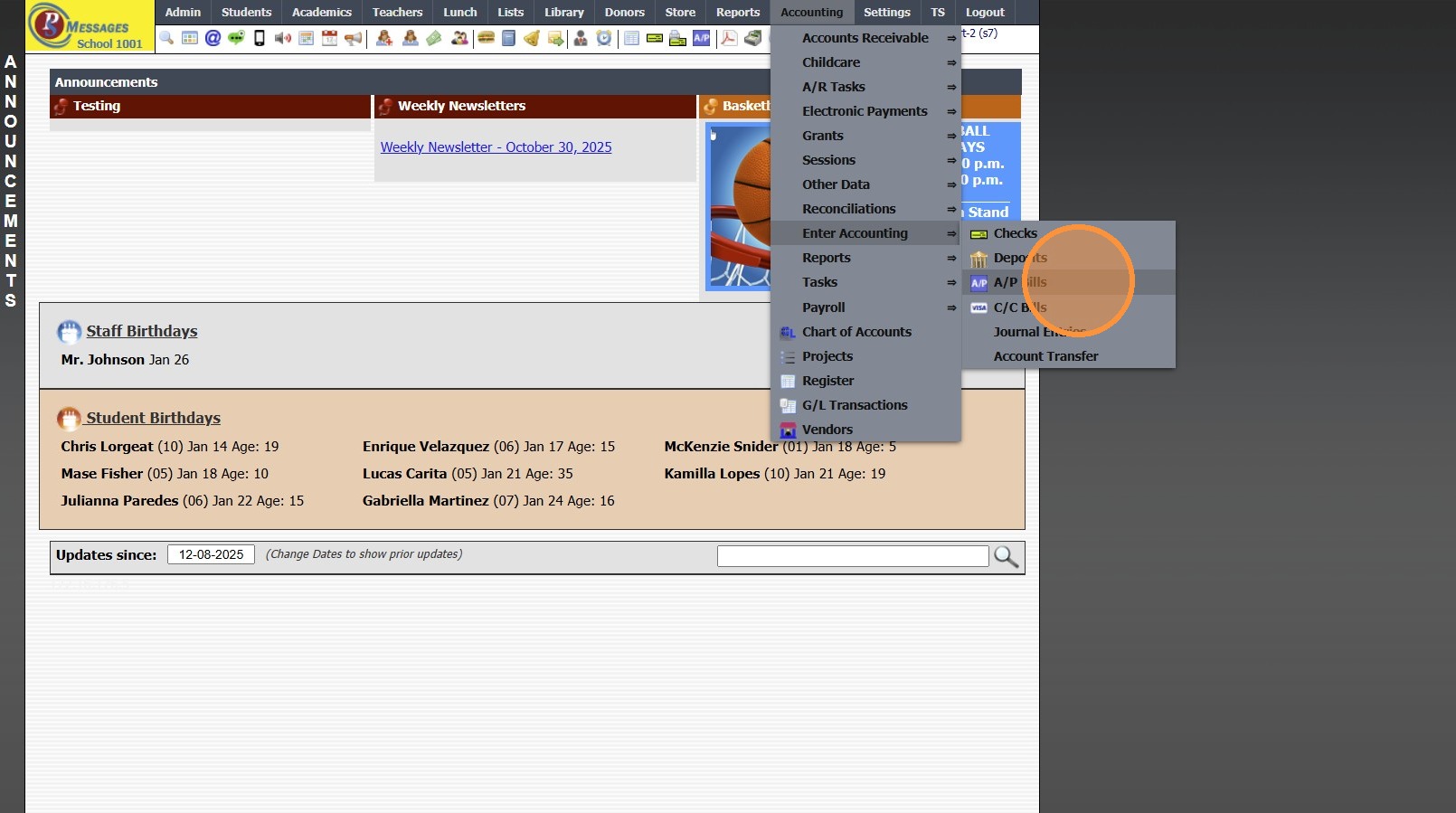
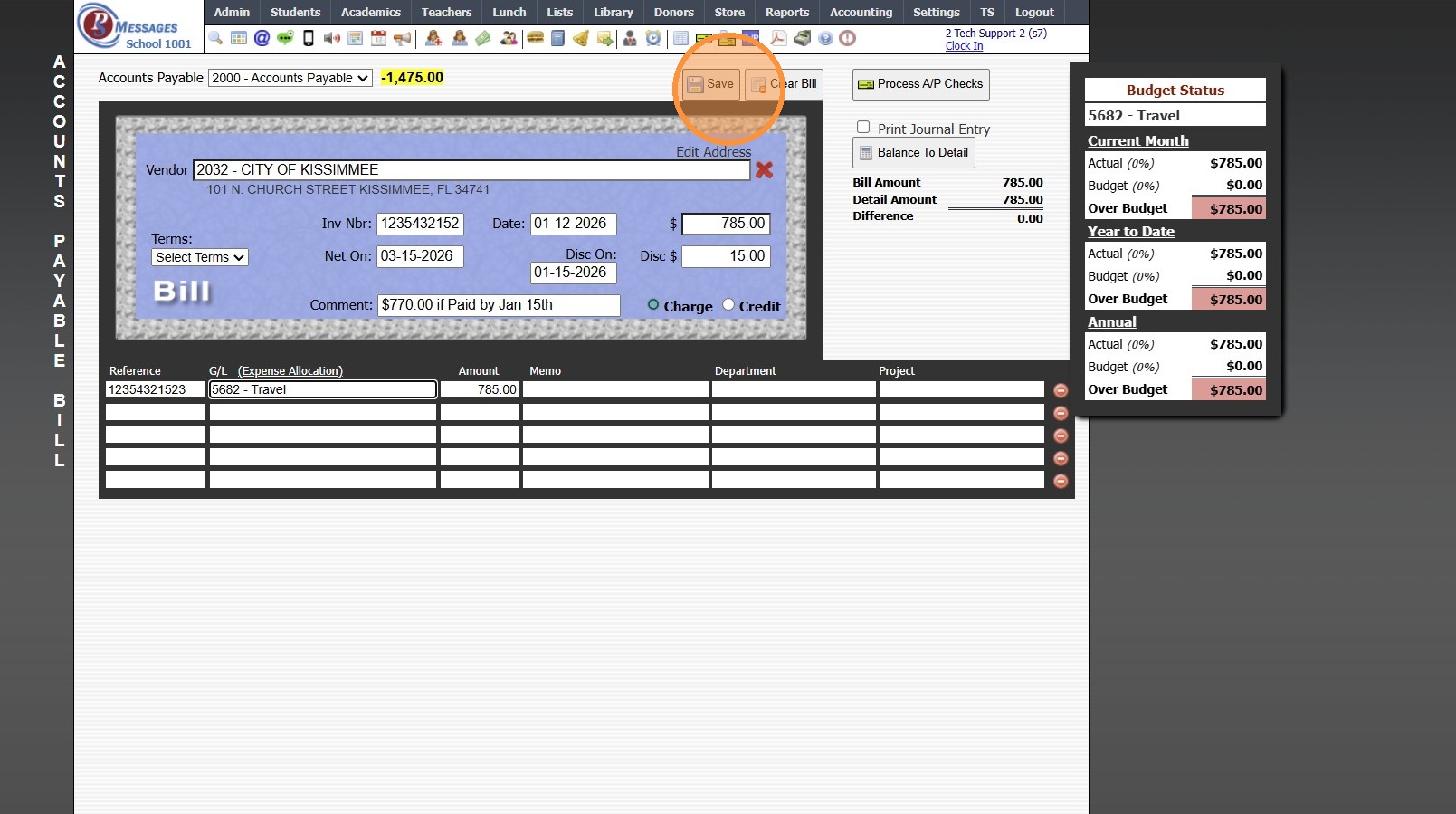
4. Enter New Vendor or Select Existing Vendor
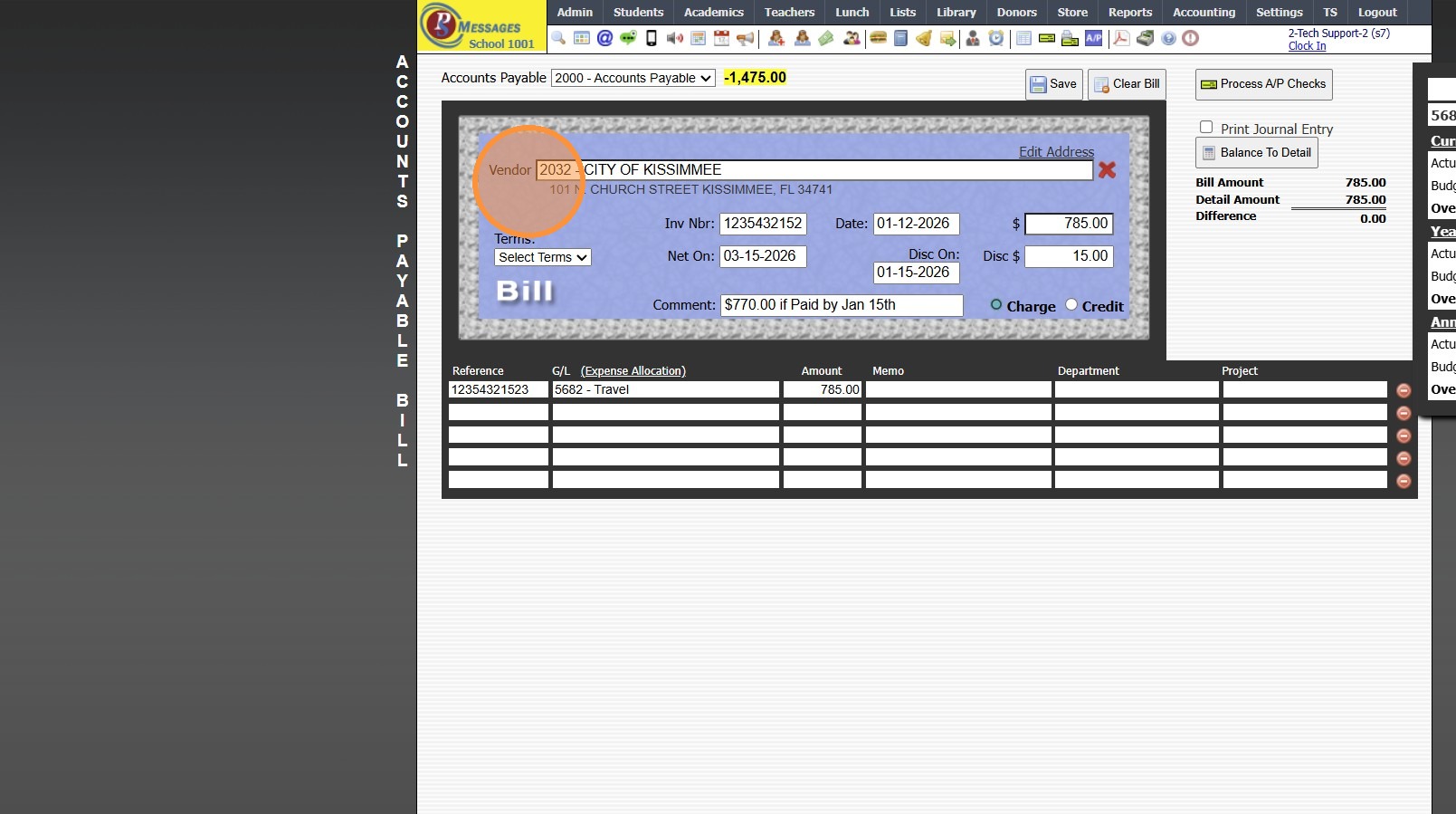
5. Enter Invoice Number
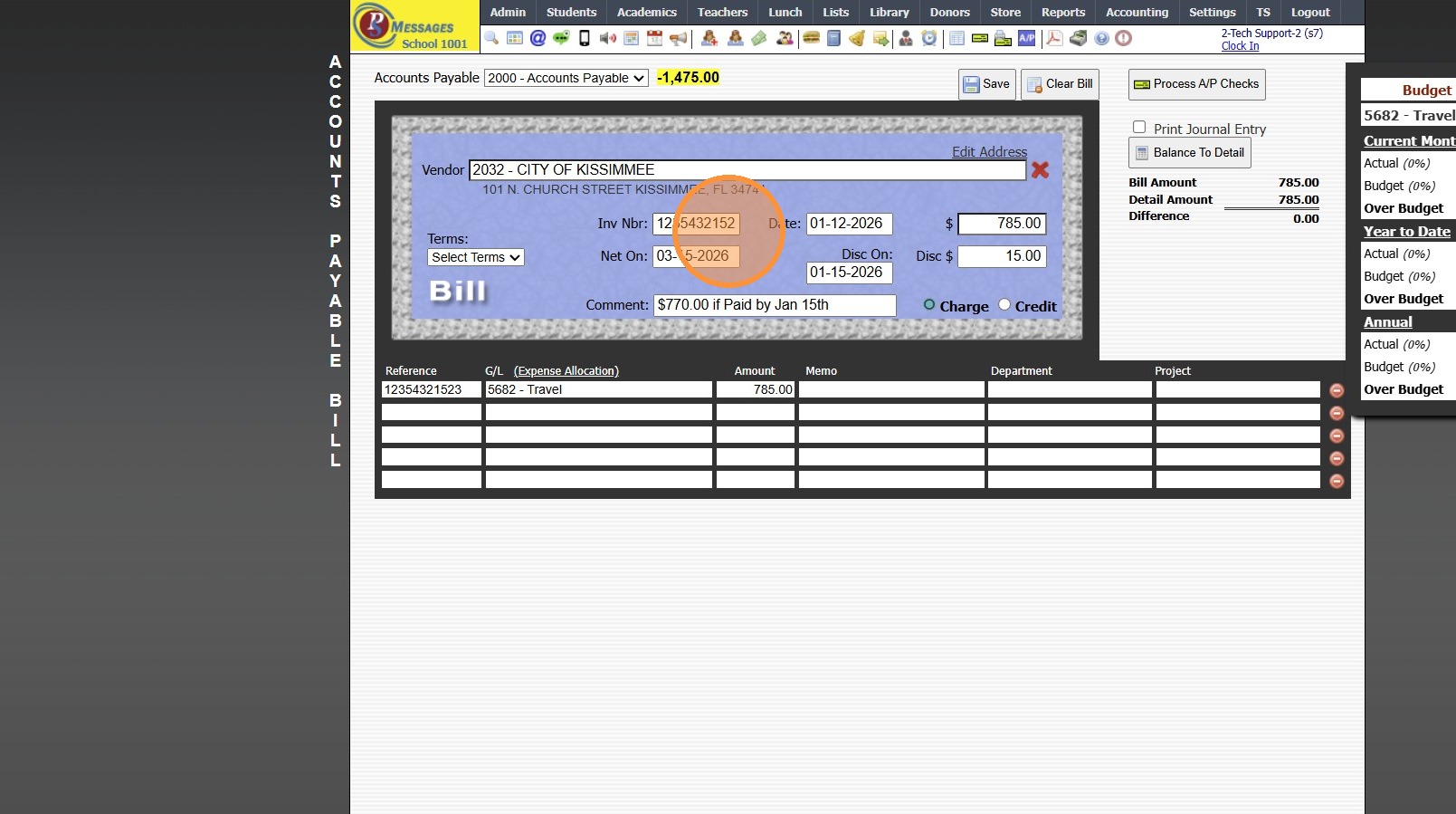
6. Enter Date Received
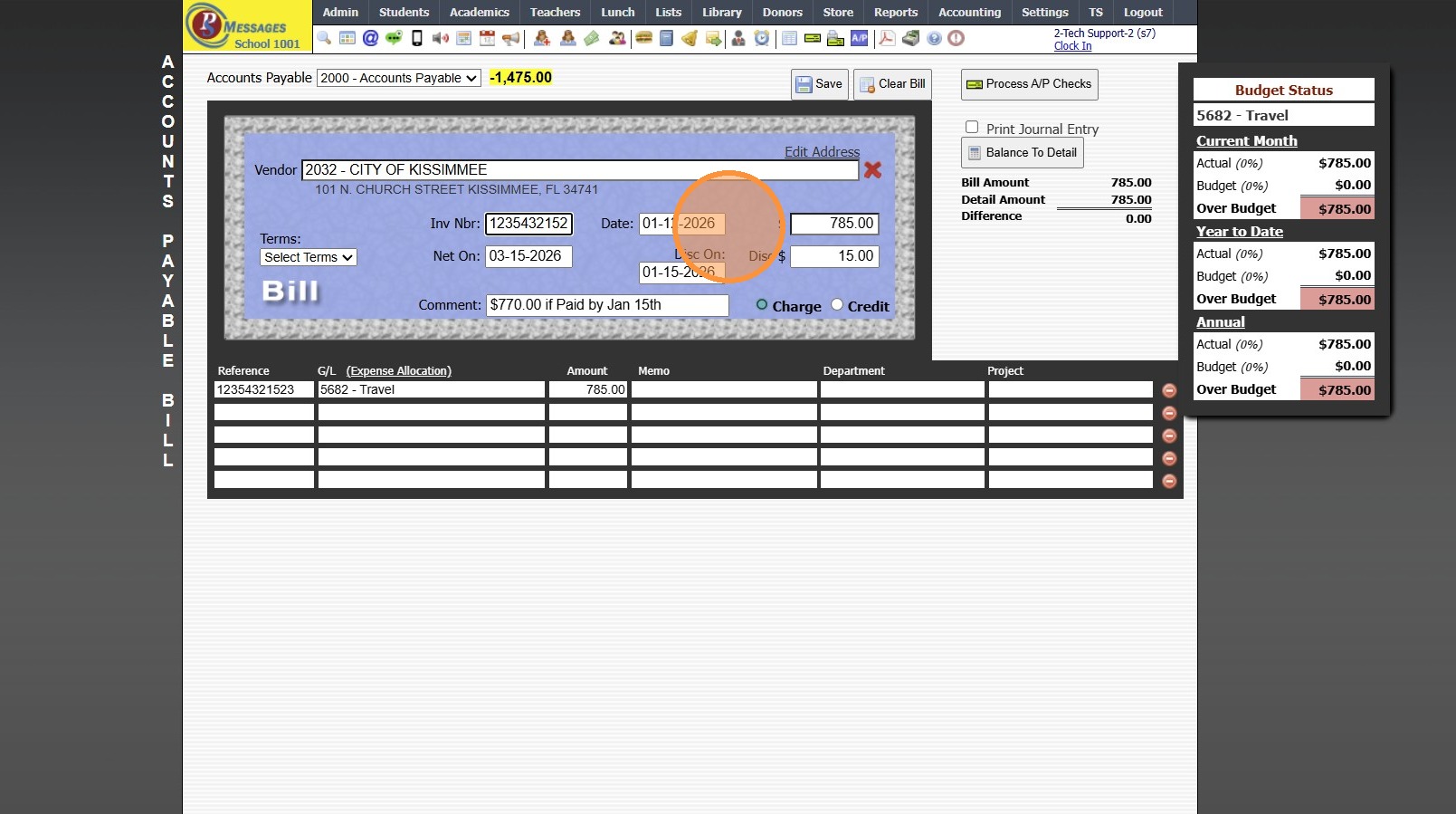
7. Enter Full Amount
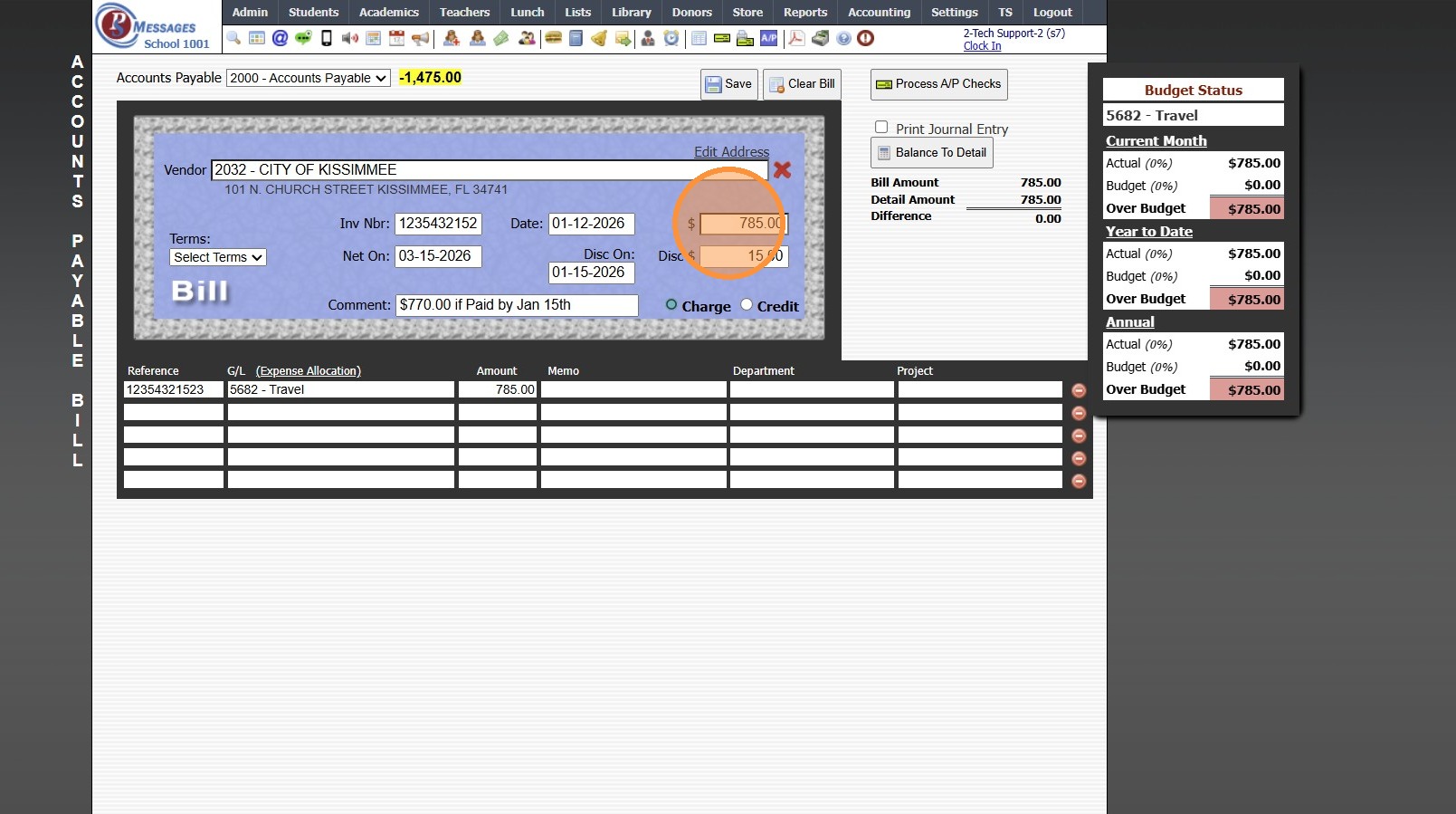
8. Enter Net On Date
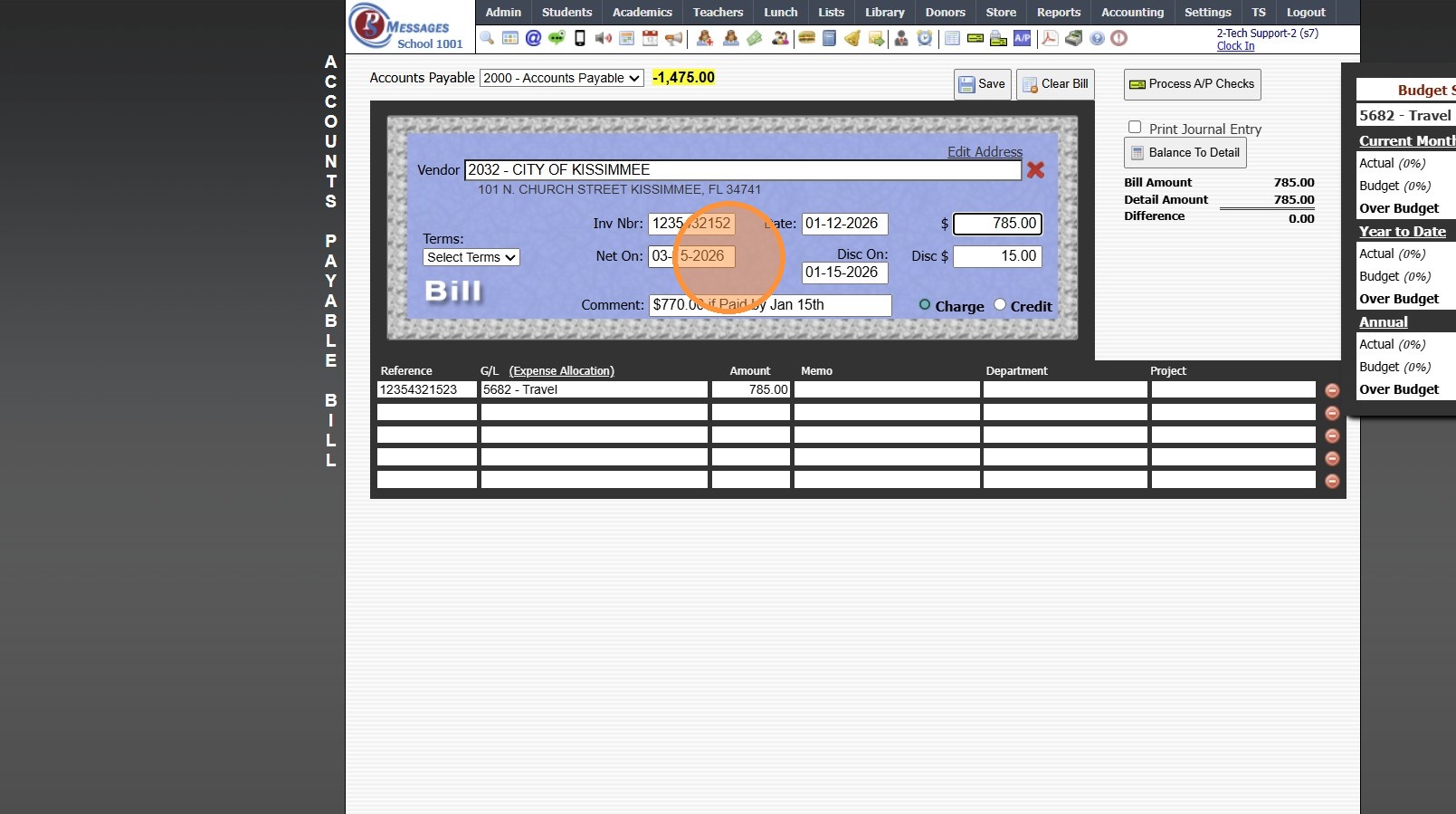
9. Enter the Discount On Date (Optional)
(Last Date to Pay to Receive Discount)
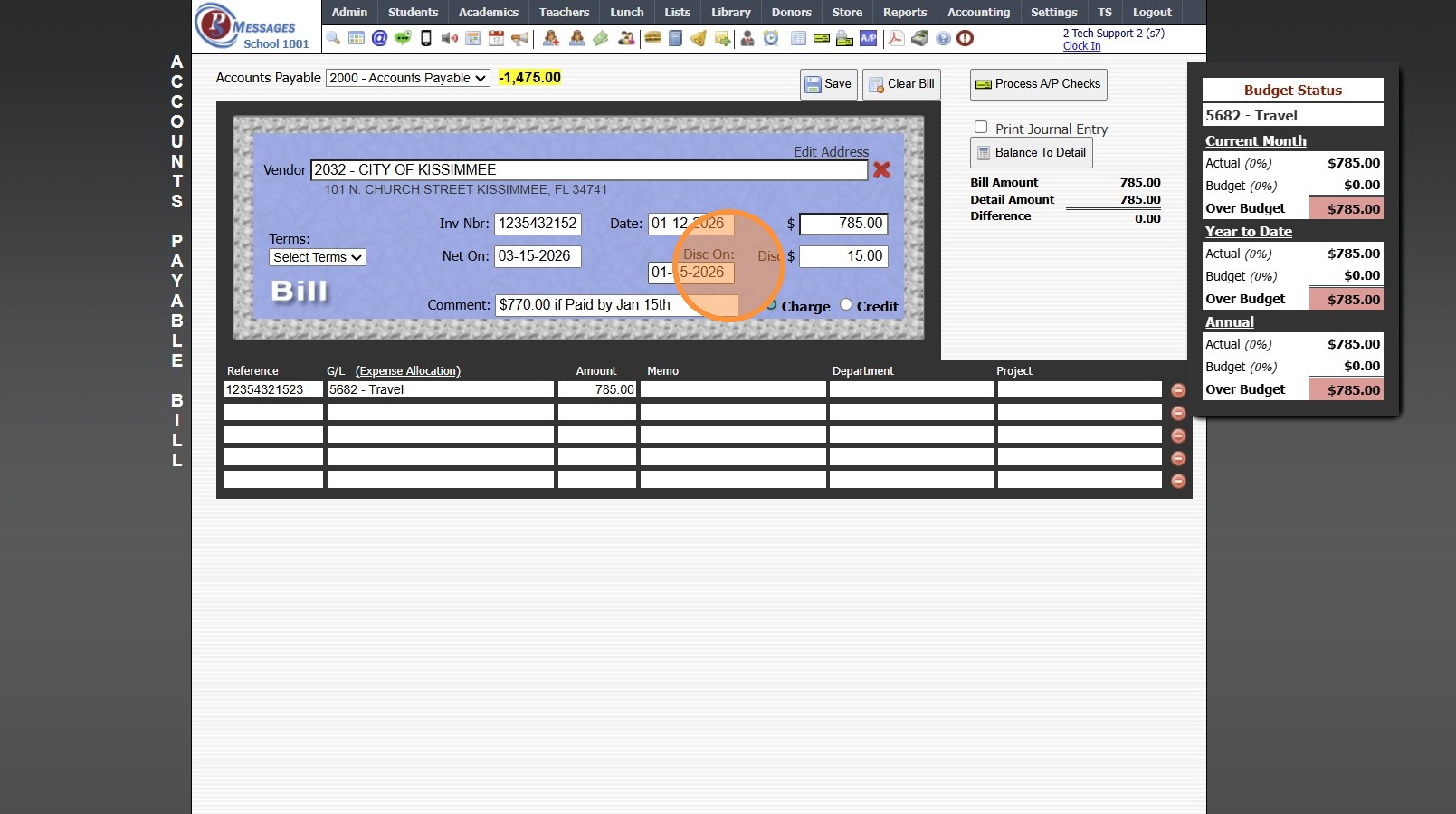
10. Enter Discount Amount
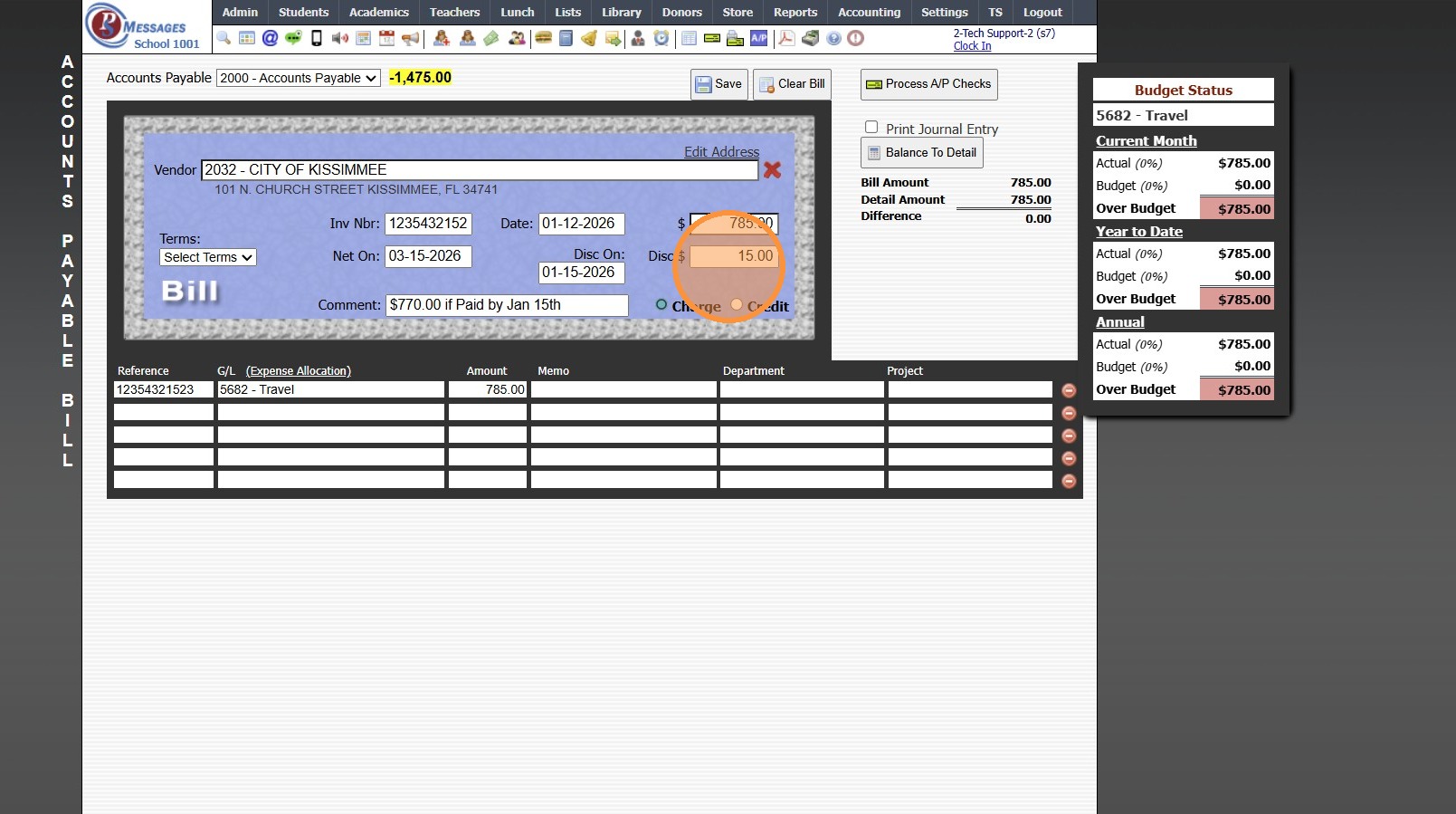
11. Enter Comment (Optional)
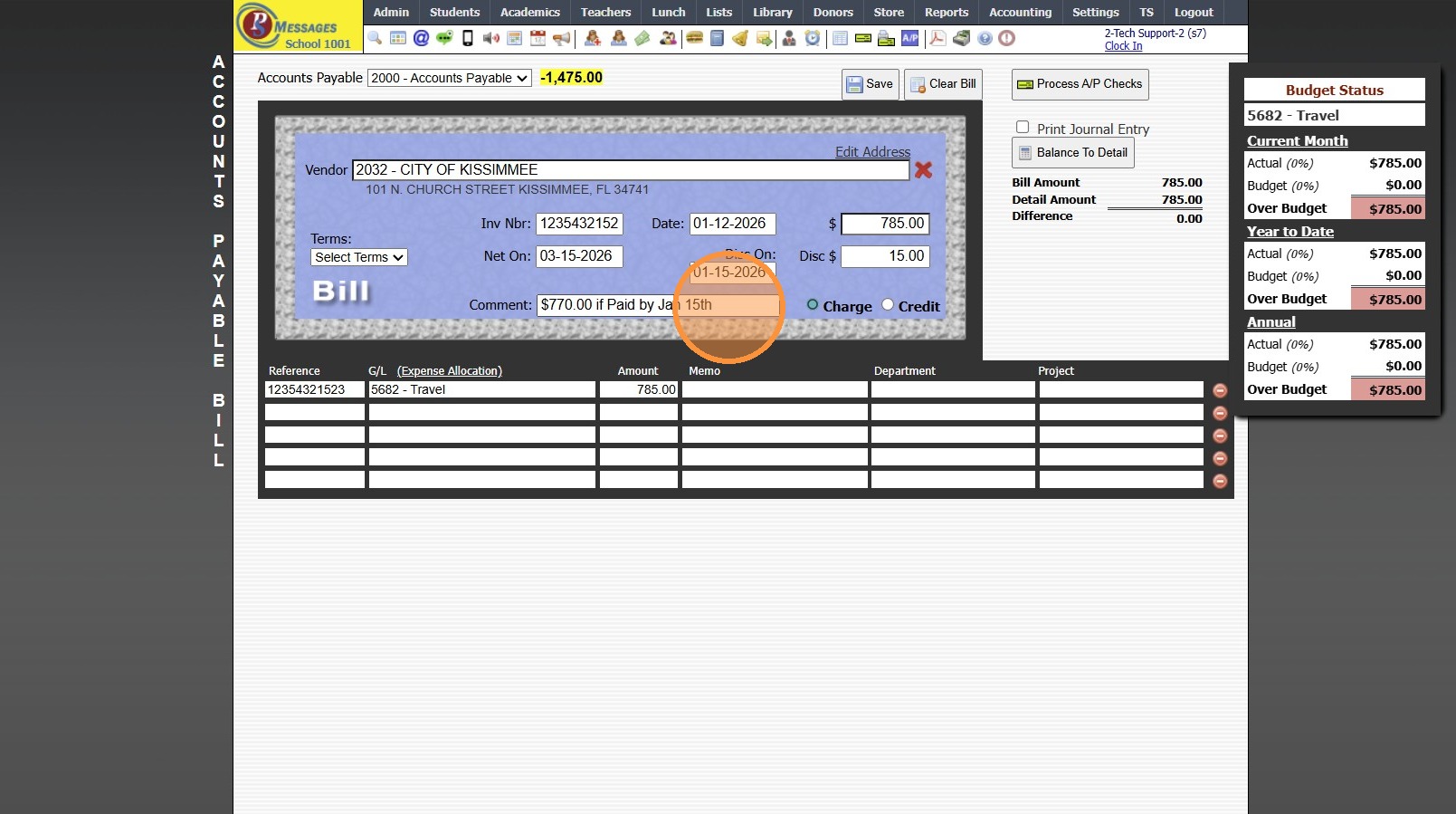
12. Select Appropriate General Ledger Number
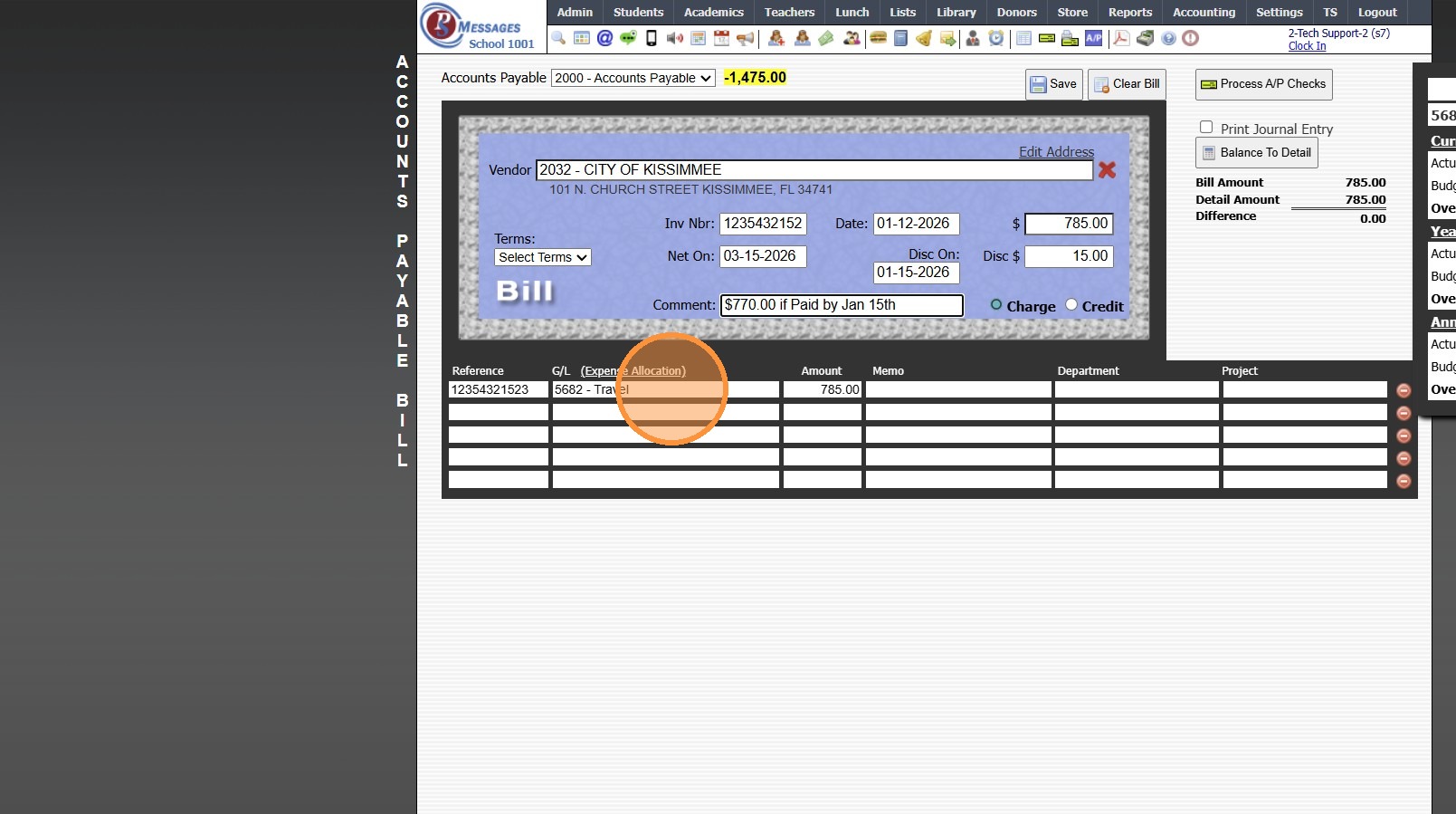
13. Click "Save"
6000.9.3
Related Articles
Entering Basic CC Bills
Entering Basic CC Bills 1. Click "Accounting" 2. Click "Enter Accounting" 3. Click "C/C Bills" 4. Select Credit Card from Dropdown Menu 5. Enter New Vendor or Select Existing Vendor 6. Enter Due Date (Optional) 7. Enter Invoice Number (If Applicable) ...Creating a Basic Check
Creating a Basic Check 1. Click "Accounting" 2. Click "Enter Accounting" 3. Click "Checks" 4. Enter New Vendor or Select Existing Vendor 5. Current Date will Automatically Populate, Change if Needed 6. Enter Amount of Check 7. Enter Check Memo Enter ...Entering a Standard Deposit
Entering a Standard Deposit 1. Click "Accounting" 2. Click "Enter Accounting" 3. Click "Deposits" 4. Default Bank Account will Automatically Populate, Change if Needed 5. Current Date will Automatically Populate, Change if Needed 6. Enter Deposit ...Creating a Basic Transaction Item (Defined Items)
Creating a Basic Transaction Item (Defined Items) 1. Log into PraxiSchool 2. Click "Lists" 3. Click "A/R Accounting" 4. Click "Transaction Items" 5. Click "Add" 6. Enter Description & Comment (typically these are the same) Add Notes (Optional) 7. ...Entering Assignment Grades
Entering Assignment Grades 1. Log into PraxiSchool 2. Click "Teachers" 3. Click "Classroom" 4. Select Class 5. Click "Grade Book" 6. Select the "Post Grades" Toggle 7. Select Component 8. Select Assignment 9. Click "One time before entering grades, ...