Creating Teams
1. Click "Lists"
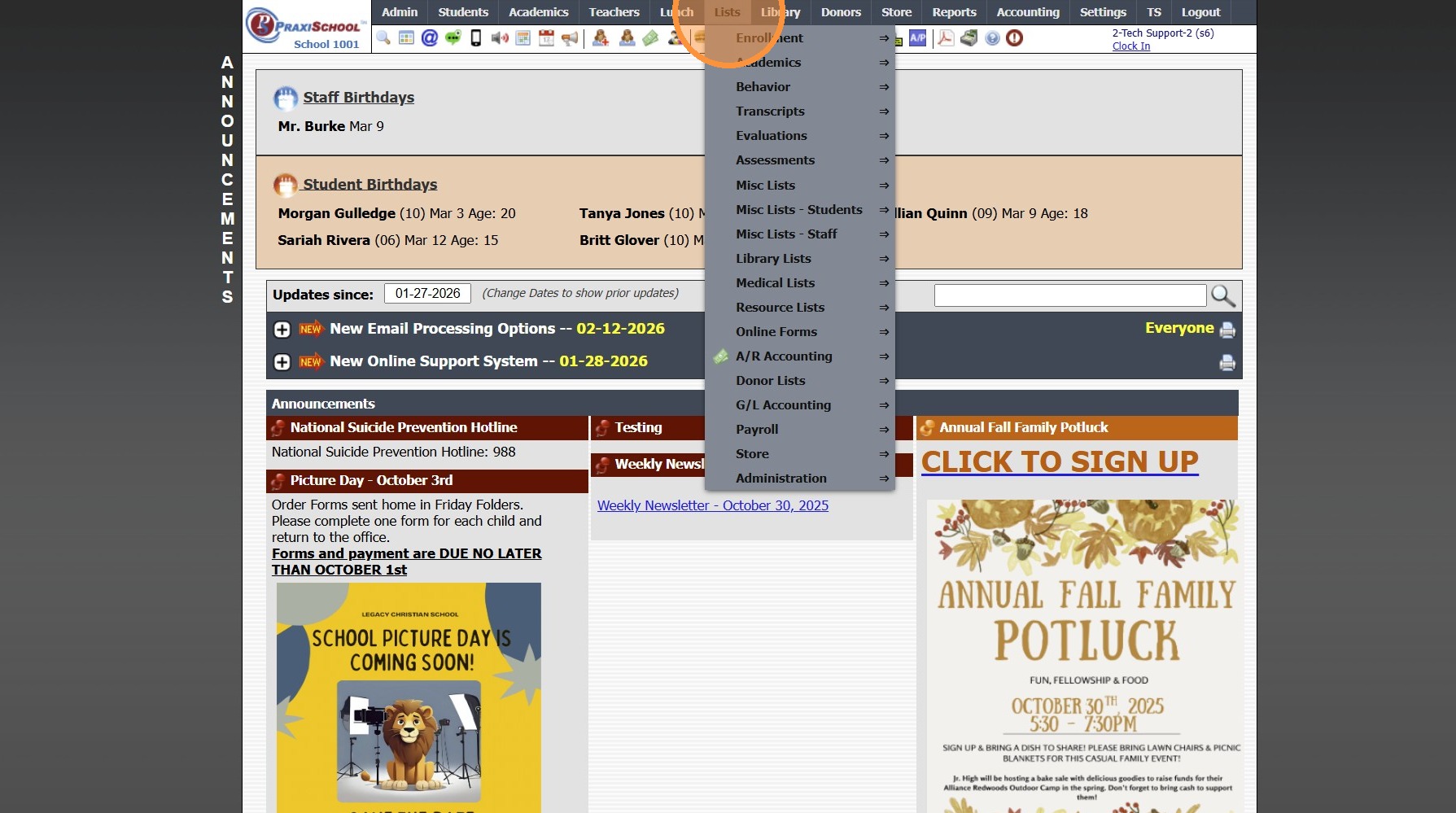
2. Click "Behavior"
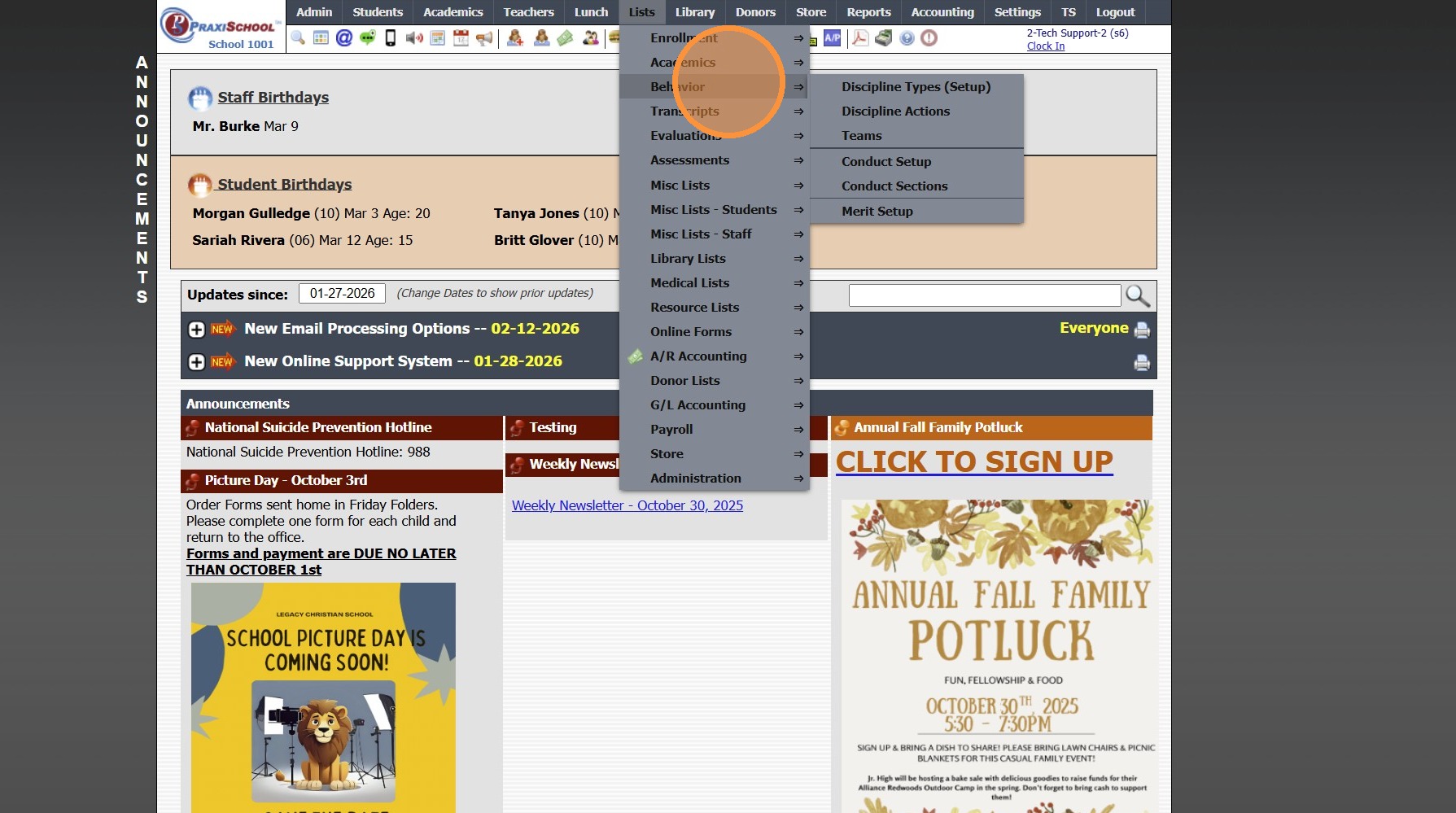
3. Click "Teams"
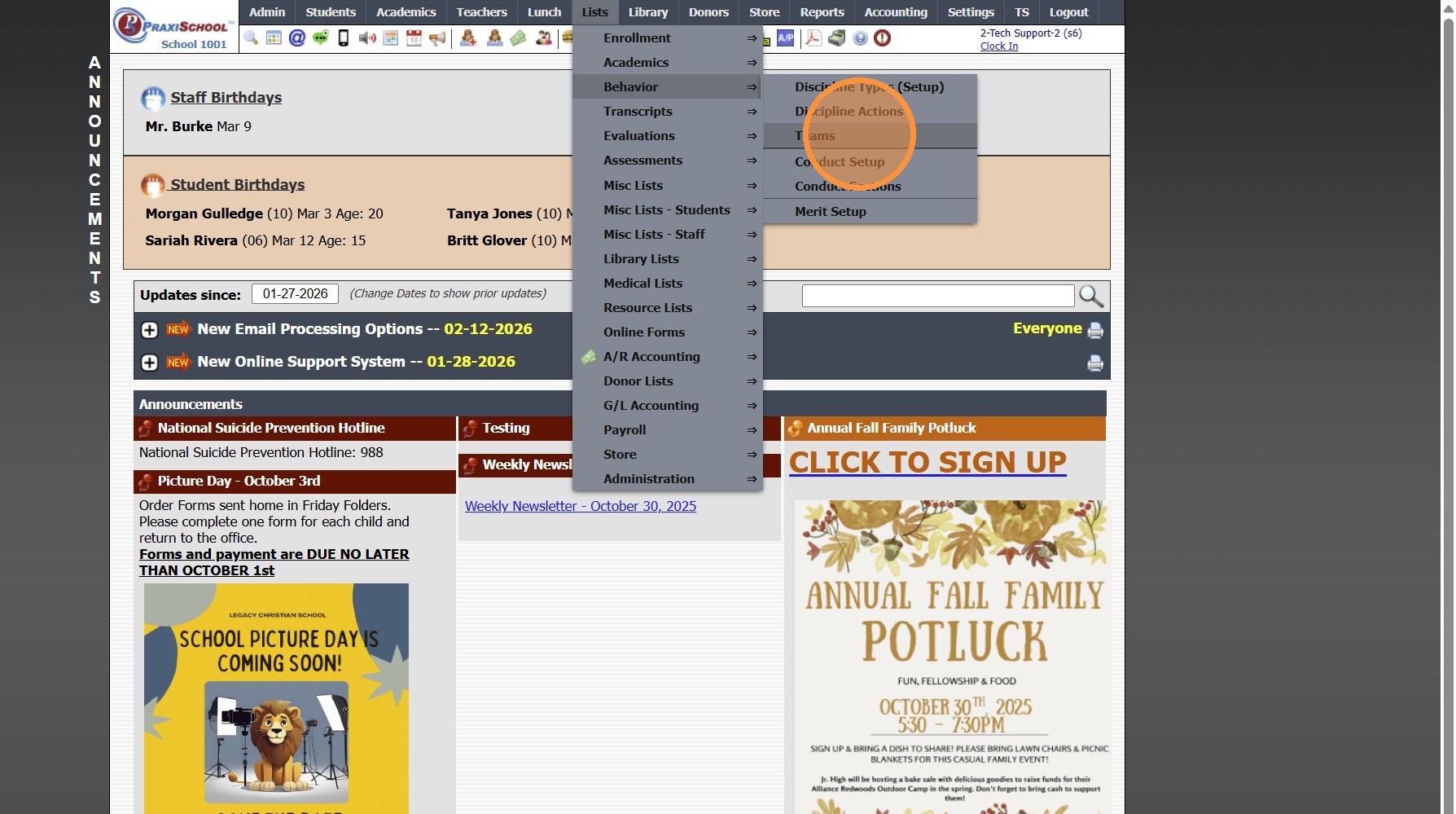
4. Click "Add"
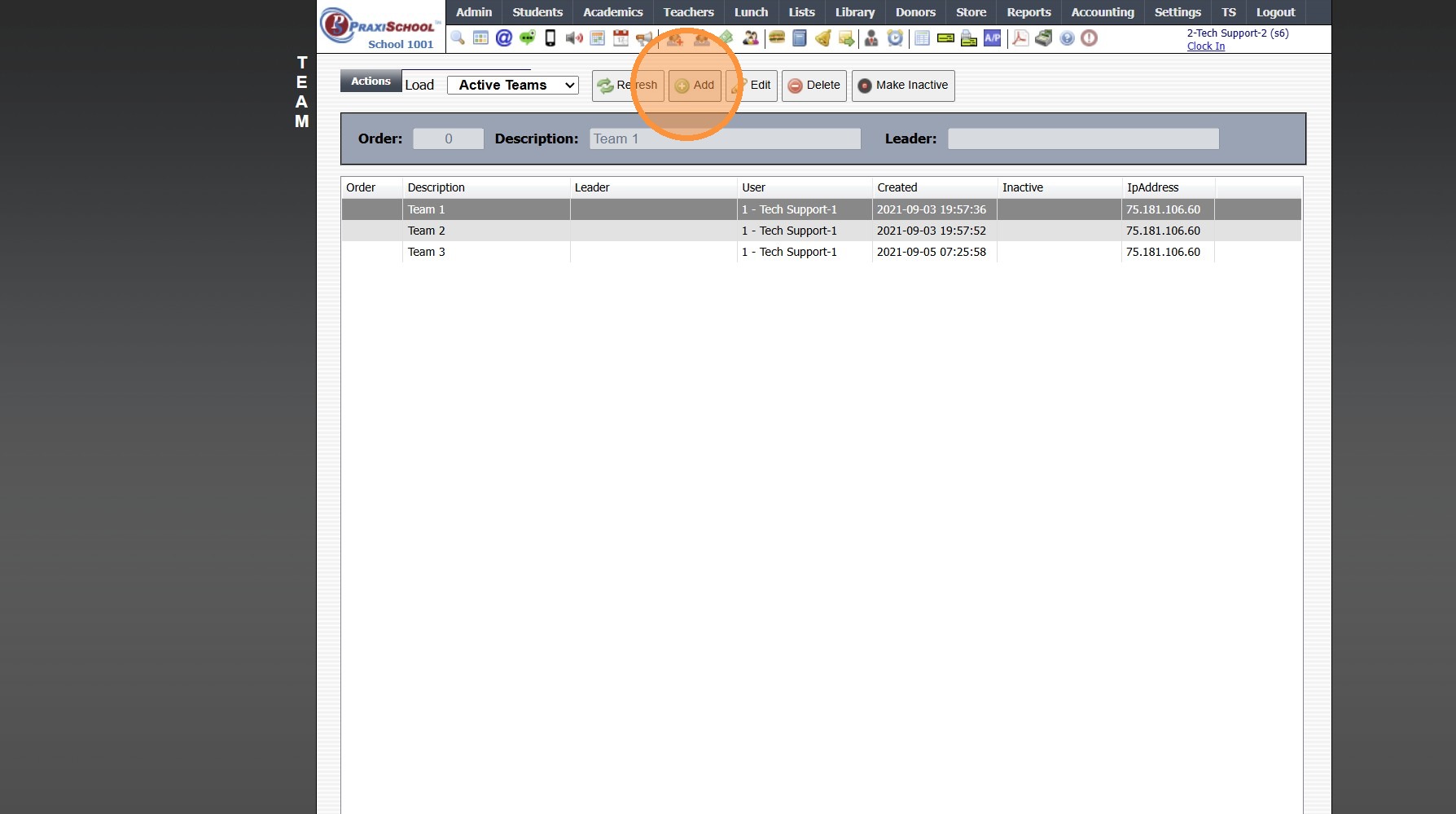
5. Enter Order (Optional)
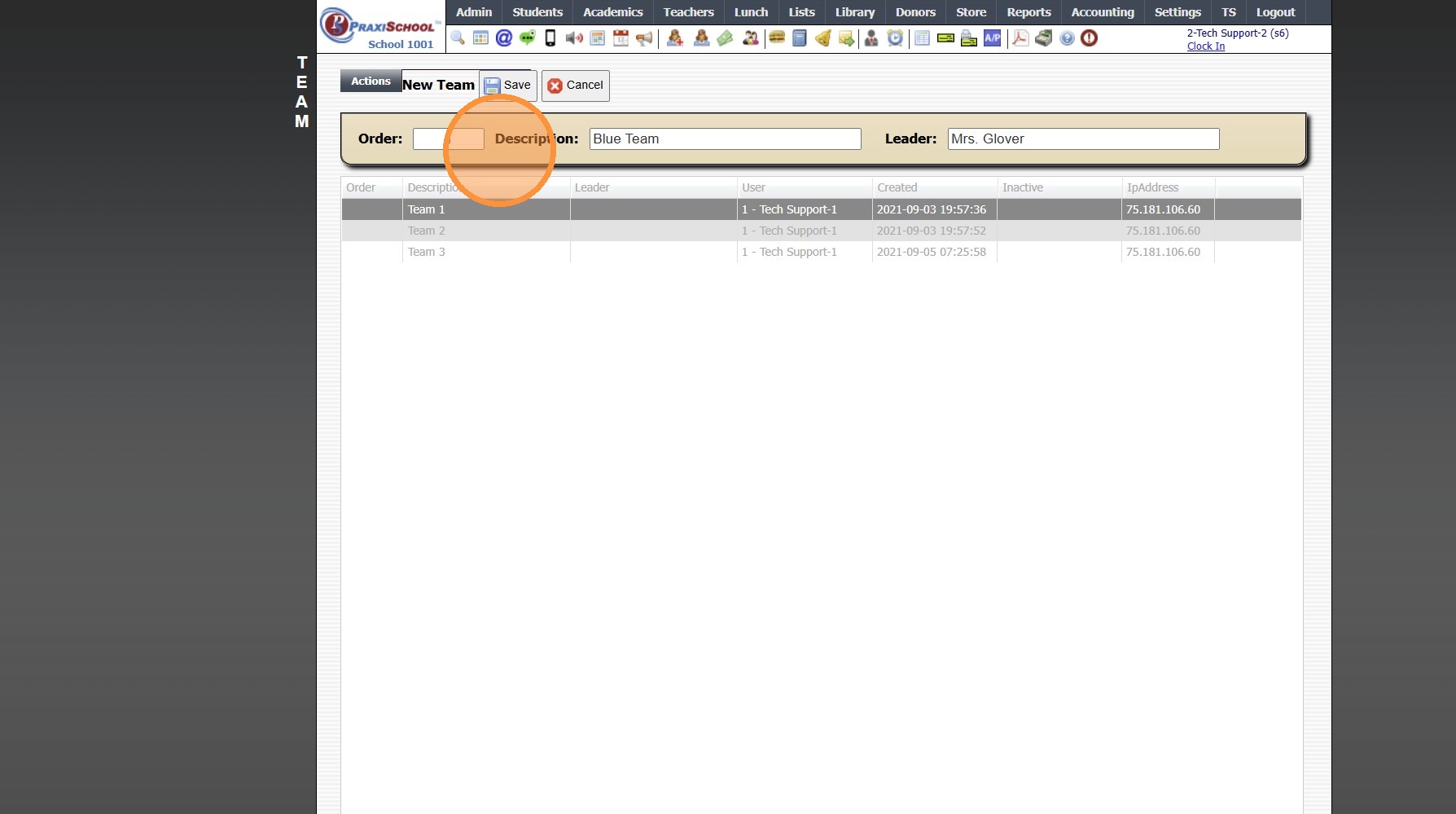
6. Enter Description (Team Name)
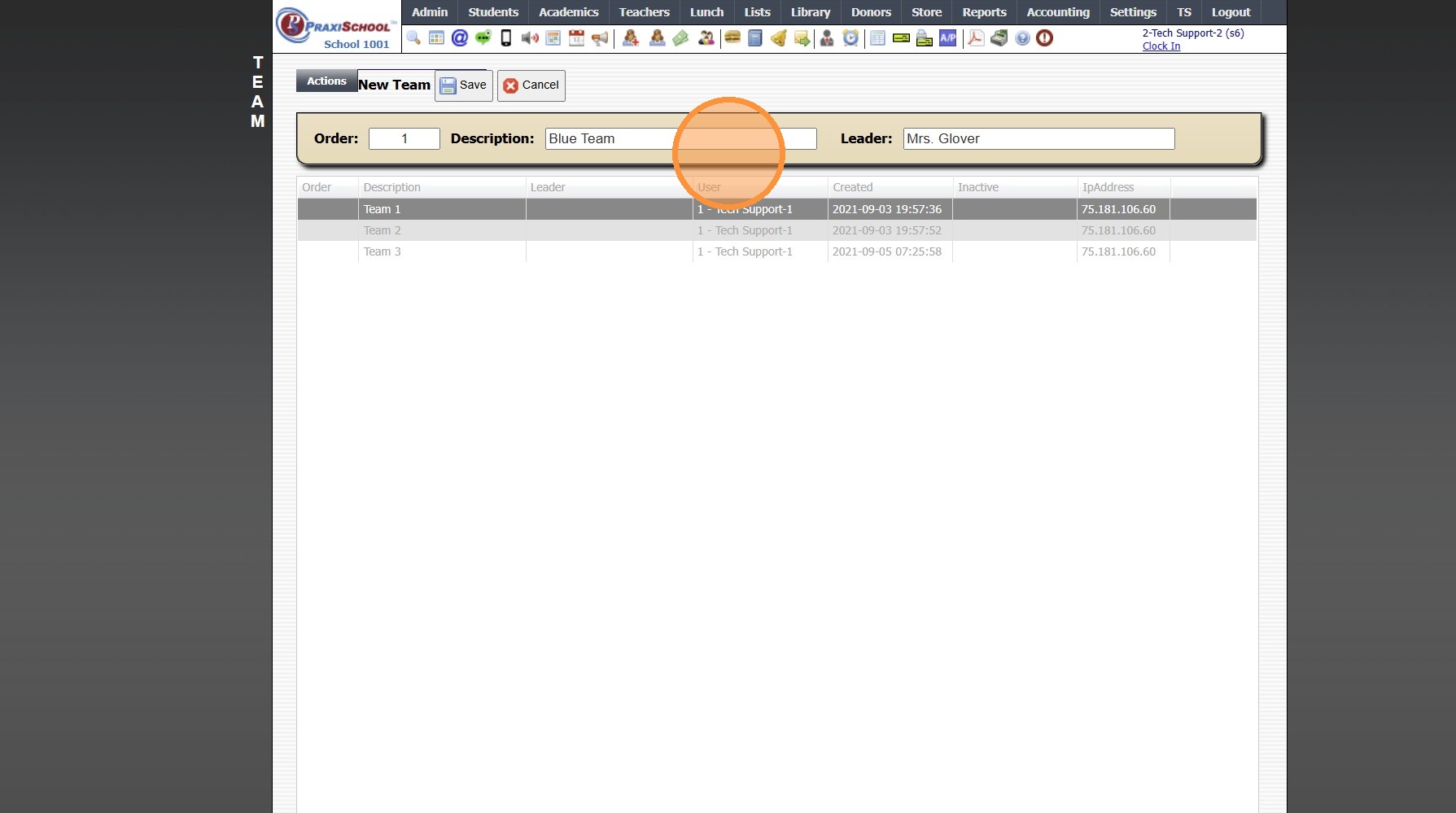
7. Enter Team Leader
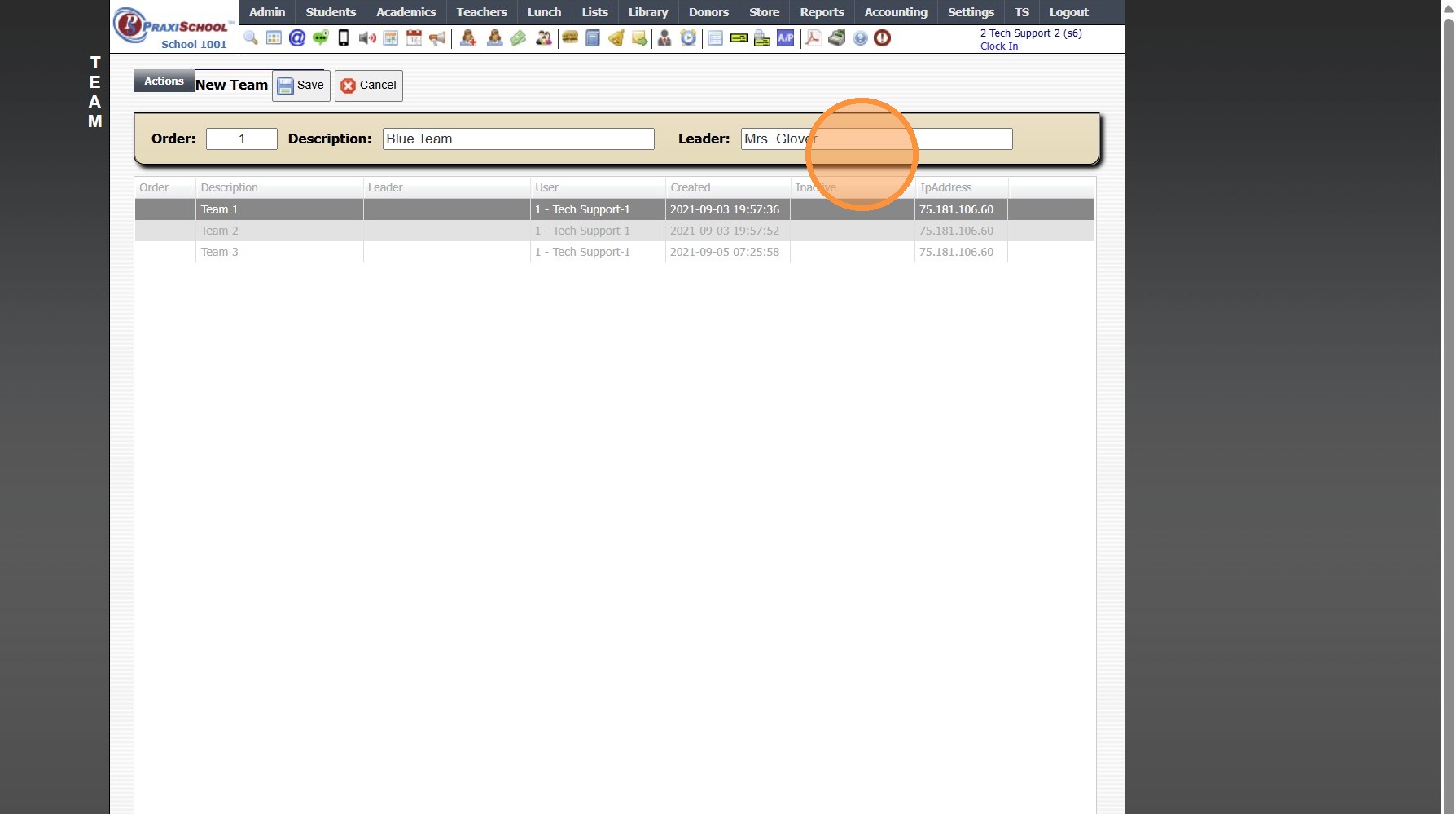
8. Click "Save"
3500.3.3
Related Articles
Assigning Students to Teams
Teams are use to Track Student Merit & Discipline Points based on Teams of Students 1. Click "Students" 2. Click "Students" 3. Tag Students to Assign to a Team 4. Click "Actions" 5. Click "Batch Edit Tags" 6. Select the "Team" Data Field 7. Select ...Creating Groups
Creating Groups 1. Click "Lists" 2. Click "Misc Lists" 3. Click "Groups" 4. Click "Add" 5. Enter an Order Number (Optional) 6. Select Category from Dropdown Menu * Tip: * You can click the Blue Bar to add a Category 7. Enter the Group Description 8. ...Creating Components
Creating Components 1. Log into PraxiSchool 2. Click "Teachers" 3. Click "Classroom" 4. Select Class 5. Click "Assignments" 6. Click "Add" 7. Enter 1 Letter Identifier (Ex. T - Test, H - Homework, C- Classwork, Q - Quiz) Enter Order (Optional) 8. ...Creating Awards
NOTE: The Grade Analysis must be processed before Awards can be Created. 1. Click "Academics" 2. Click "Grades Tasks" 3. Click "Create Awards" 4. Select the Grade Analysis for Analysis 1 (Analysis 2-4 can be Selected if Analyzing using Different ...Creating Document Security Levels
Creating Document Security Levels 1. Click "Settings" 2. Click "Security Settings" 3. Click "Doc Security Levels" 4. Click "Add" 5. Enter a description and select the databases that will hold this document. 6. Click "Save" 6500.3.5