Creating & Setting Admin Terms & Conditions for CC/ACH Payments
Creating Terms & Conditions
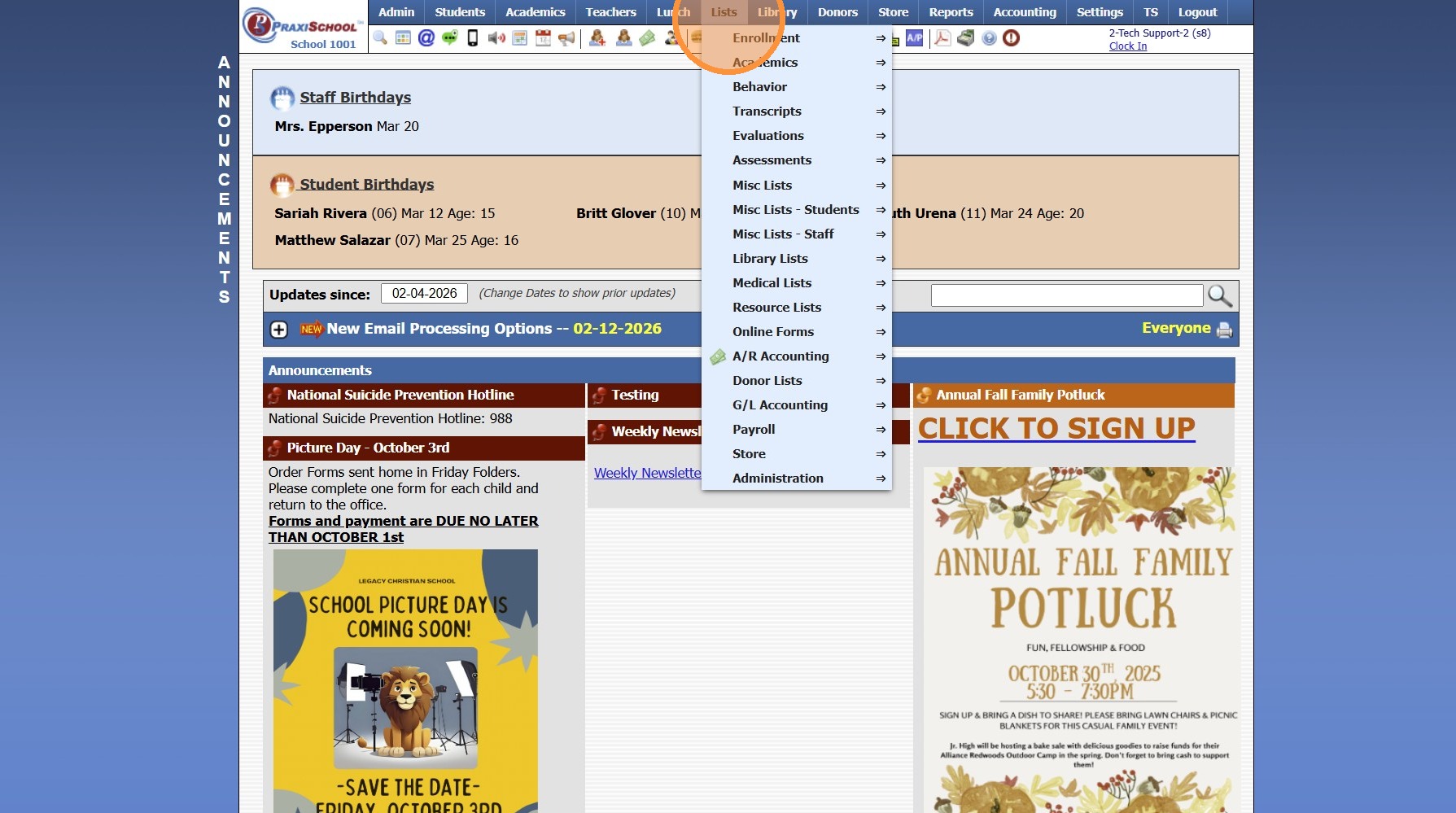
1. Click "Lists"
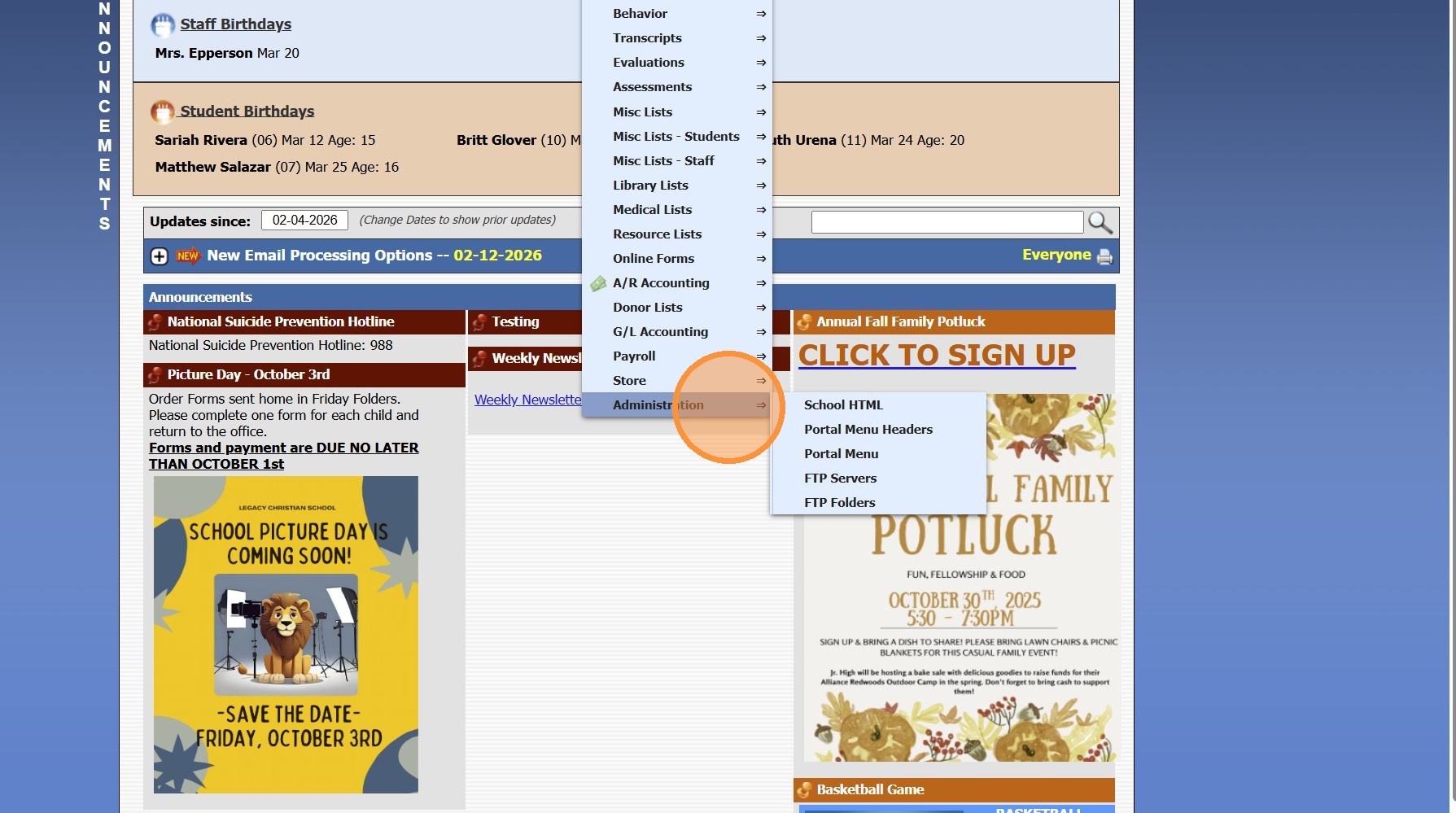
2. Click "Administration"
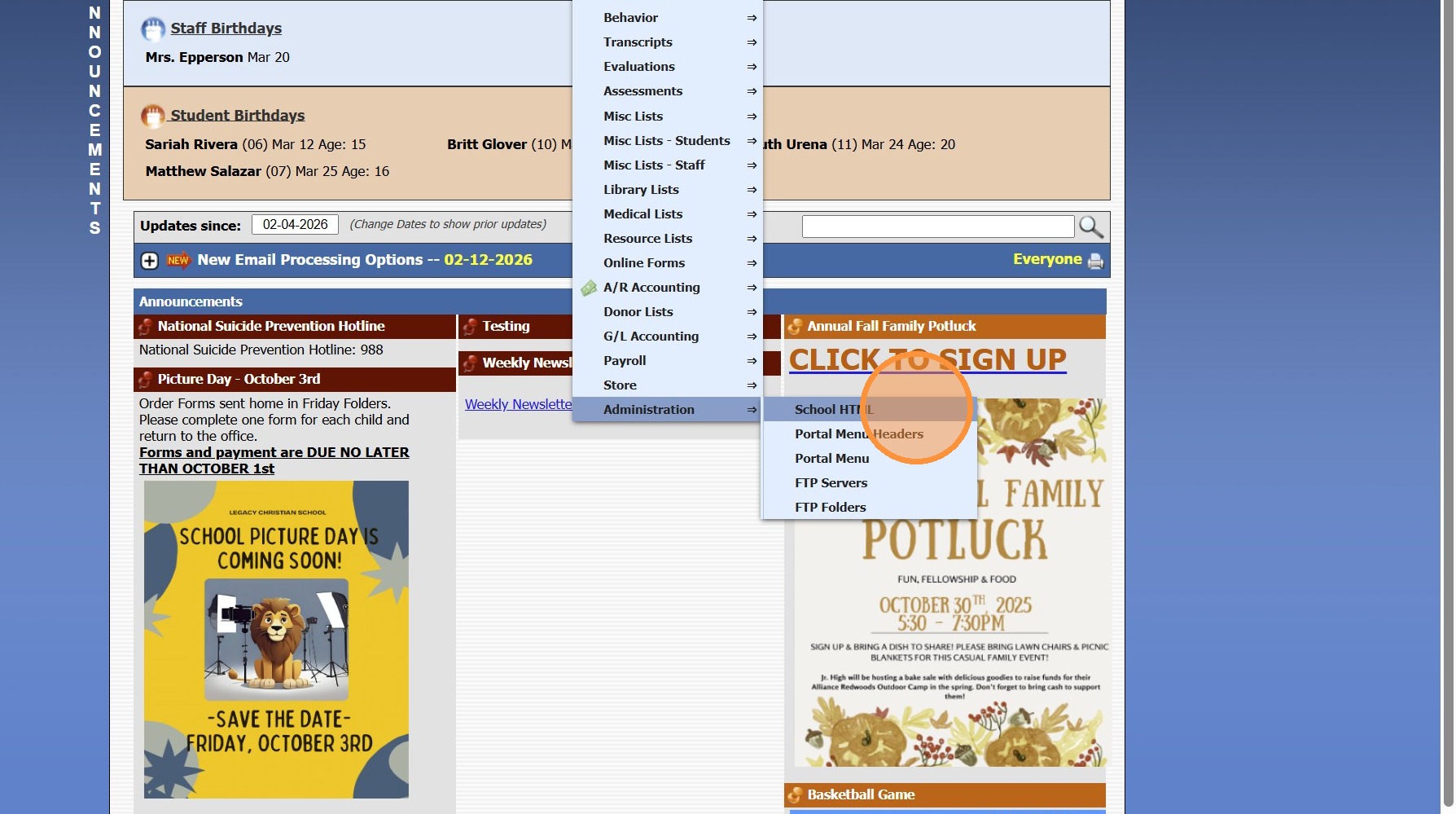
3. Click "School HTML"
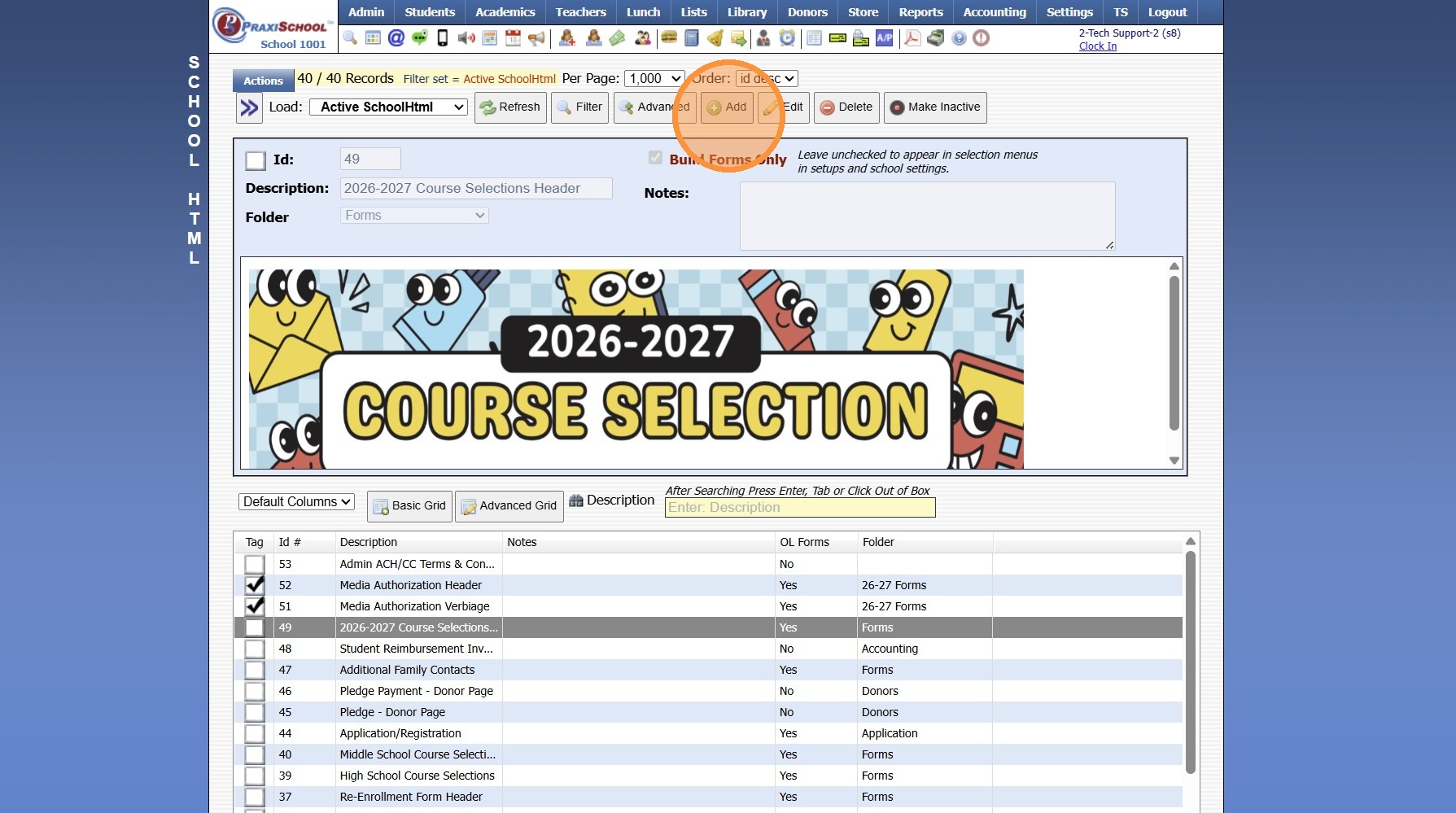
4. Click "Add"
5. Enter Description
(Ex. Admin ACH/CC Terms & Conditions)
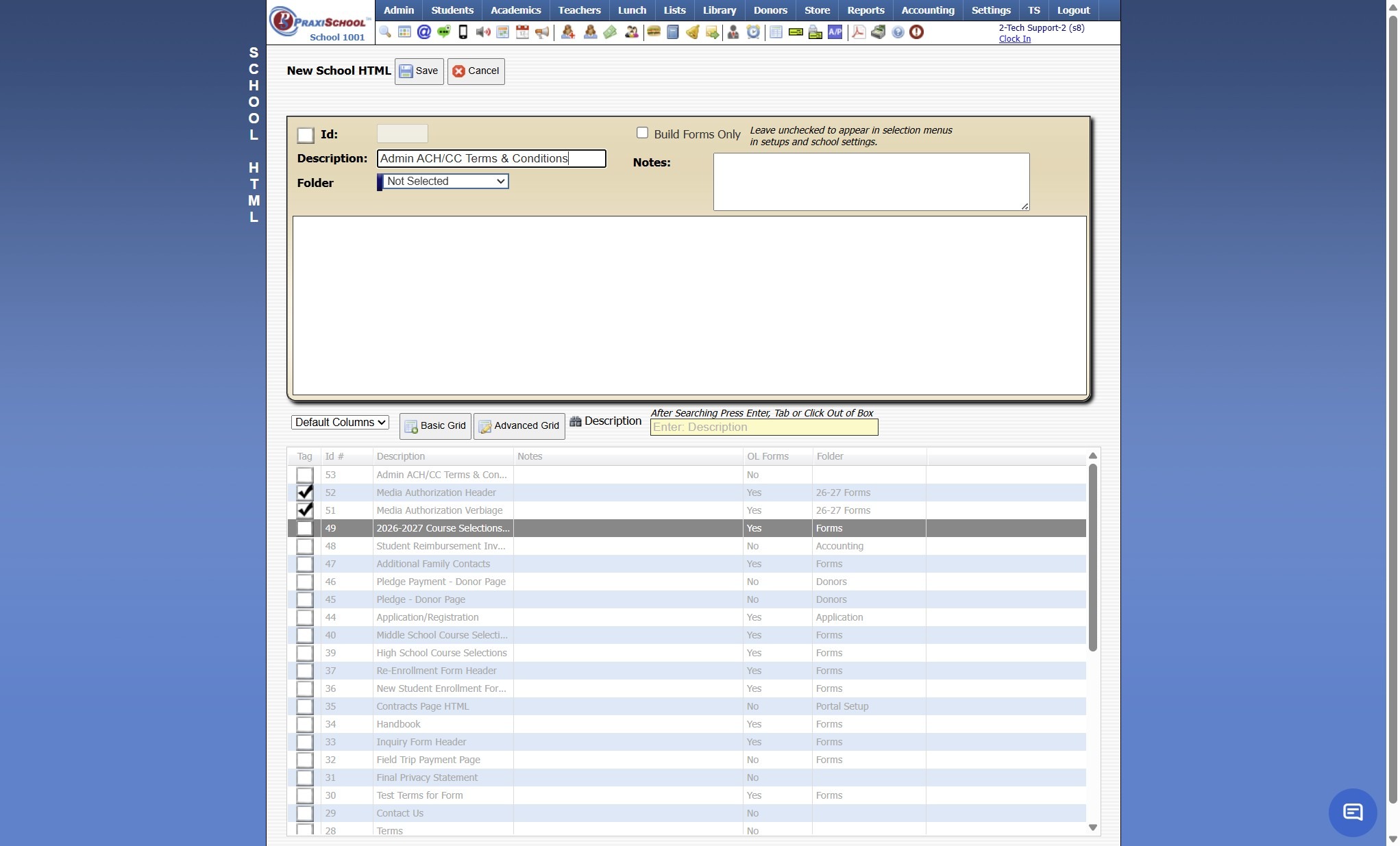
6. Click "Save"
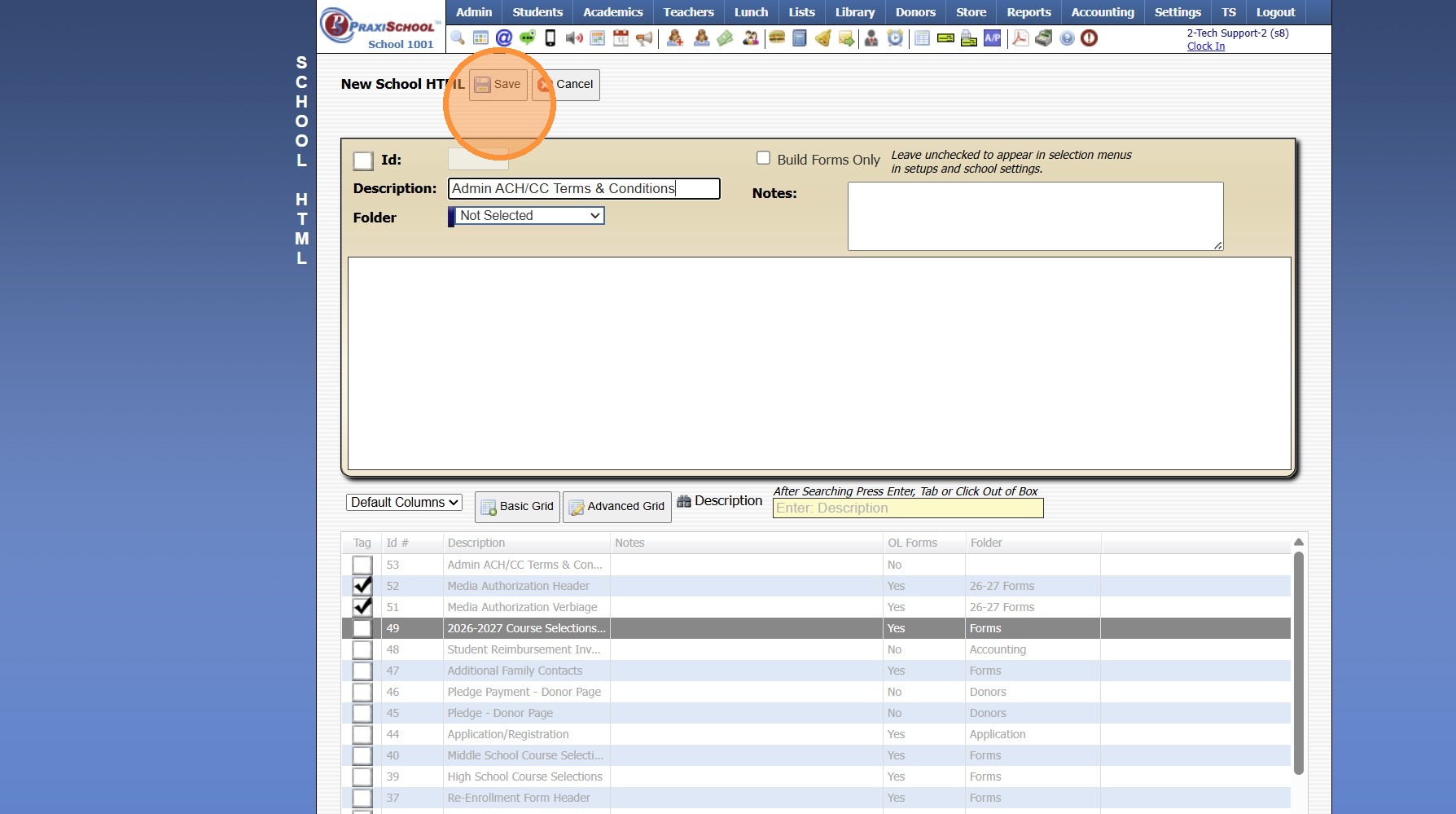
7. Click in Text Box
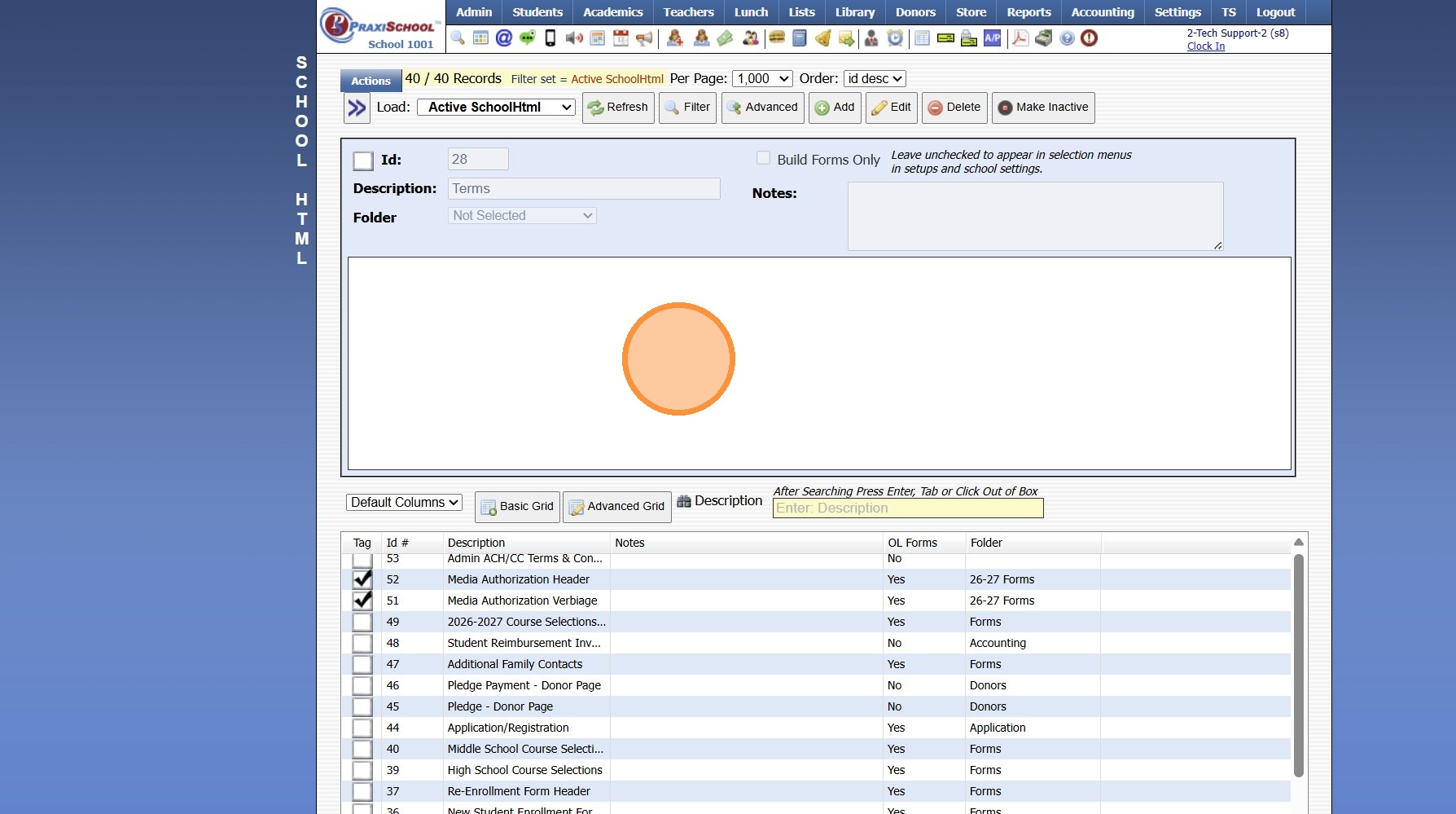
8. Enter Standard Terms & Conditions Verbiage for Use by Admin when Creating a Saved Payment AND/OR Processing a Saved Payment
9. Click "Save & Exit"
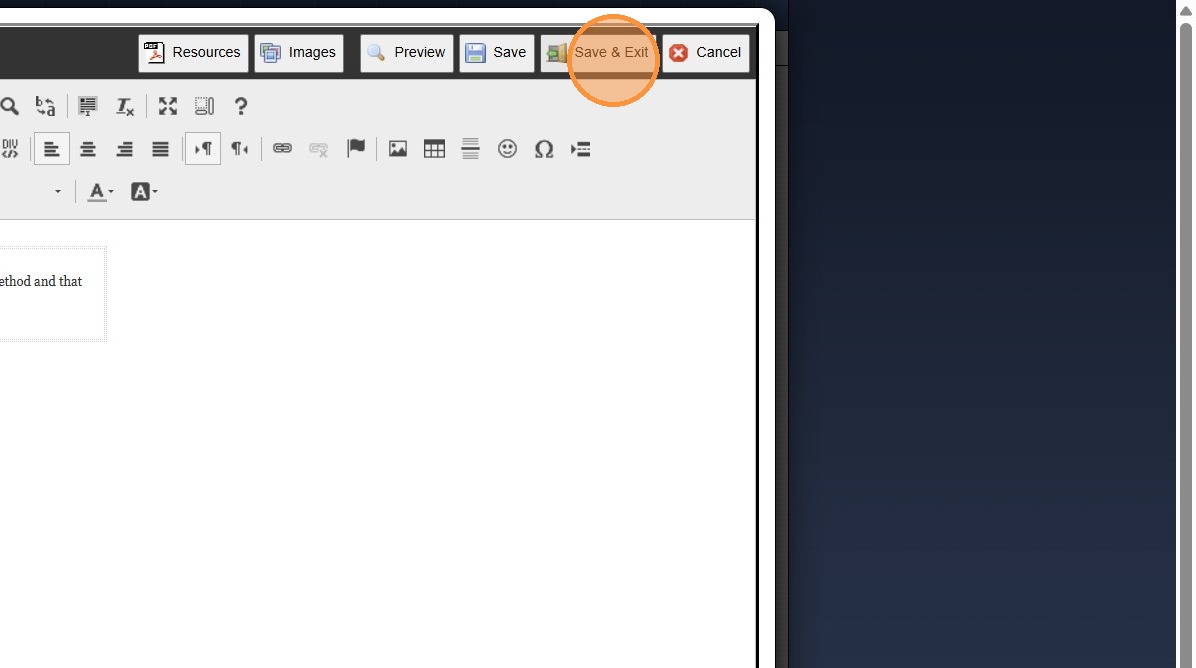
Setting Terms & Conditions
10. Click "Settings"
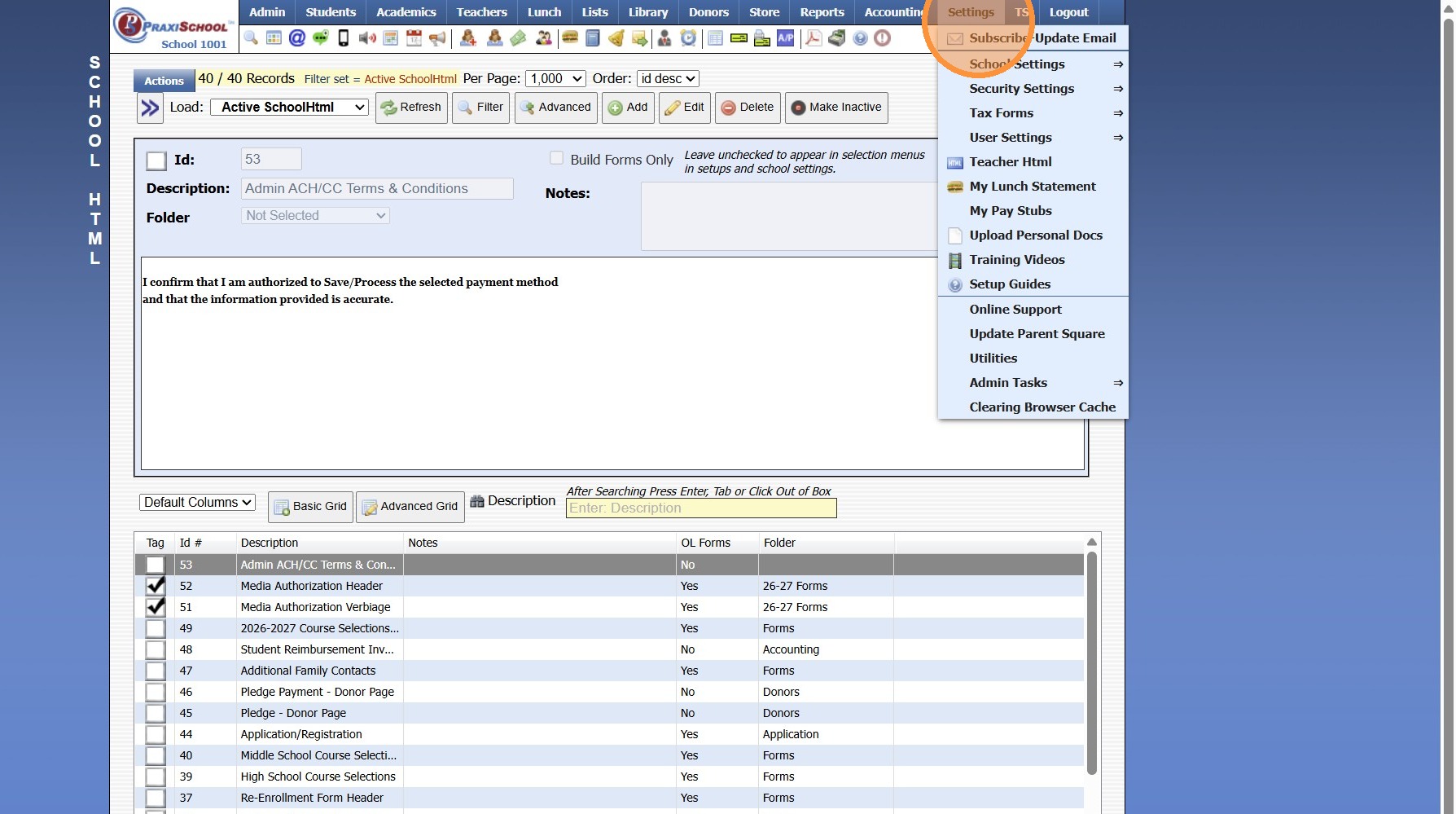
11. Click "School Settings"
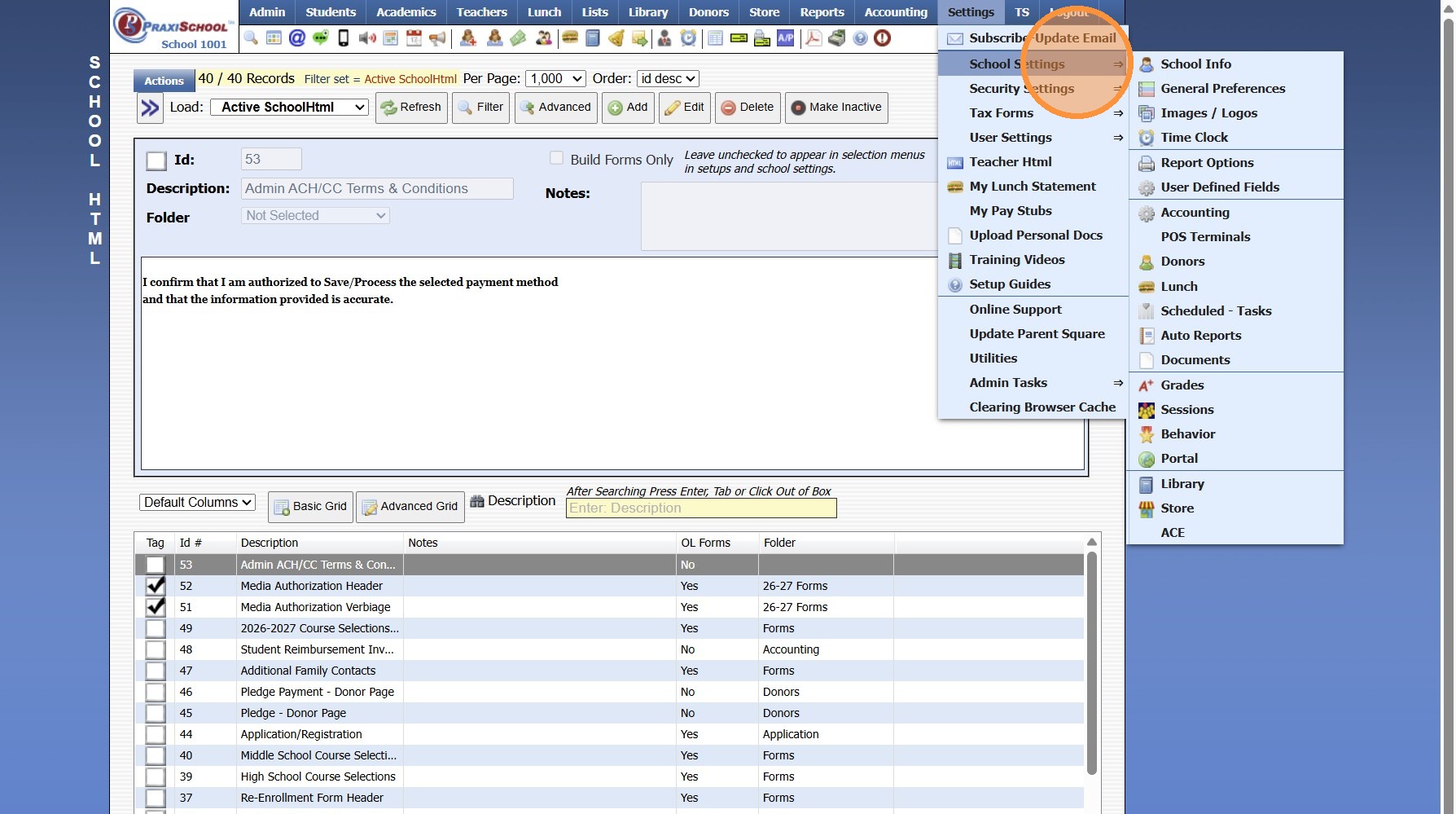
12. Click "Accounting"
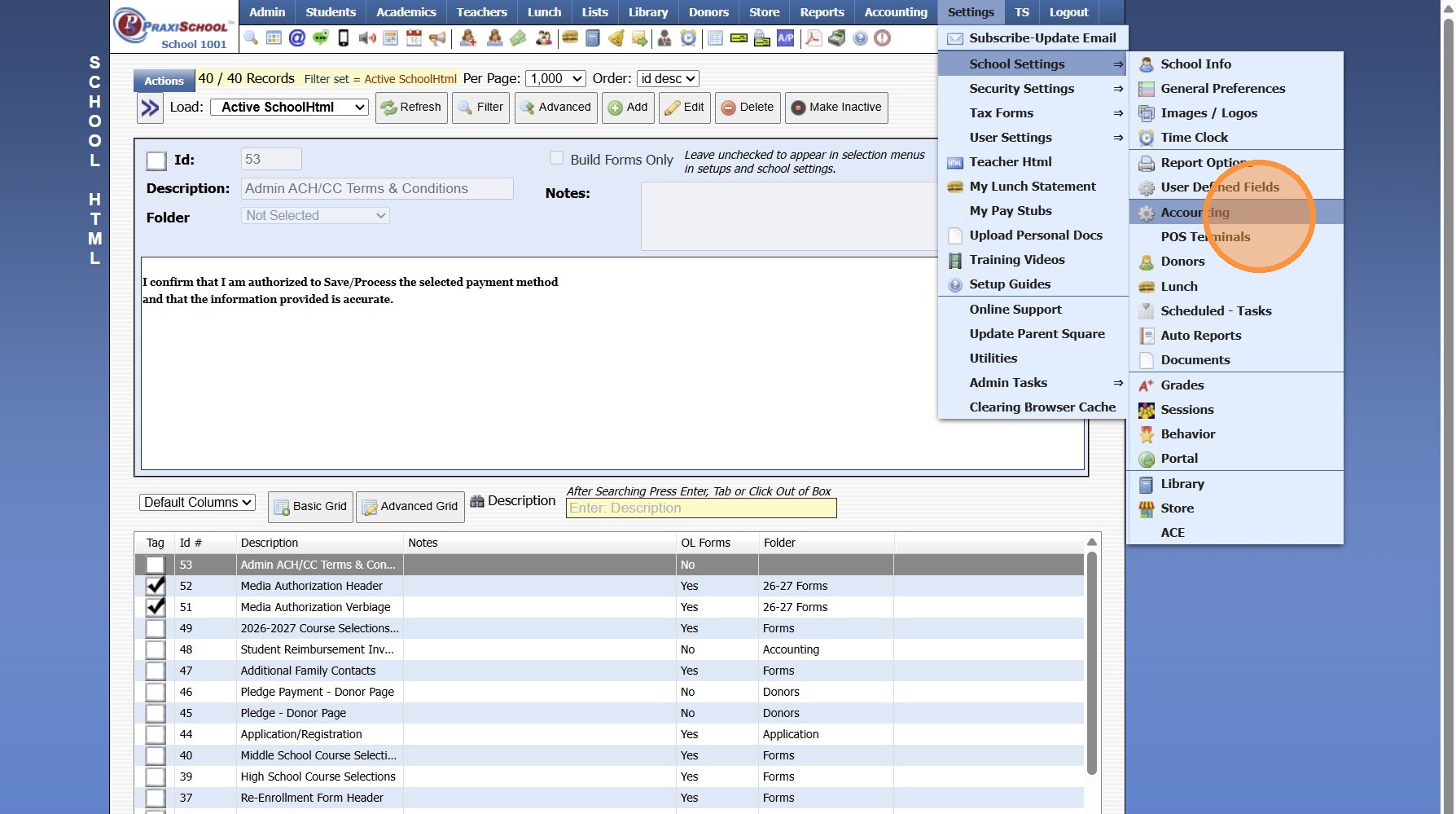
13. Select Terms & Conditions from Dropdown Menu for Terms for Office EFT Transactions
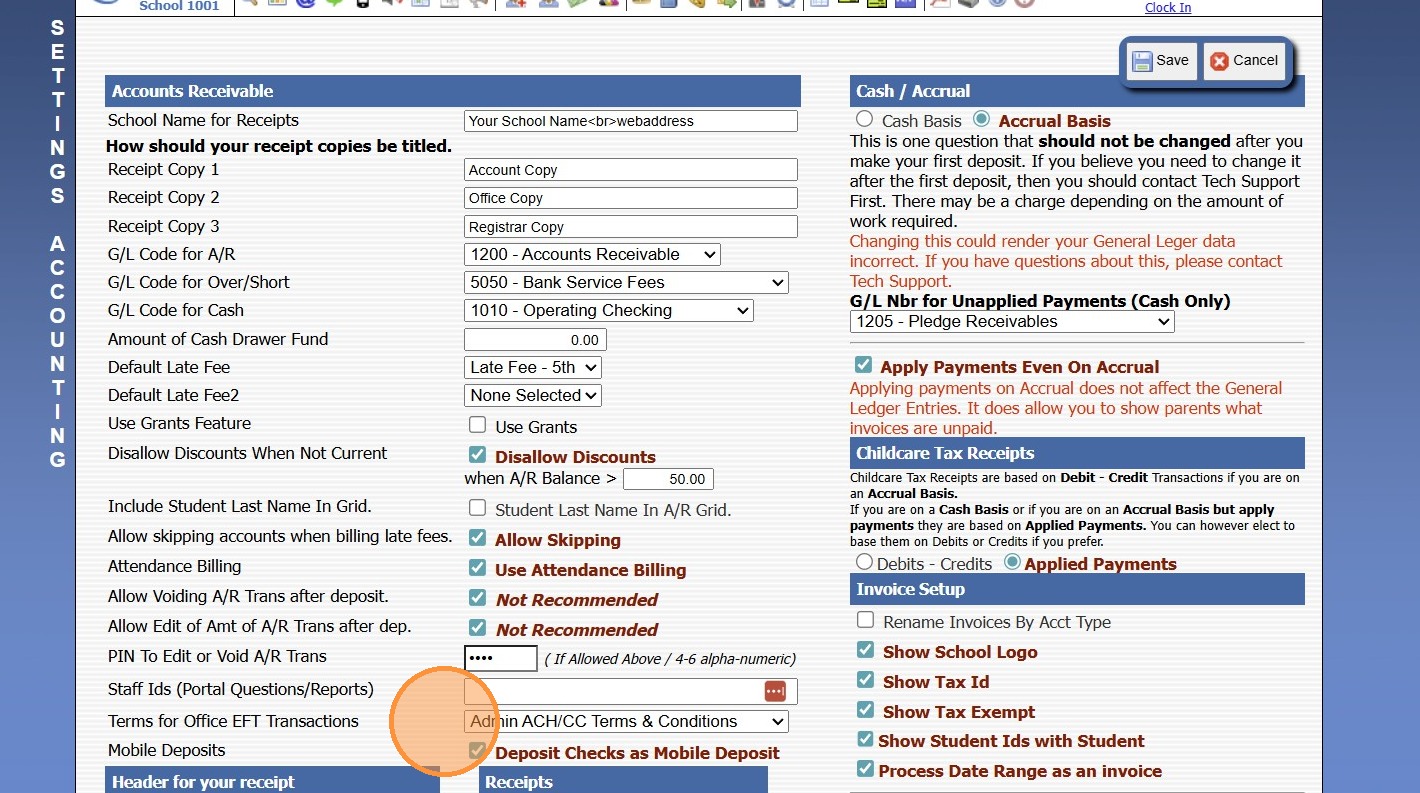
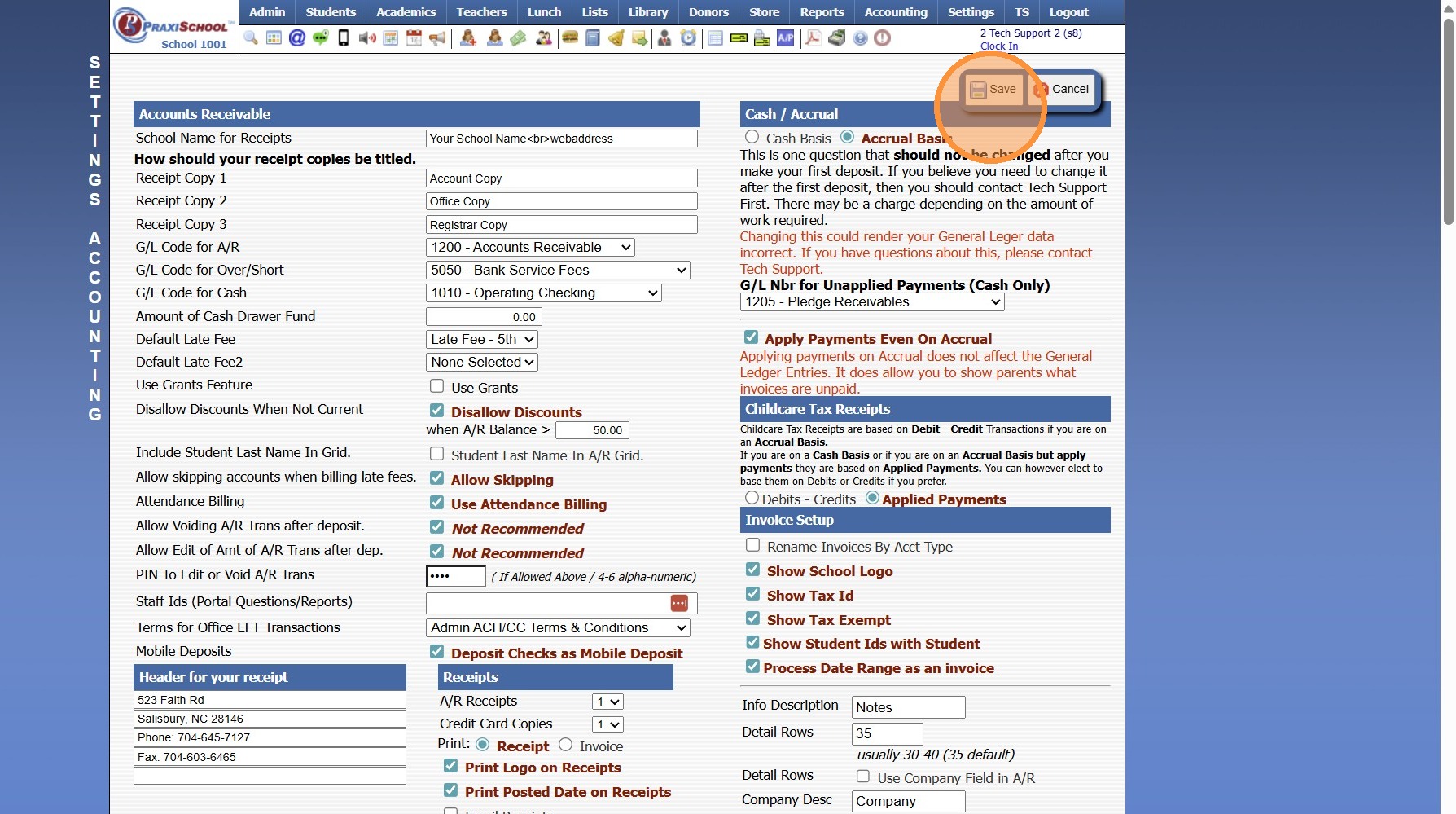
14. Click "Save"
6000.4.15
Related Articles
Setting up Recurring Payments from the Student Portal
1. Navigate to the Student Portal & Log In 2. Click on the Menu Bars 3. Click "Billing" 4. Select Recurring Payments 5. Click "Create New Account" 6. Enter Billing Address, Email & Phone for the Payment Type 7. Check the "Save As New Payment Account" ...Donor Pages Example Terms & Conditions
Online Donation Terms By making an online donation to our school, you agree that: All donations are voluntary and non-refundable. Donations will be used to support school programs and operations. Payments are processed securely through a third-party ...Adding Email CC List
Adding Email CC List 1. Click "Admin" 2. Click "Communications" 3. Click "Email cc List" 4. Click "Add" 5. Select Staff Member to Assign CC List 6. Enter Description for CC List 7. Share in Admin Emails - Check box to allow Other Admin Users Access ...Posting a Returned AR Check/ACH
1. Log into PraxiSchool 2. Click "Admin" 3. Click "Accounts Receivable" 4. Select the Account 5. Click "Actions" 6. Click "Post Returned Check" 7. Enter Returned Date 8. Enter Check Number OR ACH (for Online Payments) 9. Enter Check/ACH Amount 10. ...Creating a Saved Payment & Setup a Payment Amount and Schedule
Creating a Saved Payment & Setup a Payment Amount and Schedule 1. Click "Accounting" 2. Click "Electronic Payments" 3. Click "Create Saved Pmts" 4. Search Account Name & Select 5. Verify Address, Email & Phone Number on File Matches Billing Address ...