Creating Grade Levels
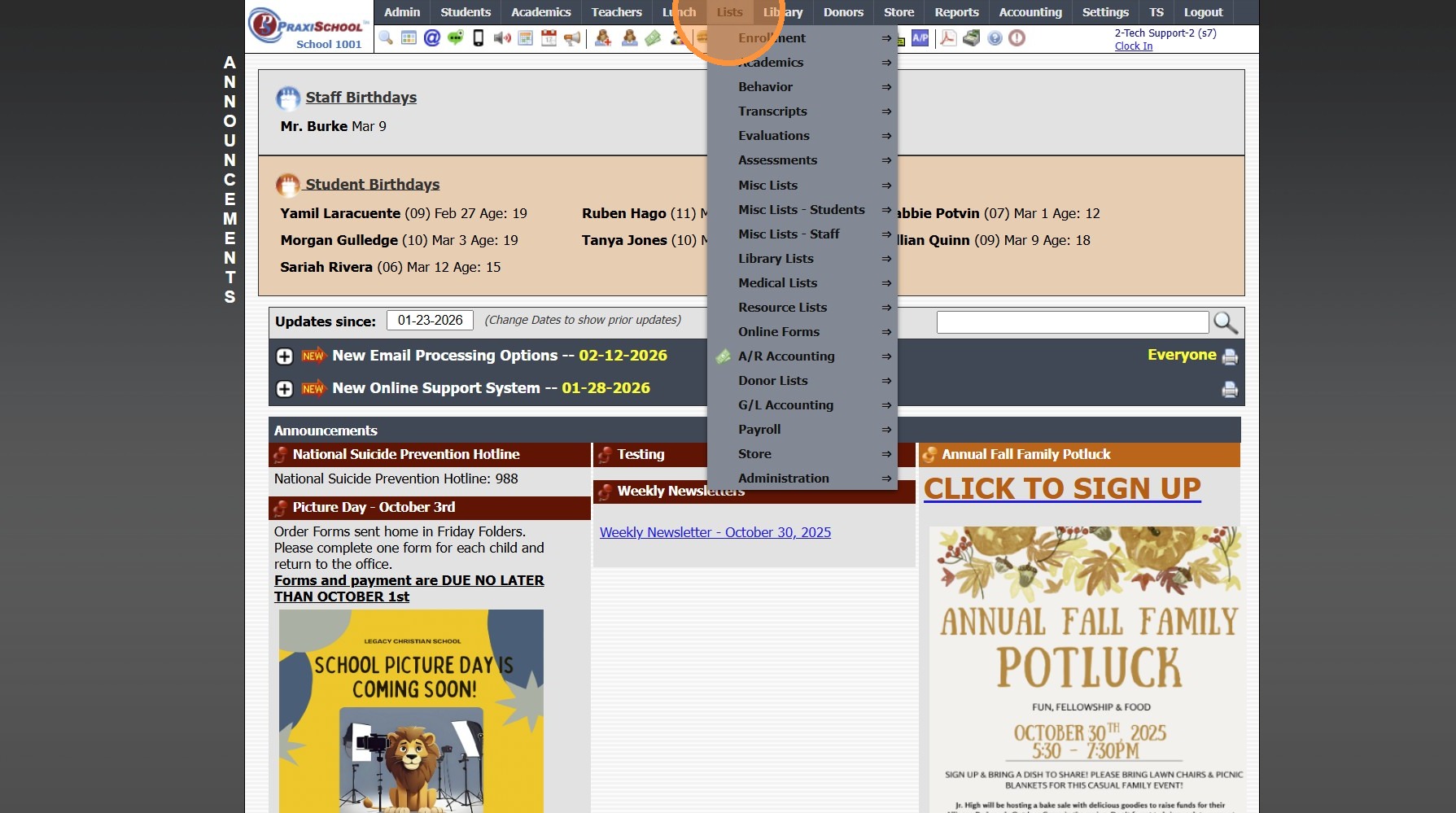
1. Click "Lists"
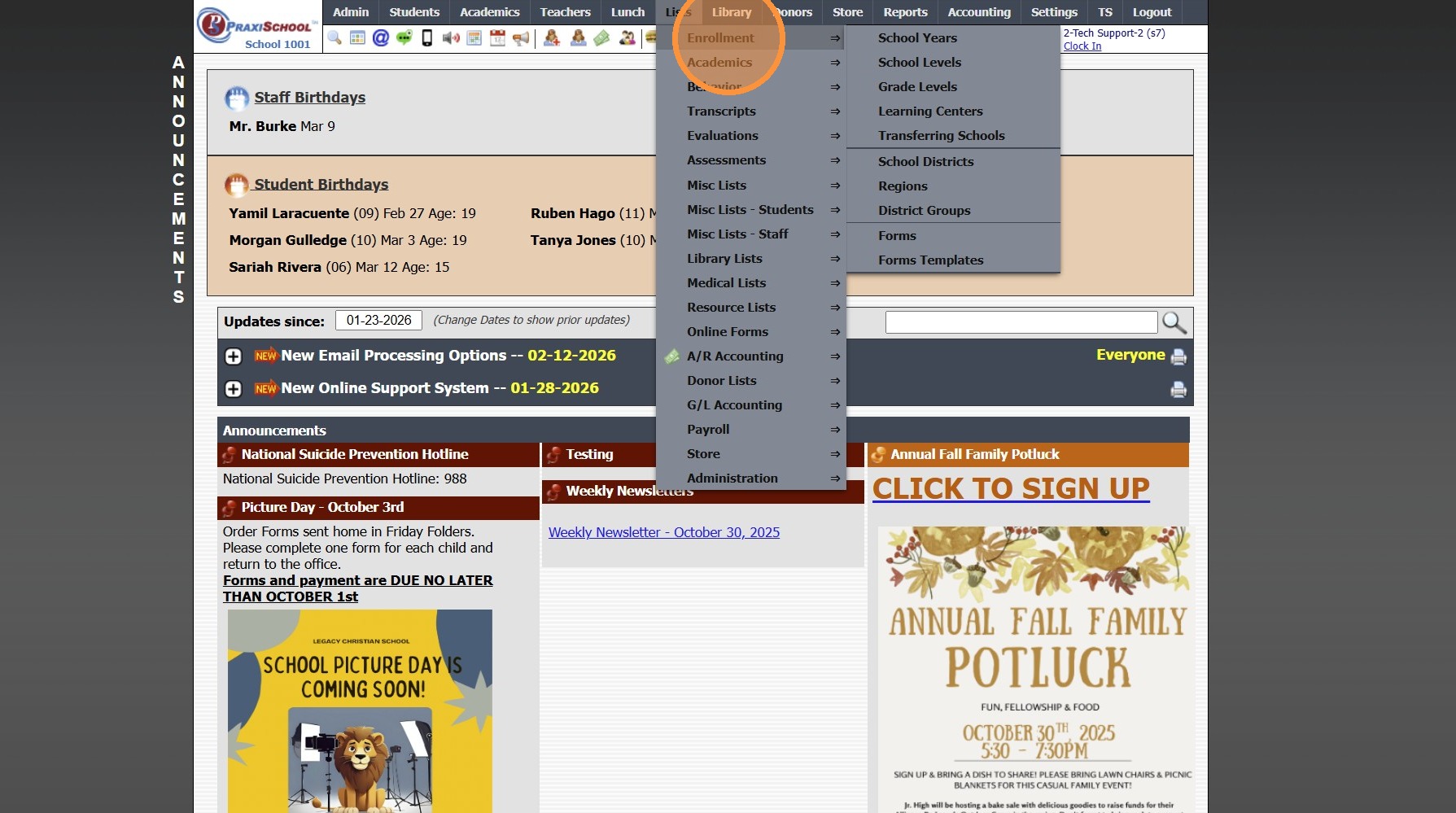
2. Click "Enrollment"
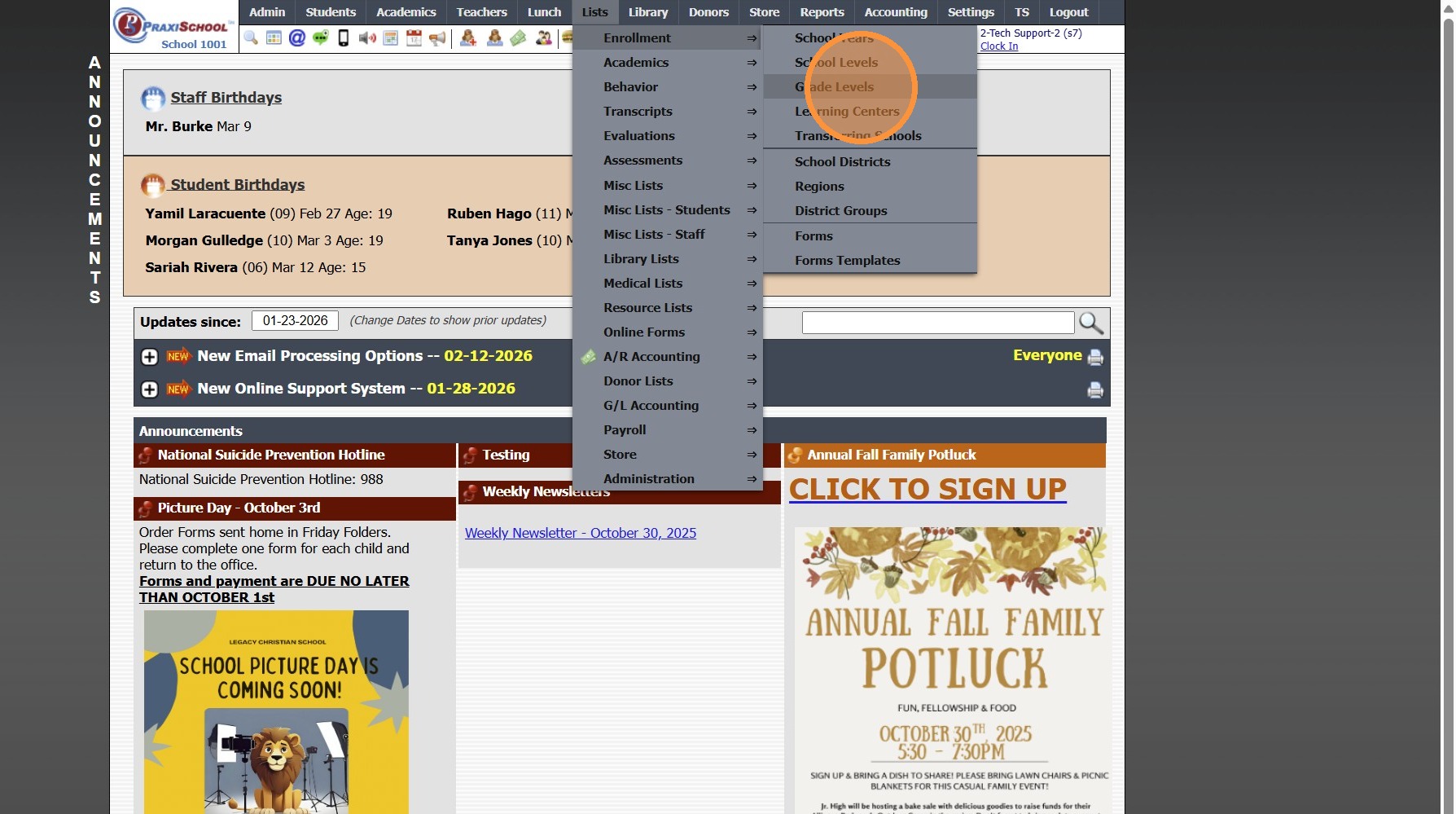
3. Click "Grade Levels"
4. Click "Add"
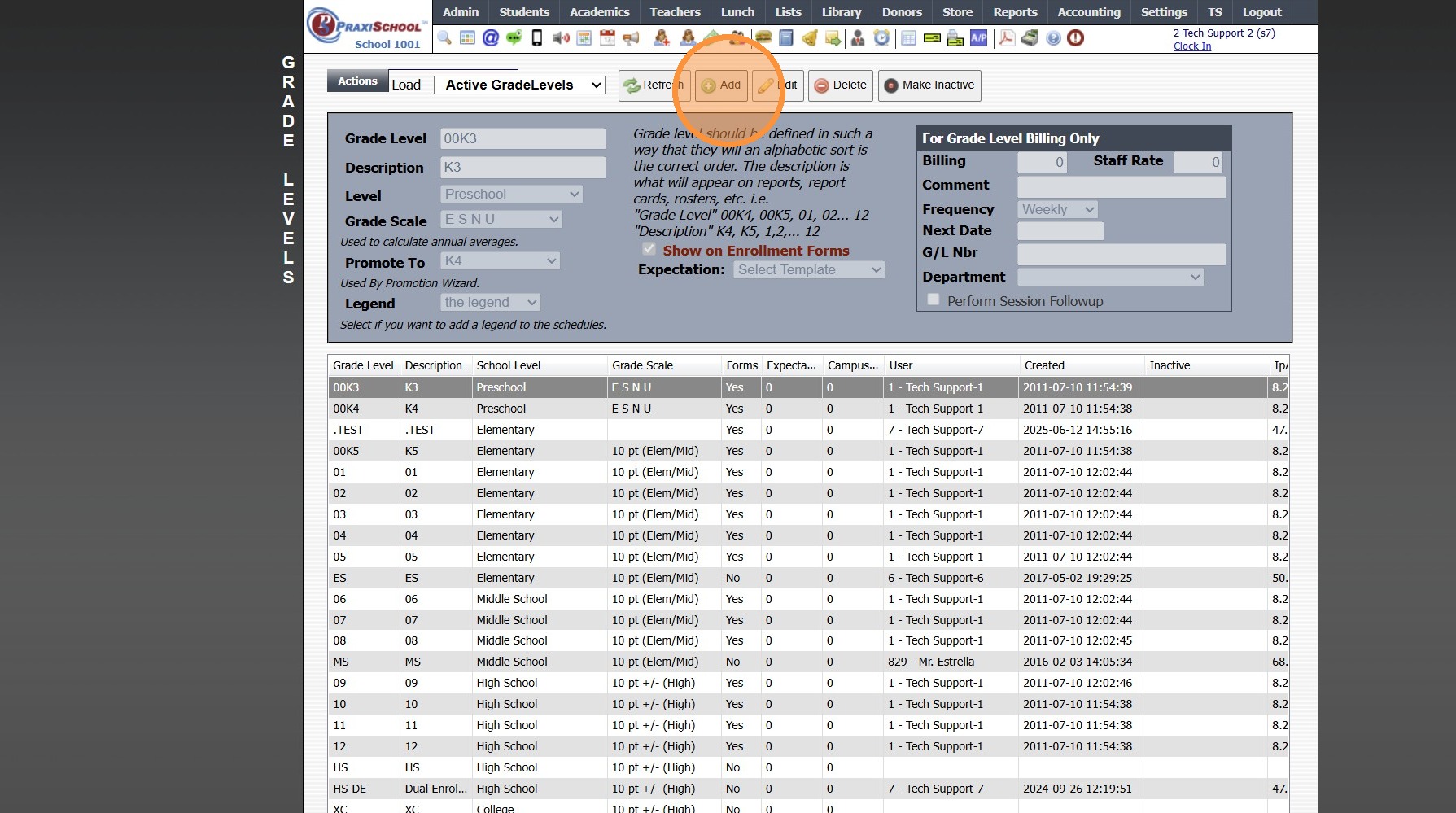
5. Enter Grade Level & Grade Level Description
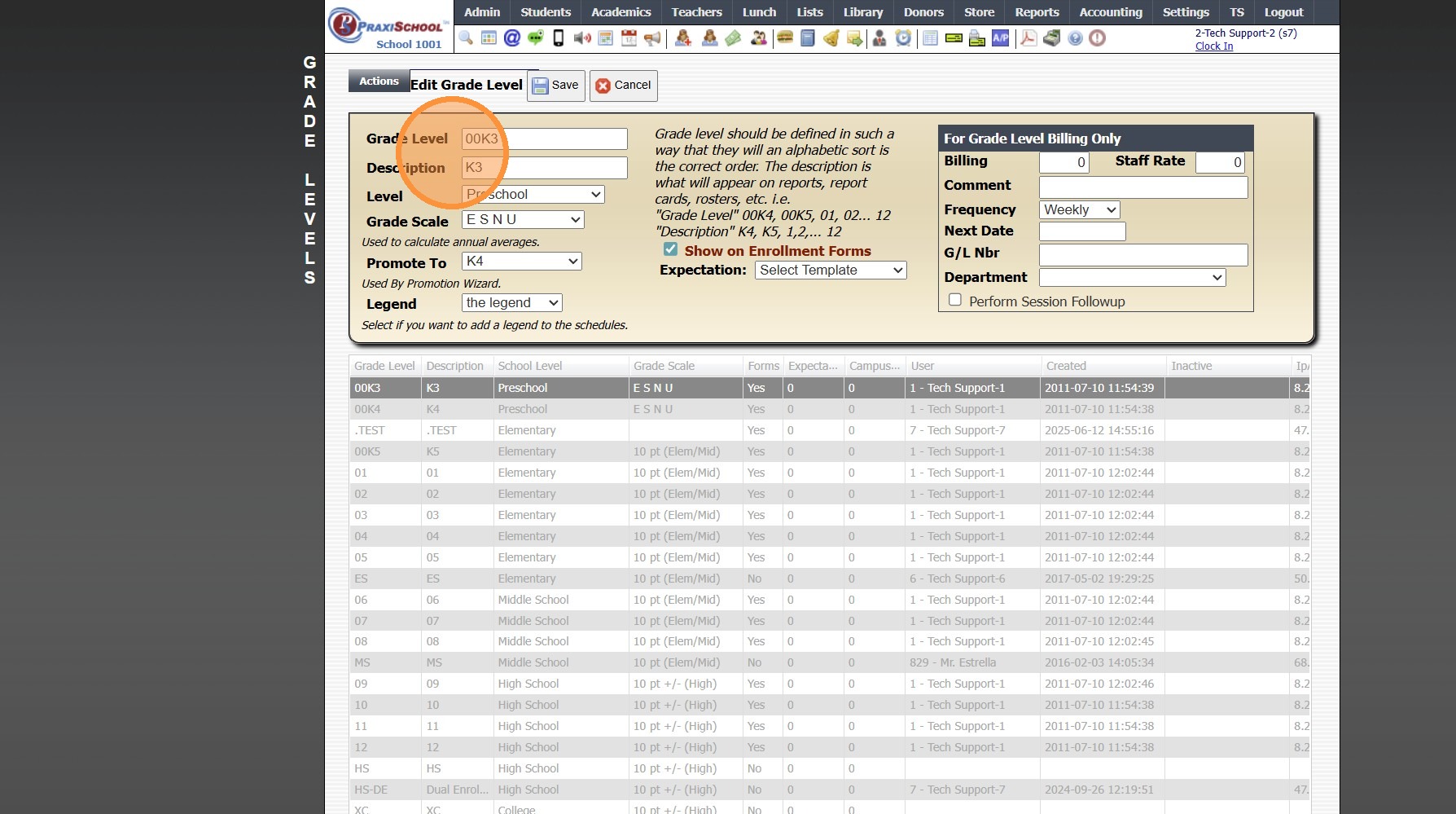
6. Select Grade Level & Grade Scale
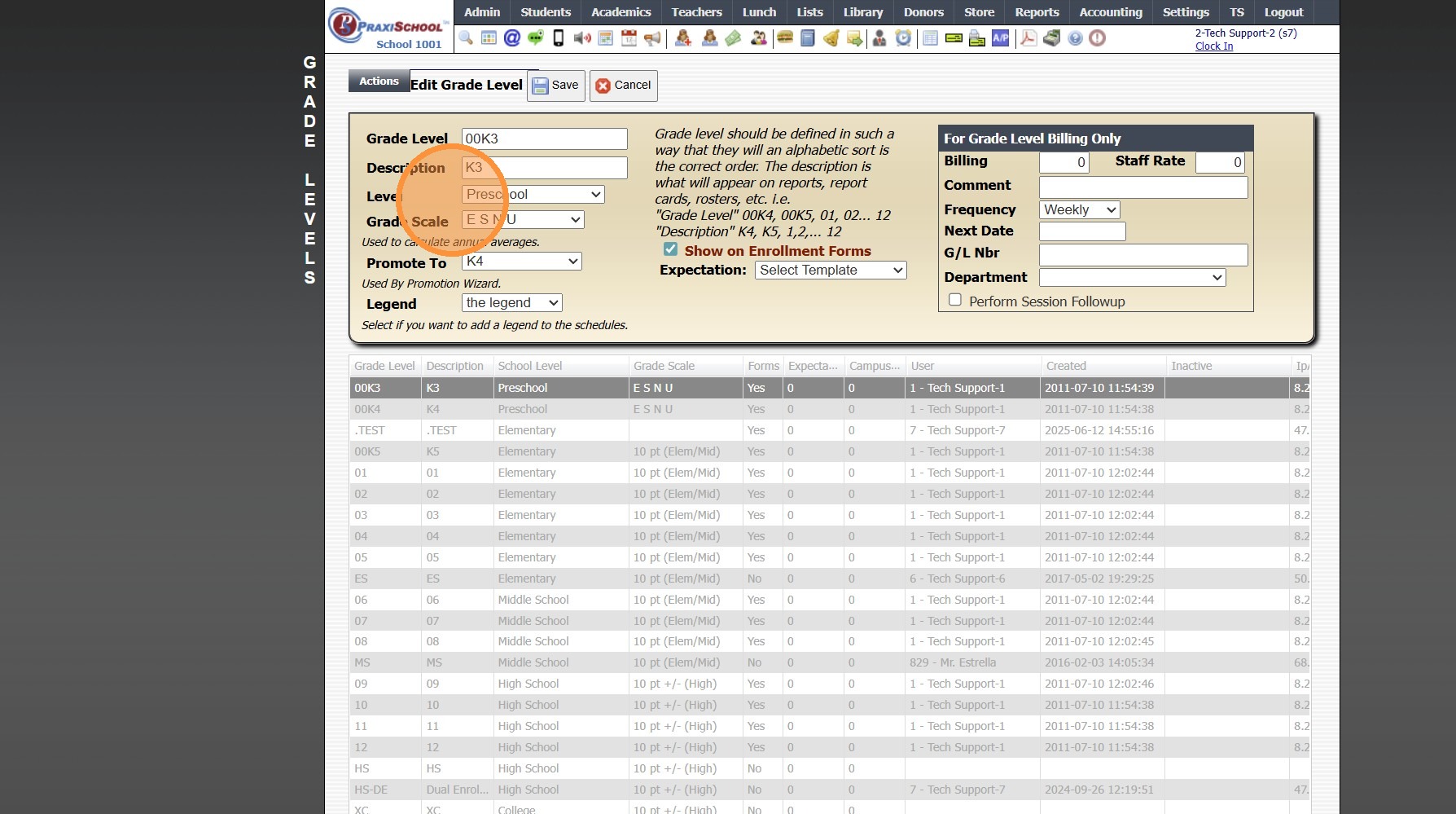
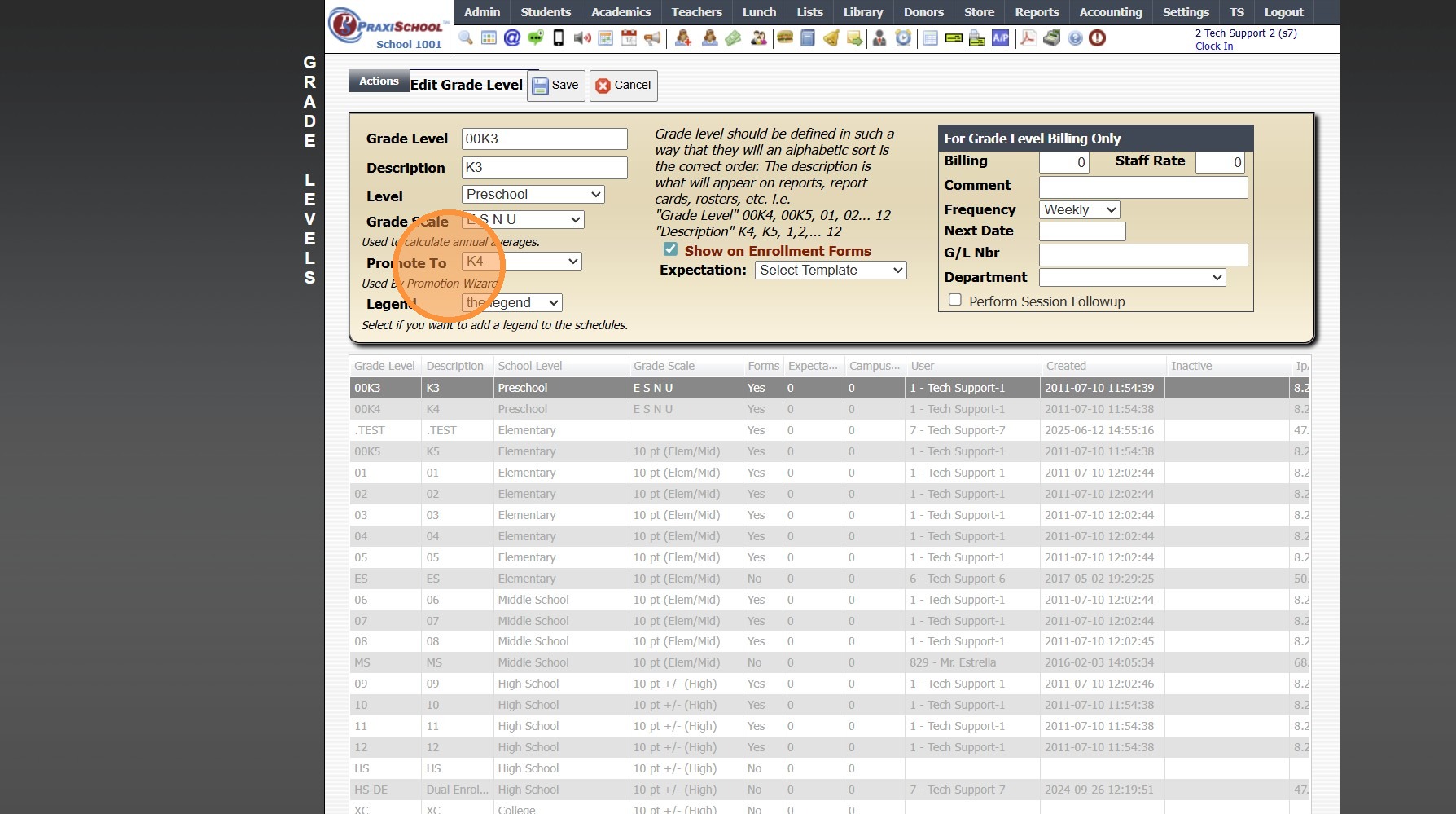
7. Select "Promote To" Grade Level (Optional)
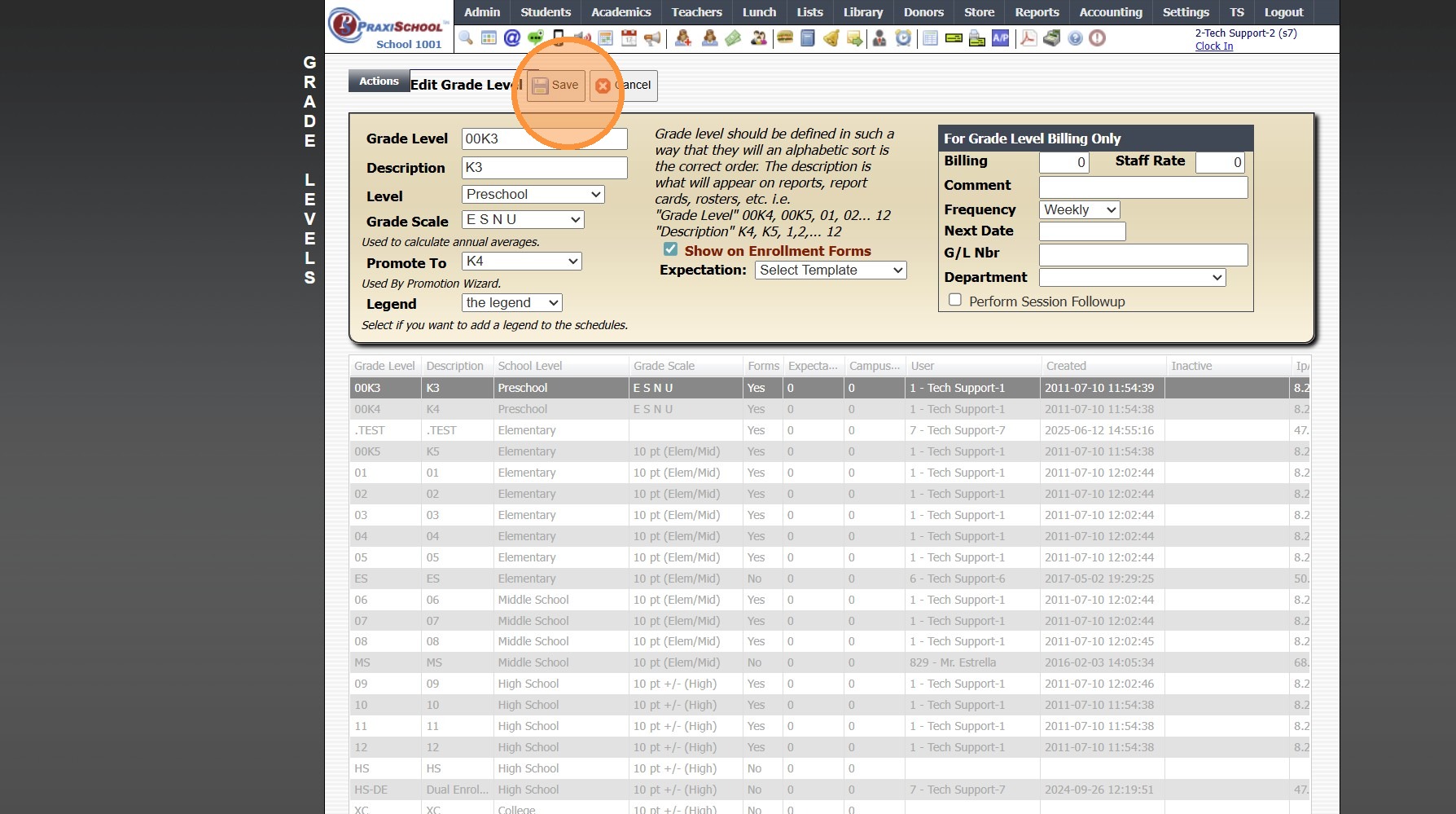
8. Click "Save"
3500.1.3
Related Articles
Creating Report Cards
Creating Report Cards 1. Log into PraxiSchool 2. Click "Academics" 3. Click "Grades Reports" 4. Click "Print Report Cards" 5. Select Grade Levels 6. Select Report Card Template 7. Click "Create Report Cards" 2000.6.7Creating School Calendar Items
Creating School Calendar Items 1. Log into PraxiSchool 2. Click "Admin" 3. Click "Resources" 4. Click "School Calendar" 5. Click "Add" 6. Enter the Calendar Item Description 7. Select Type (Public, No School, Make-Up, Staff) Public, No School and ...Creating Student Email Address Using School Domain
Creating Student Email Address Using School Domain 1. Click "Students" 2. Click "Students" 3. Click "Batch Tag" 4. Batch Tag by Grade Level or for All Grade Levels 5. Click "Tag Students" 6. Click "Close & Set Filter" 7. Click "Actions" 8. Click ...Creating Document Security Levels
Creating Document Security Levels 1. Click "Settings" 2. Click "Security Settings" 3. Click "Doc Security Levels" 4. Click "Add" 5. Enter a description and select the databases that will hold this document. 6. Click "Save" 6500.3.5Creating Application Levels
1. Click "Lists" 2. Click "Online Forms" 3. Click "Applicant Levels" 4. Click "Add" 5. Enter Order & App Level Description 6. Select App Level Tip: App Level Information: Exclude: All App Levels created for Applications that will not be ...