Creating a Custom Grid Report
1. Select the Database to Create the Custom Grid (Ex. Students, AR, Classes, etc)
2. Click "Basic Grid"
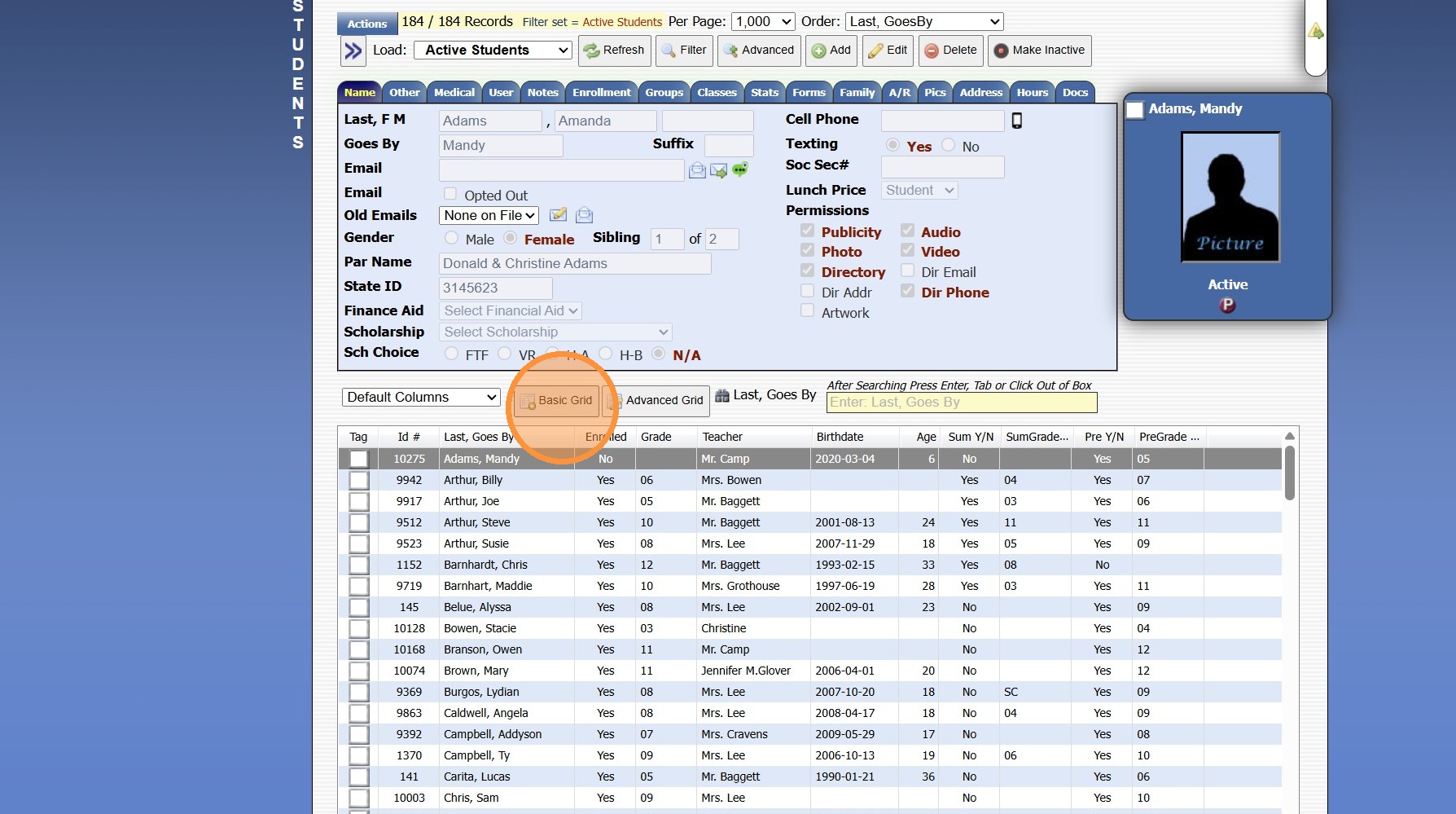
3. Click on the Field to Add to the Custom Grid Report
(Repeat for each Field)
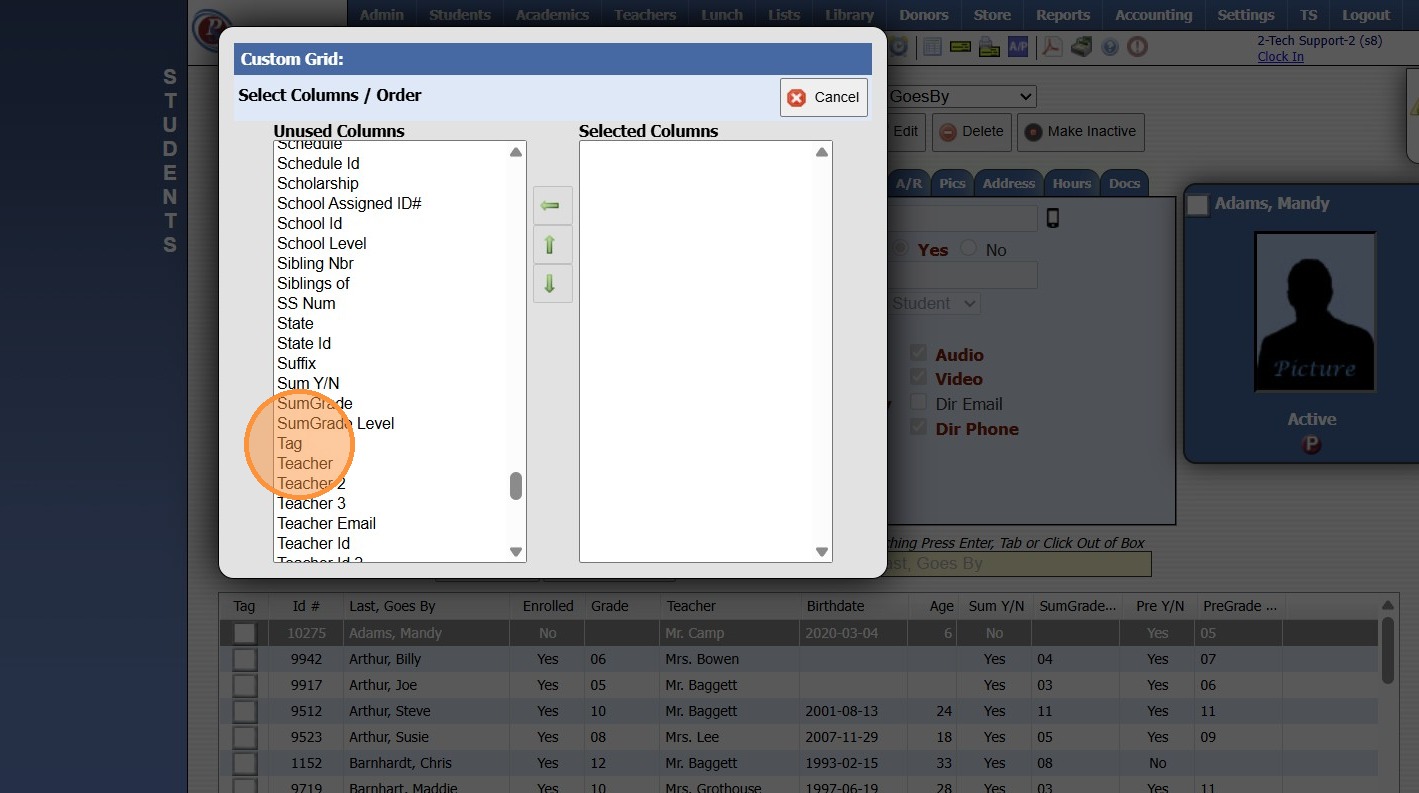
4. The Up/Down Arrow can be used to move a Field & the Back Arrow can be used to remove a Field
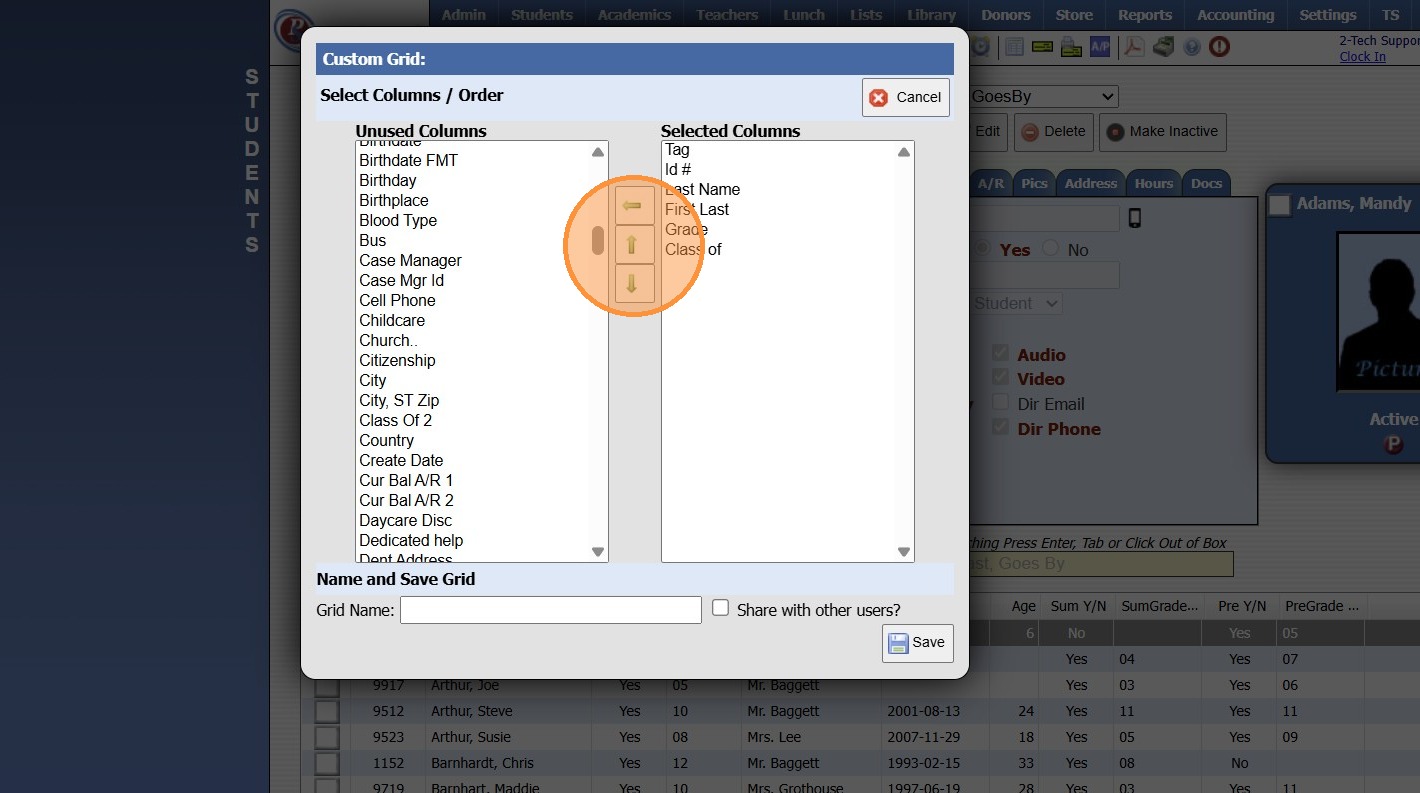
5. Name the Custom Grid Report

6. Click the box for "Share with other users?"
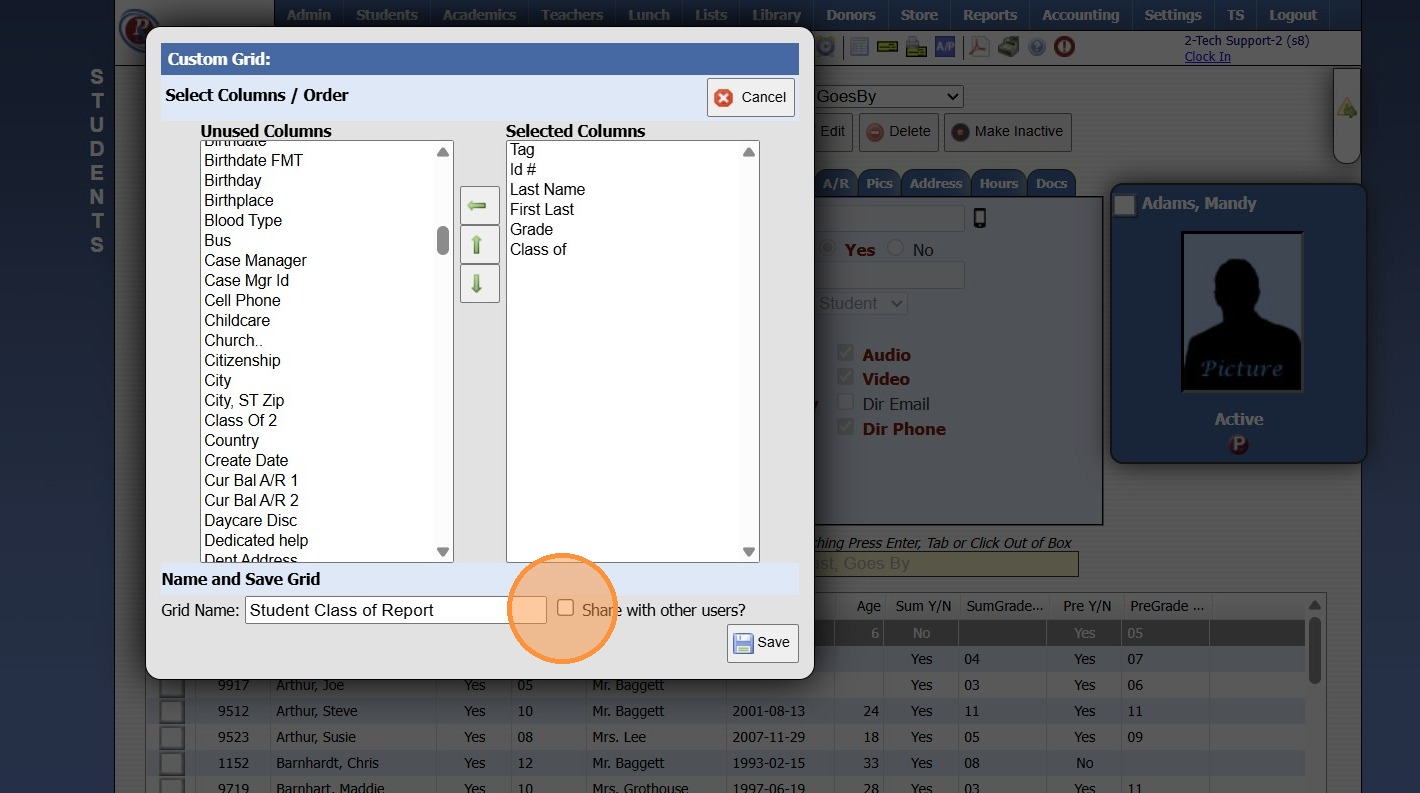
7. Click "Save"
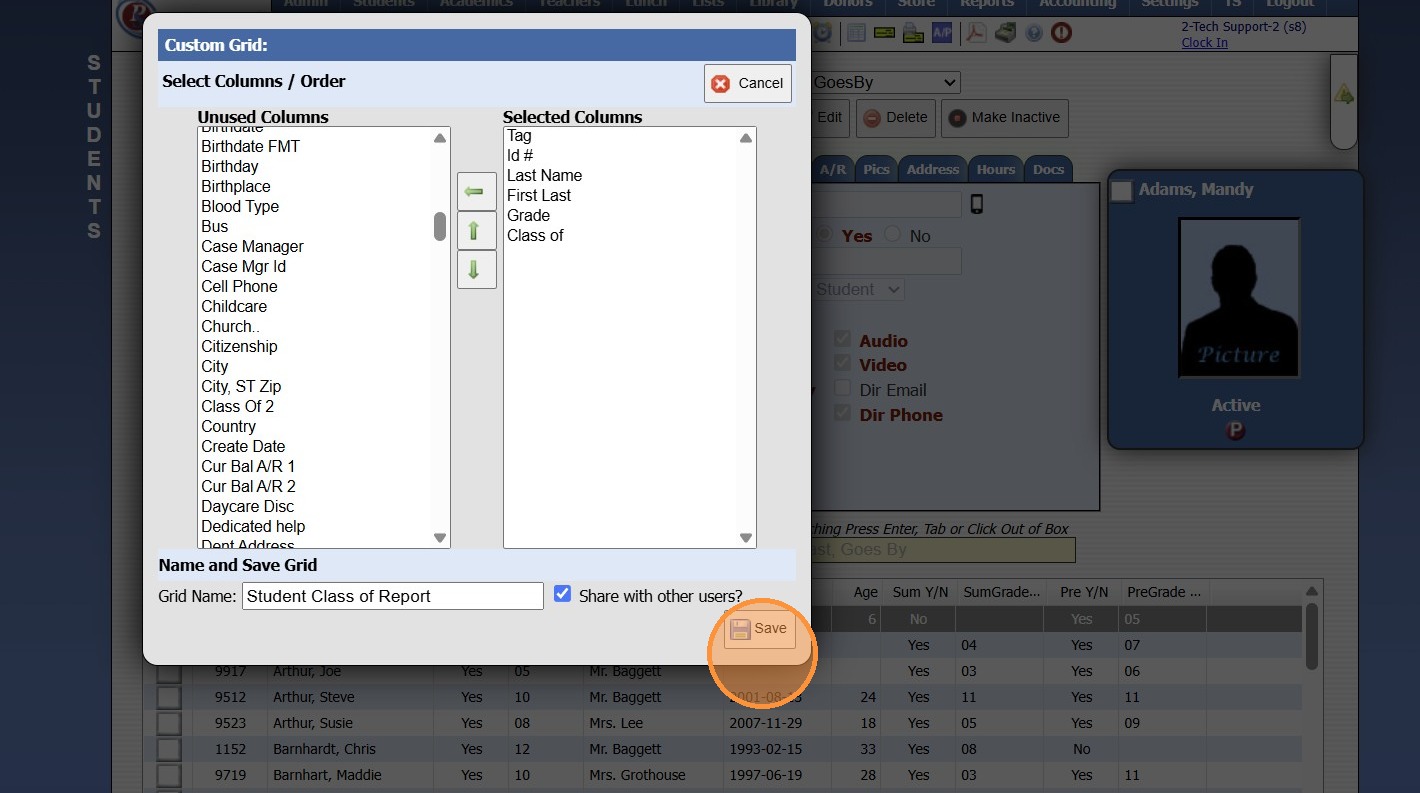
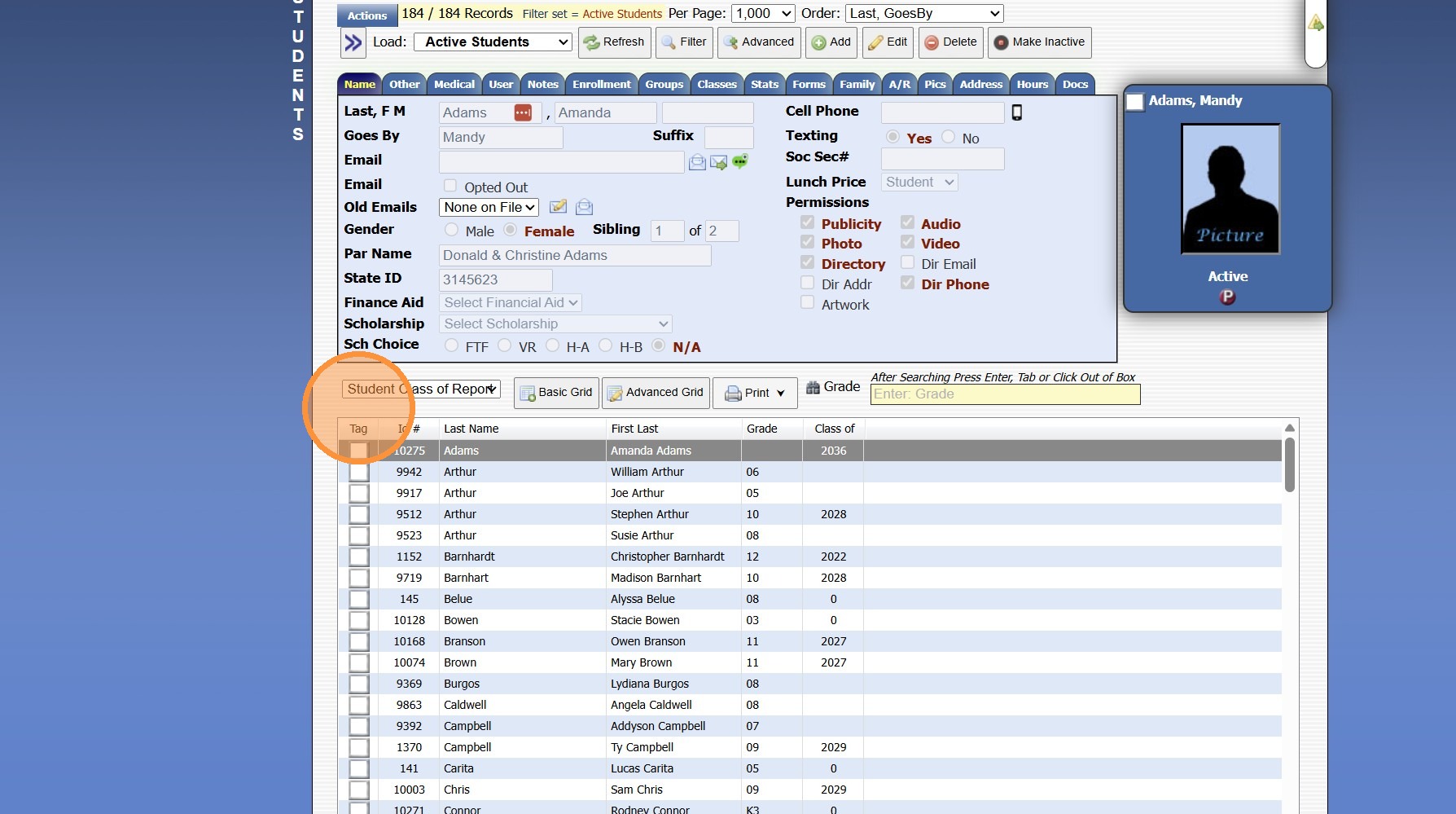
8. Custom Grid Report will be available in Grid Report dropdown menu
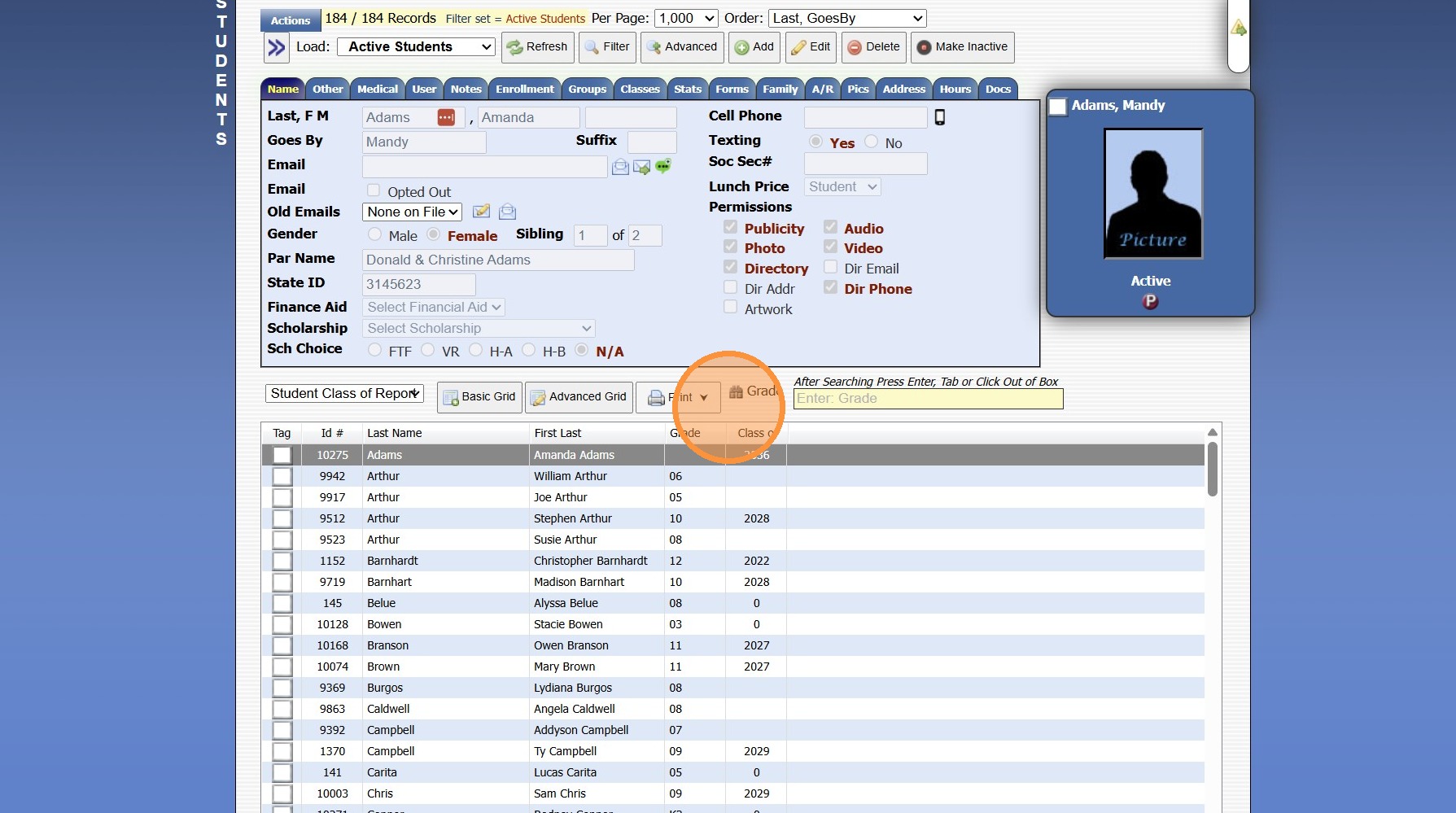
9. Once the Custom Grid Report is Created, the Print option will be available
1000.4.11
Related Articles
Removing Unneeded Grid Reports
1. Click "Default Columns" 2. Select the Grid Report to Delete 3. Click "Advanced Grid" 4. Click "Delete Grid" 5. Click "Finished"Creating Report Cards
Creating Report Cards 1. Log into PraxiSchool 2. Click "Academics" 3. Click "Grades Reports" 4. Click "Print Report Cards" 5. Select Grade Levels 6. Select Report Card Template 7. Click "Create Report Cards" 2000.6.7Creating Custom Fields for Online Form/Surveys
Custom Fields create for Online Forms are for the purpose of Printing the Form Only, Custom Fields do NOT Save to the Student, AR nor Family Files. 1. Click "Admin" 2. Click "Online Forms" 3. Click "Custom Fields" 4. Click "Add" 5. Select or Add a ...FTP to your SFTP Server / Auto Report Setup
FTP to your SFTP Server / Auto Report Setup 1. Log into PraxiSchool Setting up FTP to your SFTP Server 2. Click "Settings" 3. Click "School Settings" 4. Click "Documents" 5. Scroll to SFTP Grid Reports 6. Will need the follow information: FTP Server ...Settings Media Student Media Permissions and Printing Report
Marking Media Permissions 1. Click "Students" 2. Click "Students" 3. Select Student 4. Click "Edit" 5. Check all Publicity fields that are Allowed. (Check = yes) 6. Click "Save" Creating Grid Report and Printing 7. Click "Basic Grid" 8. Click "Tag" ...