Removing Unneeded Grid Reports
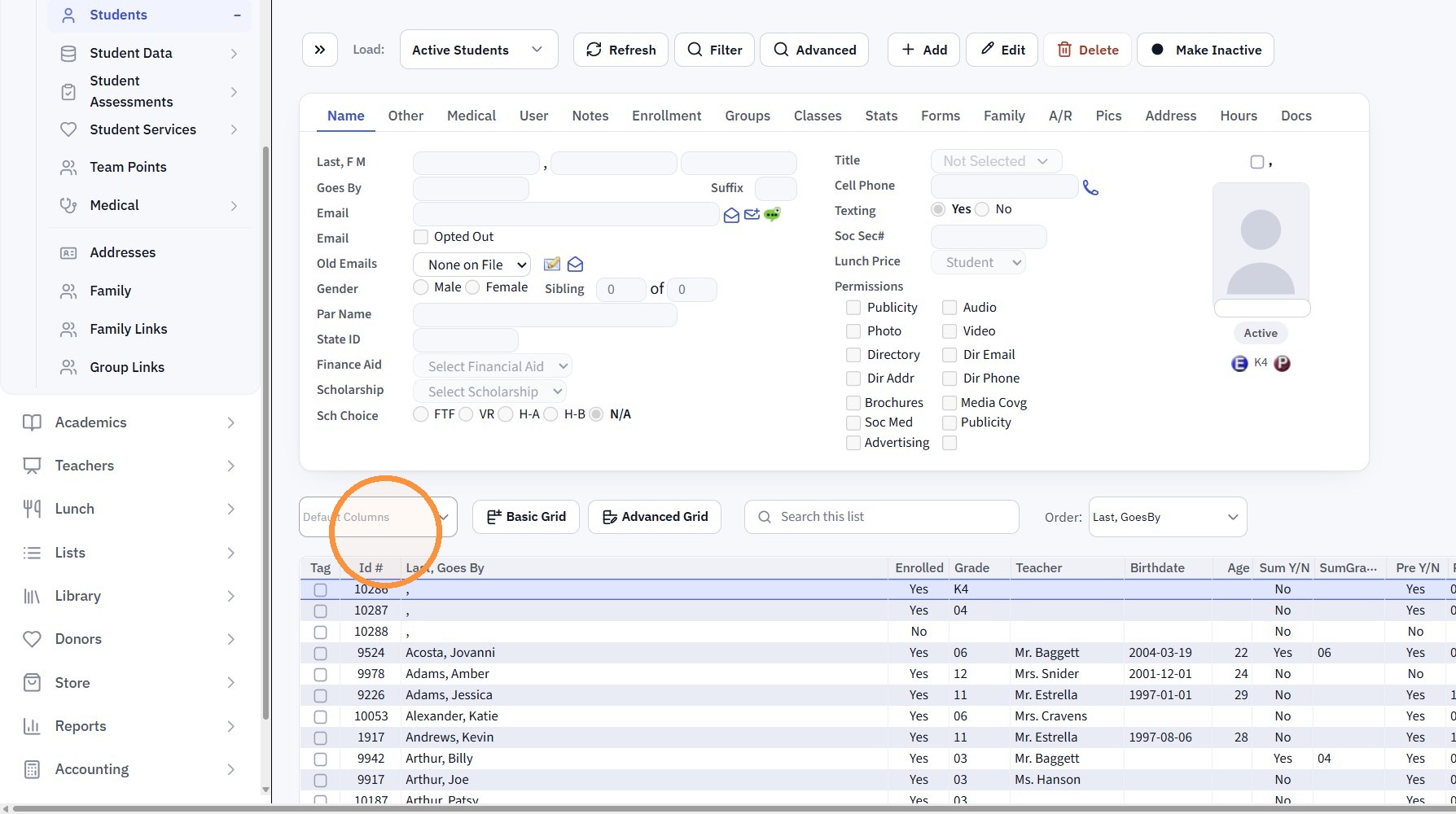
1. Click "Default Columns"
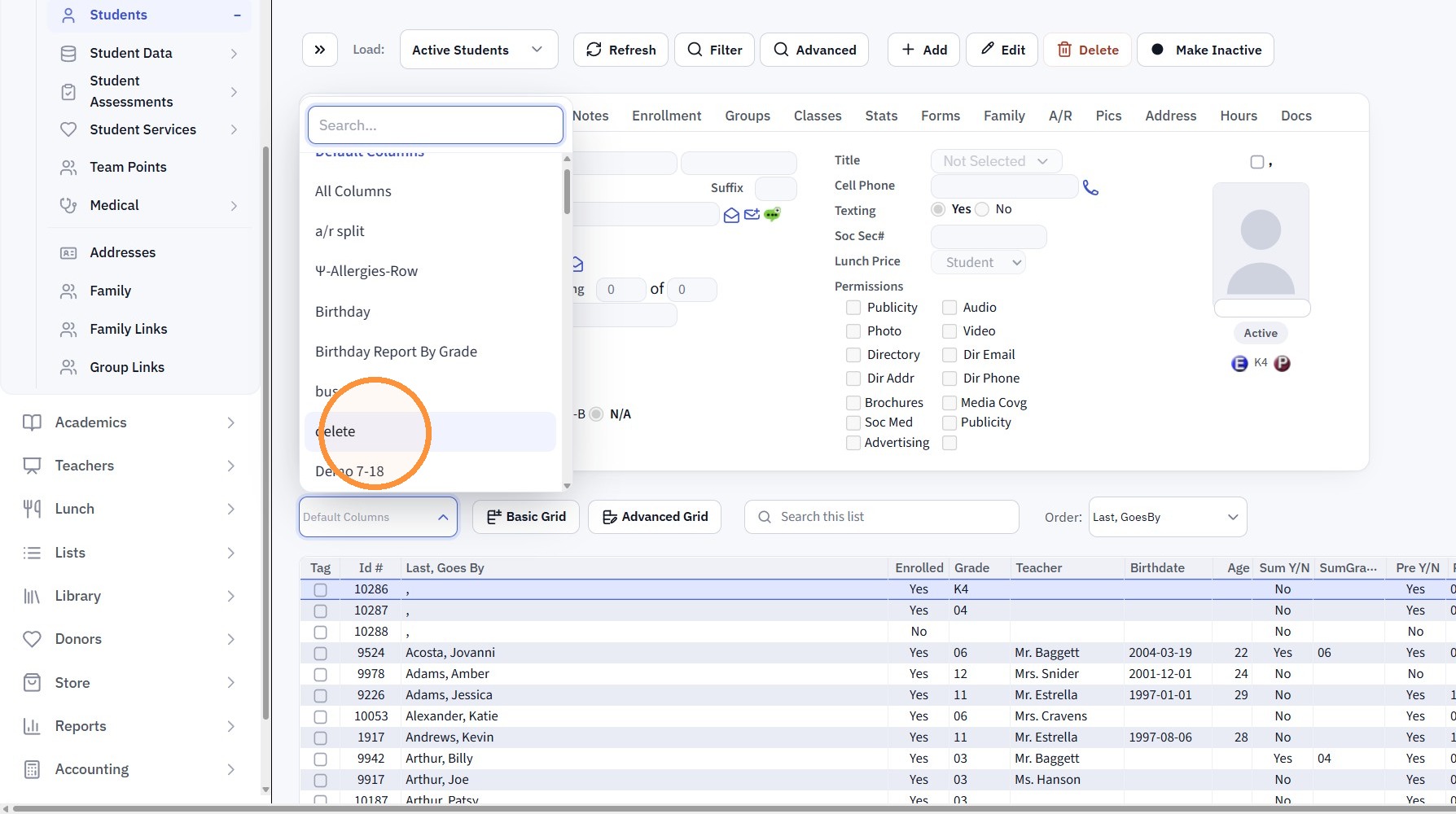
2. Select the Grid Report to Delete
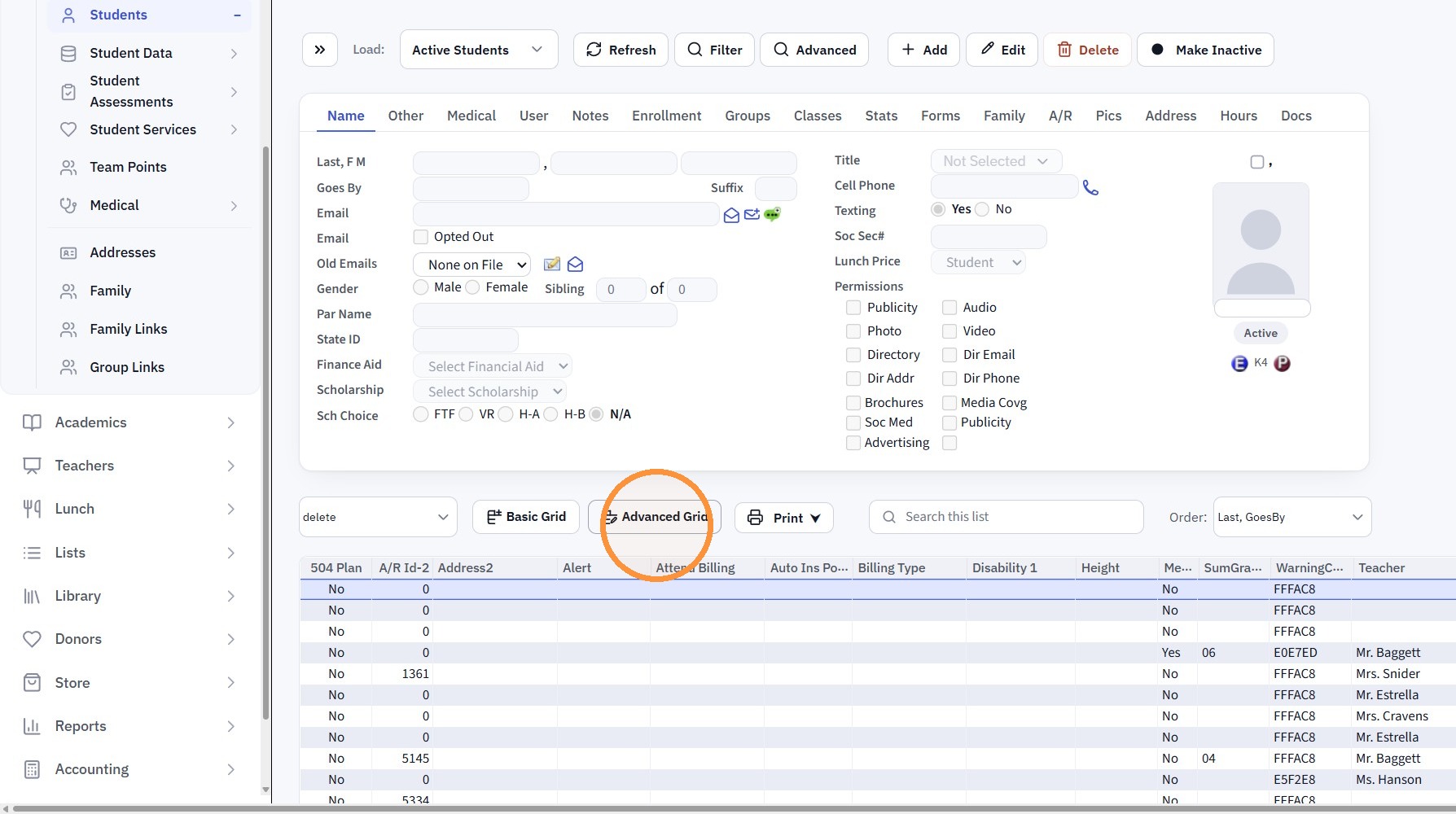
3. Click "Advanced Grid"
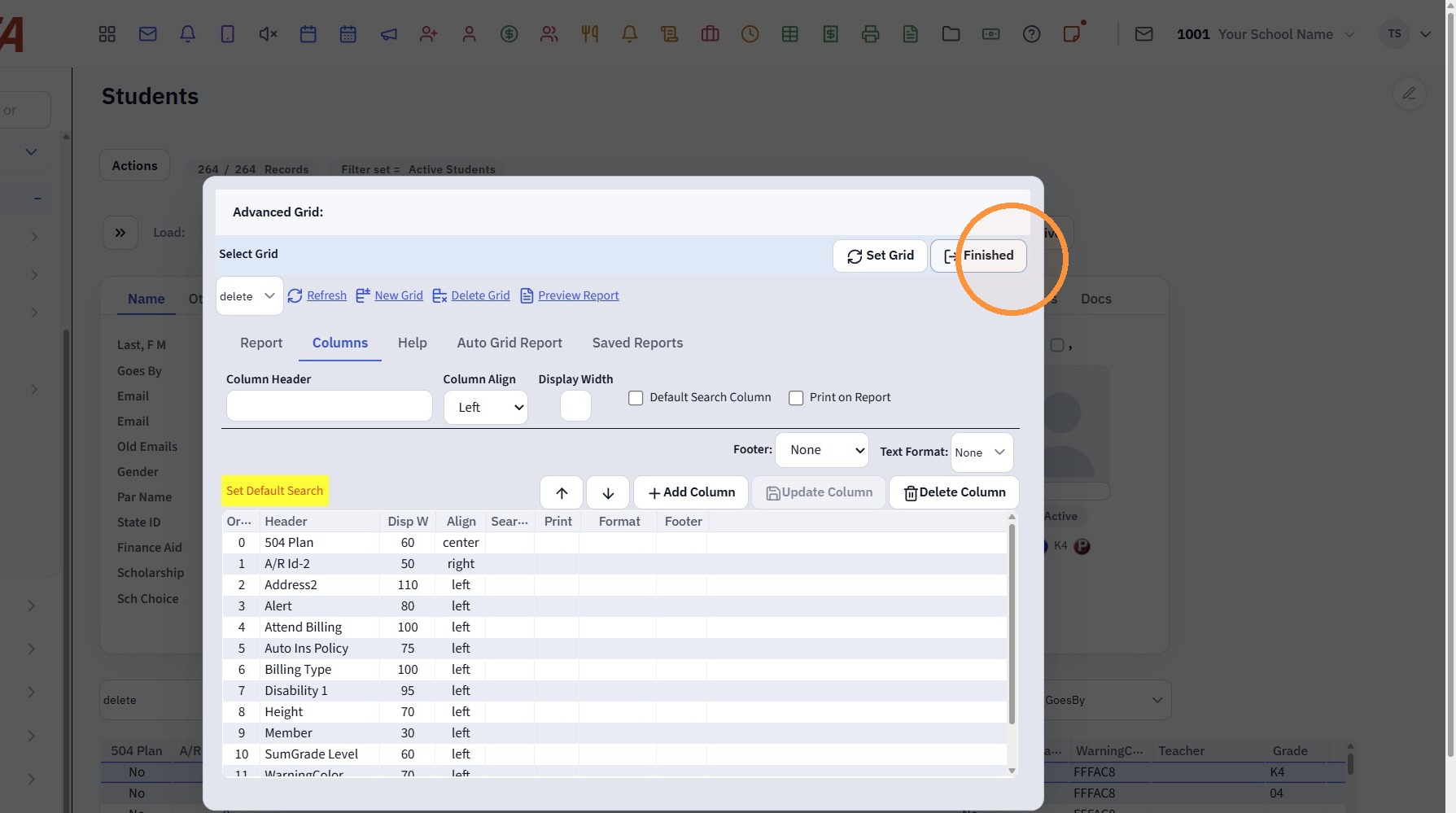
4. Click "Delete Grid"
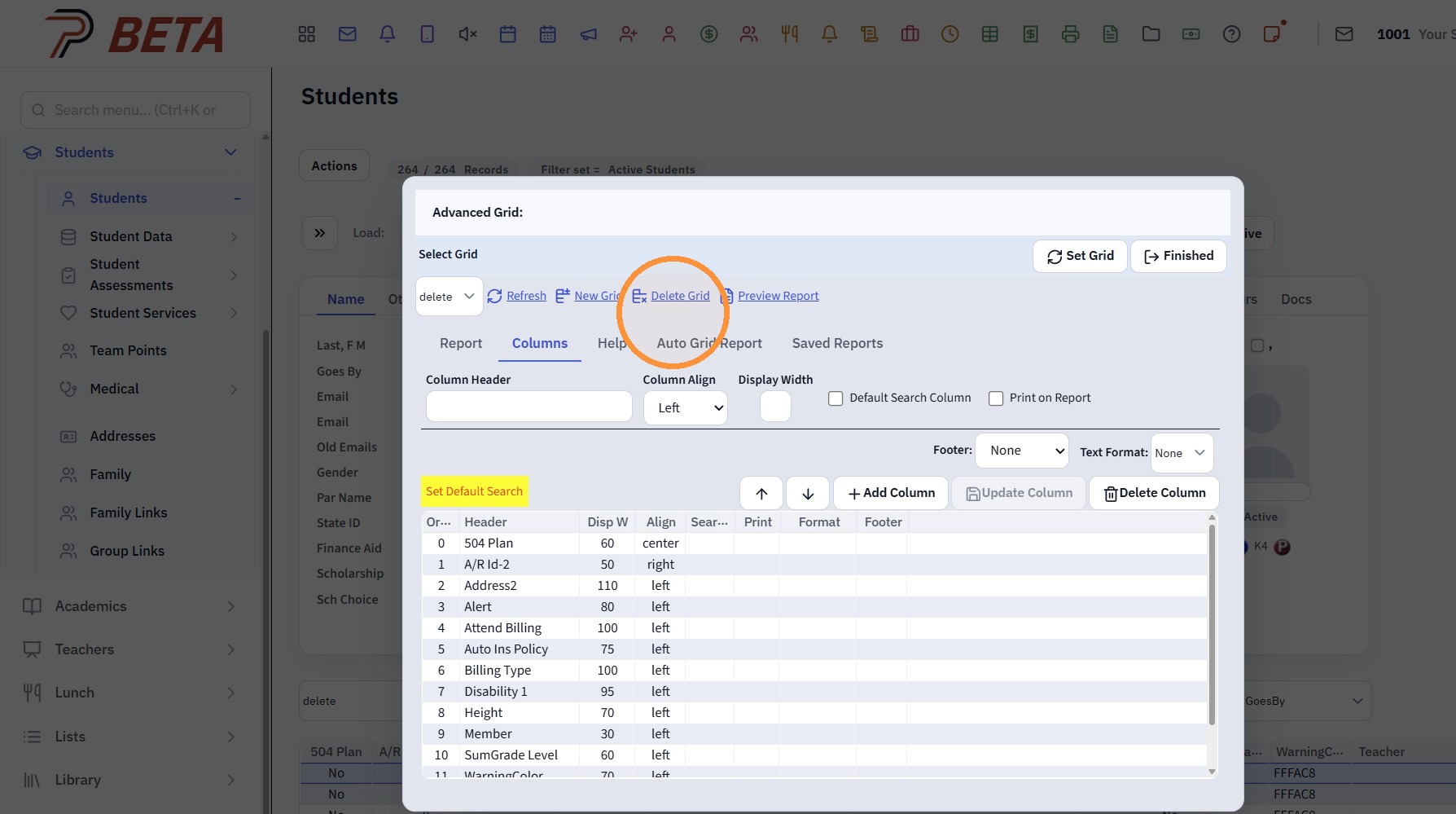
5. Click "Finished"
Related Articles
Printing AR Contract Reports
1. Click "Accounting" 2. Click "Accounts Receivable" 3. Click "A/R Contracts" 4. Select Grid Report OR Create Grid Report 5. Click "Print ⮟" 6. Click "Large Reports" 7. Contract Report can be Emailed, Printed, Exported to PDF or Excel 8. Click "GRAND ...District Attendance Reports
1. Click "Academics" 2. Click "Attendance" 3. Click "Attendance Data" 4. Set the Date Range 5. Make sure the Per Page count is Higher than the Amount of Records & Click "Refresh" 6. Select a Custom Grid Report 7. Click "Print ⮟" 8. Click "Large ...Viewing & Printing Staff Attendance Reports
Viewing & Printing Staff Attendance Reports 1. Click "Admin" 2. Click "Staff" 3. Click "Staff Attendance" 4. Select Date Range and Refresh to View Attendance 5. Select a Grid Report 6. Click Print & Select Print Option 1000.2.6Generating Prior School Year Enrollment Reports
Generating Prior School Year Enrollment Reports 1. Click "Academics" 2. Click "Grades Data Records" 3. Click "Report Cards" 4. Select School Year 5. Click "Refresh" Grid Report Option 6. Select Existing Grid Report or Create New 7. Click "Print" & ...Creating a Custom Grid Report
1. Select the Database to Create the Custom Grid (Ex. Students, AR, Classes, etc) 2. Click "Basic Grid" 3. Click on the Field to Add to the Custom Grid Report (Repeat for each Field) 4. The Up/Down Arrow can be used to move a Field & the Back Arrow ...