Adding Document Folders
1. Click "Admin"
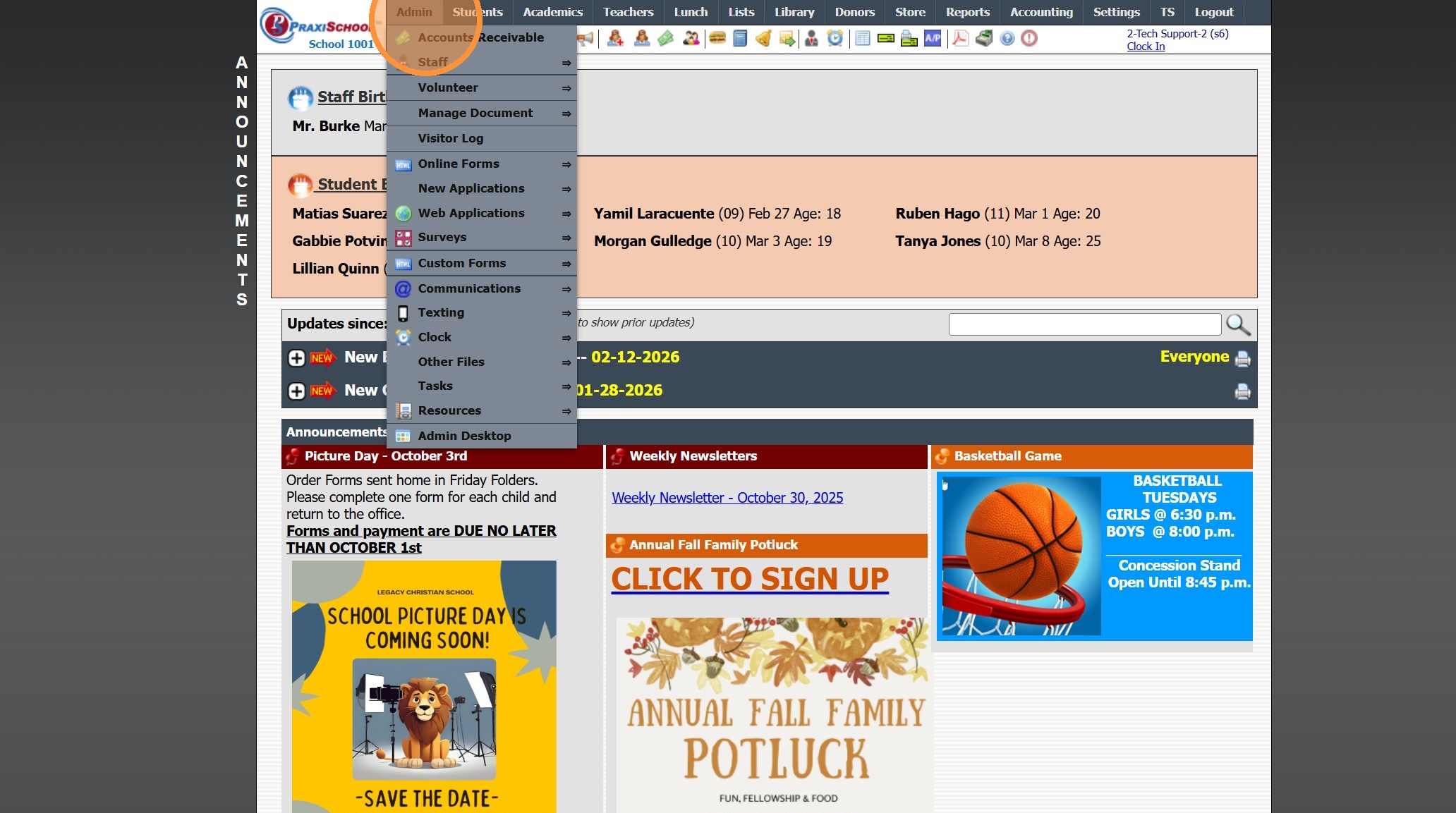
2. Click "Manage Document"
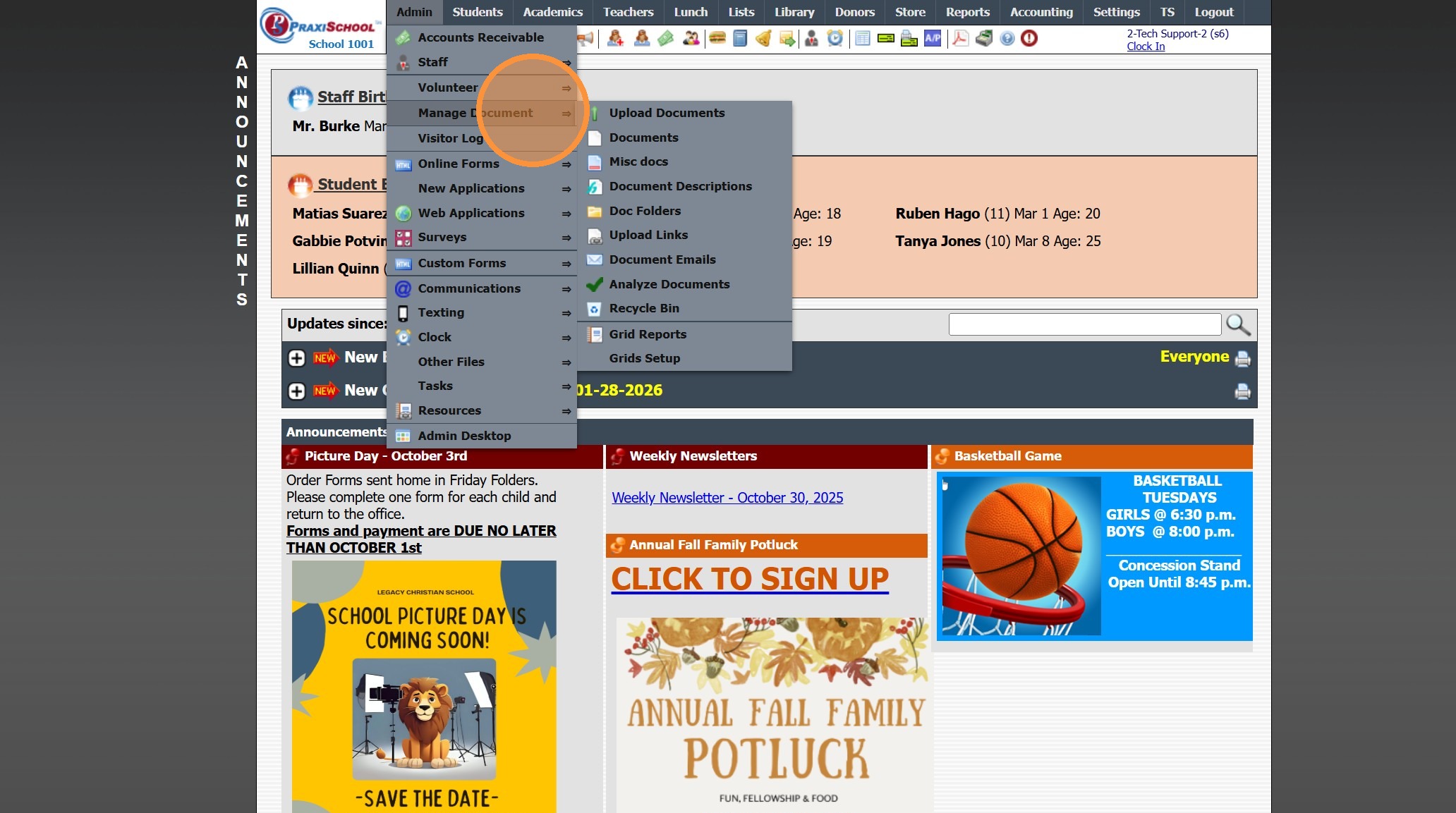
3. Click "Doc Folders"
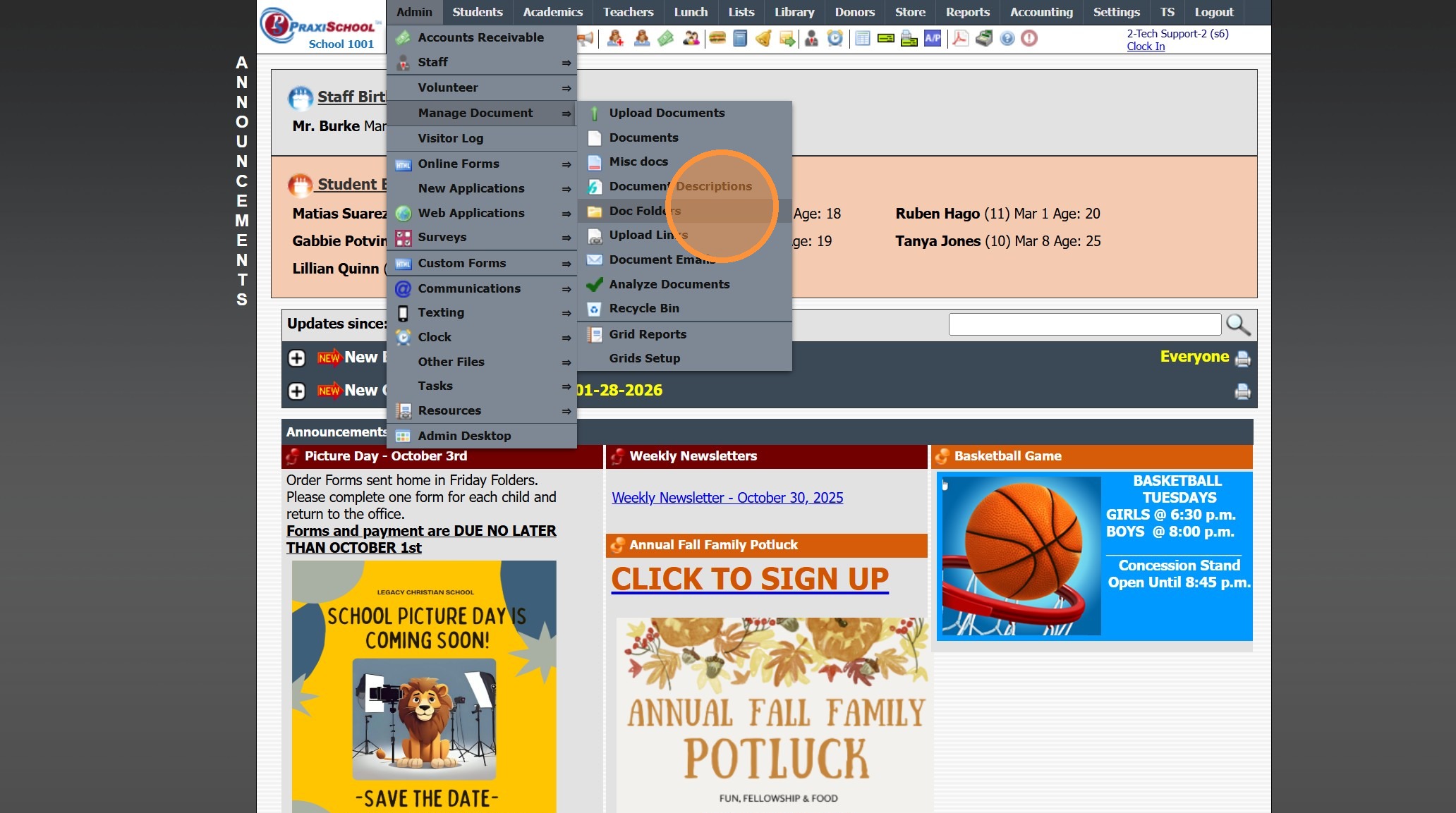
4. Click "Add"
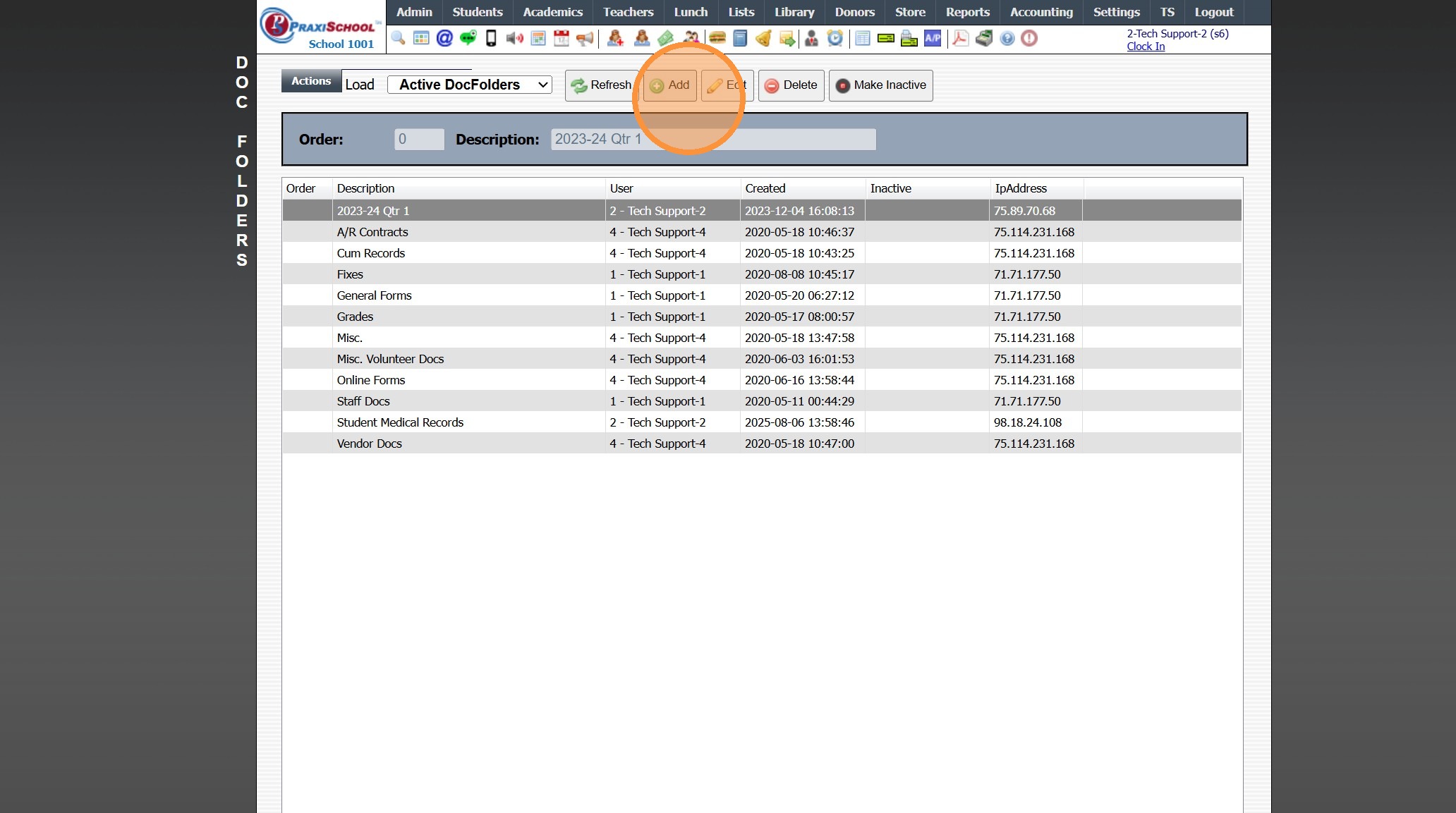
5. Enter Description
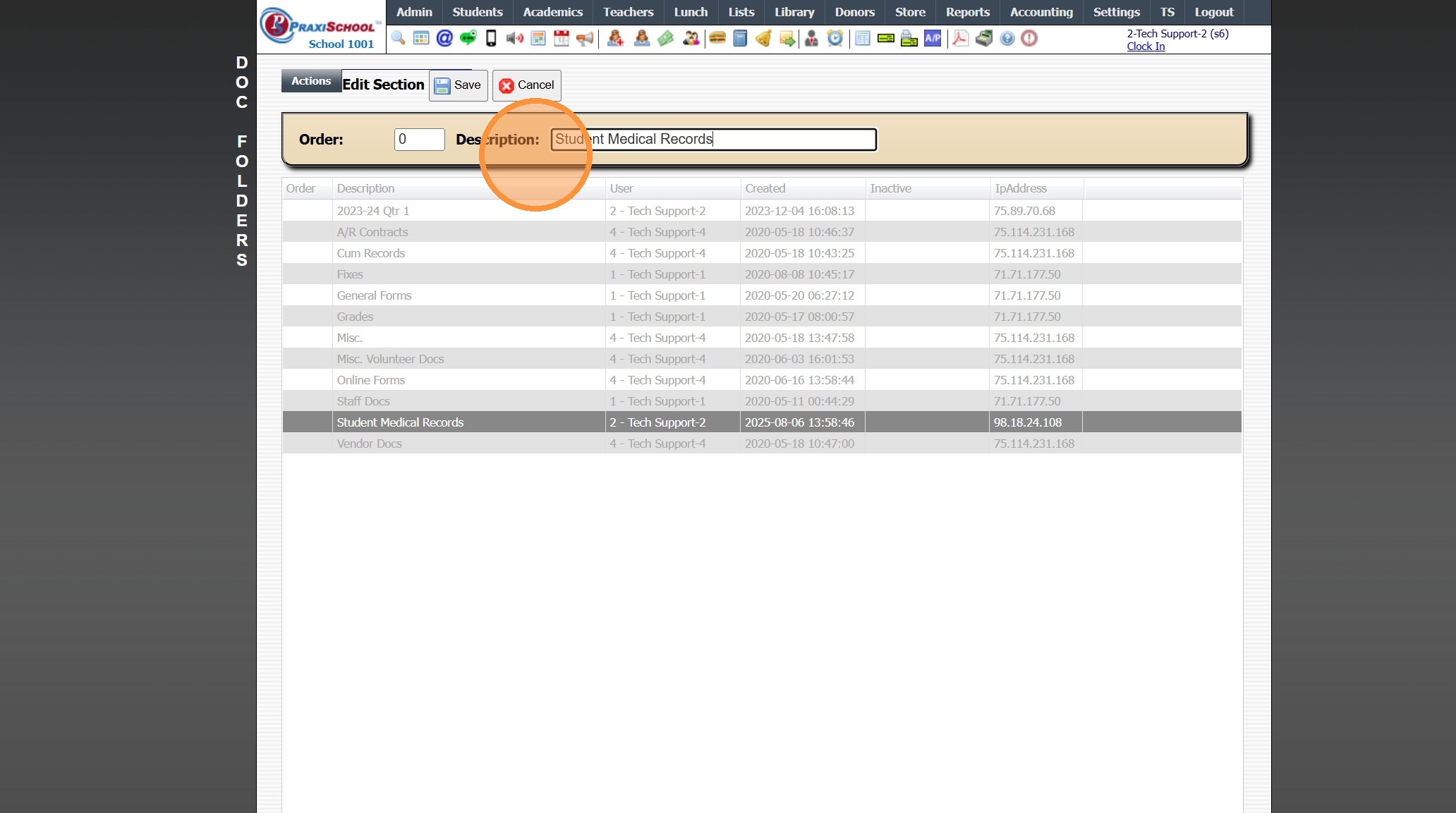
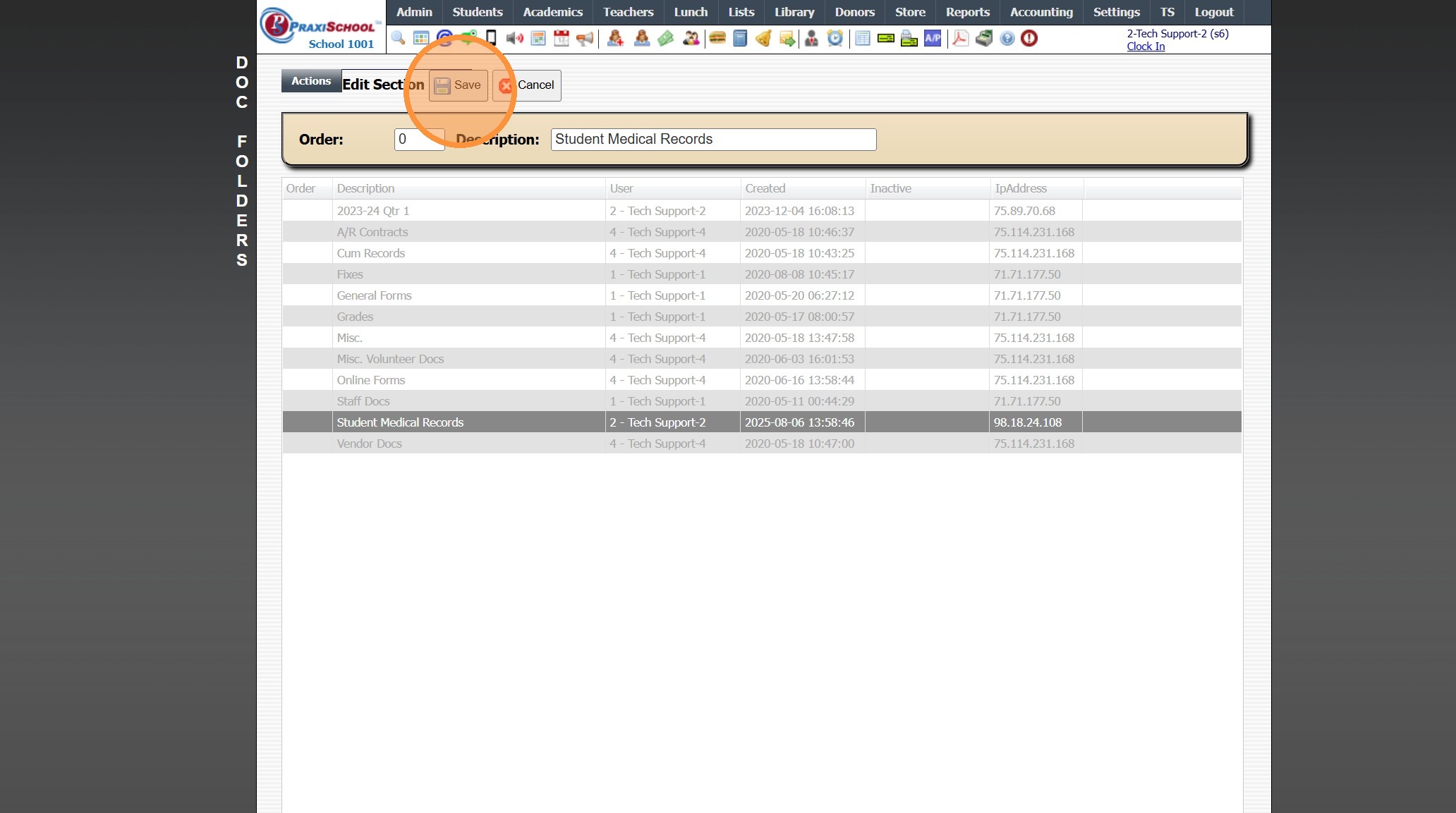
6. Click "Save"
1000.4.5
Related Articles
Adding Document Descriptions
1. Click "Admin" 2. Click "Manage Document" 3. Click "Document Descriptions" 4. Click "Add" 5. Enter Description & Comment (These will typically be the same) 6. Select Show on Portal Option 7. Select Used In Option(s) 8. Click "Save" 1000.4.4Creating Document Portal Upload Links
Creating Document Portal Upload Links 1. Click "Admin" 2. Click "Manage Document" 3. Click "Upload Links" 4. Click "Add" 5. Click the "Server Docs" field. 6. Enter a description for the document 7. Select the header if you want to group documents ...Viewing & Adding Documents in Accounts Receivable
Viewing & Adding Documents in Accounts Receivable 1. Click "Admin" 2. Click "Accounts Receivable" 3. Select AR Account 4. Click "Docs" tab Viewing Documents 5. Select the Document 6. Click the Magnifying Glass Icon to View Adding Documents 7. Click ...Creating Document Security Levels
Creating Document Security Levels 1. Click "Settings" 2. Click "Security Settings" 3. Click "Doc Security Levels" 4. Click "Add" 5. Enter a description and select the databases that will hold this document. 6. Click "Save" 6500.3.5Creating Document Profiles
Creating Document Profiles 1. Click "Settings" 2. Click "Security Settings" 3. Click "Document Profiles" 4. Select the document profile you need to add a document access to. 5. Click "Add" 6. Select the document. 7. Check the actions you want this ...