Viewing Class Communications from the Classroom
1. Click "Classroom"
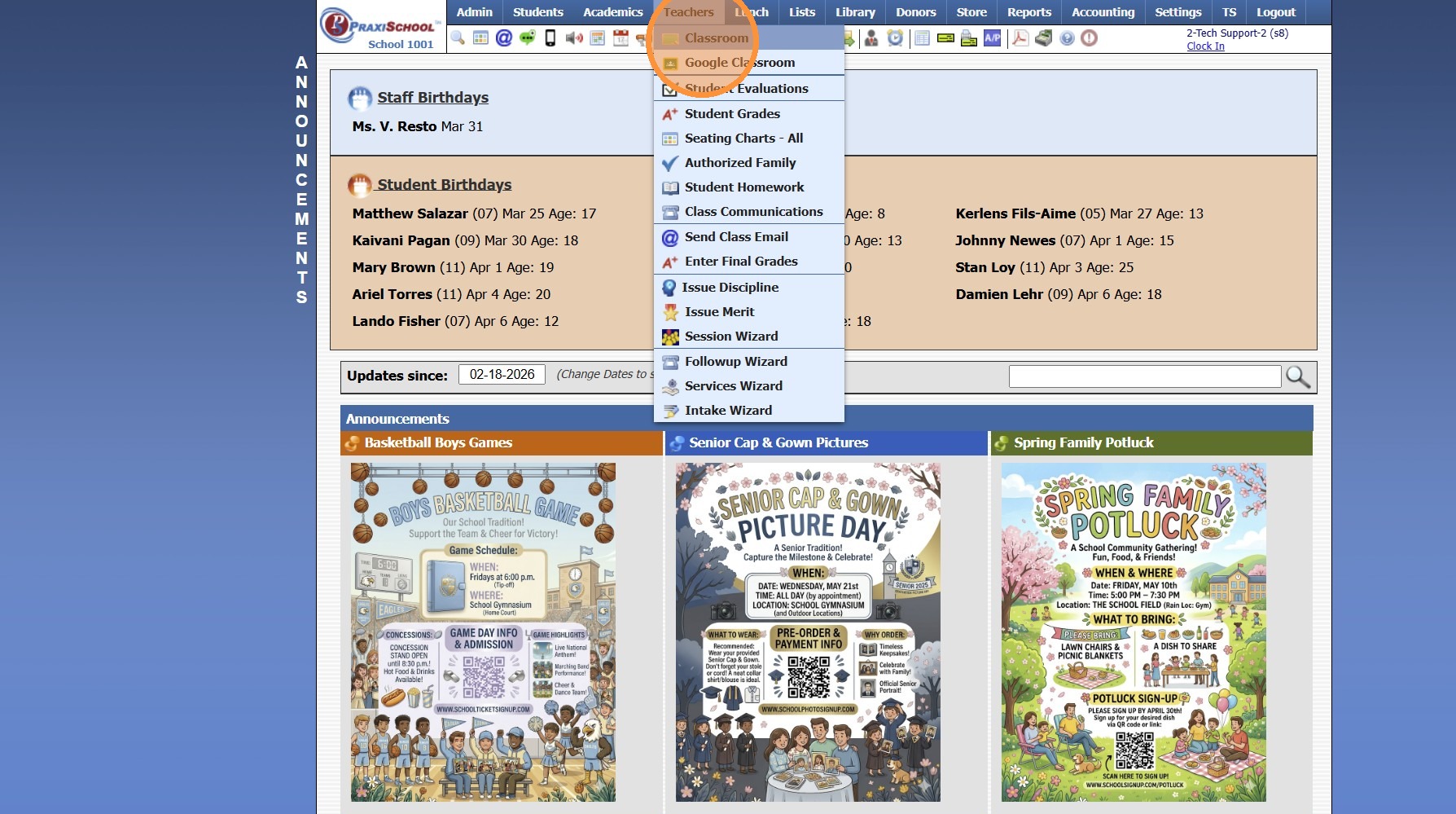
2. Select Class
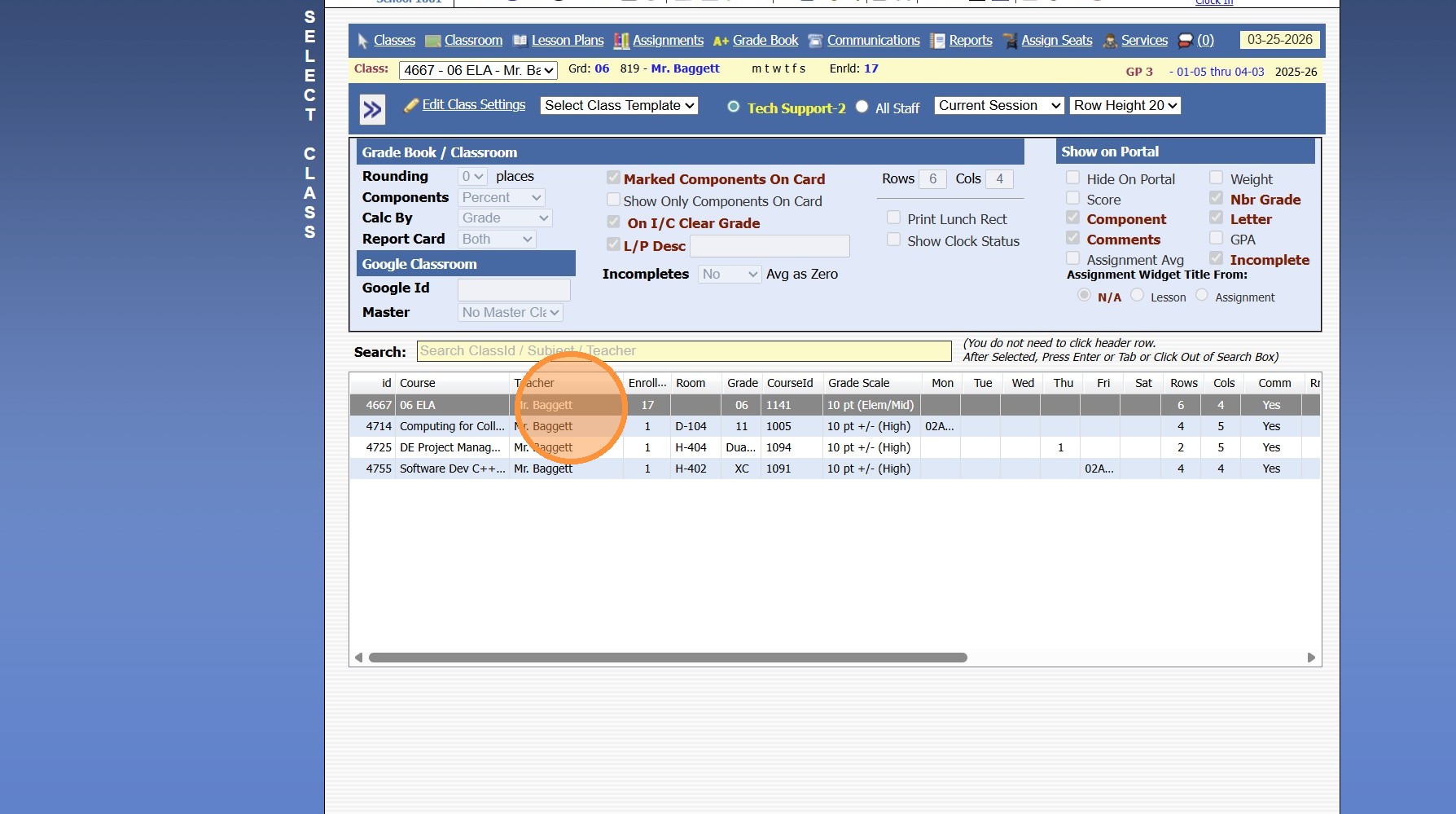
3. Click "Communications"
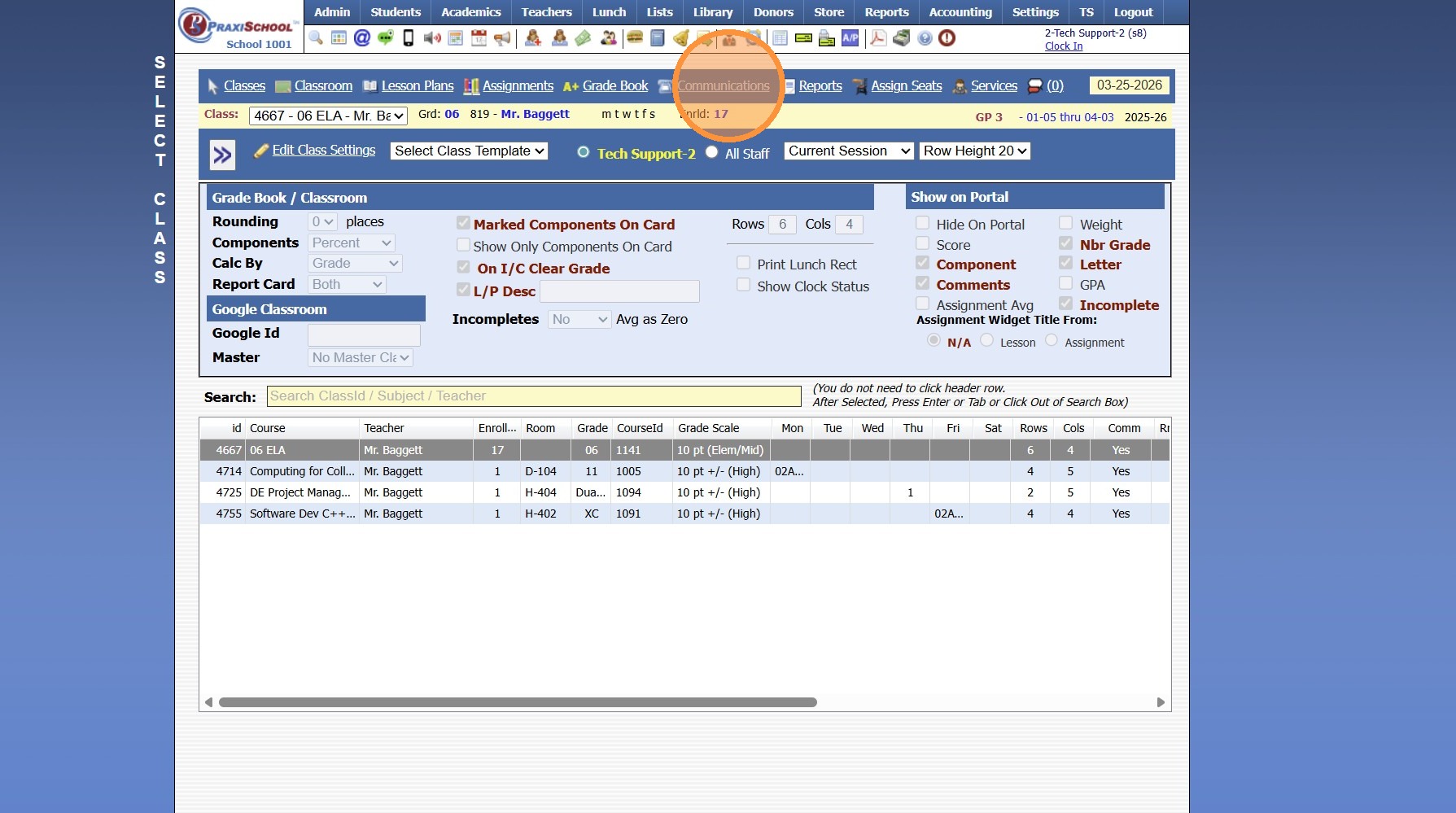
4. Set Date Range
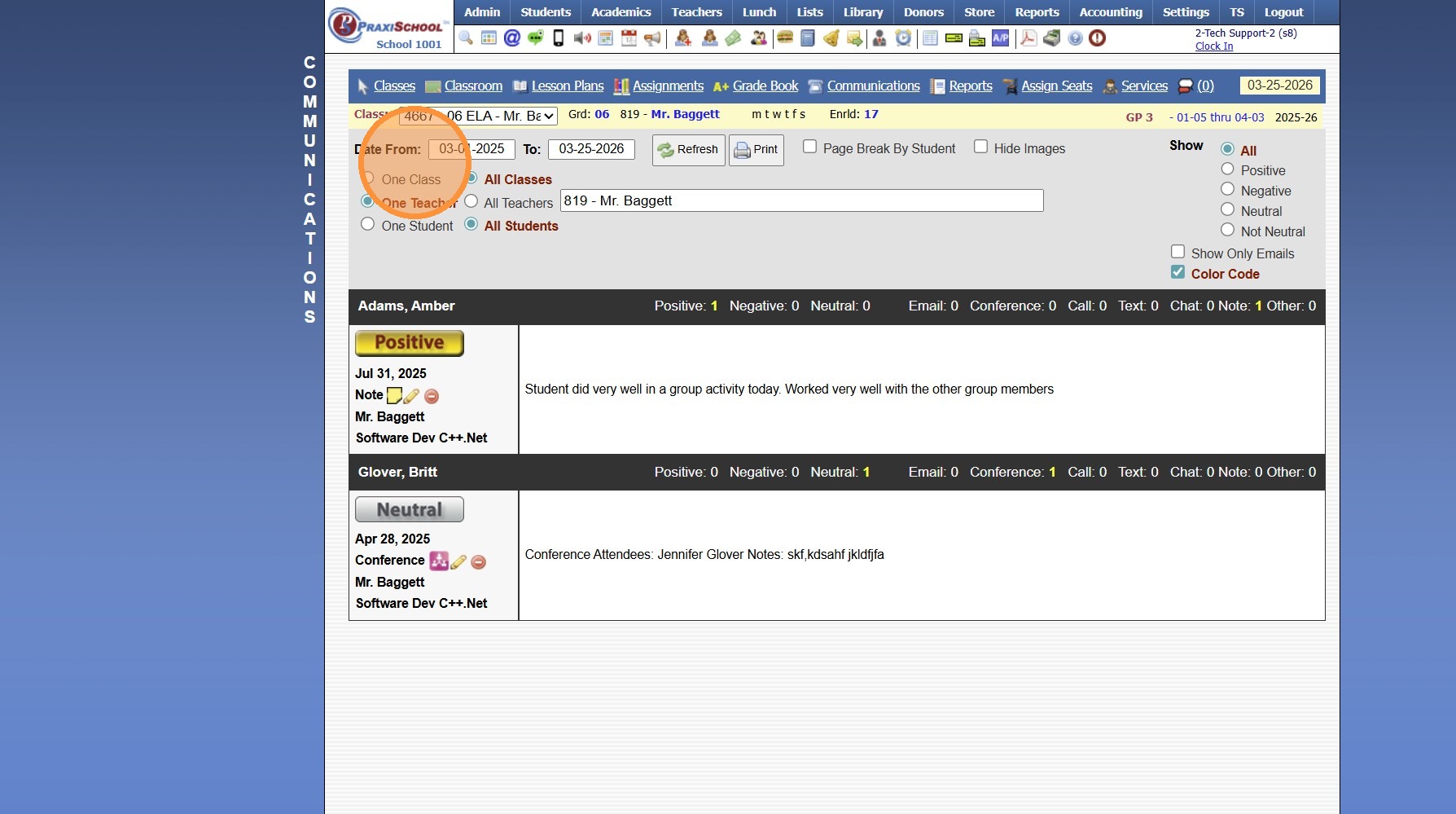
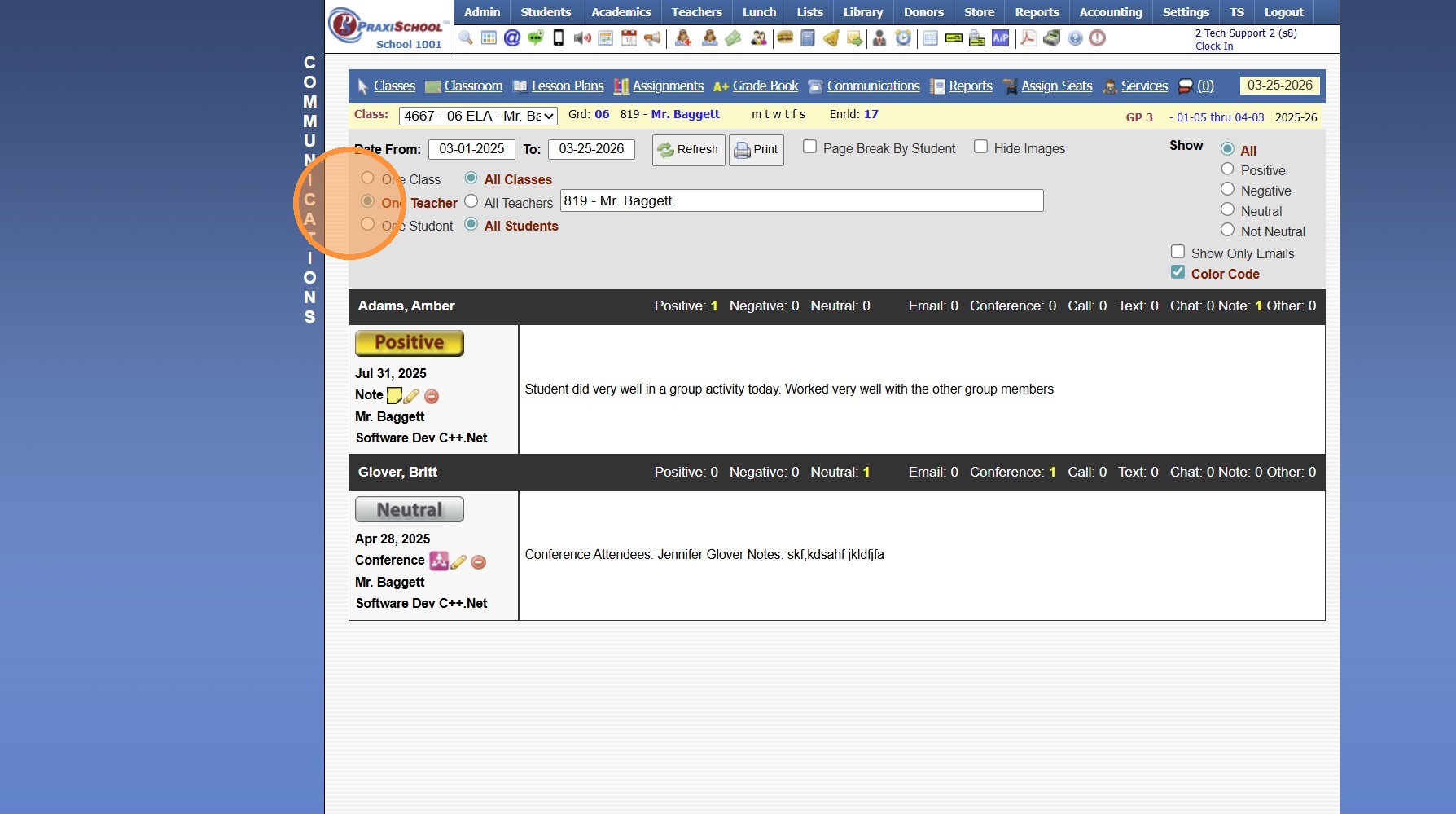
5. Select Class/Teacher/Student Options
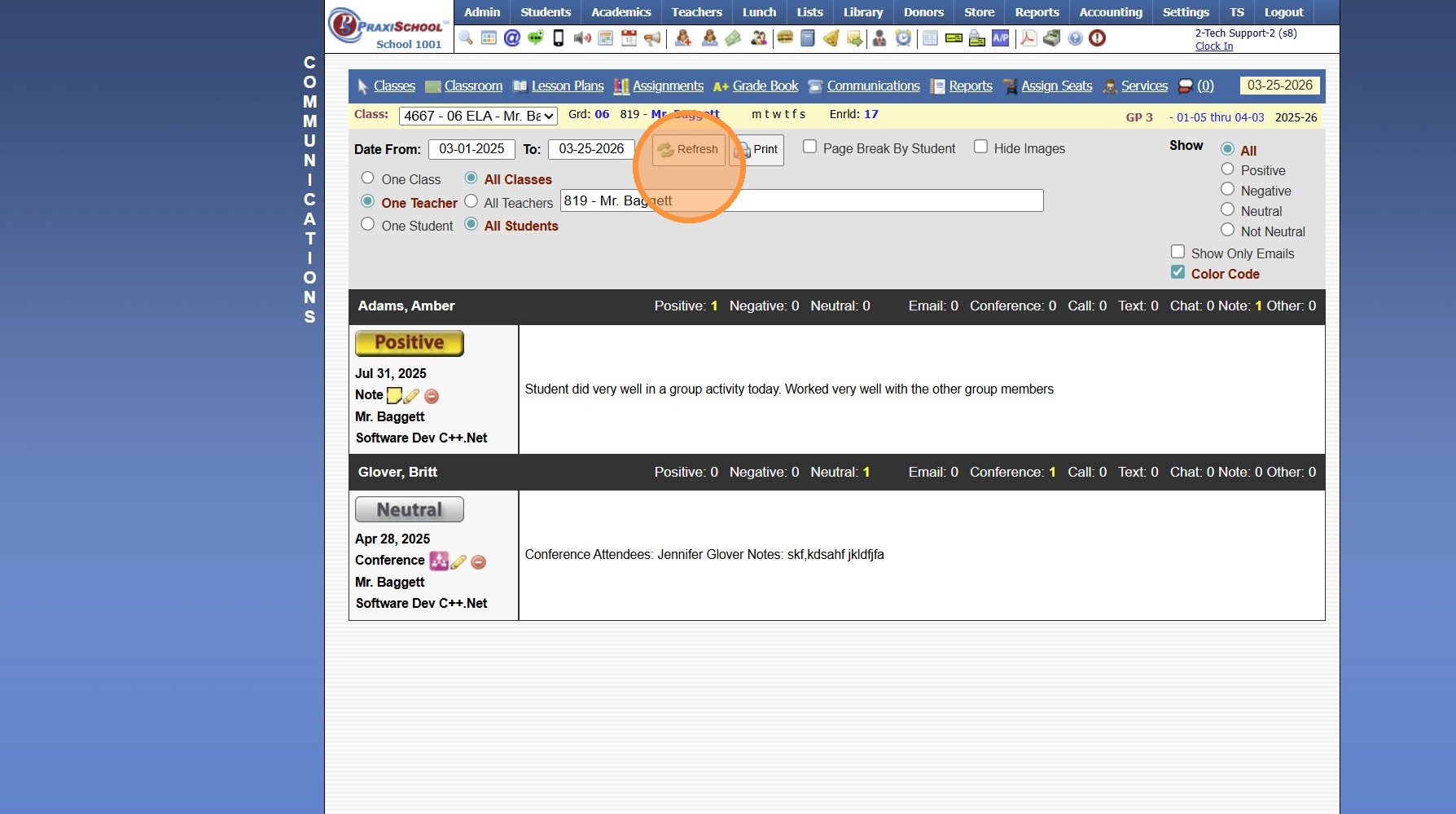
6. Click "Refresh"
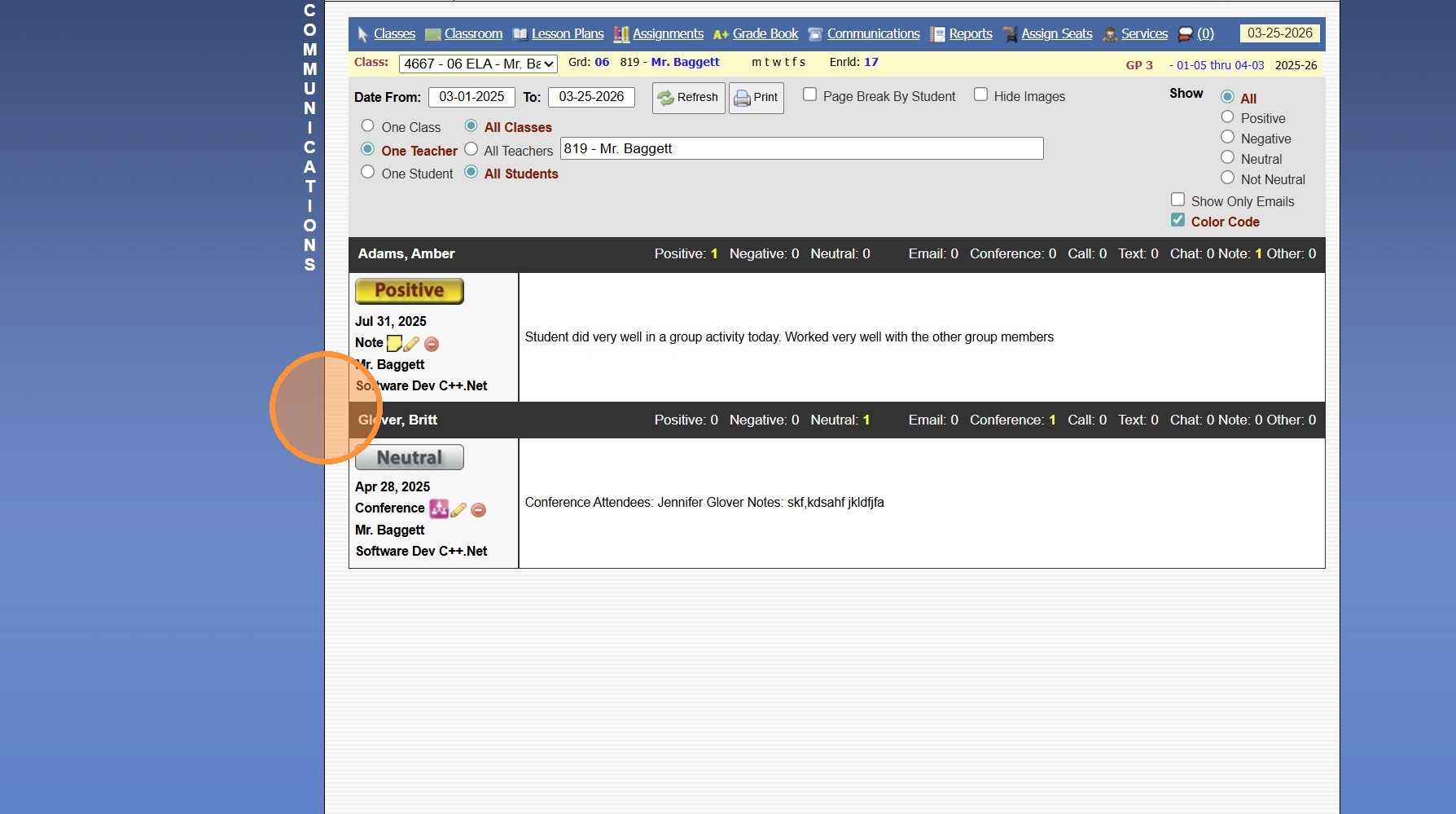
7. Class Communications Manually added & Sent Class Emails will Populate
2500.8.1
Related Articles
Viewing Student Contacts in the Classroom
Viewing Student Contacts in the Classroom 1. Log into PraxiSchool 2. Click "Teachers" 3. Click "Classroom" 4. Select Class 5. Click "Classroom" 6. Click the "Class Info" field 7. Left Click the Student Profile 8. Click "Contacts" 9. Student's Contact ...Viewing Student Schedules in the Classroom
Viewing Student Schedules in the Classroom 1. Log into PraxiSchool 2. Click "Teachers" 3. Click "Classroom" 4. Select Class 5. Click "Classroom" 6. Click the "Class Info" field 7. Left Click the Student Profile 8. Click "Schedule" 9. Schedules for ...Viewing Student Medical Information in the Classroom
Viewing Student Medical Information in the Classroom 1. Login to PraxiSchool 2. Click "Teachers" 3. Click "Classroom" 4. Click "Classroom" 5. Click "Class Info" 6. Left Click the Student Profile 7. Click "Medical" 8. Click "Dr Info" to View ...Classroom Views
1. Click "Teachers" 2. Click "Classroom" 3. Select the Class 4. Click "Classroom" Class Info Toggle - Both 5. Select the Class Info Toggle 6. In the Class Info Toggle all Students in the Class are Visible along with the Students Total Present, ...Viewing Emails Sent from the Classroom
1. Click "Admin" 2. Click "Communications" 3. Click "Send Classroom Emails" 4. Select an Email 5. Click "Recipients" 6. Under the Recipients tab a list of All Recipients & the Date/Time the Recipient Read the Emails are Visible 1000.10.4