Session Close Tasks - Managed Docs: Delete Expired/Old Docs
1. Click "Admin"
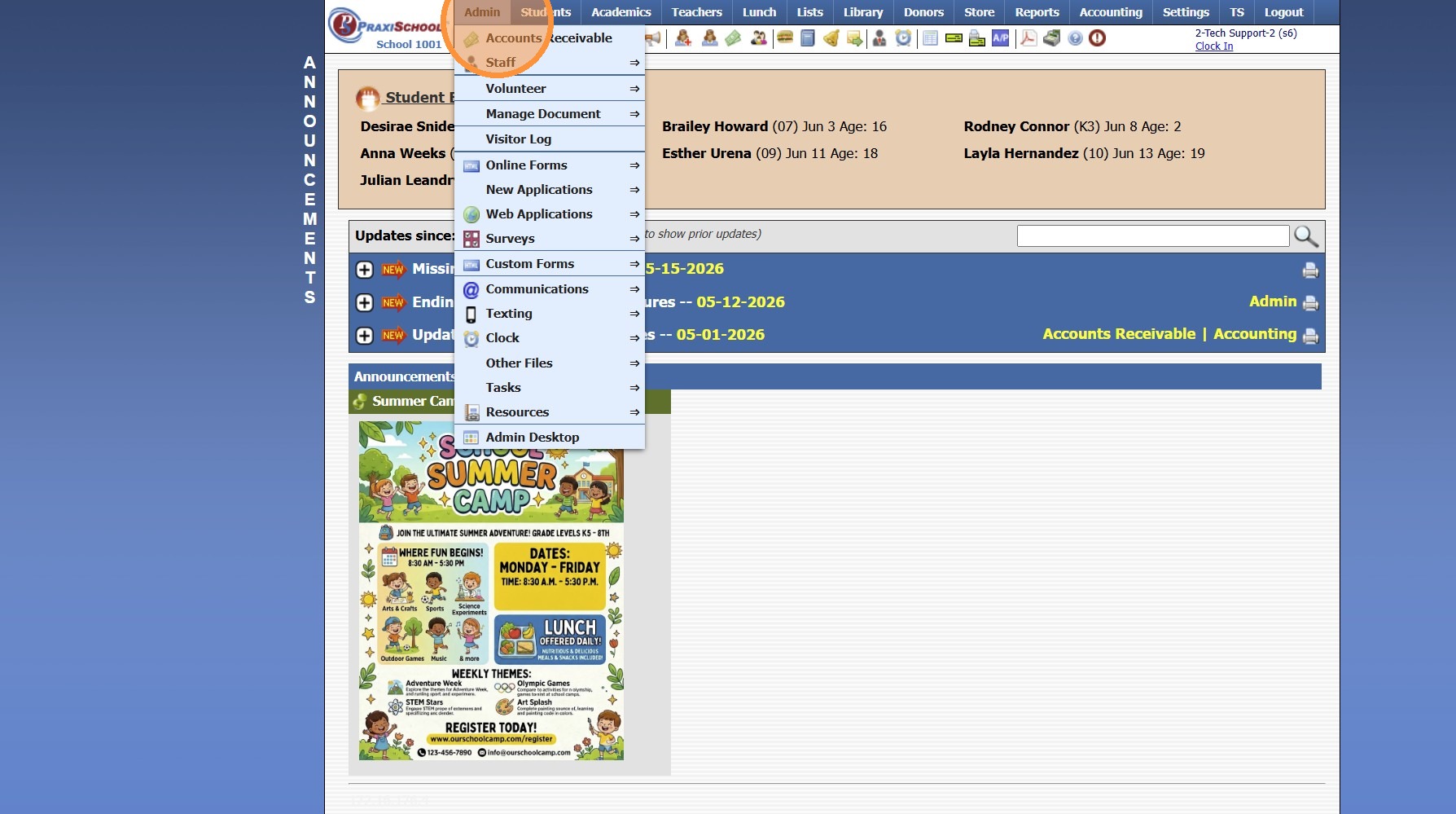
2. Click "Manage Document"
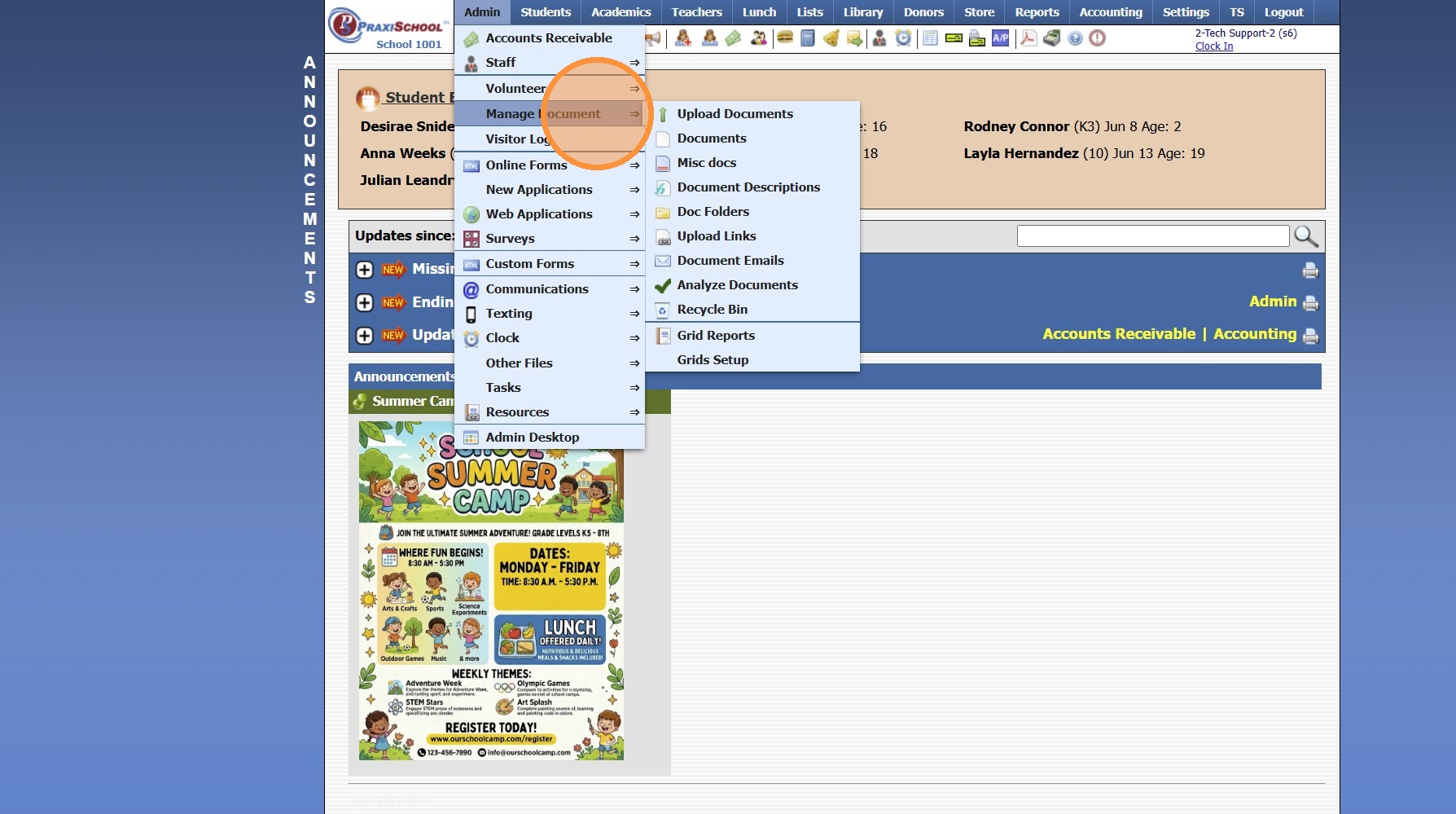
3. Click "Documents"
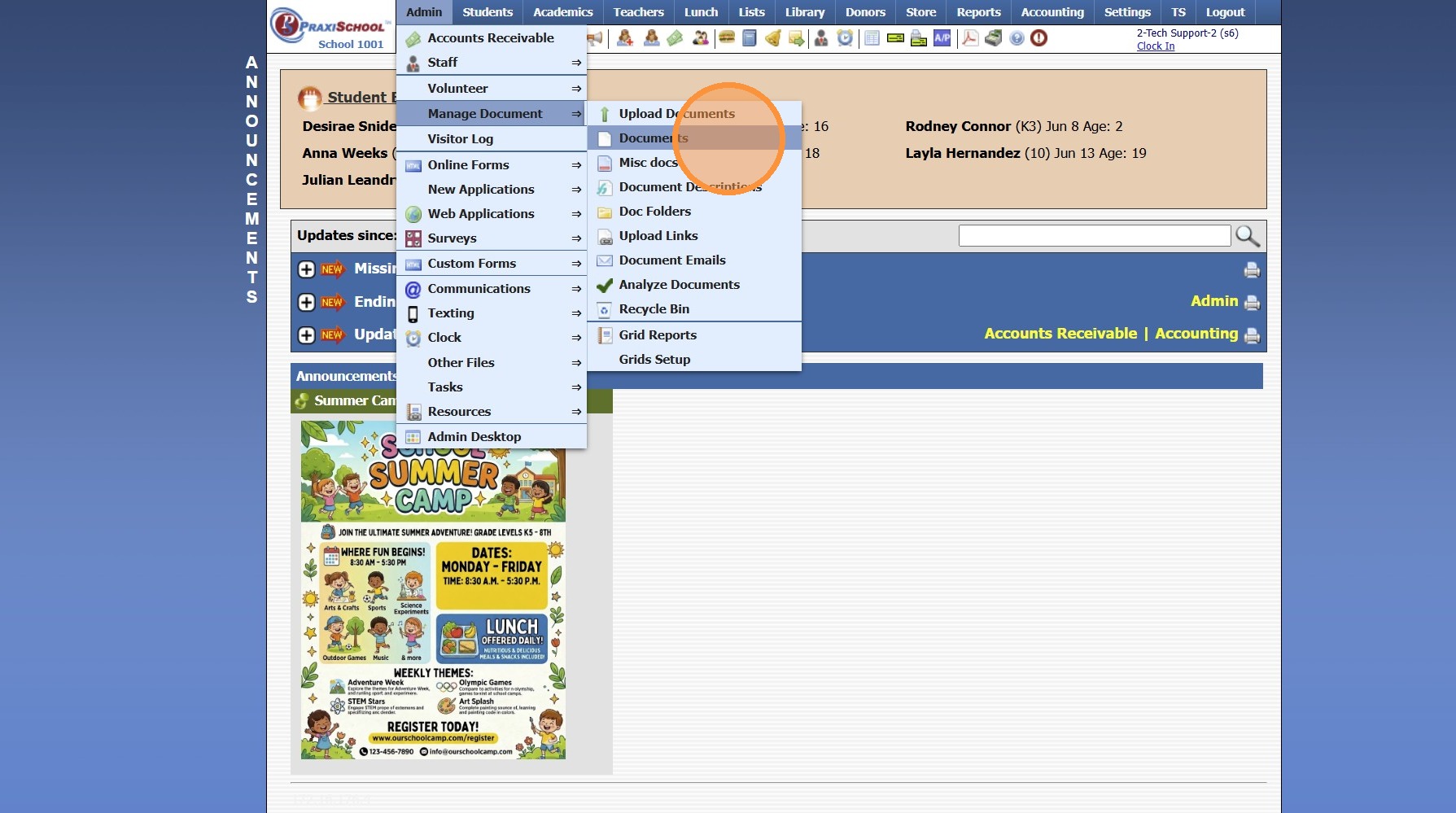
4. Click "Actions"
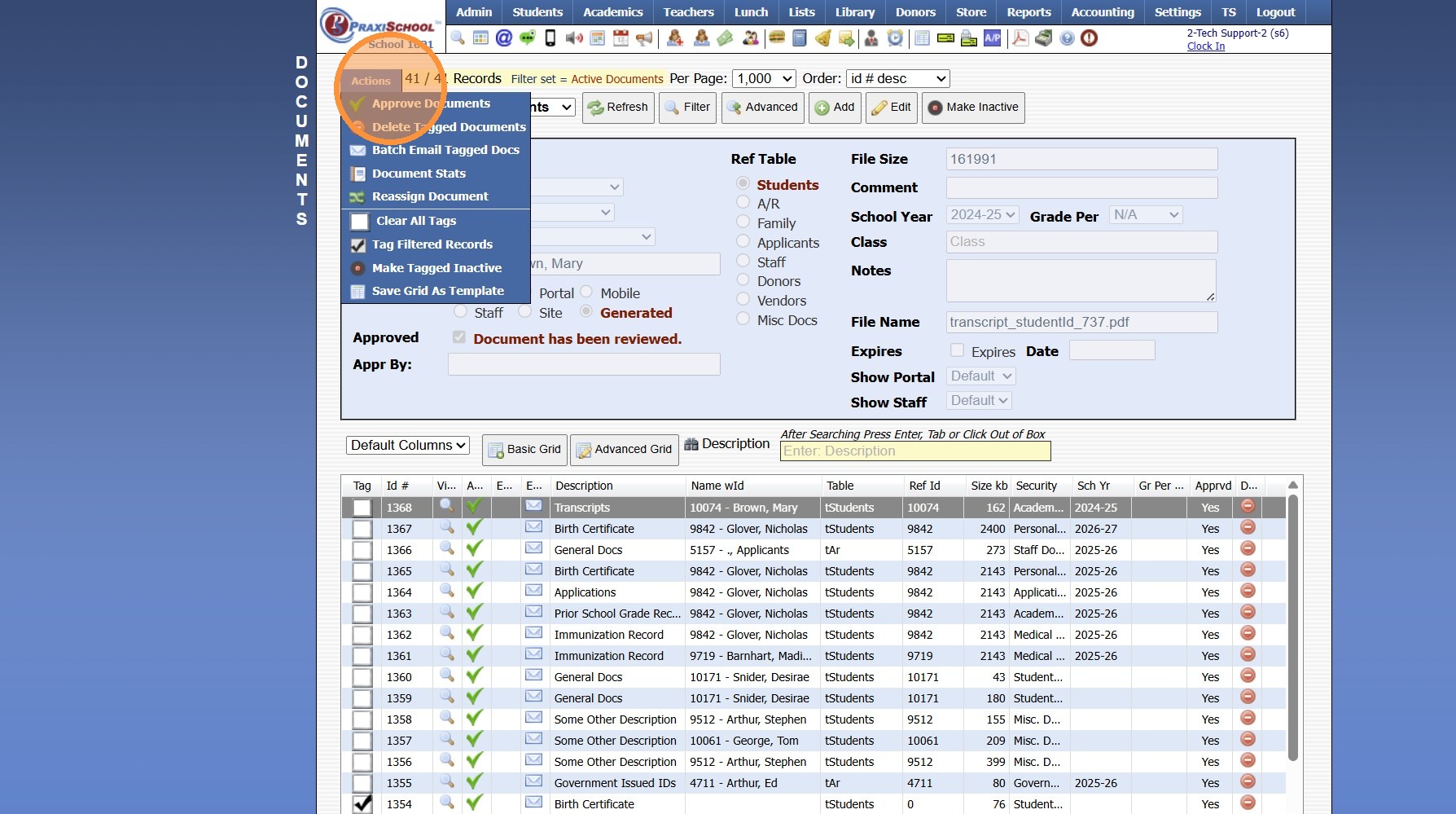
5. Click "Clear All Tags"
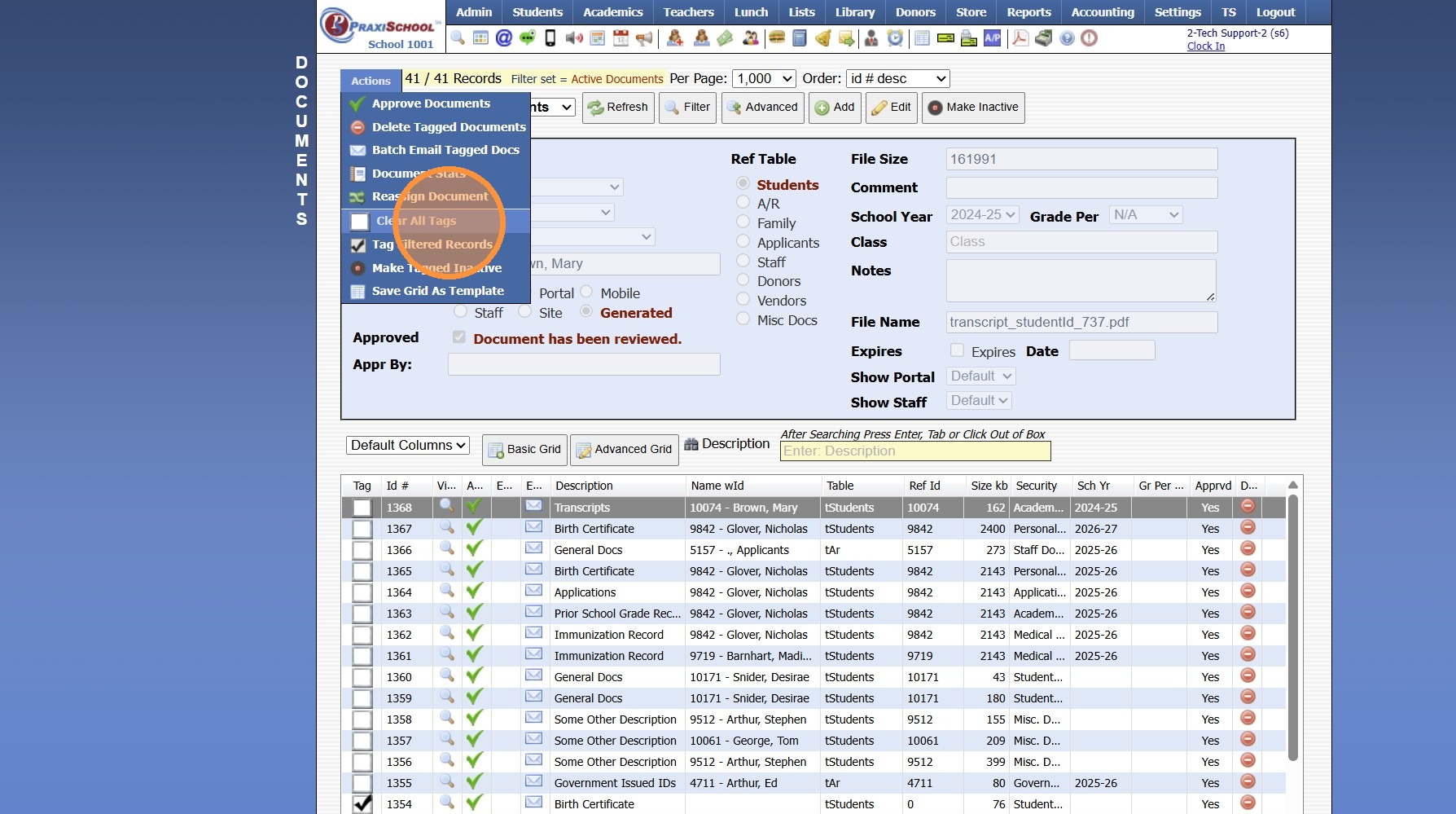
6. Tag Documents to Delete
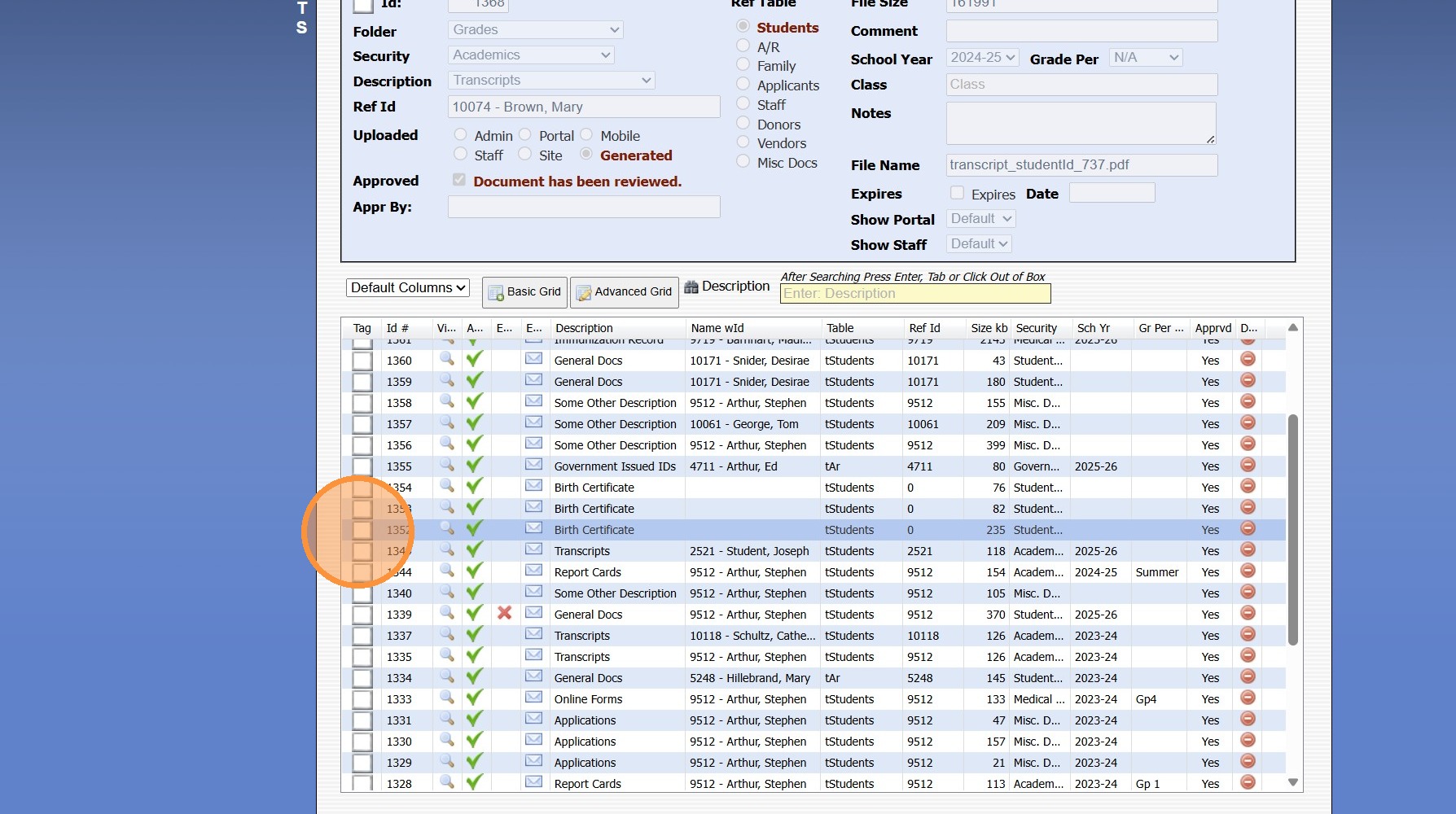
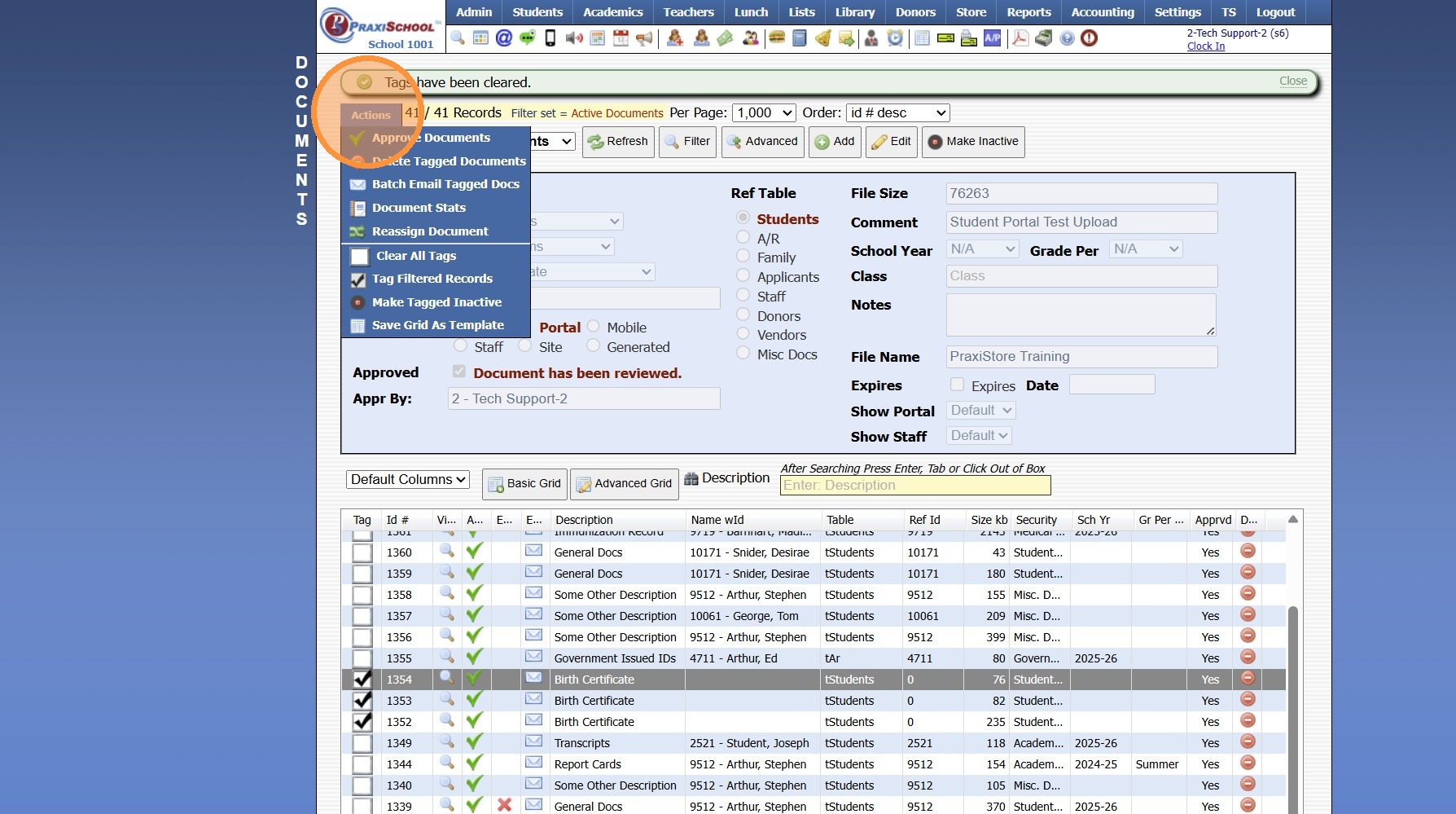
7. Click "Actions"
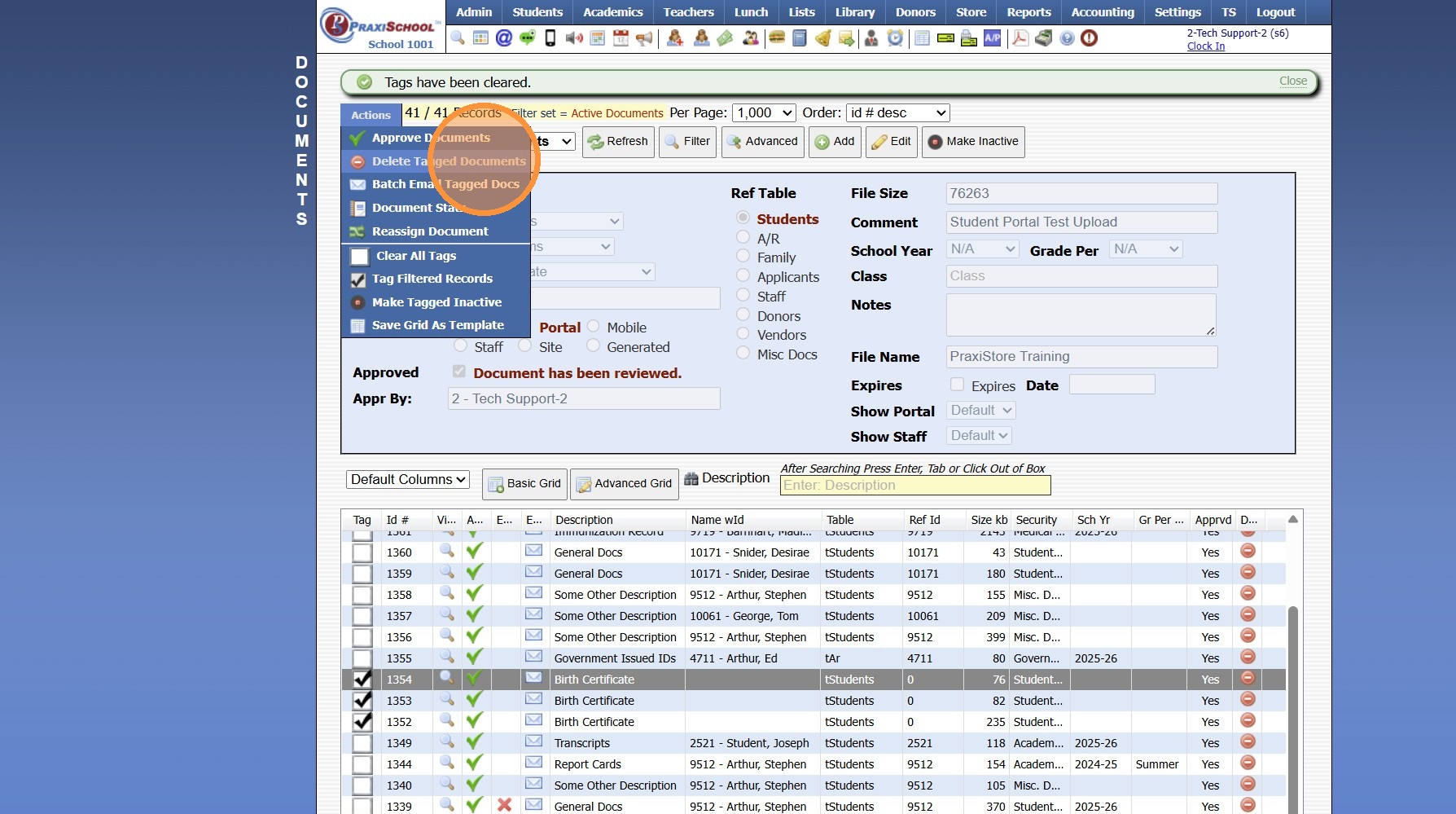
8. Click "Delete Tagged Documents", Click "Ok" then Type "delete documents" & Click "Ok"
9600.7.1
Related Articles
Session Close Tasks - Managed Docs: Empty Recycling Bin
1. Click "Admin" 2. Click "Manage Document" 3. Click "Recycle Bin" Deleting a Single Document 4. Select Document to Delete 5. Click "Delete" & Click "Ok" Deleting In Batch 6. Tag Documents to Delete 7. Click "Actions" 8. Click "Delete Tagged ...Session Close Prep Step II: Creating Current School Year Session Close
1. Click "Admin" 2. Click "Tasks" 3. Click "Session Close Prep" 4. Select "Create New Closing" from dropdown 5. Select "Current Session" to Close Current School Year, Select "Summer Session" to Close a Summer Session 6. Select Current School Year 7. ...Session Close Tasks - Academic Tasks: Average Grades
1. Click "Academics" 2. Click "Grades Tasks" 3. Click "Average Grades" 4. Click "Select All" 5. Select Grade Periods to Average 6. Select Semesters to Average 7. Select Year to Average 8. Select Notification Preference 9. Click "Average Grades" 10. ...Session Close Tasks - Admin: Copy School Calendar
1. Click "Admin" 2. Select "Tasks" 3. Click "Copy School Calendar" 4. Select Current School Year 5. Select New School Year 6. Uncheck Box next to any Calendar Item that should NOT be Copied into the New School Year 7. Update Start Date & End Date for ...Session Close Tasks - Enrollment: Pre-Registering Existing Student Using the Promote Students Wizard
1. Click "Academics" 2. Click "Grades Tasks" 3. Click "Promote Students" 4. Select the Effective Date 5. Select Grade Levels to Promote 6. Click "Next Session" to Pre-Register for Next Year 7. Click "Create Record in Enrollment History" to add the ...