Sending a Class Email in the Classroom
1. Click "Teachers"
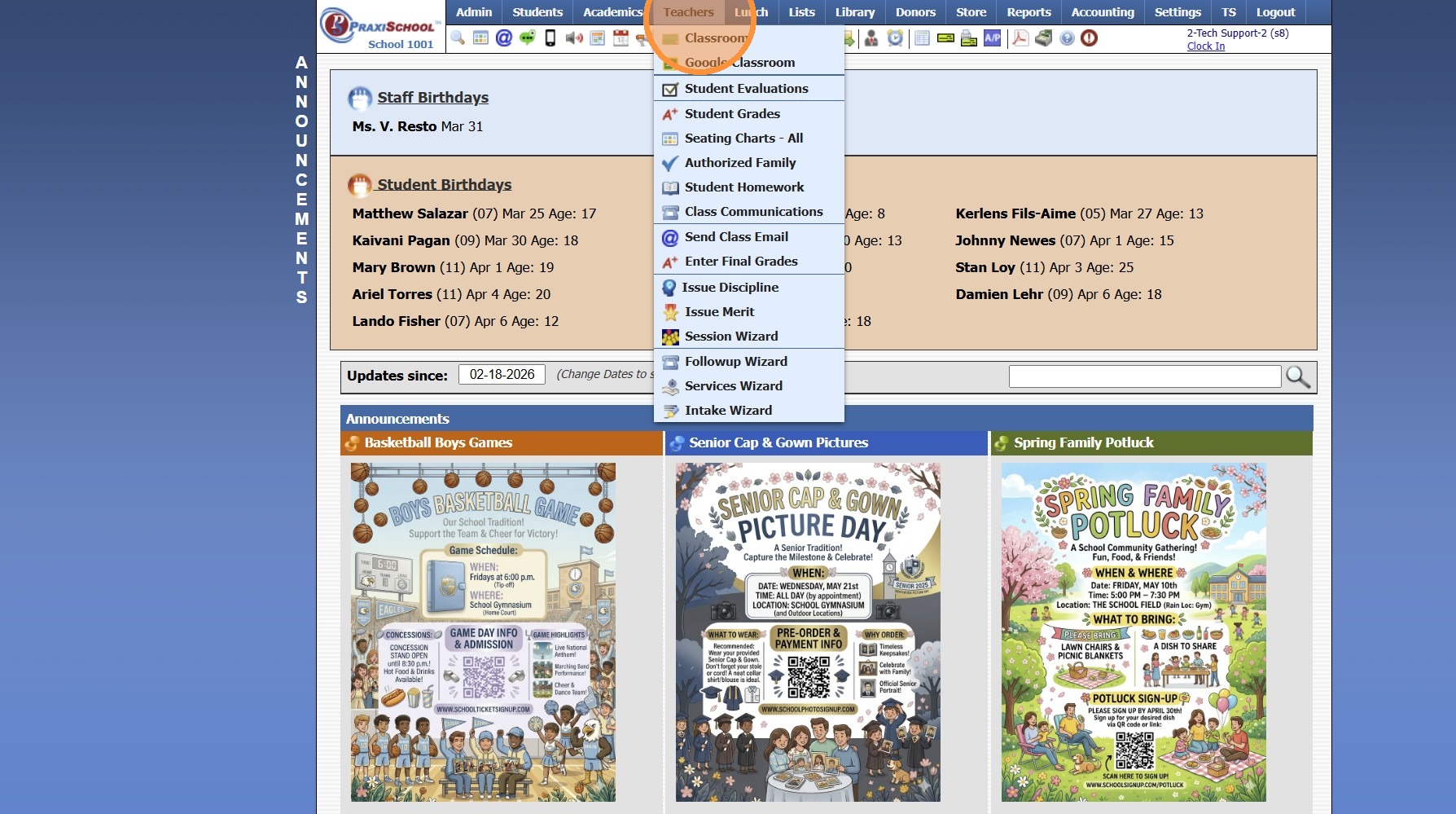
2. Click "Classroom"
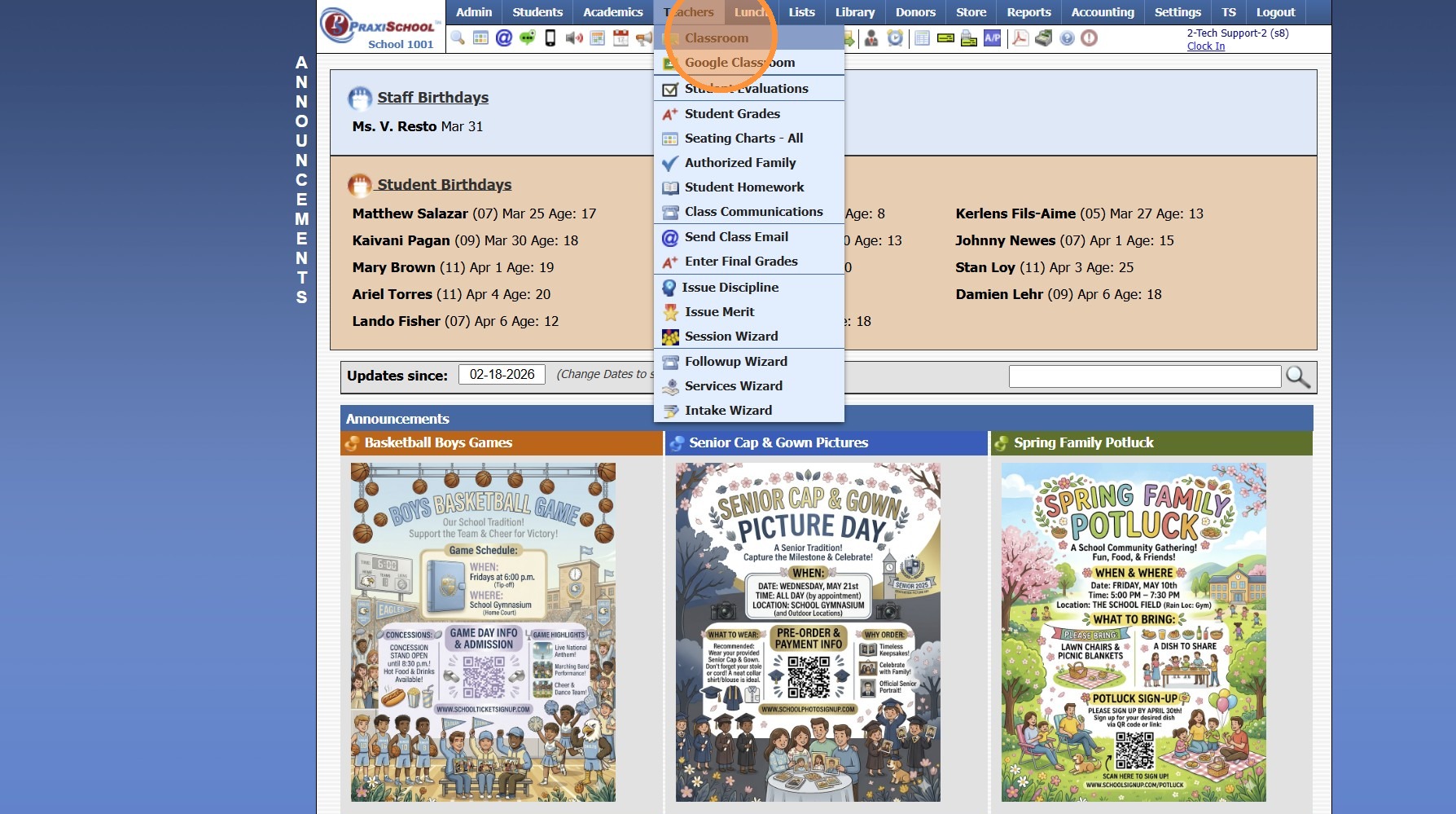
3. Select the Class
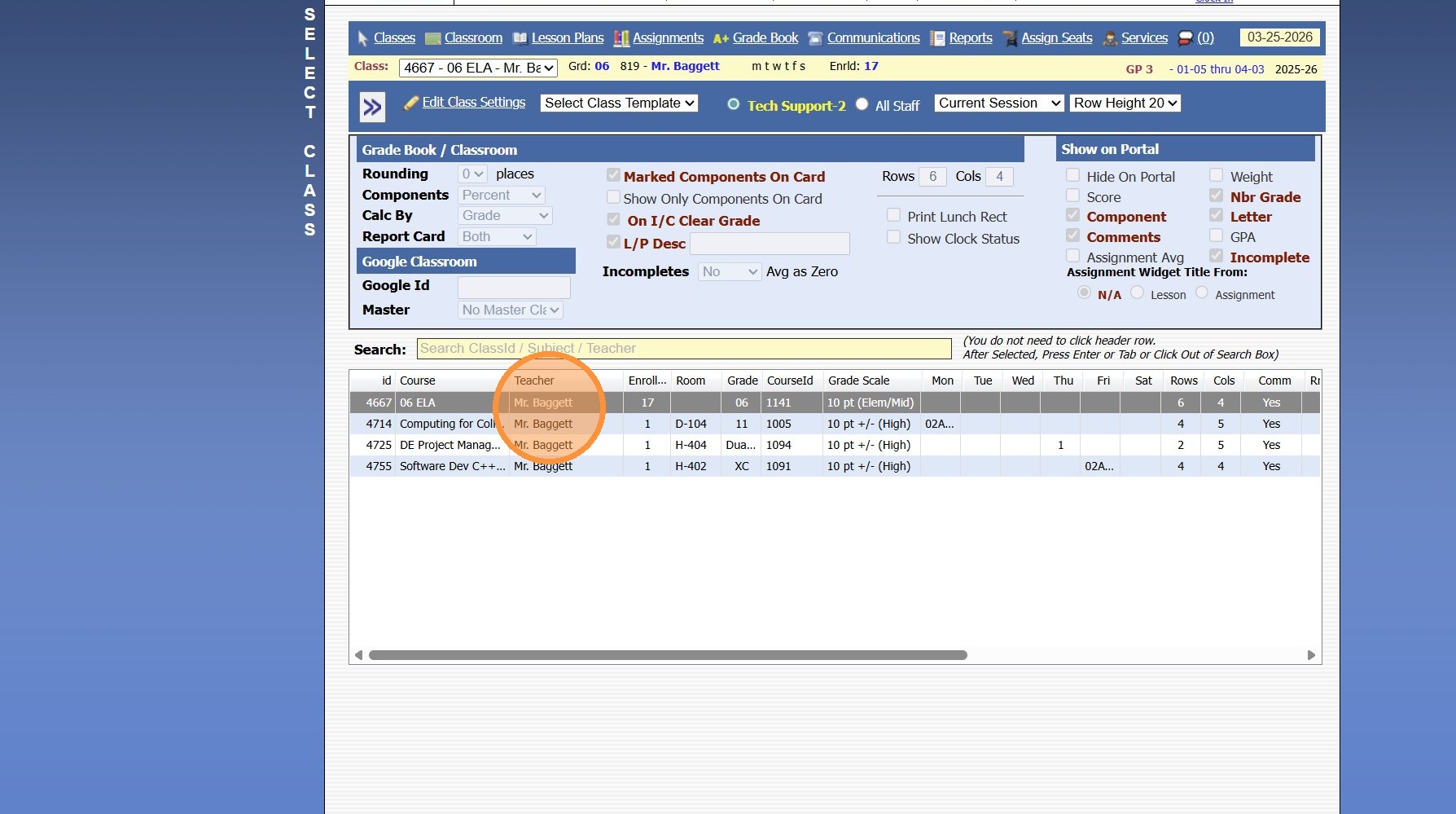
4. Click "Classroom"
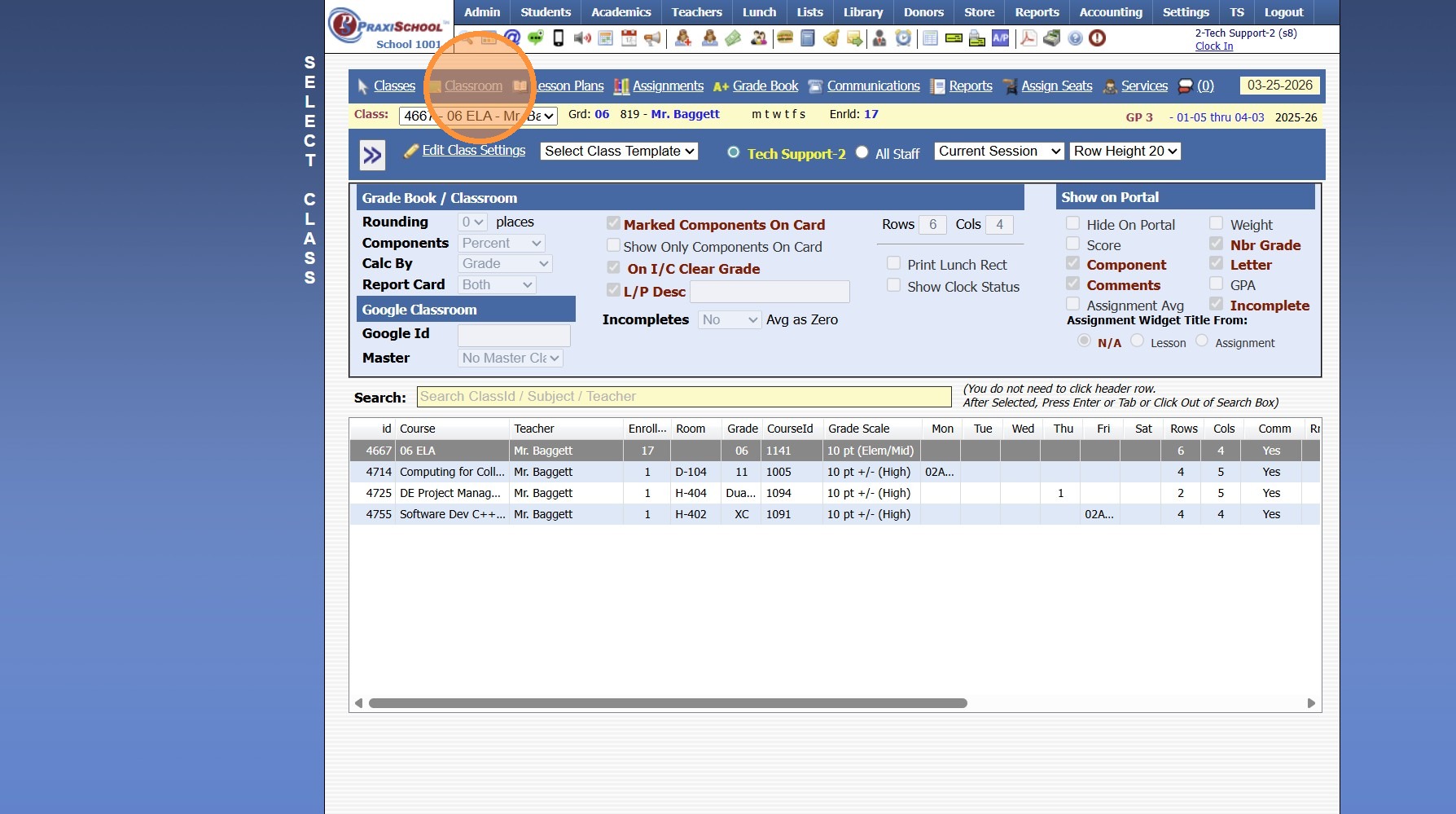
5. Click the "Class Info" Toggle
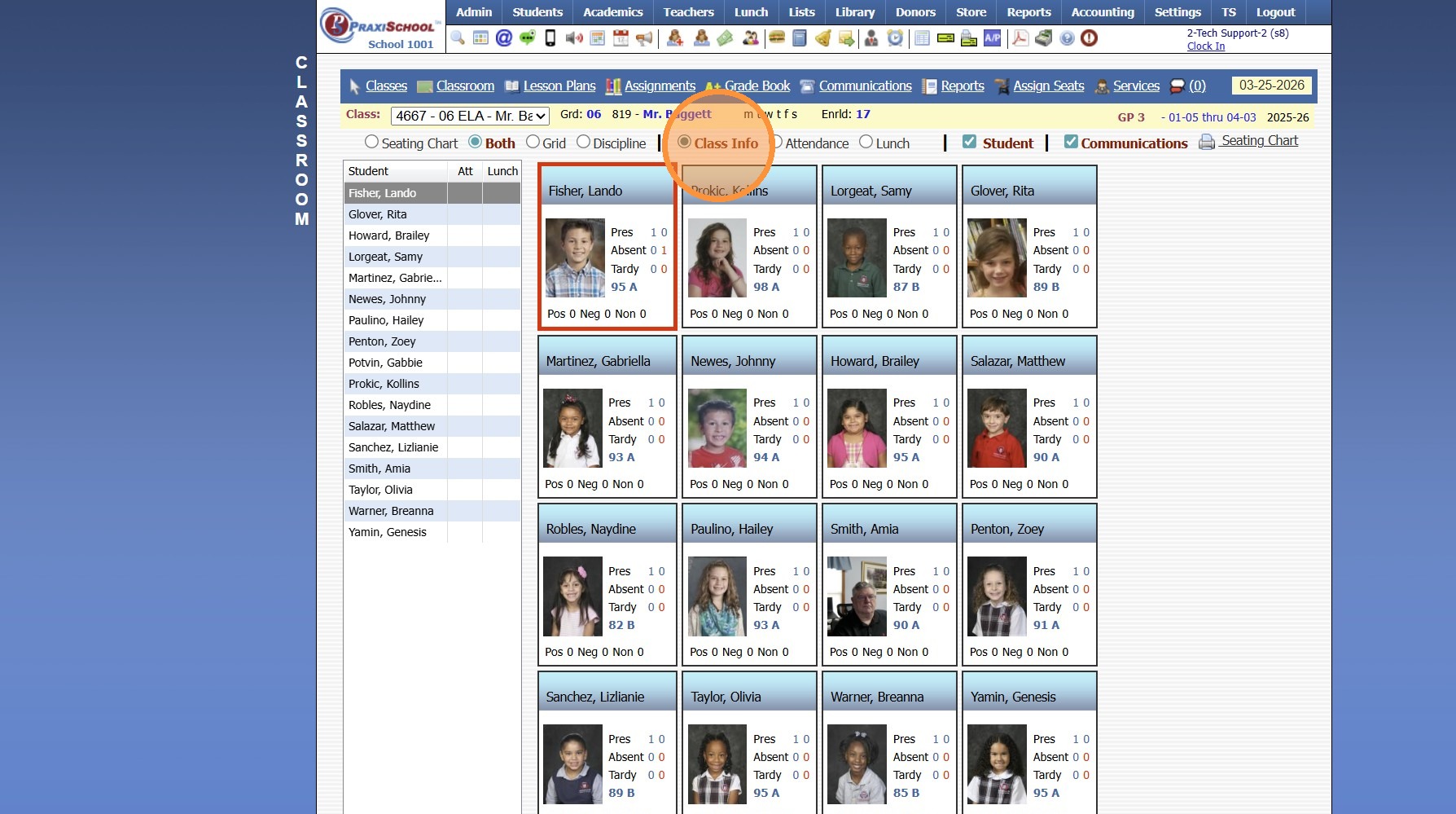
6. Left-Click on any Student
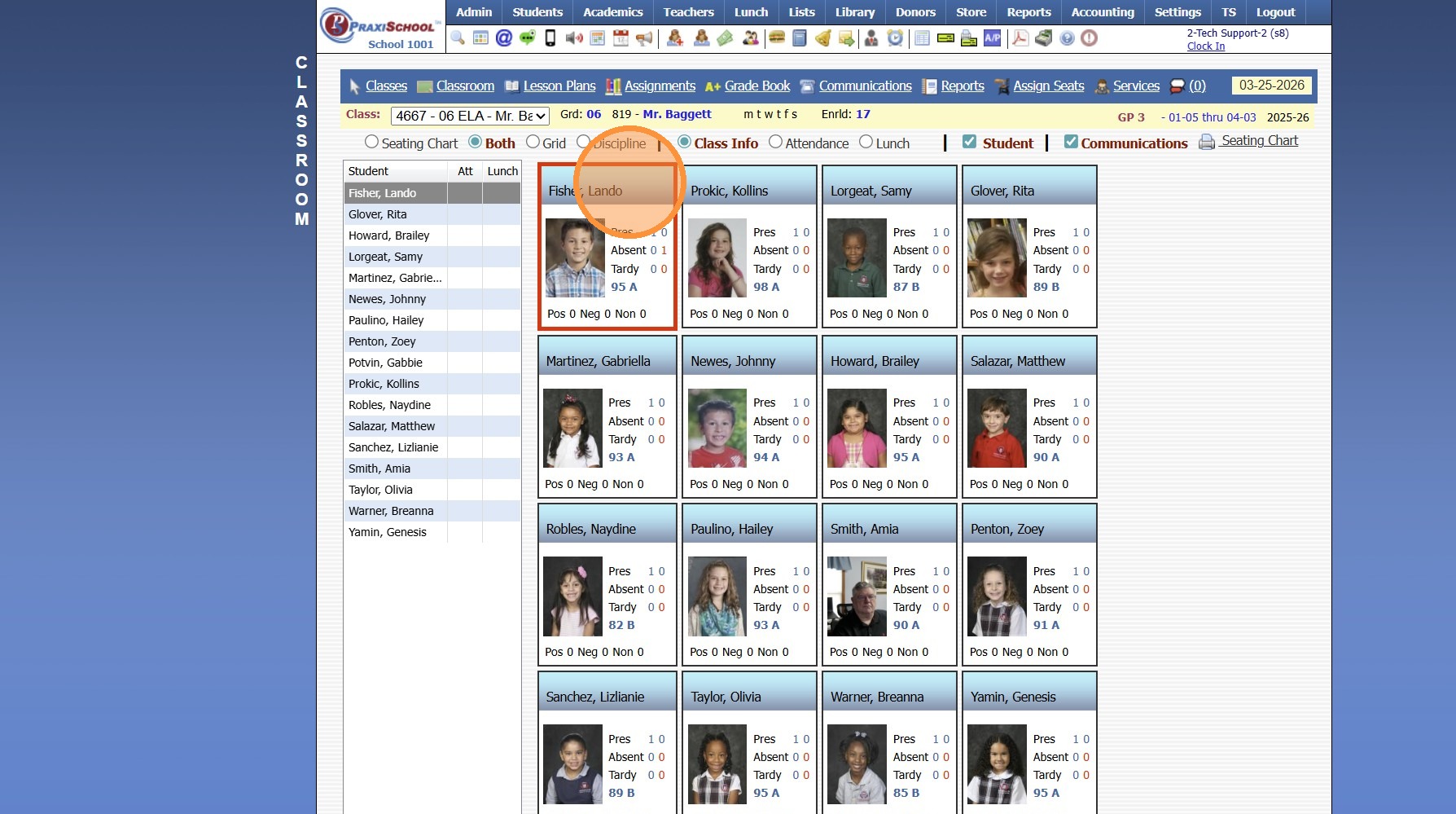
7. Click "Email"
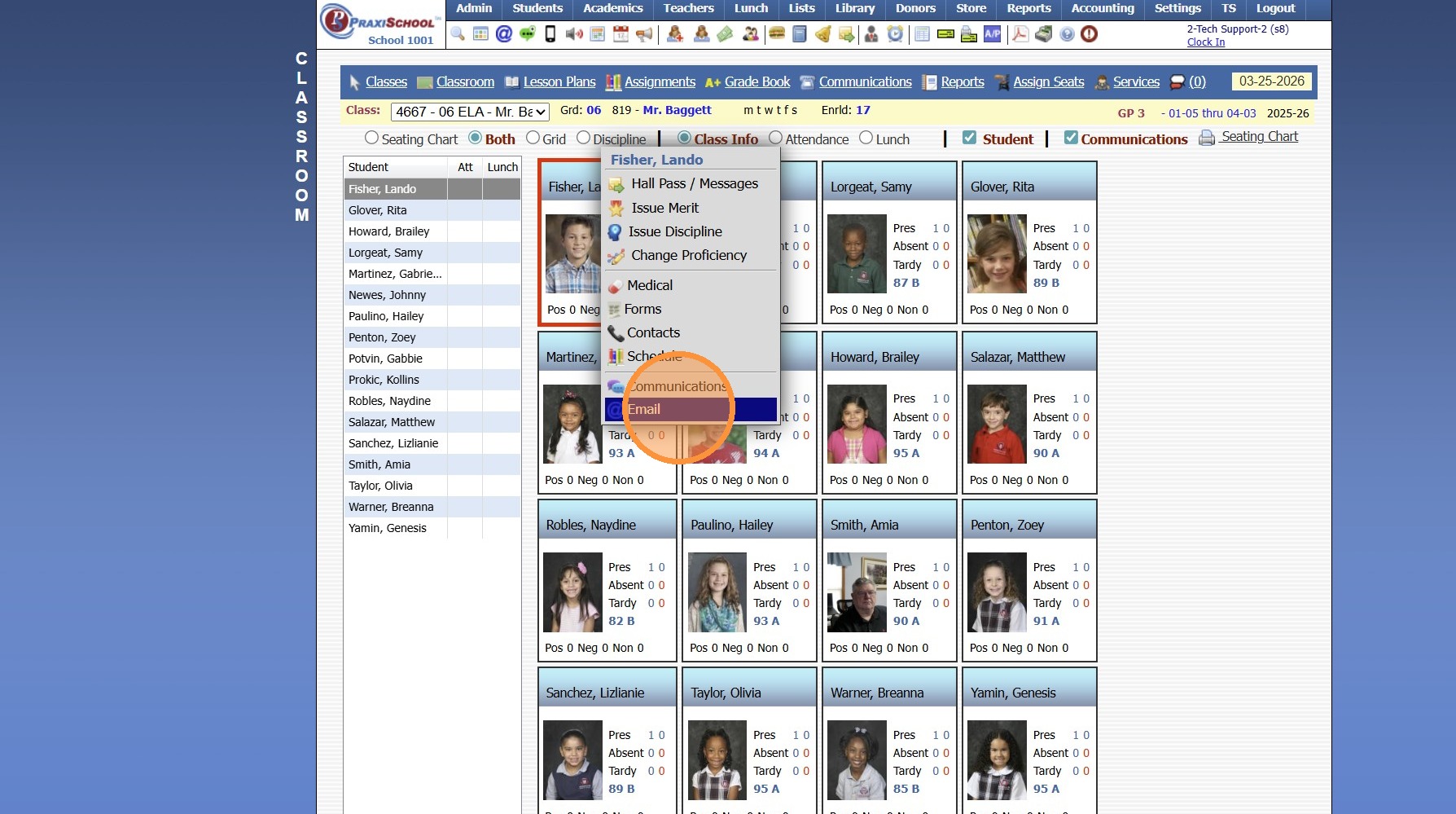
8. Click "All"
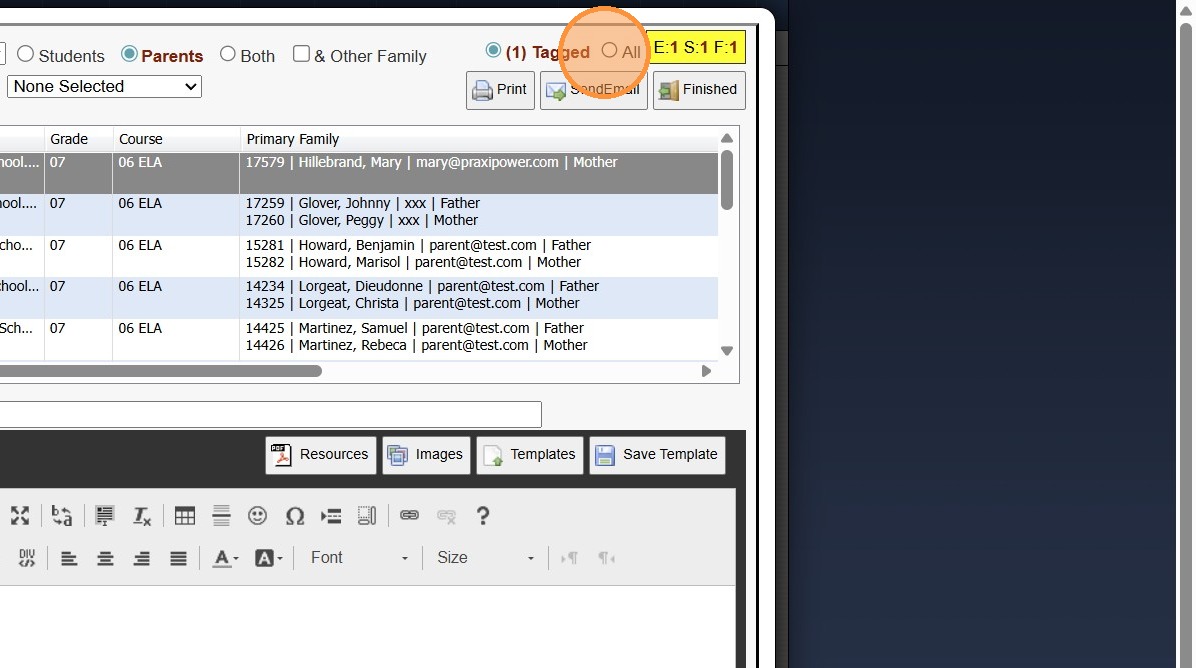
9. Select if Sending to All Students, All Parents or Both (All Students & Parents)
(& Other Family can be selected to send to Additional Students Contacts)
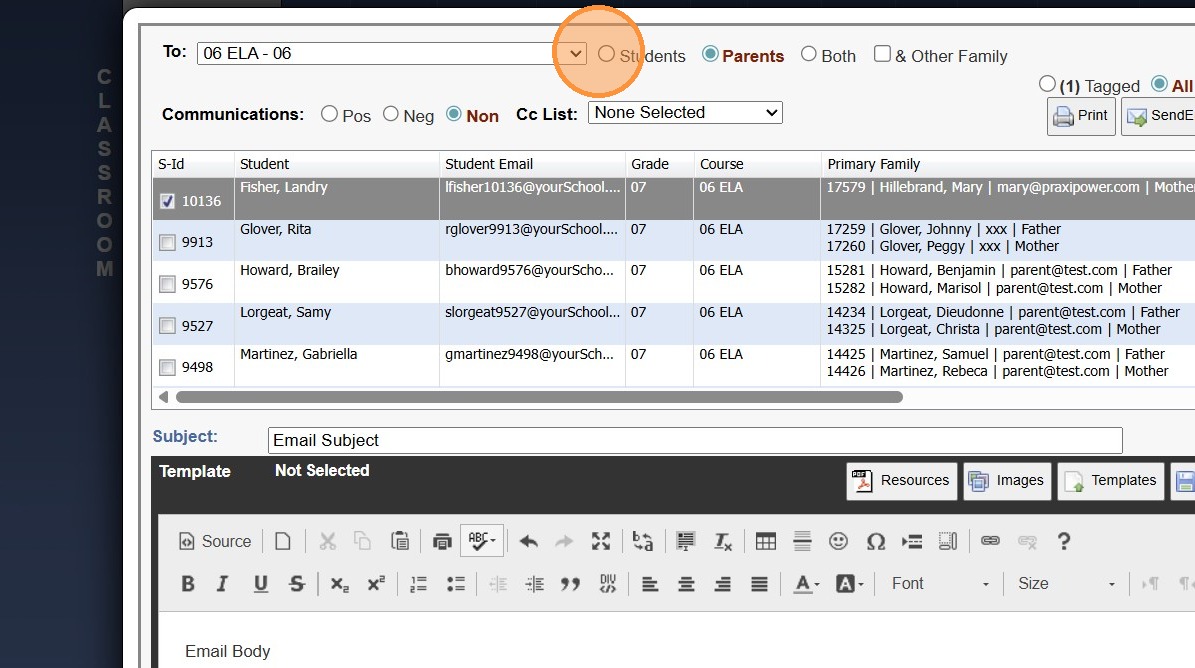
10. Enter Email Subject
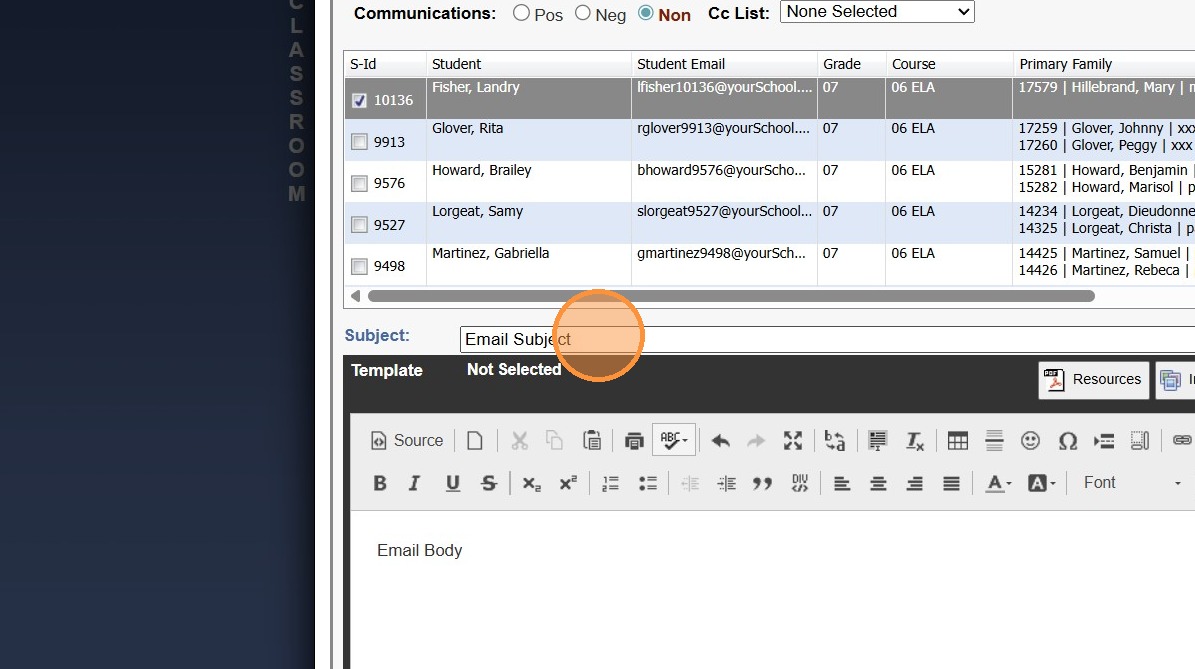
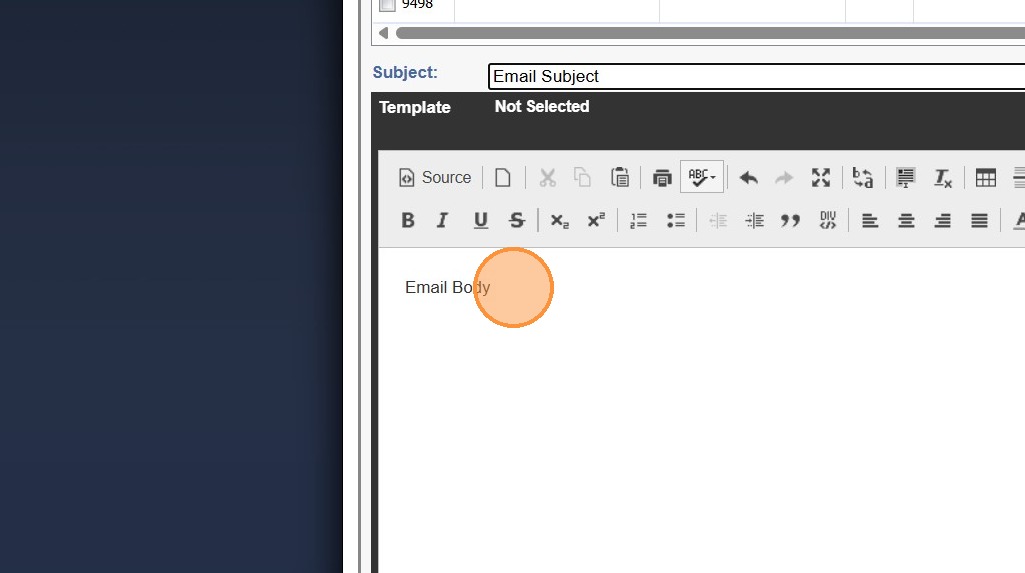
11. Enter Email Body
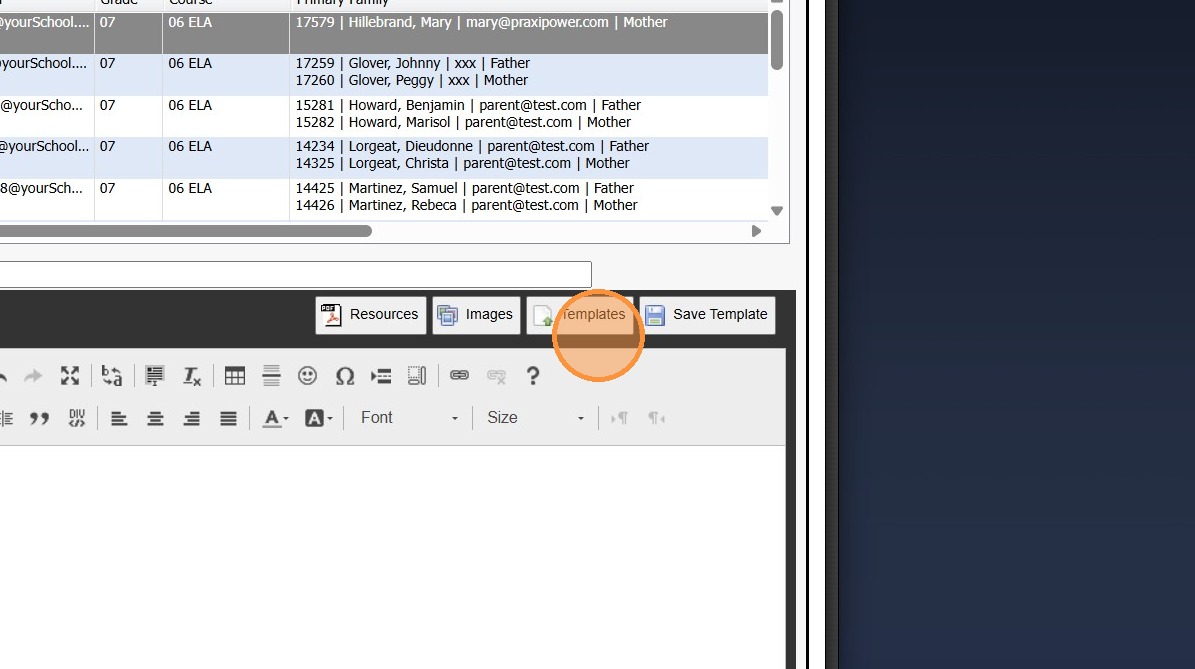
12. Resources and/or Images Can be Added
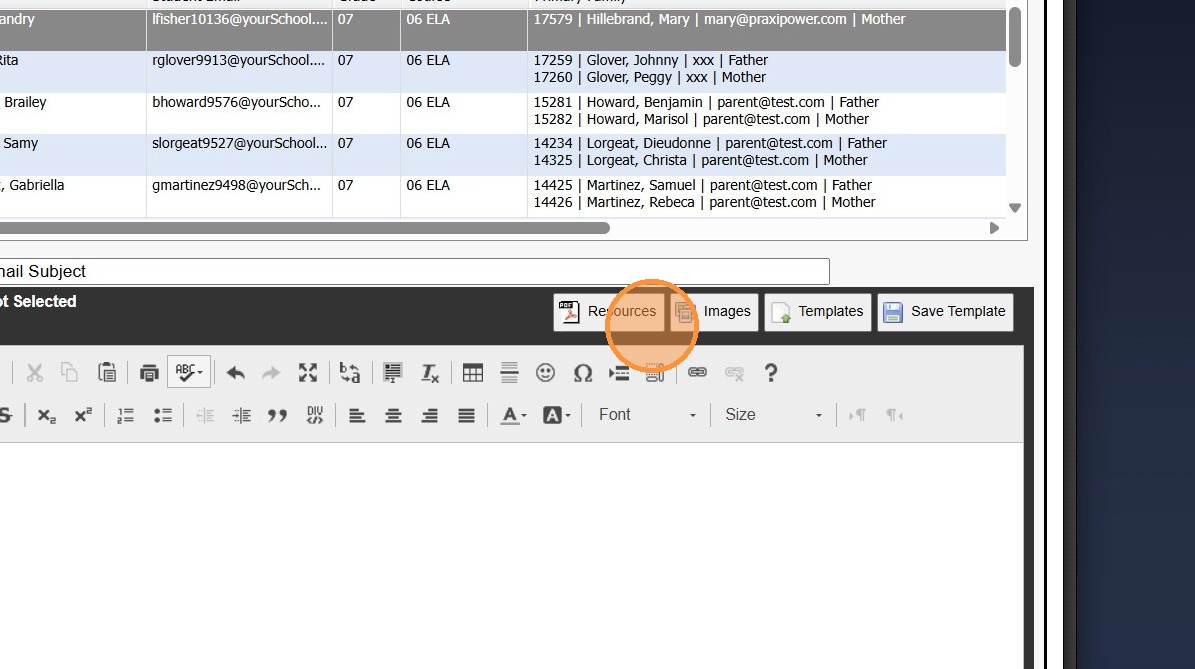
13. Templates can be Saved for Future Use & Accessed from Templates
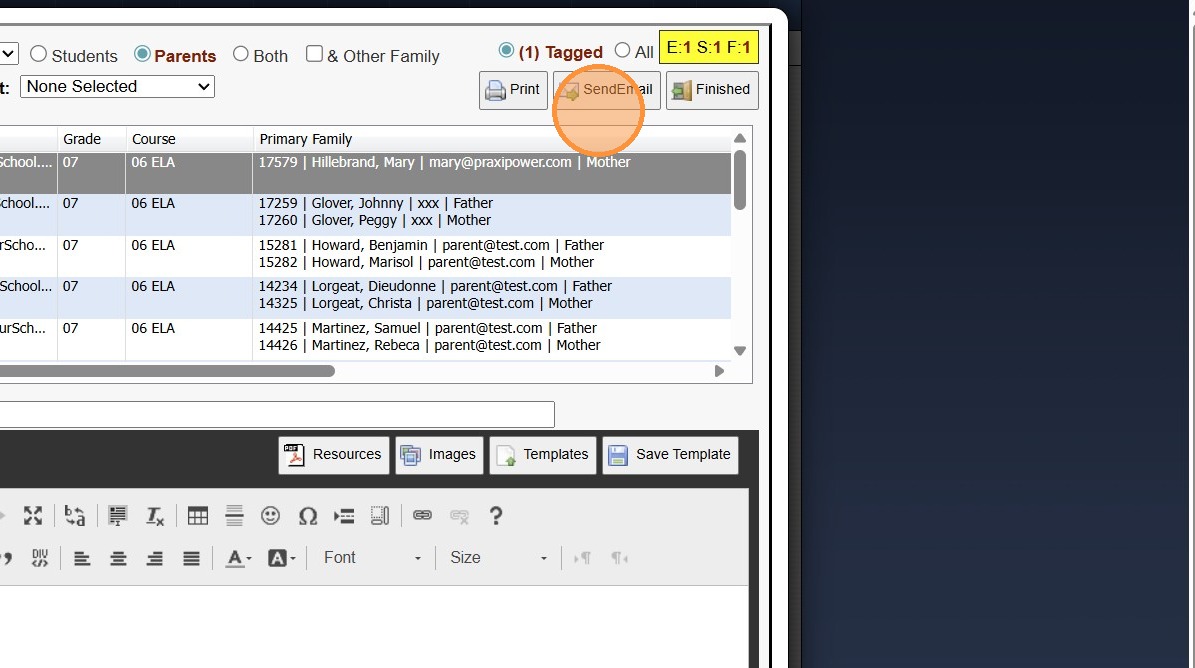
14. Click "Send Email"
2500.9.1
Related Articles
Sending an Individual Email in the Classroom
1. Click "Teachers" 2. Click "Classroom" 3. Select the Class 4. Click "Classroom" 5. Click the "Class Info" Toggle 6. Left-Click on Student to Send Email For 7. Click "Email" 8. Enter Email Subject 9. Enter Email Body 10. Resources and/or Images Can ...Viewing Class Communications from the Classroom
1. Click "Classroom" 2. Select Class 3. Click "Communications" 4. Set Date Range 5. Select Class/Teacher/Student Options 6. Click "Refresh" 7. Class Communications Manually added & Sent Class Emails will Populate 2500.8.1Sending a Schoolwide Email
Sending a Schoolwide Email 1. Log into PraxiSchool 2. Click the "@" Icon (@ is the Schoolwide Email icon) 3. Click Staff to Send to All Staff 4. Click A/R to Send to All AR 5. Click All to Send to All Family Files 6. Click Selected to Selected and ...Sending an Email from Accounts Receivable
Sending an Email from Accounts Receivable 1. Go to the Accounts Receivable Database 2. Select the AR Account, Tag OR Filter the AR Accounts 3. Click "Actions" 4. Click "Send Email" 5. Select A/R Option to Send Email to Active, Tagged, Filtered, ...Sending Google Classroom Invitation to Student
Inviting Students in PraxiSchool Class to Google Classroom 1. Click "Teachers" 2. Click "Google Classroom" 3. Click "Students" 4. Select the Praxi Class 5. Select the "4042 - Biology I - Mrs. Hillebrand" option. 6. Click "Link Students" 7. Check ...