Printing a New Student's Application after Acceptance
1. Click "Admin"
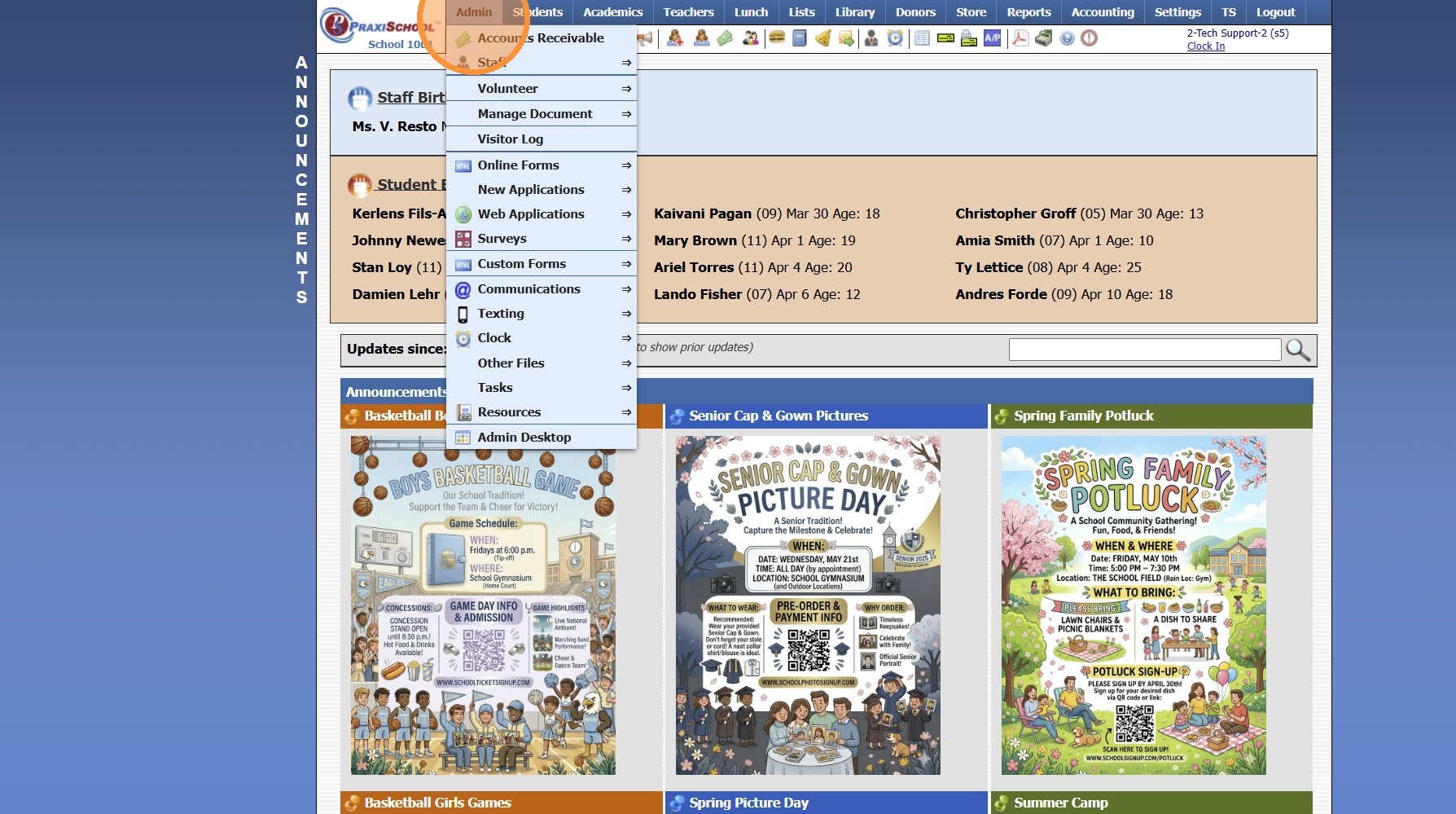
2. Click "Web Applications"
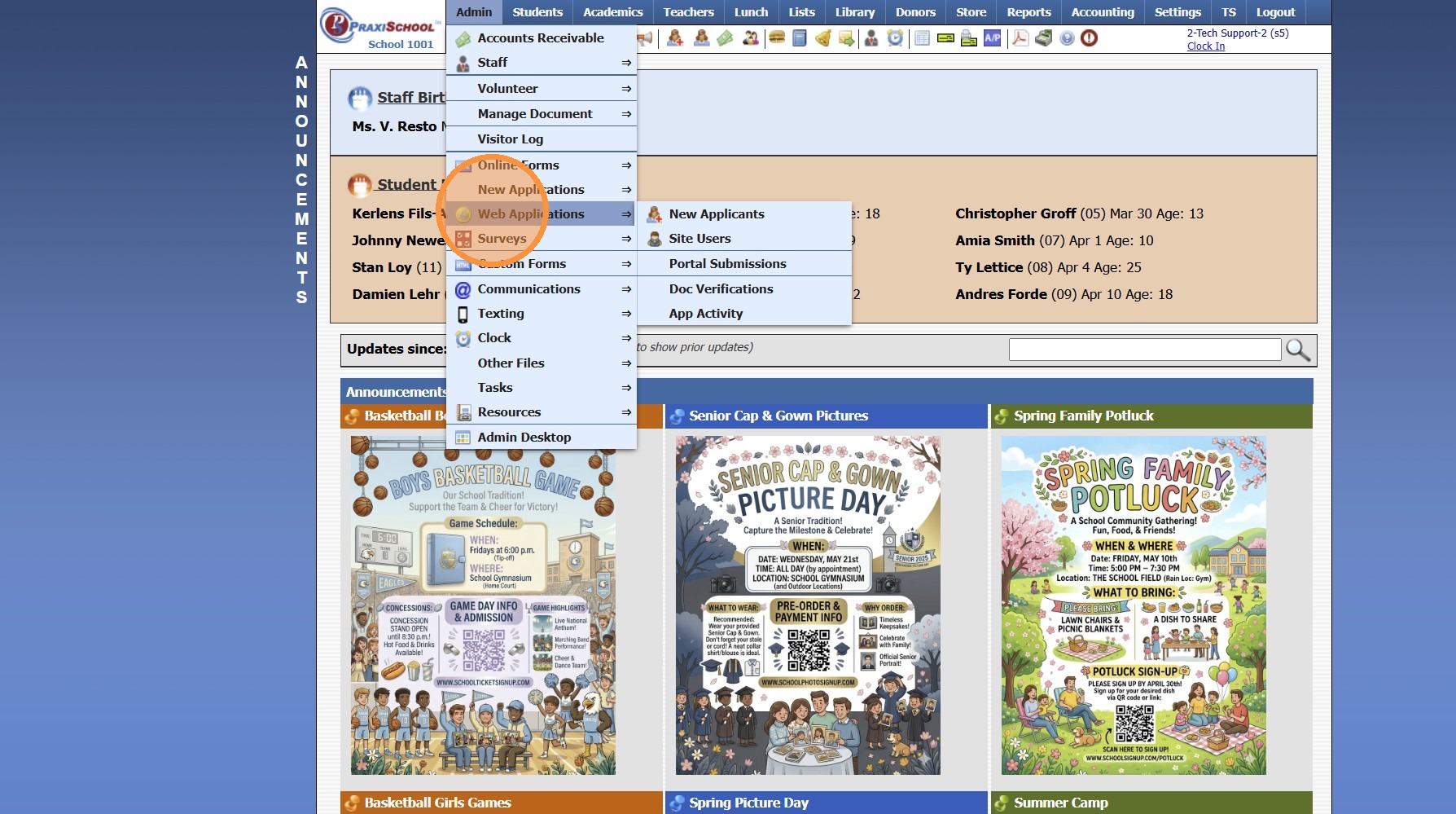
3. Click "New Applicants"
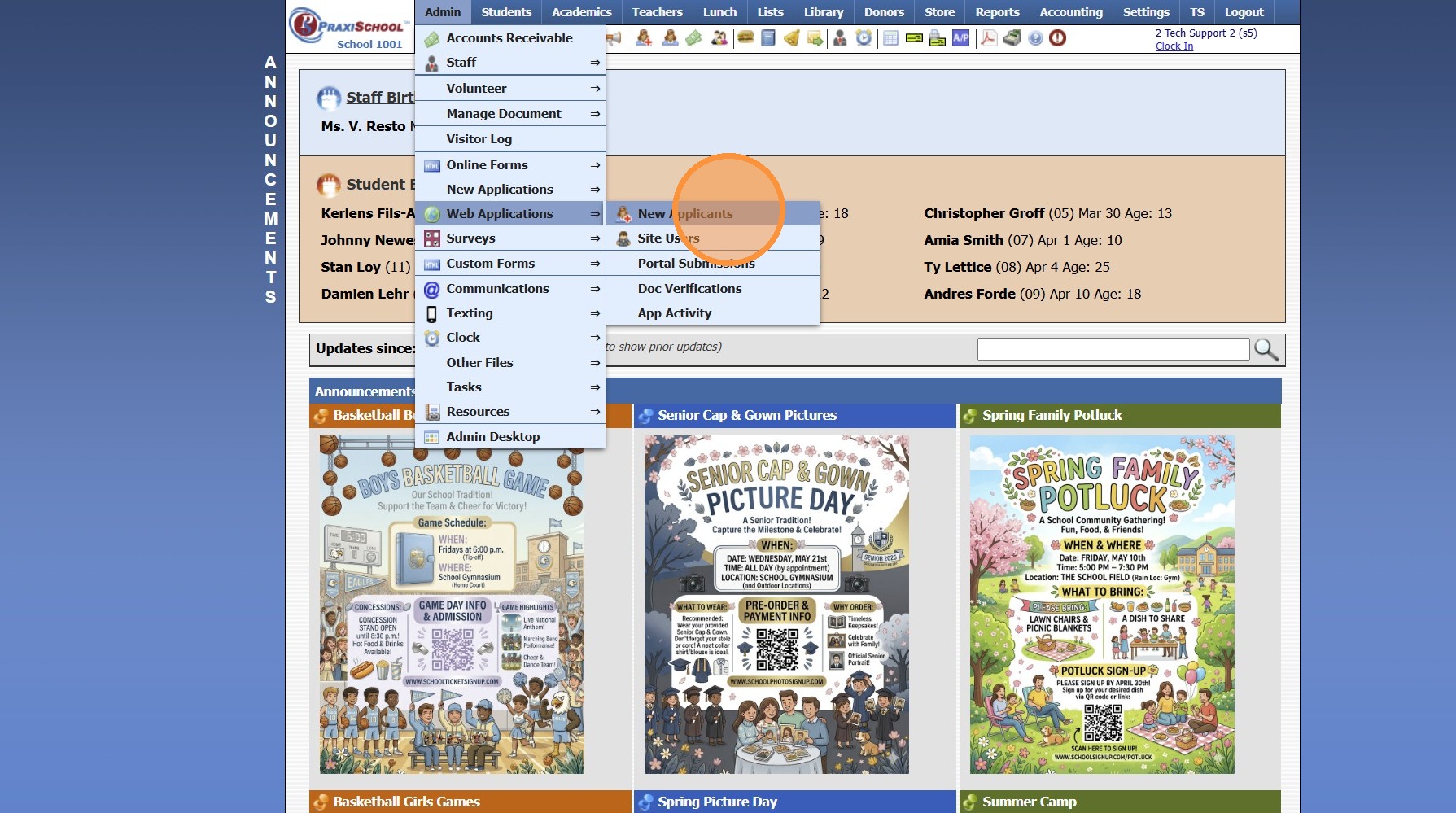
4. Select the " Inactive Applicants " option
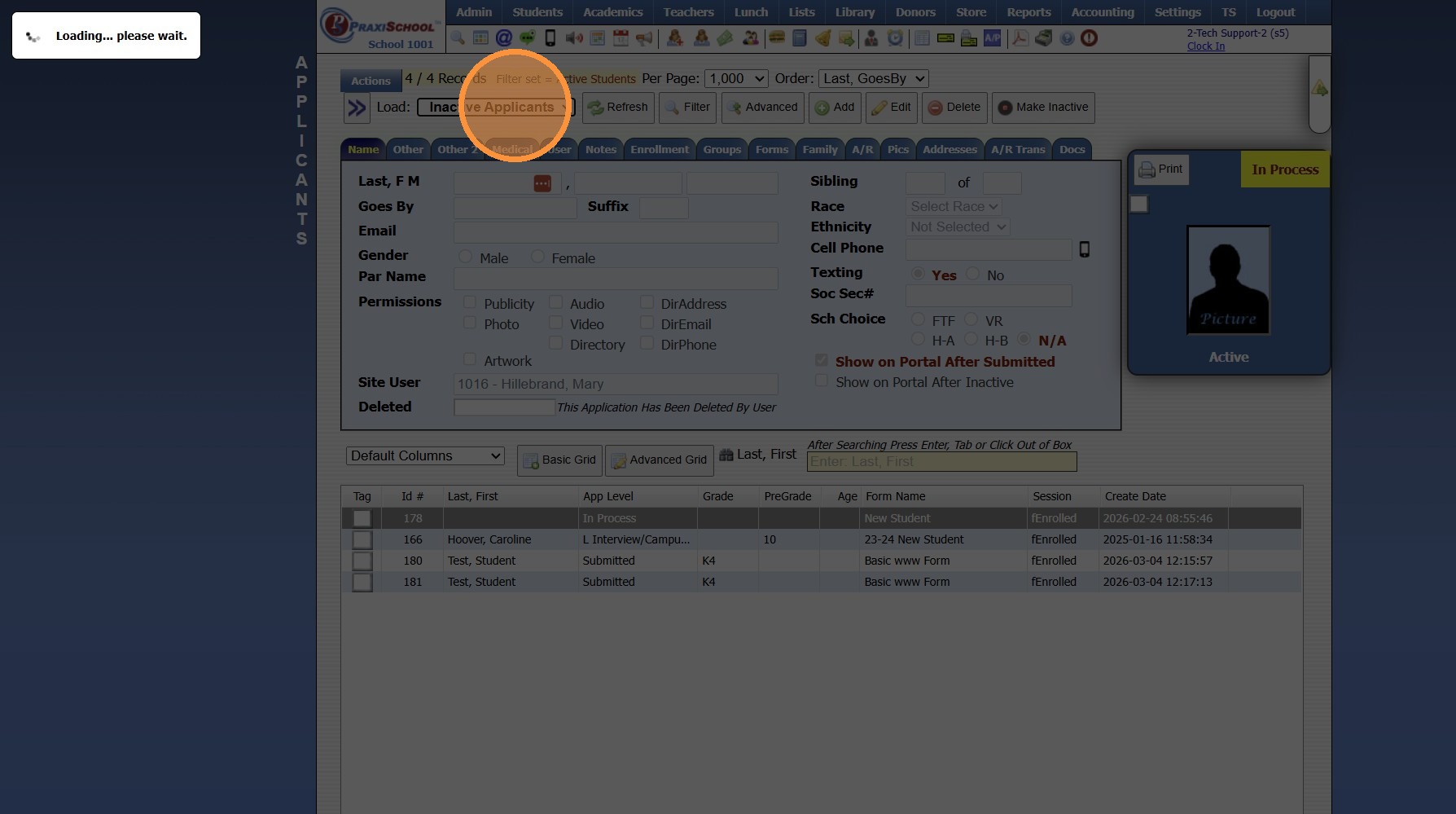
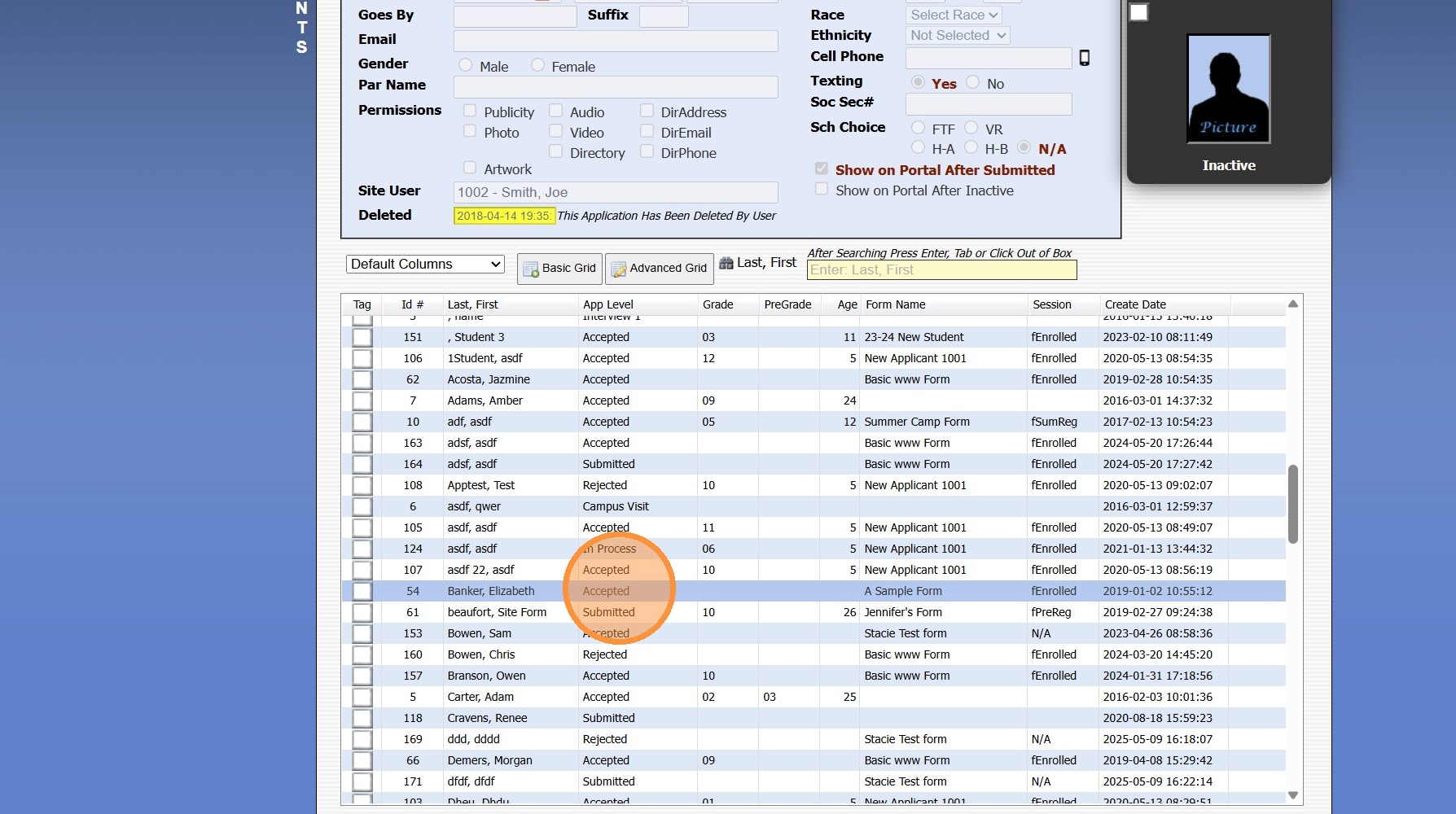
5. Select Student Application
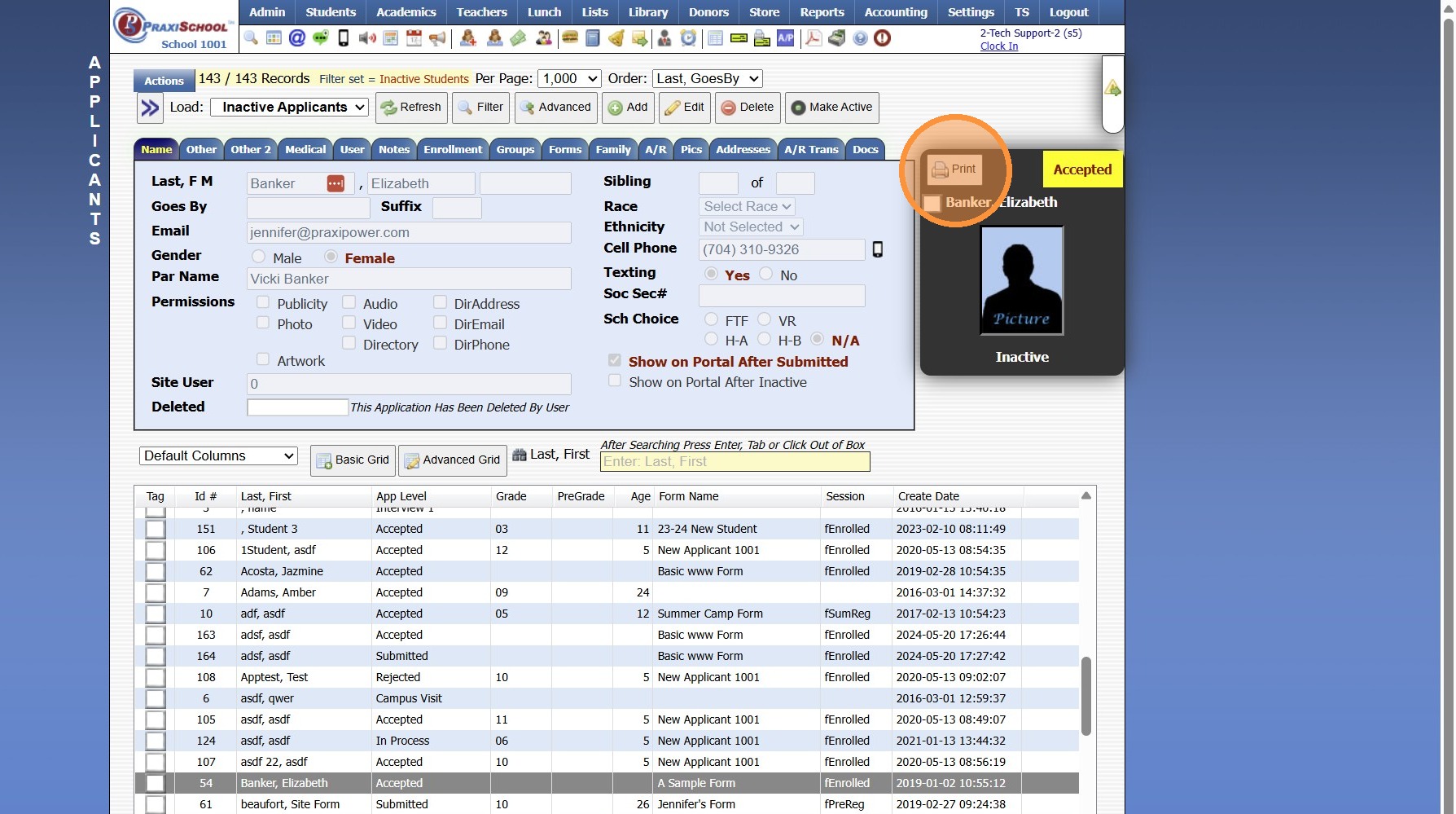
6. Click "Print"
8000.29
Related Articles
Printing Student Cover Sheets
Printing Student Cover Sheets Made by Jennifer Glover with Scribe (Student Permanent Record) 1. Log into PraxiSchool 2. Click "Students" 3. Click "Students" 4. Select Student 5. Click "Actions" 6. Click "Reports" 7. Click "Cover Sheet" 8. Select ...Accepting New Applicants
1. Click "Admin" 2. Click "Web Applications" 3. Click "New Applicants" 4. Select Application 5. Click the "Enrollment" Tab 6. Click "Add Activity" 7. Select "Accepted" 8. Check the "Process Enrollment" Box 9. IF Duplicate Entries Populate, Select to ...Printing Student Contact Sheets in Batch
Printing Student Contact Sheets in Batch 1. Log into PraxiSchool 2. Click "Students" 3. Click "Students" 4. Click "Actions" 5. Click "Contact Sheets" 6. Select Print For Option (Single, Active, Tagged, Grade Level, Class OR Homeroom Teacher) 7. ...Printing the Student Directory
Printing the Student Directory 1. Click "Reports" 2. Click "Student Directory" 3. Select Sort & Filter Options 4. Check "Ignore Directory Preferences" to Print Report based on Administration Preferences Only 5. Select Student Options to Print on ...Printing Student Evaluations
Printing Student Evaluations 1. Click "Academics" 2. Click "Grades Reports" 3. Click "Print Evaluations" 4. Select Teacher or Grade Level & Select the Evaluation Template 5. Click "Select All" 6. Click "Print Evaluations" 7. Print Screen Evaluation ...